Collect documents, track compliance, and manage tasks in an AI-powered system built with AI to fit your firm's specific onboarding flow.



Customize your contractor onboarding system with the exact steps and views your team needs. Add features as processes evolve—no code needed.


Connect spreadsheets, CRMs, and compliance tools with real-time sync—or manage everything in Softr Databases. Create a single source of truth for your business documentation.
Give each contractor and manager the right views in a fully branded portal. Set up secure logins, user groups, and granular permissions in minutes.
Softr apps are mobile-ready. Allow contractors to upload documents and sign agreements from their phones using Softr's downloadable PWA.
Build native automations to handle status changes, expiration alerts, and notification emails automatically whenever registration records are updated.
Provide separate logins for contractors and internal reviewers, creating personalized dashboards tailored to their role in the onboarding process.
Apply rules for different groups. Customize who can view, edit, or approve compliance documents at the most granular level to ensure data privacy.
Protect sensitive contractor data from security threats. Softr is fully compliant with SOC2 and GDPR regulations for peace of mind.
No more one-size-fits-all tools or costly custom builds. Softr is easy to use and fully customizable, so you can launch faster, adapt as you grow, and skip the complexity of traditional software.

Build your contractor onboarding system in minutes with AI—no manual setup or complex configuration needed.

Add features like document approvals, status tracking, or task assignment as your workflows evolve—no rebuild needed.

Start with onboarding, then add vendor portals, dashboards, or project tools—all in one place, with no extra tools.
Co-build with AI
Simply describe what you need. Let Softr handle everything - Interface, database, workflows.
Iterate with AI or visually
Control most critical parts of your app yourself - roles, permissions, security.
Ship the same day
Invite team members or external clients and partners right away. No developer handover.
Use drag-and-drop blocks to build a portal that looks sleek and modern out of the box. Add only the features you need, and iterate as your workflows evolve.




A contractor onboarding system is a secure vendor portal where new hires and external partners can log in to complete necessary paperwork, upload compliance documents, and review safety guidelines. It centralizes the entire vetting and setup process in one place, eliminating the manual overhead of chasing missing contracts or tax forms via email. This ensures your legal and operations teams have everything they need to get contractors started quickly and professionally.
Softr is the first AI-native platform for building business software, making it the ideal choice for creating a contractor onboarding system tailored to your unique compliance requirements. You can describe your specific intake process to the AI Co-Builder to instantly generate your contractor database, document upload pages, and approval logic—all perfectly connected and secure.
You don't need any technical expertise. You can start with AI, use a pre-built vendor portal template, or build from scratch. Your system runs on Softr Databases, our native relational data engine, or you can sync your existing contractor data from Airtable, Google Sheets, or HubSpot. Softr gives you total control over the registration flow, allowing you to hide sensitive payroll details from certain users while maintaining a cohesive brand experience for your vendors. It's fast to launch, easy to iterate on as regulations change, and scales with your growing contractor list.
You can incorporate a variety of specialized features into your contractor onboarding system to automate your vendor management. A high-performing system usually combines standard portal blocks with AI-driven functionality:
- AI-Powered Intelligence – Use Ask AI to let contractors query your company handbook or use Database AI Agents to automatically verify if uploaded tax IDs follow the correct format.
- Vibe Coding Blocks – Create custom UI components, such as a localized digital signature pad or a custom progress tracker for onboarding stages, using the AI Code block.
- Softr Workflows – Set up native automations, such as an automatic email trigger to your HR team once a contractor completes their W-9 form and profile.
- User Portals & Logins – Securely manage access so each contractor only sees their own contract details, payment history, and assigned tasks.
- Forms & Data Collection – Seamlessly collect W-9s, IDs, and insurance certificates with secure file uploads and conditional logic for different contractor types.
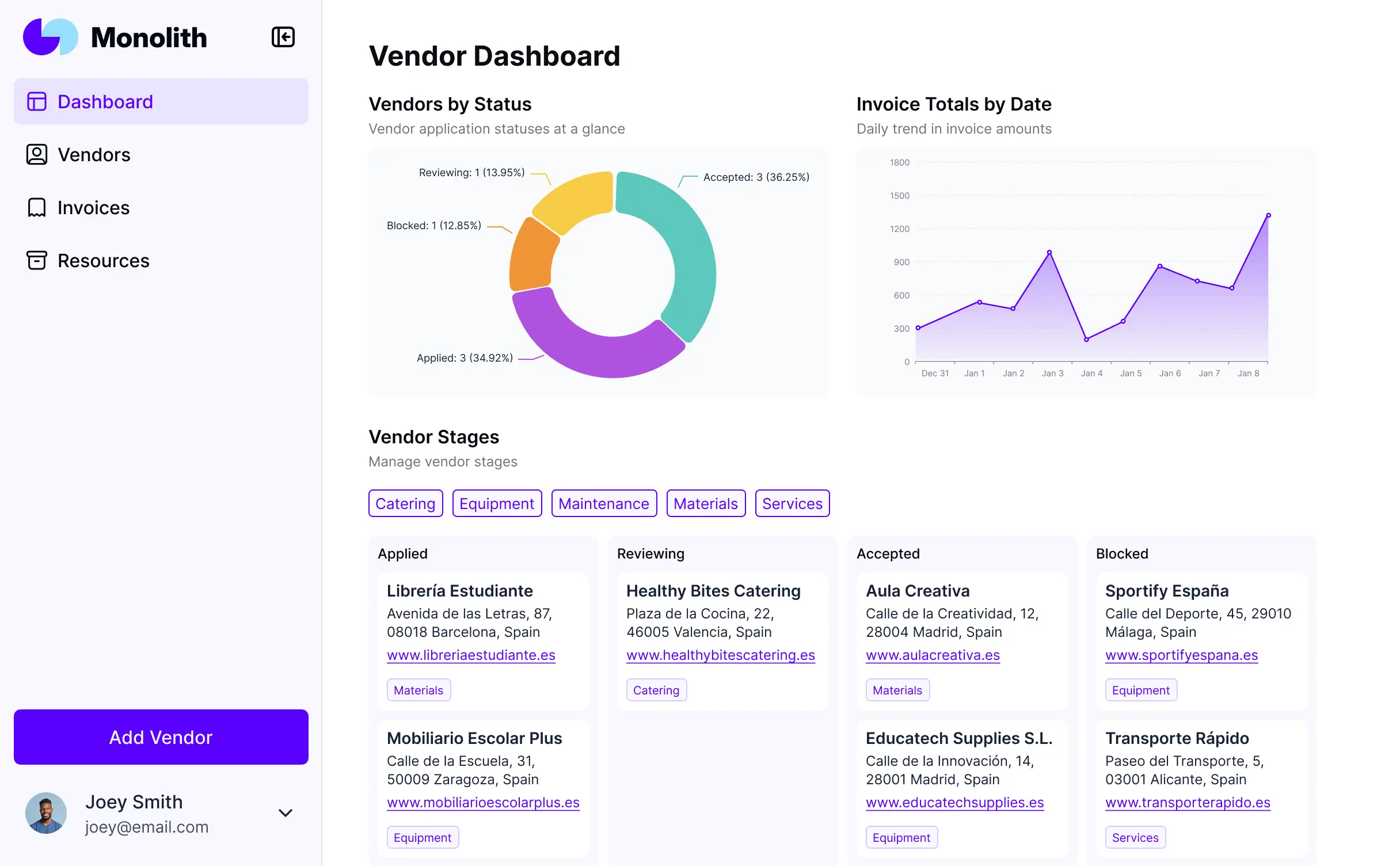
- Dashboards & Charts – Visualize onboarding throughput and vendor distribution by region using real-time management charts.
- Lists & Advanced Filtering – Allow project managers to browse through verified contractors using searchable tables and Kanban boards for status tracking (e.g., 'Awaiting Review' to 'Approved').
Everything is built using Softr's intuitive drag-and-drop system. If your compliance needs shift, you can use the Vibe Coding block to add custom logic or simply update your portal in minutes within the visual builder.
Vibe coding is the fastest way to turn your onboarding workflow into a functional app using AI. You can "vibe code" a contractor onboarding system by describing your desired intake steps to the Softr AI Co-Builder. Softr then generates a production-ready vendor portal with built-in data structures for vendor profiles and document storage.
While other tools might give you complex code that's hard to secure, Softr manages the critical backend work—like secure document access and vendor authentication—natively. This provides the speed of AI generation without the risk of managing raw code for sensitive contractor information. Simply describe your workflow, and Softr builds a secure portal ready for your contractors to use immediately.
Yes. You can manage a massive variety of vendors and contractor teams within a single onboarding system. Using custom user roles, you can ensure that an independent freelancer sees a different onboarding checklist than a large staffing agency. Every user only accesses the specific data and document folders assigned to them based on their unique login, making it efficient to handle diverse stakeholders in one secure hub.
Absolutely. You don't need an existing database to start building with Softr. If you are starting fresh, you can use Softr Databases to store contractor profiles, background check statuses, and signed agreements directly within the platform. If you do happen to have vendor lists in Airtable, Google Sheets, HubSpot, or SQL, you can connect those just as easily. You maintain full control over how contractor data is organized, whether you're using our native database or an external source.
Softr Databases is the recommended relational data source for your contractor onboarding system, offering top-tier performance and native triggers for automation. Since it's built into the platform, the onboarding experience for your vendors will be lightning-fast.
If you prefer to keep your records elsewhere, Softr also connects to over 17 external sources, including Airtable, Google Sheets, HubSpot, and BigQuery. You can even mix sources—for example, storing contractor contact info in HubSpot while keeping their compliance documents and task lists in Softr Databases. Updates reflect in real-time, keeping your vendor portal and your database perfectly synchronized.
Yes, Softr gives you granular control over the contractor journey. You can customize every step of the onboarding flow to reflect your company's processes. Through visibility rules, you can show specific forms only to contractors in certain regions or those providing specific services.
You can define roles such as 'New Vendor,' 'Active Contractor,' or 'Admin.' For instance, a 'New Vendor' may only see their initial application forms, while an 'Admin' sees a total dashboard of all pending background checks. This ensures a clean, secure experience where contractors aren't overwhelmed by irrelevant information and your internal data remains protected.
Yes, you can fully white-label the contractor onboarding system to match your corporate identity. Use your own logo, brand colors, and fonts, and host the portal on a custom domain (e.g., onboarding.yourcompany.com). This provides a professional, branded interface that builds trust with your contractors from their very first interaction with your firm.
Yes, Softr provides total flexibility over the design and layout of your vendor portal. You can modify the navigation and page structure to lead contractors through the onboarding steps logically. You can choose exactly where to place document upload modules, instructional videos, and status updates.
You can use a variety of specialized blocks to display data:
- Table blocks – to track a contractor’s submitted documents and their approval status.
- Card blocks – to showcase available company resources, FAQs, or contact info for support.
- Detail View – to give each contractor a private profile page for their tax and bank details.
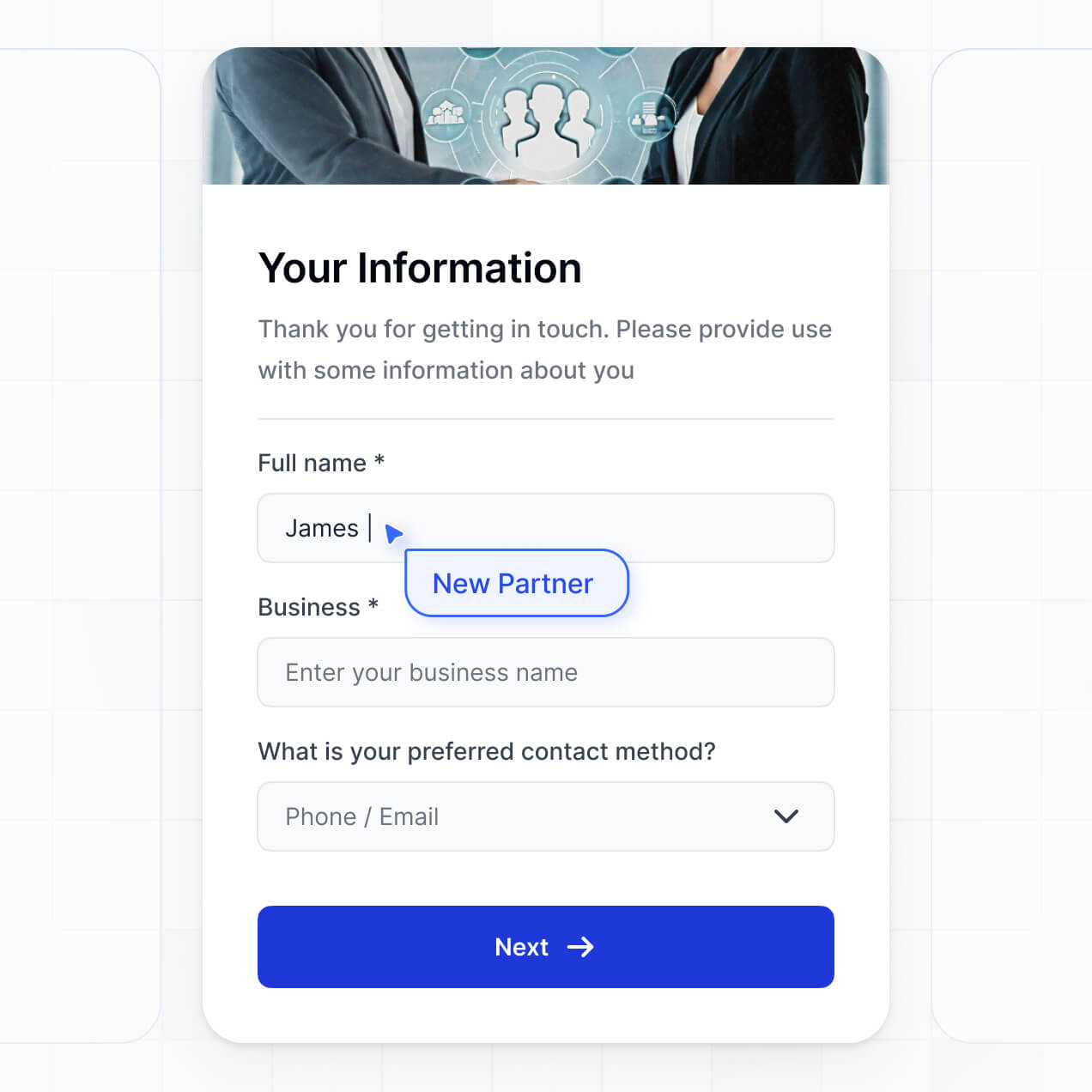
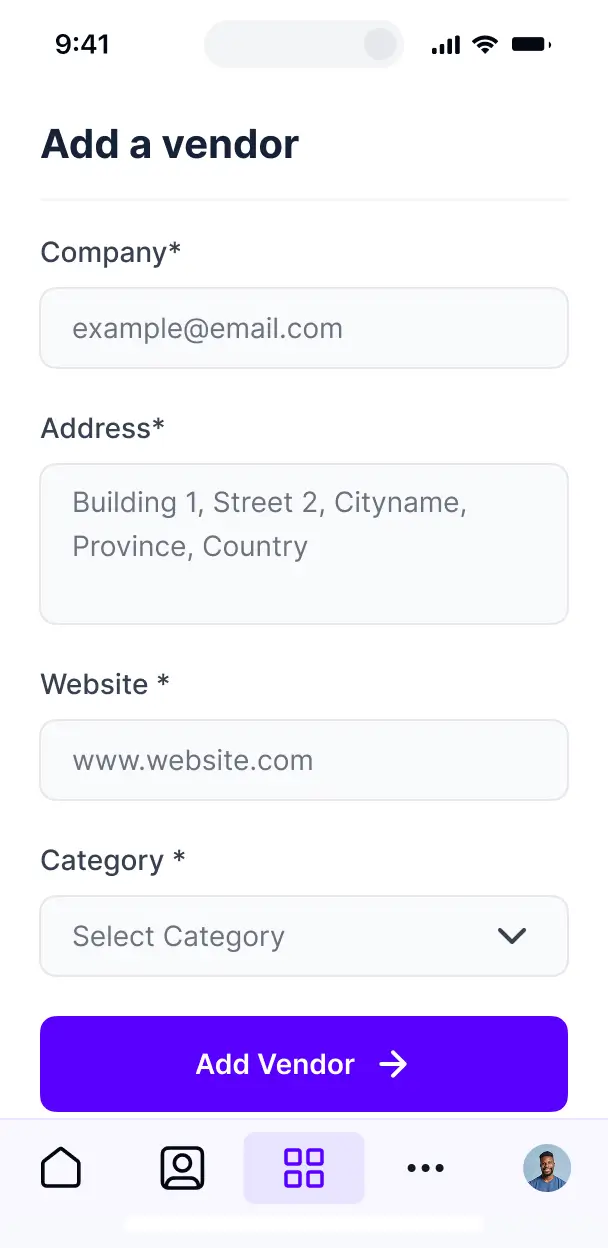
- Forms – for secure submission of intake questionnaires.
- Charts – to show contractors their training completion progress.
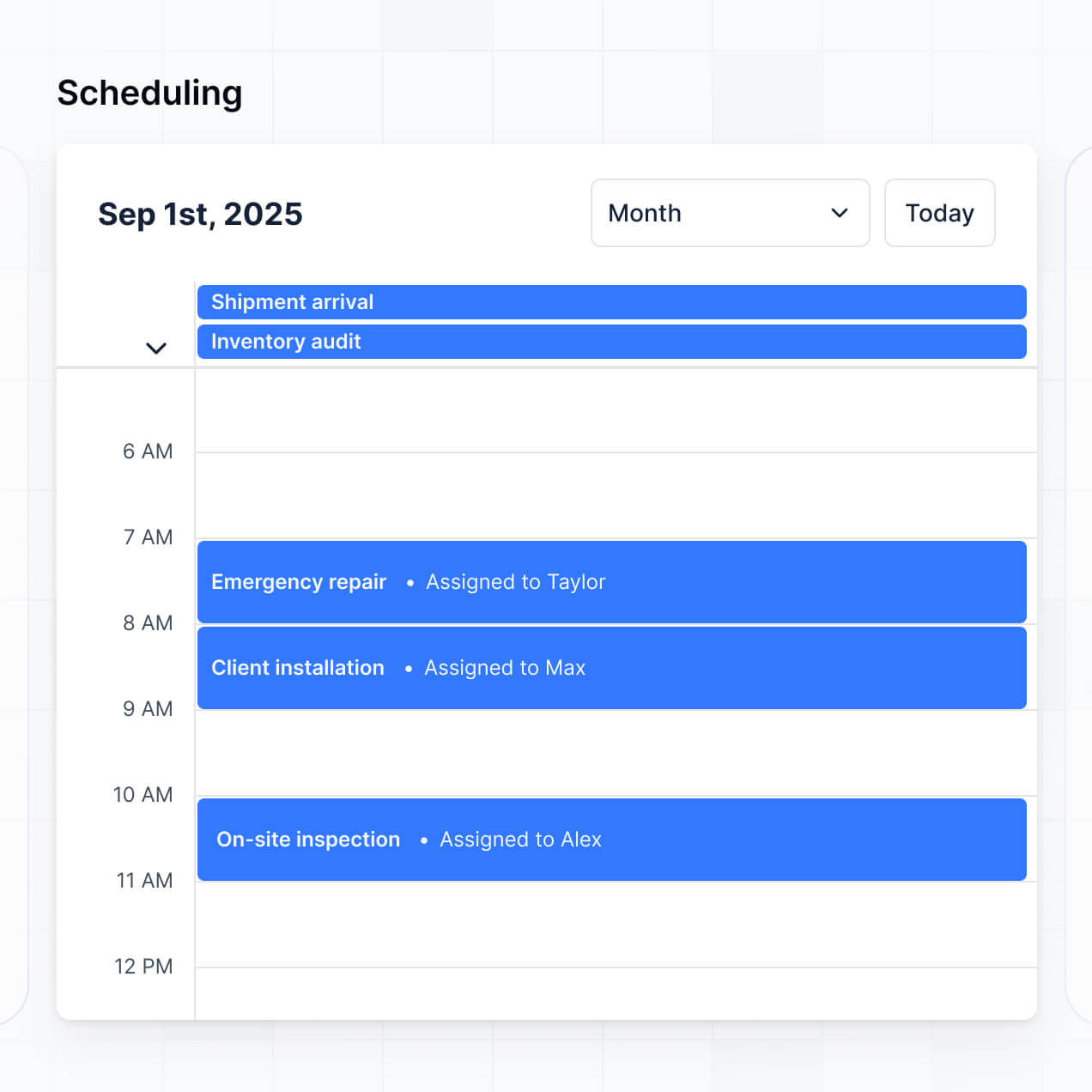
- Calendar blocks – to highlight upcoming project start dates or contract deadlines.
If your onboarding requirements evolve, you can quickly adjust the layout or add new blocks using the visual editor.
Security is a core priority for Softr, which is vital when handling contractor IDs and tax information. All data is encrypted with TLS in transit and at rest. Softr Databases are SOC 2 Type II compliant and hosted in Germany, meeting high European security standards.
For systems connected to external databases like Airtable or SQL, Softr purely displays the data via secure access settings and doesn't store it permanently. With role-based permissions, you decide exactly which team members or vendors have access to sensitive documents, ensuring total data governance across the entire onboarding lifecycle.
Yes, it is fully production-ready. Unlike experimental AI tools that produce raw code, Softr generates your contractor onboarding system on a robust, business-grade foundation. This means the critical infrastructure—like secure contractor login, file storage permissions, and database reliability—is built-in and enterprise-ready from day one. You get the speed of AI generation with the stability needed to manage real vendor contracts and sensitive business data.
Softr is the first AI-native platform designed specifically for business software. While other no-code tools require hours of manual setup to link databases and pages, Softr’s AI Co-Builder does that for you in minutes. It offers a unique hybrid advantage: the speed of AI-driven creation combined with the reliability of a professional-grade platform that includes built-in authentication and granular permissions. It's the only tool that allows non-technical project managers to go from an onboarding concept to a live vendor portal in a single afternoon.
Yes. Softr allows you to connect your contractor onboarding system to your entire tech stack. You can use Softr Workflows to automatically notify your finance team when a new contractor's bank details are submitted, or integrate with Stripe for automated vendor payments. You can also connect to Intercom for live support or use the REST API and webhooks to sync contractor data with your internal ERP. This ensures that the moment a contractor is fully onboarded, their data is exactly where it needs to be.
Describe what you need. Softr's AI builds your custom onboarding tool in minutes. Get started today for free.