


How you store and organize data can make or break how your business runs. Maybe you start with a spreadsheet, then a project tracker, a CRM, a few more tools to fill the gaps, until your stack is harder to manage than the work itself.
Today we're introducing Softr Databases, a solid foundation for your data and one less tool to glue together. Now, you can manage your data and build the tools your business runs on, all within Softr.
Manage your data directly in Databases
Softr Databases is more than just a powerful backend for applications. It’s a workspace where your team can update, organize, and act on data, right where it lives.
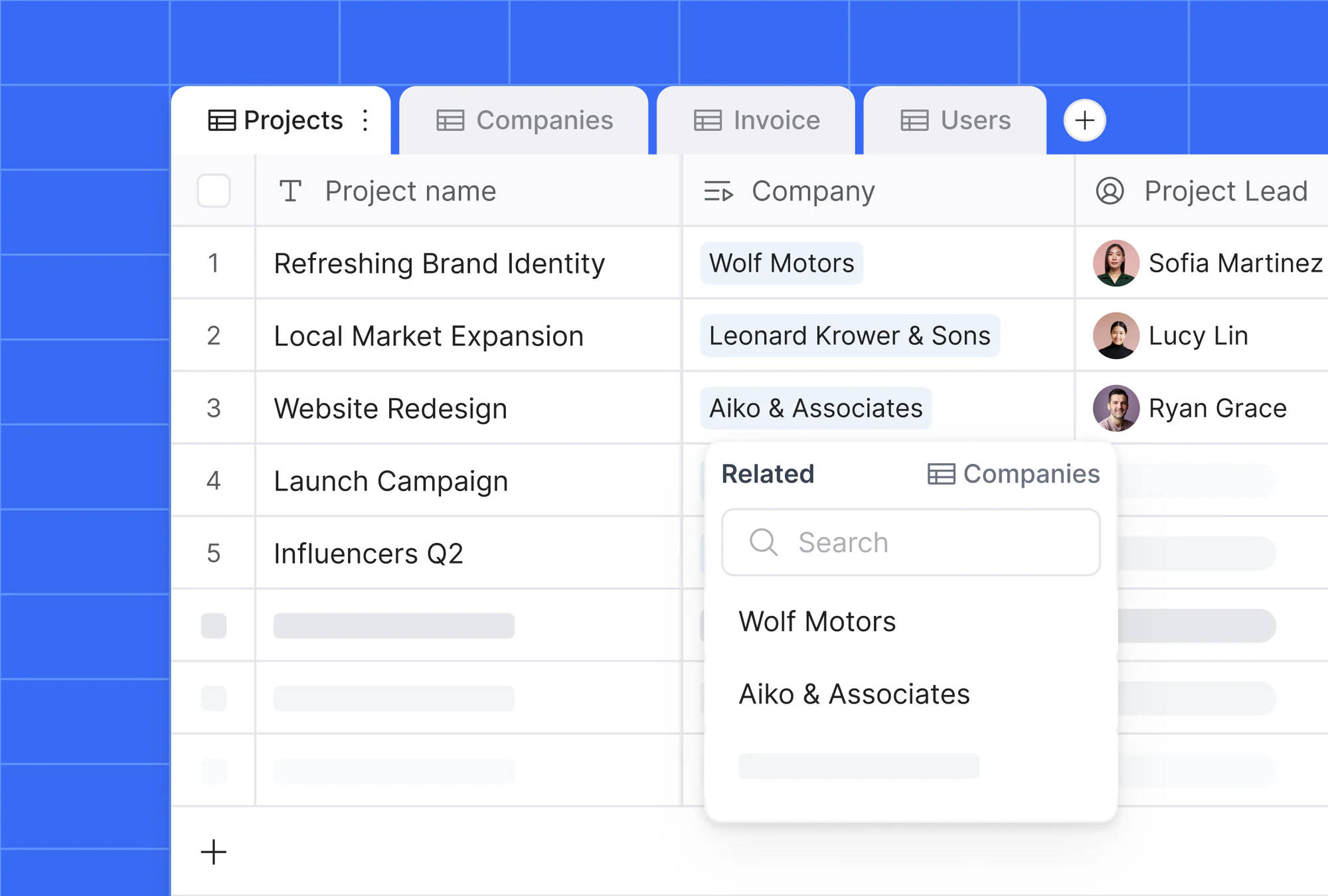
Build databases to manage projects, track inputs, or run day-to-day operations, no app required. If you ever want to build a front-end or share data externally, you’re already set up to do it.
With Softr Databases, you can build flexible systems that match your team and workflows:
- Create relational databases with linked records.
- Structure data with flexible field types like formulas, lookups, multi-selects, attachments, and more.
- Filter, sort, and customize views to match your workflows.
- Share access with your team, no steep learning curve.

"Using related fields is the way to make your data structure as robust and scalable as possible. It is way better, way more organized and structured than Excel." - Guillaume Duvernay, Builder at Softr
You don't have to set this structure up field by field, either. Add tables and fields manually in the database editor, describe your data to the Database AI Co-Builder and it will generate the tables, fields, and relationships for you, or manage them from your own AI assistant with the Softr MCP.
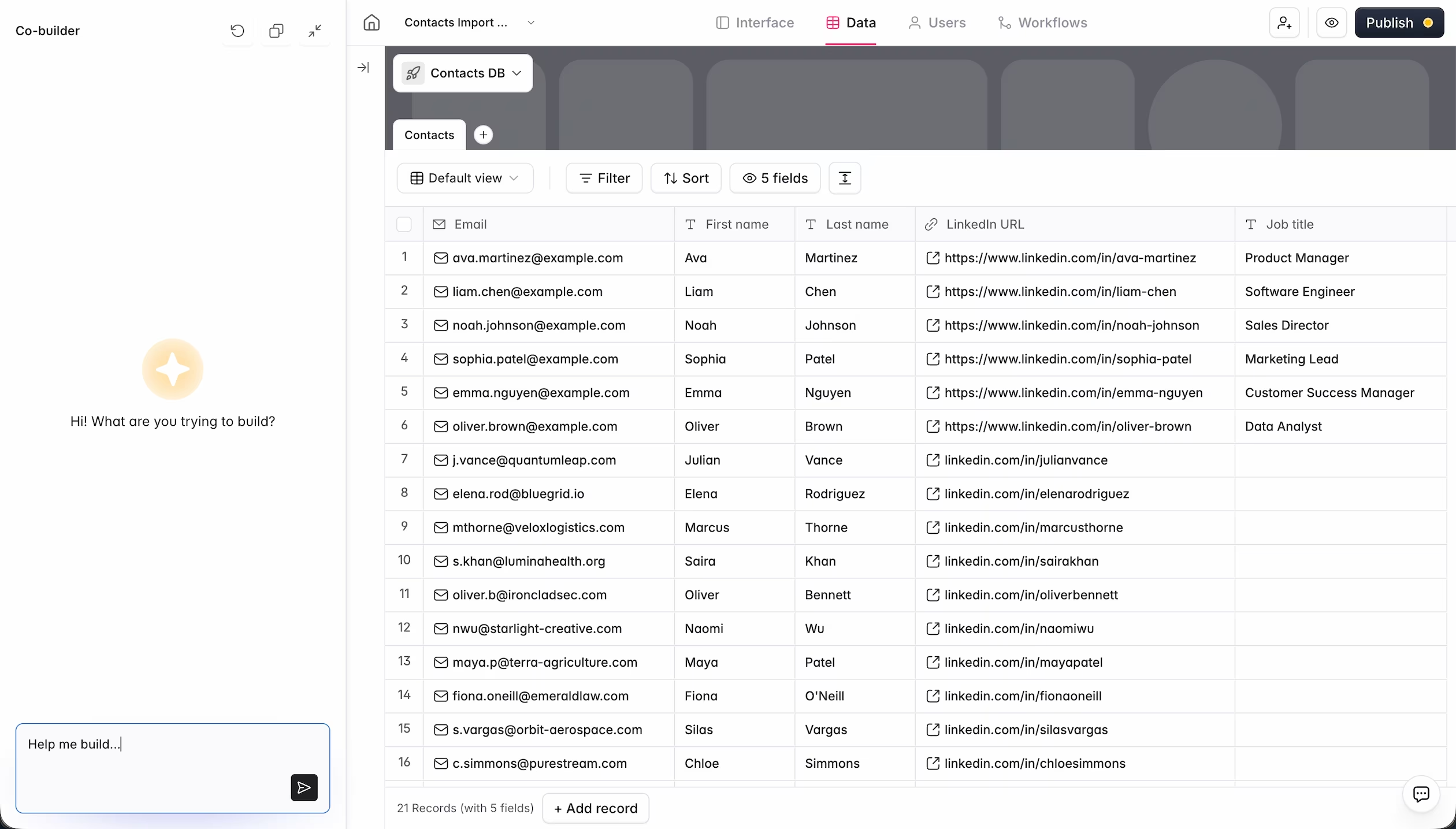
Some of the ways teams are already starting to run operations on Softr Databases:
- A marketing team managing their content calendar and campaign pipeline
- An ops team tracking vendors, assets, and internal requests
- An HR team organizing employee records and tracking time off
- A finance team managing budgets, expenses, and invoices.
It's one place to manage your data and build what your team needs, with no separate tools or disconnected workflows to maintain.
Build full-stack apps all in one place
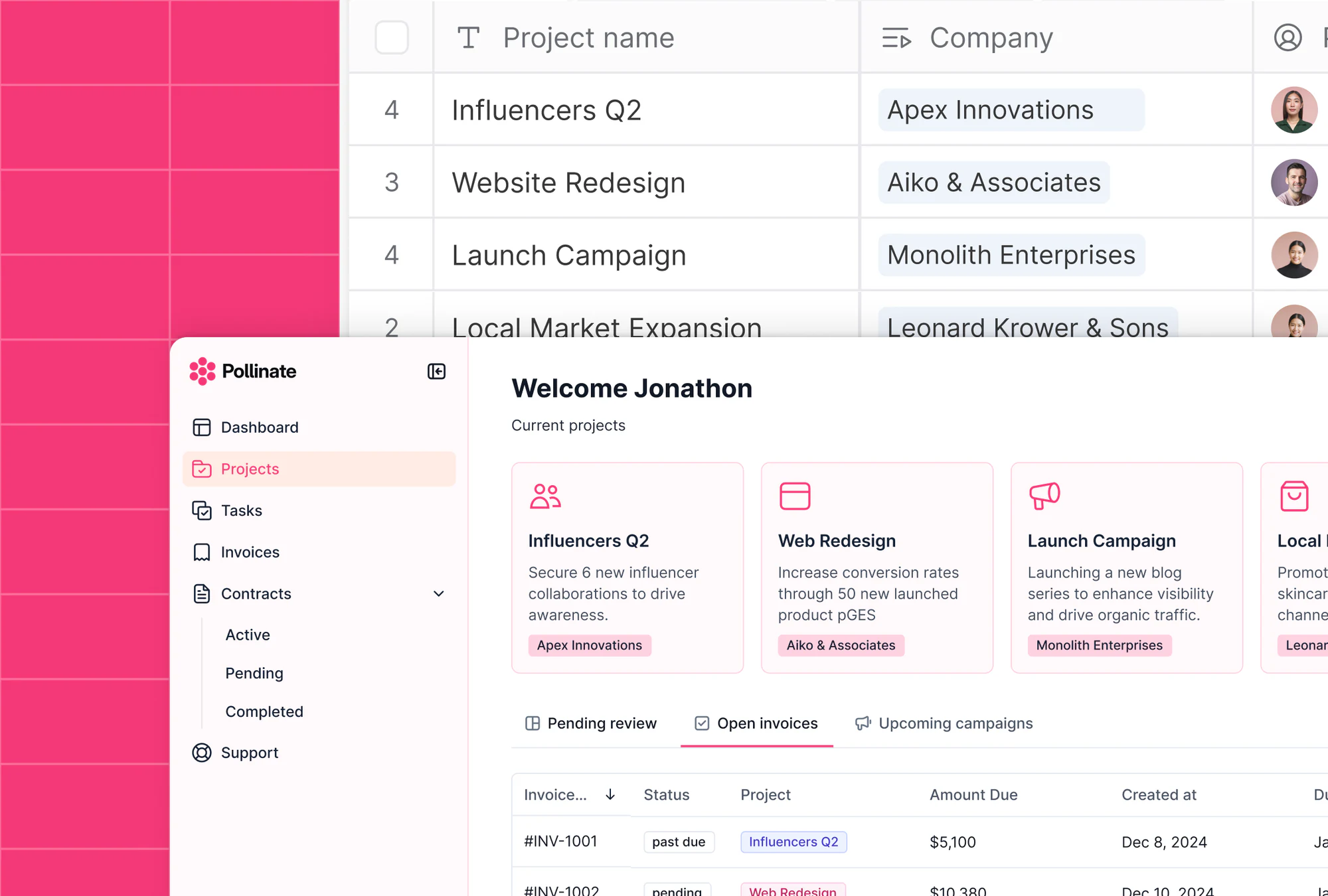
From day one, Softr has made it easy to build on top of the data you already have, whether that’s in Airtable, Notion, Google Sheets, SQL, or one of the 21+ data sources Softr connects to. But if you’ve ever run into API limits, slow load times, or delays syncing data, you’ve felt the friction that can come with relying on third-party tools.
Softr Databases changes that. Your data and your app now live in one place, so there’s nothing standing between your team and the tools they rely on. And if you still want to bring in external data, you can do that too.
- Connect your app and database instantly, no setup required
- Combine multiple Softr Databases in one app, or use alongside external sources
- Control what each user sees and can do with granular permissions
- Move fast with ready-made templates for both your data and UI
Scale without limitations
The more your business grows, the more your tools should help, not get in the way.
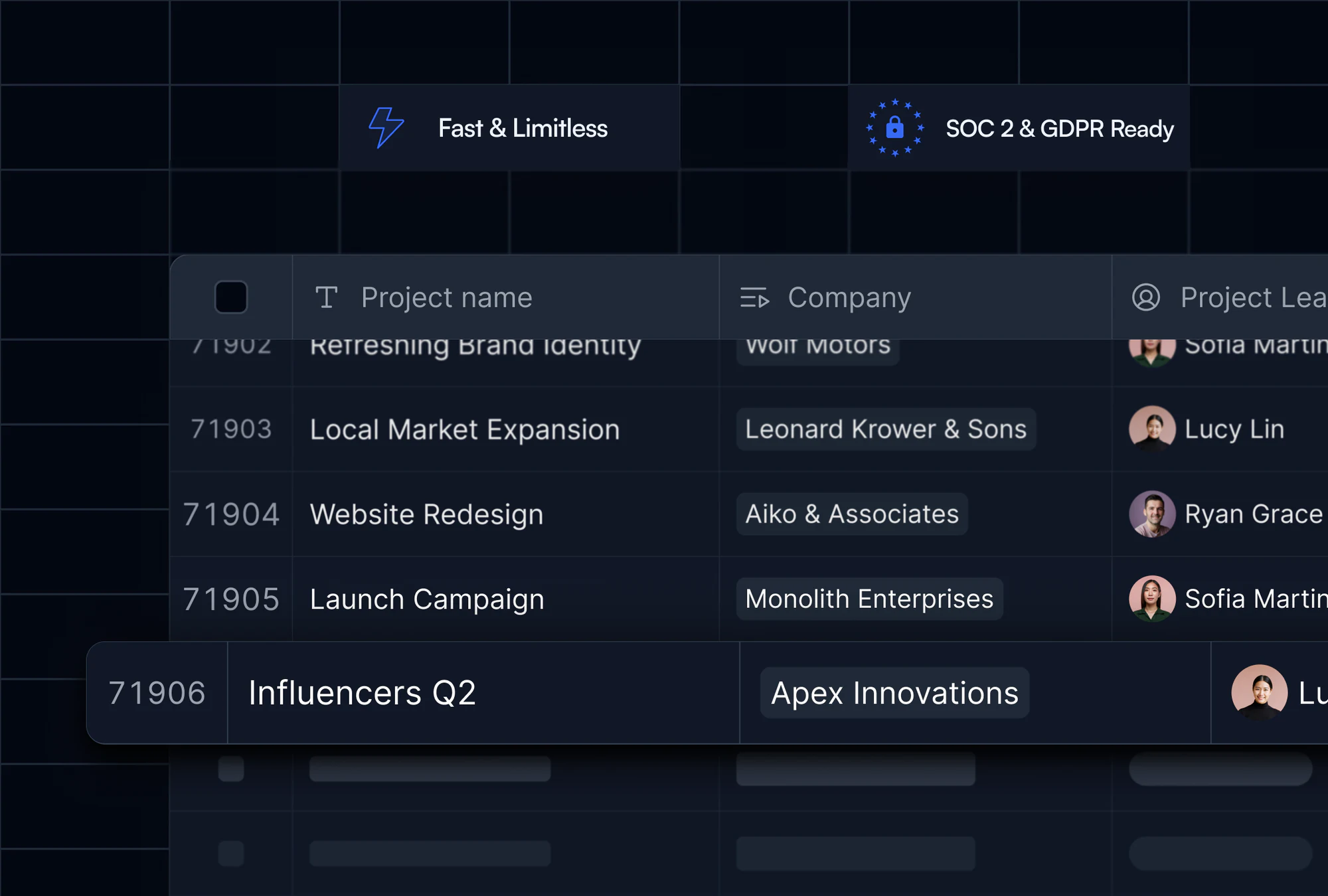
But too often, databases get slower with large datasets or run into API limits that block your workflows. Softr Databases is built to scale, so you won’t need to rip and replace when things get more complex.
- Fast load times, even with growing data, with Softr's native database handling roughly 50 requests per second, compared to 3 to 5 for many external no-code data sources
- No API limits or sync delays from external backends
- Enterprise-ready with SOC 2 Type II compliance and data hosted in Europe
Your data keeps improving itself with Database AI Agents
Since launching, Softr Databases has grown beyond storage and structure. Database AI Agents now let you turn any field into an AI-powered field that fills itself in, whether that's categorizing a new record, summarizing notes, or pulling live data from the web the moment a record is created or updated.
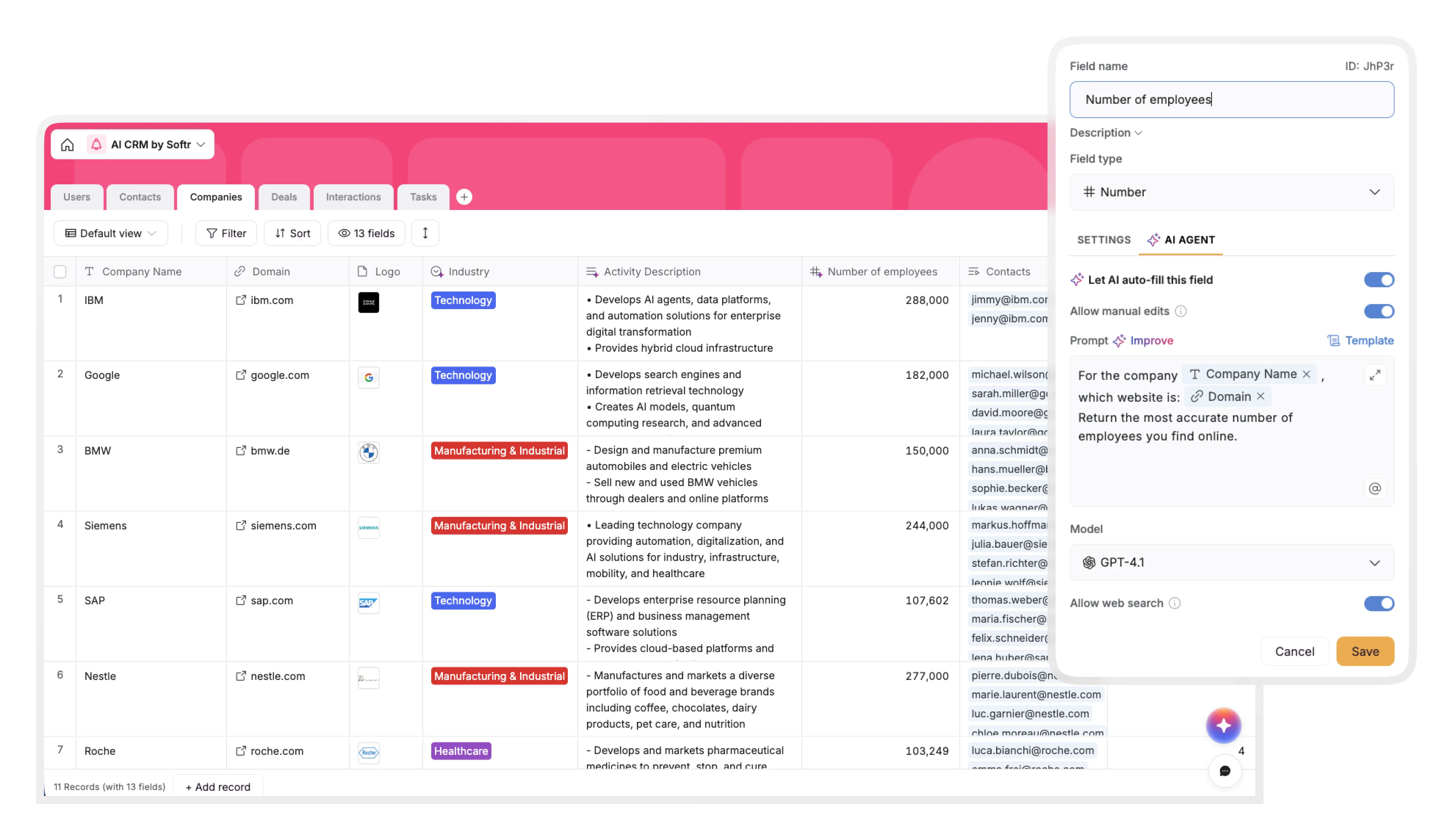
"AI agents live right in your database to improve the efficiency of the app, ongoingly working to refine, clean, and enrich your data." - Guillaume Duvernay, Builder at Softr
This means your data doesn't just sit still waiting for someone to update it. A vendor portal can auto-fill company details from a URL. A content hub can auto-tag posts by topic. The database keeps working in the background, so your team spends less time on data entry and more time on the decisions that data supports.
Getting started
Softr Databases is available on the free plan and ready to use right away, no setup required. Describe your data structure to the Database AI Co-Builder, jump in with a template, or start from scratch. Build your first database, customize views, and connect it to your app when you’re ready.
Here’s how to get started:
- Explore ready-to-use templates to jumpstart your first database.
- Read the Docs for a full walkthrough of how Softr Databases work
- Watch the explainer video to see it in action
- Join our live event to learn how to structure and launch your first database-powered app
Frequently asked questions
How is Softr Databases different from connecting Airtable or Google Sheets?
Is Softr Databases included in the free plan?
Can I import my existing Airtable base or spreadsheet into Softr Databases?
Do I have to build tables and fields manually, or can AI help?
Can I connect Softr Databases to tools outside of Softr?


