When we launched our AI App Generator in late 2023, it gave teams a faster way to build real business apps by generating layouts, logic, and content based on a simple prompt.
Since then, we’ve been thoughtful about how AI fits into the workflows our customers are building. We’re not chasing hype. We’re focused on delivering real impact for our customers and their businesses. That means helping them build tools their clients, teammates, and end users actually want to use because they make work faster and less manual.
Today, we’re launching Ask AI: a major step forward in leveraging the magic of AI to make Softr apps more useful and powerful for end users.

The problem
You’ve built applications with tables full of customer information, project updates, or inventory records. But for your teammates or clients, getting insights often means scrolling, filtering, or sorting through rows of data, just to answer simple questions like:
- How many deals did we close this month?
- What’s the average response time for tickets this week?
- Which projects are overdue?
Dashboards help, but they’re rarely tailored to individual users’ needs, and always require more and more views. Meaning more and more builder time.
Introducing Ask AI
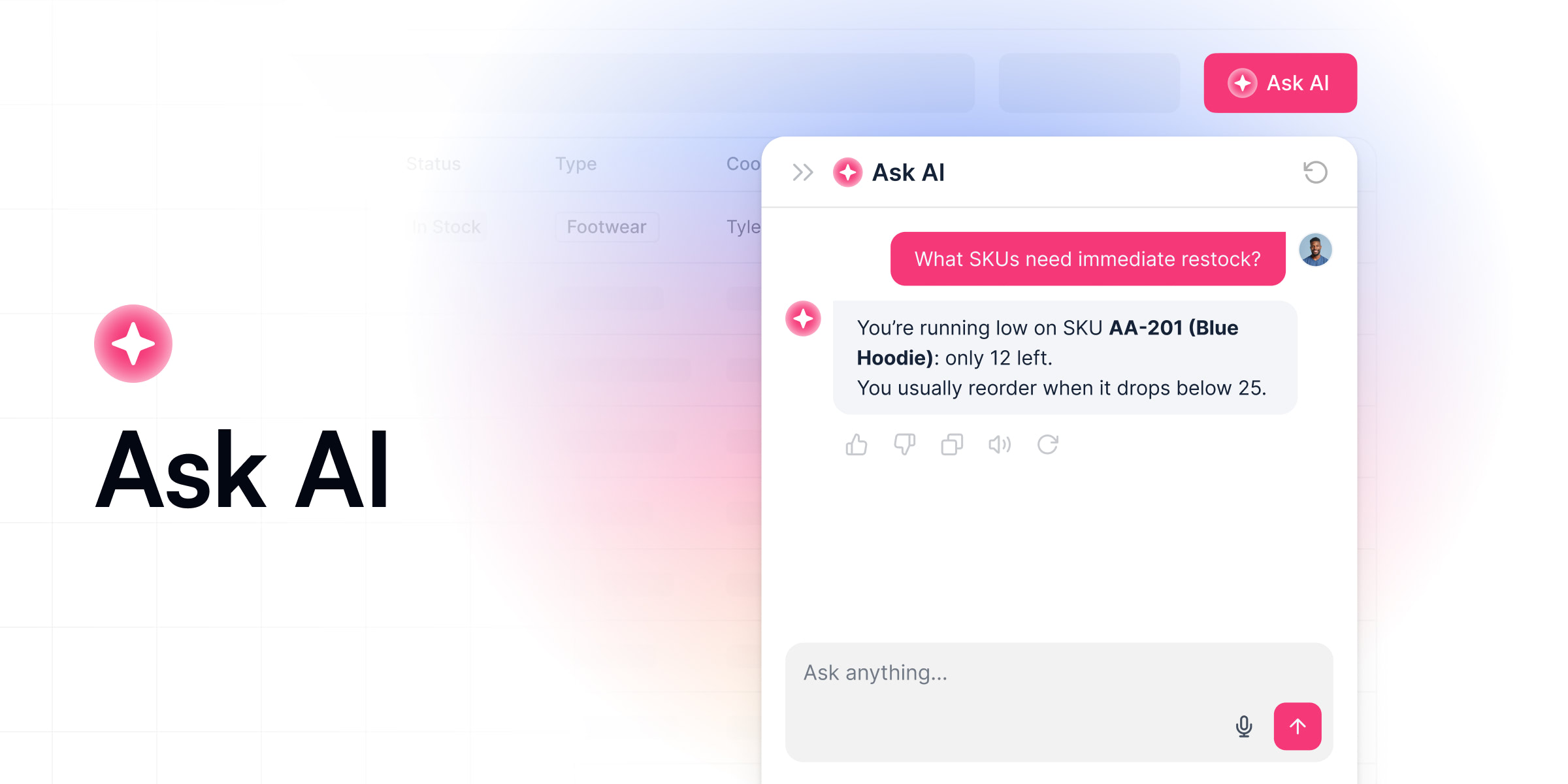
Ask AI is the new built-in AI assistant that gives your users a faster, smarter way to get answers, right inside your Softr app.
Instead of clicking through filters or waiting on someone to build a new dashboard, users can click a button and ask a question in plain language. Ask AI responds instantly with answers pulled directly from your live app data, no setup or training required.
And because it’s built into Softr, Ask AI respects all visibility and permission rules by default. That means users only see what they’re allowed to see, with no extra configuration needed.
Reads from your actual data
Most AI tools give vague answers or need a lot of setup before they work.
Ask AI is different. It’s already built into your Softr Database and uses your real, live data. That means users can ask simple questions like “Which deals are overdue?” or “Which products are low in stock?” and get fast, accurate answers based on what’s actually in your app.
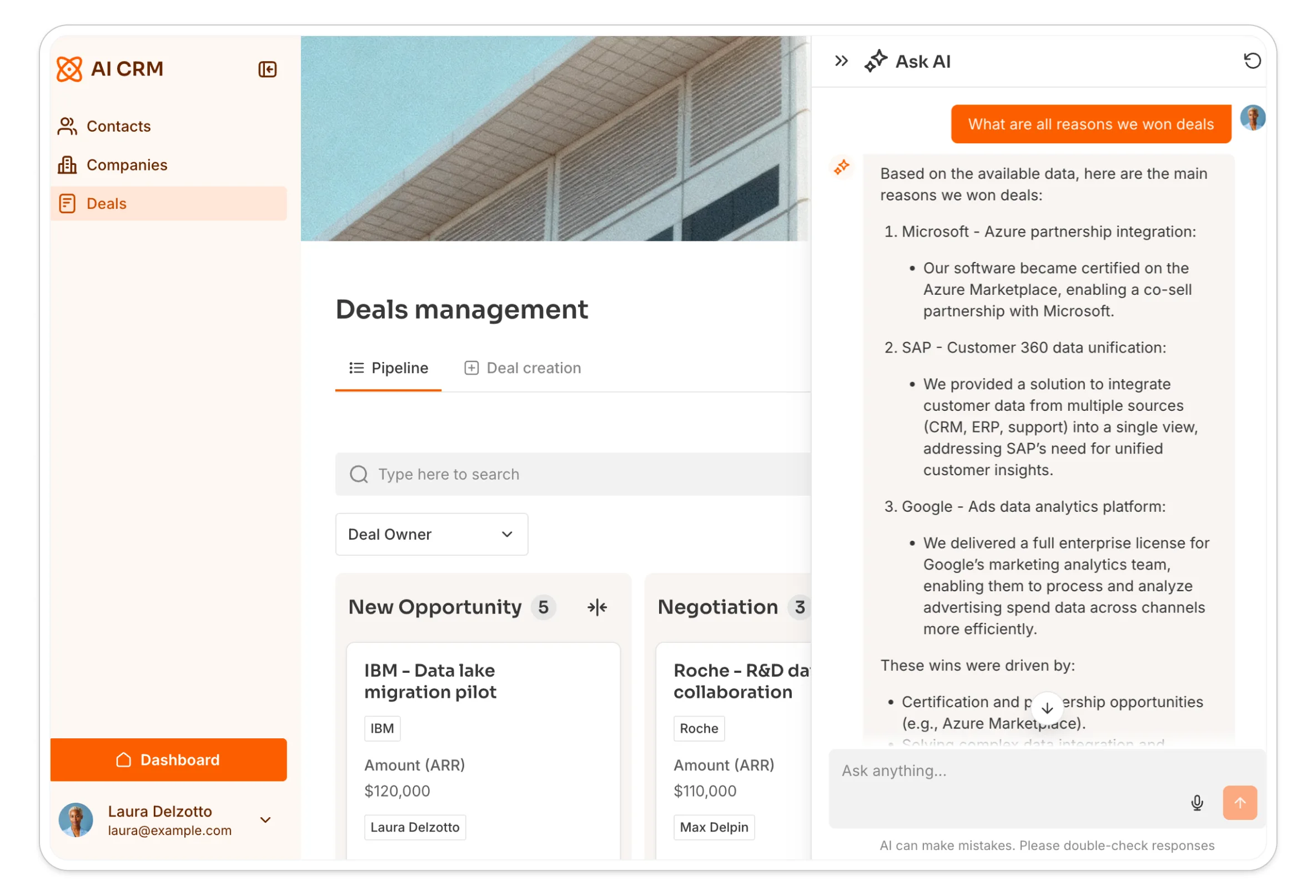
Ask AI works on any block that lists multiple records: tables, lists, calendars, and kanbans. It's one of several AI capabilities we've since added across the platform. The AI Co-Builder helps you build and edit the app itself, while Database AI Agents work inside your database to enrich and clean up records automatically. Ask AI is the piece that sits closest to your end users, giving them a way to ask questions without ever touching the builder tools.
Built in, no setup required
You don’t need to deal with API keys, connect outside tools, or build anything yourself.
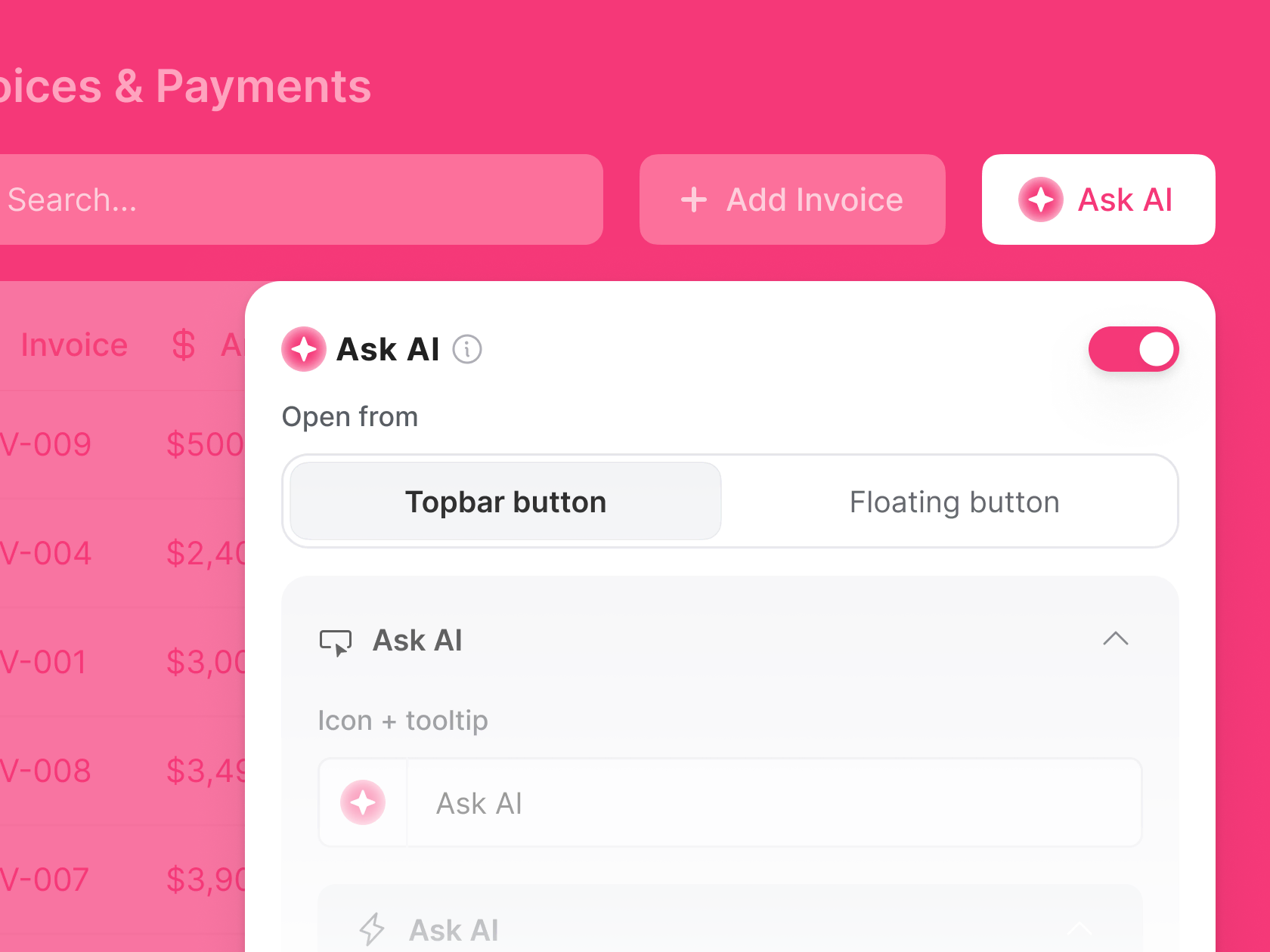
Ask AI is already part of your app. Just toggle it on as a topbar action button, and it works. It saves you time, and your users get a better experience without extra effort.
Safe and secure by default
Ask AI follows your app’s visibility and permission rules. It never shows users any data they aren’t allowed to see, and there’s no need to set up complex rules or worry about data leaks. Everything works safely and correctly, right away.
You decide how it talks
You can change how Ask AI speaks to match your brand. Want it to be more technical or more casual? Add instructions, set the tone, and suggest questions users can ask. You stay in control of how Ask AI helps your team.
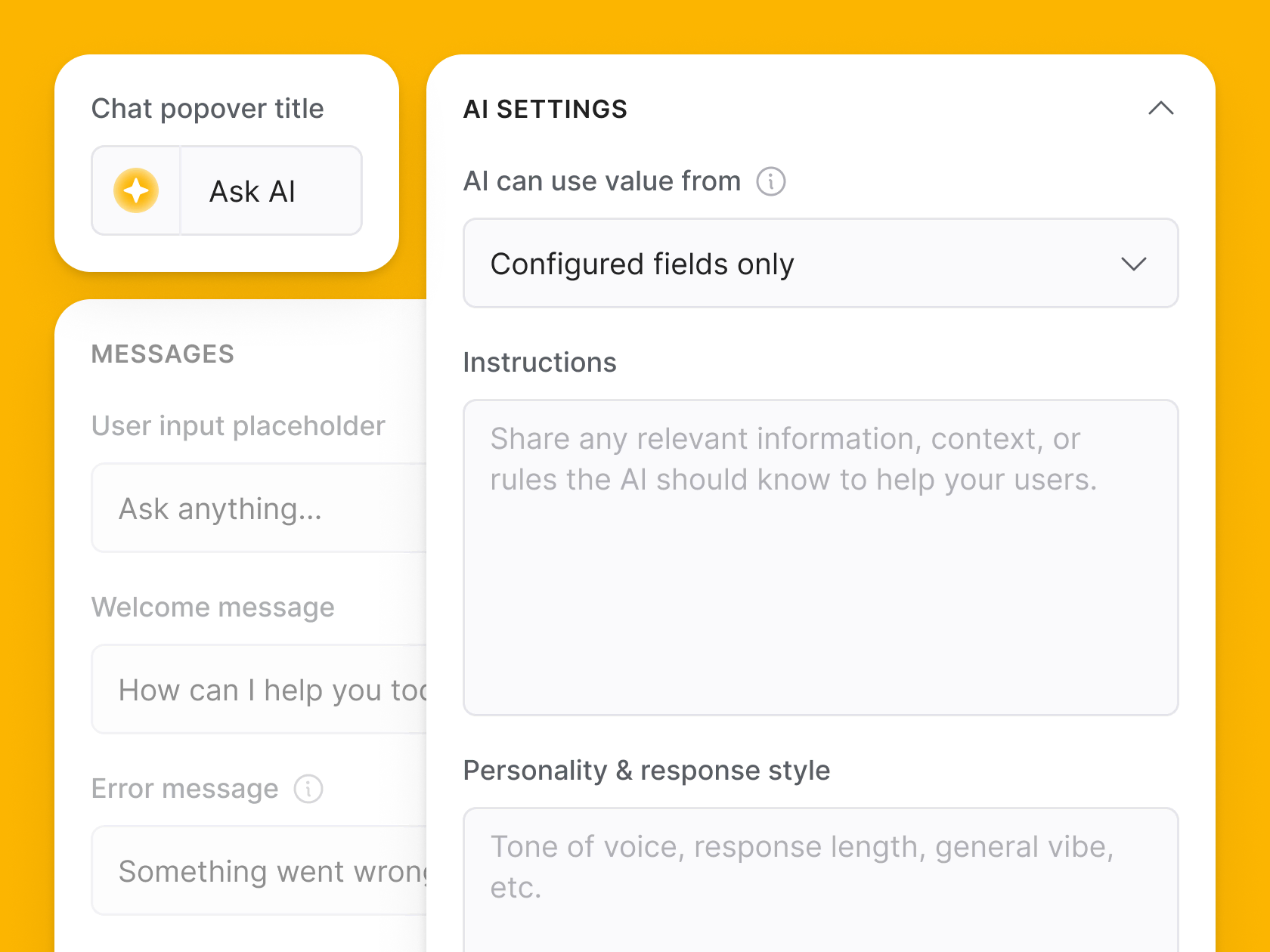
Whether it’s a teammate checking in on sales numbers, or a client asking about project status, Ask AI makes your apps feel more interactive, responsive, and valuable, without any extra work on your end.
What this means for your next app
Ask AI is one piece of a much bigger AI layer we've built into Softr since this launch, alongside the AI Co-Builder for generating and editing entire apps, and Database AI Agents for keeping your data clean and enriched on autopilot. Together, they mean your app doesn't just store data. It helps the people using it get answers, faster, without you having to build another dashboard.
👉 Learn more: Ask AI
Frequently asked questions
What is Ask AI in Softr?
What data can Ask AI see?
Do I need to configure anything before turning on Ask AI?
How is Ask AI different from the AI Co-Builder or Database AI Agents?
Can I customize how Ask AI responds to users?