Plan, execute, and measure your marketing campaigns in one central workspace.
Data sources supported





.svg)


Resources


No items found.
Overview
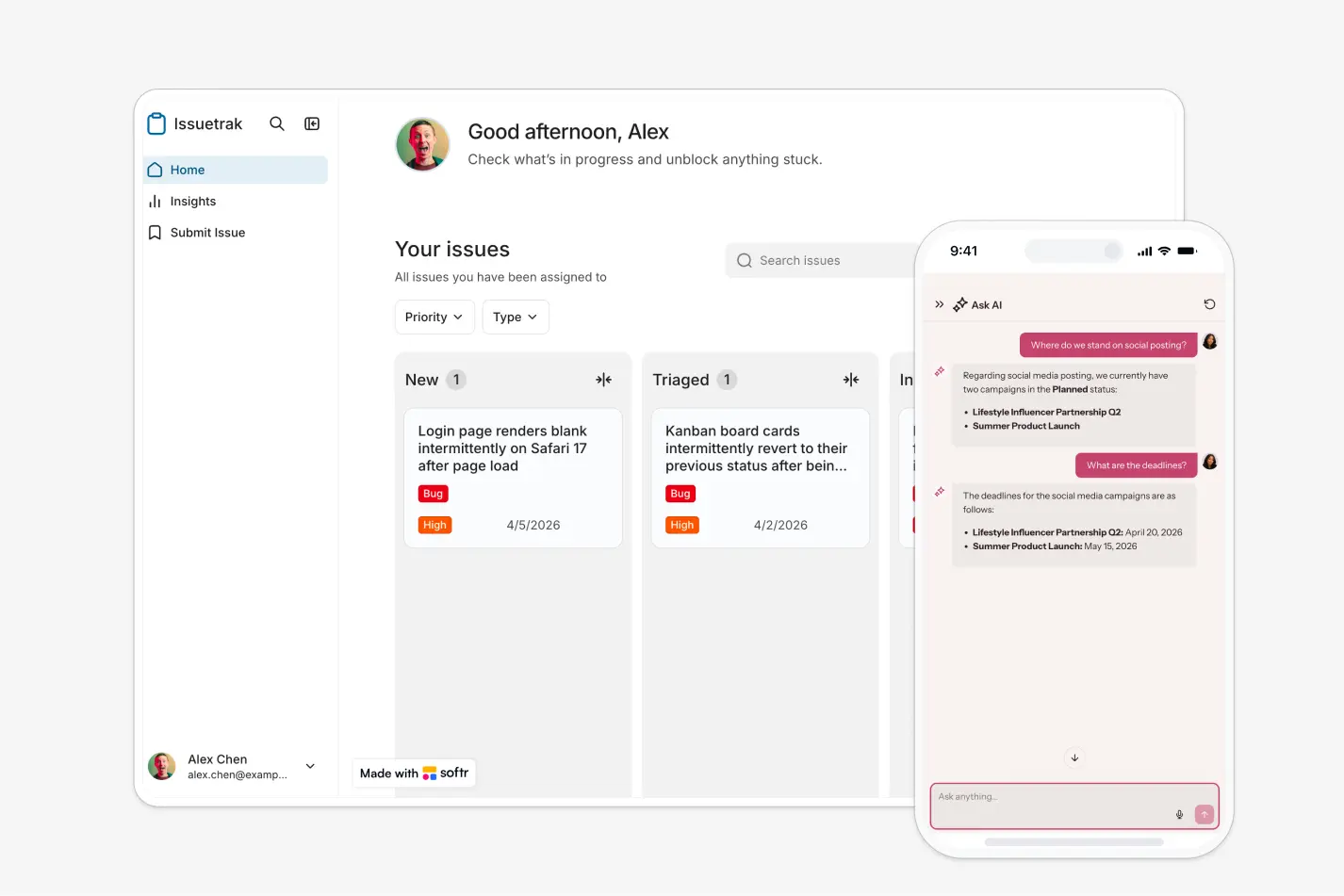
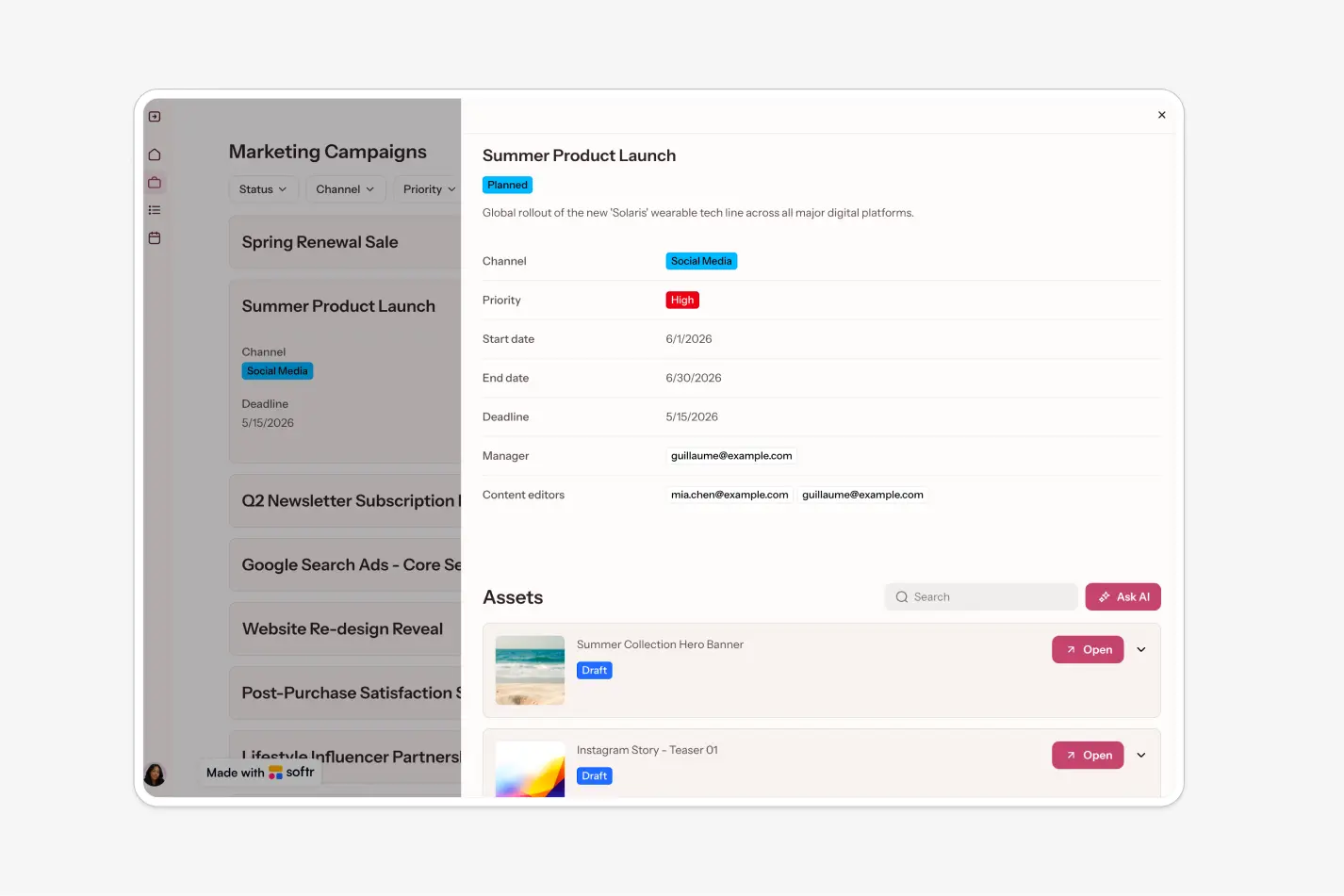
This free template helps you build a simple marketing campaign management app on top of your existing data, so your team can organize campaigns, assets, and deadlines without relying on scattered spreadsheets or endless message threads.
It includes a sample structure for managing users, campaigns, and assets, and can be adapted to fit your workflow using Softr-supported data sources.
Why use this marketing campaign management template
- Keep campaigns and assets in one place: Centralize campaign briefs, creative files, statuses, and deadlines so your team always knows what’s in progress.
- Make collaboration clearer: Assign content editors to specific campaigns, track asset review status, and use comments to reduce back-and-forth.
- Give each user the right level of access: Managers can oversee all campaigns while content editors focus only on the work assigned to them.
Template features:
- Campaign management
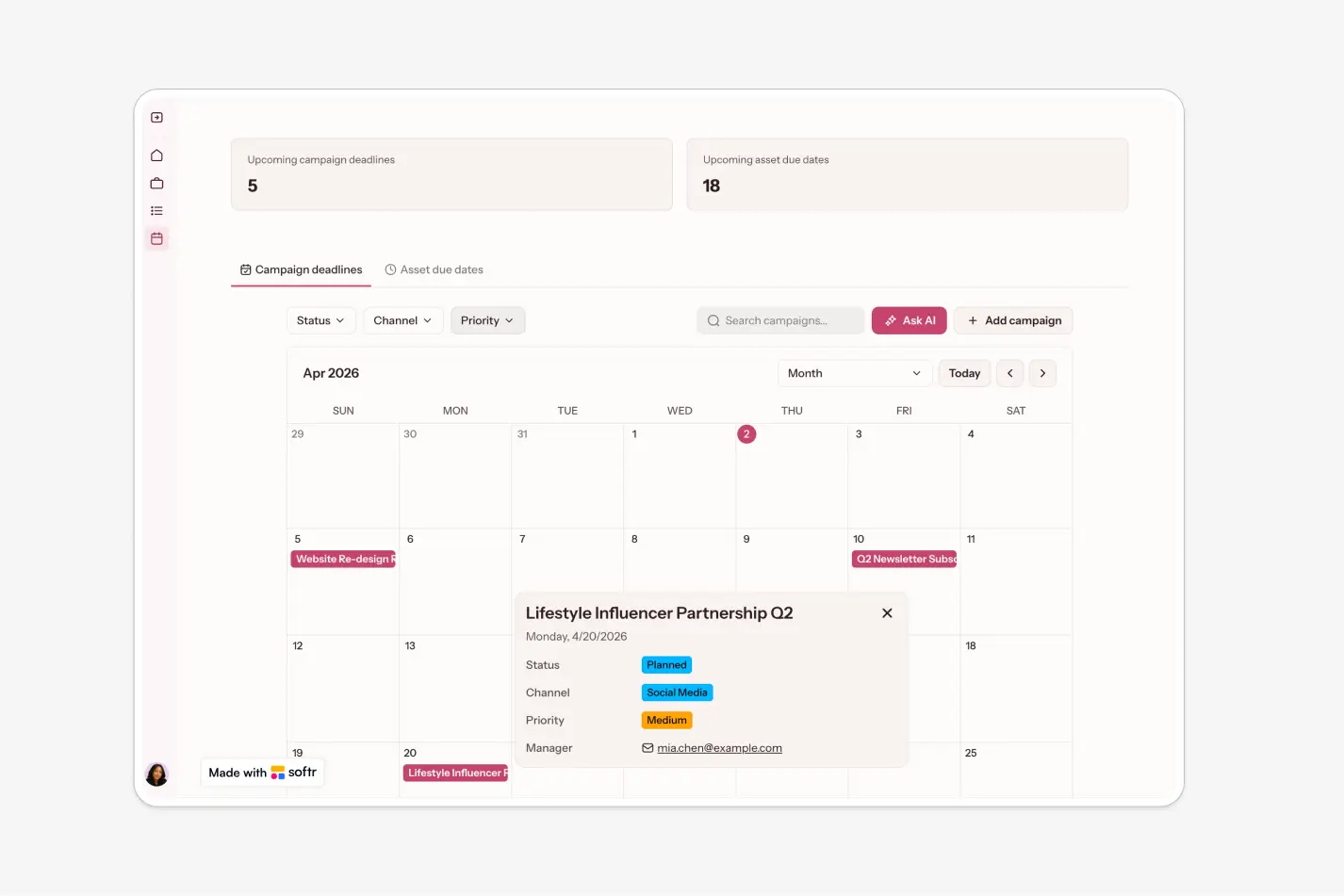
- Status and deadline tracking
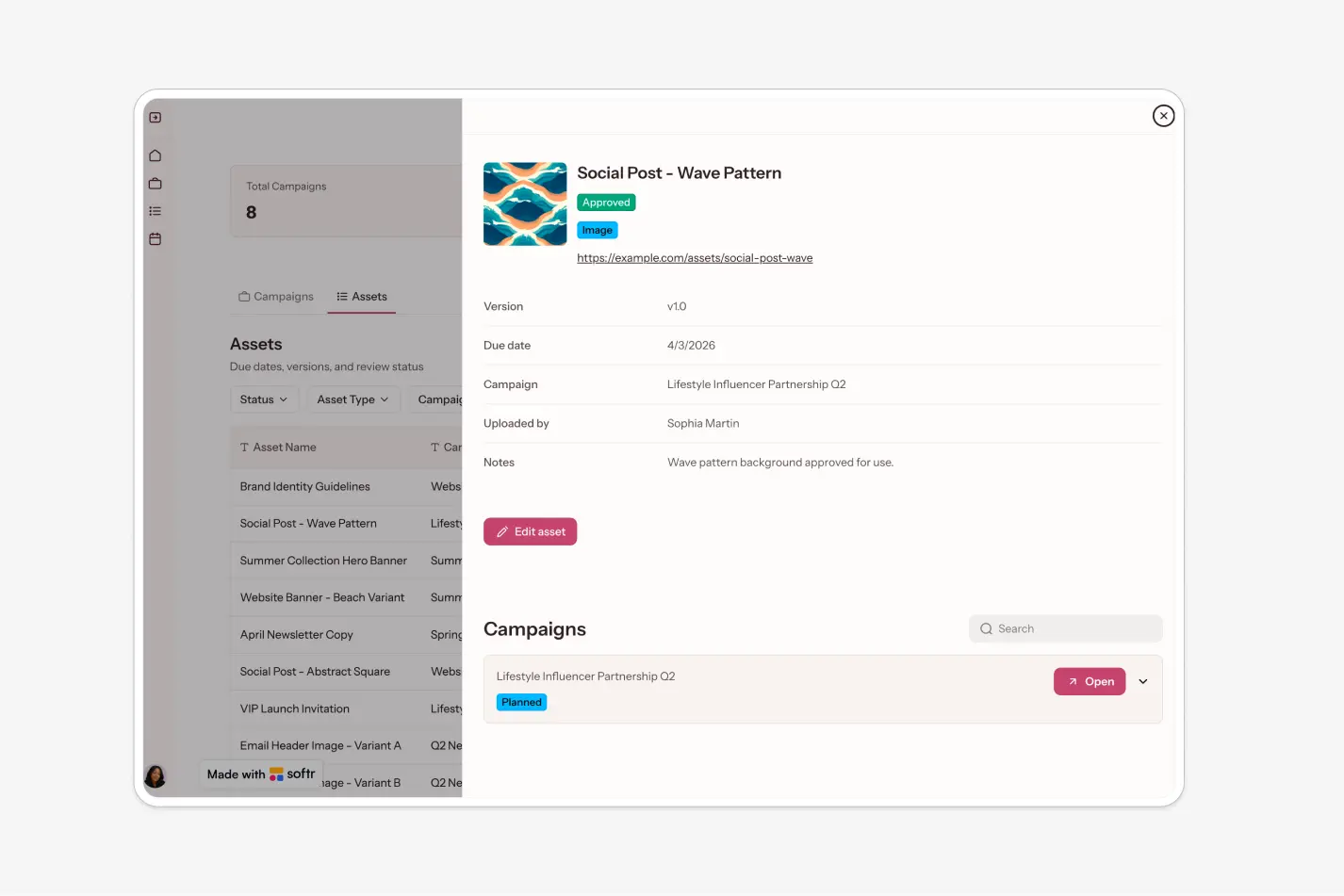
- Centralized asset hub
- Editor assignment
- Asset review workflow
- Native commenting
- Timeline or calendar view
- Role-based access
Who is this marketing campaign management template for?
This template is ideal for teams that need a lightweight way to plan campaigns and manage creative production. It’s especially useful for:
- Small marketing teams managing multiple campaigns at once
- Startups that need a simple system for campaign planning and creative work
- In-house marketing departments coordinating managers and content editors
- Agencies looking for a lightweight internal campaign tracker
- Content teams that want a centralized place for campaign briefs and assets


“What we love most about Softr is the instantaneous, customizable power a no-code platform allows.”

- 1
- 2
- 3
- 4
Frequently asked questions
What is a marketing campaign management app?
Who is this campaign management template best for?
Can I manage creative assets inside this template?
Can different team members have different access levels?
Can I customize this template with my own data?
Why build a marketing campaign app with Softr?