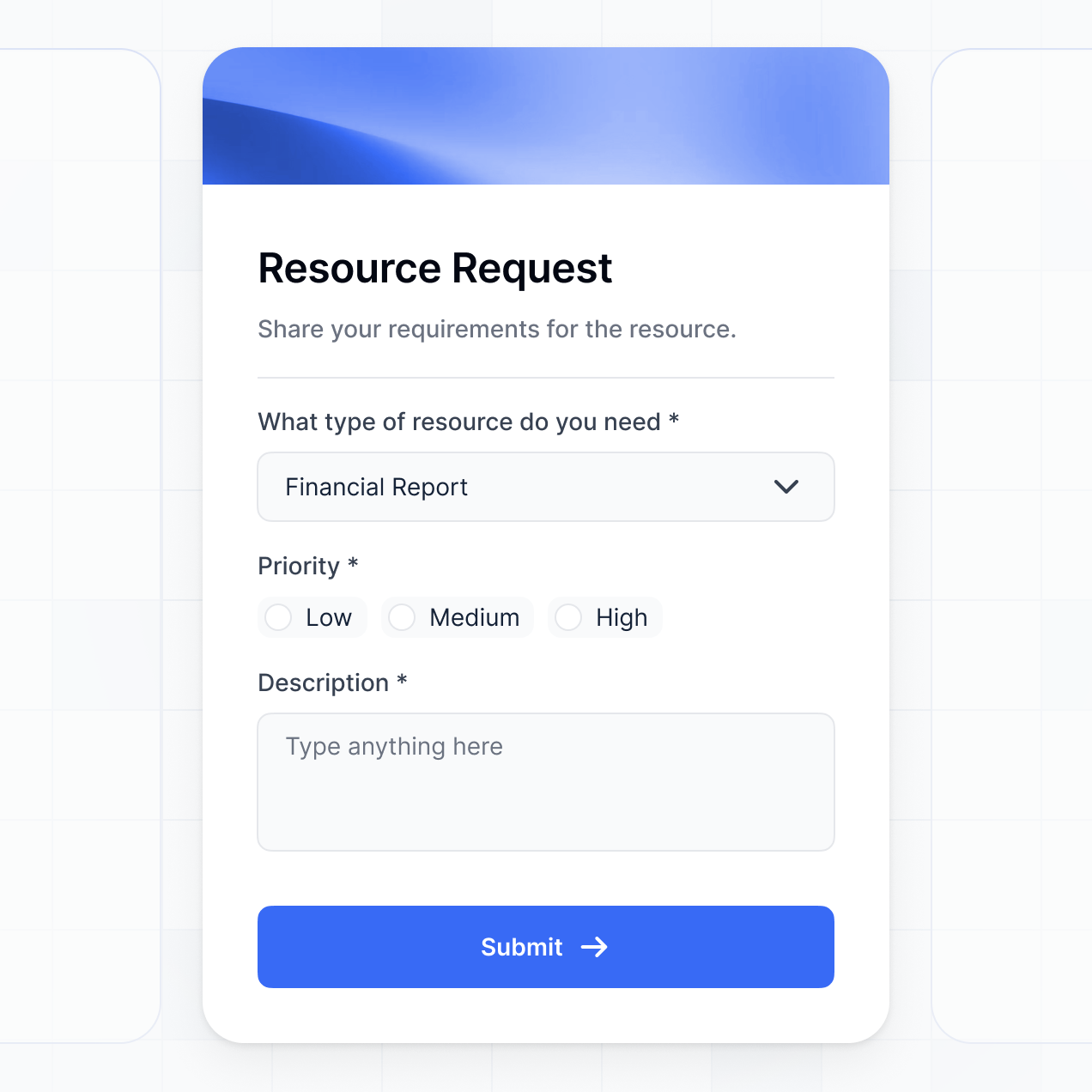
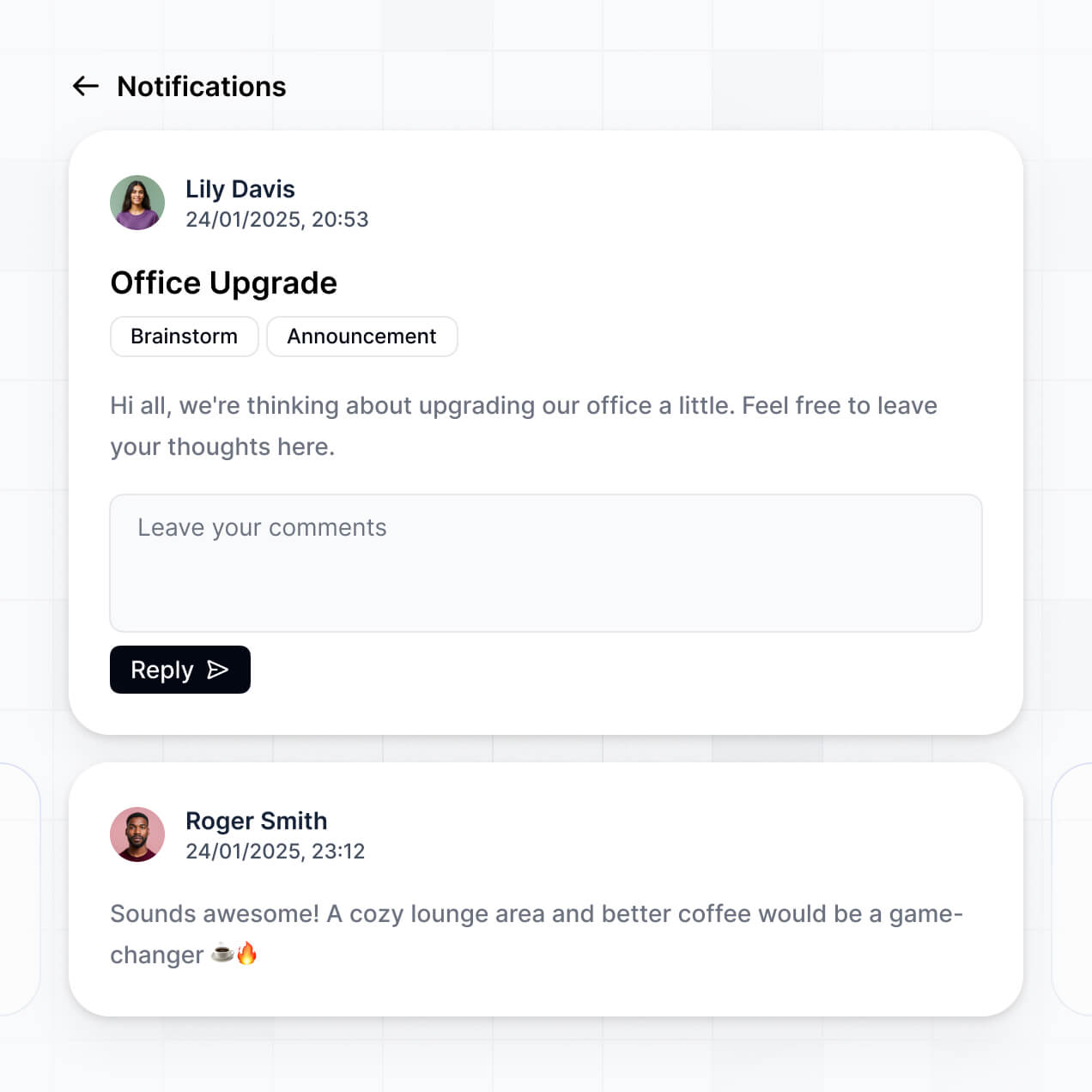
Manage database records, control permissions, and view metrics in an AI-powered admin dashboard built with AI to fit your IT workflow.
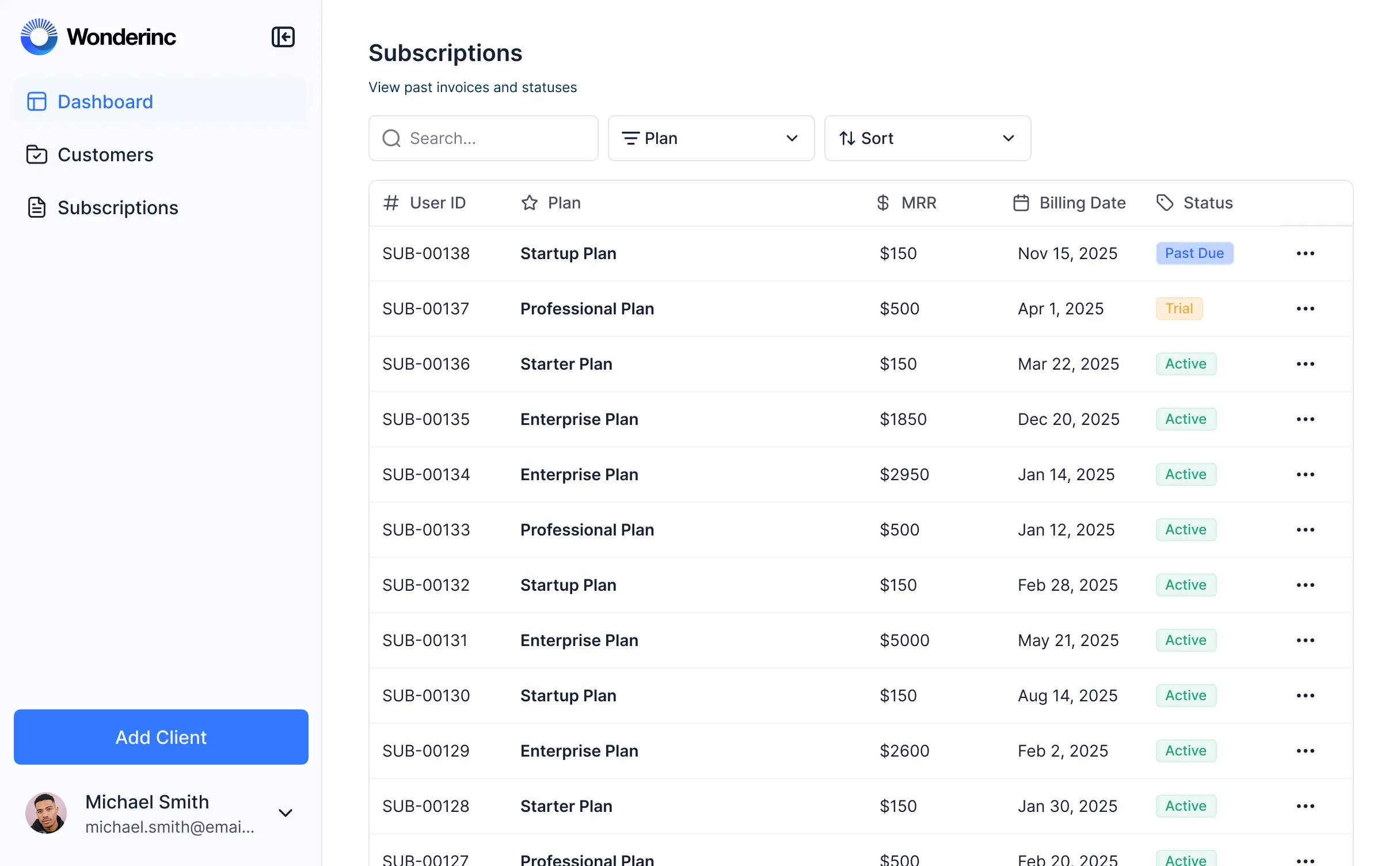



Customize a Supabase admin dashboard that looks sleek and modern out of the box. Add only the features you need, and iterate as your workflows evolve.


Connect your Supabase tables, external APIs, and project trackers with real-time sync—or manage everything in Softr Databases. One source of truth for your admin workflows.
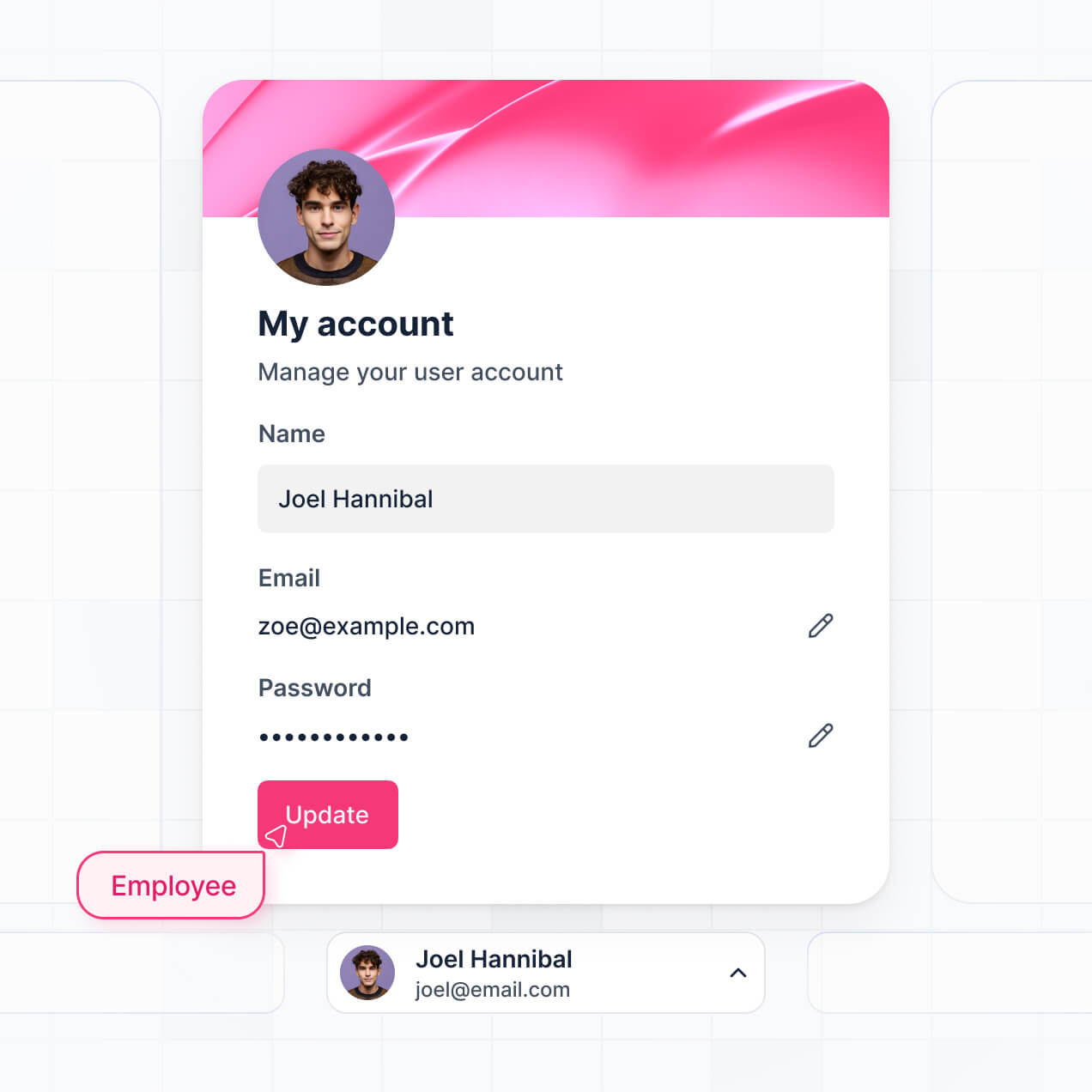
Give each teammate the right tools and access. Set up secure logins, user groups, and granular permissions—no IT support or dev work needed.
Give different team members tailored access and dashboards, so each role sees just the data and administrative tools they need.
Streamline your internal processes with Softr Workflows. Trigger native automations like status updates based on your Supabase data changes.
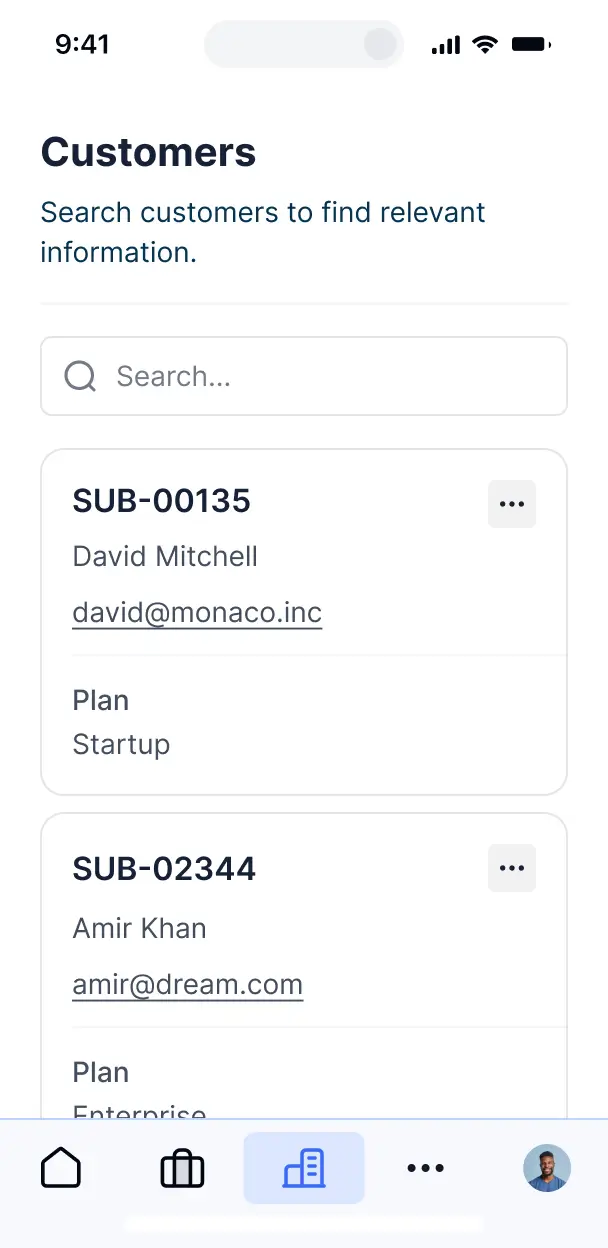
Access and update your Supabase admin dashboard on the go. All administrative tools are mobile-ready out of the box.
Use Google, email, or SSO logins to give your team fast, secure access to your internal data—no IT tickets needed.
Keep internal data safe with SOC2 and GDPR compliance, plus fine-tuned access control at every level of your dashboard.
No more one-size-fits-all tools or costly custom builds. Softr is easy to use and fully customizable, so you can launch faster, adapt as you grow, and skip the complexity of traditional software.

Build your Supabase admin dashboard in minutes with AI—no dev time or complex configuration needed.

Add features like approval flows, file storage sync, or role-based views as your needs evolve—no rebuild needed.

Start with an admin panel, then add team hubs or documentation—all in one place, with no extra tools required.
Co-build with AI
Simply describe what you need. Let Softr handle everything - Interface, database, workflows.
Iterate with AI or visually
Control most critical parts of your app yourself - roles, permissions, security.
Ship the same day
Invite team members or external clients and partners right away. No developer handover.
Use drag-and-drop blocks to build a portal that looks sleek and modern out of the box. Add only the features you need, and iterate as your workflows evolve.




A Supabase admin dashboard is a secure internal interface where your team members can log in to manage your application data, including user profiles, transaction logs, and system configurations. It provides a user-friendly layer over your backend database, eliminating the need for complex SQL queries or direct access to the database for non-technical staff. This ensures operational efficiency while keeping your raw production data protected.
Softr is the first AI-native platform for building business software, making it incredibly fast to build a Supabase admin dashboard that aligns with your specific operational workflows. You can simply describe the tables and administrative tasks you need to the AI Co-Builder to instantly generate your database schema, management pages, and logic—all natively connected and secure.
You do not need any coding skills to get started. You can generate the app with AI, use a pre-built admin template, or build from scratch visually. While Softr offers its own native database, it excels at connecting directly to Supabase via API or SQL connectors. You maintain full control over the design, role-based access for different departments, and custom branding, ensuring your internal tools are as polished as your customer-facing products.
You can include a wide range of administrative features in your Supabase admin dashboard to streamline your internal operations. A high-quality dashboard typically combines standard data management with AI-powered automation:
- AI-Powered Intelligence – Use Ask AI to allow admins to query deep database trends via chat, or set up Database AI Agents to automate tasks like summarizing customer feedback or identifying irregular data patterns.
- Vibe Coding Blocks – Create custom UI components, such as a localized activity feed or custom data visualization, using the AI Code block to "vibe code" the exact functionality your admin team needs.
- Softr Workflows – Implement native automations that trigger slack notifications when a new high-value record is added or automatically update status fields when an admin clicks an approval button.
- User Permissions – Securely manage internal access so that support staff can only view records while senior admins have full edit and delete permissions.
- Forms & Data Input – Easily add new records or update existing ones with custom forms that support file uploads and complex logic.
- Dashboards & Charts – Monitor system health or business KPIs with real-time charts synced directly from your Supabase tables.
- Lists & Advanced Filtering – Navigate thousands of records with searchable tables, status-based kanban boards, and detailed side-panel views for individual entries.
Everything is built using Softr's intuitive drag-and-drop blocks. If you need a specialized tool, use the Vibe Coding block to generate it with AI without leaving the platform.
Vibe coding is the fastest way to turn your ideas into a functional tool using AI. You can "vibe code" a Supabase admin dashboard by describing your database schema and the specific management views you need to the AI Co-Builder. Softr then generates a fully functional, secure admin interface optimized for your data.
Unlike other platforms that generate brittle, hard-to-maintain code, Softr provides a stable foundation for the core components like authentication and record permissions. This means you get the agility of AI-driven development without the risk of breaking your backend. You describe the vision, Softr generates the interface, and your team can start managing Supabase data immediately.
Yes. You can manage multiple departments, such as Support, Sales, and Operations, within a single dashboard. By using Softr's granular visibility rules, you ensure each team only interacts with the data relevant to their role. This centralizes your administrative power while maintaining strict data silos and security across the organization.
Yes, you can. While you may be planning to connect to Supabase, you don't need external data to start building. You can use Softr Databases, which is built directly into the platform, to store your administrative logs or metadata.
However, if your data currently lives in Supabase, Airtable, Google Sheets, or other SQL databases, you can easily connect those sources. Whether you use Softr's native storage or your existing Supabase tables, you have complete control over how that information is structured and managed within your dashboard.
Softr Databases is the recommended native data source for building business apps, offering high performance and instant triggers. It is ideal for internal tools that require lightning-fast response times and seamless automation integration.
For a Supabase admin dashboard, you can connect directly to your Supabase tables using our dedicated connectors. Additionally, Softr supports over 17 other sources including PostgreSQL, MySQL, BigQuery, and Airtable. You can even combine sources in the same app—for instance, pulling user data from Supabase while managing employee schedules in Softr Databases, with everything synced in real time.
Absolutely. Softr gives you total authority over how your team interacts with the Supabase admin dashboard. You can tailor the navigation, sidebar menus, and layouts to match your internal branding. Every block or page can be restricted based on user roles, ensuring that a Support Agent only sees customer records while a Developer has access to system logs.
You can set up sophisticated permissions that define who can edit, delete, or just view specific fields. For example, you can filter a list view so that admins only see records assigned to their specific region. This ensures the dashboard remains clean, secure, and highly relevant for every staff member.
Yes, you can completely white-label your Supabase admin dashboard. You have the ability to use your own organization's logo, color palette, and corporate fonts. By setting up a custom domain (e.g., admin.yourcompany.com) and removing Softr's branding, you create a professional internal tool that feels like a proprietary part of your company's technology stack.
Yes, Softr provides extensive flexibility to design a workspace that promotes efficiency. You can modify layouts, spacing, and typography to suit your team's preferences. Since you are building an admin tool, you can select specific blocks that make data management easier:
- Table blocks – to browse through large datasets like user tables or transaction logs.
- List or Card blocks – to manage visual content or staff profiles.
- Detail View – to drill down into a specific record for deep editing.
- Forms – to safely inject new data into your Supabase backend.
- Charts – to track growth metrics or server performance visually.
- Calendar blocks – to manage scheduled tasks or content releases.
The visual builder makes it easy to rearrange these components as your operational needs evolve.
Security is a core pillar of Softr. All data is protected with TLS encryption in transit and standard encryption at rest. When building a Supabase admin dashboard, you control exactly how data is surfaced through role-based permissions and visibility logic. Softr Databases are SOC 2 Type II compliant and hosted securely in Europe.
When connecting to external sources like Supabase via API, Softr acts as a secure interface and does not store your production data on its own servers permanently; it fetches it in real time based on your configured access rules. You retain full ownership of your data while leveraging Softr's robust authentication and monitoring infrastructure to prevent unauthorized access.
It is fully production-ready. Softr is designed to move beyond the "prototype" phase of AI generation. When you generate a Supabase admin dashboard, it is built on a stable, enterprise-grade architecture that handles security, hosting, and user management natively.
This approach eliminates the typical "Day Two" maintenance hurdles found in custom-coded AI solutions. You get the speed of an AI-generated interface combined with the reliability of a platform that scales with your business data, making it ready for your engineering and operations teams to use immediately.
Softr stands out as the first AI-native platform for business software. While many tools require manual, repetitive setup or produce non-maintainable code, Softr's AI Co-Builder generates your app on a secure, pre-configured foundation.
It offers a unique hybrid advantage: the speed of AI generation paired with the precision of a professional visual editor. You benefit from built-in business requirements like granular permissions and safe data syncing, which are often complex to set up in other no-code builders. It is specifically designed for teams that need to deploy reliable, data-heavy internal tools like a Supabase admin dashboard without needing a dedicated development team.
Yes. Softr allows you to bridge your Supabase admin dashboard with your entire business stack. You can utilize Softr Workflows to trigger actions based on data changes, or connect to external services like Stripe for payment management and Intercom for customer support. With support for standard REST APIs and webhooks, you can automate almost any data-driven task.
Whether you need to sync user data back to a CRM or trigger an email sequence when an admin approves an account, you can build these automated paths directly into your dashboard without writing a single line of code.
Describe what you need. Softr's AI builds your custom admin dashboard in minutes.