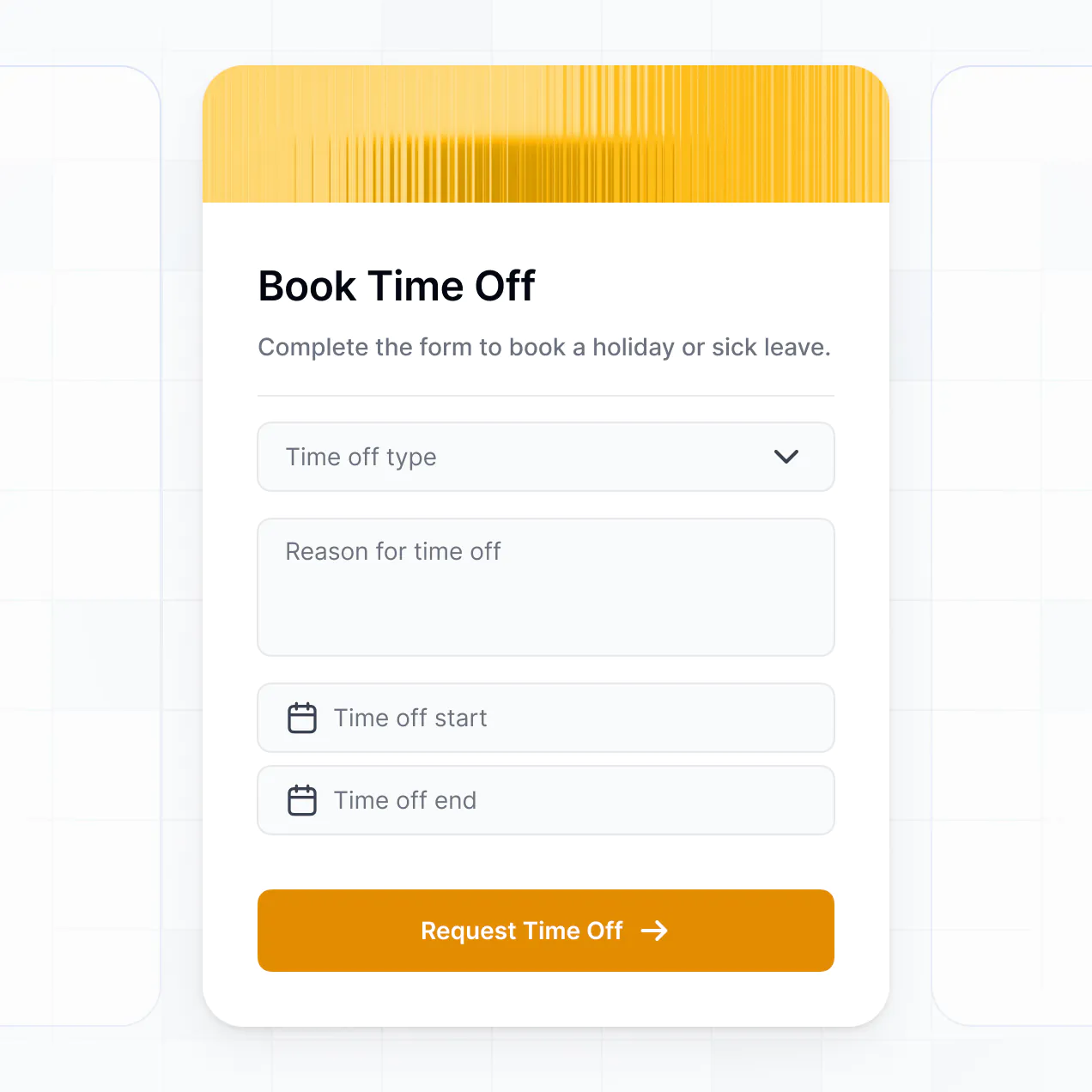
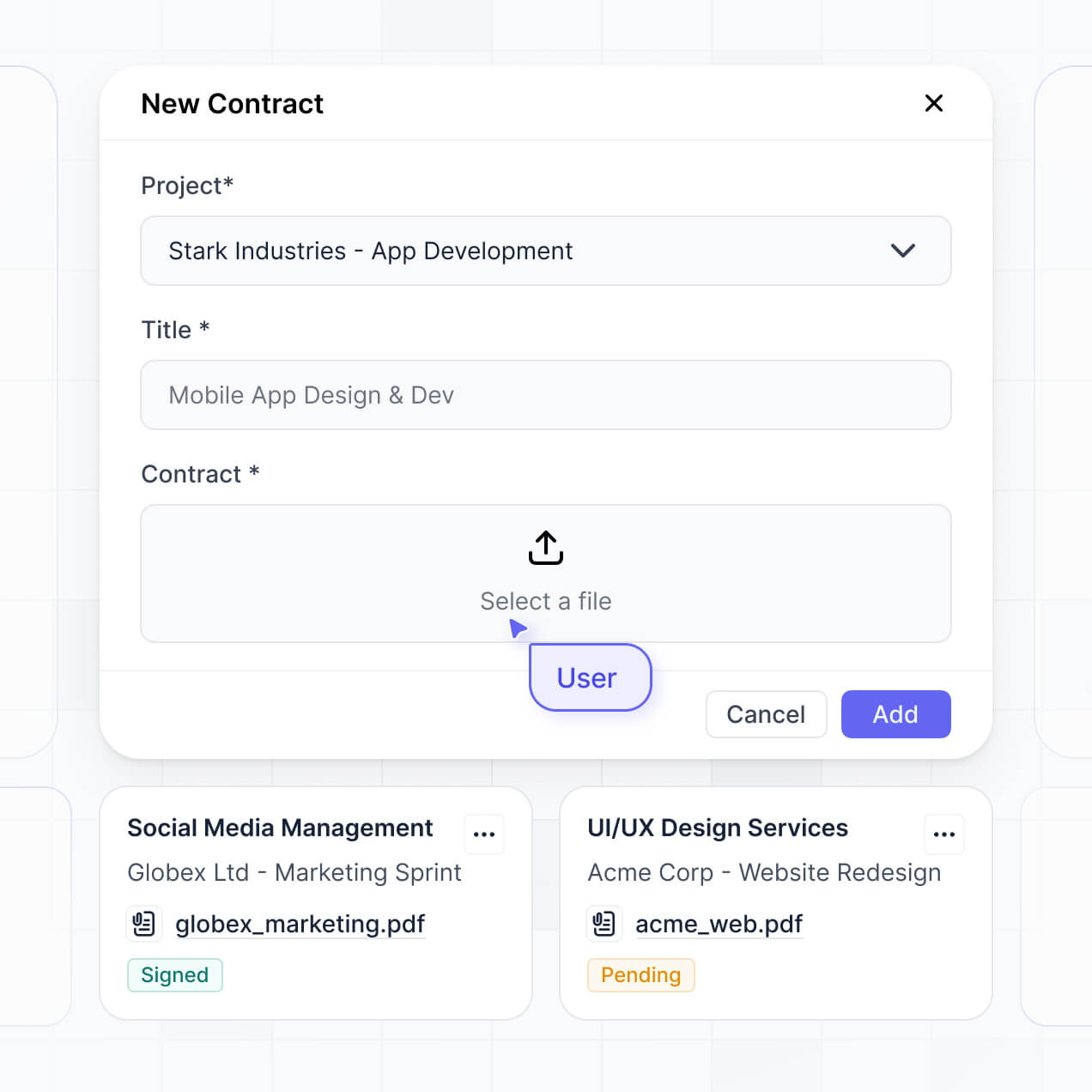
Track repositories, analyze commits, and monitor activity in an AI-powered tool built with AI to fit your dev team's precise workflow.
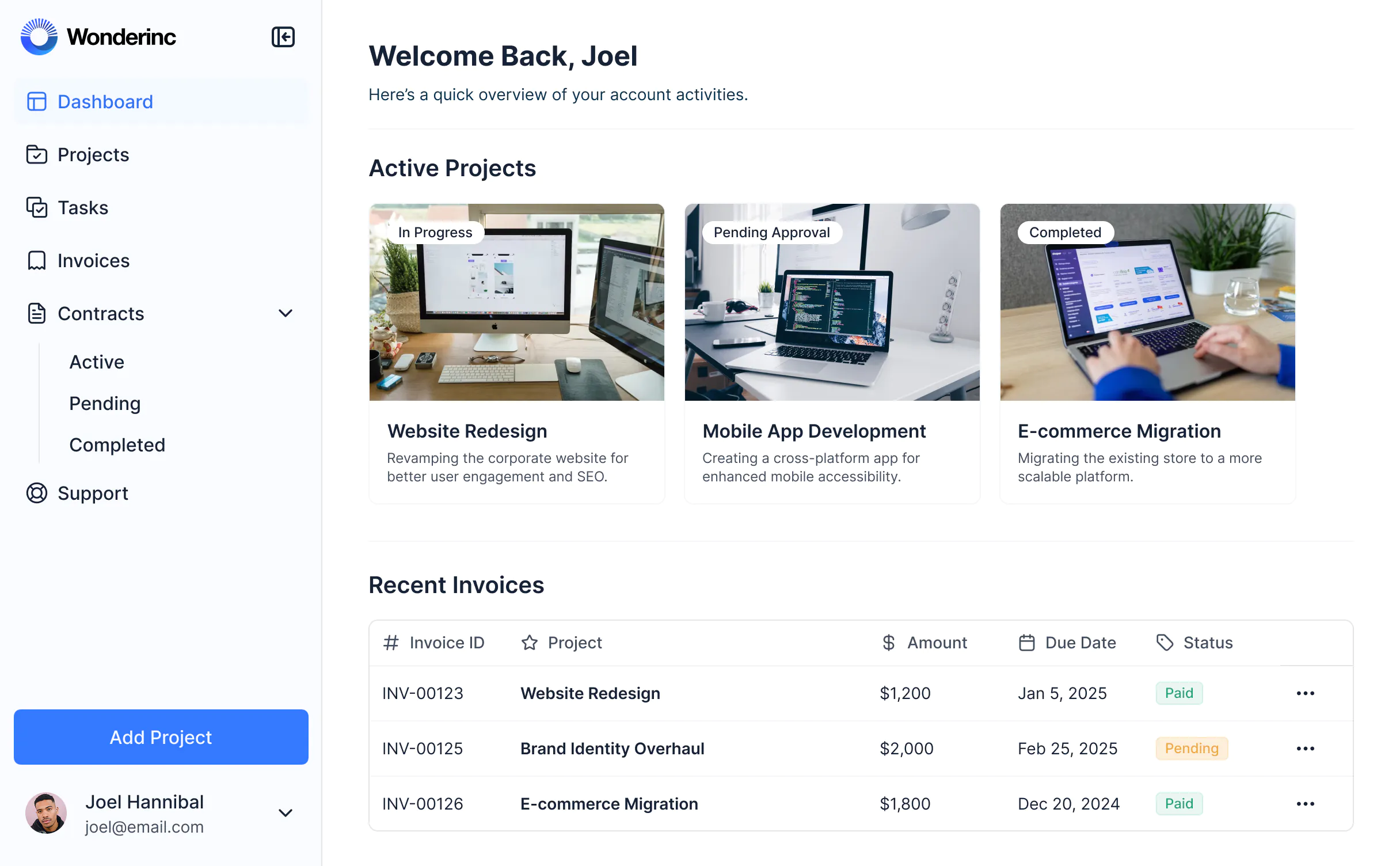



Customize an overview tool that looks sleek out of the box. Add only the status views you need, and iterate as your team's workflows evolve.


Connect repositories, task trackers, and engineering systems with real-time sync—or manage everything in Softr Databases. Create one source of truth for your codebase.
Give each teammate the right repos and access. Set up secure logins, user groups, and granular permissions—no IT support or dev work needed.
Give different engineering pods tailored access and commit dashboards, so each developer sees just the repositories and pull requests they need.
Streamline your review processes with Softr Workflows. Trigger native status alerts based on commit activity or data changes to keep development moving.
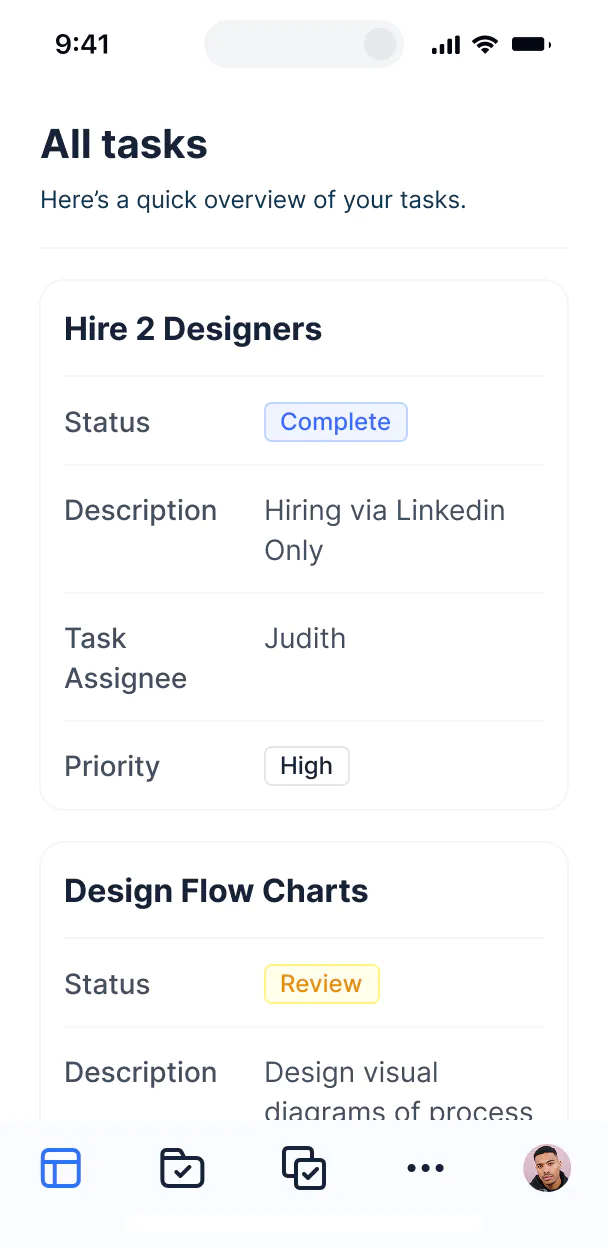
Access and update your version control overview tool on the go. Monitor repository status and activity dashboards on any mobile device out of the box.
Use Google, email, or SSO logins to give your engineering team fast, secure access to repository data—no internal IT tickets needed.
Keep sensitive codebase metadata safe with SOC2 and GDPR compliance, plus fine-tuned access control at every level to protect your software assets.
No more one-size-fits-all tools or costly custom builds. Softr is easy to use and fully customizable, so you can launch faster, adapt as you grow, and skip the complexity of traditional software.

Build your version control overview tool in minutes with AI—no manual configuration or setup time needed.

Add features like merge oversight, documentation sync, or automated alerts as your team growing—no rebuild needed.

Start with a code overview tool, then add team dashboards, forms, or project tools—all in one place.
Co-build with AI
Simply describe what you need. Let Softr handle everything - Interface, database, workflows.
Iterate with AI or visually
Control most critical parts of your app yourself - roles, permissions, security.
Ship the same day
Invite team members or external clients and partners right away. No developer handover.
Use drag-and-drop blocks to build a portal that looks sleek and modern out of the box. Add only the features you need, and iterate as your workflows evolve.




A version control overview tool is a centralized internal dashboard where your engineering leads and product managers can monitor repository activity, pull requests, and commit histories across multiple projects. it consolidates metadata from various branches and repositories into one secure view, eliminating the need to constantly switch between GitHub, GitLab, or Bitbucket. This makes it easier to track development velocity, ensure code reviews are moving forward, and provide a clear synchronization point for the entire technical team.
Softr is the first AI-native platform for building business software, making it uniquely suited to create an internal tool that matches your dev team's specific workflow. You can describe your reporting requirements to the AI Co-Builder to instantly generate your repository database, activity logs, and filtering logic—all while staying connected to your existing infrastructure.
You don't need to write custom code to build this interface. You can generate the initial setup with AI, use a pre-built developer tool template, or build from scratch. The app runs on Softr Databases for high-performance internal tracking, but you can also connect external sources like Airtable or SQL databases where you might store Jira tickets or deployment metadata. You have full granular control over the layout, defining who can see sensitive commit data or deployment logs, and styling it to match your internal engineering brand.
You can include a wide range of features to streamline your engineering oversight, depending on your team's size and stack. A great version control overview app usually mixes functional tracking blocks with AI-driven insights:
- AI-Powered Intelligence – Use Ask AI to query merge frequency trends or use Database AI Agents to automatically summarize complex commit messages into plain-language progress reports.
- Vibe Coding Blocks – Create custom UI elements—like a real-time repository health meter or a custom velocity chart—using the AI Code block to generate the exact visualization your team needs.
- Softr Workflows – Build native automations, such as a Slack notification trigger when a high-priority pull request has been sitting idle for more than 24 hours.
- User Portals & Logins – Ensure that junior developers, team leads, and CTOs each have a personalized view with appropriate access to private repository data.
- Forms & Data Collection – Add internal feedback forms for peer reviews or deployment checklists with file upload capabilities.
- Dashboards & Charts – Visualize team throughput, cycle times, and bug-fix ratios with real-time charts and visual summaries.
- Lists & Advanced Filtering – Manage your backlog and active branches with searchable Kanban boards for features or detailed list views of outstanding PRs.
Everything is built using Softr’s drag-and-drop mechanics, so you can adapt your tool as your engineering processes evolve without needing a dedicated software engineer to maintain the internal tool itself.
Vibe coding is about leveraging AI to bridge the gap between your requirements and a functional tool. You can "vibe code" a version control overview tool in Softr by describing your specific tracking metrics—like team velocity and branch aging—to the AI Co-Builder. Softr then generates a structured app with the necessary data logic and security measures in place.
Unlike building a custom dashboard from scratch which requires managing raw frontend code and complex API calls, Softr handles the core requirements—like developer authentication and data protection—natively. This allows you to focus on the "vibe" of the data visibility you want while Softr ensures the underlying internal tool is stable and production-ready for your engineering team.
Yes. You can manage multiple engineering teams, squads, or even separate product departments in a single tool. Each developer or manager only sees the repository data, branch status, and performance metrics assigned to their specific team based on their role and permissions. This is ideal for organizations with complex microservices or multiple distinct product lines.
Yes, you can. While most teams use this as a dashboard for external data, you can start from scratch using Softr Databases to manually track project milestones and versioning notes. This built-in database integrates perfectly with the application layer and allows for rapid setup of internal tracking systems.
However, if you already store development metadata or task lists in Airtable, Google Sheets, HubSpot, or SQL databases, you can connect those directly. You can even use the REST API connector to ingest data from your CI/CD pipeline. No matter where your data lives, you have total control over how it is categorized and displayed on your dashboard.
Softr Databases is the recommended native data source for your version control overview tool, offering the speed and automation triggers necessary for tracking fast-moving development cycles. Because the data is native to the platform, the experience for your engineering leads will be lightning-fast.
If your project management data is stored elsewhere, Softr connects to 17+ external sources. You can pull Jira tickets from Airtable, user feedback from HubSpot, or deployment logs from BigQuery and PostgreSQL. You can even combine sources, pulling repository metadata from one source and team member availability from another into a single, unified view with two-way sync.
Yes, Softr provides robust control over the internal user experience. You can tailor the dashboard layout and navigation to match your engineering team’s specific needs. Every block and data table can be visibility-toggled based on the user’s role, ensuring that sensitive codebase details are only visible to authorized personnel.
You can set up roles like "Lead Engineer," "Junior Developer," or "Product Owner" with specific editing rights. For instance, a Lead Engineer might have permission to update deployment status, while a Product Owner can only view the timeline. You can also create personalized views that filter commit lists based on the logged-in user’s current assignments, keeping the interface clean and context-aware.
Yes, you can fully white-label your internal tool. Even though it is for internal use, you can apply your company's branding, custom developer-portal colors, and use your own subdomain (e.g., dev-ops.yourcompany.com). You can remove all Softr branding to provide a professional, integrated experience that feels like a native part of your company's proprietary tool suite.
Yes, you can. Softr offers high flexibility regarding the visual organization of your data. You can adjust the themes, typography, and page structure to make your version control metrics easy to read at a glance. You decide exactly which blocks represent your data and where they sit on the page.
To build your overview, you can utilize various functional blocks:
- Table blocks – To show structured commit histories or a list of active branches.
- List or Card blocks – To highlight individual repository statuses or feature flagship cards.
- Detail View – To dive deep into a single pull request or deployment record.
- Forms – For submitting bug reports or incident post-mortems.
- Charts – To visualize team velocity or code coverage percentages.
- Calendar blocks – To track release schedules and freeze periods.
You can easily modify these layouts in the visual editor as your team’s reporting requirements change over time.
Security is a top priority for Softr, especially when handling technical metadata. All data is encrypted using TLS in transit and at rest. You benefit from role-based access control, allowing you to manage precisely which engineering roles can see or modify specific repository details, all managed through your primary data source.
For teams using Softr Databases, your internal tool data is stored in a SOC 2 Type II compliant environment hosted in Germany. For those connecting to external technical databases like SQL or Airtable, Softr acts as a secure presentation layer, displaying data in real time without storing a separate copy of your codebase metadata on our servers. This ensures you maintain full sovereignty over your sensitive technical infrastructure data.
It is fully production-ready. While other AI generators create "one-off" code that is difficult to maintain, Softr builds your version control overview tool on a battle-tested, business-grade foundation.
We provide the essential infrastructure natively—including developer authentication, secure hosting, and complex permissions—so you don't have to build them yourself. This eliminates the maintenance burden typically associated with AI-generated tools. Your dashboard is scalable and ready to handle your full engineering team’s daily traffic from the moment it is generated.
Softr is the first AI-native platform designed for building sophisticated business software quickly. Unlike standard no-code tools that require manual wiring of every component, or AI tools that offer raw, unstable code, Softr’s AI Co-Builder generates a functioning app on a secure infrastructure.
This hybrid approach allows engineering teams to move from a concept to a functional internal tool in minutes, then use visual tools to fine-tune the UI. You get the speed of AI combined with enterprise-grade reliability (including SSO support and granular roles), making it the perfect choice for non-technical managers and busy engineers who need a production-grade tool without the development overhead.
Yes. Softr supports native workflows and deep integrations to connect your overview tool with your entire DevOps stack. You can automate internal tasks using Softr Workflows or integrate with tools like Slack for alerts and Stripe for billing-related development usage. Softr also supports webhooks and a REST API for advanced technical automation.
Whether you need to trigger a CI/CD pipeline via a button click in your portal or pull in real-time bug alerts from another system, you can build these interactions into your version control tool without writing a single line of code.
Building and customizing your version control overview tool is easy. Get started free—no code needed.