Track revenue, monitor rep metrics, and forecast growth in an AI-powered system built with AI to fit your sales team's workflow.
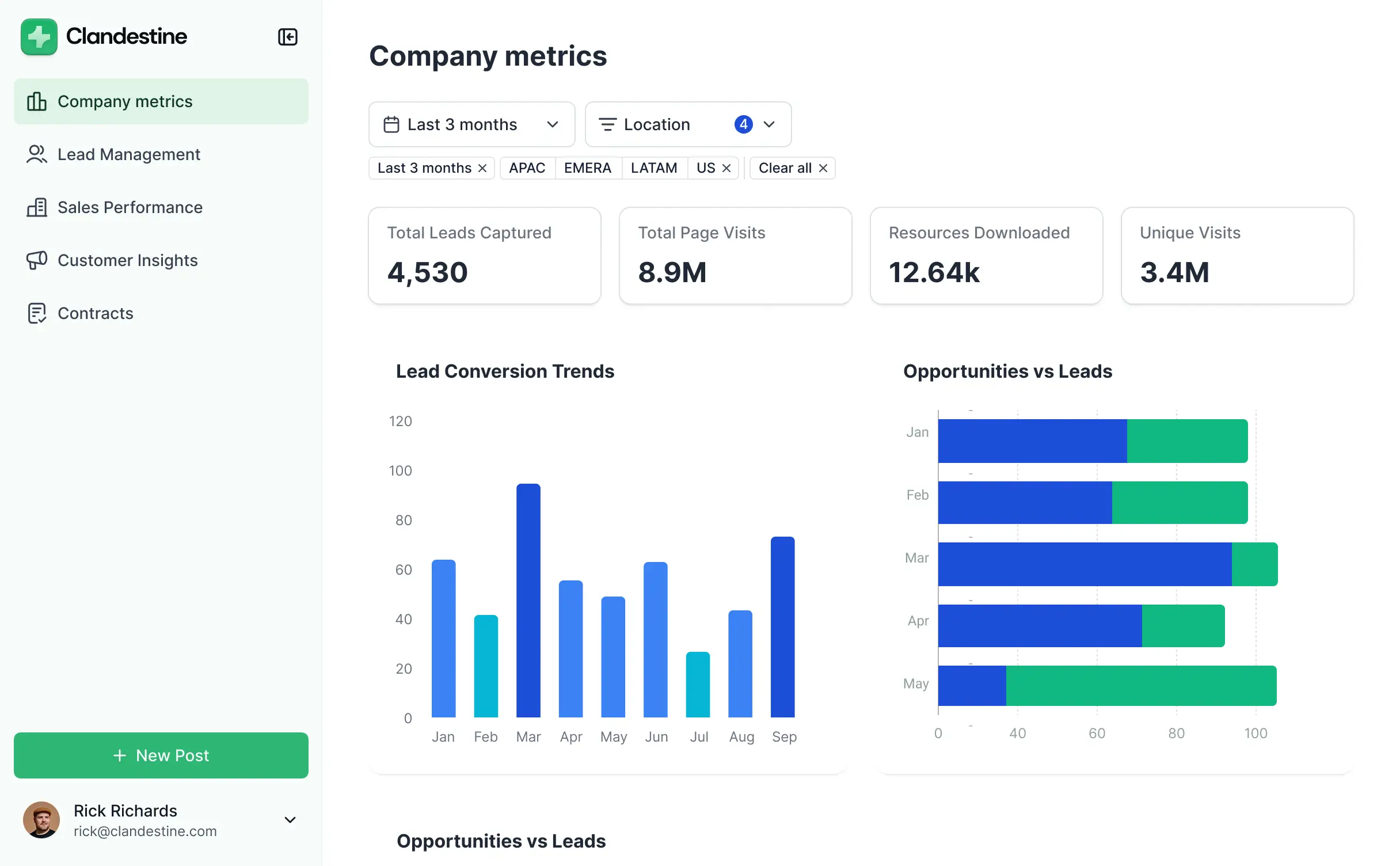

Customize your sales performance dashboard with the exact charts and metrics your team needs. Add features as goals evolve—no code needed.


Connect CRM data, spreadsheets, and lead sources with real-time sync—or manage everything in Softr Databases. Create one single source of truth for your business.
Give each sales leader the right views and metrics. Set up secure logins, user groups, and granular permissions—no IT support or dev work needed.
Give different managers and reps tailored dashboards, so each role sees just the metrics and pipeline data they need to hit their targets.
Streamline your reporting with Softr Workflows. Trigger native notifications or status updates automatically when sales goals are met or changed.
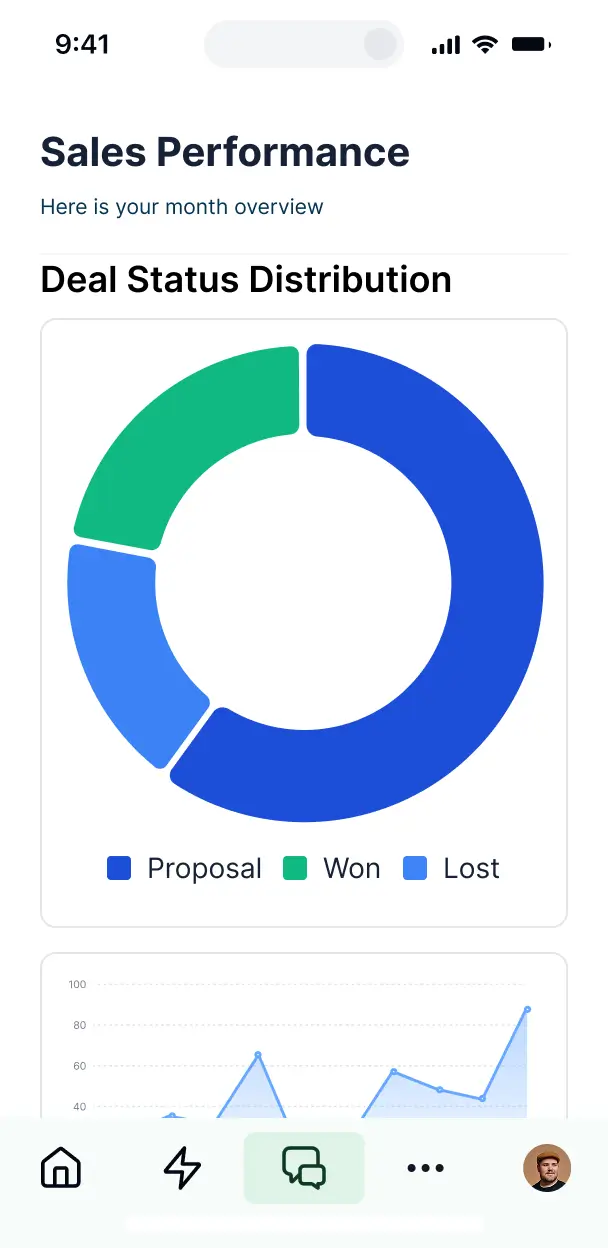
Access and update your sales performance metrics on the go. All dashboards are mobile-ready out of the box for teams in the field.
Use Google, email, or SSO logins to give your sales team fast, secure access to their performance data—no IT tickets needed.
Keep internal sales data safe with SOC2 and GDPR compliance, plus fine-tuned access control to ensure data privacy at every level.
No more one-size-fits-all tools or costly custom builds. Softr is easy to use and fully customizable, so you can launch faster, adapt as you grow, and skip the complexity of traditional software.

Build your sales performance dashboard in minutes with AI—no manual configuration or dev time needed.

Add features like win-loss analysis, regional reports, or forecasting as your sales process evolves.

Start with a performance dashboard, then add a CRM, lead forms, or deal trackers—all in one place.
Co-build with AI
Simply describe what you need. Let Softr handle everything - Interface, database, workflows.
Iterate with AI or visually
Control most critical parts of your app yourself - roles, permissions, security.
Ship the same day
Invite team members or external clients and partners right away. No developer handover.
Use drag-and-drop blocks to build a portal that looks sleek and modern out of the box. Add only the features you need, and iterate as your workflows evolve.




A sales performance dashboard is a secure, visual space where your sales team and management can track key metrics like revenue targets, conversion rates, and pipeline health in real-time. It consolidates data from various stages of the sales cycle into one centralized view, eliminating the need for manual reporting and endless spreadsheets. This organization allows sales managers to identify trends quickly and helps reps focus on the highest-value opportunities.
Softr is the first AI-native platform for building business software, making it the ideal choice for creating a sales performance dashboard that matches your specific sales process. You can describe your sales metrics and KPIs to the AI Co-Builder to instantly generate your database, tracking pages, and reporting logic—all fully connected and secure.
You don't need any coding skills to get started. You can generate the dashboard with AI, use a sales management template, or build from scratch. Everything runs on Softr Databases, or you can seamlessly connect existing data from tools like HubSpot, Salesforce via Airtable, or Google Sheets. You have total visual control to brand the dashboard to your company and define exactly which reps see which territories, ensuring it grows as your sales team expands.
You can incorporate a variety of advanced features into your sales performance dashboard to drive better decision-making. A high-performing dashboard usually combines functional data blocks with AI-driven insights:
- AI-Powered Intelligence – Use Ask AI to let managers query their sales data via natural language, or deploy Database AI Agents to automatically summarize weekly lead performance or highlight accounts at risk of churning.
- Vibe Coding Blocks – Create custom visualizations—like a personalized sales commission calculator or a territory heat map—by using the AI Code block to generate exactly what you need with just a description.
- Softr Workflows – Set up automated alerts that trigger Slack notifications or update CRMs whenever a deal reaches a specific probability or a quarterly goal is met.
- Role-Based Access – Ensure sales reps only see their own individual quotas and leads while the VP of Sales has a global view of all regional performance.
- Forms & Lead Intake – Capture new leads or account updates directly through custom forms with validation logic.
- Charts & Graphs – Visualize monthly recurring revenue (MRR), win/loss ratios, and average deal size with dynamic charts.
- Kanban & Filters – Manage your deal stages with searchable kanban boards and filter by date, region, or lead source.
Vibe coding allows you to build a sophisticated sales performance dashboard at lightspeed using AI. You can "vibe code" your dashboard by describing your specific reporting requirements—such as tracking pipeline velocity or rep activity—to the AI Co-Builder. Softr then generates a structured, production-ready app on a robust and secure foundation.
While other AI tools might produce buggy, unmaintainable code for charts and filters, Softr handles the critical infrastructure like user authentication and secure database syncing natively. This gives you the rapid speed of AI generation without the risk of fragile code breaking your reporting. You describe the sales metrics you want to see, Softr builds the interface, and your team can start tracking results immediately.
Yes. You can manage multiple sales teams, regions, or departments within a single dashboard. By using Softr's robust permissions, each sales rep only sees their own territory and quota data, while regional managers can see the performance of their specific teams. This setup is perfect for growing organizations that need a unified reporting source without compromising data privacy between competing teams.
Yes, you can. You don't need to have an existing CRM or spreadsheet to start building your sales performance dashboard. If you're starting fresh, you can use Softr Databases, which is built directly into the platform and optimized for high-performance reporting and data entry.
However, if your sales data lives in Airtable, Google Sheets, HubSpot, or SQL databases, you can easily connect those as well. You can even use the REST API to pull in sales figures from custom backends. You have complete flexibility over how your sales activity is structured and visualized for your team.
Softr Databases is the recommended native data source for your sales performance dashboard. It is designed for business software, providing the speed and reliability needed for real-time tracking and instant automation of sales triggers.
Softr also connects to over 17 external sources if your data is elsewhere. You can sync with HubSpot for lead data, Google Sheets for historical forecasts, or Snowflake and BigQuery for large-scale enterprise data. You can even combine sources—for example, pulling lead status from HubSpot and commission data from Softr Databases into the same dashboard. Most integrations support two-way sync, keeping your sales funnel updated everywhere automatically.
Yes, Softr provides granular control over the user experience of your sales performance dashboard. You can tailor the layout and navigation based on user roles, ensuring that a Sales Development Rep sees a lead-focused view while an Account Executive sees active deals. Each block or page can be restricted so that sensitive revenue data is only accessible to authorized personnel.
You can define roles like 'Sales Rep', 'Manager', and 'Executive', setting specific permissions for who can view, edit, or delete sales records. For instance, reps can manage their own pipeline, but only managers can approve discounts or change sales targets. This customization ensures a clean, relevant experience that protects your organization's sensitive financial data.
Yes, you can fully white-label your sales performance dashboard in Softr. You can incorporate your own company logo, brand colors, and corporate fonts, and host it on a custom domain (e.g., dashboard.yourcompany.com). By removing Softr branding, you create a professional, internal tool that looks and feels like proprietary software developed specifically for your sales organization.
Yes, Softr offers extensive flexibility to modify the design and layout of your sales reporting. You can adjust the visual theme to match your brand and arrange components to prioritize the metrics your team cares about most. You can determine exactly what displays upon login and how data is structured visually.
To build your sales view, you can use various functional blocks:
- Table blocks – to display detailed deal logs, lead lists, or recent transactions.
- Card blocks – to highlight top-performing reps or active sales campaigns.
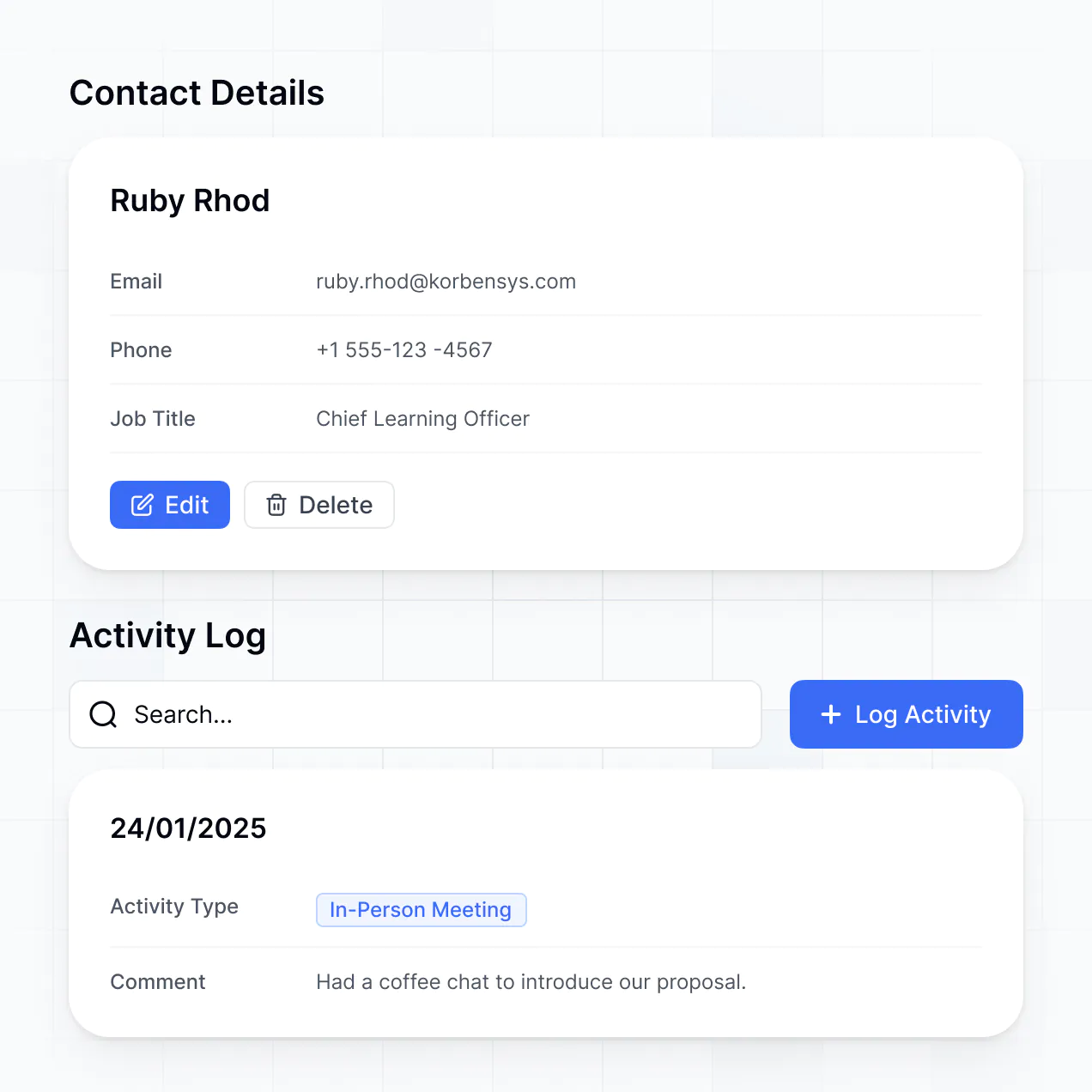
- Detail View – to provide a deep dive into an individual account's history and notes.
- Forms – for reps to quickly log call notes or update deal stages.
- Charts – to represent quarterly revenue versus quota and lead conversion funnels.
- Calendar blocks – to keep track of upcoming prospect demos or closing dates.
The visual builder makes it simple to drag-and-drop these elements and update the layout as your reporting needs evolve.
Security is a core priority for Softr. All sales data is encrypted in transit and at rest, with hosting on enterprise-grade infrastructure. You maintain absolute control over data visibility through role-based permissions, ensuring that sensitive information like deal margins or client contact details is only visible to the right people.
If you use Softr Databases, your data is stored in a SOC 2 Type II compliant environment based in Germany. If you link to external tools like Salesforce or Airtable, Softr acts as a secure interface, displaying your data in real-time without permanently storing it on our servers. This architecture allows you to apply strict security rules and global visibility settings across your entire sales organization.
It is fully production-ready for your sales team. Unlike many AI generators that produce 'vibe code'—raw, unvetted scripts that are difficult to secure—Softr builds your sales dashboard on top of a proven, professional framework.
We provide the critical 'Day Two' features natively, such as secure login, territory-based permissions, and stable data syncing. This means you get the benefit of instant AI builds without the maintenance burden of manual code. Your dashboard is scalable and secure enough to be used by hundreds of sales reps from the moment it is generated.
Softr is the first AI-native platform specifically designed for business apps like sales dashboards. Most tools either offer 'vibe coding' that is too fragile for business data, or traditional no-code that takes weeks to configure. Softr's AI Co-Builder bridges this gap by creating your sales database and interface in minutes on a production-ready foundation.
This hybrid approach allows sales operations teams to move fast with AI while keeping the reliability of a visual editor for precise tweaks. With built-in authentication and advanced permissioning, Softr is designed for teams that need to move from a reporting concept to a fully deployed internal tool in a single day.
Yes. Softr allows you to build powerful native workflows and connect your sales performance dashboard to your entire tech stack. You can automate repetitive tasks like sending performance summaries via Softr Workflows or integrate with Stripe to sync actual payment data with your sales targets.
Whether you need to trigger a 'congrats' email via Make/Zapier when a deal is closed or fetch real-time stock levels from an ERP, you can build these integrations directly into your dashboard. Softr’s support for REST APIs and webhooks ensures that your sales reporting is always synced with your marketing and finance systems without any manual coding.
Go from idea to a live dashboard in under an hour. Build and customize your reporting without code.