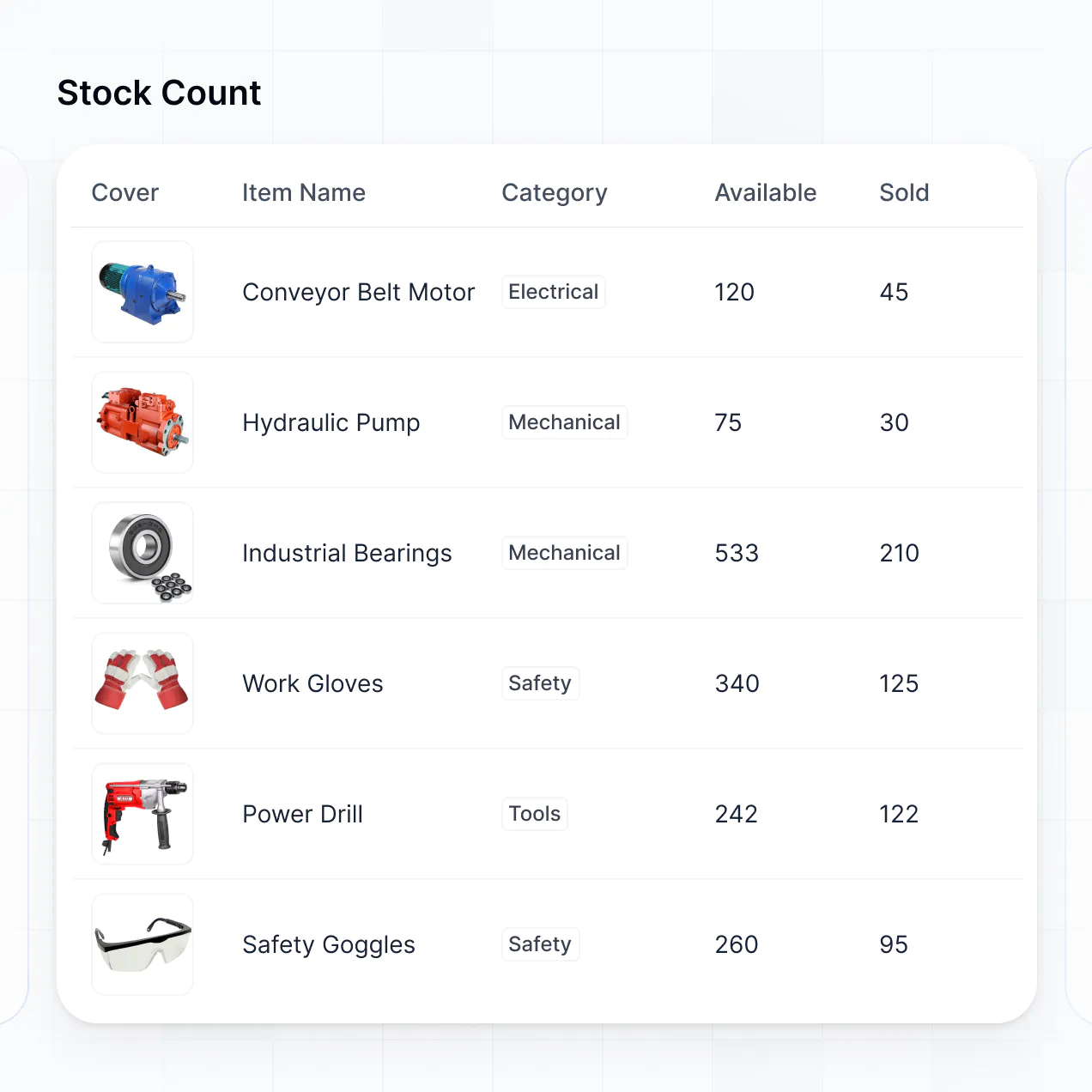
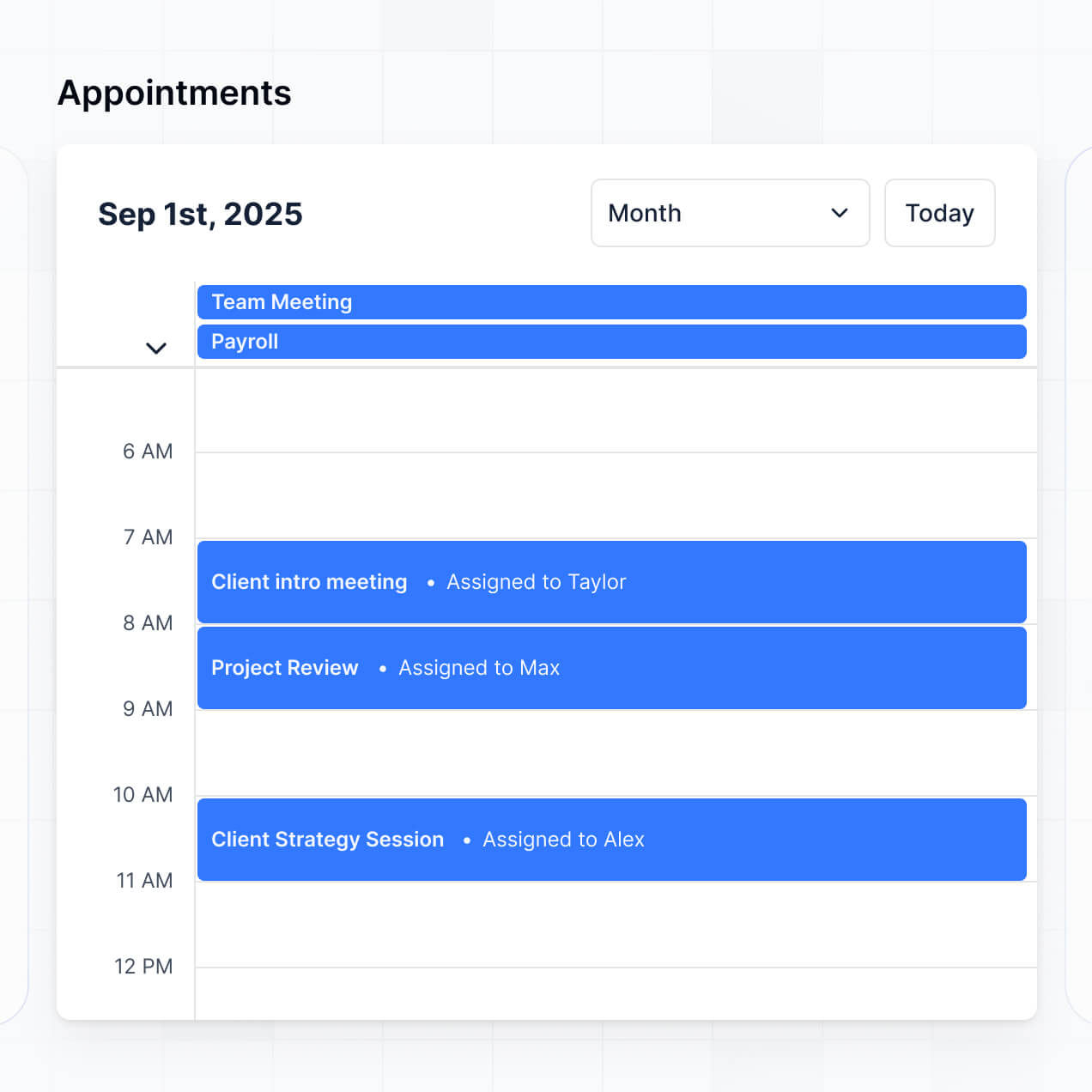
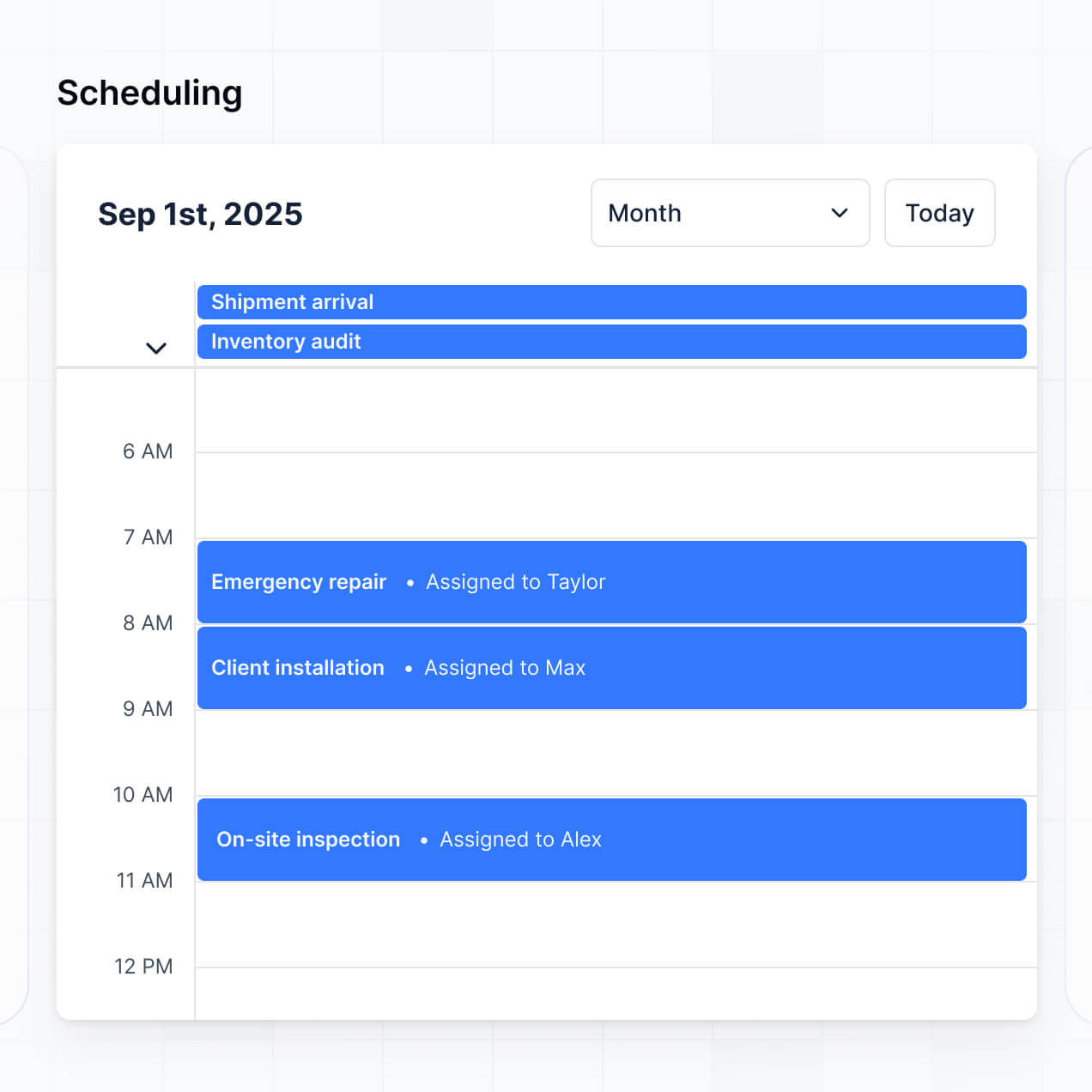
Track equipment, manage bookings, and coordinate deliveries in an AI-powered system built with AI to fit your event management workflow.
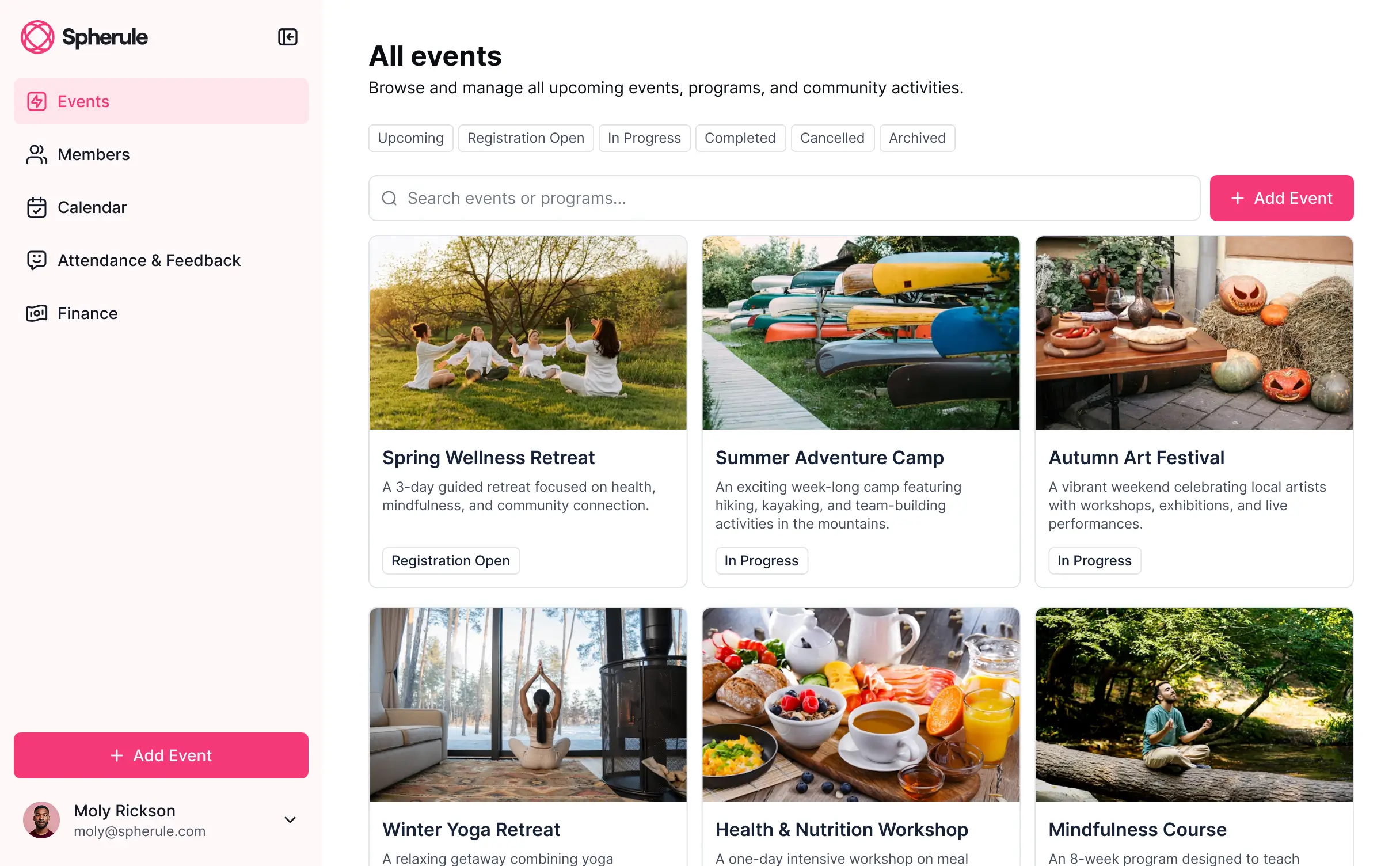
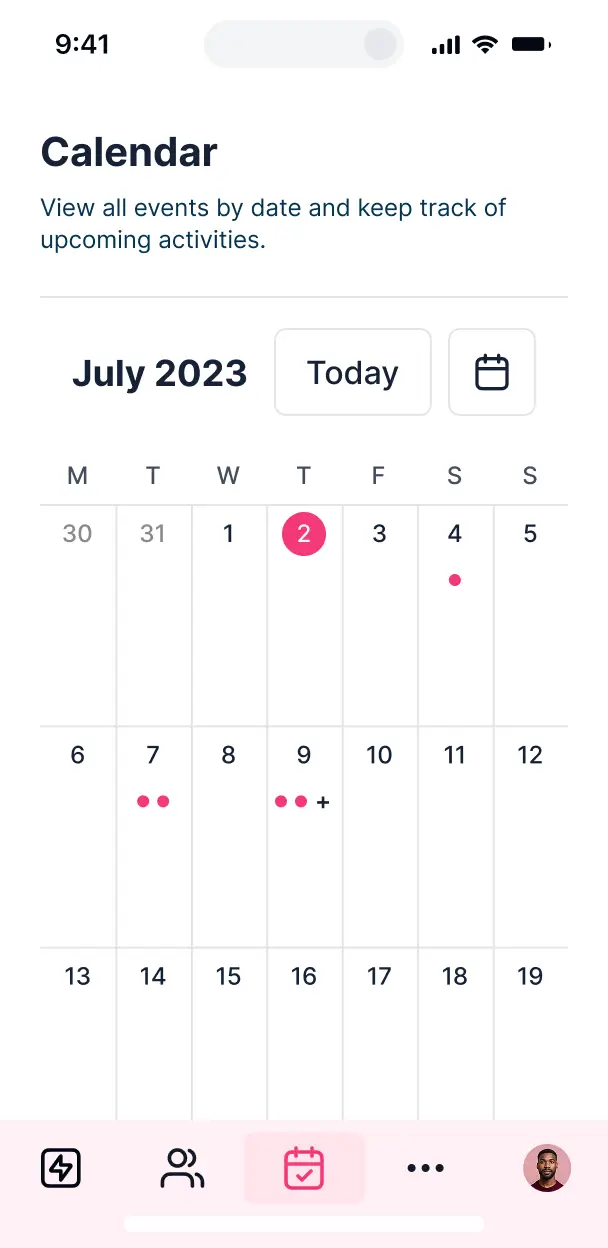

Customize a free party rental software setup with the exact steps and views your team needs. Add features as processes evolve—no code needed.


Connect equipment lists, customer bookings, and schedules with real-time sync—or manage everything in Softr Databases. Create a single source of truth for your business.
Give each teammate the right tools and access. Set up secure logins, user groups, and granular permissions—no IT support or dev work needed.
Give warehouse staff, sales reps, and delivery drivers tailored dashboards, so each role sees just the equipment and orders they need.
Streamline your operations with Softr Workflows. Trigger native automations for booking confirmations or low-stock alerts to keep rentals smooth.
Access and update your party rental inventory on the go. All apps are mobile-ready out of the box for drivers and onsite event staff.
Use Google, email, or SSO logins to give your event team fast, secure access to the rental database—no IT tickets needed.
Keep customer and rental data safe with SOC2 and GDPR compliance, plus fine-tuned access control at every level of your internal tool.
No more one-size-fits-all tools or costly custom builds. Softr is easy to use and fully customizable, so you can launch faster, adapt as you grow, and skip the complexity of traditional software.

Build your free party rental software in minutes with AI—no manual configuration or complex setup required.

Add features like online booking, maintenance tracking, or reporting as your event business grows—no rebuilding.

Start with inventory tracking, then add client portals and team dashboards—all in one place with no extra tools.
Co-build with AI
Simply describe what you need. Let Softr handle everything - Interface, database, workflows.
Iterate with AI or visually
Control most critical parts of your app yourself - roles, permissions, security.
Ship the same day
Invite team members or external clients and partners right away. No developer handover.
Use drag-and-drop blocks to build a portal that looks sleek and modern out of the box. Add only the features you need, and iterate as your workflows evolve.




Free party rental software is a digital hub designed to manage your event inventory, bookings, and customer details without the high cost of traditional industry platforms. Instead of tracking high-demand items like bounce houses, linens, and tents through messy spreadsheets or paper logs, this software centralizes your stock levels and availability in one secure location. It streamlines how your team checks equipment in and out, reducing double-bookings and ensuring a smoother experience for your rental customers.
Softr is the first AI-native platform for building business software, making it uniquely suited to create custom inventory apps for the rental industry. You can simply describe your inventory needs to the AI Co-Builder to instantly generate a database, item pages, and booking logic that are perfectly synchronized and secure.
You don't need any coding skills to get started. Softr allows you to kick off your project with AI, choose a specialized rental template, or build from the ground up. The system runs on Softr Databases—a native, relational database—or can connect to your existing equipment lists in Airtable, Google Sheets, or HubSpot. You have complete visual control to brand the interface with your rental company's logo and colors, ensuring the software grows alongside your expanding fleet of party gear.
You can incorporate a variety of specialized features into your software to match your specific rental workflow. A robust inventory app built on Softr typically combines professional tracking blocks with AI-driven functionality:
- AI-Powered Intelligence – Use Ask AI to let your warehouse team query stock levels via chat, or deploy AI Agents to automatically categorize new equipment based on photos or descriptions.
- Vibe Coding Blocks – Create custom UI components, such as an interactive availability calendar for specific party packages, using the AI Code block to build exactly what your business requires.
- Softr Workflows – Set up native automations, like an automatic restock notification that triggers when your inventory of white folding chairs drops below a certain threshold.
- User Portals – Provide secure logins for staff to update order statuses or for repeat event planners to view their rental history.
- Forms & Data Collection – Manage intake with custom booking forms that include damage reports, site photos, and digital signatures.
- Dashboards & Charts – Visualize your most profitable rental items and seasonal trends with real-time performance summaries.
- Lists & Advanced Filtering – Organize your gear with searchable tables and Kanban boards to track items from 'In Maintenance' to 'Out for Delivery'.
All these features are built using drag-and-drop blocks, but you can always use Vibe Coding to add unique logic for complex rental calculations.
Vibe coding is the fastest way to turn an idea into a functional rental system by using AI to handle the technical heavy lifting. You can "vibe code" your party rental software by describing your specific rental rules—like weekend pricing or delivery zones—to the AI Co-Builder. Softr then generates a production-ready inventory app on a secure foundation.
While other tools might give you raw code that breaks easily, Softr provides the essential infrastructure—like secure staff logins and inventory database structures—natively. You focus on the 'vibe' of how your event business should run, and Softr builds the backend. This means you get a professional tool for your team to use at the warehouse or on-site without the headache of manual coding.
Yes. You can manage multiple inventory hubs or different delivery crews within a single Softr application. By using role-based permissions, warehouse staff can be restricted to their specific local stock, while delivery drivers only see the daily routes and rental items assigned to them. This makes it a scalable solution for growing event businesses with multiple stakeholders or regional branches.
Absolutely. You don't need a pre-existing database to start building your rental platform. If you’re starting fresh, Softr Databases is built right into the platform, allowing you to create your item catalog, serial numbers, and maintenance schedules directly within the tool.
However, if you already have stock lists in Airtable, Google Sheets, or HubSpot, you can connect them in seconds. You can also utilize the REST API to pull in data from other logistics tools. Softr gives you the flexibility to structure your party rental data exactly how you want it, regardless of where it currently lives.
Softr Databases is the recommended native data source for party rental software. It is a relational database designed for business operations, providing high-speed performance and instant automation triggers for real-time stock updates.
If your rental data is already stored elsewhere, Softr connects to over 17 external sources, including Airtable, Google Sheets, SmartSuite, and BigQuery. You can even combine sources—for example, storing your primary equipment list in Softr Databases while pulling customer CRM data from HubSpot. Most connections feature two-way sync, ensuring that when an item is marked 'returned' in your app, it is updated across all your connected systems.
Yes, Softr offers deep customization for both the user interface and data access. You can tailor the design and layout to match your rental brand's aesthetic. More importantly, you can control visibility at the block or page level so that different team members see only what is necessary for their role.
For instance, you can create a 'Driver' role that only sees delivery addresses and item checklists, while an 'Admin' role can view financial reports and edit inventory pricing. This ensures your sensitive business data stays secure while providing a clean, focused experience for your staff on the ground.
Yes, you can fully white-label your rental inventory software in Softr. By using your own custom domain, logo, and brand color palette, the application will look and feel like your company's proprietary technology. You can also remove any mention of Softr, providing a professional and seamless brand experience for your staff and high-end event clients.
Yes, Softr gives you extensive control over the visual presentation of your inventory. You can modify typography, spacing, and page hierarchy to suit your business workflow. You decide exactly which rental details are displayed and how users interact with the data.
You can use various functional blocks to show your gear:
- Table blocks – for dense lists of small inventory items like cutlery or glassware.
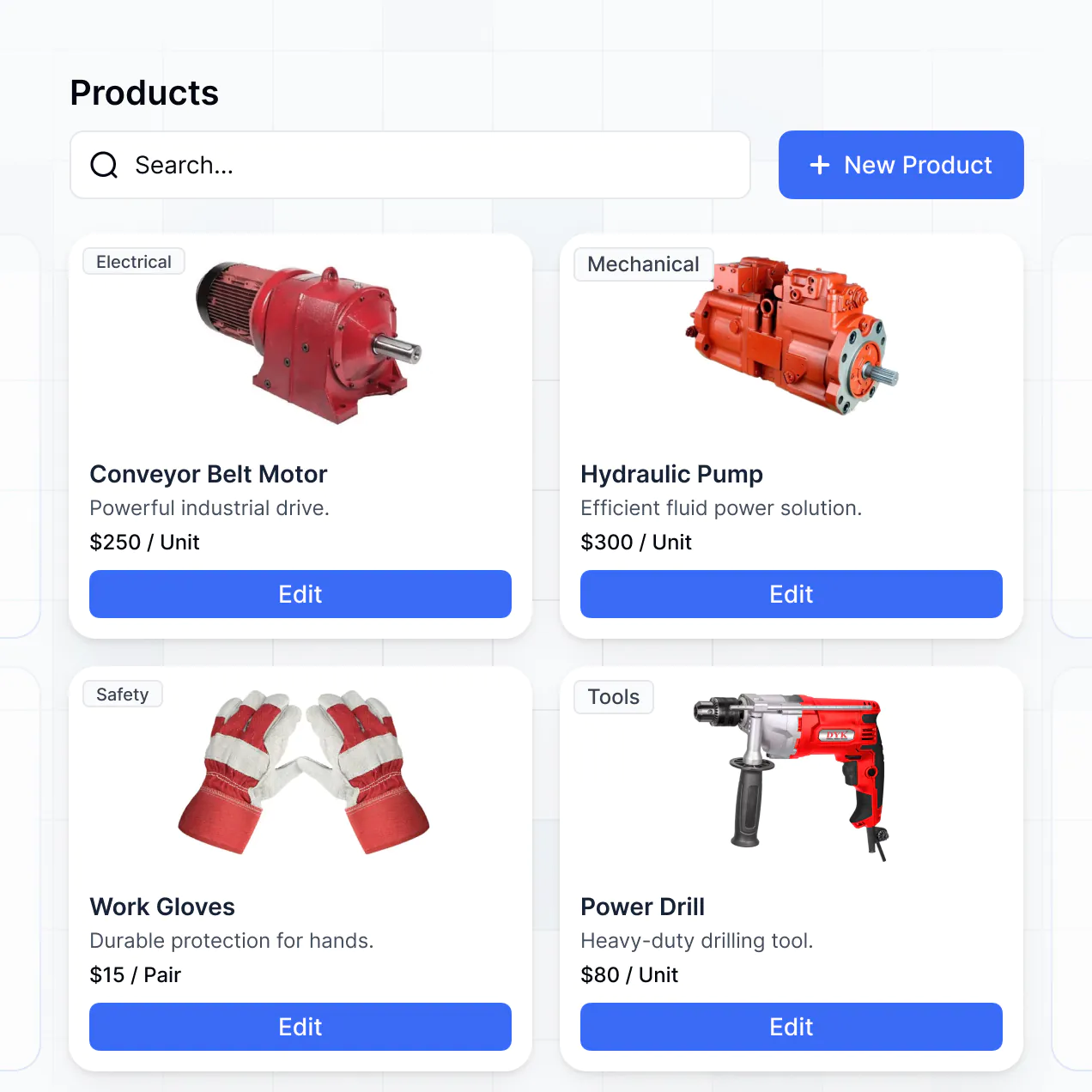
- Card blocks – to showcase high-value assets like photo booths or inflatable slides with images.
- Detail View – to provide a deep dive into specific item specs or maintenance history.
- Forms – to log equipment damage or new inventory arrivals.
- Charts – to track your rental utilization rates over the busy season.
- Calendar blocks – to visualize your booking schedule and return dates.
Changes are easy to implement via the visual editor whenever your catalog expands or your process evolves.
Security is a core component of the Softr platform. All data is encrypted both at rest and in transit, and hosted on high-reliability infrastructure. For party rental businesses handling customer contacts and high-value asset data, Softr provides robust role-based access controls to prevent unauthorized data manipulation.
If you use Softr Databases, your information is stored in a secure SOC 2 Type II compliant environment in Germany. If you link to external sources like Airtable or SQL, Softr merely displays that data in real-time based on your specific visibility settings rather than storing it locally. This ensures you maintain full ownership and control over your business-critical information at all times.
It is a fully production-ready application. Unlike experimental AI tools that produce unoptimized or fragile code, Softr generates your inventory system on a battle-tested, professional foundation.
Softr handles the essential backend work—including user authentication, hosting, and data security—natively. This means you avoid the typical technical debt associated with AI-generated software. Your rental management system is scalable, secure, and ready to handle real-world bookings and inventory tracking for your team from the moment it's generated.
Softr is the first AI-native platform specifically designed for building custom business software. While traditional free rental tools often force you into rigid templates, Softr's AI Co-Builder creates an app tailored to your specific inventory logic and workflows in minutes.
It offers a unique hybrid advantage: the speed of AI generation combined with the precision of a professional visual editor. You get a reliable, business-grade infrastructure (with built-in roles and permissions) that is typically only found in expensive enterprise software. It's the ideal choice for rental businesses that want to move from a basic spreadsheet to a sophisticated custom app instantly.
Yes. Softr supports native workflows and deep integrations to connect your inventory management with your entire business stack. You can automate repetitive tasks like sending return reminders via email, or integrate with Stripe to collect rental deposits directly through the app.
Softr also connects with tools like Intercom for customer support and supports webhooks or REST API for more technical requirements. This allows you to sync your inventory data with your accounting software or marketing tools without writing a single line of code, ensuring your rental business operates as a cohesive unit.
Describe what you need. Softr's AI builds your inventory and booking system in minutes.