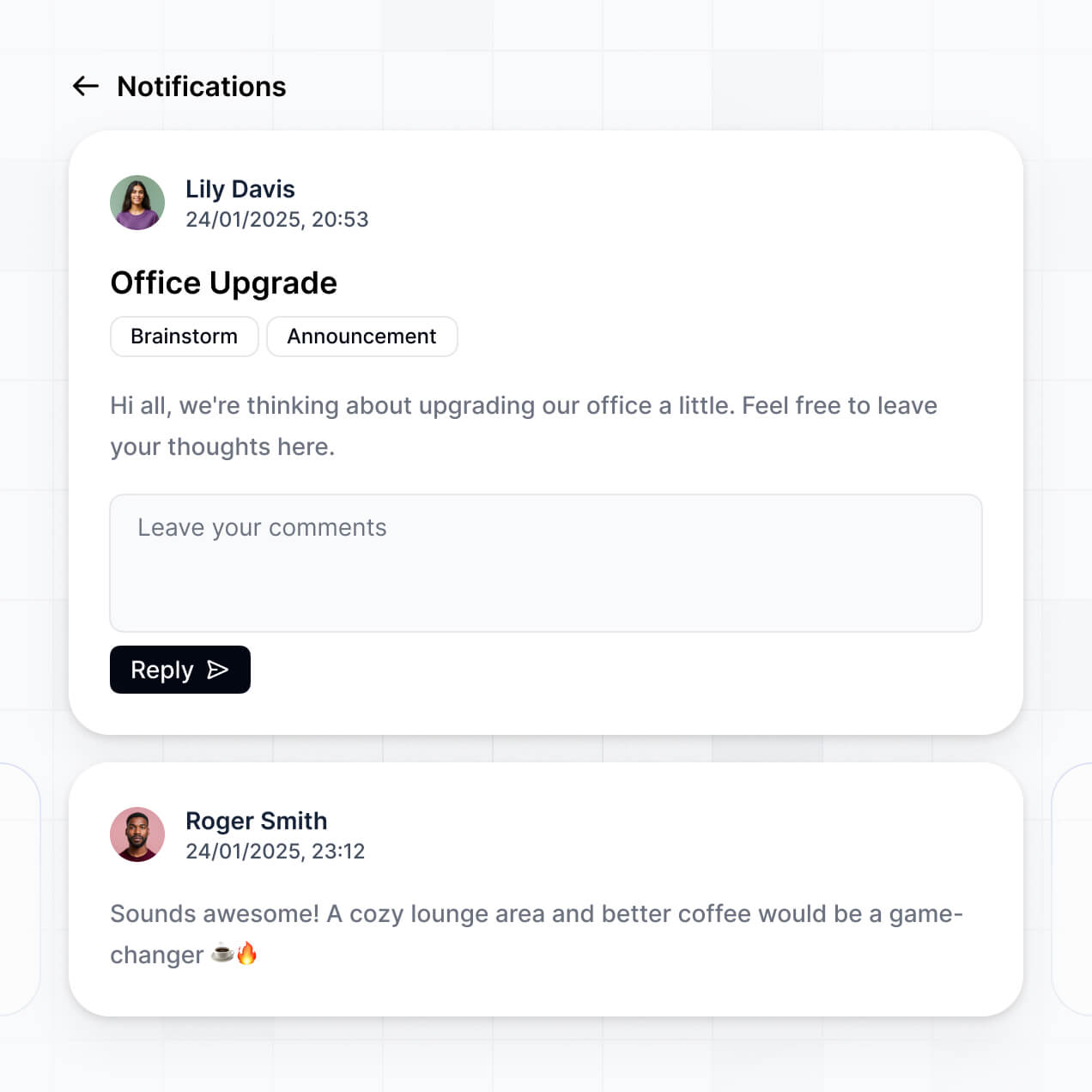
Visualize account health and track renewal trends in an AI-powered system built with AI to fit your success team's unique workflow.
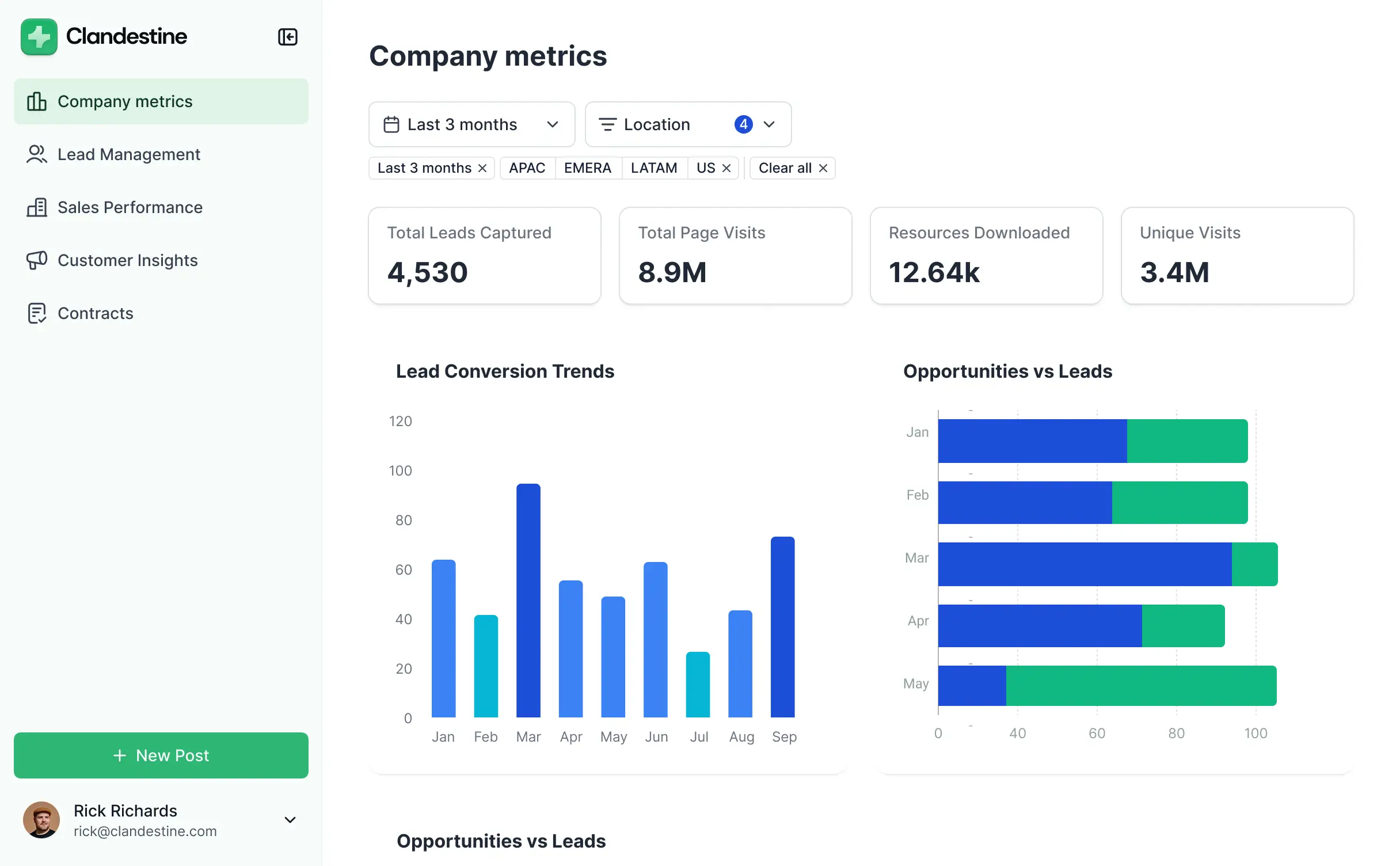
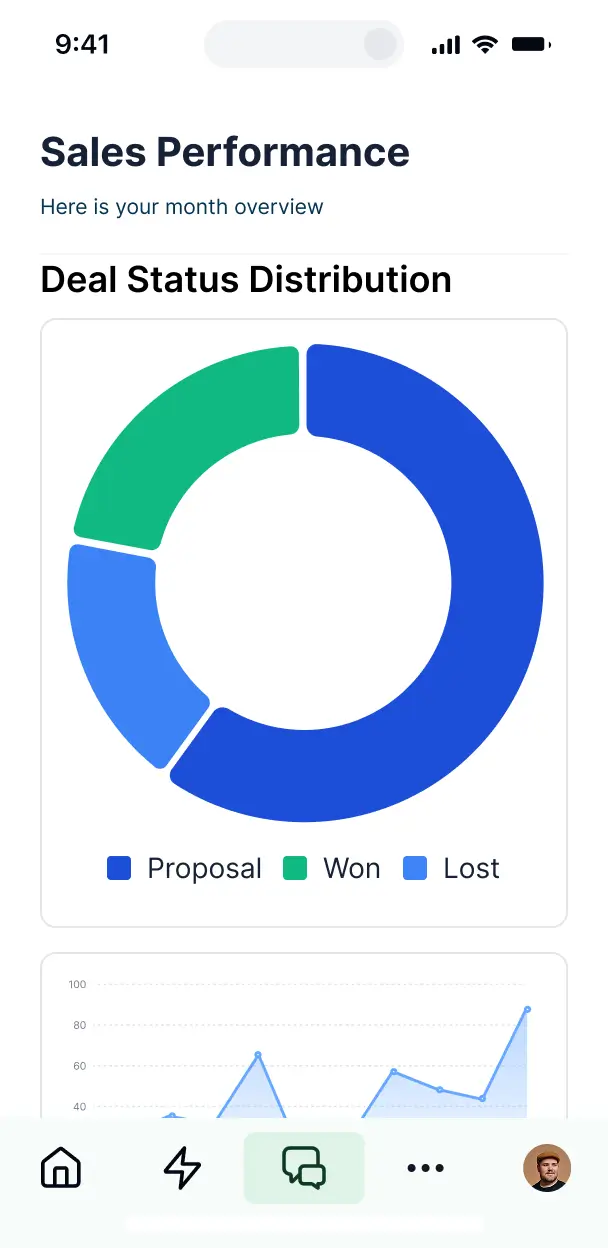

Customize your customer success insights dashboard with specific views for account managers. Add only the metrics you need as your data grows.


Connect usage data, health scores, and feedback from multiple systems—or manage everything in Softr Databases. Create a single source of truth for your success team.
Give each teammate the right insights and access. Set up secure logins, user groups, and granular permissions—no IT support or dev work needed.
Give different team members tailored health dashboards, so each account manager sees just the accounts they currently manage.
Streamline operations with Softr Workflows. Trigger native notifications based on usage changes or sentiment drops to keep your team proactive.
Access and update your success insights on the go. All dashboard views and charts are mobile-ready out of the box.
Use Google, email, or SSO logins to give your success team fast, secure access to account data—no IT tickets needed.
Keep customer interaction data safe with SOC2 and GDPR compliance, plus fine-tuned access control at every granular level.
No more one-size-fits-all tools or costly custom builds. Softr is easy to use and fully customizable, so you can launch faster, adapt as you grow, and skip the complexity of traditional software.

Build your customer success insights dashboard in minutes with AI—no manual configuration needed.

Add features like churn risk alerts or renewal tracking as your processes evolve—no manual rebuild needed.

Start with a dashboard, then add client portals or internal forms—all in one place, with no extra tools.
Co-build with AI
Simply describe what you need. Let Softr handle everything - Interface, database, workflows.
Iterate with AI or visually
Control most critical parts of your app yourself - roles, permissions, security.
Ship the same day
Invite team members or external clients and partners right away. No developer handover.
Use drag-and-drop blocks to build a portal that looks sleek and modern out of the box. Add only the features you need, and iterate as your workflows evolve.




A customer success insights dashboard is a centralized platform where CS teams can monitor account health, track engagement metrics, and visualize customer outcomes. It consolidates data like NPS scores, usage trends, and renewal dates into one place, eliminating the need to dig through disparate CRM records or complex spreadsheets. This ensures your CSMs stay proactive and can deliver a data-driven experience to every customer.
Softr is the first AI-native platform for building professional business software. It allows you to create a customer success insights dashboard that aligns perfectly with your unique health scoring and reporting needs. By describing your requirements to the AI Co-Builder, you can instantly generate a database of accounts, high-level summary pages, and logic—all securely connected.
You don't need any technical skills. Start by generating with AI, using a specialized reporting template, or building from scratch. Everything runs on Softr Databases, our native relational engine, or you can sync with external tools like HubSpot, Airtable, or SQL. You retain full control to customize the visualizations, set specific permissions for senior leadership versus frontline CSMs, and brand the interface to match your corporate identity. It's fast to launch, easy to iterate as your CS strategy evolves, and scales with your account volume.
You can incorporate a variety of advanced features into your dashboard to sharpen your CS strategy. An effective customer success insights dashboard blends data visualization with AI-driven action:
- AI-Powered Intelligence – Use Ask AI to let your team query churn risks conversationally, or deploy Database AI Agents to automatically summarize customer feedback or sentiment from support tickets.
- Vibe Coding Blocks – Create custom UI elements—like a proprietary account health score gauge—using the AI Code block to "vibe code" the exact visualization you need.
- Softr Workflows – Build native automations (like an escalation alert to Slack) that trigger whenever an account's usage drops below a certain threshold or a renewal date is approaching.
- User Portals & Logins – Securely manage access so each CSM only sees their assigned portfolio of accounts while leadership sees the global revenue view.
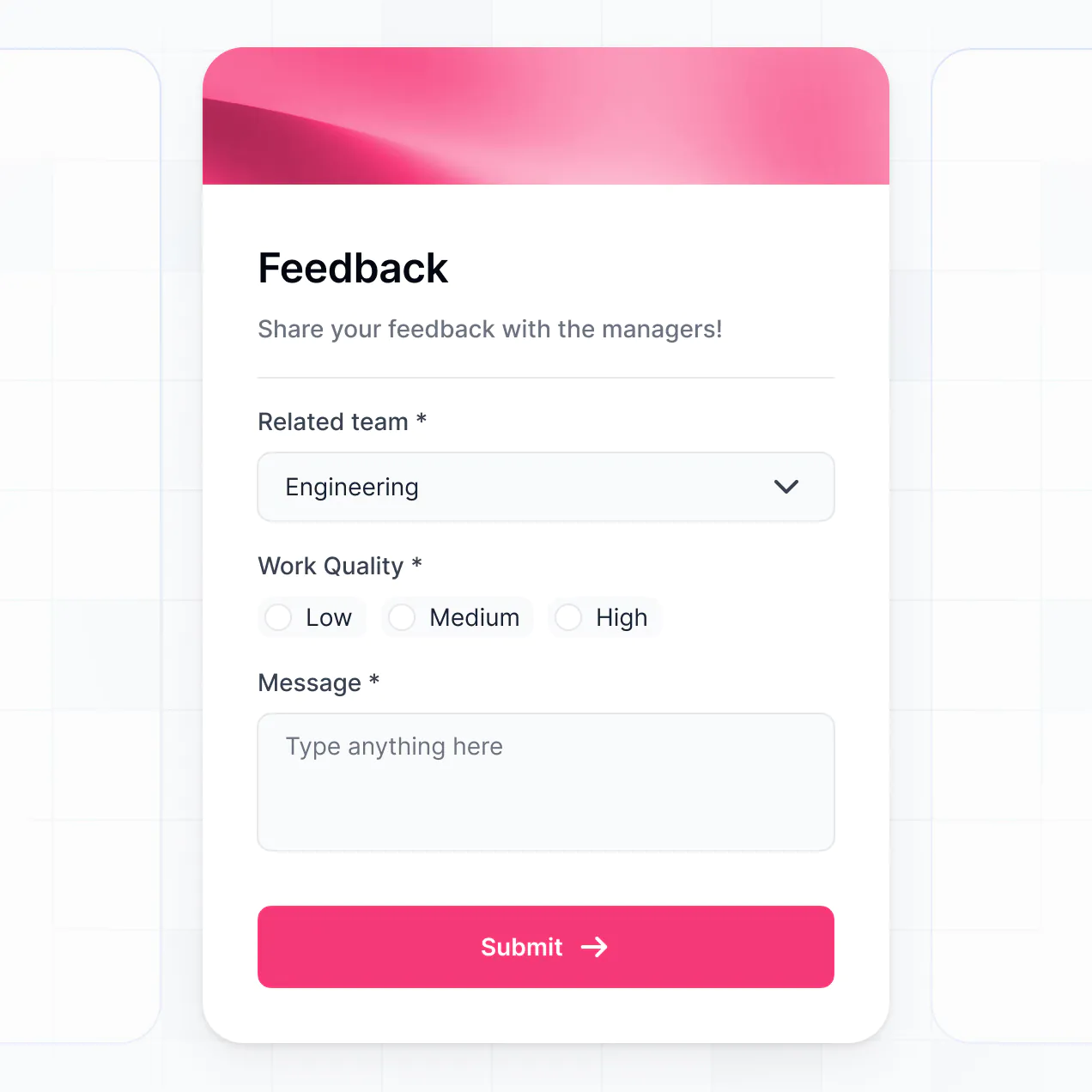
- Forms & Data Collection – Record manual check-in notes, QBR outcomes, and customer goals using custom forms with file uploads for meeting recordings.
- Dashboards & Charts – Visualize Churn rates, Expansion MRR, and NPS trends with real-time charts and summaries.
- Lists & Advanced Filtering – Manage your book of business with searchable tables, kanban boards for onboarding stages, and detailed customer profile views.
Everything is built with drag-and-drop blocks without writing code. If you need something highly specific, use the Vibe Coding block to generate it with AI. As your CS playbook changes, updating the dashboard is seamless.
Vibe coding allows you to iterate on your CS metrics rapidly using AI. You can "vibe code" a customer success insights dashboard by describing the specific customer KPIs and layout you need to the AI Co-Builder. Softr then generates a production-ready reporting app built on a secure, stable foundation.
While other tools might produce messy, unmanageable code, Softr handles the core infrastructure—such as user authentication, data relationships, and security—natively. This gives you the speed of vibe coding without the long-term risk of managing raw code. You describe your churn-tracking needs, Softr builds the solution, and your CS team can start logging insights immediately.
Yes. You can organize multiple CS teams, regions, or segments within a single dashboard. Based on their login credentials and assigned roles (e.g., "EMEA Lead" or "North America CSM"), users will only see the account data and performance metrics relevant to their specific portfolio. This is ideal for scaling organizations that need to maintain data privacy across different business units.
Certainly. You don't need a pre-existing database to start building your dashboard. If you're building a CS process from the ground up, you can use Softr Databases. It is built directly into the platform, making it incredibly easy to define fields for health scores, renewal dates, and customer contacts right away.
If you do have data in systems like Salesforce (via HubSpot/SQL), Airtable, or Google Sheets, you can connect those as well. You can even use the REST API to pull in product usage data. You have complete flexibility over how your customer insights are structured and managed.
Softr Databases is the recommended native source for your customer success insights dashboard. It is a relational database designed for performance, offering instant automation triggers and a fast experience because it is native to the app engine.
For existing data stacks, Softr connects to over 17 external sources, including HubSpot, Airtable, Google Sheets, and BigQuery. You can even combine sources—for example, pulling financial data from Stripe and customer health data from Softr Databases into the same view. Most integrations support real-time, two-way sync, so update a customer's health status in Softr and it reflects in your source of truth automatically.
Yes, Softr provides granular control over the dashboard experience. You can tailor the layout and navigation to match your internal CS workflows. Every component or page can be conditionally displayed; for instance, you might show budget-related charts only to Executives, while showing task-lists only to CSMs.
You can define roles like Admin, CSM, or Junior Analyst to manage edit rights precisely. A CSM might only be able to view and edit their own assigned accounts, while a Manager can see the entire global pipeline. This ensures your customer data stays secure and each team member has a clean, focused workspace.
Yes, you can fully white-label the dashboard. You can apply your company's logo, brand colors, and custom fonts, and host it on your own subdomain (e.g., insights.yourcompany.com). This is particularly useful if you provide customer success as a service to your own partners and want the portal to feel like an internal, professional tool.
Yes, Softr offers extensive flexibility to design your customer success insights dashboard. You can adjust the visual theme and page structures to align with your reporting style, choosing which blocks are most effective for your team's daily workflow.
You can mix and match various blocks to visualize customer data:
- Table blocks – to display structured lists of accounts, renewal dates, and ARR.
- List or Card blocks – to showcase high-priority "At-Risk" segments or recent wins.
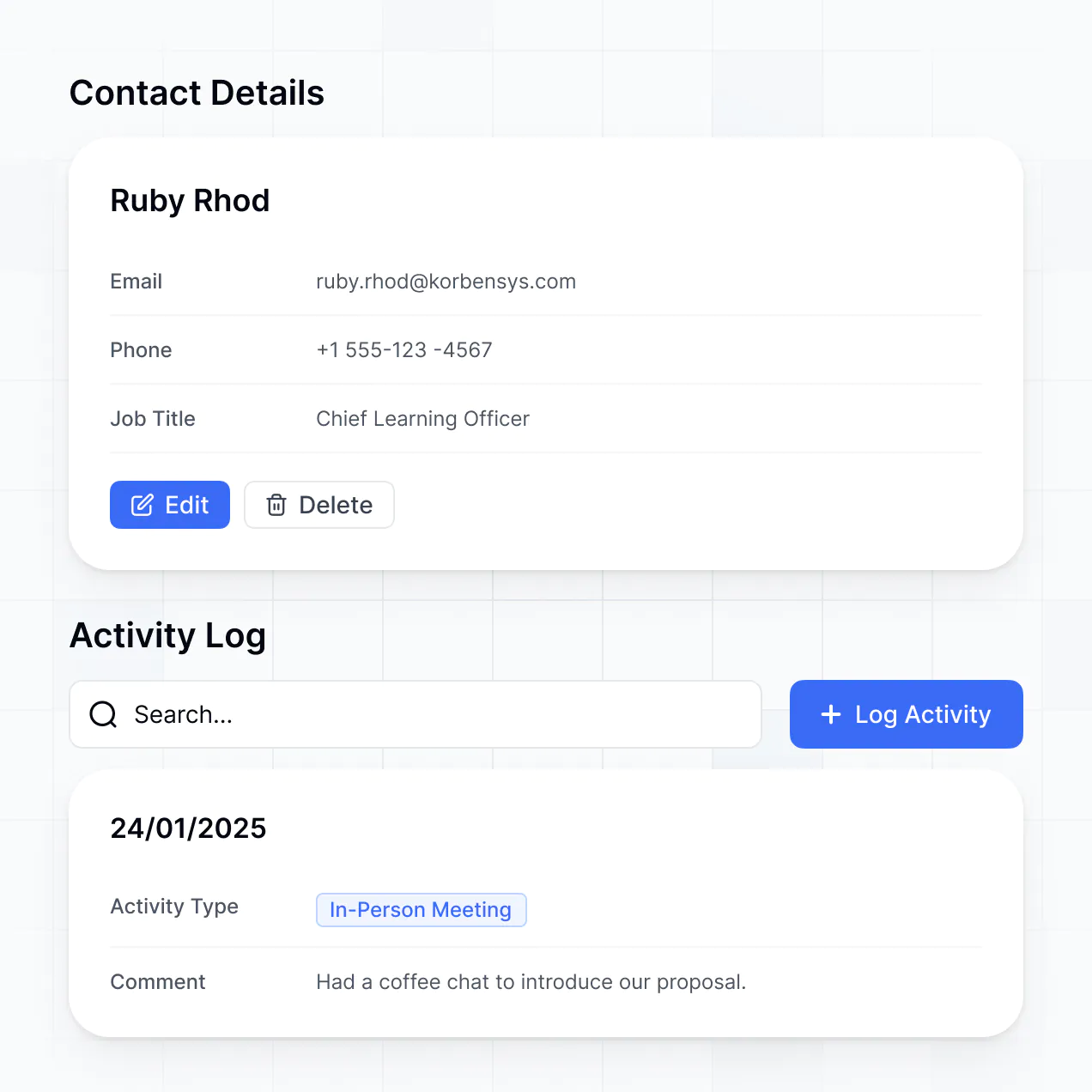
- Detail View – to create a 360-degree view of a single account's history.
- Forms – to log notes after customer calls or QBRs.
- Charts – to track retention trends and expansion revenue.
- Calendar blocks – to visualize upcoming renewal deadlines and onboarding milestones.
If you decide to change your KPIs or design later, the visual builder makes it simple to drag and drop new components instantly.
Security is a core priority for Softr. All customer data is encrypted in transit and at rest, and apps are hosted on reliable, enterprise-grade infrastructure. You have complete authority over data access; through role-based permissions and visibility rules, you control exactly which CSM can access sensitive account information.
For dashboards using Softr Databases, data is stored in a secure EU-based environment (Germany) with SOC 2 Type II compliance. For dashboards pulling data from external sources like BigQuery or Airtable, Softr acts as a secure interface, displaying data in real time without storing it. You always maintain control over your sensitive customer records.
Yes, it is entirely production-ready. Unlike experimental AI tools that produce raw, disconnected code, Softr generates your dashboard on a stable, scalable business architecture.
We handle all the complex infrastructure like secure logins, user roles, and data syncing natively. This eliminates the "Day Two" problem: you get the speed of AI generation without the burden of maintaining custom code. Your customer success team can begin tracking account health and churn indicators on day one, knowing the platform is secure and scalable.
Softr is the first AI-native platform designed for business software. While "vibe coding" tools often result in fragile code and traditional BI tools can be overly rigid, Softr's AI Co-Builder creates functional dashboards on a secure, production-grade foundation.
Our unique advantage is the hybrid approach: use AI to build the data structure and initial pages in minutes, then use the visual editor for fine-tuning. You gain the rapid speed of AI with the reliability of built-in business features like iron-clad permissions and professional hosting. It is built for CS leaders who need to transition from spreadsheet chaos to a professional dashboard immediately.
Yes. Softr supports native workflows and deep integrations to connect your dashboard with your existing tech stack. You can automate tasks like sending a Slack notification when a health score drops or updating a record in HubSpot when a QBR form is submitted in Softr.
Whether you need to trigger emails via Zapier, connect to product usage data via REST API, or sync renewal events to your calendar, you can build these automated customer success processes without writing a single line of code.
Build and customize your customer success insights dashboard without code. Get started for free today.