Manage suppliers, track purchase orders, and sync data in an AI-powered portal built with AI that you adapt to fit your vendor workflow.
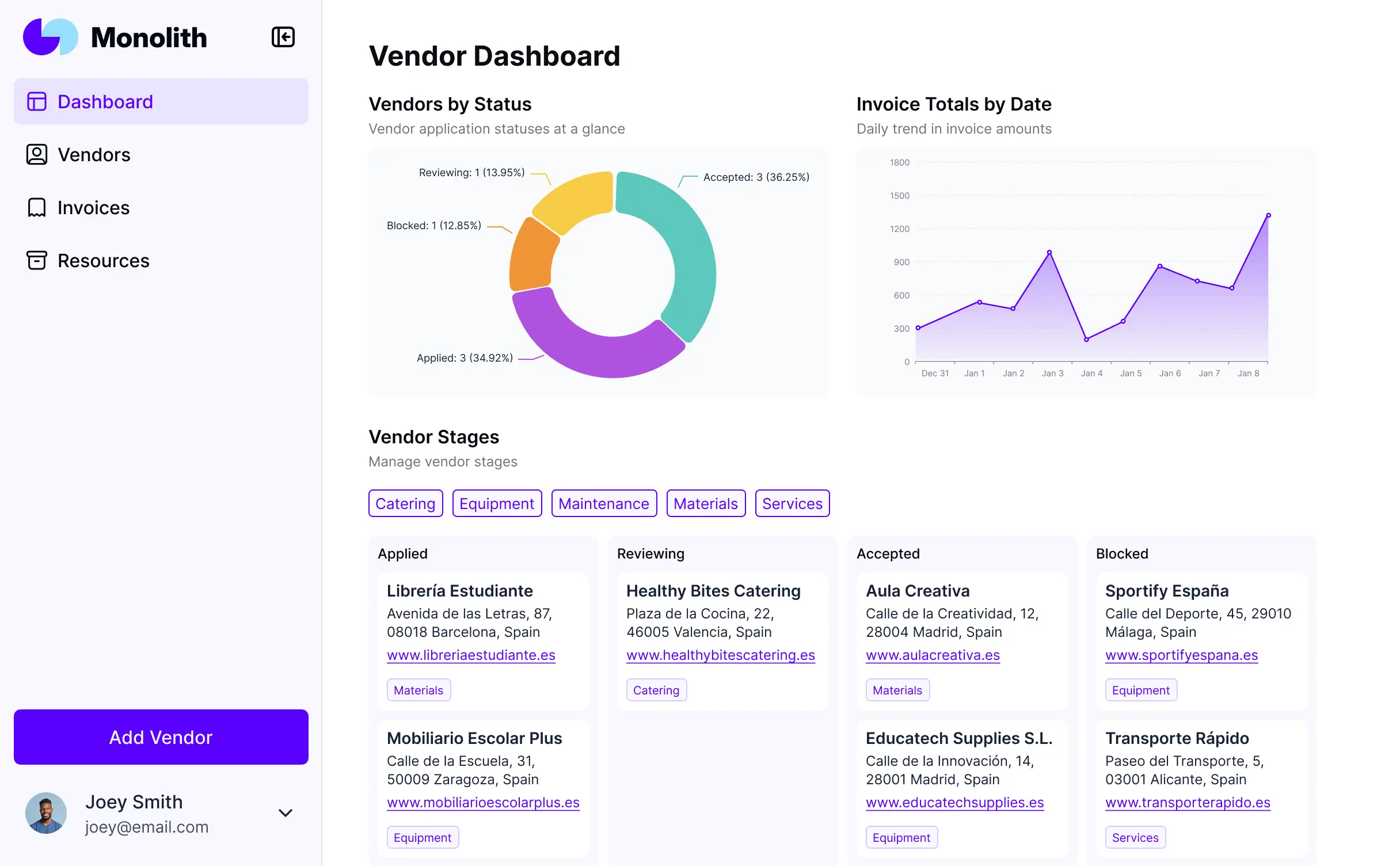



Customize your custom hubspot vendor portal with the exact onboarding and tracking views your team needs. Add features as workflows evolve.


Connect HubSpot CRM, spreadsheets, and other systems with real-time sync—or manage everything in Softr Databases. Create a single source of truth for your business.
Give each supplier the right views and HubSpot access in a branded portal. Set up secure logins, user groups, and permissions in minutes.
Softr apps are mobile-ready by default. Turn it into a downloadable app for your suppliers in one click—no design or development needed.
Build native automations with Softr Workflows to handle status updates, payment notifications, and data sync whenever vendor records are changed.
Provide separate logins for different supplier tiers, and create personalized dashboards for each vendor to track their unique performance.
Apply rules for different vendor types. Customize who sees which purchase orders and what data they can update from your HubSpot records.
Protect sensitive contract and billing information from security threats. Softr is fully compliant with SOC2 and GDPR regulations.
No more one-size-fits-all tools or costly custom builds. Softr is easy to use and fully customizable, so you can launch faster, adapt as you grow, and skip the complexity of traditional software.

Build your custom hubspot vendor portal in minutes with AI—no manual setup or complex configuration needed.

Add features like purchase order tracking, document management, or performance dashboards as your needs evolve.

Start with a vendor portal, then add team dashboards, forms, or a client CRM—all in one place.
Co-build with AI
Simply describe what you need. Let Softr handle everything - Interface, database, workflows.
Iterate with AI or visually
Control most critical parts of your app yourself - roles, permissions, security.
Ship the same day
Invite team members or external clients and partners right away. No developer handover.
Use drag-and-drop blocks to build a portal that looks sleek and modern out of the box. Add only the features you need, and iterate as your workflows evolve.




A custom HubSpot vendor portal is a secure, branded space where your external suppliers and partners can log in to access purchase orders, submit invoices, and update their business details. It bridges the gap between your HubSpot CRM and your vendors, ensuring that procurement data flows seamlessly without constant email chains. This creates a centralized hub for managing vendor relationships, tracking fulfillment timelines, and keeping your supply chain documentation organized.
Softr is the first AI-native platform for building business software, making it the ideal choice for creating a custom HubSpot vendor portal that mirrors your specific procurement processes. You can describe your vendor management needs to the AI Co-Builder to instantly generate your database schema, submission forms, and supplier dashboards—all natively connected to your HubSpot records.
You don't need any coding expertise. You can begin with an AI-generated foundation, a pre-built template, or a blank canvas. While you can use Softr Databases for high-speed internal data, the real power lies in the deep HubSpot integration, allowing you to sync vendor contacts and deal stages in real-time. You maintain complete control over the visual interface, permission levels for different supplier tiers, and branding, ensuring a professional experience that grows alongside your vendor network.
You can design a comprehensive suite of features tailored to your procurement workflow by mixing functional blocks with AI-driven logic:
- AI-Powered Intelligence – Use Ask AI to allow vendors to query their own contract terms or use AI Agents to automatically categorize and extract data from uploaded supplier certifications.
- Vibe Coding Blocks – Use the AI Code block to build specialized components, like a custom interactive delivery timeline or a specific tax-compliance calculator unique to your industry.
- Softr Workflows – Setup native automations, such as triggering an email notification to your procurement team or updating a HubSpot deal status as soon as a vendor uploads a signed agreement.
- Vendor Logins & Permissions – Securely manage access so each supplier only sees their specific purchase orders and contact info from HubSpot.
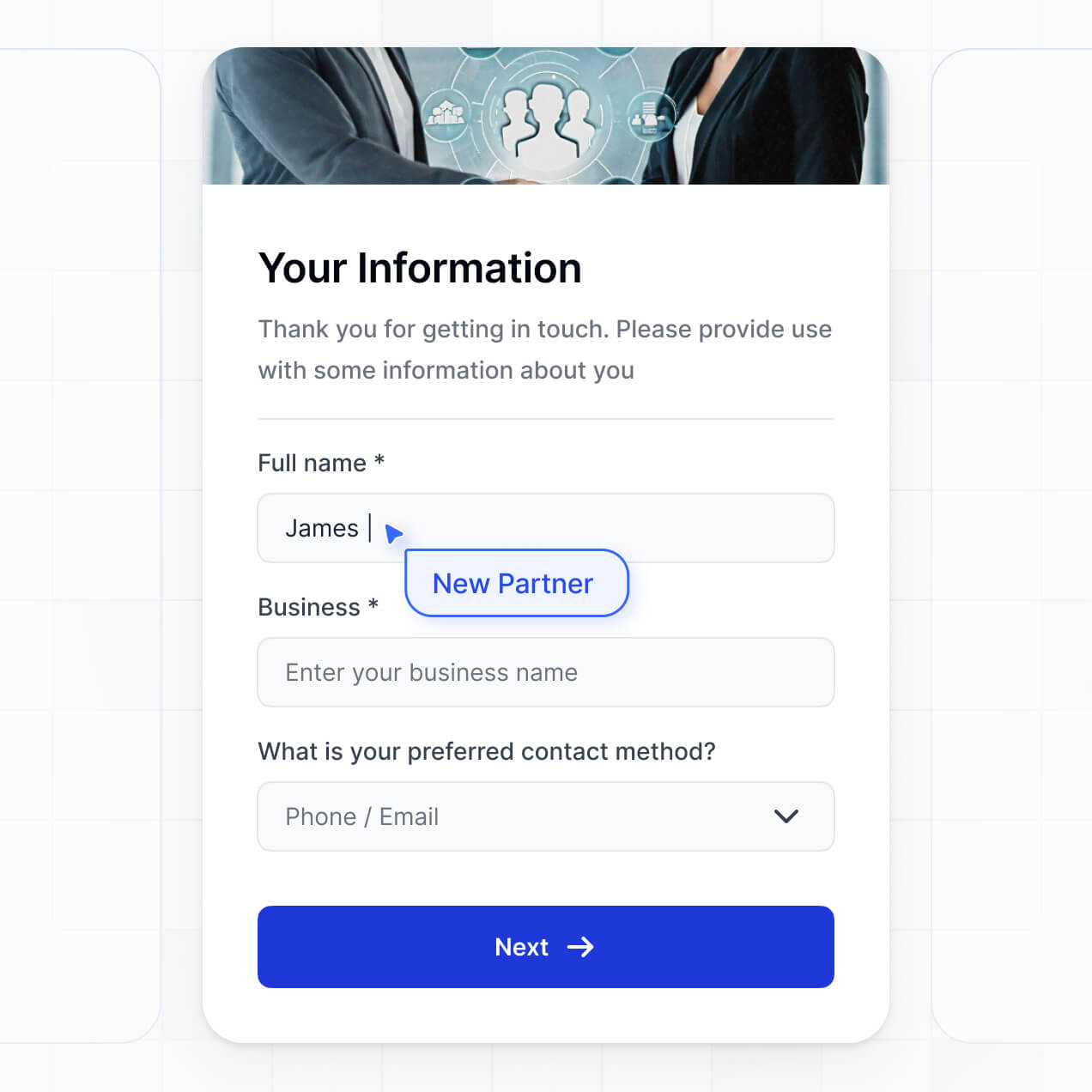
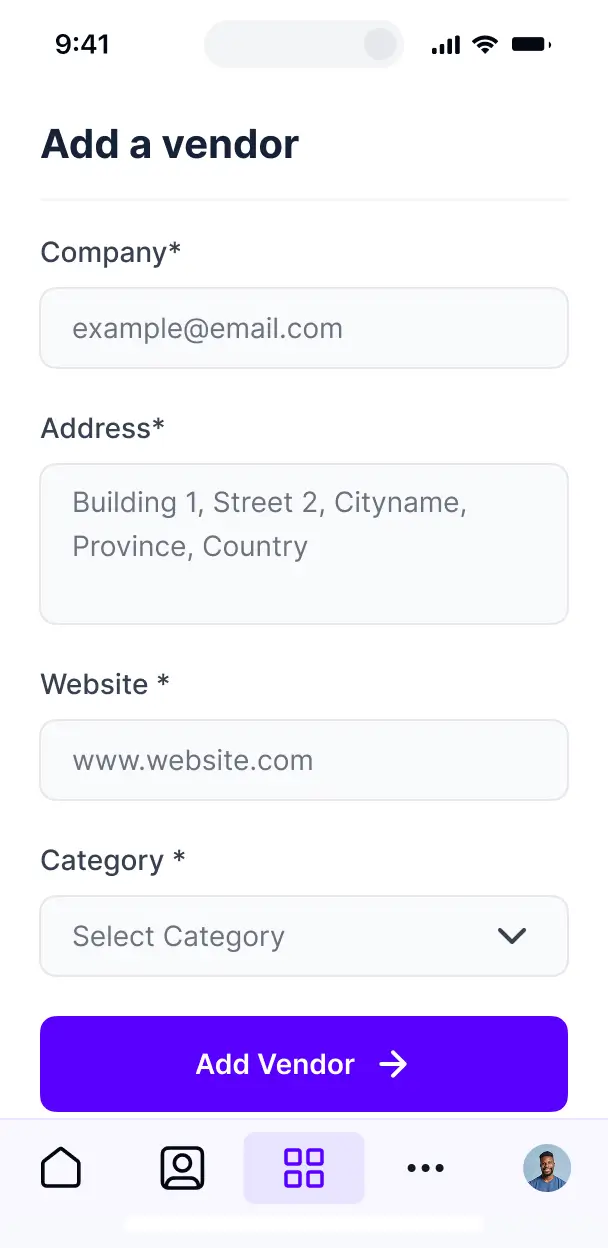
- Onboarding Forms – Capture detailed vendor profiles, bank details, and W-9 forms with smart, conditional-logic fields.
- Performance Dashboards – Provide vendors with visual charts showing their fulfillment rates or historical spending trends.
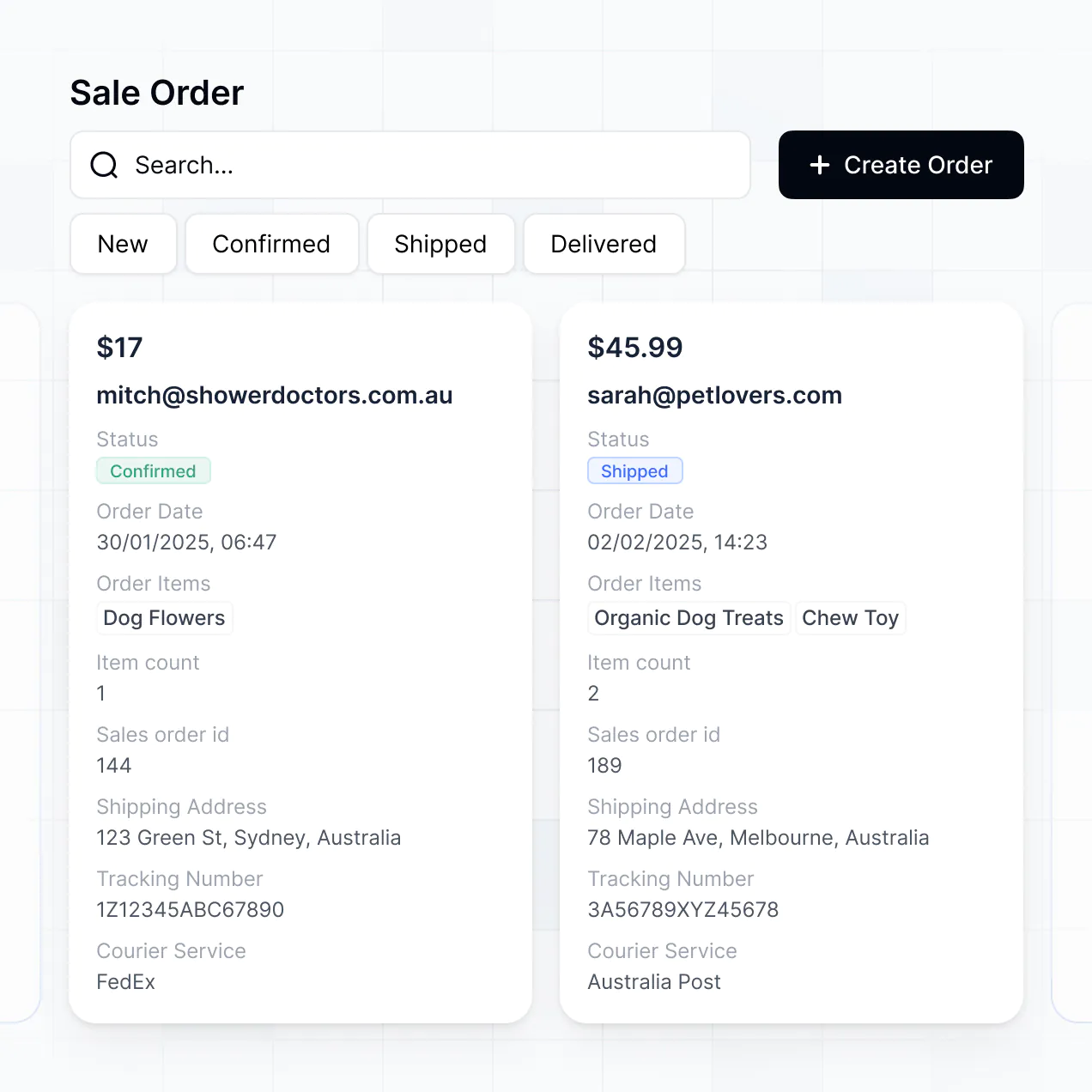
- Inventory & Order Lists – Display searchable tables of open RFPs, active orders, and shipping statuses with advanced filtering.
All these are built with Softr's drag-and-drop interface. If your supplier requirements change, you can instantly modify the portal or use the Vibe Coding block for even deeper customization.
Vibe coding allows you to iterate on your procurement tools at lightning speed using AI. You can "vibe code" a custom HubSpot vendor portal by describing exactly how you want suppliers to interact with your HubSpot objects to the AI Co-Builder. Softr then generates the functional interface for viewing shipments or submitting quotes on a secure foundation.
Unlike experimental coding tools, Softr handles the critical infrastructure—like HubSpot authentication, secure file storage for contracts, and complex permission logic—natively. This means you get a custom-built supplier experience without the risk of managing raw, disconnected code. You define the vendor experience, Softr builds the application, and your supply chain is digitized in minutes.
Yes. You can manage an unlimited number of suppliers within a single portal. By leveraging HubSpot's contact and company properties, Softr ensures that each vendor only sees the specific purchase orders, documents, and communication threads assigned to their account. This is perfect for businesses that need different views for Tier 1 strategic partners versus smaller, occasional hardware vendors.
Absolutely. While Softr integrates deeply with HubSpot, you are not limited by it. If you are just starting your vendor management journey, you can house your data in Softr Databases, which is built into the platform for maximum performance.
If your information is spread across other tools like Airtable, Google Sheets, or SQL, you can connect those as well. You can even use the REST API to pull in live shipping data from third-party logistics providers. This flexibility gives you total control over how your vendor ecosystem is structured and visualized.
Softr Databases is the recommended native source for managing your internal portal metadata and logic due to its lightning-fast speed and native automation triggers. For your core business data, Softr offers a deep, two-way integration with HubSpot, making it the primary external source for this use case.
Beyond HubSpot, you can connect to over 17 other sources including Airtable, SmartSuite, BigQuery, and SQL. This allows you to build a hybrid portal: for example, pulling supplier CRM data from HubSpot while pulling actual inventory levels from a separate SQL database. Most integrations support real-time sync, ensuring your vendors always see the most accurate order statuses.
Yes, Softr provides granular control over how different vendors interact with your data. You can tailor the layout, menu options, and dashboard views to match your procurement branding. Since every block can be visibility-controlled, you can show a "Sustainability Certification" upload block only to vendors in certain categories.
You can define roles such as "Vendor Admin" (who can manage their company's users) or "Staff User" (who can only submit quotes). This ensures that sensitive information—like competitive bidding data or internal notes in HubSpot—remains confidential. This level of security is essential when managing a diverse supplier base within a single application.
Yes, you can completely white-label your vendor portal to maintain a professional brand image. You can integrate your corporate logo, specify brand-specific hex codes, and use your own custom domain (e.g., vendors.yourcompany.com). By removing Softr's branding, your suppliers will experience a seamless transition from your main website to their dedicated management dashboard.
Yes, Softr gives you extensive flexibility to design a portal that makes procurement easy for your vendors. You can modify the typography, spacing, and navigation structure to match your brand identity. You have full control over the layout of every page, choosing which records from HubSpot are displayed and how.
You can use several block types to present vendor data:
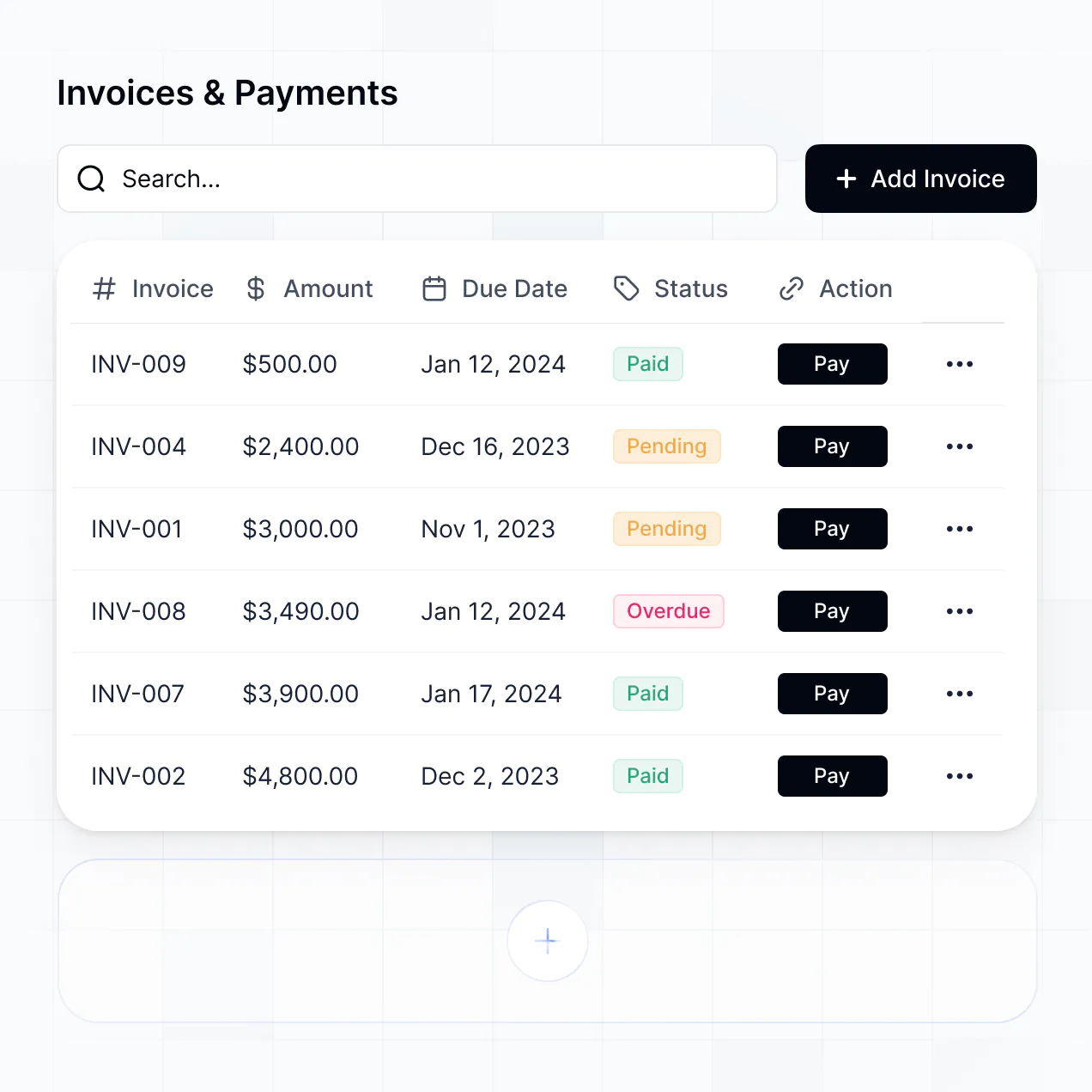
- Table blocks – to list active purchase orders, invoices, and payment histories.
- List or Card blocks – to showcase available bidding opportunities or service catalogs.
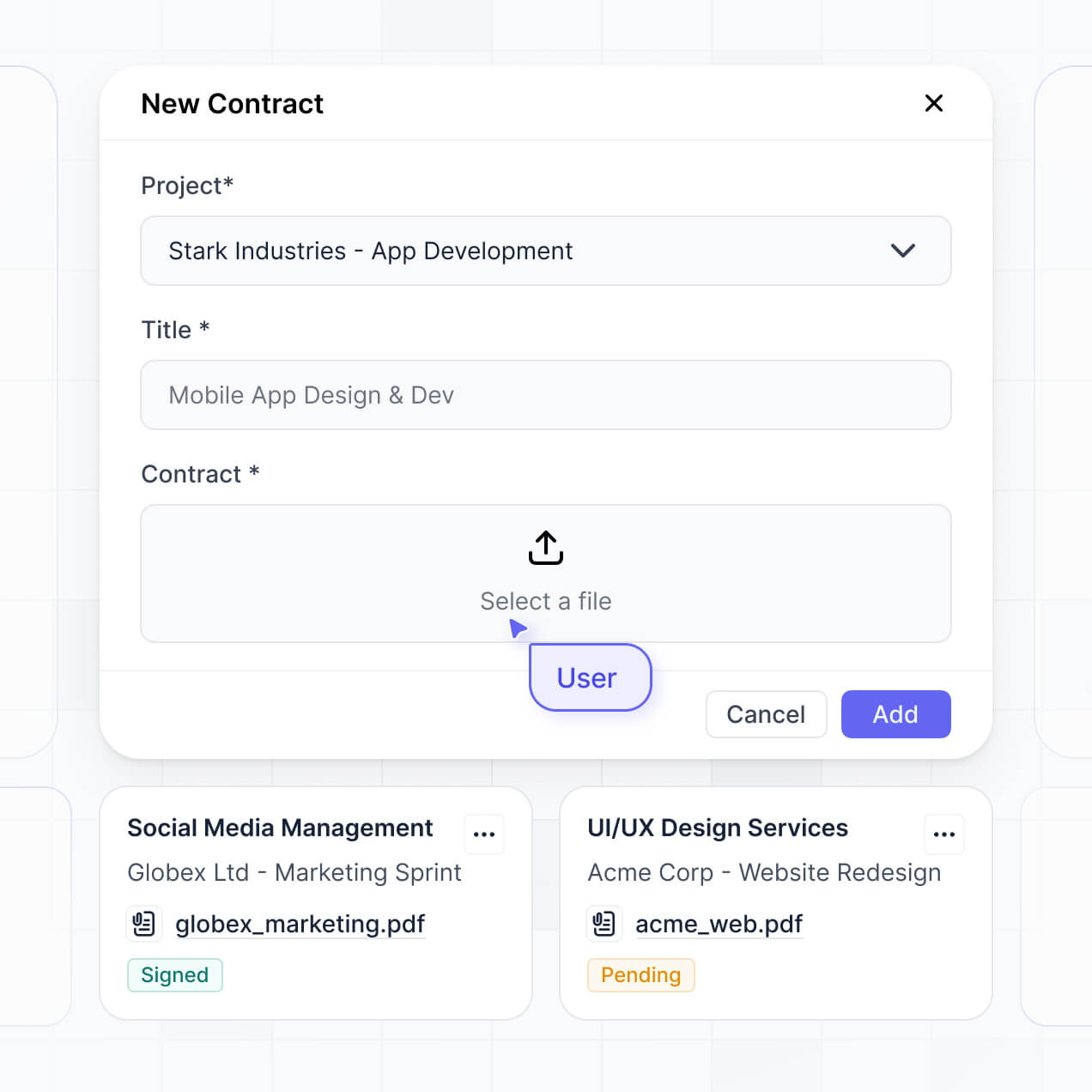
- Detail View – to provide a deep dive into specific contract terms or project specs.
- Forms – for vendors to submit invoices or compliance documentation.
- Charts – to show vendors their quarterly performance or delivery speed metrics.
- Calendar blocks – to track upcoming delivery dates or renewal deadlines.
If your procurement process evolves, you can easily tweak the design or add new pages through the simple visual editor.
Security is built into the core of Softr. All data passed between HubSpot and your portal is encrypted using TLS, and the platform sits on enterprise-grade infrastructure. Softr ensures that your HubSpot data is only accessible to authorized vendors through strict role-based permissions and visibility rules you define.
Softr is SOC 2 Type II compliant and data within Softr Databases is hosted securely in Germany (Europe). For your HubSpot-connected data, Softr does not store the records permanently; it acts as a secure presentation layer, fetching and updating data in real-time according to the permissions you've set. This means you maintain full ownership and control over your supplier information at all times.
The custom HubSpot vendor portal you build with AI is fully production-ready. Unlike "vibe coding" tools that produce raw, unmanaged scripts, Softr builds your app on a hardened, business-grade architecture.
We provide the essential infrastructure natively—including HubSpot authentication, secure logins, and field-level permissions—so you don't have to worry about the maintenance of custom code. Your portal is designed to be scalable and secure, allowing you to move from an AI-generated draft to a live supplier tool that integrates with your HubSpot CRM on day one.
Softr is unique because it is the first AI-native platform designed specifically for internal and external business software. While other tools might require manual mapping of every HubSpot field or offer unstable code generation, Softr's AI Co-Builder automates the creation of a secure, production-ready portal in minutes.
It offers the best of both worlds: the speed of AI-driven generation with the reliability of a mature no-code platform. You get built-in enterprise features like granular user roles and secure hosting without needing a developer, making it the fastest way for HubSpot-driven teams to build professional vendor tools.
Yes. Softr allows you to bridge your HubSpot vendor portal with your wider tech stack through native workflows and integrations. You can automate procurement tasks using Softr Workflows or connect with external applications like Stripe for vendor payments or DocuSign for contract execution.
You can set up triggers so that actions in the portal—like a vendor marking an order as shipped—automatically update the deal stage in HubSpot or send a notification to your Slack channel. With REST API and webhook support, you can build complex, automated supply chain processes without writing a single line of code.
Describe what you need. Softr's AI builds your vendor portal in minutes. Get started free, no dev needed.