


Build your own wholesale pos system, no code required
Manage sales, streamline inventory, and enhance operations with a customizable POS system tailored to your wholesale business needs.
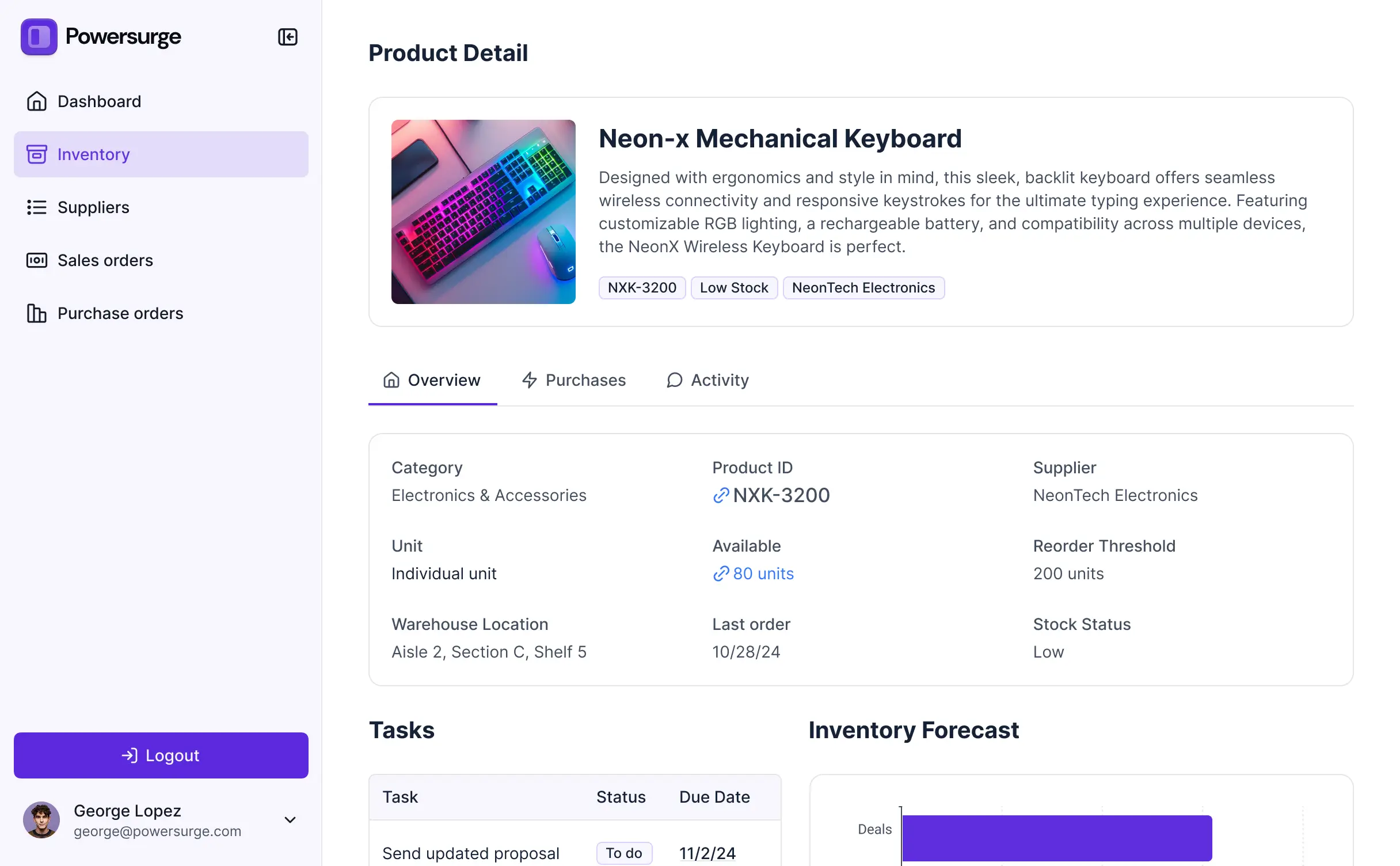
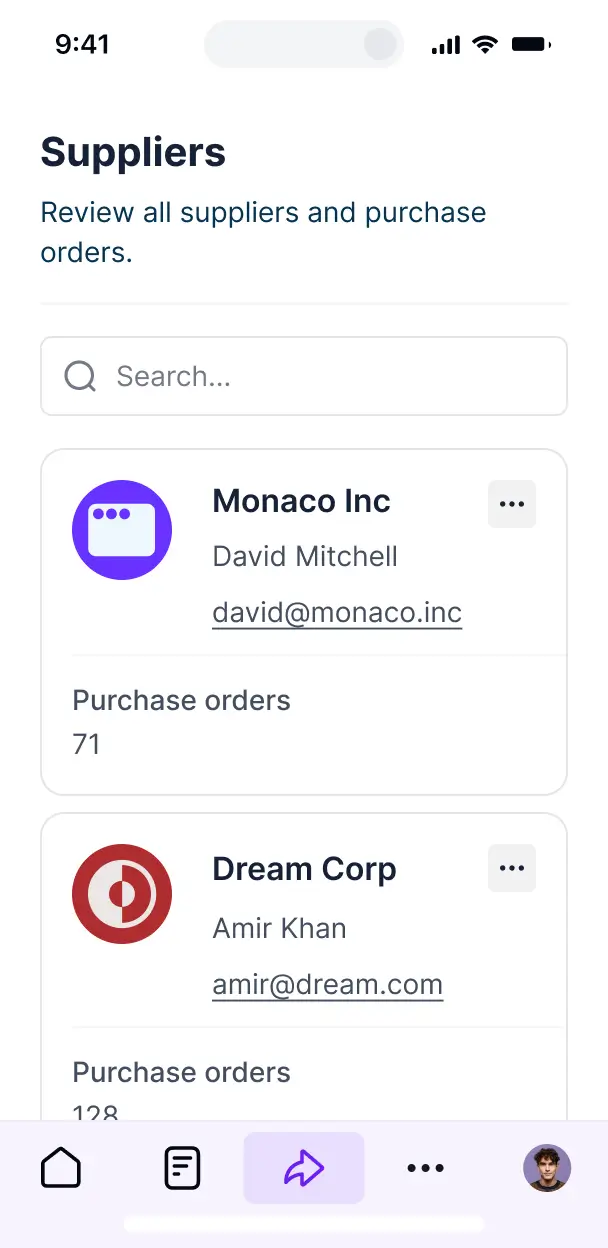


Customize your POS around your processes
Build a wholesale POS system with the views and workflows your team needs now. Add features or make changes as your business evolves—no code required.

Product catalog management

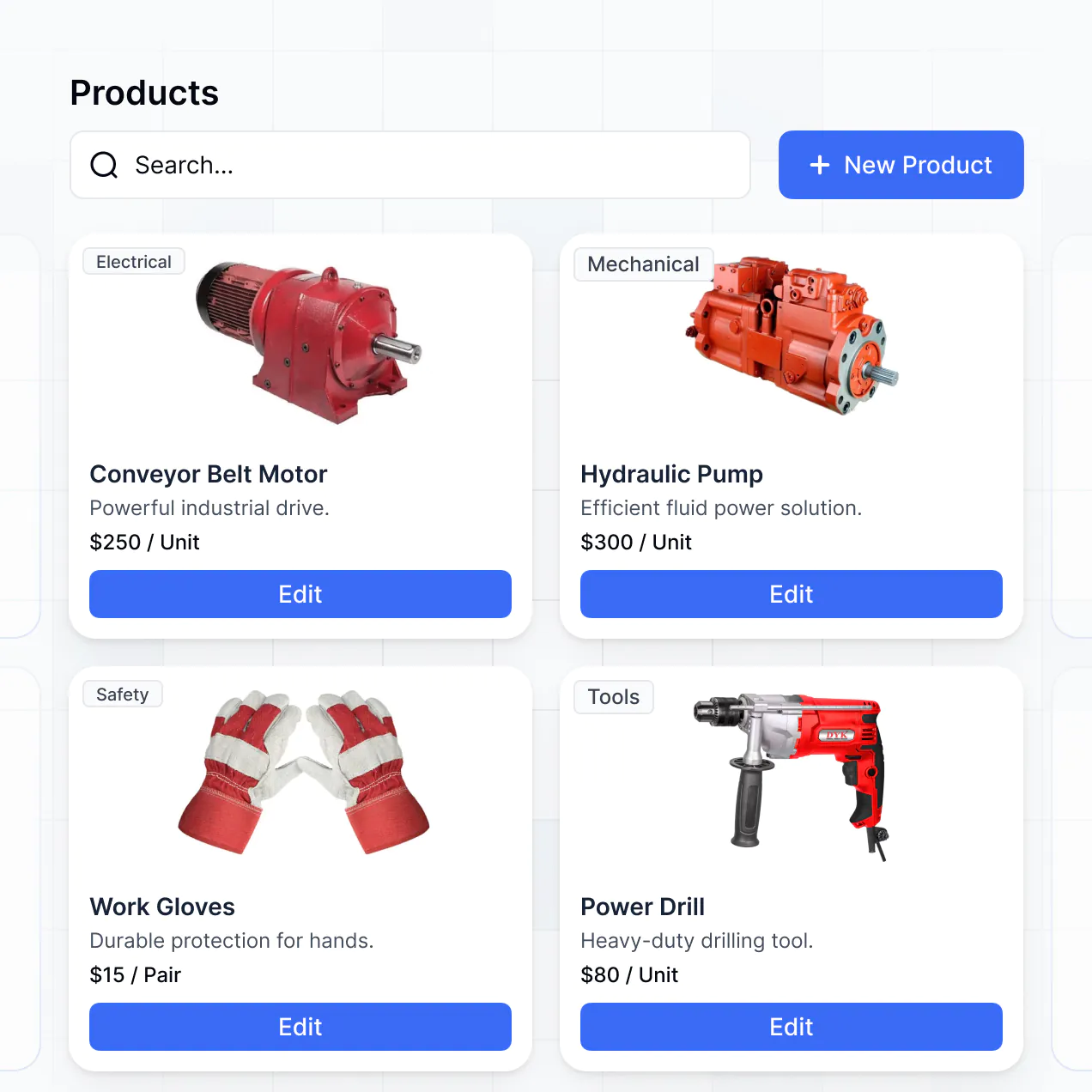

Order processing and tracking
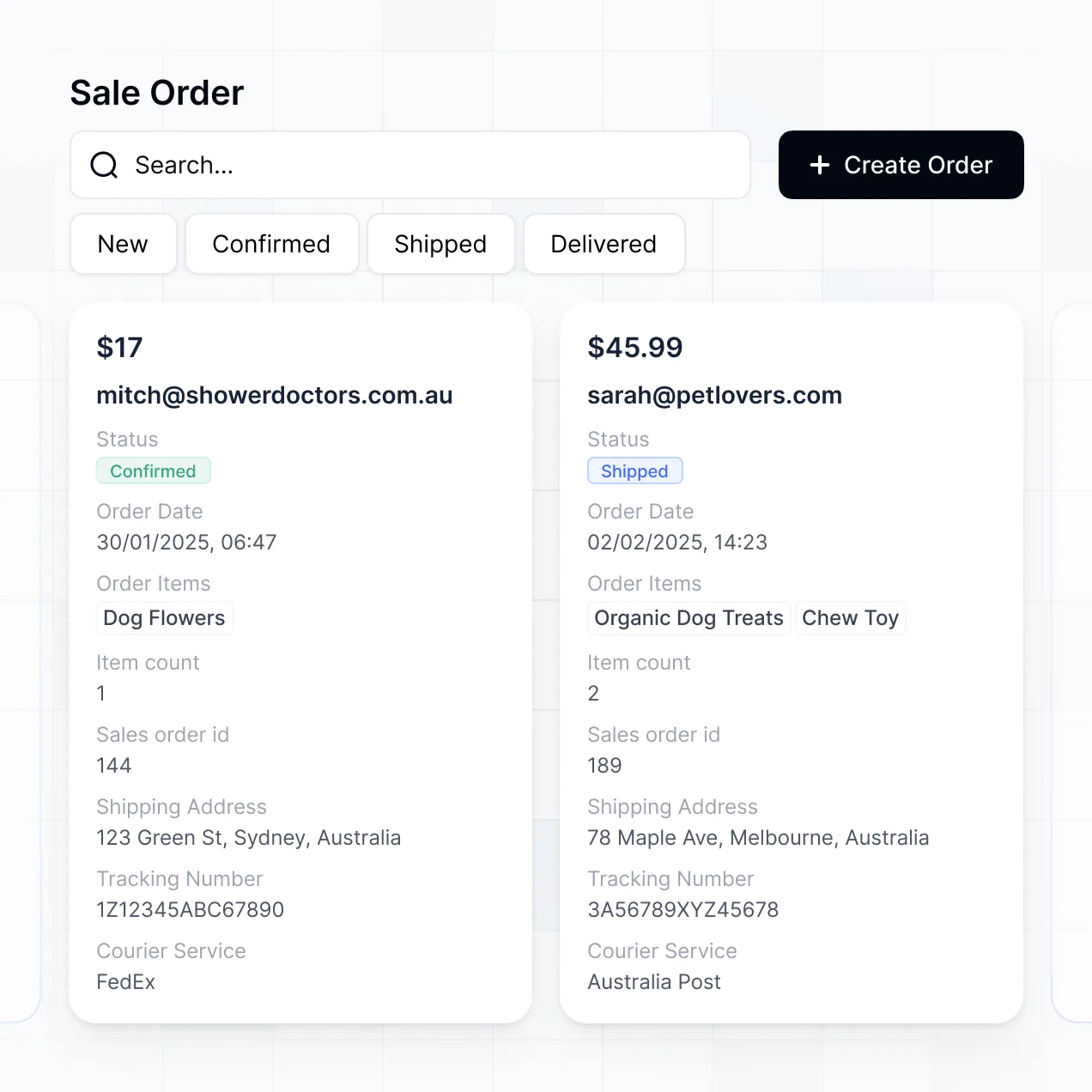

Inventory level alerts
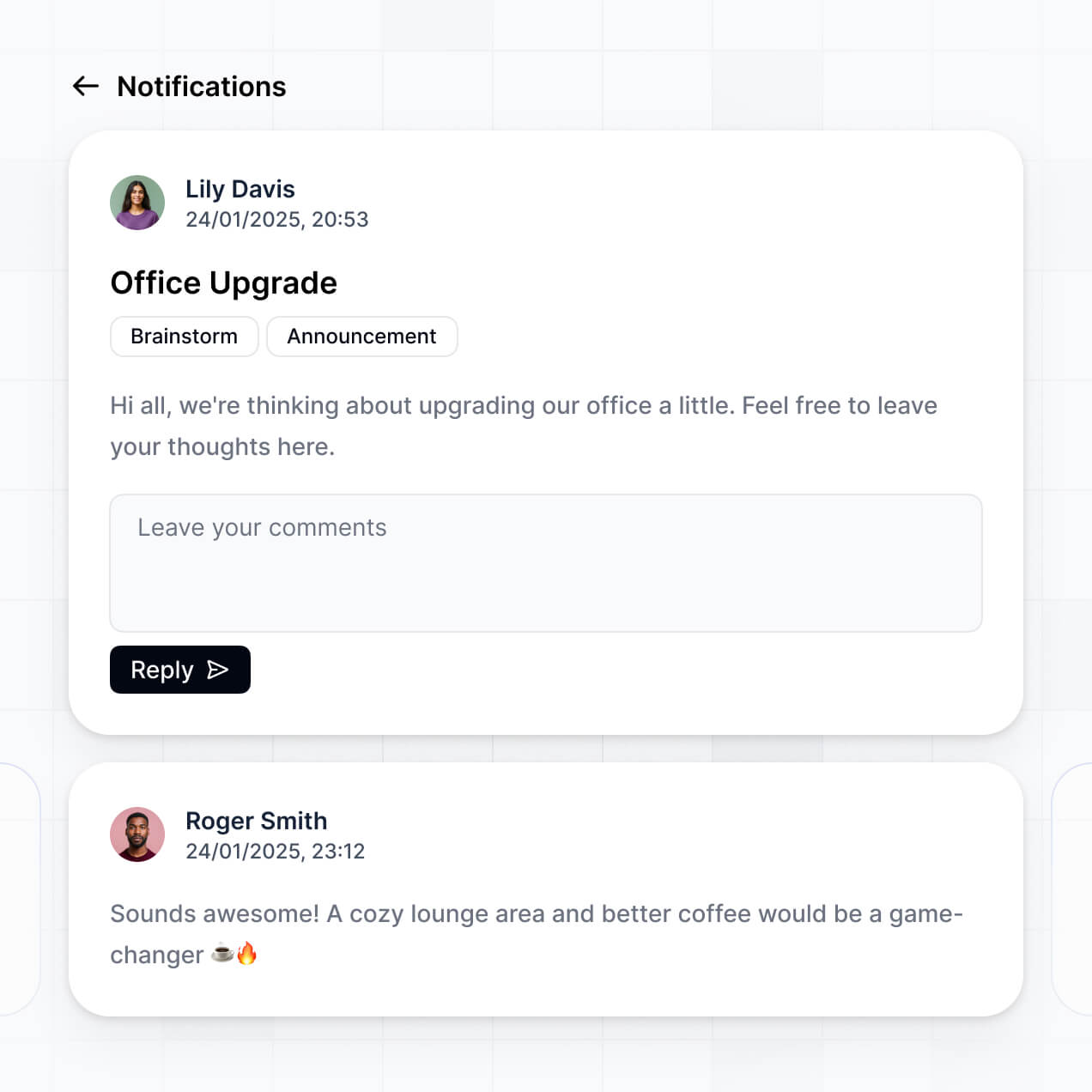

Customer management portal
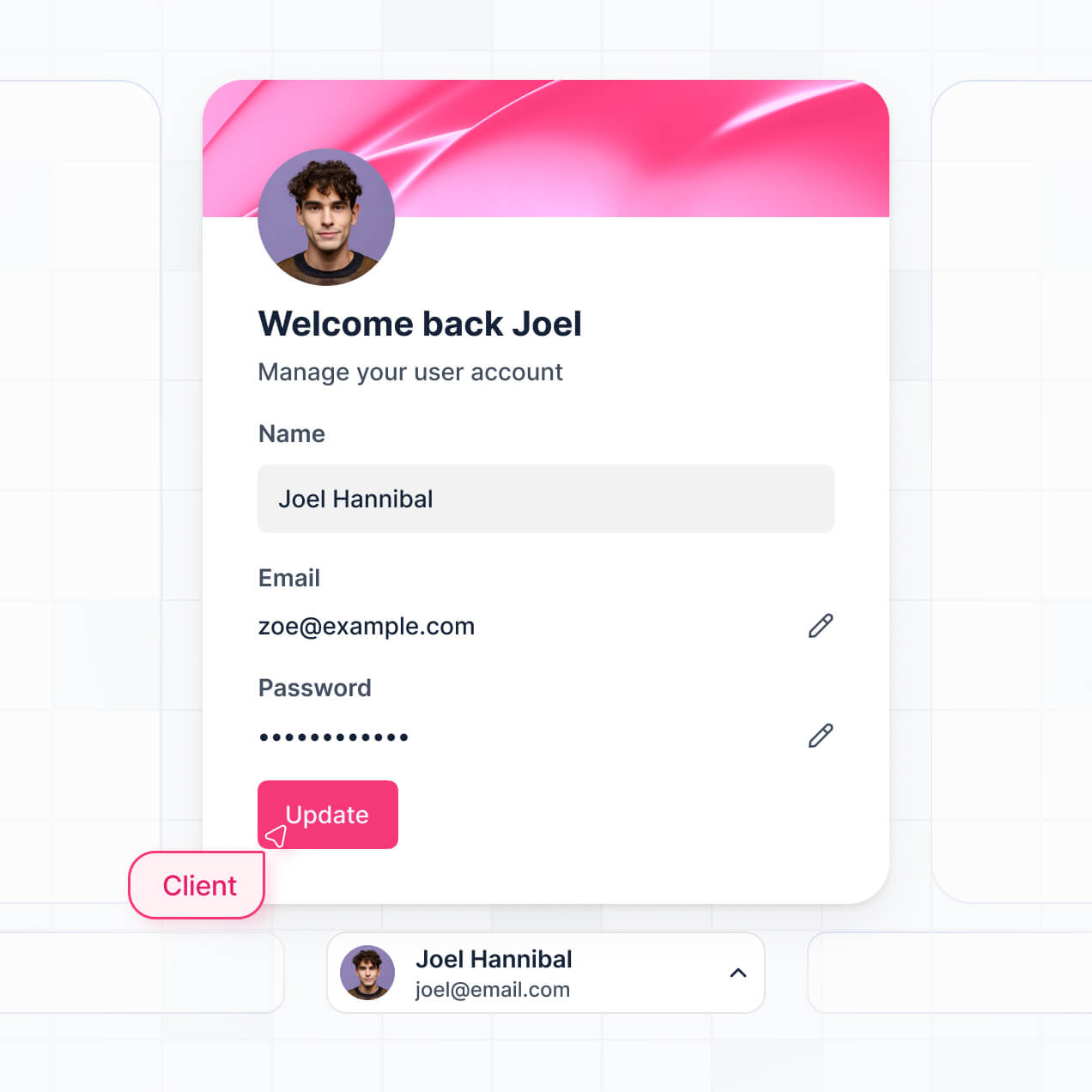

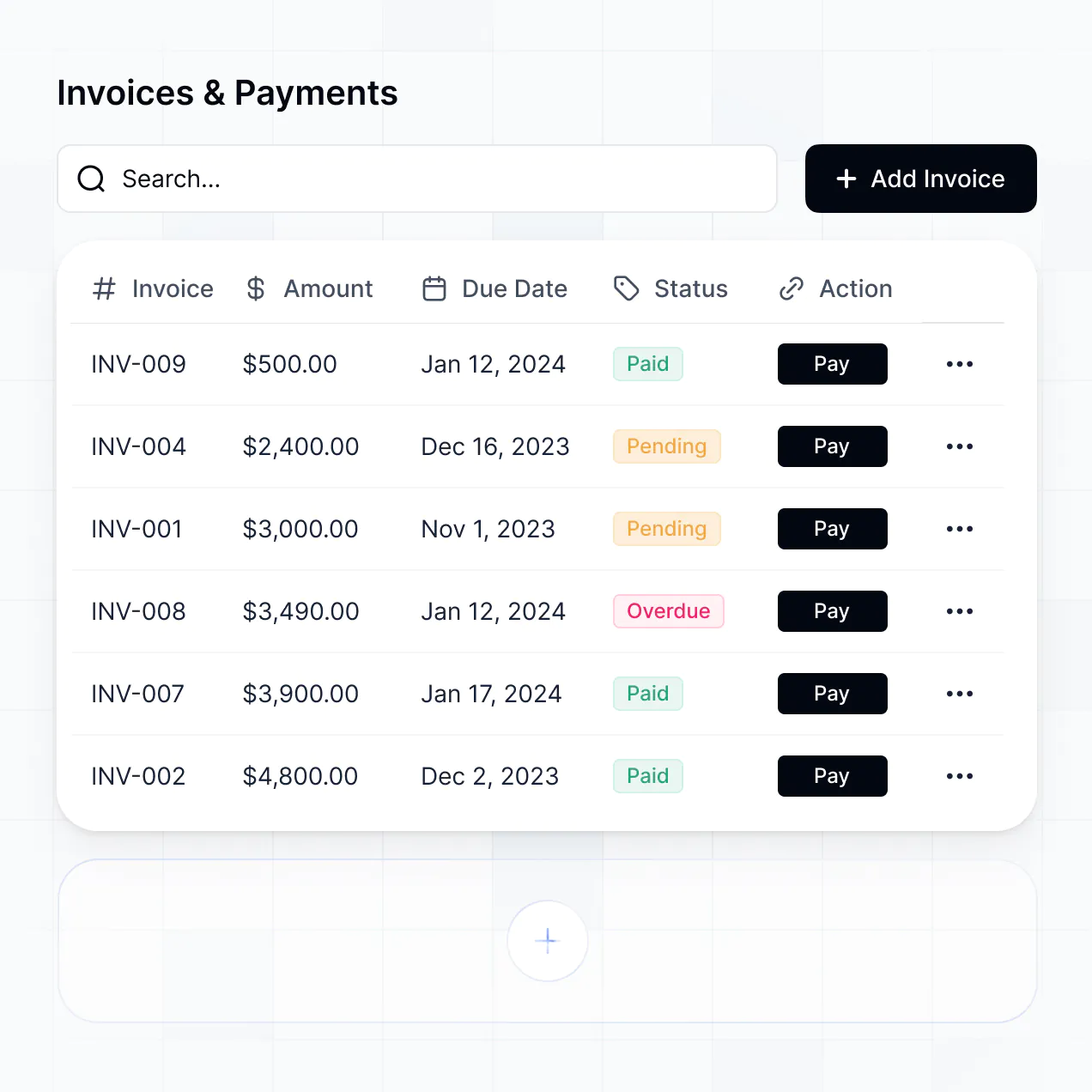
Invoice generation and tracking

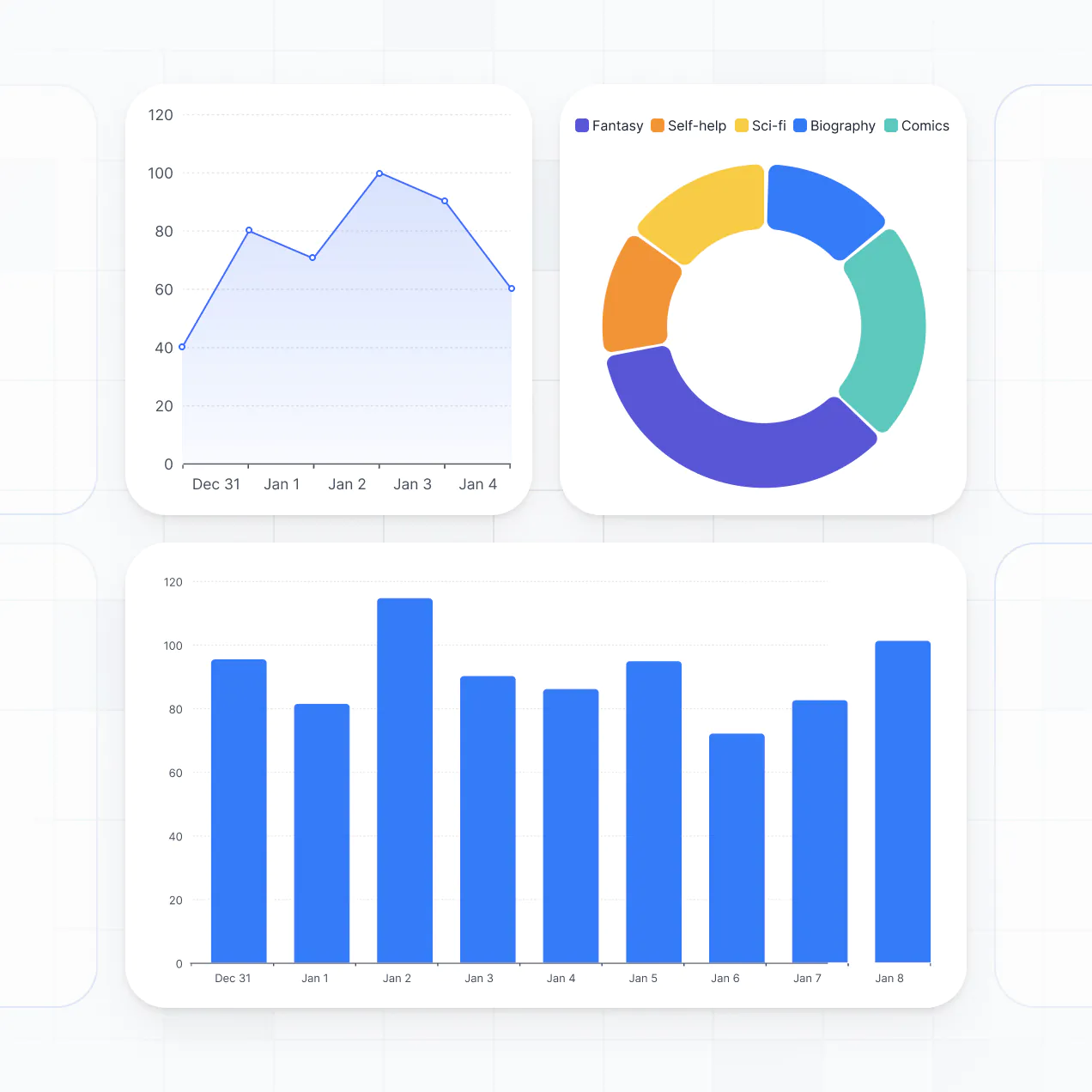
Sales reporting dashboard

Bring all your sales data together in real time
Connect spreadsheets, inventory systems, and payment processors with real-time sync—or manage everything in Softr Databases. Create one source of truth for your sales operations.


Custom access for every team. Built-in security, no dev time.
Equip your sales and inventory teams with the right POS tools and access. Set secure logins, user groups, and permissions—no IT needed.

Advanced permissions
Provide tailored dashboards for cashiers, supervisors, and inventory staff, so everyone sees only what they need.

User groups
Provide tailored dashboards for cashiers, supervisors, and inventory staff, so everyone sees only what they need.

Automations
Connect your POS to inventory or finance tools using Make, Zapier, or N8N to automate daily sales and stock updates.

Works on any device
Access your POS from desktop, tablet, or mobile—designed for flexibility on the sales floor or in the back office.

Easy, secure logins
Allow staff to log in securely with Google, email, or SSO. No IT tickets—access is quick and protected.

Security
Keep transaction and inventory data secure with SOC2 and GDPR compliance, plus role-based access control.
.svg)
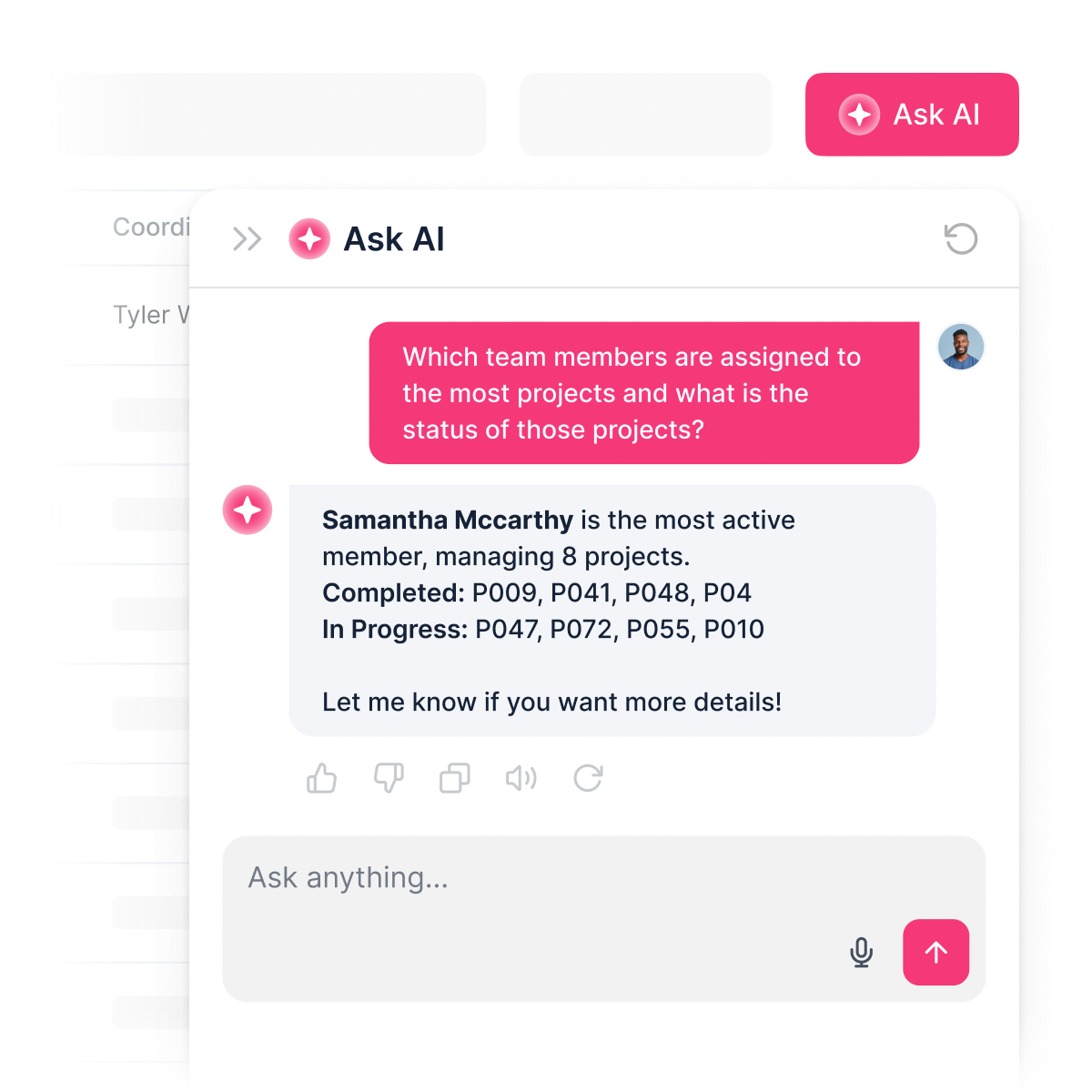
An AI teammate for your POS
Staff can ask AI about inventory, sales, or orders—right inside your POS system. Get quick, clear answers without leaving Softr.

Why Softr vs other software
No more one-size-fits-all tools or costly custom builds. Softr is easy to use and fully customizable, so you can launch faster, adapt as you grow, and skip the complexity of traditional software.

Easy, fast setup
Set up your wholesale POS system in minutes using drag-and-drop blocks and built-in templates.

Consolidate your stack
Add inventory management, reporting, or user roles as your wholesale business evolves—no coding needed.

Flexible as you grow
Unify your POS, CRM, and inventory tools all in one place—no extra software or seats required.


Build a fully custom wholesale pos system in minutes
Connect to your data in seconds
Integrate with your spreadsheets and databases, including Airtable, SQL, Hubspot, Google Sheets, Supabase, BigQuery, and more—in just a few clicks. Your data is always secure and in sync.
Customize layout and logic
Drag and drop customizable building blocks with various views and functionalities. Granular permissions allow you to control what data each user can access, and which actions they can take.
Publish and launch
Ship applications that your team will love in minutes or hours, instead of days or weeks. Deploy on both desktop and mobile.


250+

600+


Frequently asked questions
Build your wholesale POS system in minutes