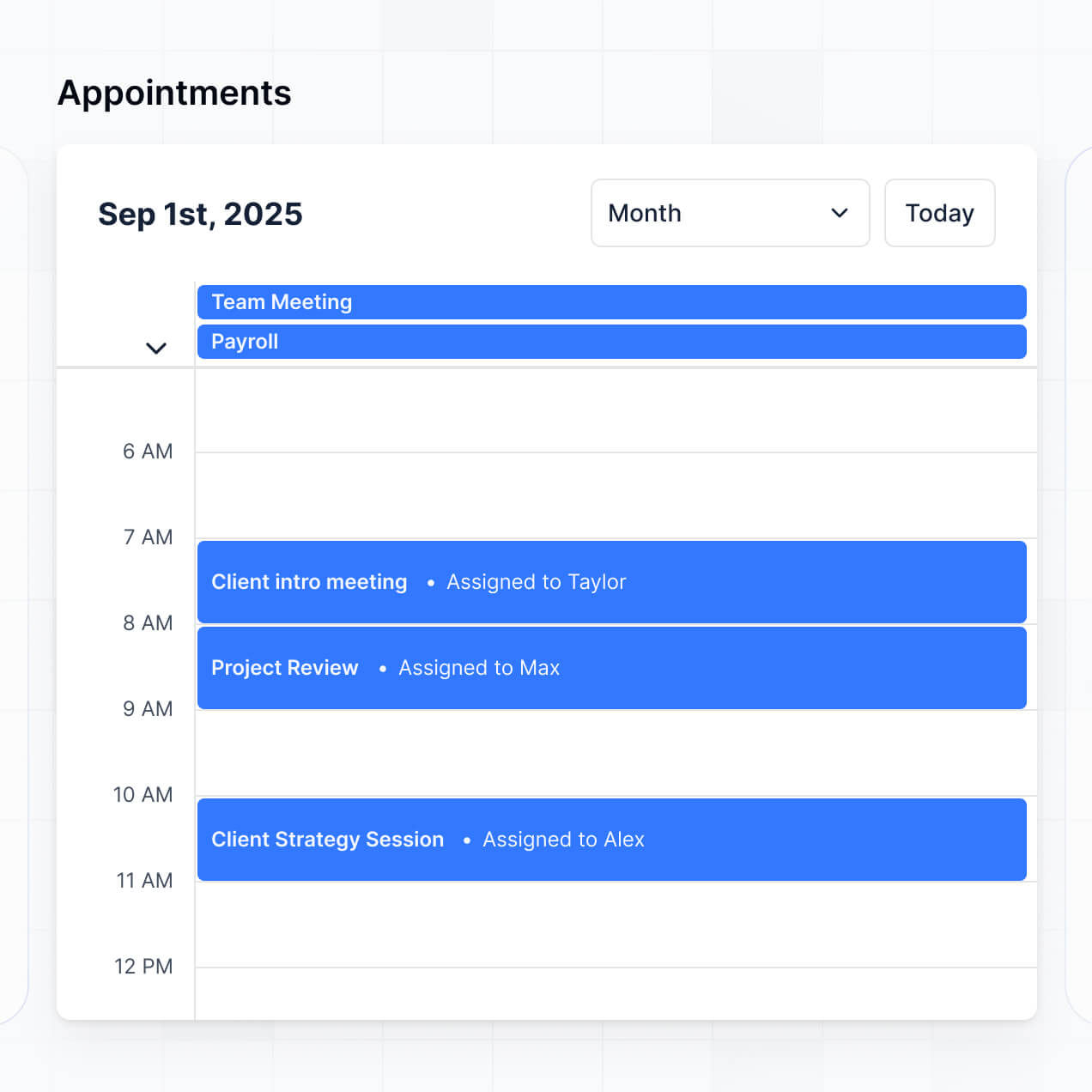
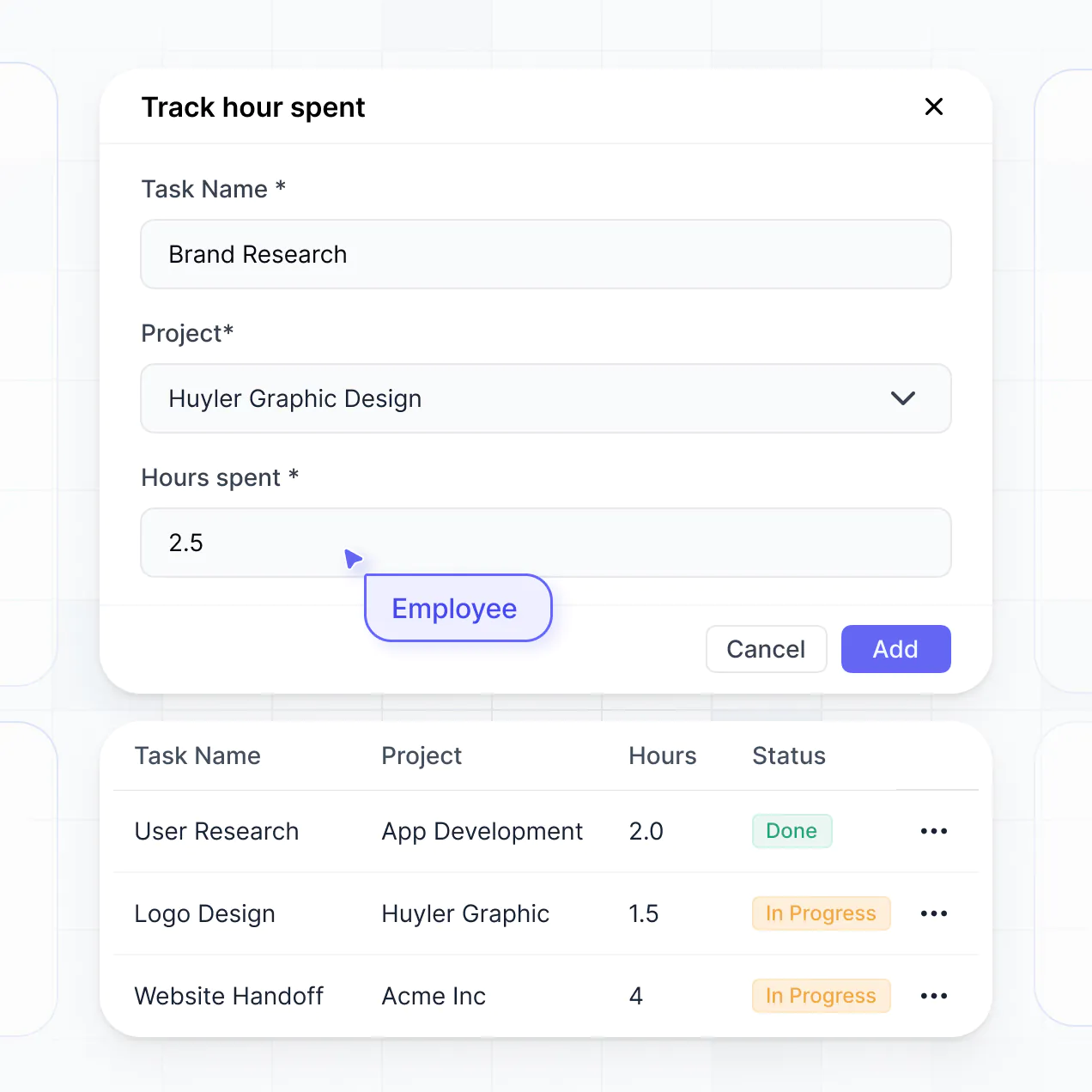
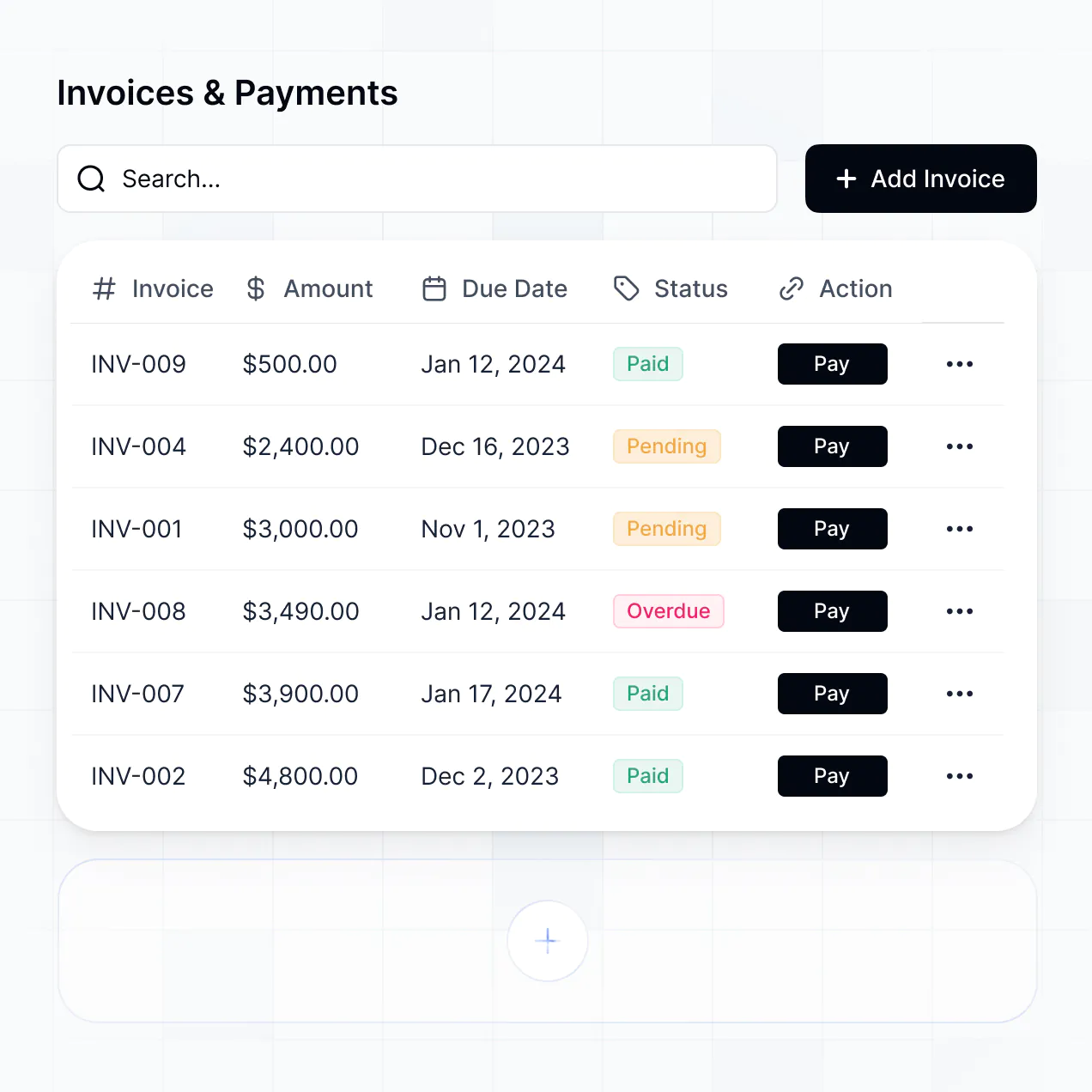
Manage consultations, court dates, and deadlines in an AI-powered system built with AI to fit your legal practice's unique workflow.
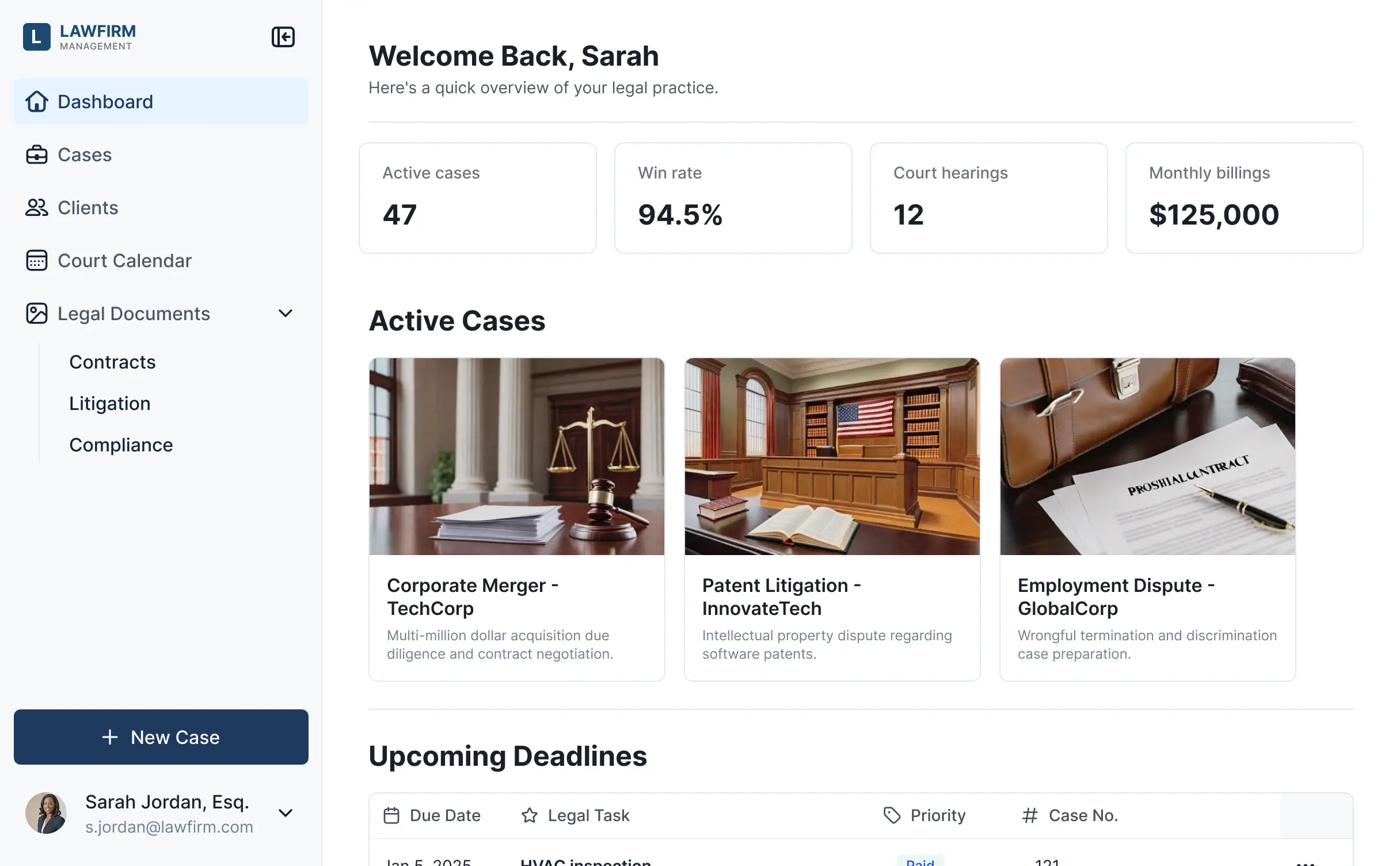
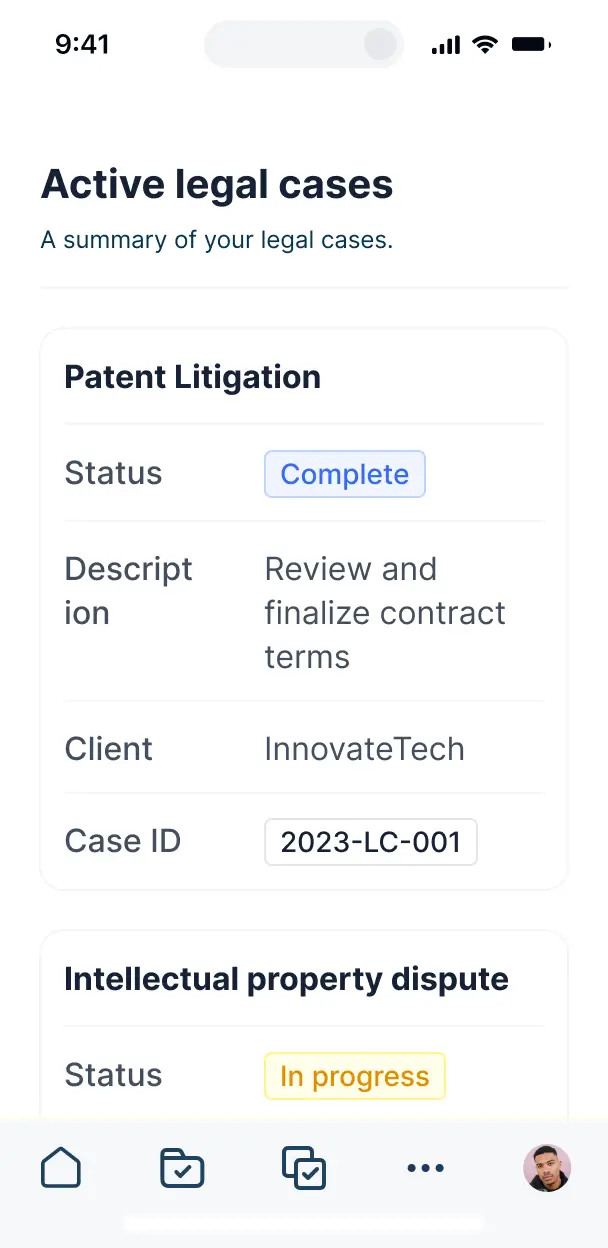



Customize scheduling software for lawyers with specific views for cases and deadlines. Add booking and intake blocks—only when you need them.


Connect case files, retainer data, and calendar links with real-time sync—or manage everything in Softr Databases. Create one source of truth for your law firm.
Give lawyers and clients the right views and access. Set up secure logins, user groups, and granular permissions for case files in minutes.
Softr apps are mobile-ready for court sessions. Turn your scheduler into a downloadable app in one click via PWA—no extra design work needed.
Build native automations with Softr Workflows to handle court date notifications, status updates, and deadline reminders automatically.
Provide separate logins for partners, associates, and clients. Create personalized dashboards for each role to view relevant case schedules.
Apply rules for different legal roles. Customize who can view case files or edit court dates at the most granular level for strict compliance.
Protect attorney-client privilege and confidential information. Softr is fully compliant with SOC2 and GDPR regulations for legal teams.
No more one-size-fits-all tools or costly custom builds. Softr is easy to use and fully customizable, so you can launch faster, adapt as you grow, and skip the complexity of traditional software.

Build your legal scheduling app in minutes with AI—no manual setup or complex configuration needed.

Add features like court date reminders or intake forms as your firm grows—without needing to start from scratch.

Start with scheduling, then add client portals or billing dashboards—all in one place with no extra tools.
Co-build with AI
Simply describe what you need. Let Softr handle everything - Interface, database, workflows.
Iterate with AI or visually
Control most critical parts of your app yourself - roles, permissions, security.
Ship the same day
Invite team members or external clients and partners right away. No developer handover.
Use drag-and-drop blocks to build a portal that looks sleek and modern out of the box. Add only the features you need, and iterate as your workflows evolve.




Scheduling software for lawyers is a secure, digital environment where legal professionals and their clients can coordinate consultations, court dates, and discovery deadlines. It eliminates the friction of manual booking by centralizing your availability, case files, and intake forms in one place. By reducing administrative back-and-forth, your firm can maintain a more organized calendar while providing a professional, accessible experience for your clients.
Softr is the first AI-native platform for building business software, making it uniquely suited to create a scheduling tool tailored to the nuances of legal practice. You can describe your firm's specific needs—like conflict check steps or retainer agreement triggers—to the AI Co-Builder to instantly generate your database, appointment pages, and booking logic.
You don't need to code anything to get started. You can generate a full system with AI, use a legal practice template, or build from scratch. Your app runs on Softr Databases for maximum security, or you can leverage existing data by connecting Airtable, Google Sheets, or your preferred CRM. With full visual control, you can customize the layout to match your firm’s branding and set strict permissions to ensure confidentiality. It is fast to deploy, easy to update for new associates, and scales as your caseload grows.
You can design a robust set of features to streamline your firm's calendar management. A successful legal scheduling app typically combines functional booking blocks with integrated AI features:
- AI-Powered Intelligence – Use Ask AI to let staff query case timelines conversationally, or deploy Database AI Agents to summarize case notes from intake forms before a consultation.
- Vibe Coding Blocks – Create specialized UI components—such as a custom billable hours calculator or a court deadline countdown—using the AI Code block to "vibe code" exactly what your practice requires.
- Softr Workflows – Build native automations, such as an automatic notification system that alerts attorneys when a new motion deadline is added to the calendar.
- Secure Client Portals – Manage access so clients can only see their specific hearing dates and upload documents privately.
- Intake Forms & Data Collection – Gather essential case details or conflict check information using forms with conditional logic.
- Legal Dashboards – Visualize billable hours and monthly appointment volumes with real-time charts.
- Calendar & List Views – Manage your schedule using searchable tables, firm-wide calendars, or kanban boards for matter stages.
Everything is built using Softr's drag-and-drop system, and if your firm requires a custom intake tool, you can use Vibe Coding to generate it. As your practice areas expand, updating the scheduling software is seamless.
Vibe coding lets you move at the speed of your practice by using AI to build precise scheduling tools. You can "vibe code" your scheduling software by describing your firm's workflow—including specific meeting types like depositions or initial consultations—to the AI Co-Builder. Softr then produces a production-grade application on a stable, secure framework.
Unlike experimental AI tools that produce unmanaged code, Softr handles the heavy lifting—like client authentication, secure database links, and lawyer-client confidentiality settings—natively. This provides the speed of rapid AI generation without the risk of managing raw code. You describe the legal workflow, Softr builds the interface, and your firm is ready to book clients immediately.
Yes. You can manage multiple offices, practice groups, or legal teams within a single scheduling platform. Each attorney only sees the hearings and client consultations assigned to them based on their specific role and login. This is ideal for multi-partner firms or legal groups that need to separate family law calendars from corporate litigation schedules while maintaining one unified system.
Yes, you can. You don't need an existing database to start building your scheduling software. If you are launching a new firm or moving away from paper records, you can use Softr Databases, which is built into the platform and handles appointment records and client profiles perfectly.
However, if your firm already stores records in Airtable, Google Sheets, HubSpot, or SQL databases, you can connect those directly. You also have access to the REST API to pull in data from other legal research or billing tools. You have full control over how your case files and schedules are organized and displayed.
Softr Databases is the recommended relational data source for your scheduling software. It is optimized for law firms, offering high performance, secure automated triggers, and a fast user experience because the scheduling data is native to the app.
If your firm uses other systems, Softr connects to over 17 external sources, including Airtable, Google Sheets, and SQL databases. You can even combine sources—for example, pulling client contact info from HubSpot while managing the actual appointment dates in Softr Databases. Most sources offer real-time, two-way sync, ensuring your calendar is always up to date across all platforms.
Yes, Softr provides complete control over the booking journey and internal access. You can customize the scheduling pages to match your firm's professional branding. Blocks can be shown or hidden based on the user; for instance, a client sees a simplified booking form, while a senior partner sees a detailed view of the entire firm's caseload.
You can define roles such as Lead Attorney, Paralegal, and Client, setting specific permissions for each. Lead attorneys can manage all appointments, while clients can only view or reschedule their own sessions. This ensures the scheduling process is secure, professional, and compliant with privacy needs.
Yes, you can fully white-label your scheduling software in Softr. You can use your firm's logo, professional color palette, and custom domain (e.g., portal.yourlawfirm.com) to provide a cohesive experience for your clients. By removing Softr branding, your clients interact only with your firm's identity, which builds trust and maintains a professional image.
Yes, you can. Softr allows significant flexibility to ensure your software meets your firm's specific workflow requirements. You can modify fonts, spacing, and page structures to reflect your brand's authority. You also control the layout of the booking pages and determine what documents or calendar views are visible to different staff members.
To organize your legal schedule, you can use various blocks:
- Calendar blocks – to display court dates, filing deadlines, and client meetings.
- Table blocks – to track billable time or manage a list of active matters.
- Detail View – to give attorneys a comprehensive look at a single case file.
- Forms – for client intake and conflict check data collection.
- Charts – to track your firm's consultation conversion rates.
- Card blocks – to showcase attorney bios for client-facing booking pages.
You can easily adjust these layouts in the visual builder as your firm's administrative needs evolve.
Softr is built with security as a priority, essential for maintaining attorney-client privilege. All data is encrypted in transit and at rest, with hosting on reliable infrastructure. You retain full control over sensitive information through role-based permissions and visibility rules that prevent unauthorized access to case details.
When using Softr Databases, your data is stored in a secure environment with SOC 2 Type II compliance and hosting in Germany. If you connect to external sources like Airtable or SQL, Softr displays your records in real time without storing them, meaning you remain the primary owner of your sensitive legal data. Softr also employs industry best practices for monitoring and access control to keep your firm's schedule and client logs safe.
It is fully production-ready. While some AI tools produce "vibe code" that is difficult to secure or maintain, Softr builds your legal scheduling system on a stable, professional foundation.
We provide the essential infrastructure—including secure client logins, encrypted data storage, and granular access levels—natively. This eliminates the uncertainty often associated with AI: you get the speed of instant generation with the reliability of business-grade software. Your scheduling system is scalable and ready to handle active client bookings from the moment you publish.
Softr is the first AI-native platform designed for custom business software. Unlike simple booking links that offer little flexibility or complex no-code tools that take weeks to learn, Softr's AI Co-Builder generates a functional scheduling app on a secure, production-ready foundation in minutes.
This hybrid approach allows you to use AI to generate the initial scheduling logic and database, then use visual tools to refine the attorney-specific workflow. You benefit from the precision of custom software with the reliability of built-in features like secure authentication and role management, making it perfect for law firms that need to move from an idea to a live solution immediately.
Yes. Softr supports powerful native workflows and integrations to connect your schedule with the rest of your legal stack. You can automate tasks like sending a confirmation email after a booking, or integrate with Stripe to collect retainers at the time of scheduling. Softr also supports webhooks and a REST API for advanced needs.
Whether you need to sync your calendar with Outlook, trigger a task in your project management tool, or display billing status from an external system, you can build these connections into your software without writing code.
Go from idea to a live scheduling app for your firm in under an hour. Build and customize without code today.