Track metrics, manage defects, and view reports in an AI-powered quality assurance dashboard built with AI to fit your team's workflow.

Set up custom views for inspectors and managers. Add blocks like charts, defect logs, and search filters—only the features your workflow needs.


Connect inspection logs, defect trackers, and compliance lists with real-time sync—or manage everything in Softr Databases. Create one source of truth for your business.
Give each teammate the right tools and access. Set up secure logins, user groups, and granular permissions—no IT support or dev work needed.
Give inspectors, managers, and auditors tailored access and dashboards, so each role sees just the data and tasks they need to focus on.
Streamline your quality processes with Softr Workflows. Trigger native actions like defect notifications or status changes based on team updates.
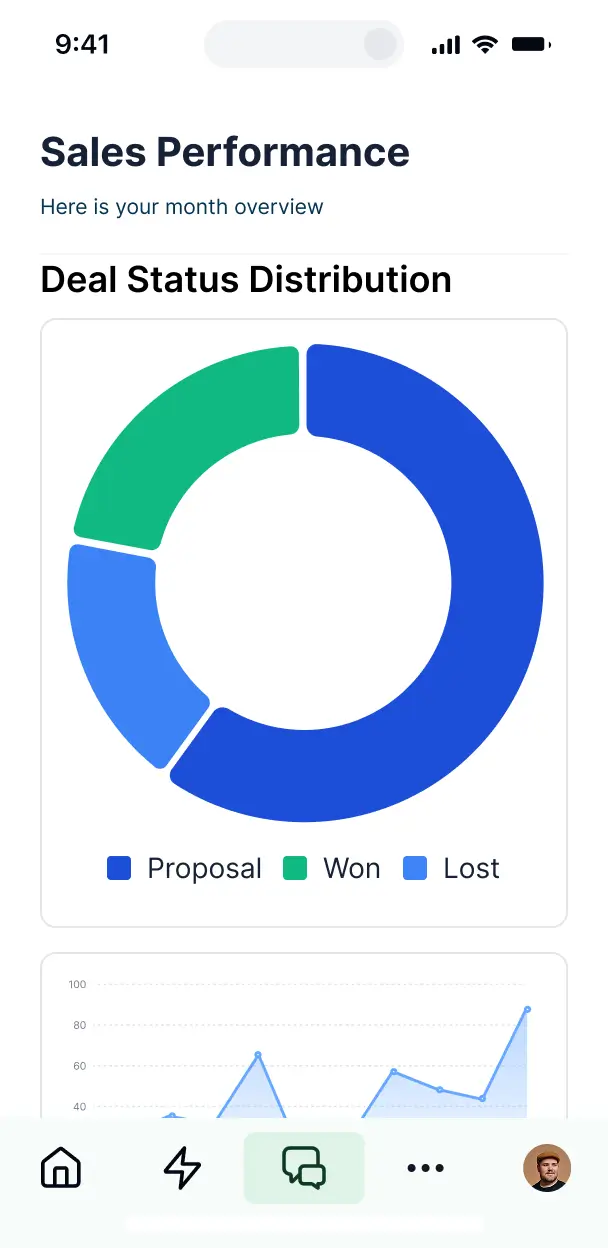
Access and update your quality assurance dashboard on the go or from the warehouse floor. All apps are mobile-ready out of the box.
Use Google, email, or SSO logins to give your QA team fast, secure access to reporting tools—no IT tickets or coding required.
Keep compliance data and internal audit logs safe with SOC2 and GDPR compliance, plus fine-tuned access control at every granular level.
No more one-size-fits-all tools or costly custom builds. Softr is easy to use and fully customizable, so you can launch faster, adapt as you grow, and skip the complexity of traditional software.

Build your quality assurance dashboard in minutes with AI—no manual setup or complex configuration needed.

Add features like automated alerts, RCA reports, or task management as your processes evolve—no rebuild needed.

Start with a dashboard, then add inspection portals, audit forms, or vendor trackers—all in one place.
Co-build with AI
Simply describe what you need. Let Softr handle everything - Interface, database, workflows.
Iterate with AI or visually
Control most critical parts of your app yourself - roles, permissions, security.
Ship the same day
Invite team members or external clients and partners right away. No developer handover.
Use drag-and-drop blocks to build a portal that looks sleek and modern out of the box. Add only the features you need, and iterate as your workflows evolve.




A quality assurance dashboard is a centralized, secure space where your data scientists, testers, and managers can log in to monitor product quality, bug reports, automated test results, and release readiness. It keeps all QA metrics and feedback loops in one place, eliminating the need to search through fragmented bug trackers or spreadsheet logs. This makes it easier for your engineering and product teams to stay aligned and provide a higher quality experience for your end users.
Softr is the first AI-native platform for building business software, making it the ideal tool to build a quality assurance dashboard tailored specifically to your testing cycle. You can describe your specific requirements—like defect density tracking or sprint-based reporting—to the AI Co-Builder to instantly generate your database schema, reporting pages, and data logic in a secure environment.
You don't need any coding knowledge to get started. You can generate your app with AI, use a specialized template, or build from scratch. Your dashboard runs on Softr Databases for maximum speed, or you can sync technical data directly from external tools like Airtable, Google Sheets, or GitHub. You have full control to visually adjust layouts, decide which stakeholders see specific metrics, and ensure the UI matches your internal brand. It is built to evolve fast as your software complexity grows.
You can include a wide range of analytical and operational features depending on your QA workflow. A robust quality assurance dashboard usually combines functional data blocks with AI capabilities:
- AI-Powered Intelligence – Use Ask AI to query your bug history conversationally, or set up Database AI Agents to automatically summarize bug reports or categorize test failures by severity.
- Vibe Coding Blocks – Build custom UI components—like a specialized regression test progress bar—using the AI Code block to "vibe code" the exact visualization you need.
- Softr Workflows – Create native automations, such as a workflow that triggers a Slack notification to the lead engineer whenever a high-priority bug is logged.
- User Portals & Logins – Securely manage access so junior testers see their assigned tasks while leadership sees high-level health summaries.
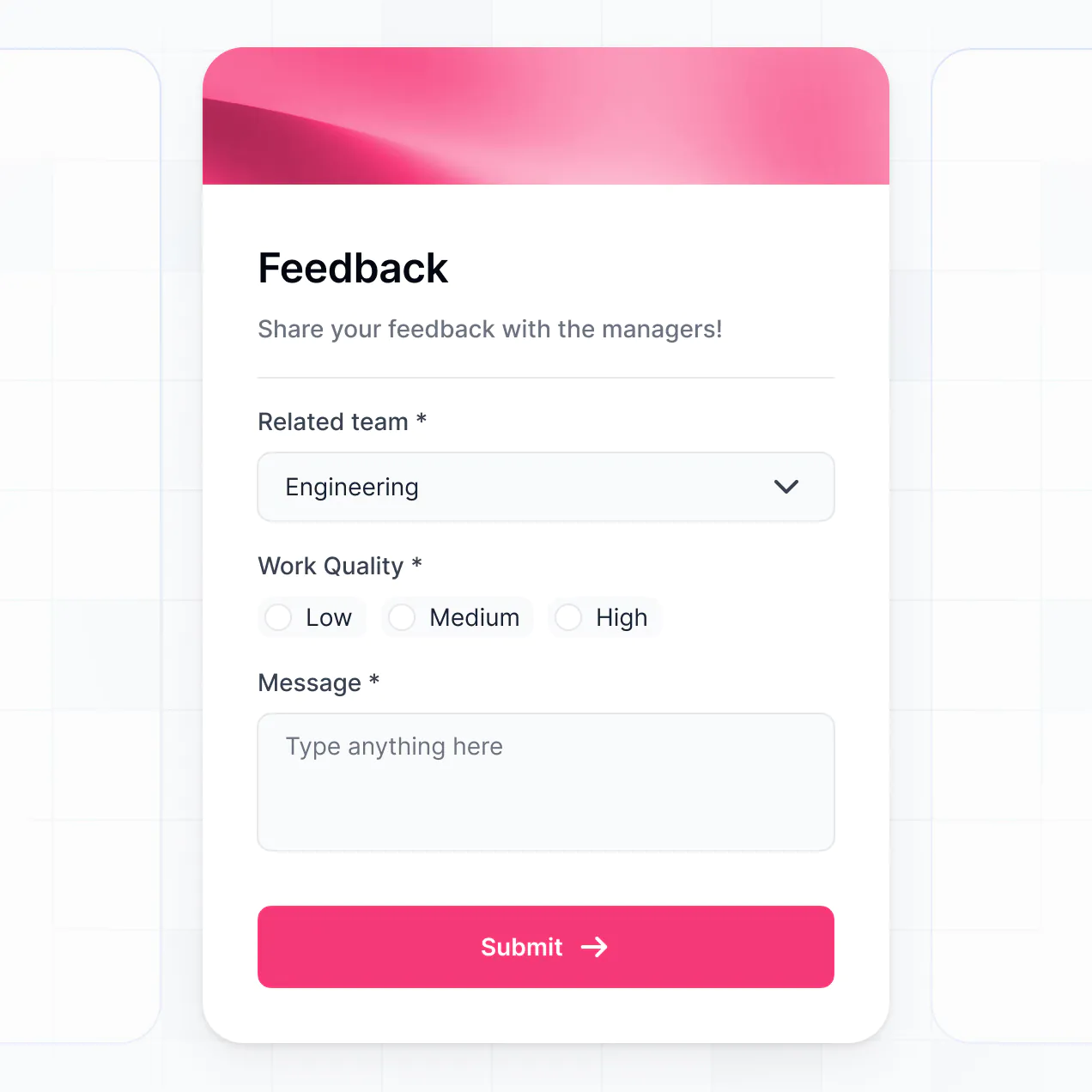
- Forms & Data Collection – Standardize bug reporting with custom forms that include file uploads for screenshots and logs.
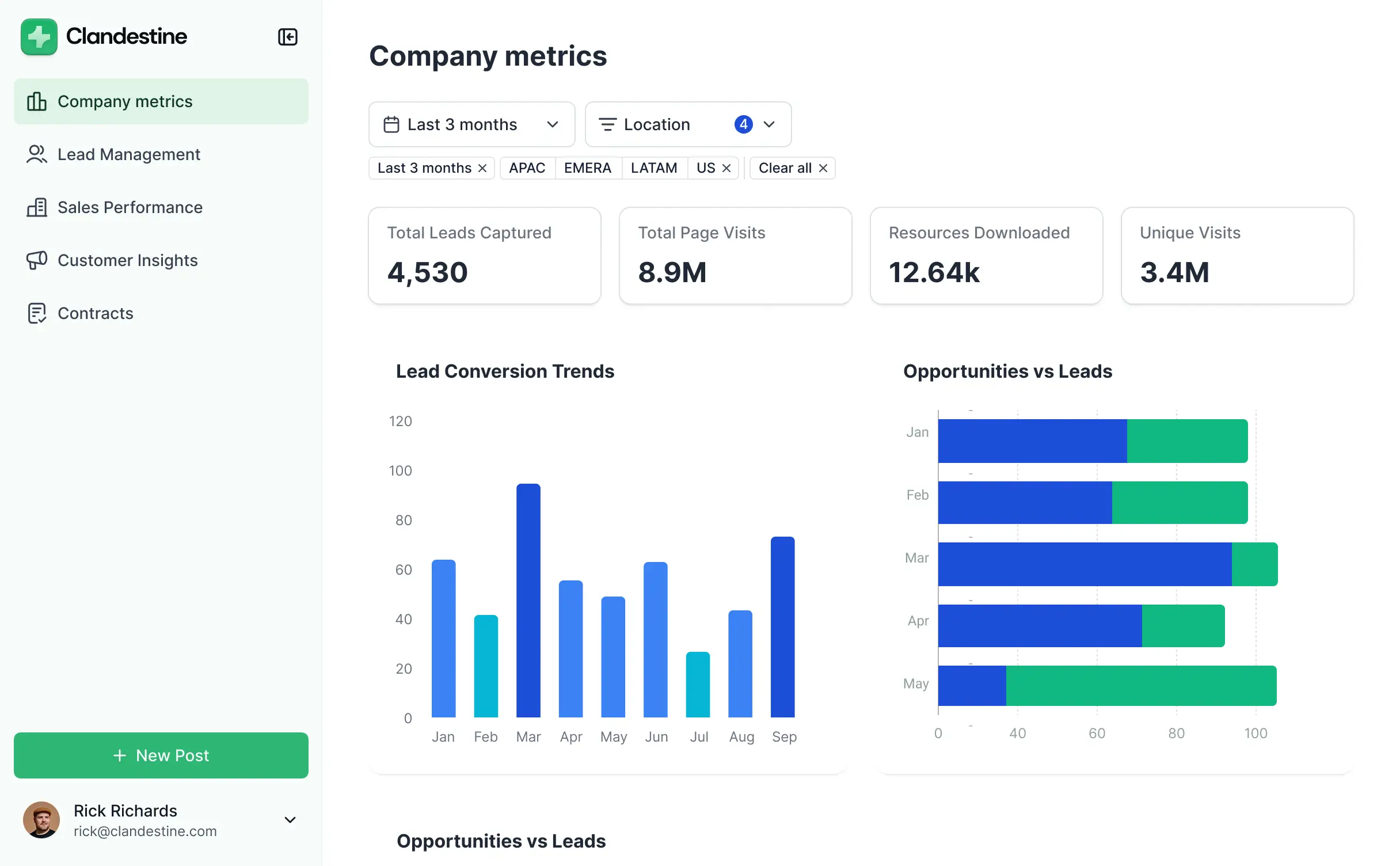
- Dashboards & Charts – Visualize defect trends, pass/fail rates, and cycle times with real-time charts and metric summaries.
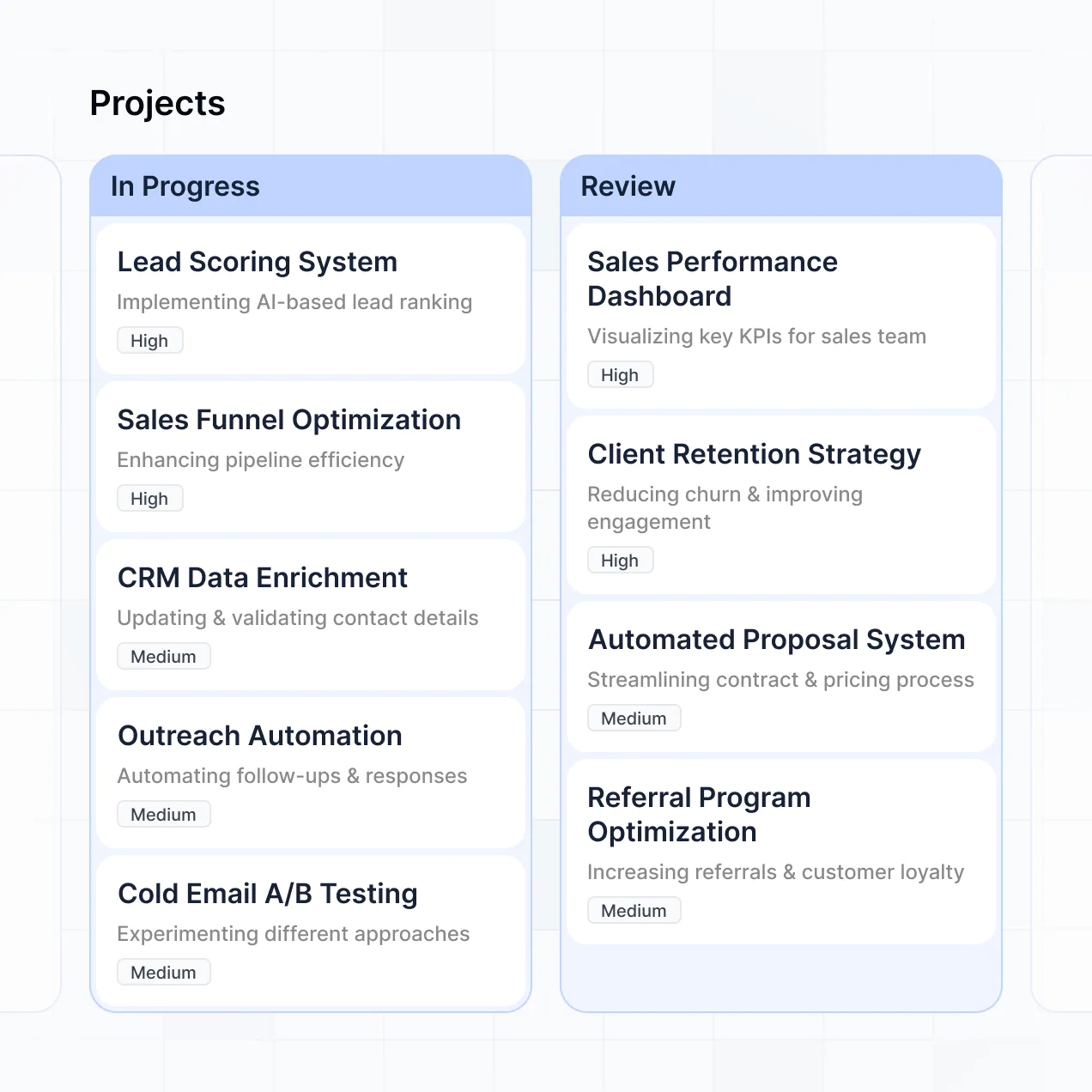
- Lists & Advanced Filtering – Manage your backlog with searchable kanban boards for bug states and filtered tables for specific release versions.
Everything is drag-and-drop, and if you need an edge-case feature, the Vibe Coding block can generate it for you instantly. Updates are simple to push as your testing protocols change.
Vibe coding allows you to iterate on your quality metrics faster than traditional development cycles. You can "vibe code" a quality assurance dashboard in Softr by simply describing your tracking requirements to the AI Co-Builder. Softr then generates a production-ready reporting app on top of a stable, secure foundation.
Unlike other tools that generate raw code you have to host and fix, Softr handles the foundational logic—like secure user logins for your team, database relationships, and permission levels—natively. You describe the QA metrics you need, Softr builds the infrastructure, and your testing team can start logging defects and viewing results immediately without any "Day Two" maintenance headaches.
Yes. You can manage multiple development teams or product lines in a single dashboard. Each user only sees the bug logs and test suites assigned to their specific squad or department based on their login and role. This is particularly effective for large organizations with several concurrent software projects that need one unified reporting standard with siloed data access.
Yes, you can. You don't need an existing bug tracker to start building with Softr. If you are starting fresh, use Softr Databases, which is built into the platform and allows you to define custom fields for test cases, bug steps, and severity levels right away.
However, if your data already lives in tools like Airtable, Google Sheets, or SQL databases, you can connect them seamlessly. You can even use the REST API to pull data from CI/CD pipelines. You have total control over how these testing records are organized and displayed to your QA team.
Softr Databases is the recommended native, relational data source for your quality assurance dashboard, offering high performance and instant automation triggers for real-time reporting. Since it is native to the platform, your metrics reflect changes perfectly without lag.
If your technical data is stored elsewhere, Softr connects to 17+ sources including Airtable, Google Sheets, HubSpot, SmartSuite, and BigQuery. You can even integrate multiple sources, perhaps pulling manual test results from Softr Databases while pulling automated logs from an external SQL database, keeping everything in one synchronized view.
Yes, Softr gives you granular control over the UI and permissions within your quality assurance dashboard. You can customize navigation and content visibility based on roles; for example, you can hide the 'Delete' button for junior testers while giving full edit access to QA Leads.
You can set up roles such as Tester, Developer, and Product Manager. Each role sees a tailored view—testers see data entry forms, developers see technical bug details, and managers see high-level ROI charts. This level of customization ensures that sensitive release data remains secure while the interface remains uncluttered for every team member.
Yes, you can fully white-label your quality assurance dashboard. You can apply your company’s logo, internal project brand colors, and professional fonts. Using a custom domain makes the dashboard feel like a proprietary internal tool, and by removing Softr branding, you ensure a cohesive professional experience for your engineering and management teams.
Yes, the design and layout are fully flexible. You can adjust the visual hierarchy and spacing to prioritize the most critical quality metrics. You can mix and match various blocks to create the perfect reporting view:
- Table blocks – to display detailed bug lists with sorting for priority and status.
- List or Card blocks – to highlight specific testing milestones or feature areas.
- Detail View – to provide a deep dive into a single bug report or test case.
- Forms – to allow quick submission of new defects or test results.
- Charts – to visualize test coverage or bug aging trends.
- Calendar blocks – to keep track of release dates and maintenance windows.
Updates are made in real-time in the visual builder, so as your QA processes mature, your dashboard can grow with them.
Softr is built to handle sensitive business data securely. All testing information is encrypted in transit and at rest. You have total control over data visibility via role-based permissions and global restrictions, ensuring that pre-release product secrets stay within authorized teams.
For dashboards using Softr Databases, data is hosted on secure European servers (Germany) with SOC 2 Type II compliance. For external connections like SQL or Airtable, Softr purely displays the data via secure API without storing it on our servers. This ensures your software quality data remains private and compliant with your internal IT security policies.
It is fully production-ready from the start. Unlike experiments that generate raw code that is hard to maintain, Softr’s AI Co-Builder sets up your quality assurance dashboard on top of a resilient, professional-grade core.
We provide native handling of authentication, permissions, and database management so you can move from an idea to a live tracking tool in minutes. You get the speed of AI generation with the reliability of business-class software, meaning your team can start logging actual bugs and generating real reports on day one without worrying about infrastructure failure.
Softr is the first AI-native platform designed for building business software like quality dashboards. Most no-code tools require heavy manual setup or lead to fragile code. Softr's AI Co-Builder creates an application structure that is both flexible and robust.
The unique advantage is the hybrid approach: let AI build your complex database relationships and page layouts in seconds, then use the visual editor to fine-tune your QA workflows. You get the speed of modern AI tools combined with the enterprise-grade security features—like roles and permissions—that traditional no-code tools often find difficult to scale.
Yes. Softr supports native workflows and deep integrations to ensure your quality assurance dashboard is connected to your tech stack. You can automate status updates using Softr Workflows or integrate with tools like Slack to notify developers of new tickets.
You can also use webhooks and the REST API to trigger external scripts or sync data with Jira or GitHub. This allows you to build a comprehensive quality ecosystem where manual test results and automated reports live together in one automated environment.
Describe what you need. AI builds it in minutes. Get started free, no setup time or dev work needed.