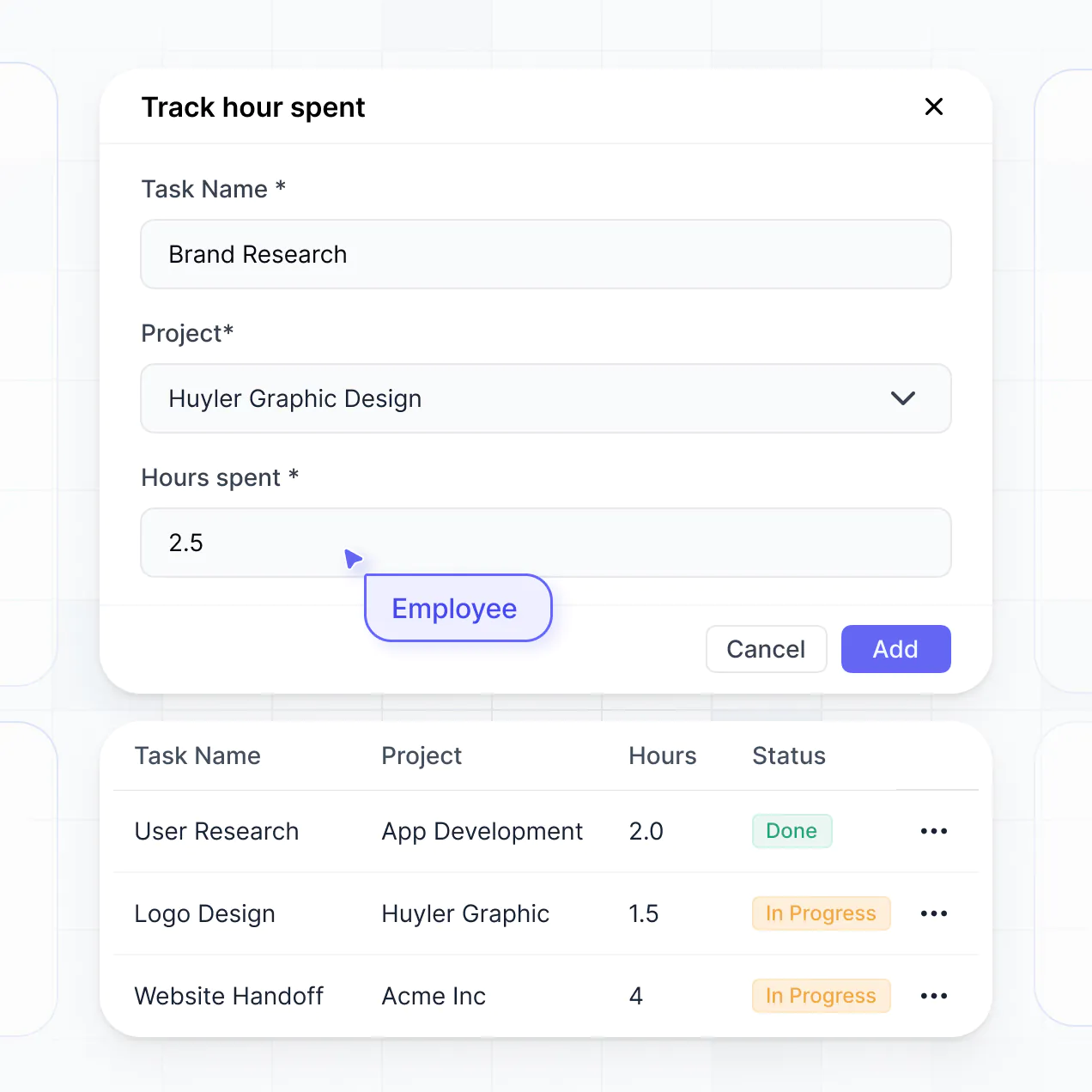
Track legal matters, manage deadlines, and bill clients in an AI-powered system built with AI to fit your firm's specific workflow.
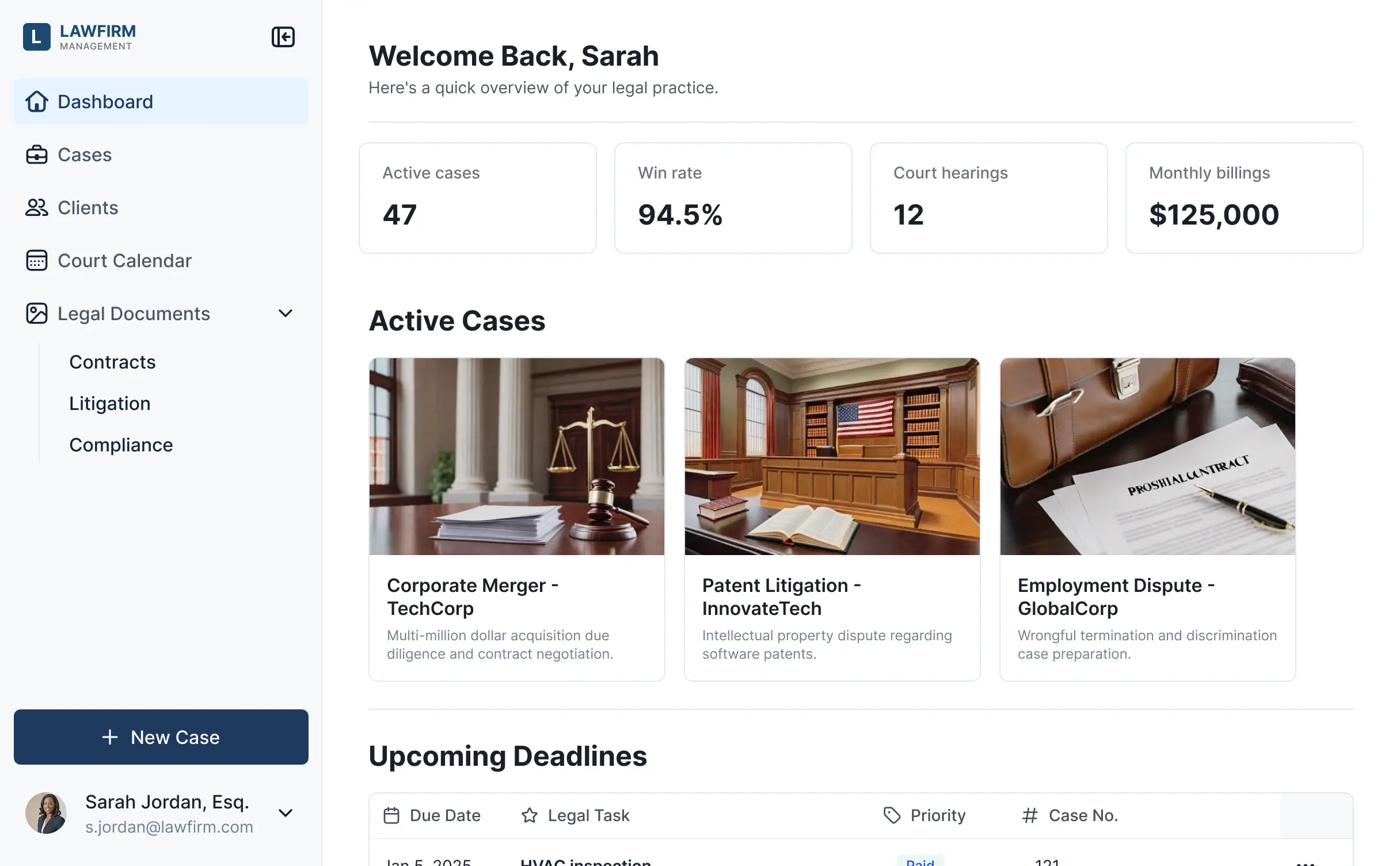



Customize your project management setup with the exact case steps and matter views your team needs. Add features as legal processes evolve.


Connect spreadsheets, CRMs, and case files with real-time sync—or manage everything in Softr Databases. Create a single source of truth for your firm's entire practice.
Give each attorney and paralegal the right tools and access. Set up secure logins and granular permissions for sensitive case data—no IT support needed.
Give partners, associates, and administrative staff tailored access and dashboards, so each role sees just the case information they need.
Streamline your legal processes with Softr Workflows. Trigger native notifications for court deadlines or status changes to keep your operations running smoothly.
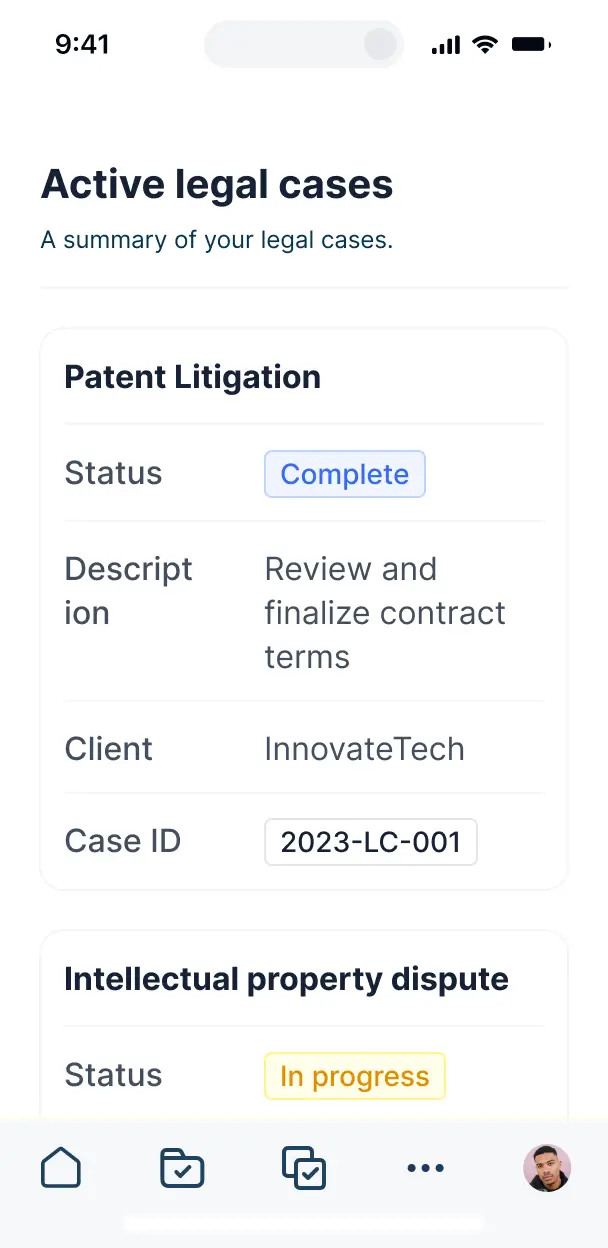
Access case files and update matter statuses while at the courthouse or on the go. All legal tools are mobile-ready out of the box.
Use Google, email, or SSO logins to give your legal team fast, secure access to their workspace—no IT tickets or complex passwords required.
Keep sensitive legal data safe with SOC2 and GDPR compliance, ensuring your firm maintains the highest standards of data protection at every level.
No more one-size-fits-all tools or costly custom builds. Softr is easy to use and fully customizable, so you can launch faster, adapt as you grow, and skip the complexity of traditional software.

Build your law firm software in minutes with AI. No complex setup or long dev cycles—just describe your practice.

Add features like automated deadline calendars or AI case summaries as your needs evolve—without starting over.

Start with matter tracking, then add client portals or billing dashboards—all in one place with no extra costs.
Co-build with AI
Simply describe what you need. Let Softr handle everything - Interface, database, workflows.
Iterate with AI or visually
Control most critical parts of your app yourself - roles, permissions, security.
Ship the same day
Invite team members or external clients and partners right away. No developer handover.
Use drag-and-drop blocks to build a portal that looks sleek and modern out of the box. Add only the features you need, and iterate as your workflows evolve.




Project management software for law firms is a secure digital hub where legal professionals can track cases, manage billable hours, share documents, and monitor court deadlines. It consolidates all matter-related communication into one central location, eliminating the chaos of scattered email chains and disjointed spreadsheets. This ensures that every associate and partner stays aligned while providing a transparent, professional experience for your clients.
Softr is the first AI-native platform for legal business software, allowing you to build a project management solution that mirrors your firm’s specific practice areas. By describing your requirements to the AI Co-Builder, you can instantly generate a database for matters, client intake forms, and attorney dashboards—all pre-connected with enterprise-grade security.
You don't need coding skills to customize your tool. You can start with an AI-generated foundation, use a legal template, or build from scratch using Softr Databases or your existing data in Airtable, Google Sheets, or SQL. Softr gives you the power to define strict user permissions, ensuring sensitive case files are only accessible to the assigned legal team, and allows you to brand the platform to match your firm's professional aesthetic.
You can incorporate a variety of custom features to streamline your legal workflows. Effective legal project management apps typically combine standard data views with AI-driven capabilities:
- AI-Powered Intelligence – Utilize Ask AI to let partners query case histories conversationally, or deploy Database AI Agents to automatically summarize long depositions or legal research.
- Vibe Coding Blocks – Create custom UI components, such as a localized court date countdown or a settlement calculator, using the AI Code block to generate exactly what your practice demands.
- Softr Workflows – Set up native automations that trigger notification alerts when a filing deadline is approaching or sync data once a new client signs a retainer.
- Attorney & Client Portals – Securely manage logins so that clients can see their own case status while attorneys manage their entire portfolio of litigations.
- Intake Forms & Document Collection – Use custom forms with file uploads to gather evidence, identity documents, and intake information seamlessly.
- Performance Dashboards – Visualize firm billability, case win rates, and department workloads with real-time charts.
- List & Kanban Views – Organize your matters with searchable tables or kanban boards to visualize the lifecycle of a case from discovery to trial.
Everything is built using drag-and-drop blocks, and if your firm's processes evolve, you can update your software in minutes without technical assistance.
Vibe coding allows you to build sophisticated legal tools by describing your firm's specific needs to the Softr AI Co-Builder. You can request a system that tracks hourly billing, manages discovery phases, and organizes witness lists, and Softr will generate the production-ready application instantly.
Unlike experimental coding tools, Softr manages the critical infrastructure—like client confidentiality, secure data hosting, and multi-user authentication—natively. This provides the speed of AI generation without the risk of managing unstable raw code. You describe the legal workflow, Softr builds the interface, and your legal team can begin tracking cases immediately.
Yes. You can manage multiple practice areas—such as family law, corporate litigation, and estates—within a single project management application. Through advanced role-based permissions, users only see the matters and sensitive client data assigned to their specific department or team, ensuring the highest level of confidentiality and focus.
Absolutely. You can start building your legal project management hub without any external data. Softr Databases are built directly into the platform, providing a high-performance relational database that is ready to store your client records, case notes, and billing entries as soon as you start.
If you do have data residing in tools like Airtable, Google Sheets, HubSpot, or SQL, you can connect those sources effortlessly. You can also utilize the REST API to pull in information from existing legal research databases. You maintain total control over how your matter data is structured and displayed.
Softr Databases is the recommended native source for law firms, offering maximum speed, instant automation triggers, and strict compliance since the data stays within the platform.
For firms with established data silos, Softr connects to over 17 external sources including Airtable, Google Sheets, HubSpot, SmartSuite, and BigQuery. You can even mix data sources—for example, pulling client contact info from HubSpot while managing active litigation tasks in Softr Databases. Most connections support real-time, two-way sync, ensuring your case trackers are always up to date.
Yes, Softr provides deep control over the user experience for both your legal staff and your clients. You can customize every screen and navigation element to align with your firm's internal processes. Blocks can be dynamically shown or hidden based on the user's login, ensuring a Junior Associate sees different workflows than a Senior Partner.
You can define specific roles—such as Lead Counsel, Paralegal, or External Client—and set exact viewing and editing rights for each. For instance, a client might only see their own settlement status, whereas an admin can manage the billing for the entire firm. Personalized views also allow attorneys to see only the deadlines relevant to their specific caseload, keeping the interface clean and secure.
Yes, you can fully white-label your application to maintain a professional brand image. You can integrate your firm’s logo, unique color scheme, and typography, and deploy the software on your own custom domain (e.g., portal.yourlawfirm.com). By removing Softr branding, you ensure your clients and associates interact with a platform that feels like a proprietary, high-end firm asset.
Yes, Softr offers extensive flexibility to design a layout that supports legal productivity. You can modify spacing, colors, and fonts to create a high-contrast, professional workspace. You can drag and drop specific blocks to match your workflow requirements:
- Table blocks – to track deposition schedules, expense reports, or active matters.
- List/Card blocks – to highlight attorney profiles or specific client dossiers.
- Detail Views – to provide a deep dive into a single matter, including all associated notes and files.
- Forms – for standardized client intake or evidence submittals.
- Charts – to monitor billing quotas and case progress.
- Calendar blocks – to clearly display court dates, filing deadlines, and mediation meetings.
If your practice expands or adds new services, updating the app’s design or structure is simple using the visual editor.
Security and confidentiality are paramount for law firms, and Softr is built with this as a priority. All data is encrypted using TLS in transit and at rest. You have absolute authority over data visibility via role-based permissions and global restrictions that prevent unauthorized access to sensitive case files.
Apps using Softr Databases benefit from SOC 2 Type II compliance and hosting in secure European data centers (Germany). For firms using external databases like SQL or Airtable, Softr acts as a secure interface and does not store your records centrally, but merely displays them in real-time based on your permission logic. We adhere to industry best practices in authentication to ensure your privilege and client confidentiality are maintained.
Yes, it is fully production-ready from the moment it is generated. While many AI generators produce fragile, disconnected code, Softr builds your legal software on top of a hardened, business-grade architecture.
We provide native handling of essential legal app requirements like secure client authentication and granular access controls. This eliminates the 'Day Two' risk of AI; you don't have to worry about maintaining messy code or patching security vulnerabilities. The result is a scalable, secure project management system that is ready for your team to use in active litigation from day one.
Softr is the first AI-native platform designed specifically for custom business software. Unlike 'vibe coding' tools that may generate unmaintainable scripts or traditional builders that require months of manual configuration, Softr's AI Co-Builder creates a functioning app on a secure, governed foundation.
Our platform offers a 'hybrid advantage': use AI to generate your case database and initial page logic in minutes, then use the visual builder for precise refinements. You get the speed of modern AI with the reliability of established business infrastructure like built-in SEO, secure hosting, and robust user management. It is built for legal teams who need to transition from an idea to a live, secure case-tracking system immediately.
Yes. Softr supports complex native workflows and diverse integrations to connect your project management software with your existing legal tech stack. You can automate internal tasks—like sending an email to a partner when a case status changes—or sync with tools like Stripe for client invoicing. Softr also supports the REST API and webhooks for advanced needs like linking to e-signature platforms or document management systems. You can create a fully automated legal operation without ever writing a single line of code.
Go from idea to live legal software in under an hour. Get started free. No setup time, no dev needed.