


Build an ERP for logistics, no code required
Track fleets, manage shipments, and optimize routes in an AI-powered logistics ERP software you customize to fit your supply chain.
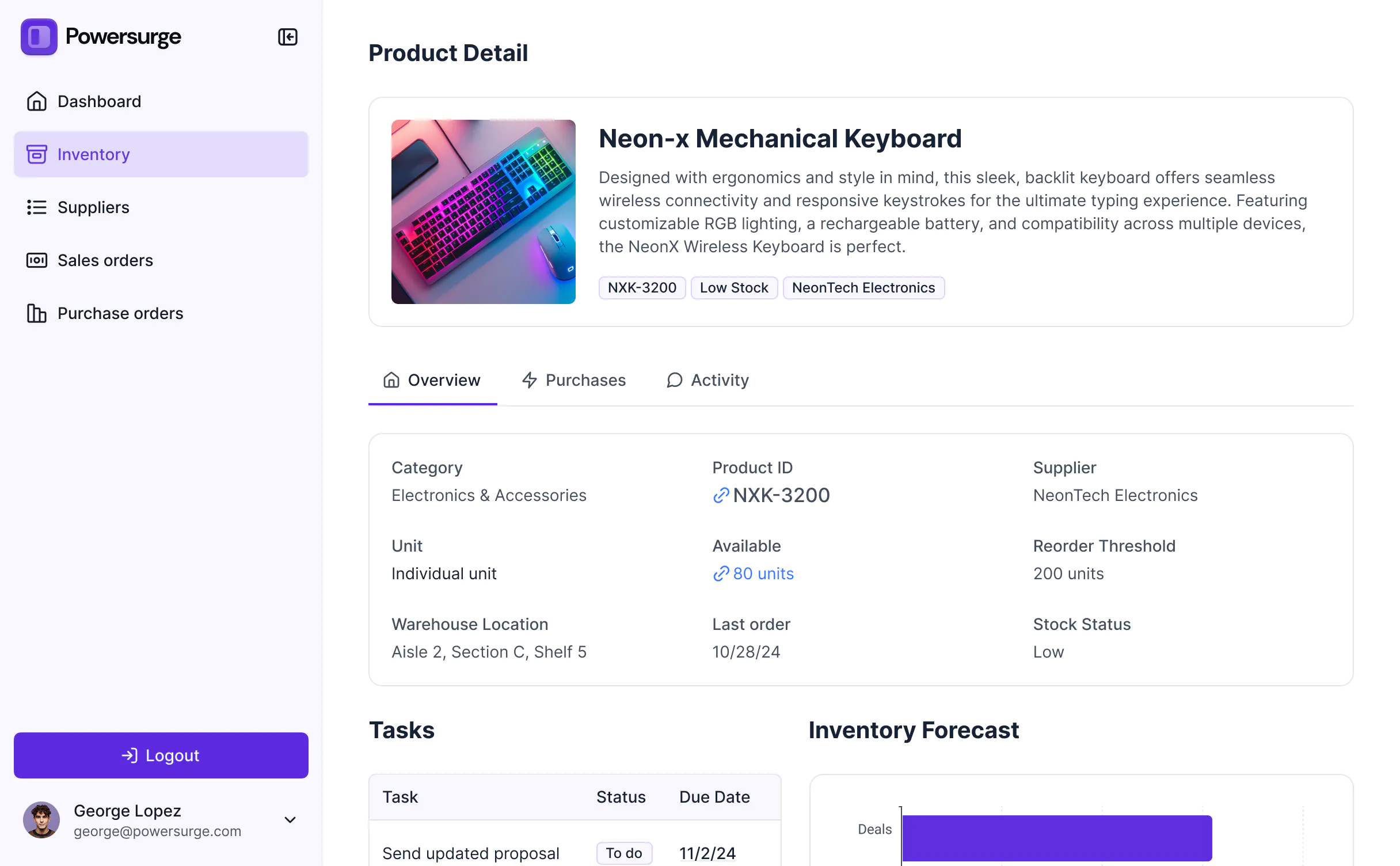
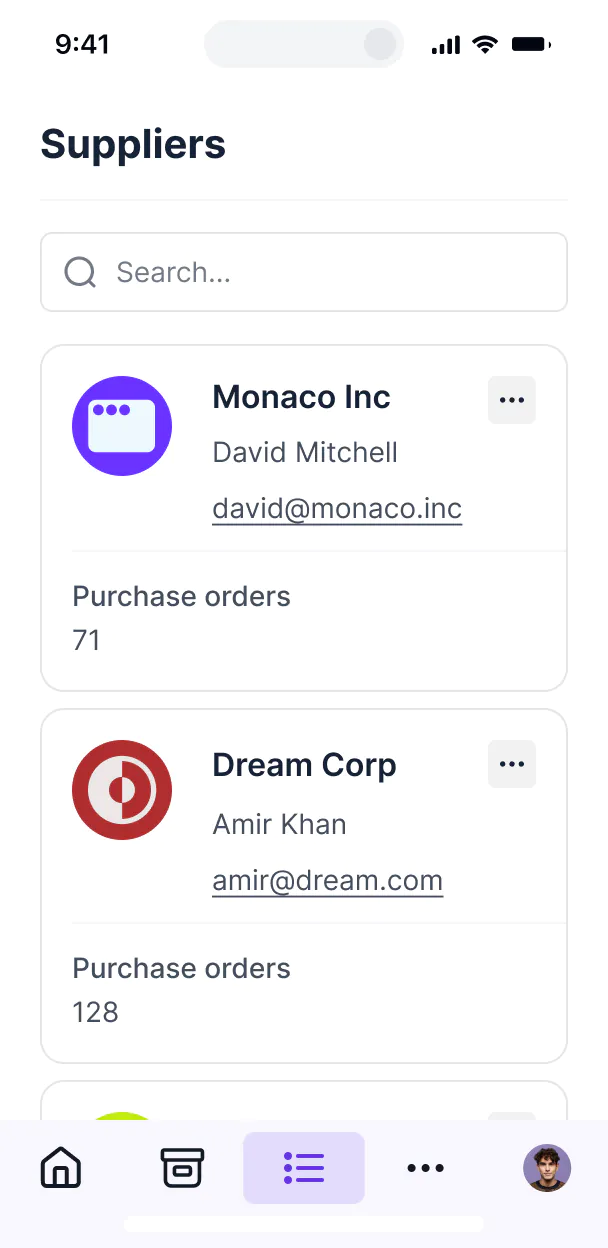










Tailor your logistics ERP software to your needs
Customize your logistics ERP software with the exact fleet and warehouse views your team needs. Add features as workflows evolve—no code needed.

Real-time fleet tracking



Warehouse inventory management
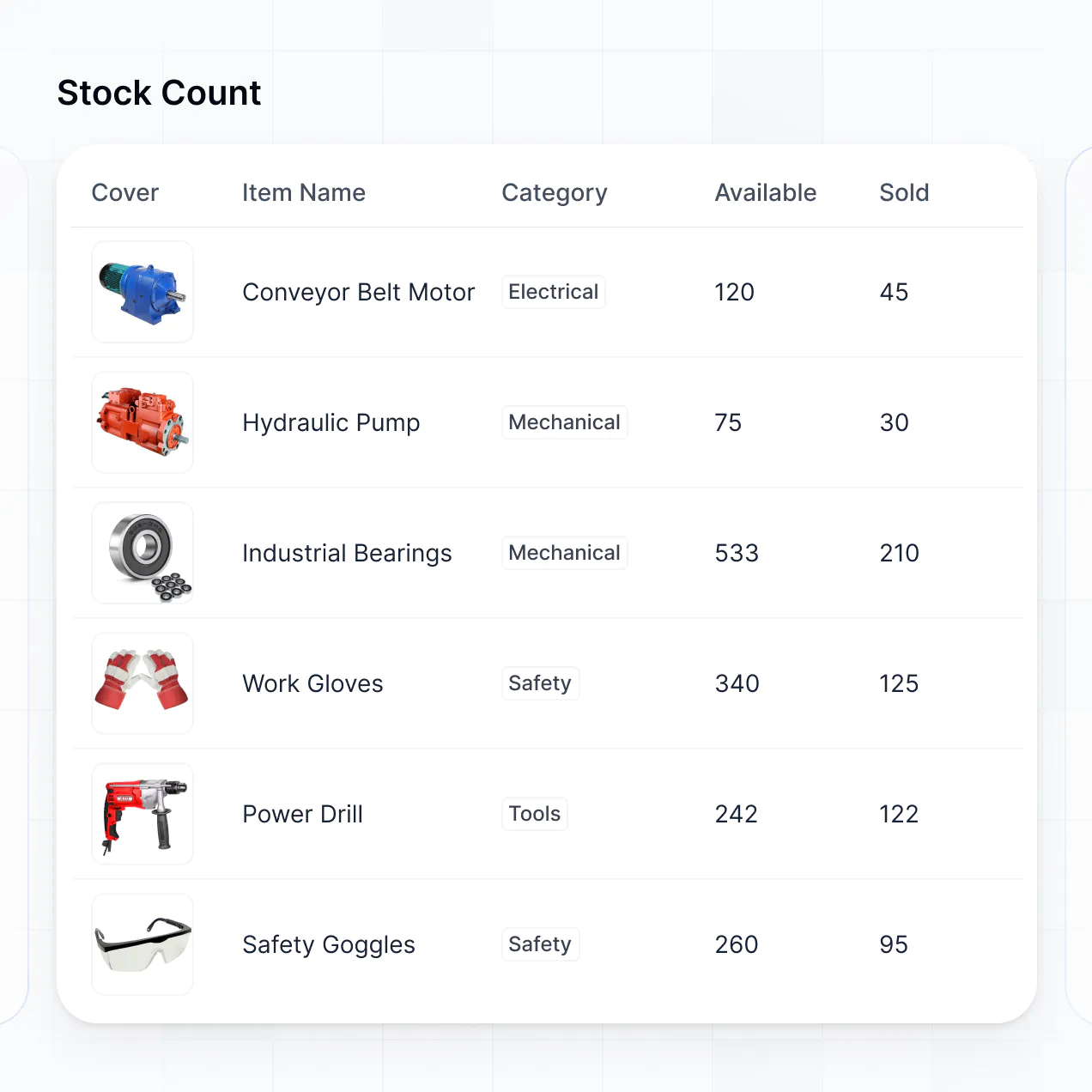

AI-powered route optimization


Automated shipment billing
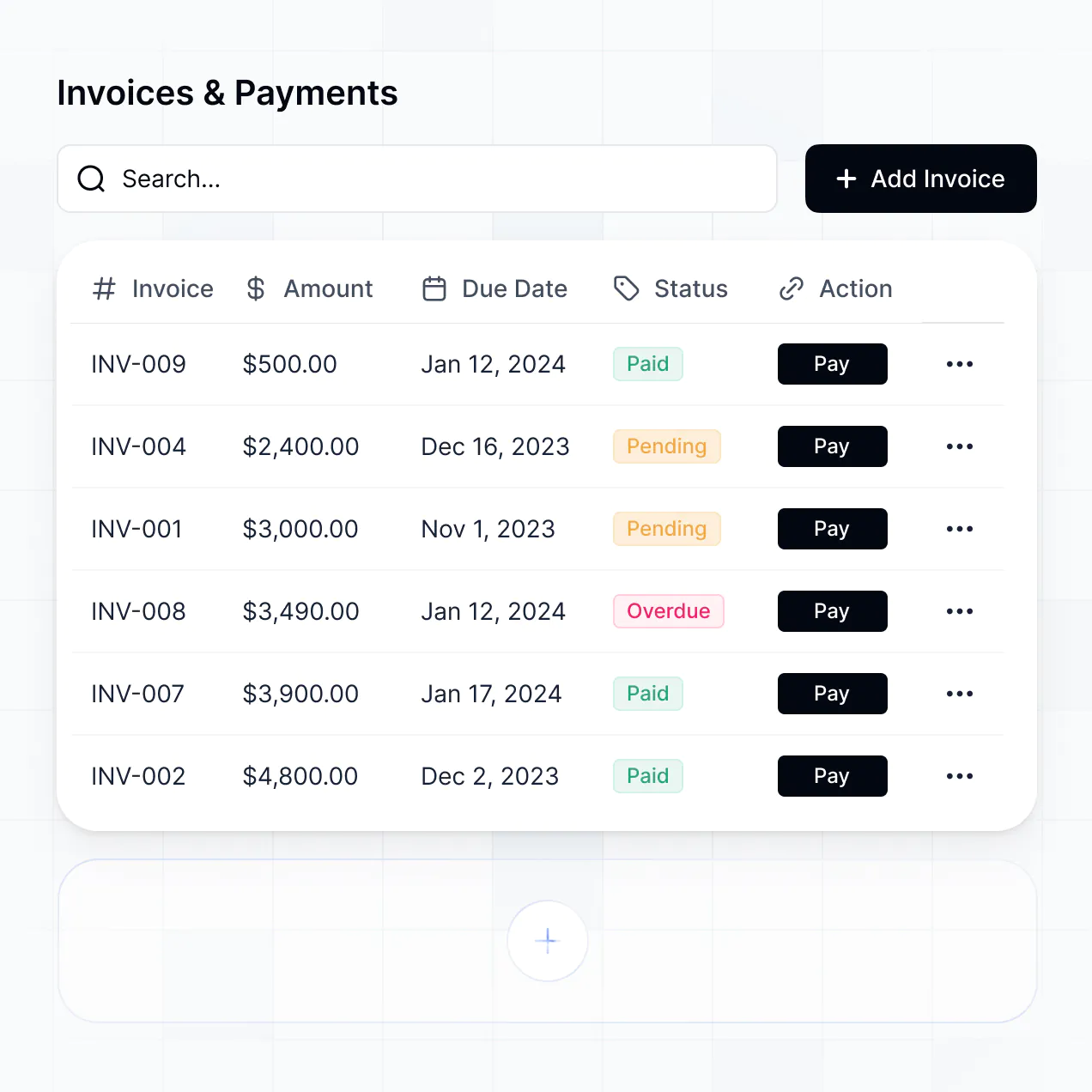

Carrier performance dashboards


Driver document uploads


Unify your logistics data in real time
Connect fleet trackers, shipment spreadsheets, and carrier databases with real-time sync—or manage everything in Softr Databases. One source of truth for your supply chain.


Custom access for every team. Built-in security.
Give each dispatcher, driver, and manager the right tools and access. Set up secure logins, user groups, and granular permissions—no IT support needed.

Advanced permissions
Give fleet managers and warehouse staff tailored dashboards, so every role sees just the data and workflows they need.

User groups
Give fleet managers and warehouse staff tailored dashboards, so every role sees just the data and workflows they need.

Automations
Streamline supply chain processes with Softr Workflows. Trigger native notifications for shipment delays or inventory stock alerts.

Works on any device
Access and update your logistics ERP software on the go. Dispatchers and drivers can log progress from any mobile device.

Easy, secure logins
Use Google, email, or SSO logins to give your logistics team fast, secure access—no IT tickets or coding required.

Security
Keep logistics and client data safe with SOC2 and GDPR compliance, plus fine-tuned access control at every level of your tool.

Why Softr vs other software
No more one-size-fits-all tools or costly custom builds. Softr is easy to use and fully customizable, so you can launch faster, adapt as you grow, and skip the complexity of traditional software.

Easy, fast setup
Build your logistics ERP software in minutes with AI—no dev time or complex configuration needed.

Consolidate your stack
Add features like route optimization, billing, or carrier dashboards as your business grows—no rebuild needed.

Flexible as you grow
Start with an ERP, then add driver portals, inventory trackers, or forms—all in one place with no extra tools.
Generate a custom logistics ERP software with AI
Co-build with AI
Simply describe what you need. Let Softr handle everything - Interface, database, workflows.
Iterate with AI or visually
Control most critical parts of your app yourself - roles, permissions, security.
Ship the same day
Invite team members or external clients and partners right away. No developer handover.

The go-to platform for business operations
Use drag-and-drop blocks to build a portal that looks sleek and modern out of the box. Add only the features you need, and iterate as your workflows evolve.


Minerva Network increased athlete registrations by 50% with a custom CRM and portal

Celonis built a GTM knowledge base for 1,500+ team members


Urban's Group increased productivity by 25% with a custom ERP system
Frequently asked questions
Build your logistics ERP software in minutes
Describe your workflow. Softr's AI builds your custom logistics ERP software in minutes.