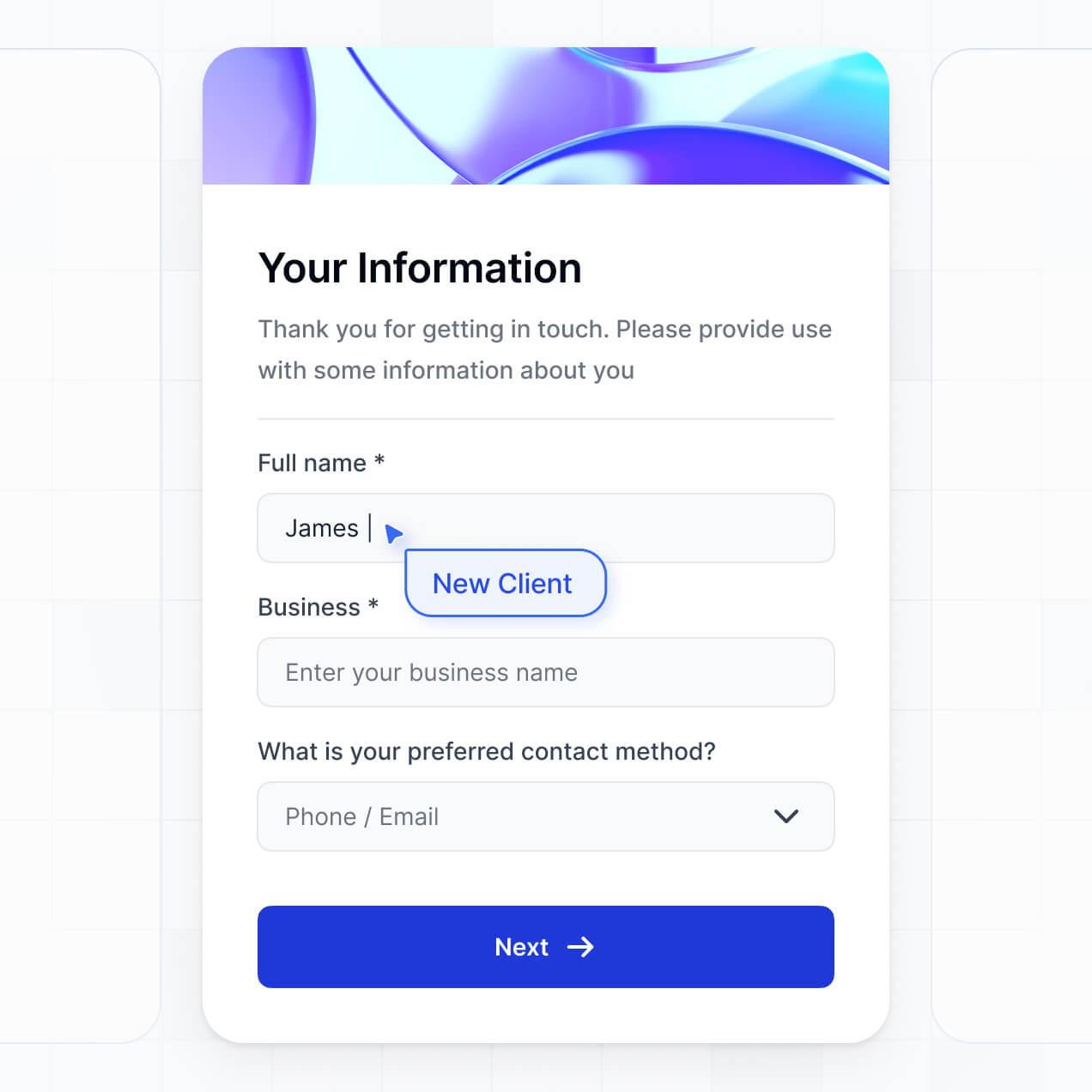
Streamline intake and manage requests in an AI-powered portal built with AI to fit your legal team's specific firm or department workflow.
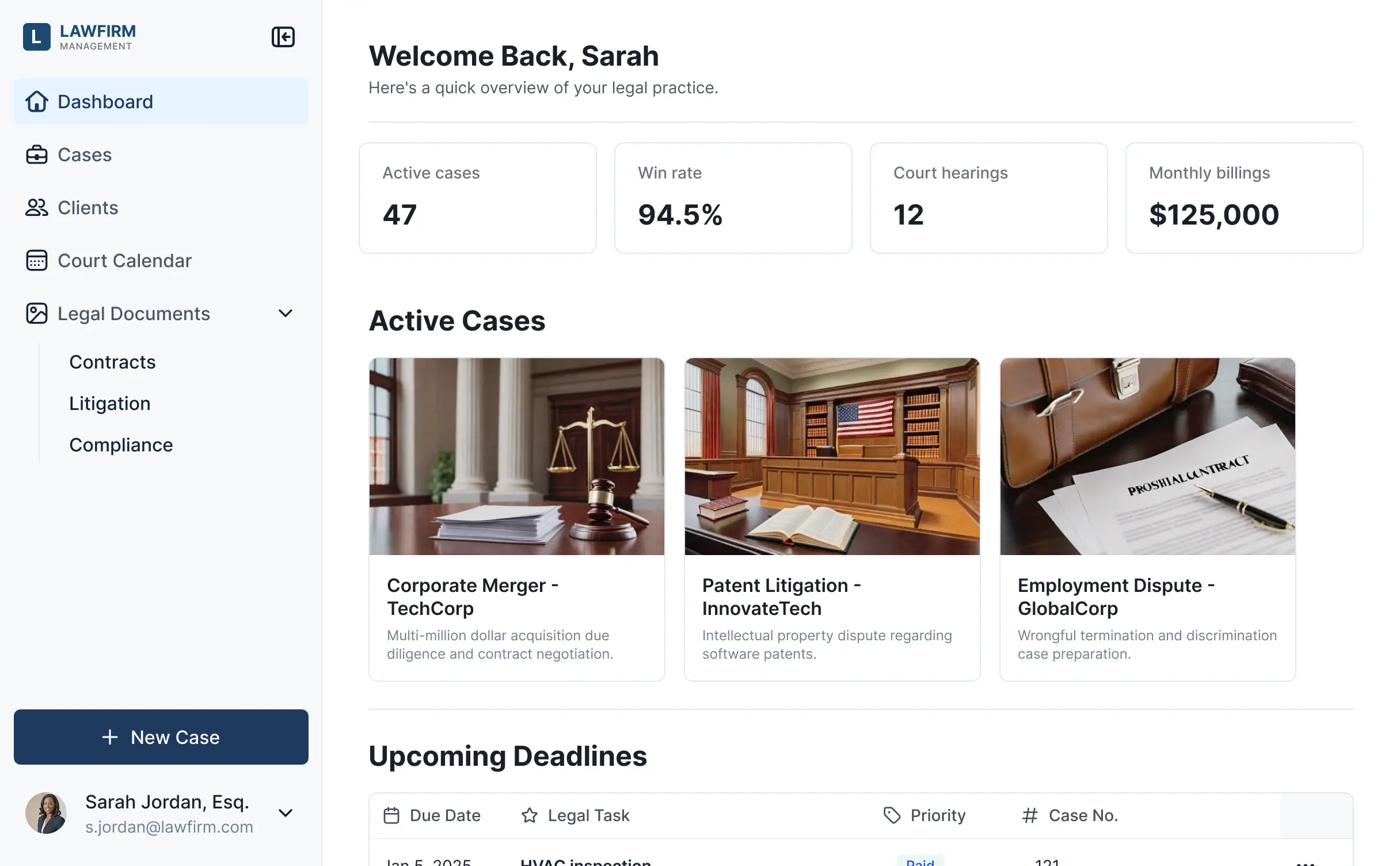
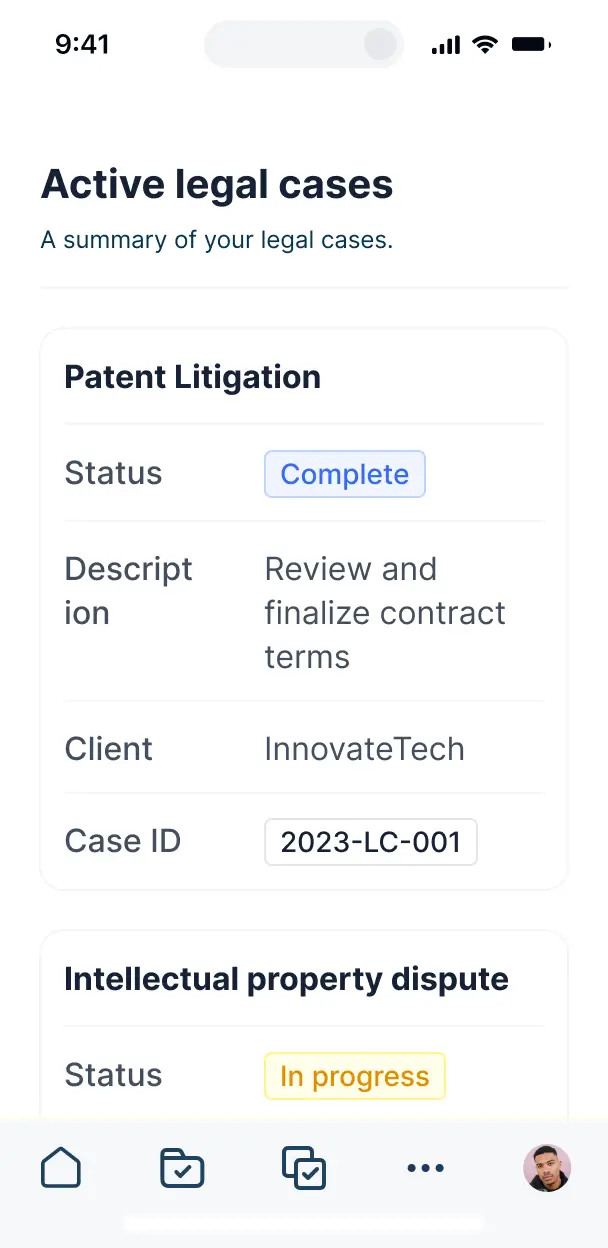



Customize your legal service request software with the exact intake steps and views your team needs. Add features as cases grow—no code needed.


Connect intake forms, case files, and client data with real-time sync—or manage everything in Softr Databases. Create a single source of truth for your legal department.
Give each client and attorney the right views and access in a fully branded portal. Set up secure logins, user groups, and legal file permissions in minutes.
Softr apps are mobile-ready by default. Turn it into a downloadable app in one click so attorneys can review service requests from any device.
Build native automations to handle status notifications and attorney assignments automatically whenever a new legal request is submitted.
Provide separate logins for clients and legal counsel, and create personalized case dashboards for each user to track service progress.
Apply rules for different legal roles. Customize who sees sensitive documents and which actions they can take at the most granular case level.
Protect sensitive client information from security threats. Softr is fully compliant with SOC2 and GDPR regulations for legal data.
No more one-size-fits-all tools or costly custom builds. Softr is easy to use and fully customizable, so you can launch faster, adapt as you grow, and skip the complexity of traditional software.

Build your legal service request software in minutes with AI—no manual configuration or complex setup needed.

Add features like case status tracking or document approvals as your legal workflows evolve—no rebuild needed.

Start with request software, then add client portals, dashboards, or knowledge bases—all in one place.
Co-build with AI
Simply describe what you need. Let Softr handle everything - Interface, database, workflows.
Iterate with AI or visually
Control most critical parts of your app yourself - roles, permissions, security.
Ship the same day
Invite team members or external clients and partners right away. No developer handover.
Use drag-and-drop blocks to build a portal that looks sleek and modern out of the box. Add only the features you need, and iterate as your workflows evolve.




Legal service request software is a secure client portal where businesses or individuals can formally submit requests for legal assistance, such as contract reviews, litigation support, or compliance advice. It centralizes all legal intakes, case files, and communication in one place, eliminating the need for fragmented email chains or unorganized spreadsheets. This ensures that legal teams can track every request from submission to resolution while providing clients with real-time transparency into their case status.
Softr is the first AI-native platform for building specialized business software, making it ideal for creating legal service request software that matches your firm’s specific intake workflows. You can describe your legal process to the AI Co-Builder to instantly generate your intake database, request tracking pages, and approval logic—all within a secure, encrypted environment.
You don't need coding skills to get started. You can generate your app with AI, use a legal template, or build from scratch. Your data lives in Softr Databases or can be synced with tools like Airtable or HubSpot. You maintain full control over the visual interface, ensuring your legal portal reflects your firm's professional branding while keeping sensitive client data strictly confidential.
Your software can include comprehensive features to streamline how your legal team handles requests. A strategic legal portal typically combines core management blocks with AI-powered automation:
- AI-Powered Intelligence – Use Ask AI to let lawyers query case law or internal documents, or set up Database AI Agents to automatically summarize incoming request descriptions or perform initial conflict checks.
- Vibe Coding Blocks – Build custom UI elements, like an interactive legal fee calculator or a case timeline visualization, using simple AI prompts.
- Softr Workflows – Create native automations that trigger email notifications to attorneys when a high-priority request is filed or update status records automatically.
- User Portals & Logins – Ensure clients only see their own submitted requests and confidential legal advice, while partners have a full view of the firm’s workload.
- Forms & Data Collection – Capture detailed intake information with file uploads for evidence, contracts, or identification documents.
- Dashboards & Charts – Visualize request volume, average resolution time, and case types using real-time charts.
- Lists & Advanced Filtering – Manage matters with searchable tables or Kanban boards to move requests through review, drafting, and completion phases.
Vibe coding allows you to build sophisticated legal tools by simply describing how you want your intake process to work. You can "vibe code" your legal service request software by telling the AI Co-Builder to create specific features, like a multi-step intake form for corporate clients. Softr then generates a production-ready application on a secure foundation.
While other tools might output raw code that is difficult for a legal professional to maintain, Softr handles the critical infrastructure—like SOC 2 compliant storage, user authentication, and data encryption—natively. You provide the vision for the legal workflow, Softr handles the technical execution, and your portal is ready for client use immediately.
Yes. You can manage multiple corporate clients or different legal departments (e.g., HR, Sales, Finance) within a single portal. Using Softr's robust permissions, users only see the legal requests and sensitive documents assigned to them based on their login and organizational role. This is perfect for in-house legal teams or law firms serving various independent stakeholders simultaneously.
Yes, you can. You do not need an existing legal management system to start. If you are starting fresh, you can use Softr Databases to store your case files and request logs directly within the platform. However, if you already store client data in Airtable, Google Sheets, or HubSpot, you can connect those sources seamlessly. This gives you total flexibility in how you structure your legal matters and intake data.
Softr Databases is the recommended relational data source for legal apps due to its high performance and native speed. For legal teams, having data live natively on the platform ensures the fastest experience for clients submitting urgent requests.
If you use external software, Softr connects to over 17 sources, including Airtable, Google Sheets, HubSpot, and SQL databases. You can even combine sources—for example, pulling client billing information from HubSpot while managing active legal requests via Softr Databases. Most connections support real-time sync, keeping your case updates accurate across all systems.
Yes, Softr gives you granular control over the client experience. You can design different views for different types of legal matters, ensuring the intake form for a patent request looks different than one for an NDA. Each block of information can be visibility-controlled based on the user’s role.
You can define roles such as Lead Attorney, Associate, or Client. For instance, a client can only see and edit their own requests and uploaded evidence, while a Managing Partner can view all firm-wide requests and financial summaries. This ensures your legal service remains secure, organized, and professional.
Yes, you can fully white-label your legal portal. You can integrate your firm's logo, professional color palette, and custom fonts, and host the software on your own domain (e.g., requests.yourfirm.com). This removes all Softr branding, providing your clients with a seamless, trustworthy experience that looks like a custom-built proprietary software.
Yes, Softr provides extensive flexibility to adjust the design and layout to suit your legal workflow. You can modify the layout of each page to prioritize the most important case updates or document links. To display your legal data, you can use specialized blocks:
- Table blocks – to show a grid of pending legal requests and their current assignees.
- List/Card blocks – to showcase legal resources, team bios, or service packages.
- Detail View – to provide an in-depth dashboard for a single legal matter.
- Forms – for secure client intake and evidence submission.
- Charts – to track departmental spend or request volume.
- Calendar blocks – to display filing deadlines or court dates.
Updates can be made instantly in the visual builder without needing technical support.
Security is paramount in legal services. All data in Softr is encrypted in transit via TLS and at rest. If you use Softr Databases, your data is stored in a secure, SOC 2 Type II compliant environment in Germany. For those connecting external legal databases like SQL or Airtable, Softr does not store your records; it simply displays them in real-time according to your strict permission settings. You have full control over role-based access to ensure confidential legal advice never reaches the wrong eyes.
It is absolutely production-ready. While other AI tools might produce a simple mockup, Softr builds your legal service request software on a stable, professional foundation. We handle the complex "Day Two" requirements—such as secure user authentication, granular data permissions, and reliable hosting—natively. This means your firm can move from an AI-generated prototype to a live client-facing portal in minutes, knowing it is scalable and secure.
Softr is the first AI-native platform designed specifically for business software. Unlike traditional legal tech that is often rigid and expensive, or other no-code tools that are too complex to set up, Softr’s AI Co-Builder generates a functional legal portal in minutes. You get a hybrid advantage: the speed of AI generation paired with the reliability of a platform that understands business-grade permissions and data relationships. It is built for legal teams who need custom solutions without the custom price tag.
Yes. Softr supports powerful native workflows and integrations to connect your legal intake with the rest of your firm’s operations. You can trigger automated emails via Softr Workflows, collect payments through Stripe, or sync client communications with Intercom. With REST API and webhooks, you can also connect your portal to document management systems or e-signature tools, ensuring a fully automated lifecycle for every legal service request.
Get started free. No setup time, no dev needed. Build and customize your legal software without code.