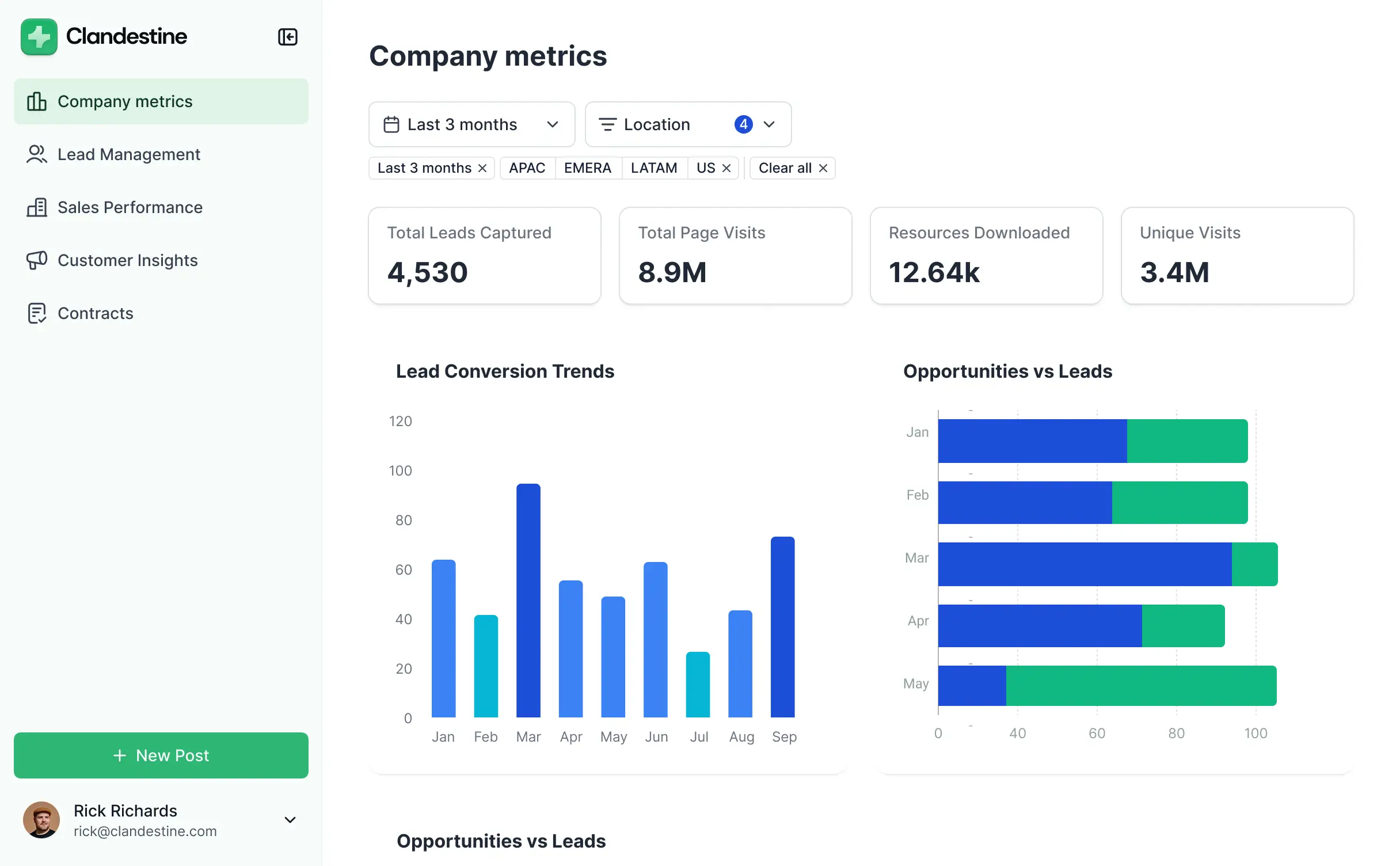
Track headcount and turnover in an AI-powered hr analytics dashboard built with AI that you adapt to fit your people ops workflow.


Customize your hr analytics dashboard with the headcount and turnover reports your team needs. Add features as trends evolve—no code needed.


Connect payroll, ATS, and performance systems with real-time sync—or manage everything in Softr Databases. Create a single source of truth for your HR analytics workflows.
Give each HR manager the right tools and access. Set up secure logins, user groups, and granular permissions—no IT support or dev work needed.
Give different HR business partners tailored access and dashboards, so each role sees just the workforce data that matters to them.
Streamline reporting with Softr Workflows. Trigger native notifications or status changes based on turnover trends or performance review updates.
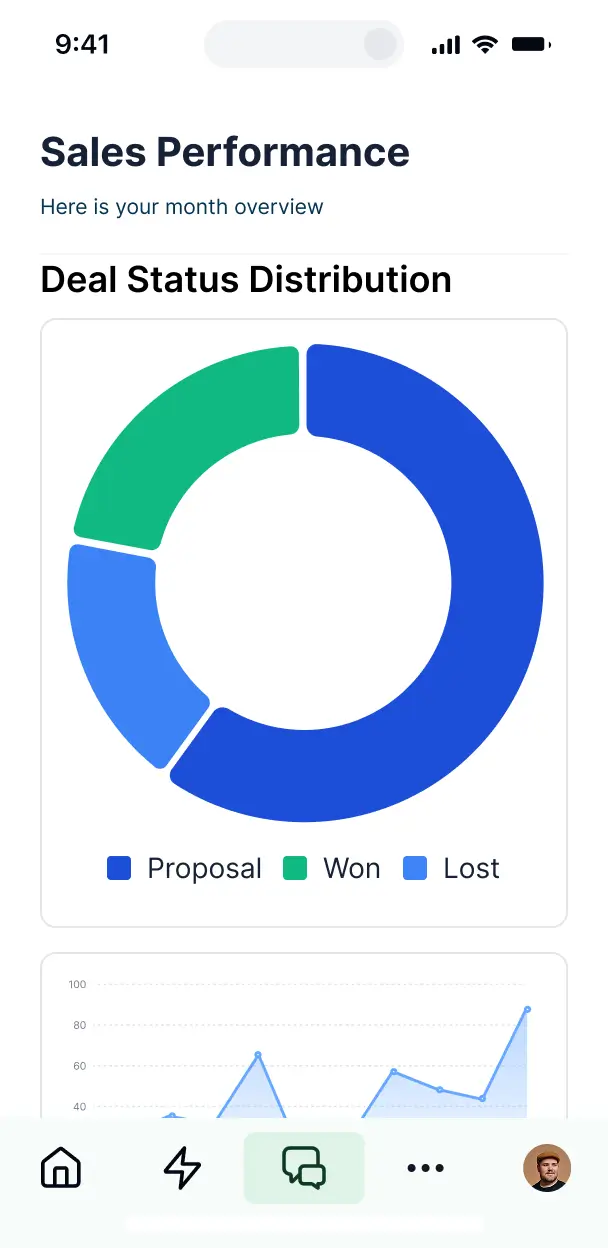
Access and update your HR analytics dashboard on the go. All workforce reporting tools are mobile-ready out of the box.
Use Google, email, or SSO logins to give your people ops team fast, secure access—no IT help desk tickets or manual setup needed.
Keep sensitive employee data safe with SOC2 and GDPR compliance, plus fine-tuned access control at every level of your organization.
No more one-size-fits-all tools or costly custom builds. Softr is easy to use and fully customizable, so you can launch faster, adapt as you grow, and skip the complexity of traditional software.

Build your hr analytics dashboard in minutes with AI—no manual configuration or complex setup required.

Add features like turnover analysis or training reports as your HR needs evolve—without needing to start over.

Start with a dashboard, then add employee portals and internal tools—all in one place with no extra costs.
Co-build with AI
Simply describe what you need. Let Softr handle everything - Interface, database, workflows.
Iterate with AI or visually
Control most critical parts of your app yourself - roles, permissions, security.
Ship the same day
Invite team members or external clients and partners right away. No developer handover.
Use drag-and-drop blocks to build a portal that looks sleek and modern out of the box. Add only the features you need, and iterate as your workflows evolve.




An hr analytics dashboard is a secure, data-driven space where HR professionals and executives can monitor workforce metrics like turnover rates, headcount, and diversity statistics. it aggregates people data into one centralized view, eliminating the need to dig through fragmented spreadsheets or payroll reports. This makes it easier for your team to identify trends, improve employee retention, and make informed staffing decisions based on real-time insights.
Softr is the first AI-native platform for building business software, making it the ideal tool to create an hr analytics dashboard tailored to your specific reporting needs. You can describe your workforce KPIs to the AI Co-Builder to instantly generate your database, tracking pages, and filtering logic—all while ensuring sensitive employee data remains secure.
You don't need any technical expertise. You can start by generating with AI, using a pre-built template, or building from scratch. Everything runs on Softr Databases, or you can securely sync employee data from tools like Airtable, Google Sheets, or HubSpot. You have total control to adjust the visual charts, set strict access levels for payroll or performance data, and brand the dashboard to your company’s internal identity. It is fast to deploy and flexible enough to scale as your headcount grows.
You can include a wide range of features in your hr analytics dashboard to capture every stage of the employee lifecycle. A great hr analytics dashboard usually mixes functional data blocks with AI-powered insights:
- AI-Powered Intelligence – Use Ask AI to query your workforce data (e.g., 'What is our current turnover rate in Sales?') or set up Database AI Agents to summarize employee performance reviews or predict future hiring needs.
- Vibe Coding Blocks – Build custom visual elements—like a custom heat map of employee office attendance—using the AI Code block to create specific visualizations without manual coding.
- Softr Workflows – Build native automations, such as an alert to HR managers whenever a department's headcount exceeds its budget or a candidate moves to the 'hired' stage.
- User Portals & Logins – Securely manage access so department heads only see their own team's metrics while HR admins maintain a global view.
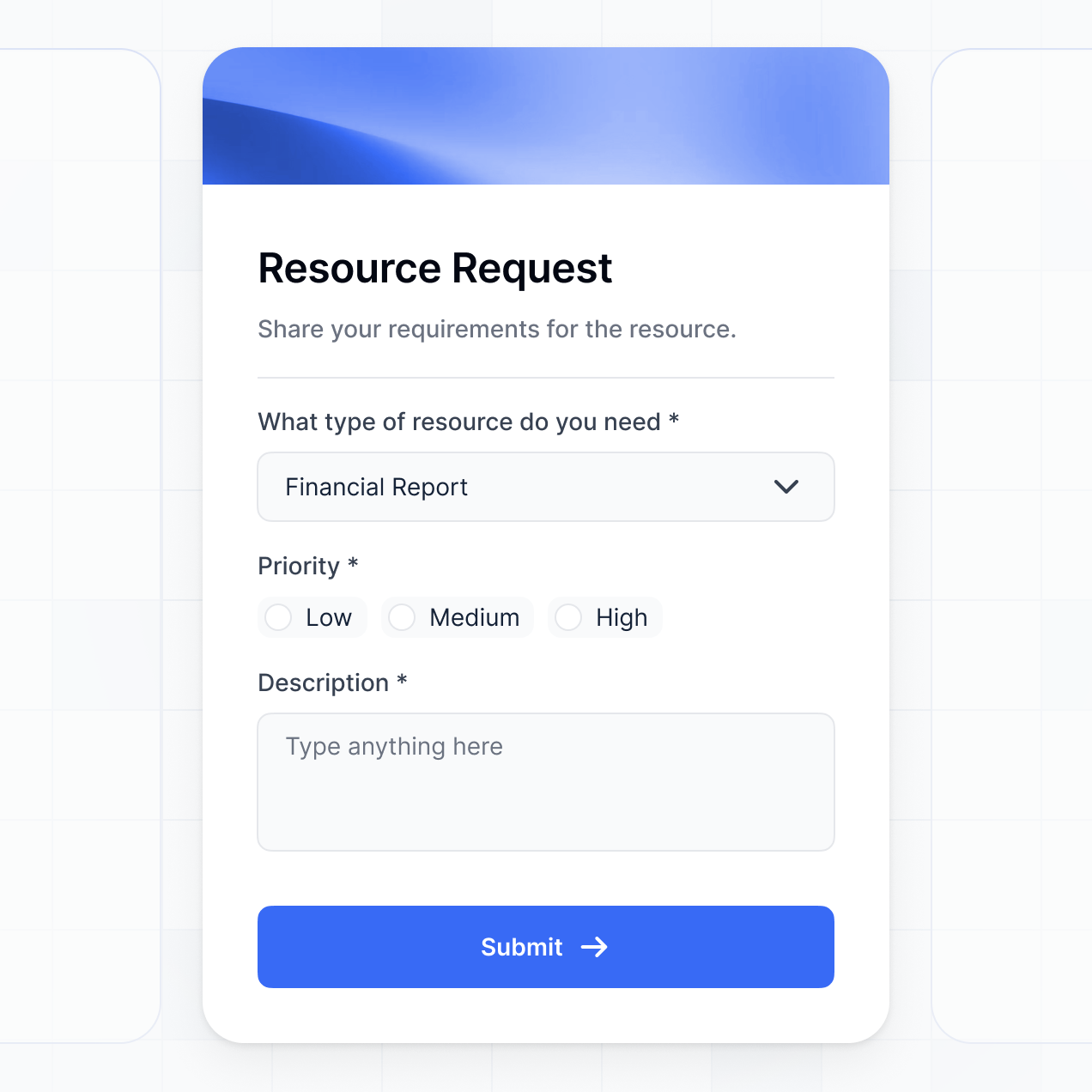
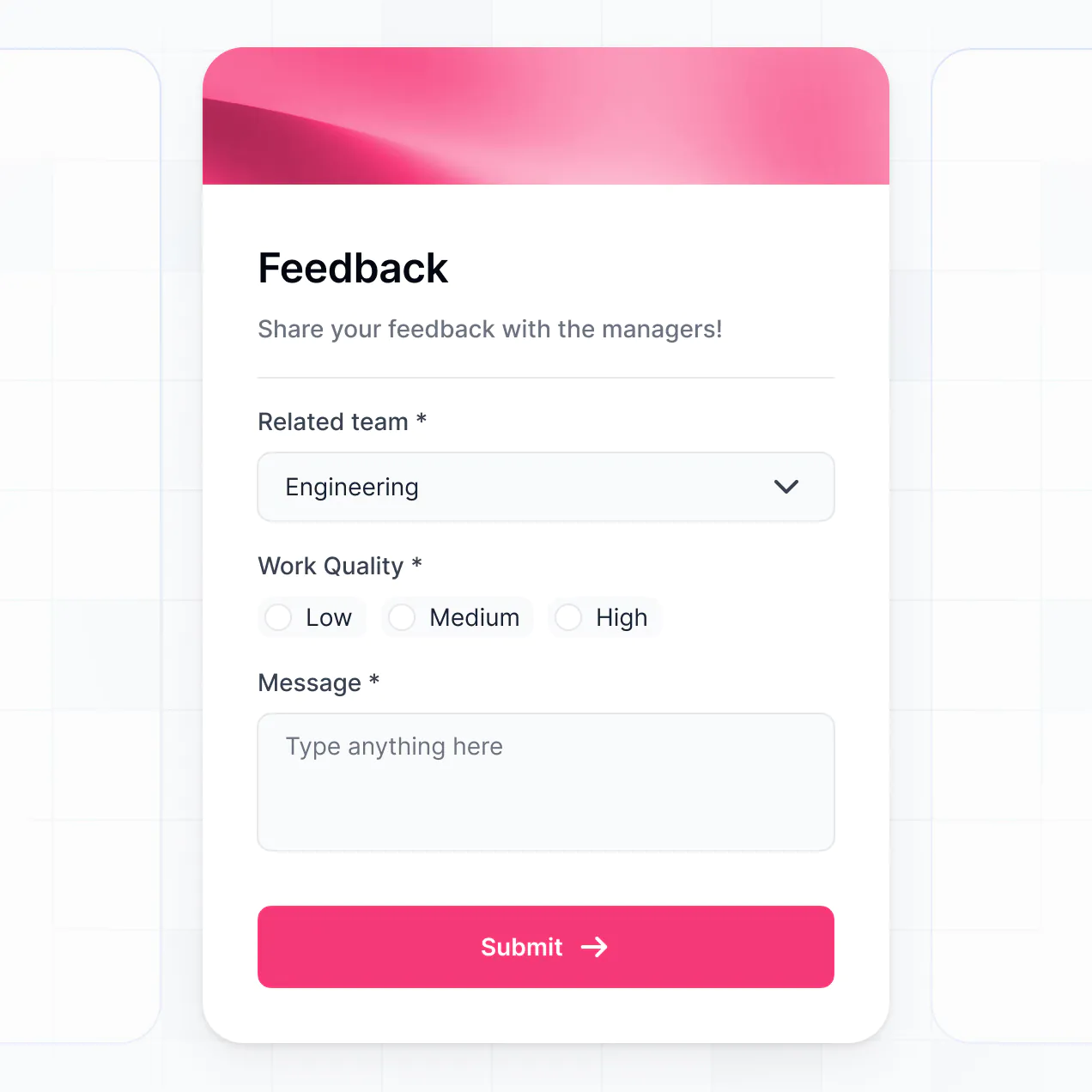
- Forms & Data Collection – Capture quarterly feedback or exit interview data with custom forms and file uploads.
- Dashboards & Charts – Visualize turnover trends, salary distributions, and diversity metrics with real-time bar graphs and pie charts.
- Lists & Advanced Filtering – Display and manage employee directories with searchable tables that filter by department, seniority, or office location.
Everything is built using Softr's drag-and-drop system. If you need a more specific HR metric, use the Vibe Coding block to generate it with AI.
Vibe coding is about utilizing AI to build exactly the reporting tools your HR team needs at high speed. You can "vibe code" an hr analytics dashboard in Softr by simply describing your required metrics—like 'tracking time-to-hire across different regions'—to the AI Co-Builder. Softr then produces a professional-grade dashboard on a secure architecture.
Unlike other tools that generate unstable custom code, Softr manages the 'boring 80%'—including employee authentication, relational database logic, and data security—natively. This provides the speed of AI generation without the risk of handling raw code for sensitive HR data. You describe the workforce vision, Softr builds the dashboard, and it's ready for your leadership team immediately.
Yes. You can manage multiple departments, subsidiaries, or regional teams within a single dashboard. Each manager only sees the headcount and performance data assigned to their specific department based on their secure login and role. This is ideal for large organizations or multi-national companies that need to silo sensitive people data based on organizational structure.
Yes, you can. You don't need an existing HRIS or database to start building with Softr. If you're starting from scratch, you can use Softr Databases, which is built into the platform and allows you to structure employee profiles and compensation logs perfectly for your dashboard.
If you already have people data in tools like Airtable, Google Sheets, HubSpot, or SQL, you can connect those to display live metrics. You can also utilize the REST API to pull data from other payroll or recruiting systems. Either way, you have complete control over how your workforce data is structured and visualized.
Softr Databases is the recommended native data source for your hr analytics dashboard. It is a high-performance, relational database that offers instant automation triggers and a fast experience, which is crucial when loading large sets of employee records.
If your demographic or payroll data is elsewhere, Softr connects to 17+ external sources. You can integrate with Airtable, Google Sheets, HubSpot, SmartSuite, or BigQuery. You can even combine sources—for example, pulling attendance data from Google Sheets and salary data from Softr Databases into a single dashboard view. Most connections support real-time, two-way sync, ensuring your reporting always reflects the latest hires and departures.
Yes, Softr gives you granular control over how different stakeholders interact with your hr analytics dashboard. You can customize the layout and metrics to match your HR department's workflow. Every page or data block can be restricted, ensuring a recruiter only sees candidate pipelines while an HR Director sees high-level compensation summaries.
You can set up multiple roles, such as 'Department Manager,' 'Payroll Admin,' or 'Executive'—and define exactly what each can view or edit. For instance, managers can update performance scores for their direct reports, but cannot view the salaries of peers. This is essential for maintaining confidentiality and GDPR/SOC 2 compliance within a people-focused app.
Yes, you can fully white-label your hr analytics dashboard. You can apply your corporate logo, brand colors, fonts, and use a custom internal domain (e.g., analytics.yourcompany.com) so the tool feels like a native part of your employee experience. All Softr branding can be removed, ensuring the focus remains on your company’s internal culture and professionalism.
Yes, Softr provides extensive flexibility to control the design of your hr analytics dashboard. You can adjust the visual theme to match your employer brand and organize reporting blocks to prioritize your most important KPIs. To visualize your people data, you can choose from various specialized blocks:
- Table blocks – to show detailed employee lists or salary bands.
- List or Card blocks – to highlight employee of the month or new hire profiles.
- Detail View – to dive deep into a single employee’s career history or performance record.
- Forms – for collecting peer reviews or leave requests.
- Charts – to visualize diversity ratios or turnover trends.
- Calendar blocks – to track work anniversaries and upcoming reviews.
If your reporting requirements change—perhaps moving from tracking 'time-to-hire' to 'employee engagement'—you can easily update the layout in the visual builder.
Softr is built with enterprise-grade security to protect sensitive employee records. All data is encrypted in transit and at rest, and apps are hosted on reliable infrastructure. Softr gives you absolute control over data visibility: you can set role-based permissions to hide PII (Personally Identifiable Information) and manage user access directly via your data source.
For dashboards using Softr Databases, data is hosted in Europe (Germany) with SOC 2 Type II compliance. For dashboards connected to external tools like SQL or Airtable, Softr acts as a secure interface and does not store your payroll or performance data. You are always in control of who can edit or view sensitive workforce metrics.
It is fully production-ready. Unlike many AI generators that produce 'vibe code'—raw, unmanageable scripts—Softr builds your hr analytics dashboard on a stable, scalable foundation designed for business use. We handle the critical infrastructure like employee authentication and granular data permissions natively. This eliminates 'Day Two' maintenance issues; you get an instantly generated app that is secure enough to handle your company's most sensitive workforce data from the moment it is created.
Softr is the first AI-native platform specifically optimized for business software. Unlike 'vibe coding' tools that create fragile scripts or traditional no-code tools that require hours of manual setup, Softr's AI Co-Builder generates a fully functional hr analytics dashboard in minutes. The hybrid advantage allows you to use AI for the initial build and visual controls for fine-tuning. You get the speed of AI combined with the reliability of built-in roles, permissions, and secure hosting, allowing HR teams to move from data silos to actionable insights on day one.
Yes. Softr supports powerful native workflows and integrations to connect your hr analytics dashboard with your existing HR tech stack. You can automate tasks like sending a Slack notification when a new hire is added or syncing employee milestones with your team calendar. Softr also integrates with tools like Stripe for payroll or Intercom for employee support, and supports REST API for custom connections to legacy HRIS systems. You can build these bridges and automations without writing a single line of code.
Describe what you need. Softr's AI builds your custom hr analytics dashboard in minutes without code.