Manage briefs, approve assets, and track timelines in an AI-powered system built with AI you customize to fit your agency's workflow.
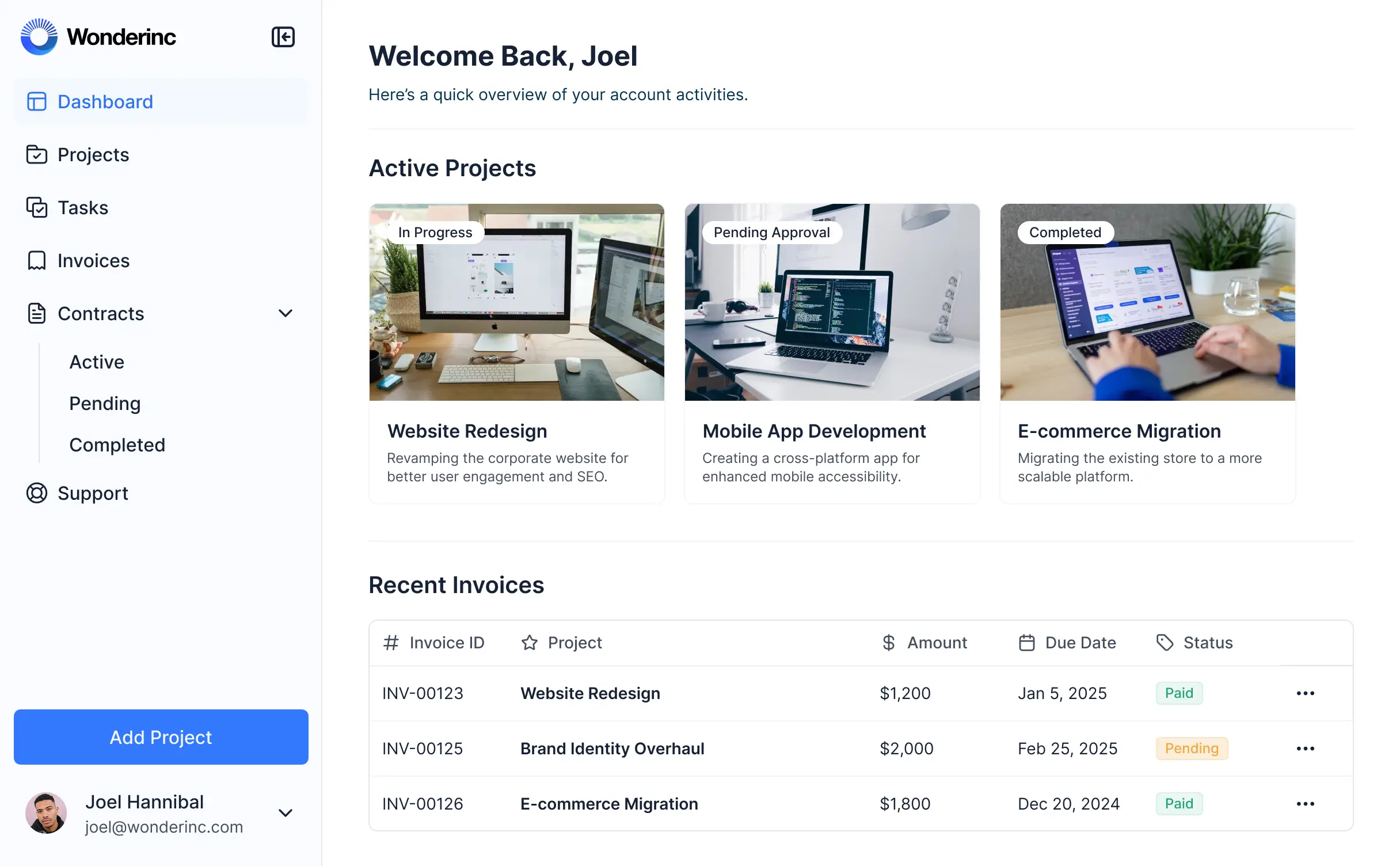
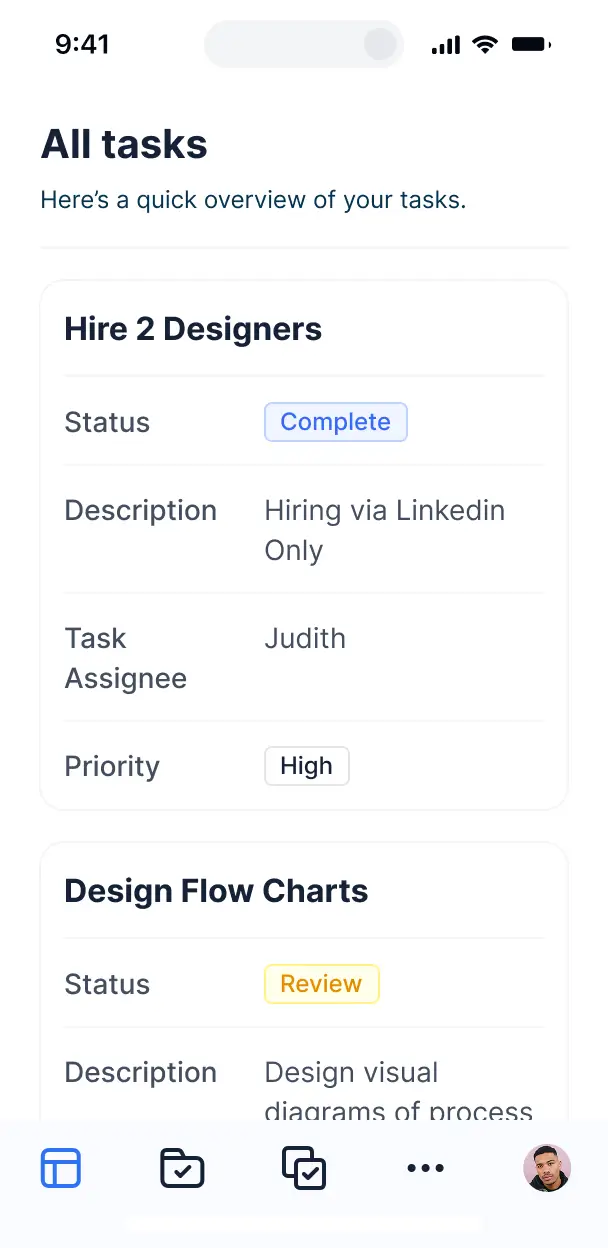



Customize your setup with the exact steps and views your team needs. Add features like asset libraries as processes evolve—no code needed.


Connect creative briefs, timelines, and visual assets from your existing tools—or manage everything in Softr Databases. Create one source of truth for your agency.
Give each creative, manager, and director the right tools and access. Set up secure logins and granular permissions—no IT support needed.
Give different team members tailored access and dashboards, so designers see tasks while managers track timelines and resource scheduling.
Streamline operations with Softr Workflows. Trigger native notifications for asset approvals or status changes to keep your creative projects moving.
Access and update your project timelines and asset library on the go. All creative management tools are mobile-ready out of the box.
Use Google, email, or SSO logins to give your creative team fast, secure access to their workspace—no IT tickets needed.
Keep proprietary creative data and client assets safe with SOC2 and GDPR compliance, plus fine-tuned access control at every level.
No more one-size-fits-all tools or costly custom builds. Softr is easy to use and fully customizable, so you can launch faster, adapt as you grow, and skip the complexity of traditional software.

Build your creative project management software in minutes with AI—no manual configuration required.

Add features like approval workflows, asset libraries, or time tracking as your agency grows—no rebuild needed.

Start with project tracking, then add client portals, briefing forms, or dashboards—all in one place.
Co-build with AI
Simply describe what you need. Let Softr handle everything - Interface, database, workflows.
Iterate with AI or visually
Control most critical parts of your app yourself - roles, permissions, security.
Ship the same day
Invite team members or external clients and partners right away. No developer handover.
Use drag-and-drop blocks to build a portal that looks sleek and modern out of the box. Add only the features you need, and iterate as your workflows evolve.




Creative project management software is a dedicated workspace where design teams, agencies, and marketing departments can manage the full lifecycle of a campaign. It provides a central hub for tracking design assets, creative briefs, approval cycles, and production timelines. By consolidating tasks and feedback in one secure portal, you eliminate the chaos of scattered email threads and buried Slack messages, ensuring your creative team stays focused on delivering high-quality work on time.
Softr is the first AI-native platform for building business software, making it uniquely suited for the fast-paced world of creative agencies and design departments. It allows you to build a system that mirrors your specific creative workflow—whether that's agile sprints or traditional waterfall production. You can use the AI Co-Builder to instantly generate your media asset database, client approval pages, and project logic, all while keeping your proprietary files secure.
You don't need any technical skills. Start with an AI prompt, a creative agency template, or a blank canvas. Your app runs on Softr Databases for maximum speed, or you can connect the tools your team already uses like Airtable (for rich media metadata) or Google Sheets. Softr gives you total control over the UI, allowing you to brand the experience to match your agency’s aesthetic and precisely manage who sees which creative assets. It’s built to be as visual and flexible as the teams using it.
You can customize your creative project management software with features that handle everything from the initial brief to the final hand-off. A robust creative portal typically includes:
- AI-Powered Intelligence – Use Ask AI to search through project briefs or set up Database AI Agents to automatically generate image metadata or summarize client feedback logs.
- Vibe Coding Blocks – Create custom UI components like a dynamic gallery for mood boards or a specialized review station using the AI Code block to build exactly what your designers need.
- Softr Workflows – Automate your status changes, such as triggering an internal notification when a designer marks a draft as 'Ready for Review' or sending a Slack alert when a client approves a deliverable.
- User Permissions – Ensure freelancers only see their assigned tasks while creative directors have a bird’s-eye view of every active campaign.
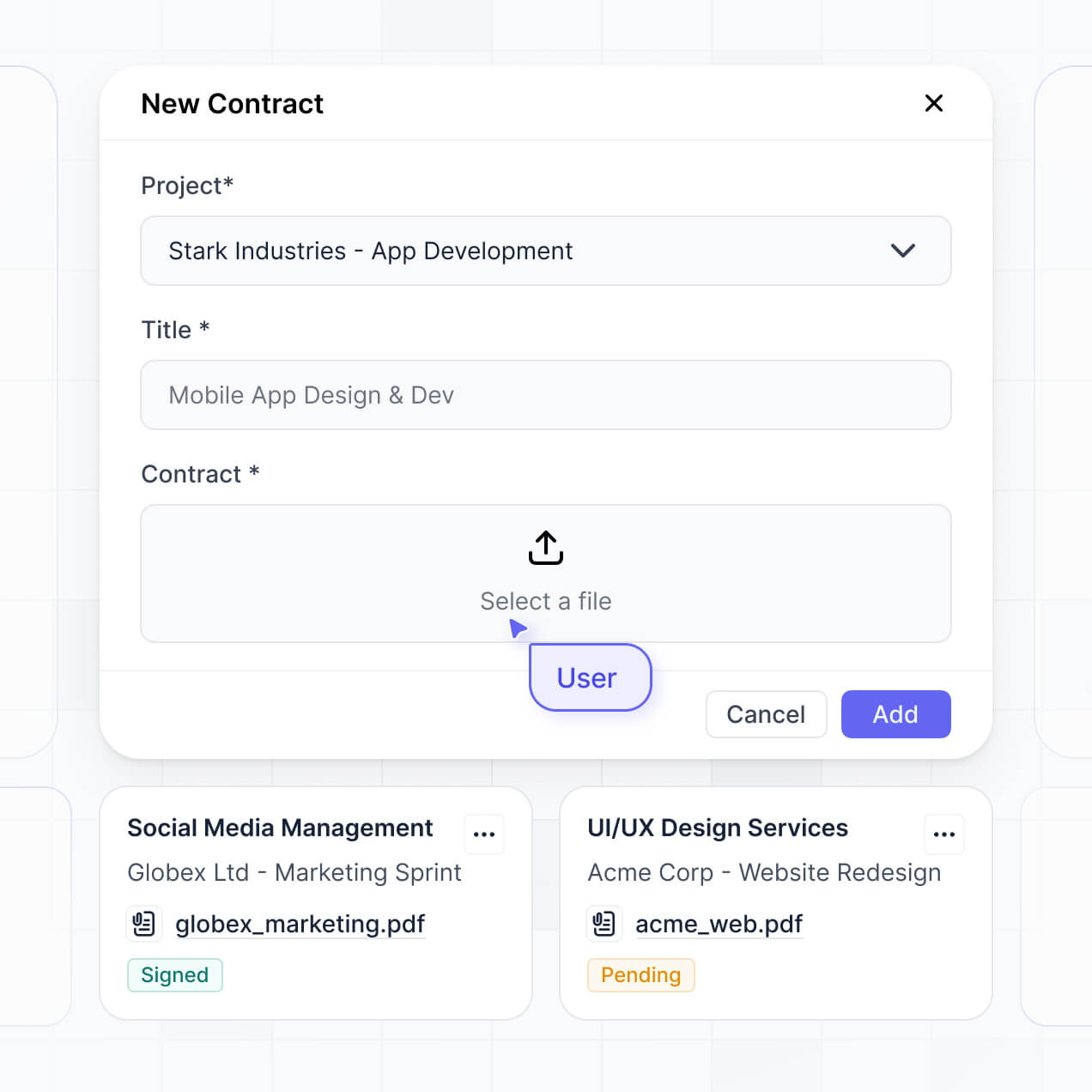
- Media Forms – Use custom upload fields with file size limits and valid file types to collect high-res assets or brand kits from stakeholders.
- Visual Dashboards – Track team capacity, billable hours, and production bottlenecks with real-time charts.
- Kanban Boards & Lists – Manage visual production pipelines using searchable boards that move creative assets through ideation, design, and approval stages.
Every feature is built using drag-and-drop blocks, and if you need a unique way to display creative data, the Vibe Coding block lets you prompt AI to generate it for you.
Vibe coding allows you to build sophisticated creative tools at the speed of thought. You can "vibe code" your management software by describing your ideal agency workflow—like a multi-stage approval process for video production—to the AI Co-Builder. Softr then generates the functional interface and underlying database structure tailored to those specific creative needs.
While other tools might give you buggy code that breaks when you add files, Softr handles the heavy lifting—file storage, secure login for clients, and role permissions—natively. This ensures you get the rapid innovation of vibe coding without worrying about the security of your creative intellectual property. You describe the vision, Softr builds the engine, and your creative team can get to work immediately.
Yes. You can host multiple creative teams or external clients within a single portal. Each stakeholder only accesses the project folders and assets relevant to them based on their secure login. This is perfect for agencies that need to show 'Brand A' their campaign progress while keeping 'Brand B's' sensitive marketing strategy completely hidden in the same system.
Absolutely. You don't need a pre-existing setup to start building. If you are starting fresh, you can utilize Softr Databases, which is built into the platform and optimized for the high-performance needs of project management.
However, if your creative team already stores assets or timelines in Airtable, Google Sheets, HubSpot, or SQL, you can easily connect those sources. Whether you use our native database or an external one, you retain full control over how your creative briefs and project timelines are categorized and visualized.
Softr Databases is the recommended choice for creative project management because it is native to the platform, offering the fastest performance for browsing high-res image lists and triggering instant project automations.
If your files and tasks live elsewhere, Softr connects to over 17 external sources including Airtable, Google Sheets, SmartSuite, and BigQuery. You can even combine sources—for example, pulling your client contact info from HubSpot while managing creative tasks in Softr Databases. Most connections support real-time, two-way sync, so updating a project deadline in your app reflects everywhere instantly.
Yes, Softr provides granular control over the creative workspace. You can customize every page layout to prioritize visual assets for designers while providing data-heavy tables for project managers. Visibility rules allow you to show or hide specific blocks; for instance, you can hide the 'Budget' block from junior designers but make it editable for Account Directors.
You can define specialized roles like 'Art Director,' 'Copywriter,' or 'External Client' and set precise permissions for each. An 'Art Director' might have full editing rights across all projects, while a 'Client' can only view final versions and add comments. This keeps your creative process secure and ensures a clean, focused UI for every user.
Yes, you can fully white-label the software to reflect your agency’s creative identity. From the custom domain and favicon to specific brand colors and typography, the portal will look like a proprietary tool you built in-house. Removing Softr branding ensures that when clients log in to approve creative work, they see only your professional brand, reinforcing your agency's authority.
Yes, Softr offers extensive flexibility to match the aesthetic needs of creative professionals. You can modify spacing, font hierarchies, and page structures to ensure the tool is as inspiring as the work being done.
To organize your creative data, you can choose from various functional blocks:
- Kanban blocks – for tracking the visual flow of assets from 'To-Do' to 'Approved'
- Card blocks – to create beautiful, visual galleries of your design portfolio or campaign assets
- Detail Views – to provide a deep dive into a specific creative brief or asset feedback loop
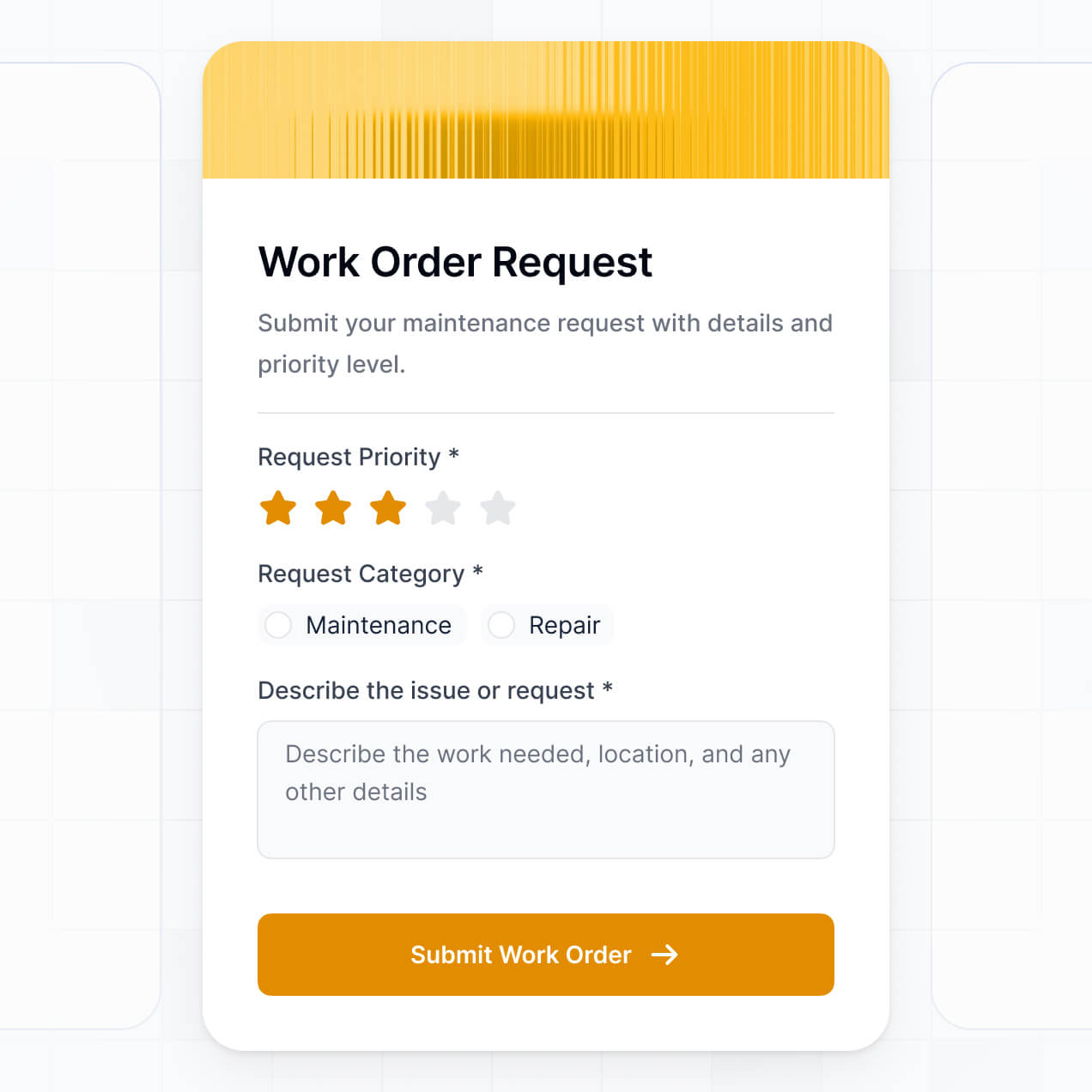
- Specialized Forms – for intake of new creative requests
- Charts – to visualize team bandwidth or project completion rates
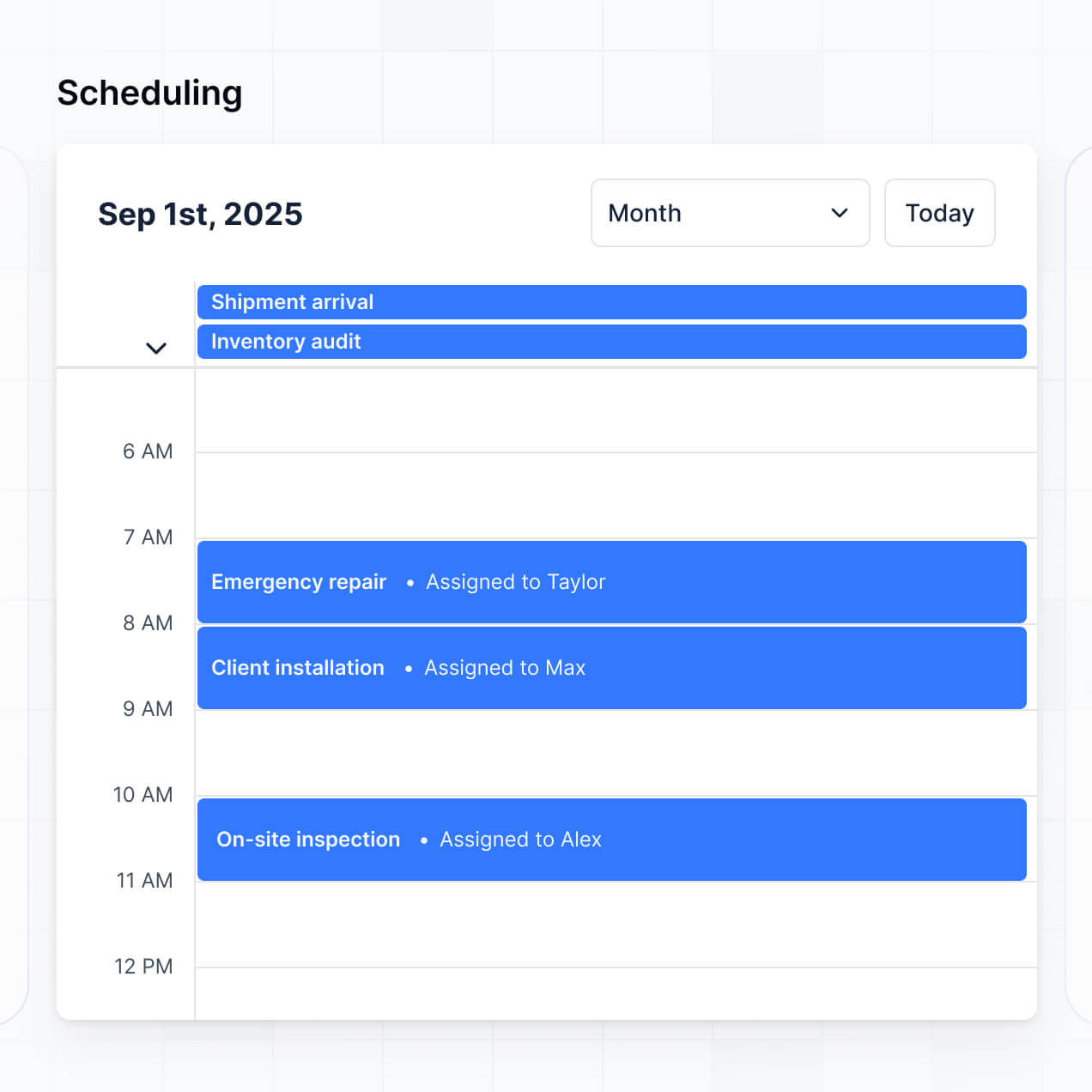
- Calendar blocks – to keep everyone aligned on campaign launch dates and content schedules
If your agency grows or your workflow changes, the visual builder makes it simple to drag-and-drop new elements into your portal at any time.
Softr is built with enterprise-grade security to protect your creative intellectual property. All data is encrypted via TLS in transit and at rest, and apps are hosted on reliable infrastructure. You have complete authority over data access; through role-based permissions, you can ensure that sensitive pitch decks or unreleased campaign assets are only accessible to authorized team members.
For apps using Softr Databases, your data is stored in a secure, SOC 2 Type II compliant environment in Germany. If you prefer to keep your sensitive assets in an external database like SQL or Airtable, Softr acts as a secure display layer without storing your data on its own servers. Security is baked into every layer, from user authentication to granular field-level visibility.
The software generated by Softr's AI is fully production-ready from day one. Unlike experimental 'vibe coding' tools that produce messy, custom scripts, Softr builds your creative management system on a hardened, business-grade foundation.
We provide the essential infrastructure—secure logins, file management, and database relations—automatically. This eliminates the risk usually associated with AI generation, as you aren't stuck maintaining raw code. You get a scalable, secure app that your agency can start using to manage live projects immediately.
Softr is the first AI-native platform designed for custom business software. Traditional project management tools can be too rigid, forcing your team into a generic workflow, while pure code tools are too complex for non-technical creative leads. Softr’s AI Co-Builder offers a 'best of both worlds' hybrid approach.
You can use AI to build a tailor-made database and interface for your agency in minutes, then use the visual editor to refine the design to your exact standards. You get the speed of AI generation paired with the reliability of built-in hosting, professional authentication, and granular permissions. It’s built specifically for teams that need to bridge the gap between creative vision and operational logic without hiring a developer.
Yes. Softr allows you to build powerful native workflows and connect to your favorite creative tools. You can automate repetitive tasks like creating a folder when a new project is added or syncing with Stripe for client billing.
Through integrations with Zapier, Make, and a native REST API, you can connect your project management software to things like Adobe Creative Cloud, Slack, or Intercom. Whether you need to push a notification when an asset is ready or pull data from an external time-tracking tool, you can build a seamless, automated ecosystem without writing a single line of code.
Go from idea to live project management tool in under an hour. Build and customize your workflow without code.