Manage assets, track production stages, and automate approvals in an AI-powered system built with AI to fit your agency's workflow.



Customize your creative management software setup with the exact steps and views your team needs. Add features as processes evolve—no code needed.


Connect your briefs, feedback, and production data from existing spreadsheets and CRMs—or manage it all in Softr Databases. Create one source of truth for your agency.
Give each teammate the right tools and access. Set up secure logins, user groups, and granular permissions—no IT support or dev work needed.
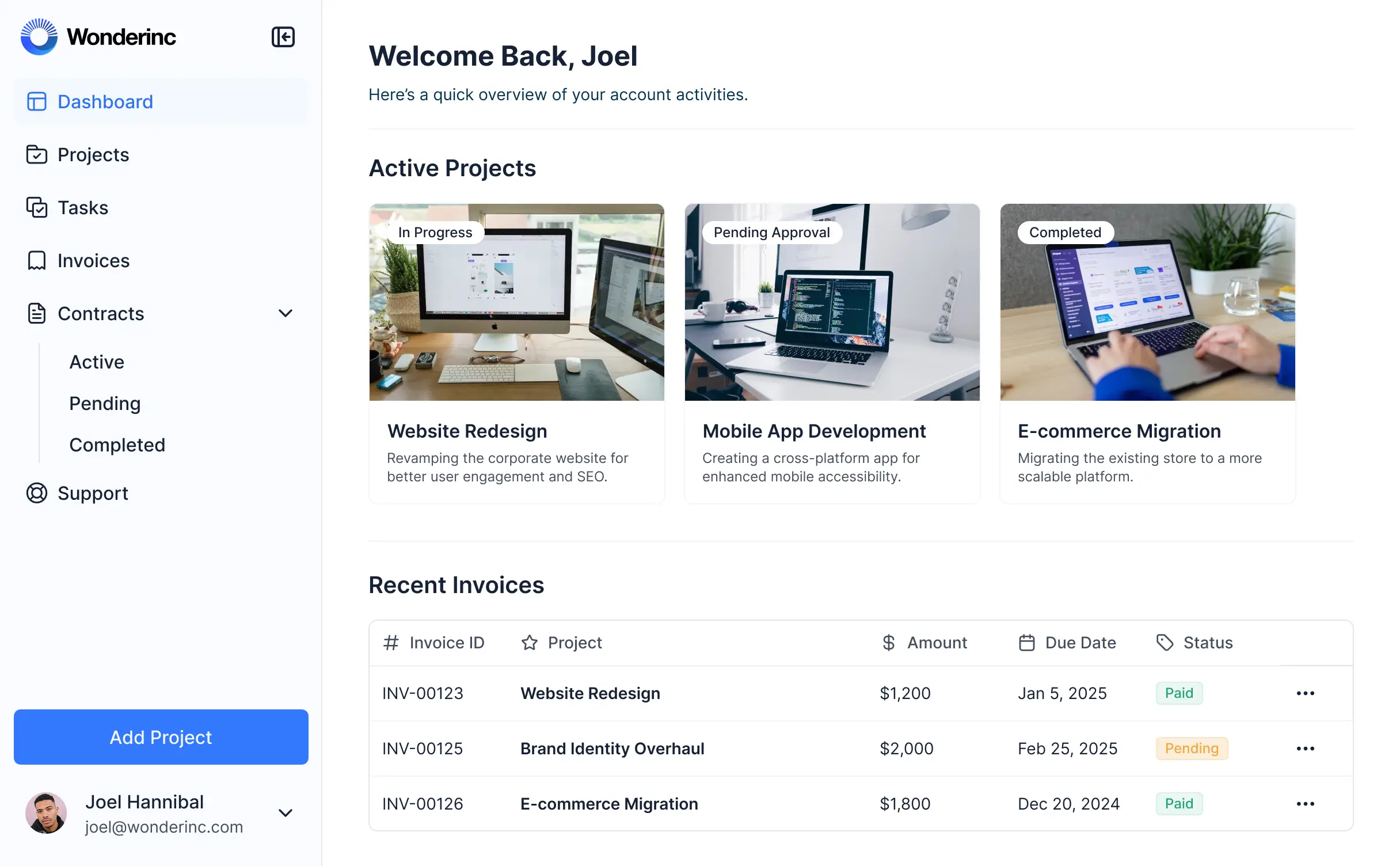
Give different team members tailored access and dashboards, so designers see tasks and accounts see resource utilization data.
Streamline creative workflows. Trigger native automations for client notifications and production status changes to keep projects moving.
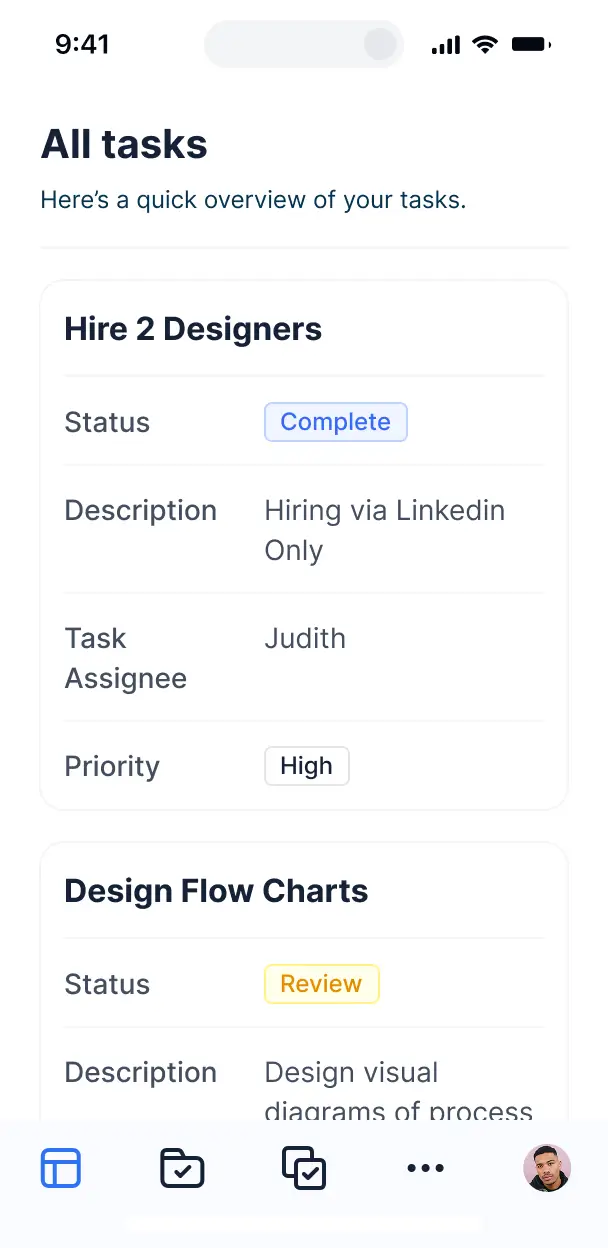
Access and update your creative project trackers on the go. All internal tools are mobile-ready out of the box for distributed teams.
Use Google, email, or SSO logins to give your creative team fast, secure access to review assets—no IT tickets needed.
Keep proprietary creative assets and client data safe with SOC2 and GDPR compliance, plus fine-tuned access control at every level.
No more one-size-fits-all tools or costly custom builds. Softr is easy to use and fully customizable, so you can launch faster, adapt as you grow, and skip the complexity of traditional software.

Build your creative management software in minutes with AI—no manual configuration or manual setup needed.

Add features like asset versioning, client portals, or approval workflows as your agency grows—no rebuild needed.

Start with project tracking, then add client portals and resource dashboards—all in one place with no extra tools.
Co-build with AI
Simply describe what you need. Let Softr handle everything - Interface, database, workflows.
Iterate with AI or visually
Control most critical parts of your app yourself - roles, permissions, security.
Ship the same day
Invite team members or external clients and partners right away. No developer handover.
Use drag-and-drop blocks to build a portal that looks sleek and modern out of the box. Add only the features you need, and iterate as your workflows evolve.




Creative management software is a central workspace designed for agencies and marketing teams to streamline the lifecycle of creative projects, from initial briefs and asset creation to approvals and distribution. It replaces fragmented email chains and messy file folders with a unified environment where designers, copywriters, and stakeholders can collaborate in real-time. This ensures that every brand asset is accounted for and every campaign stays on schedule.
Softr is the first AI-native platform for building business software, making it the ideal choice for creating a custom creative management solution. You can describe your specific production workflow—like handling video edits or social media graphics—to the AI Co-Builder to instantly generate your database, project boards, and approval logic, all fully secure from the start.
You don't need any technical skills to get started. You can generate your app with AI, use a pre-built template, or design from scratch. Everything runs on Softr Databases, or you can seamlessly connect to your existing creative data in Airtable, Google Sheets, or HubSpot. You have total creative control over the UI to match your agency’s branding, ensuring a professional interface for both your internal team and external clients.
You can include a wide range of features in your creative management software to support your specific production cycle. A high-performing app usually combines standard project management tools with AI-powered capabilities:
- **AI-Powered Intelligence** – Use Ask AI to query your campaign performance data conversationally, or deploy Database AI Agents to automatically generate SEO meta-descriptions for your uploaded creative assets.
- **Vibe Coding Blocks** – Build custom UI elements, such as a specialized video proofing player or an interactive mood board, using the AI Code block to precisely meet your team's needs.
- **Softr Workflows** – Create native automations, like notifying a creative director via Slack whenever a new design file is uploaded for review.
- **User Portals & Logins** – Securely manage access so freelance designers only see their assigned tasks while clients only see final versions for approval.
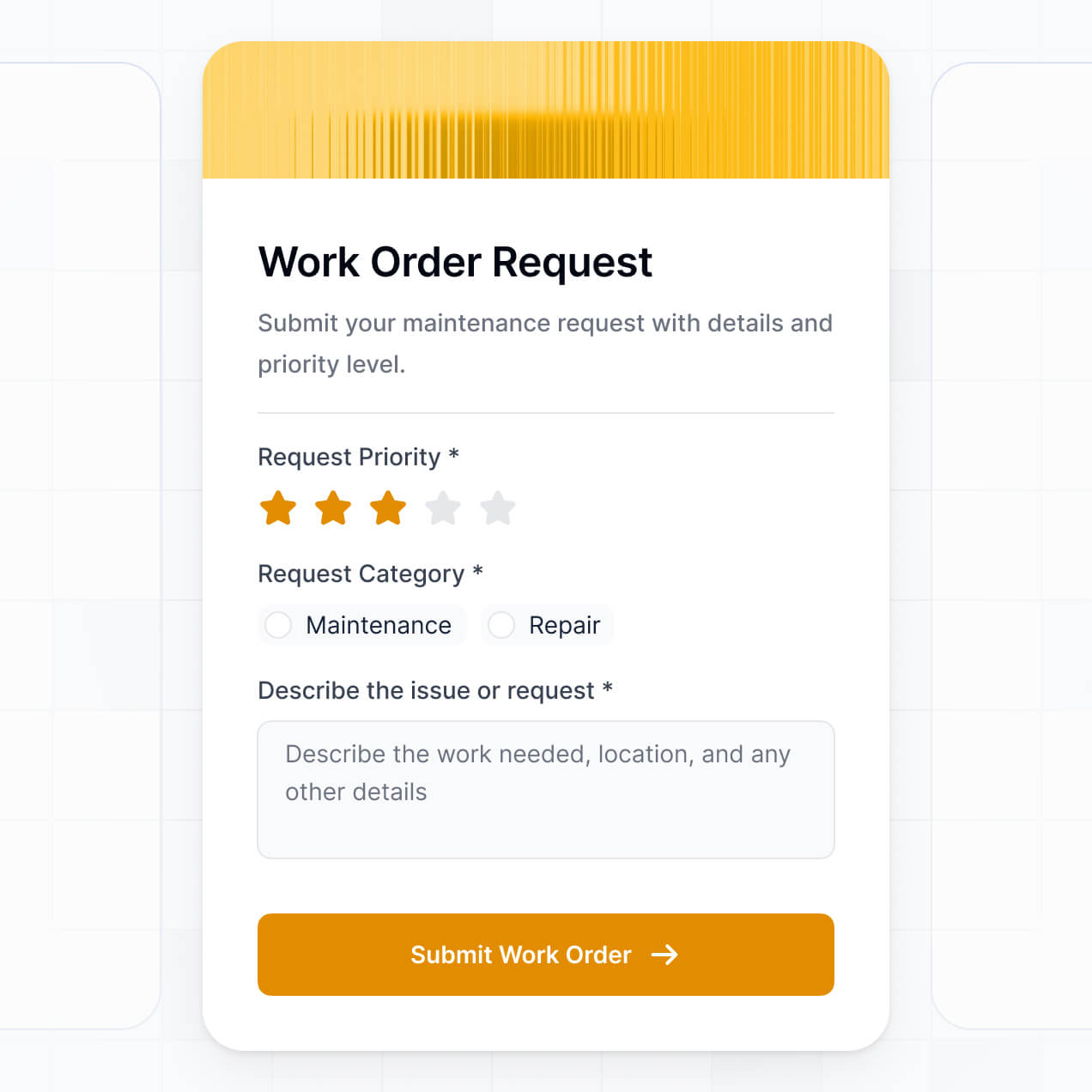
- **Forms & Data Collection** – Capture detailed creative briefs with custom upload fields for reference images and brand guidelines.
- **Dashboards & Charts** – Visualize team bandwidth, project status distribution, and billable hours with real-time charts.
- **Lists & Advanced Filtering** – View your projects in Kanban boards for production tracking or searchable galleries for digital asset management.
Everything is built using drag-and-drop blocks, and if your creative process evolves, the AI-driven Vibe Coding block makes it easy to add custom functionality without writing code.
Vibe coding allows you to build sophisticated creative management software at the speed of thought. By describing your requirements to the AI Co-Builder—such as 'I need a task board that moves assets from Design to Legal Review'—Softr generates a production-ready application tailored to those specific creative workflows.
While other tools might give you unstable, raw code, Softr manages the complex underlying architecture, including asset security, user authentication, and data relationships. This gives creative leads the power to innovate and build custom tools without the logistical nightmare of maintaining a custom codebase. You simply describe the vibe of your ideal workflow, and Softr delivers the functional software.
Yes. You can manage multiple internal creative teams, external vendors, and freelancers within a single Softr application. By utilizing role-based permissions, you ensure that a freelance copywriter only accesses the specific briefs they are assigned, while your internal creative directors maintain a bird's-eye view of all ongoing campaigns and resource allocation across the entire agency.
Absolutely. You don't need an existing setup to start building your creative management software. Softr Databases is built directly into the platform, allowing you to create your project tables, asset libraries, and client lists from scratch.
If you do have project data elsewhere, such as in Airtable, Google Sheets, or Notion, you can connect those sources effortlessly. You can even use the REST API to pull in data from specialized design tools. Regardless of where your data starts, Softr gives you the tools to structure and display your creative pipeline exactly how you want.
Softr Databases is the recommended relational data source, offering the best performance for high-velocity creative teams who need instant updates and fast loading for media-heavy pages.
If your organization uses other tools, Softr connects to over 17 external sources including Airtable, Google Sheets, HubSpot, and SQL databases. You can even mix sources, perhaps pulling client contact info from HubSpot while managing project tasks in Softr Databases. Most connections support two-way sync, so when a designer marks a task as 'Complete' in the app, it updates your source data in real time.
Yes, Softr provides granular control over the user experience. You can customize the dashboard navigation and visible blocks to suit different roles—for example, showing a 'Submit Brief' button for account managers but a 'Upload Final Files' button for designers. Each block can be conditionally displayed based on the user’s role or the current status of a project.
You can define specific permissions for admins, creative leads, and clients. Clients might be limited to a read-only view of project timelines and a feedback form, while admins have full authority to manage budgets and team assignments. This ensures your creative management software remains secure, organized, and focused for every user type.
Yes, you can fully white-label your creative management software to reflect your agency's brand identity. You can apply your own logo, typography, and color palette, and host the app on a custom domain like projects.youragency.com. By removing Softr branding, you provide a seamless, premium experience for your clients that feels like a proprietary tool built specifically for them.
Yes, Softr offers extensive flexibility regarding the design and layout of your creative workspace. You can control every visual aspect, from grid spacing to the look of your buttons, ensuring the layout supports your team's productivity.
To organize your creative data, you can choose from various functional blocks:
- **Table blocks** – for detailed production schedules and budget tracking.
- **Gallery or Card blocks** – for a visual digital asset library of logos and brand imagery.
- **Detail View** – to provide an in-depth view of a single project’s requirements and attachments.
- **Forms** – for streamlining intake of creative requests and feedback.
- **Charts** – for monitoring campaign ROI and team output.
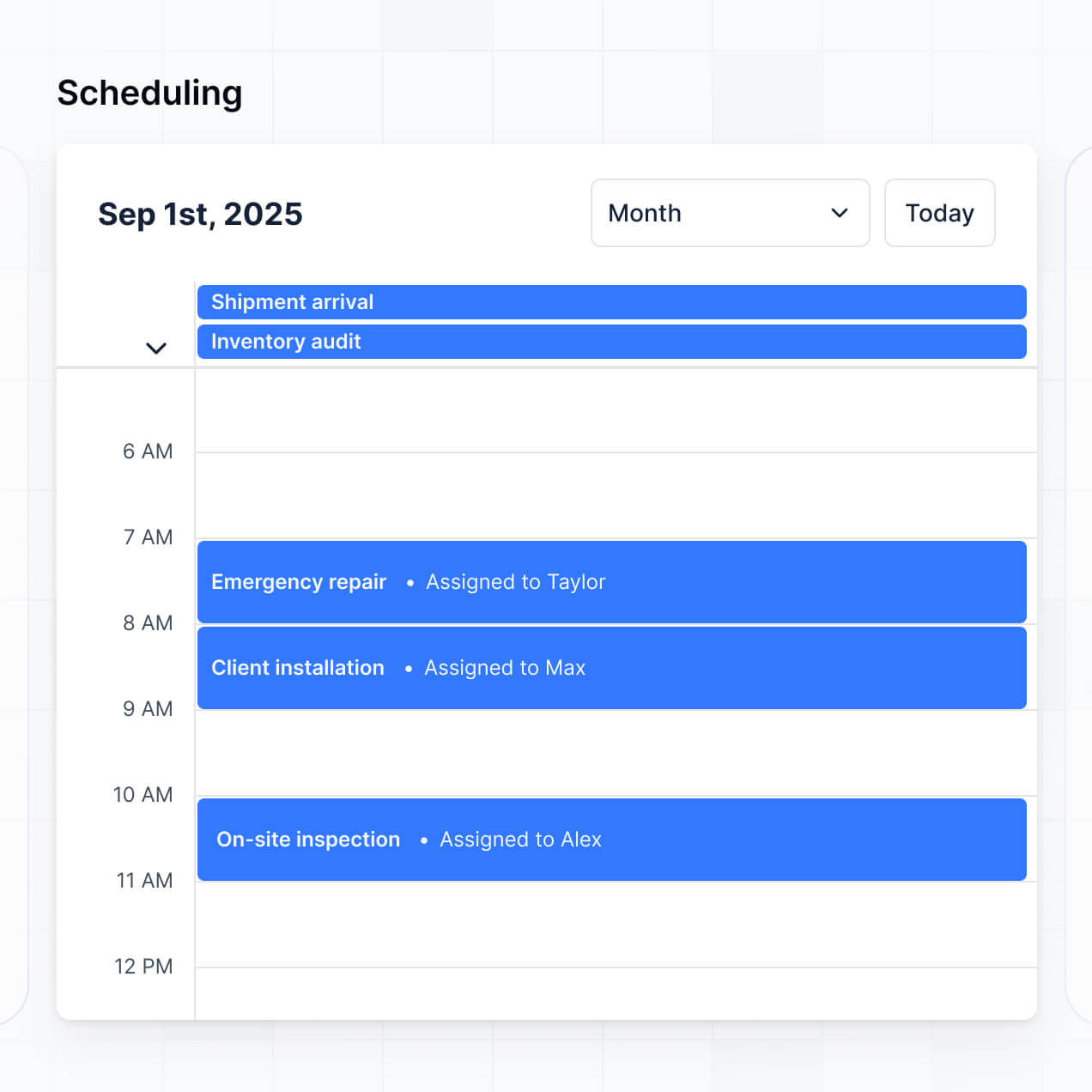
- **Calendar blocks** – to keep track of launch dates and production milestones.
Adjustments can be made instantly in the visual editor, allowing your software to evolve as your creative process matures.
Security is a top priority for Softr, especially when handling sensitive brand assets. All data is encrypted using TLS in transit and at rest, and apps are hosted on world-class secure infrastructure. You have complete control over data visibility; you can set rules to ensure that a project's sensitive financial data is never visible to contractors.
For apps using Softr Databases, data is stored in a SOC 2 Type II compliant environment in Germany. If you utilize external sources like Airtable or SQL, Softr displays your data securely in real-time without storing it on our servers. You manage access directly through the platform’s robust permission settings, keeping your media and intellectual property safe.
It is a fully production-ready solution. Unlike experimental AI tools that produce unmanageable code, Softr builds your creative management software on a proven, business-grade framework.
Softr handles the essential backend complexities—like member authentication and secure file handling—out of the box. This bypasses the typical 'Day Two' issues of AI-generated tools, meaning you get the speed of AI generation with the reliability needed to manage actual client projects and large-scale creative teams immediately.
Softr stands out as the first AI-native platform designed for business software. While traditional no-code tools require hours of manual setup, Softr’s AI Co-Builder can generate your entire creative management structure, data relationships, and interface in minutes.
The hybrid advantage is key: you get the initial speed of AI with the precision of a professional visual editor. Unlike 'vibe-only' coding tools that result in fragile apps, Softr provides built-in enterprise features like granular roles and secure hosting. It is built for teams who need to move from a concept to a functional, secure project management tool in record time.
Yes. Softr allows you to build powerful native workflows and integrate with your existing creative stack. You can automate repetitive tasks using Softr Workflows—like automatically moving a task to 'Ready for Review' when a file is uploaded—or sync with tools like Google Drive for asset storage or Stripe for client invoicing.
With support for webhooks and a REST API, you can connect your creative management software to your entire ecosystem, ensuring data flows smoothly between your project management hub and the specific design tools your team uses every day.
Describe your agency workflow and Softr's AI will build your custom management system in minutes.