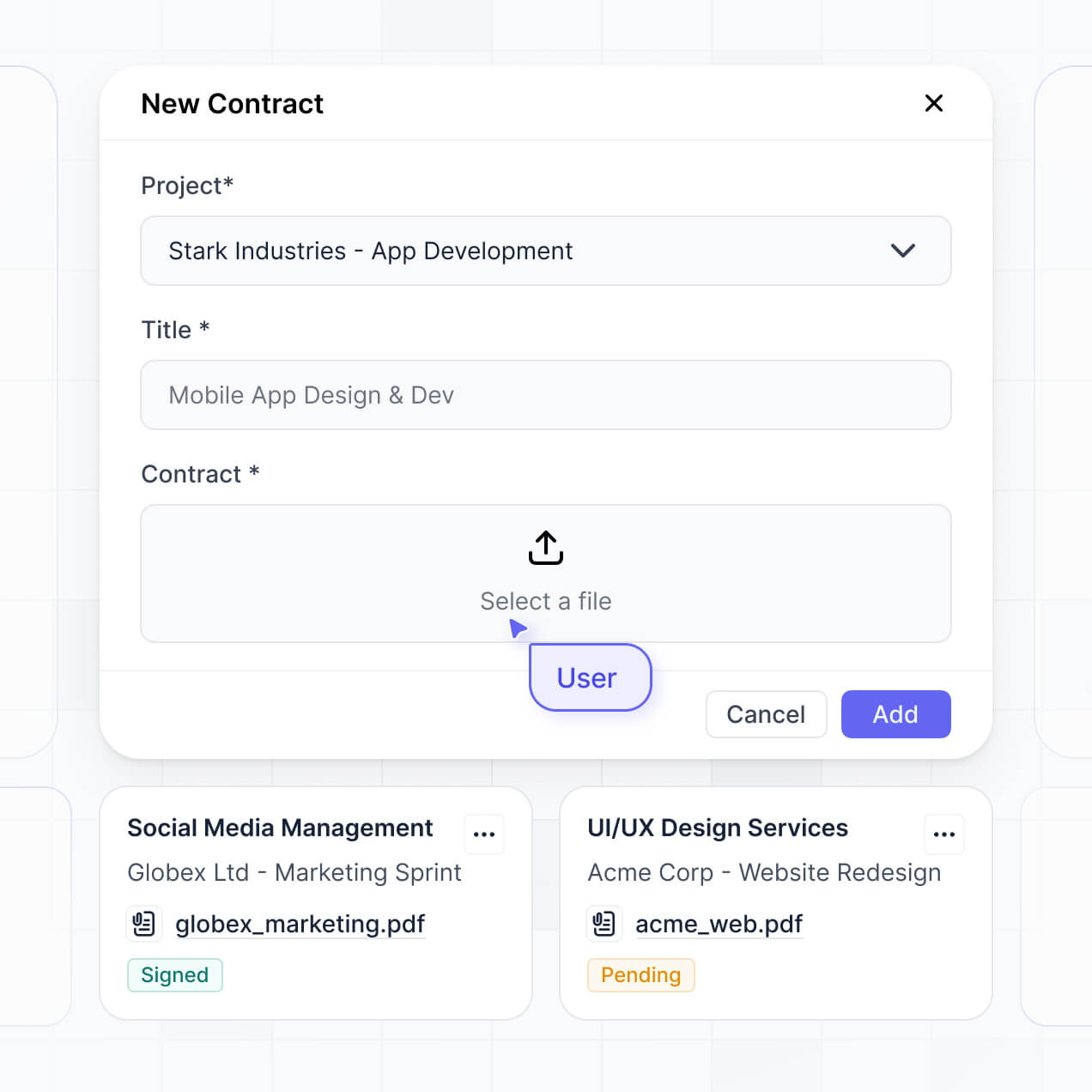
Manage leases, track closing status, and organize files in an AI-powered tool built with AI to fit your firm's property workflow.
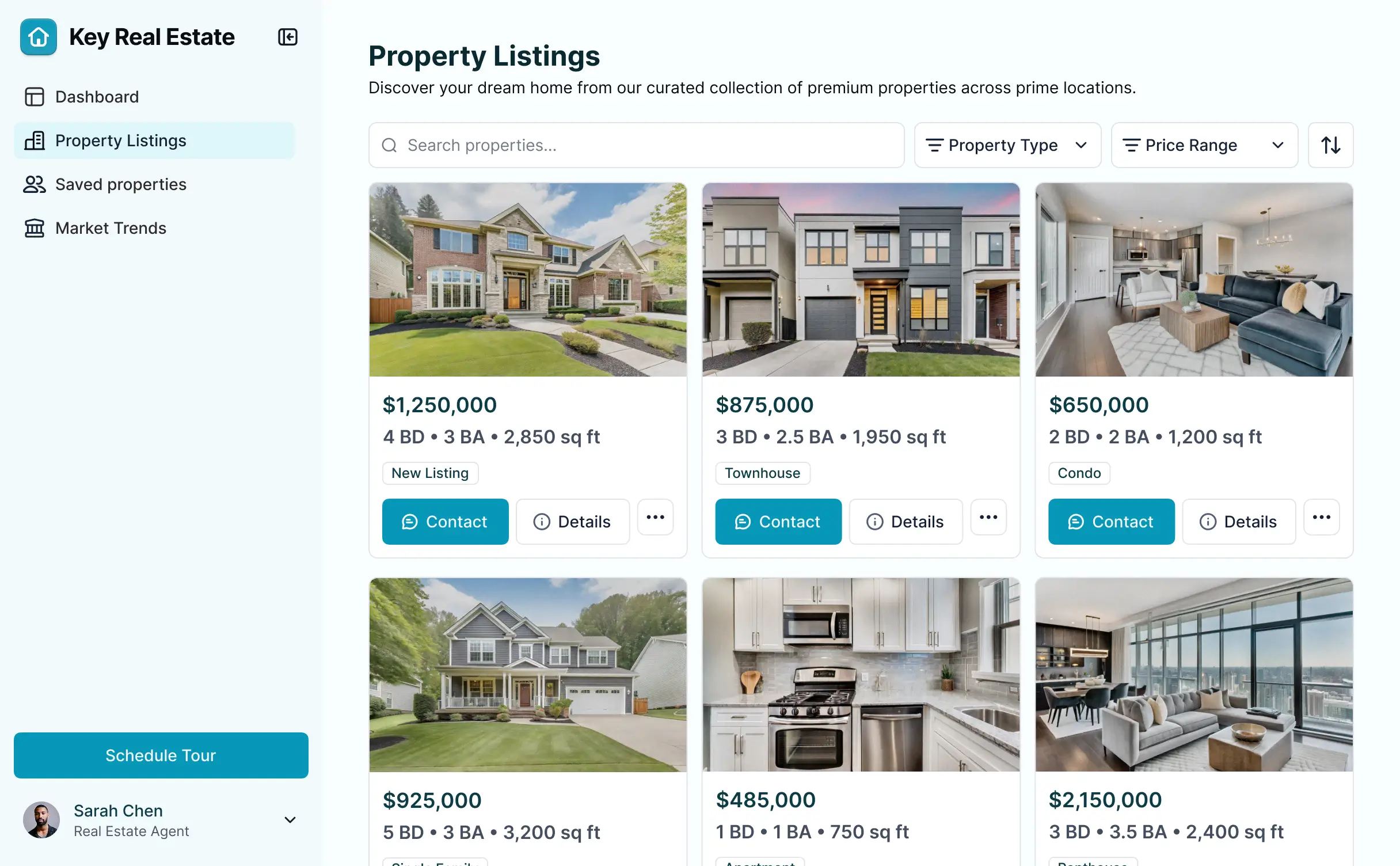



Customize your real estate document management tool with the exact closing steps and agent views your team needs. Add features as you grow.


Connect lease agreements, closing checklists, and agent data with real-time sync—or manage everything in Softr Databases. One source of truth for your property documents.
Give each agent and manager the right tool and file access. Set up secure logins, user groups, and granular permissions—no IT support or dev work needed.
Give different team members tailored dashboards for closing checklists, so agents see only their own active listings and files.
Streamline your document workflows. Trigger native notifications or status changes when a lease is uploaded or a contract is approved.
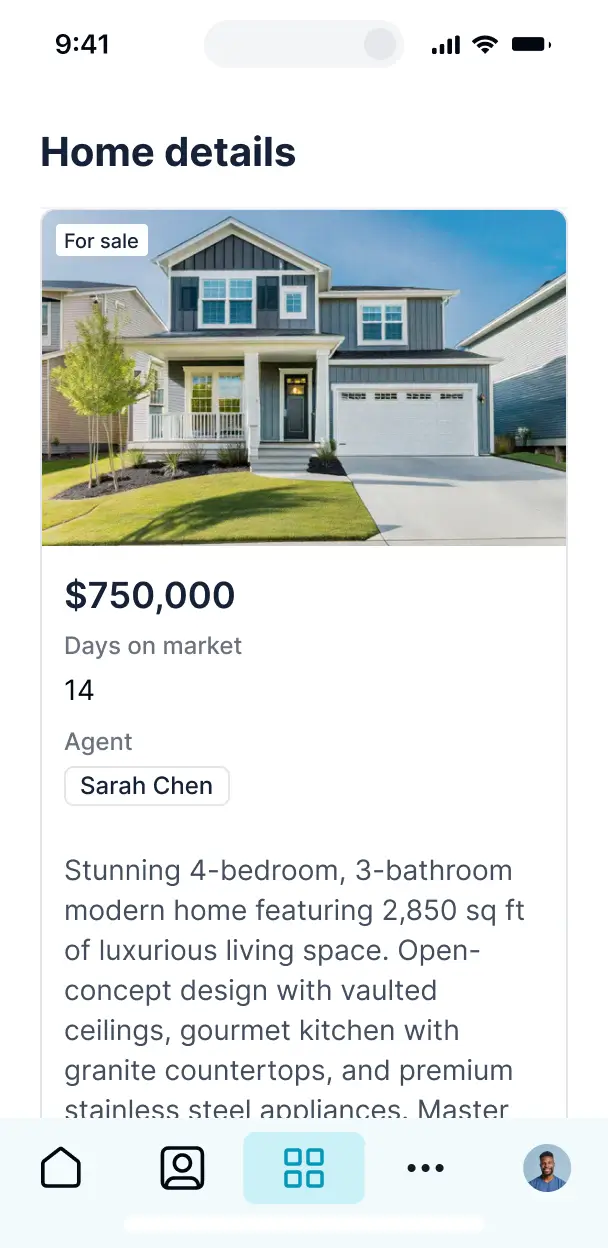
Access and update your property documents on the go. Agents can upload files from the field with a mobile-ready app available out of the box.
Use Google, email, or SSO logins to give your agents fast, secure access to confidential real estate files—no IT tickets needed.
Keep sensitive property and tenant data safe with SOC2 and GDPR compliance, plus fine-tuned access control at every folder level.
No more one-size-fits-all tools or costly custom builds. Softr is easy to use and fully customizable, so you can launch faster, adapt as you grow, and skip the complexity of traditional software.

Build your real estate document tool in minutes with AI—no manual configuration or complex setup needed.

Add features like contract approvals, closing dashboards, or owner portals as your workflows evolve—no rebuild.

Start with document management, then add internal tools, dashboards, or forms—all in one place.
Co-build with AI
Simply describe what you need. Let Softr handle everything - Interface, database, workflows.
Iterate with AI or visually
Control most critical parts of your app yourself - roles, permissions, security.
Ship the same day
Invite team members or external clients and partners right away. No developer handover.
Use drag-and-drop blocks to build a portal that looks sleek and modern out of the box. Add only the features you need, and iterate as your workflows evolve.




A real estate document management tool is a secure digital space where agents, brokers, and clients can log in to access critical paperwork, such as purchase agreements, disclosure forms, and closing documents. It centralizes all transaction files in one place, so you don't have to hunt through email threads or juggle various cloud folders. This organization makes it easier for real estate professionals to maintain compliance while providing a transparent, professional experience for home buyers and sellers.
Softr is the first AI-native platform for building business software, making it the fastest way to create a real estate document management tool tailored to your brokerage's specific workflow. You can describe your required deal stages or filing needs to the AI Co-Builder to instantly generate your property database, document folders, and vault logic—all while ensuring data remains secure.
You don't need to be a developer to build this. You can start by generating with AI, using a pre-made template for realtors, or building from scratch. Everything runs on Softr Databases, or you can link your existing files in Airtable, Google Drive via Google Sheets, or HubSpot. You have total control to brand the tool with your agency's logo, adjust folder permissions visually, and scale the tool as your local market presence grows.
You can include a wide range of features in your real estate document management tool to streamline your closings. A high-performance app usually combines functional organization with AI-driven processing:
- AI-Powered Intelligence – Use Ask AI to search through lengthy lease agreements conversationally, or set up Database AI Agents to automatically extract key dates and contract values from uploaded PDFs.
- Vibe Coding Blocks – Create custom UI components, such as a signature status tracker or a property photo gallery, using the AI Code block to "vibe code" the exact layout your agents need.
- Softr Workflows – Build native automations, like an automatic notification sent to a buyer when a closing disclosure is ready to be reviewed and signed.
- Professional Logins – Securely manage access so sellers only see their own listing documents and buyers only see their specific loan paperwork.
- File Collection Forms – Capture signatures and required documents (like proof of funds) through custom forms with file upload fields.
- Transaction Dashboards – Visualize your sales pipeline and document completion status with real-time charts and summaries.
- Filterable Document Lists – Manage your entire file library with searchable tables, document categories, and detailed views for each property address.
Everything is built using Softr's drag-and-drop system, so you can iterate without code. If you need a specialized escrow calculator, just use the Vibe Coding block to generate it with AI.
Vibe coding allows you to move rapidly from a concept to a functional real estate tool using AI. You can "vibe code" your document management system by describing your requirements—like "I need a portal where buyers can upload IDs and see their pre-approval letters"—to the AI Co-Builder. Softr then generates a production-ready application on a secure foundation.
Unlike other tools that produce messy code fragments, Softr handles the heavy lifting—like secure user authentication for clients, database relationships between properties and files, and role logic—natively. This means you get the speed of AI generation without the risk of fragile code breaking during a sensitive closing. You describe the real estate workflow, Softr builds it, and your agents can start uploading contracts immediately.
Yes. You can manage multiple regional offices, agent teams, or hundreds of clients within a single document portal. Each user—whether they are a listing agent, a mortgage broker, or a home buyer—only sees the specific contracts and property files assigned to them based on their login credentials. This is ideal for large brokerages or multi-state real estate firms that need to silo sensitive financial information between different stakeholders.
Yes, you can. You don't need an existing database to start organizing your files with Softr. If you're starting from scratch, you can use Softr Databases, which is built into the platform and handles relational data like linking "Documents" to "Properties" or "Clients" perfectly.
However, if your agency already uses tools like Airtable, Google Sheets, HubSpot, or SQL to track listings, you can connect those directly. You can even use the REST API to pull in data from MLS services. Softr offers you complete flexibility over how your real estate data is structured, stored, and shared with your team.
Softr Databases is the recommended native source for your real estate tool, offering high performance and instant triggers for document status changes. Because the data is native, the experience for clients browsing large file libraries is lightning-fast.
If you prefer external storage, Softr connects to 17+ sources including Airtable, Google Sheets, HubSpot, SmartSuite, and BigQuery. You can even combine sources—for example, pulling client contact info from HubSpot while storing property-specific documents in Softr Databases. Most connections support two-way sync, ensuring that when an agent updates a contract status in Softr, it updates in your backend source automatically.
Yes, Softr provides granular control over the user experience. You can customize the dashboard layout and folder structure to match your brokerage’s specific transaction process. Every list block or file download button can be shown or hidden based on the user's role, ensuring a title company sees different files than a first-time homebuyer.
You can define roles such as Broker of Record, Lead Agent, and Client—setting specific edit vs. view permissions for each. For instance, you can allow agents to upload new inspection reports while restricting clients to view-only access. You can also create personalized property views that filter documents automatically based on the logged-in agent’s current listings. This keeps the document management process clean, secure, and professional.
Yes, you can fully white-label your document tool in Softr to maintain a high-end brand image. You can use your brokerage’s logo, brand colors, and professional fonts, and host the tool on your own custom domain (e.g., docs.youragency.com). By removing all Softr branding, your clients will have a seamless experience that feels like a premium, proprietary software built specifically by your firm.
Yes, Softr offers deep flexibility for both design and functional layout. You can adjust the visual theme to match your luxury branding and organize the page structure to follow your specific closing checklist. You have full control over which document blocks appear and where they are located on the screen.
To organize your property data, you can use various specialized blocks:
- Table blocks – to display listing inventories and transaction closing dates.
- List or Card blocks – to show property photos alongside linkable document folders.
- Detail View – to create a dedicated page for a single property address and its full history.
- Forms – for agents to submit new listings or for clients to upload earnest money receipts.
- Charts – to track monthly volume and document compliance rates.
- Calendar blocks – to display important milestones like inspection periods and closing days.
Updates are simple to make in the visual builder, allowing your tool to evolve as real estate regulations change.
Security is critical in real estate, and Softr is built to protect sensitive financial and personal information. All data is encrypted in transit and at rest, and apps are hosted on world-class infrastructure. You have total control over data visibility via role-based permissions, ensuring that things like social security numbers or bank statements are only accessible to authorized personnel.
If you use Softr Databases, your data is stored in a secure European (Germany) environment with SOC 2 Type II compliance. If you connect to external sources like Airtable or SQL, Softr acts as a secure interface, displaying data in real time without storing a separate copy on our servers. Softr also employs industry-standard authentication and platform monitoring to help your brokerage stay compliant with privacy laws.
It is fully production-ready. While some AI tools produce "vibe code" that is experimental and lacks security, Softr builds your real estate document management tool on a tested, business-grade framework.
We provide the essential infrastructure—secure logins for clients, granular file permissions, and reliable hosting—natively. This eliminates the risk of using unmaintained code for high-stakes real estate transactions. Your app is scalable, secure, and ready to handle your next multi-million dollar closing from day one.
Softr is the first AI-native platform specifically designed for business software. Unlike basic site builders or complex no-code tools that require months of learning, Softr’s AI Co-Builder creates a functional database and application logic for you in minutes.
The advantage is our hybrid approach: use AI to generate the core document structure, then use a visual drag-and-drop editor for precise branding and workflow adjustments. You get the speed of AI with the world-class security required for real estate—including built-in authentication and user roles—making it the best choice for non-technical real estate teams who need to launch professional tools quickly.
Yes. Softr supports native workflows and deep integrations to connect your document management tool to your entire real estate stack. You can automate tasks like sending a welcome email via Intercom when a new client portal is created, or syncing closing fees with Stripe. Softr also supports webhooks and a REST API for advanced automation.
Whether you need to trigger a data sync to your CRM when a contract is signed or pull in the latest market data from an external API, you can build these automated connections directly into your tool without writing any code.
Describe what you need. Softr's AI builds your custom property document tool in minutes.