Track equipment, manage maintenance, and view reports in an AI-powered system built with AI to fit your hospital's specific workflow.



Customize your asset management setup with the exact steps and views your team needs. Add features as medical processes evolve—no code needed.


Connect medical inventory logs, maintenance schedules, and staff assignments with real-time sync—or manage everything in Softr Databases for a single source of truth.
Give each teammate the right tools and access. Set up secure logins, user groups, and granular permissions—no IT support or dev work needed.
Give hospital staff and technicians tailored access and dashboards, so each role sees just the equipment and tasks that matter to them.
Streamline your internal processes with Softr Workflows. Trigger native automations for maintenance alerts or status changes to keep devices online.
Access and update your medical assets on the go. Technicians can log repairs from tablets or phones as all apps are mobile-ready out of the box.
Use Google, email, or SSO logins to give your medical team fast, secure access to the inventory system—no IT tickets needed.
Keep healthcare data safe with SOC2 and GDPR compliance, plus fine-tuned access control to protect sensitive equipment and compliance records.
No more one-size-fits-all tools or costly custom builds. Softr is easy to use and fully customizable, so you can launch faster, adapt as you grow, and skip the complexity of traditional software.

Build your medical asset management software in minutes with AI—no manual setup or complex coding required.

Add features like maintenance alerts and compliance reporting as your healthcare facility grows—no rebuild needed.

Start with asset tracking, then add staff portals and service request forms—all in one place with no extra tools.
Co-build with AI
Simply describe what you need. Let Softr handle everything - Interface, database, workflows.
Iterate with AI or visually
Control most critical parts of your app yourself - roles, permissions, security.
Ship the same day
Invite team members or external clients and partners right away. No developer handover.
Use drag-and-drop blocks to build a portal that looks sleek and modern out of the box. Add only the features you need, and iterate as your workflows evolve.




Medical asset management software is a secure digital environment where healthcare facilities can track and manage critical equipment such as ventilators, diagnostic machines, and hospital beds. It centralizes asset data, maintenance logs, and compliance records in one place, eliminating the need for manual spreadsheets or fragmented email chains. This ensures hospital staff can locate equipment quickly and stay ahead of critical maintenance schedules for better patient care.
Softr is the first AI-native platform for building business software, making it uniquely suited to build medical asset management software that aligns with healthcare workflows. You can describe your specific requirements—like tracking sterilization dates or device calibration—to the AI Co-Builder to instantly generate your database, tracking pages, and approval logic.
You don't need to code to get started. You can build from scratch, use a template, or generate with AI. Everything is powered by Softr Databases or you can connect external tools like Airtable or Google Sheets where your inventory might already live. You have total visual control over the dashboard, can define strict permissions for medical staff, and brand the interface to match your healthcare organization. It is fast to deploy, easy to update for compliance changes, and scales as your inventory grows.
You can include a wide range of features in your medical asset management software to streamline hospital operations. A high-performing app typically combines standard tracking blocks with AI-powered tools:
- AI-Powered Intelligence – Use Ask AI to let staff query equipment status via chat, or use Database AI Agents to automatically summarize repair histories or identify aging assets that need replacement.
- Vibe Coding Blocks – Build custom UI elements—like an interactive floor map showing equipment locations—using the AI Code block to "vibe code" exactly what your facility needs.
- Softr Workflows – Build native automations (like automated maintenance alerts) that notify technicians as soon as a device's usage exceeds a certain limit.
- User Portals & Logins – Securely manage access so nurses, biomedical engineers, and admins only see the specific equipment categories or maintenance tasks relevant to their roles.
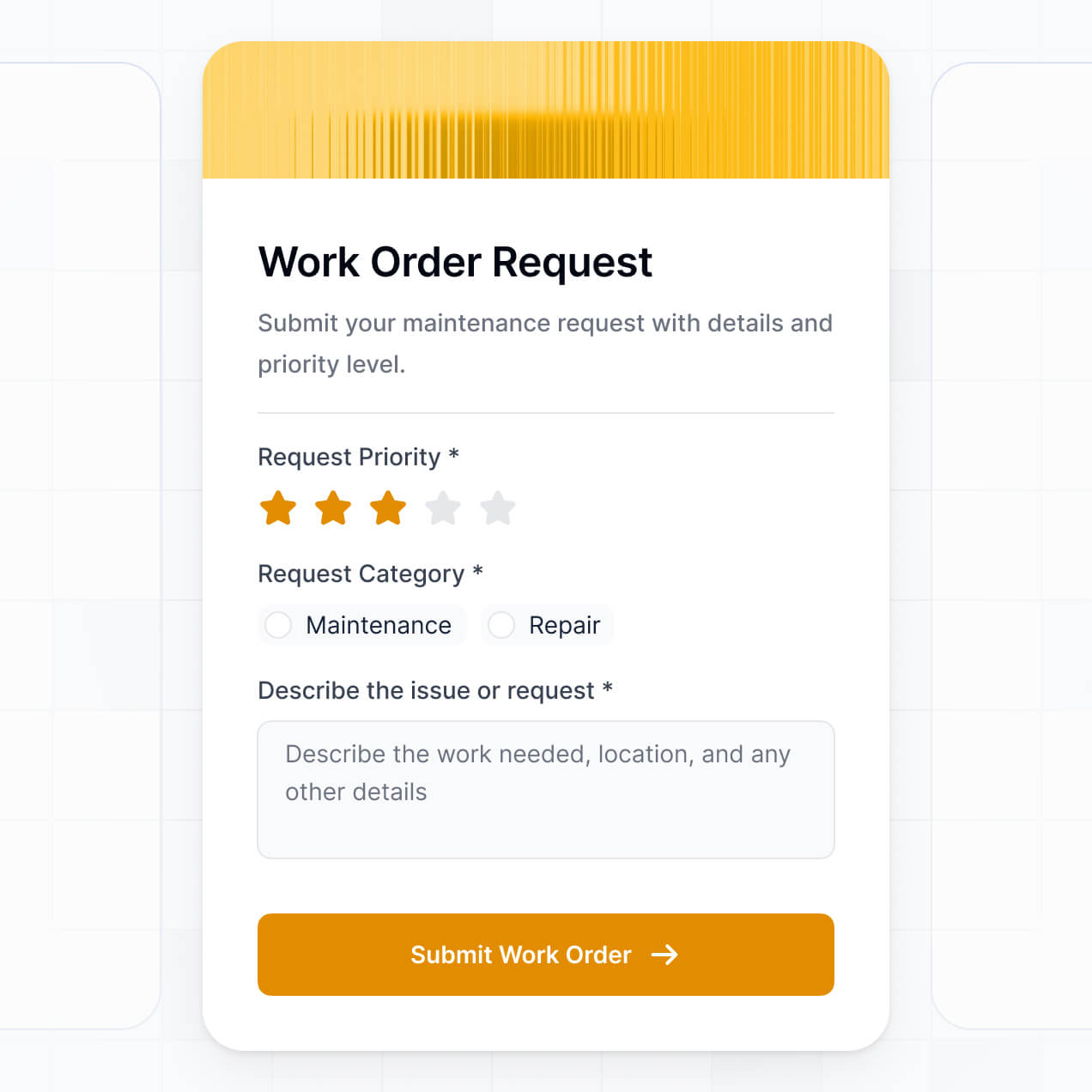
- Forms & Data Collection – Capture inspection results or equipment check-out requests with custom forms and digital signatures.
- Dashboards & Charts – Visualize asset lifespan, utilization rates, and departmental spend with real-time charts.
- Lists & Advanced Filtering – Manage your inventory through searchable tables or kanban boards filtered by maintenance status or manufacturer.
Everything is built using Softr's drag-and-drop blocks, and if you need a truly unique healthcare dashboard, you can use the Vibe Coding block to generate it with AI.
Vibe coding involves using AI to build exactly the healthcare tools you need at high speed. You can "vibe code" your medical asset management software in Softr by describing your tracking requirements—such as 'I need a system to manage MRI machine maintenance cycles and track biomedical engineer assignments'—to the AI Co-Builder. Softr then generates a production-ready application on a secure foundation.
While other tools might give you buggy, raw code for medical workflows, Softr handles the critical fundamentals—like HIPAA-compliant database structures, authentication, and security—natively. This provides the speed of vibe coding without the risks of managing unstable code for sensitive medical equipment data. You describe it, Softr builds it, and your medical team can use it immediately.
Yes. You can manage multiple hospital departments or even different clinics within a single medical asset management software. By utilizing roles and login permissions, staff in the Cardiology department will only see their specific diagnostic tools, بينما administrative users can maintain a full birds-eye view of all assets across the entire healthcare network.
Yes, you can. You do not need an existing database to start building your medical asset management software. If you're starting from scratch, you can use Softr Databases, which is built into the platform and allows you to define asset fields like serial numbers, warranty dates, and procurement costs directly.
If you do have equipment logs in Airtable, Google Sheets, HubSpot, or SQL databases, you can connect those easily. You also have the option to use the REST API to pull data from hospital ERP systems. You maintain full control over how your clinical data is structured and displayed.
Softr Databases is the recommended native data source for medical asset management. It is designed for high-performance business apps, ensuring that searching through thousands of medical records is lightning-fast and that automation triggers for maintenance alerts happen instantly.
If your inventory is stored elsewhere, Softr connects to 17+ external sources including Airtable, Google Sheets, SQL, and SmartSuite. You can even combine sources—for example, pulling supplier details from HubSpot while tracking real-time maintenance logs in Softr Databases. Most sources offer two-way sync, so updates made by a technician in the field reflect in your main database automatically.
Yes, Softr provides granular control over the user experience for your medical asset management software. You can customize the layout to prioritize ease of use for busy clinical staff. Every block or page can be hidden or shown based on the user's login, ensuring clinicians only see 'available' equipment while technicians see the 'maintenance' views.
You can define roles such as 'Nurse,' 'Biomedical Engineer,' or 'Operations Manager'—specifying exactly what data each can view or edit. For instance, a nurse might only check out a device, while an engineer can update calibration records. This ensures high data integrity and security, which is vital when managing expensive and lifesaving medical equipment.
Yes, you can fully white-label your medical asset management software. You can integrate your hospital's logo, official brand colors, and custom fonts. By using a custom domain and removing Softr branding, the software will appear as a proprietary internal tool, providing a professional and trusted experience for your healthcare staff.
Yes, you have full flexibility to control the design and layout to suit your hospital's workflow. You can adjust spacing, fonts, and navigation to make the tool tablet-friendly for mobile staff. You decide exactly which data attributes are highlighted on the dashboard when a user logs in.
You can use various blocks to visualize your medical inventory:
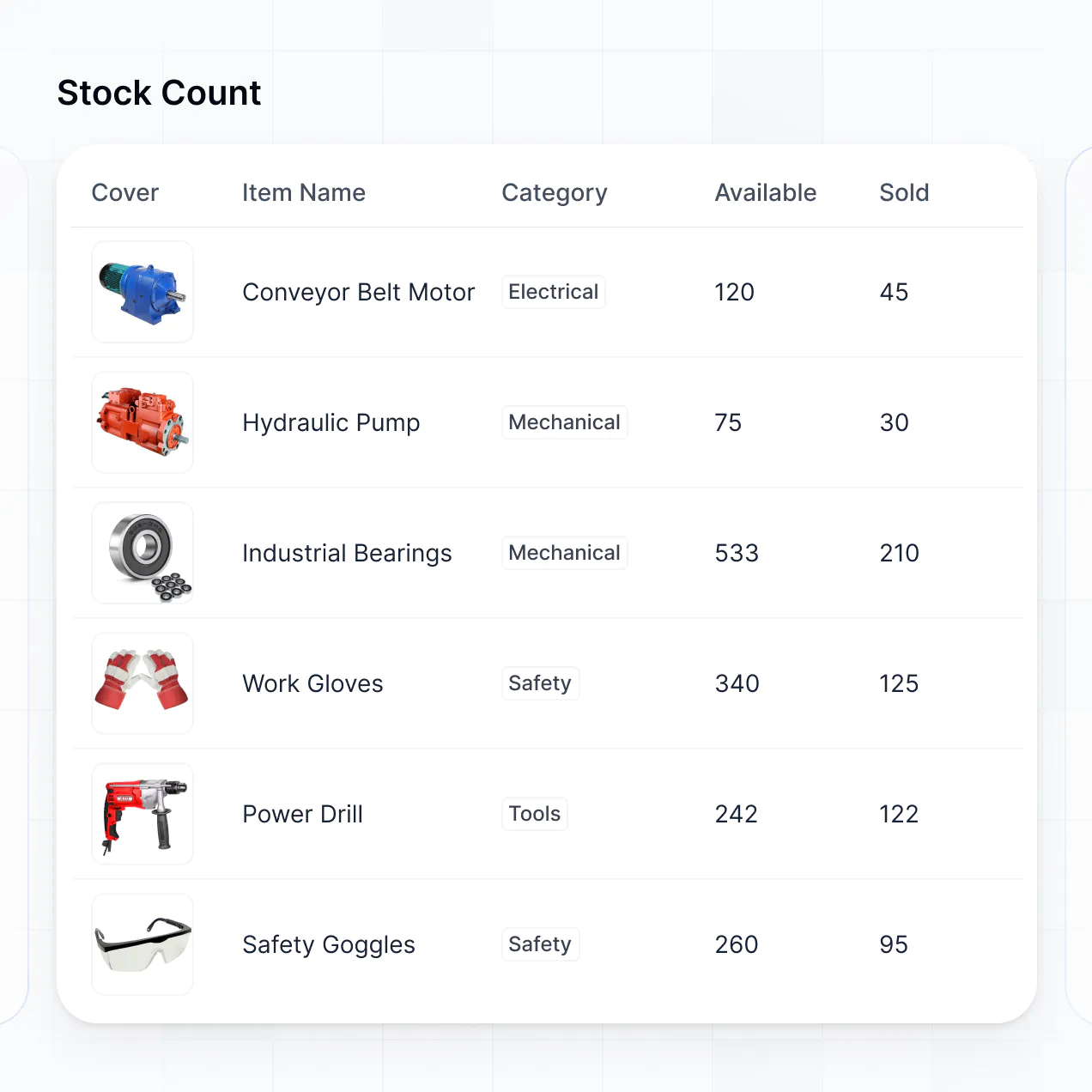
- Table blocks – for massive lists of surgical instruments or patient monitors.
- List or Card blocks – to show visual profiles of specific machines including photos.
- Detail View – for deep dives into a specific asset's full service history.
- Forms – for logging new maintenance incidents or facility requests.
- Charts – to track equipment downtime or depreciation.
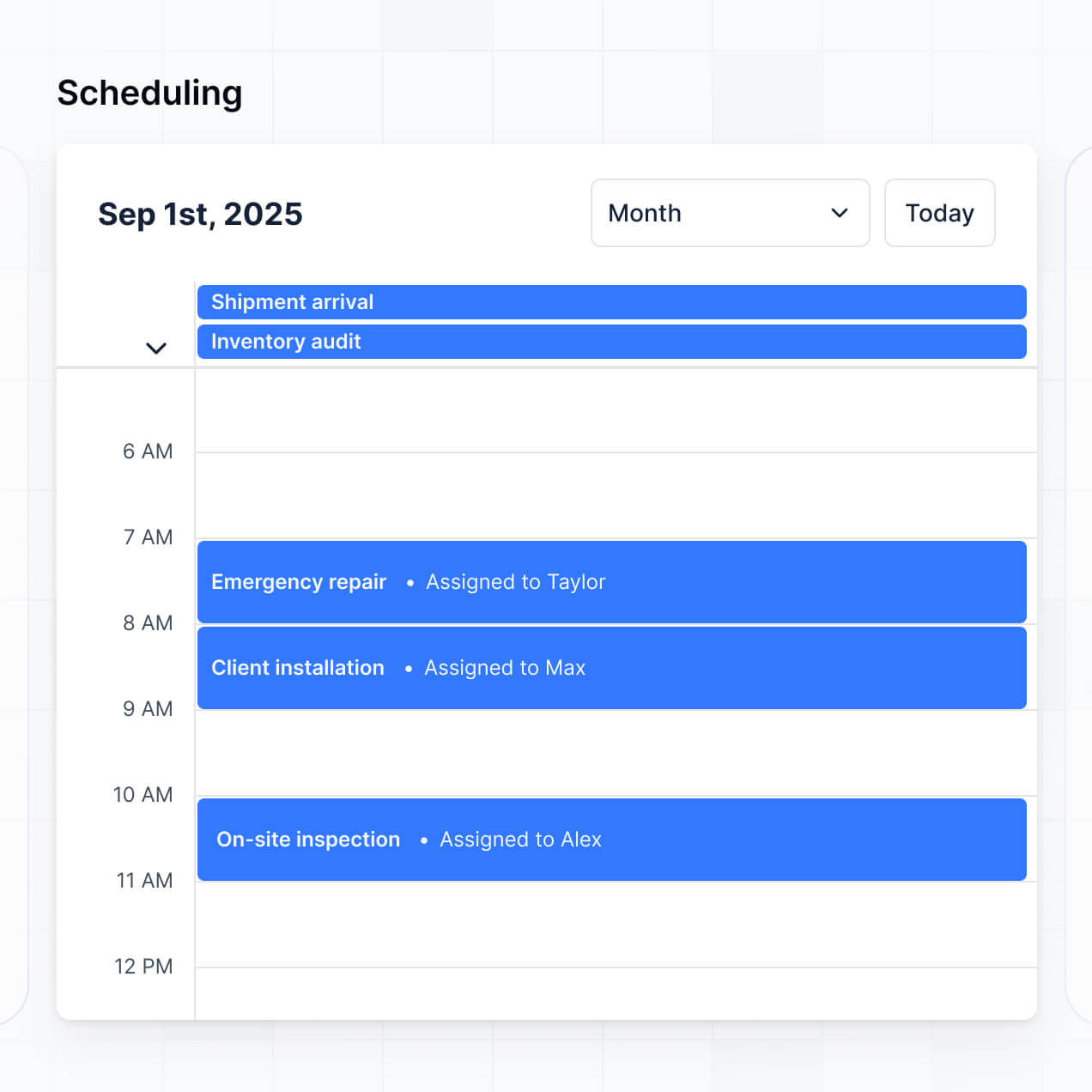
- Calendar blocks – to view upcoming inspection deadlines.
If your facility expands, you can easily update the layout or add new sections using the visual builder without any downtime.
Softr is built with a focus on enterprise security. All asset data is encrypted in transit and at rest, and hosted on secure infrastructure. For medical asset management, you have full control over role-based permissions, allowing you to hide sensitive financial procurement data from general staff.
When using Softr Databases, your data is stored in a secure environment in Germany with SOC 2 Type II compliance. For external sources like SQL or Airtable, Softr acts as a secure display layer and does not store the data itself. Softr also employs industry best practices for access control and monitoring to ensure your facility's operational data remains protected at all times.
Yes, it is fully production-ready. Unlike experimental AI tools that might generate brittle, unmaintainable code, Softr builds your medical asset management software on a stable, professional-grade framework.
Softr handles the essential backend work—including secure logins, encrypted data transfer, and complex permissions—natively. This solves the reliability issues common with raw AI code generation. Your app is scalable and secure from day one, ready to manage your hospital's inventory with confidence.
Softr is the first AI-native platform designed specifically for business software. While other tools require you to manually build every database link and button, Softr’s AI Co-Builder creates your medical asset management software based on your specific needs in minutes.
It offers a unique hybrid advantage: the speed of AI-driven creation combined with the reliability of a visual editor. You get professional-grade infrastructure, like granular user permissions and secure authentication, built-in automatically. This allows healthcare teams to move from an idea to a fully functional hospital-wide management system without needing a technical developer.
Yes. Softr supports native workflows and deep integrations to connect your medical asset management software to your wider healthcare stack. You can use Softr Workflows to trigger notifications when an asset's warranty is expiring or integrate with Stripe for procurement payments.
You can also use webhooks and the REST API to bridge data between your asset tracker and other hospital information systems. Whether you need to sync data with an inventory provider or trigger a Slack message when equipment fails, you can build these automations without any coding required.
Describe what you need. Softr's AI builds your healthcare asset tracker in minutes.