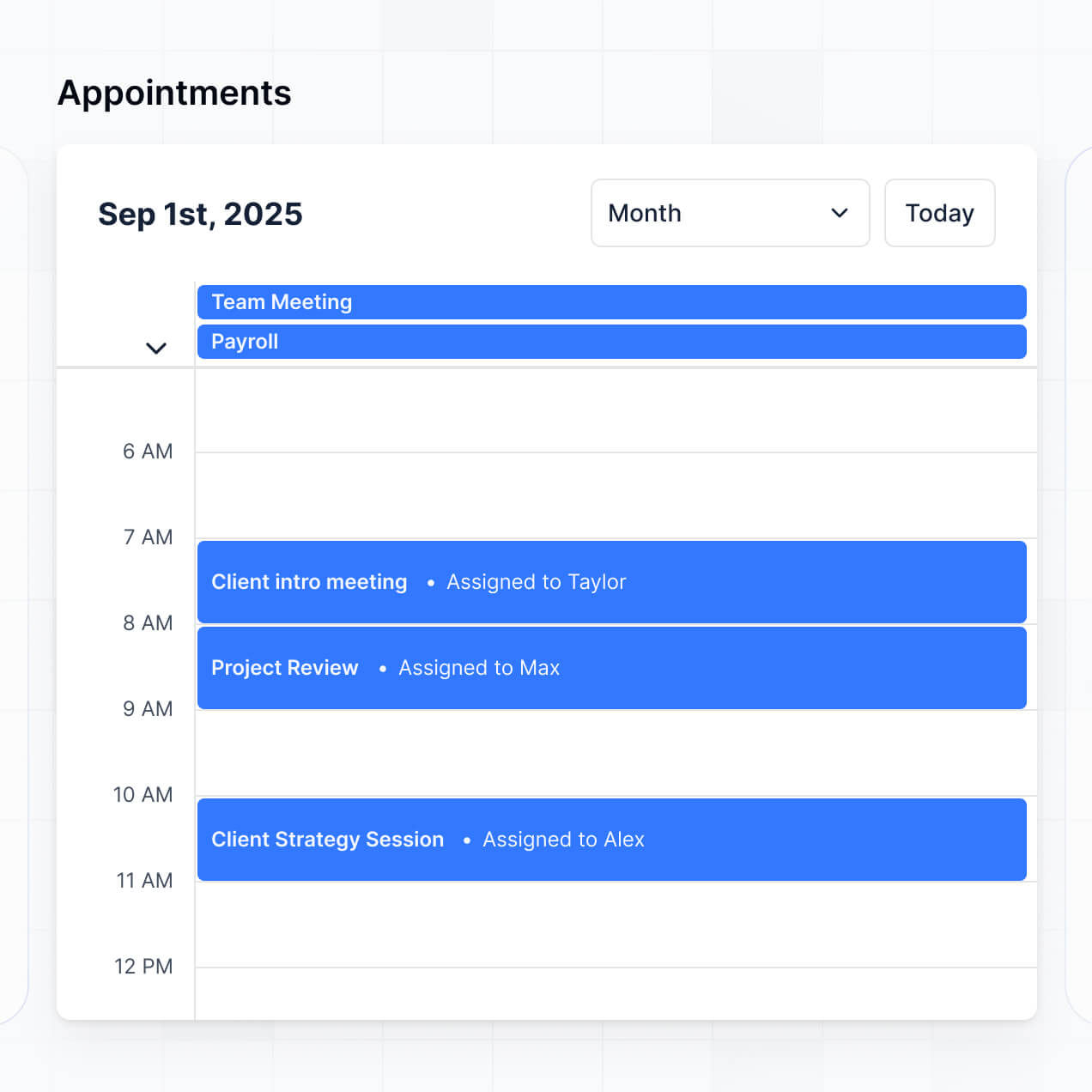
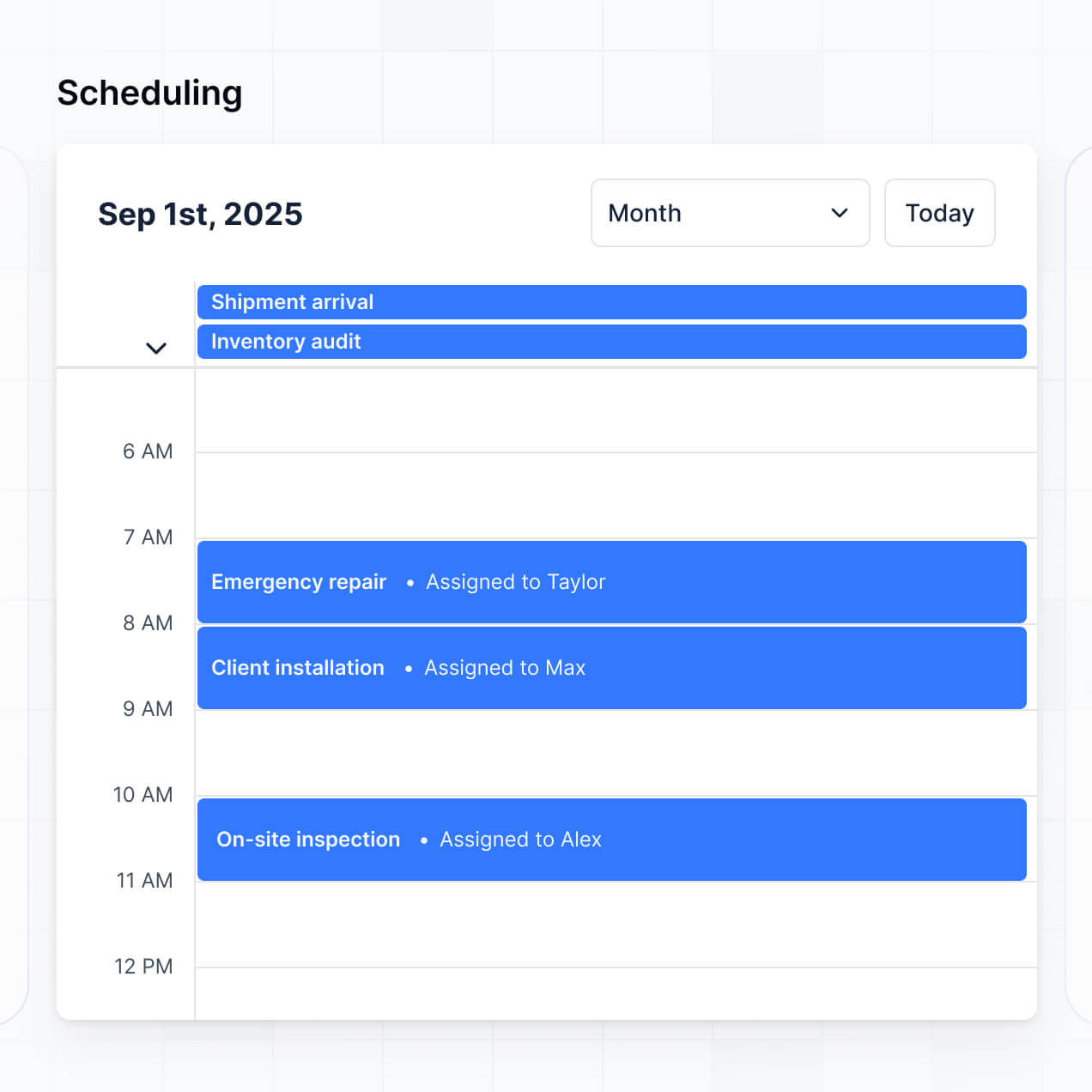
Manage service calls, assign techs, and track status in an AI-powered system built with AI to fit your HVAC business's daily workflow.
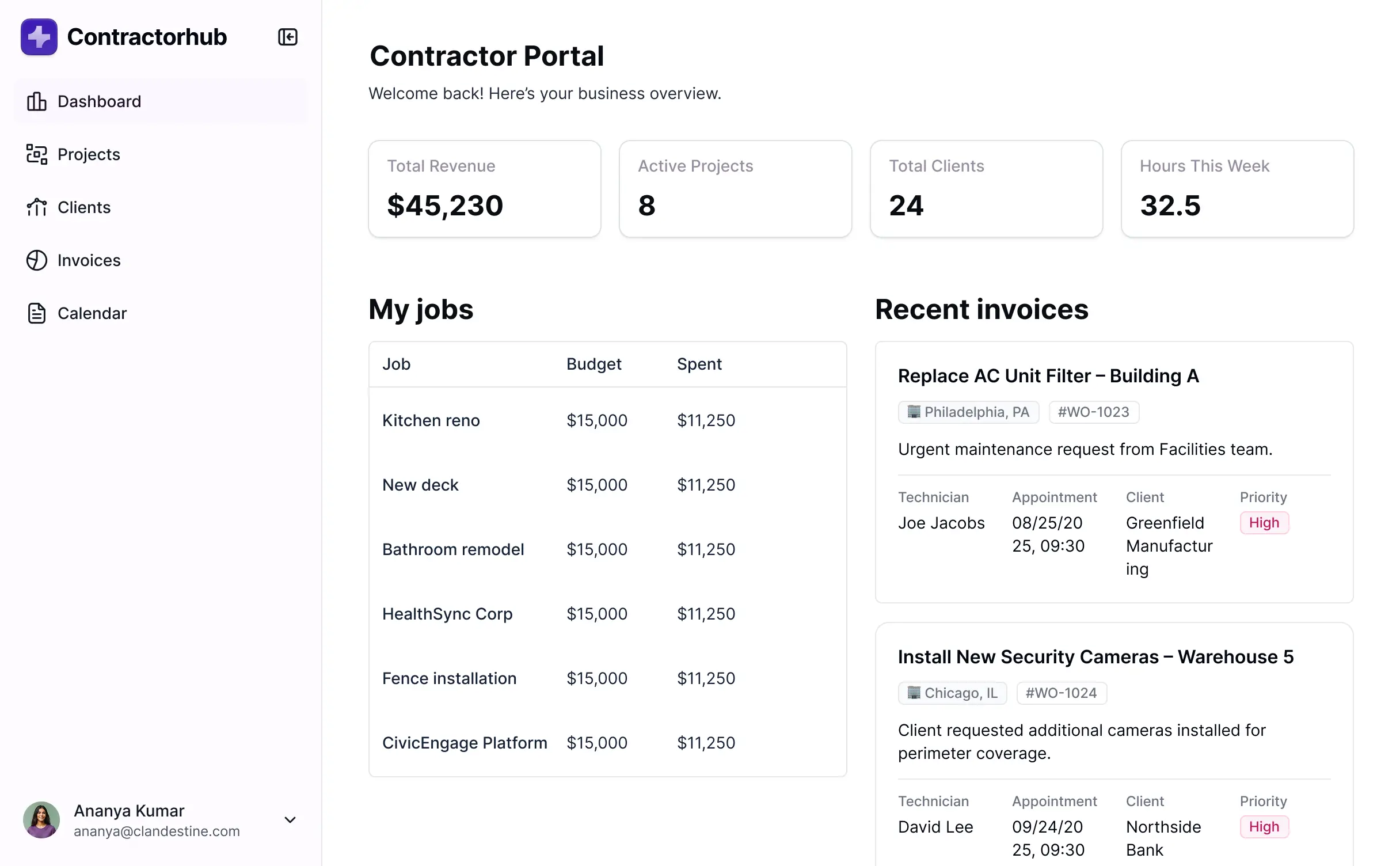



Set up custom views for dispatchers and field technicians. Add blocks like job intake and status tracking, and iterate as your team's needs grow.


Connect work orders, tech availability, and customer history from your existing tools—or manage everything in Softr Databases. Create one source of truth for your team.
Let techs, dispatchers, and clients log in to a fully branded system. Set up permissions and personalized job access in minutes—no code needed.
Automate your field operations with Workflows for technician job assignment, status updates, and notifications that trigger instantly.
Assign roles for dispatchers and HVAC techs—each gets access only to the specific schedule and customer data they need.
Control who can view or edit work orders—down to the field level—ensuring that field data remains accurate and secure.
Keep customer addresses and service history safe. Softr is fully compliant with SOC2 and GDPR regulations.
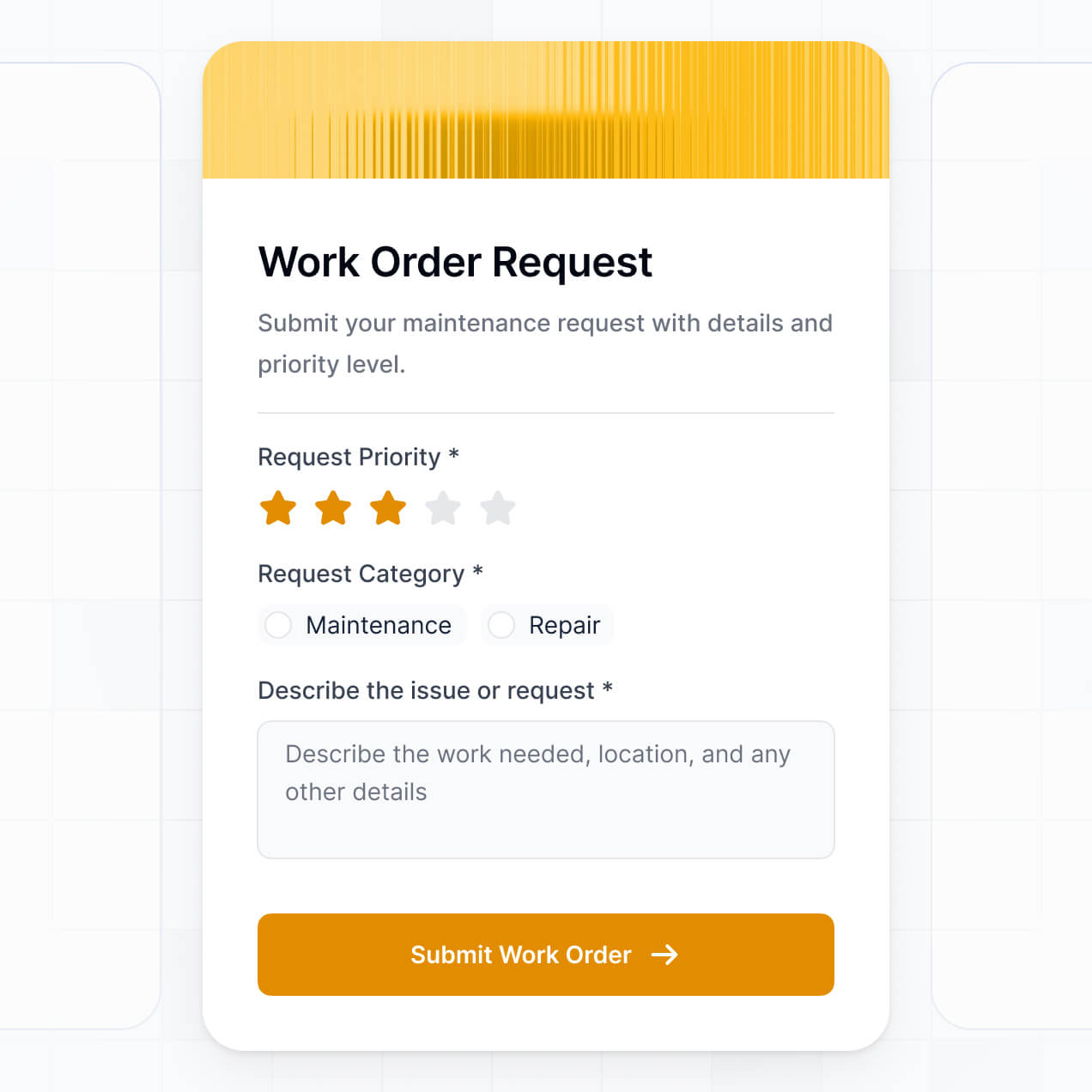
Capture service request intake, job details, and equipment inspections using flexible form blocks tailored to each service call.
No more one-size-fits-all tools or costly custom builds. Softr is easy to use and fully customizable, so you can launch faster, adapt as you grow, and skip the complexity of traditional software.

Build your hvac scheduling and dispatch in minutes with AI—no dev time or complex configuration needed.

Add features like tech tracking or automated reporting as your operations evolve—without starting from scratch.

Start with scheduling, then add inventory or payroll tools—all in one place with no extra tools to buy.
Co-build with AI
Simply describe what you need. Let Softr handle everything - Interface, database, workflows.
Iterate with AI or visually
Control most critical parts of your app yourself - roles, permissions, security.
Ship the same day
Invite team members or external clients and partners right away. No developer handover.
Use drag-and-drop blocks to build a portal that looks sleek and modern out of the box. Add only the features you need, and iterate as your workflows evolve.




An HVAC scheduling and dispatch app is a secure space where your service technicians or office dispatchers can log in to manage service calls, maintenance appointments, equipment files, and work order timelines. It keeps all job assignments and customer communication in one place, so you don't have to rely on back-and-forth phone calls or messy paper spreadsheets. This makes it easier to stay organized and provide a better experience for your customers.
Softr is the first AI-native platform for building business software. It makes it easy to build an HVAC scheduling and dispatch app that fits the way your service business works. You can describe your needs to the AI Co-Builder to instantly generate your database, service technician pages, and booking logic—already connected and secure.
You don't need to code anything. You can start by generating with AI, using a template, or building from scratch. Everything runs on Softr Databases, the native, relational database built into the platform, or you can connect external tools like Airtable, Google Sheets, HubSpot, and more. You have full control to adjust the layout visually, decide who sees what (such as assigned jobs), and brand it to match your HVAC company. It's quick to get up and running, simple to update, and flexible enough to grow with your fleet size.
You can include a wide range of features in your HVAC scheduling and dispatch app, depending on what your service workflow looks like. A great HVAC app usually mixes classic functional blocks with AI-powered intelligence:
- AI-Powered Intelligence – Use Ask AI to let dispatchers query job history conversationally, or set up Database AI Agents to perform equipment troubleshooting research or automated data enrichment for unit serial numbers.
- Vibe Coding Blocks – Build complex, custom UI elements—like a custom multi-day technician calendar—using the AI Code block to "vibe code" exactly what you need.
- Softr Workflows – Build native automations (like an automatic SMS notification to a technician) that trigger notifications or sync data whenever a job status is updated or a dispatch button is clicked.
- User Portals & Logins – Securely manage access so each technician only sees their own assigned service calls or specific route views.
- Forms & Data Collection – Capture information with custom onsite inspection forms, photo uploads of units, and conditional logic for repair checklists.
- Dashboards & Charts – Visualize your HVAC scheduling and dispatch performance and metrics like response times and jobs completed with real-time charts.
- Lists & Advanced Filtering – Display and manage your work orders with searchable tables, kanban boards for job status, and detailed customer record views.
Everything is built using Softr's drag-and-drop blocks, so you can create these features without writing code. Need something more custom? Use the Vibe Coding block to generate a tailored component with AI.
Vibe coding is all about moving fast and using AI to build exactly what you need. You can "vibe code" an HVAC scheduling and dispatch app in Softr by simply describing your requirements—like needing a mobile-friendly view for techs in the field—to the AI Co-Builder. Softr then generates a production-ready app on top of a stable, secure foundation.
Unlike other tools that just generate raw, fragile code, Softr handles the "boring 80%"—like technician authentication, work order logic, and project security—natively. This means you get the speed of vibe coding without the "Day Two" headaches of managing raw code. You describe it, Softr builds it, and it’s ready for your field team or dispatchers instantly.
Yes. You can manage multiple technician teams or regional departments in a single app. Each user only sees the service calls and customer data assigned to them, based on their login and role. This is useful for large HVAC companies or franchises working with multiple crews and supervisors across different territories.
Yes, you can. You don't need to bring your customer list or job history from somewhere else to start building with Softr. If you're starting from scratch, you can use Softr Databases, which is built into the platform and integrates perfectly with any HVAC scheduling and dispatch app you build.
But if you already have property and client data in tools like Airtable, Google Sheets, HubSpot, Notion, Coda, monday.com, Supabase, or SQL, you can connect those too. You can also use the REST API connector to bring in data from other field service software. Either way, you have full control over how your work orders are structured and displayed.
Softr Databases is the recommended native, relational data source for Softr. It is built explicitly for business apps, offering the highest performance, instant automation triggers for new job alerts, and a lightning-fast experience because the field data is native to the platform.
If you already have your customer records elsewhere, Softr also connects to 17+ external data sources. You can connect to Airtable, Google Sheets, HubSpot, SmartSuite, BigQuery, and more. You can even integrate multiple data sources into the same app—so your HVAC scheduling and dispatch system could pull in technician schedules from Softr Databases and customer CRM records from HubSpot at once. Most sources support real-time, two-way sync, so any changes in the field or the office stay in sync automatically.
Yes, Softr gives you full control over how your team experiences your HVAC scheduling and dispatch app. You can customize the layout, navigation, and mobile view to match your brand and field workflow. Each page or block can be shown or hidden based on who's logged in, so every technician sees only the jobs relevant to them for that day.
You can also set up different user roles, such as technician, dispatcher, or office manager—and define exactly what each role can view or edit. For example, techs can only see their assigned work, while dispatchers can manage all field schedules. You can also create personalized views by filtering job lists based on the logged-in user.
This level of customization is especially useful when you're managing multiple crews or large residential/commercial projects in the same app. It helps keep the experience clean, secure, and tailored to each team member.
Yes, you can fully white-label your HVAC scheduling and dispatch app in Softr. You can use your own logo, brand colors, fonts, and custom domain to make the internal tool feel like a natural extension of your HVAC business. You can also remove all Softr branding, so your technicians and dispatchers only see your company's identity throughout the mobile or desktop experience.
Yes, you can. Softr gives you a lot of flexibility to control both the design and layout of your HVAC scheduling and dispatch app. You can adjust colors, fonts, spacing, and page structure to match your company branding. You can also choose how each page is laid out, decide which blocks go where, and set what different staff members see when they log in.
To display your scheduling data, you can add different types of blocks depending on what you need:
- Table blocks – to show structured data like daily job lists or equipment inventory
- List or Card blocks – to highlight field technician profiles or specific customer details
- Detail View – to show one record at a time, like a specific work order summary
- Forms – for onsite job completion and data collection
- Charts – to show revenue insights or team efficiency
- Calendar blocks – to display scheduled maintenance appointments or installation deadlines
If your field operations or scheduling needs change later, it's easy to go back and make updates right in the visual builder.
Softr is built with security in mind. All customer and scheduling data is encrypted in transit (TLS) and at rest, and your HVAC apps are hosted on secure, reliable infrastructure. Softr apps also give you full control over who can see and do what (e.g., editing a work order). You can set up role-based permissions, manage users directly within your data source, set visibility rules, and apply global restrictions to protect sensitive customer information across your entire app.
For apps using Softr Databases, your data is stored in Softr's secure environment, with all data hosted in Europe (Germany) and SOC 2 Type II compliance. For apps connected to external data sources like Airtable, Notion, or SQL, Softr doesn't store your equipment or billing data—it just displays it in real time based on your access settings. You're always in control of your field service data and who can view or edit it.
It is fully production-ready. Unlike many AI tools that just "vibe code"—generating fragile, custom code that is hard to maintain or secure—Softr builds your HVAC scheduling and dispatch app on top of a stable, business-grade foundation.
We handle the "boring 80%" (like team authentication, secure hosting, and granular permissions for customer data) natively, so you don't have to. This solves the "Day Two" problem of AI: you get the speed of instant generation without the headache of managing raw, unreliable code. Your app is secure, scalable, and ready for your dispatchers and service team to use from day one.
Softr is the first AI-native platform for building business software. Unlike pure "vibe coding" tools that generate fragile code for job scheduling, or traditional no-code tools that require manual configuration of dispatch rules, Softr's AI Co-Builder creates apps on top of a secure, production-ready foundation.
What sets it apart is the hybrid advantage: you can use AI to generate your technician database, mobile app, and scheduling logic in minutes, then use visual controls for precise editing of job workflows. You get the speed of AI with the reliability of business-grade infrastructure (auth, roles, permissions, and hosting) already built-in. It's designed for HVAC managers who want to move from prototype to production field software on day one.
Yes. Softr supports powerful native workflows and a wide range of integrations so you can connect your HVAC scheduling and dispatch app to the rest of your business stack. You can automate tasks like job completion alerts using Softr Workflows, or sync with tools like Stripe for onsite payments and Intercom for customer support. Softr also supports REST API and webhooks for more advanced field workflows.
Whether you need to send job data to your accounting system, trigger SMS automations based on technician arrival, or display equipment manuals from other tools, you can build it into your app without writing code.
Describe what you need. Softr's AI builds it in minutes. Get started today for free.