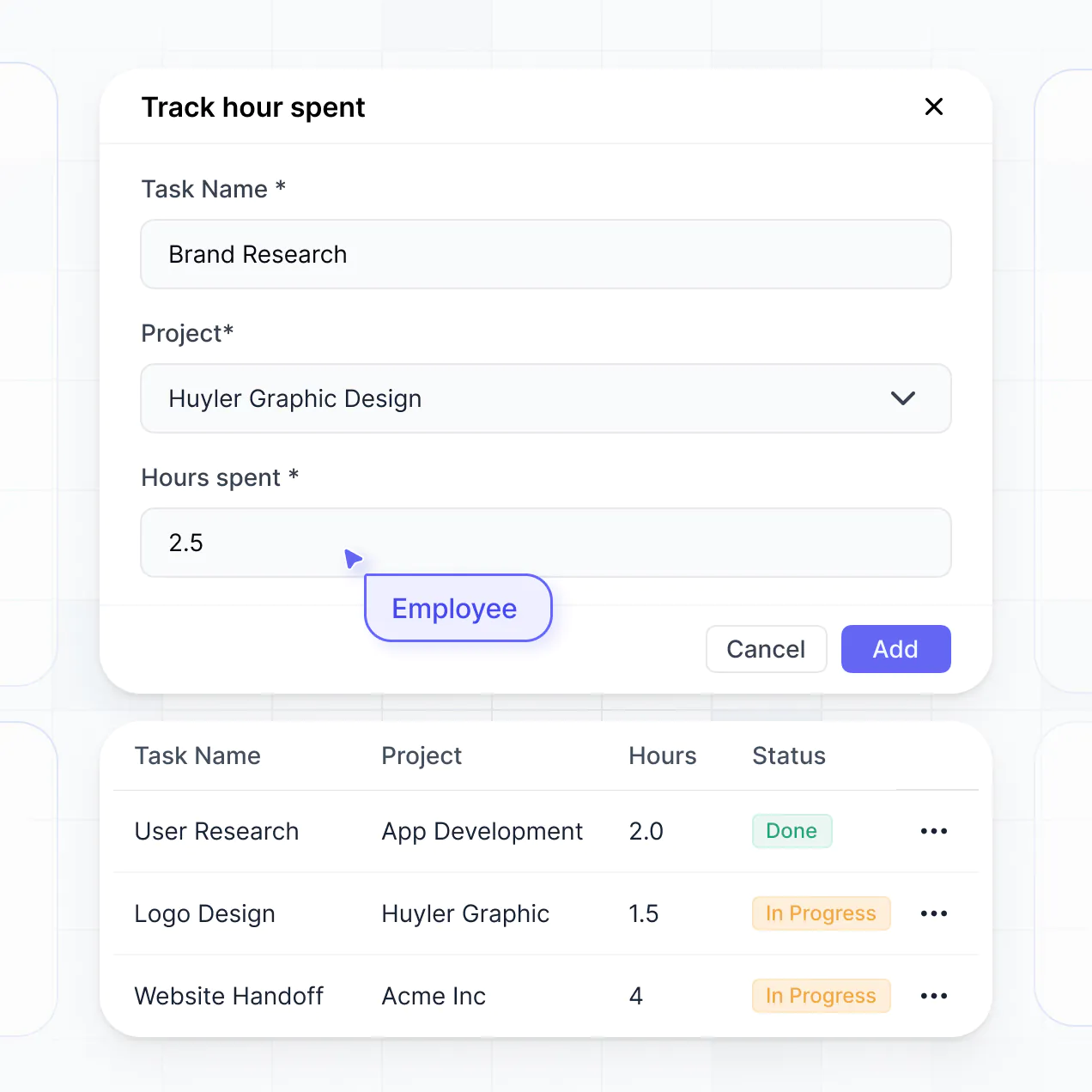
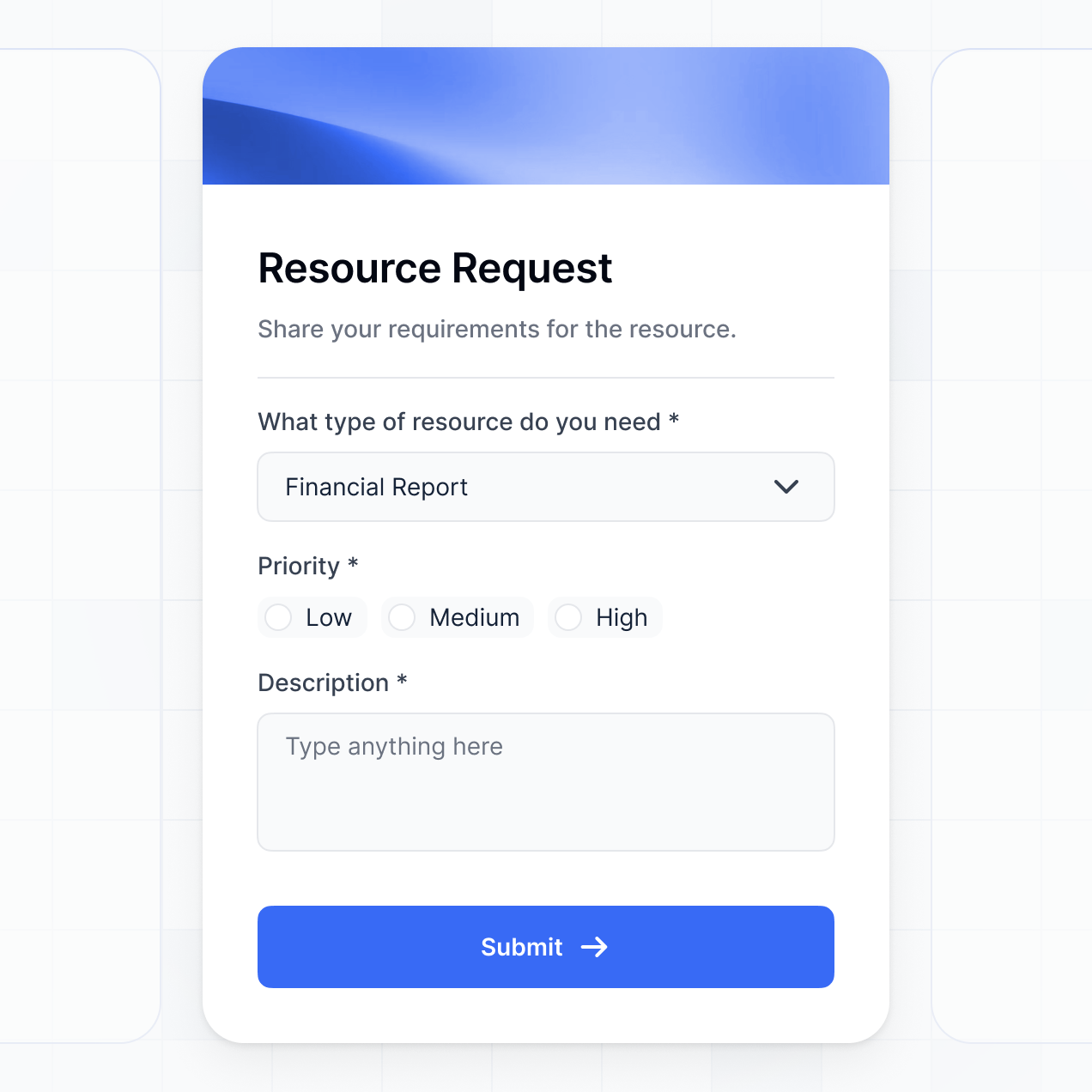
Track costs, manage distributions, and view spend in an AI-powered system built with AI to fit your finance team's specific workflow.
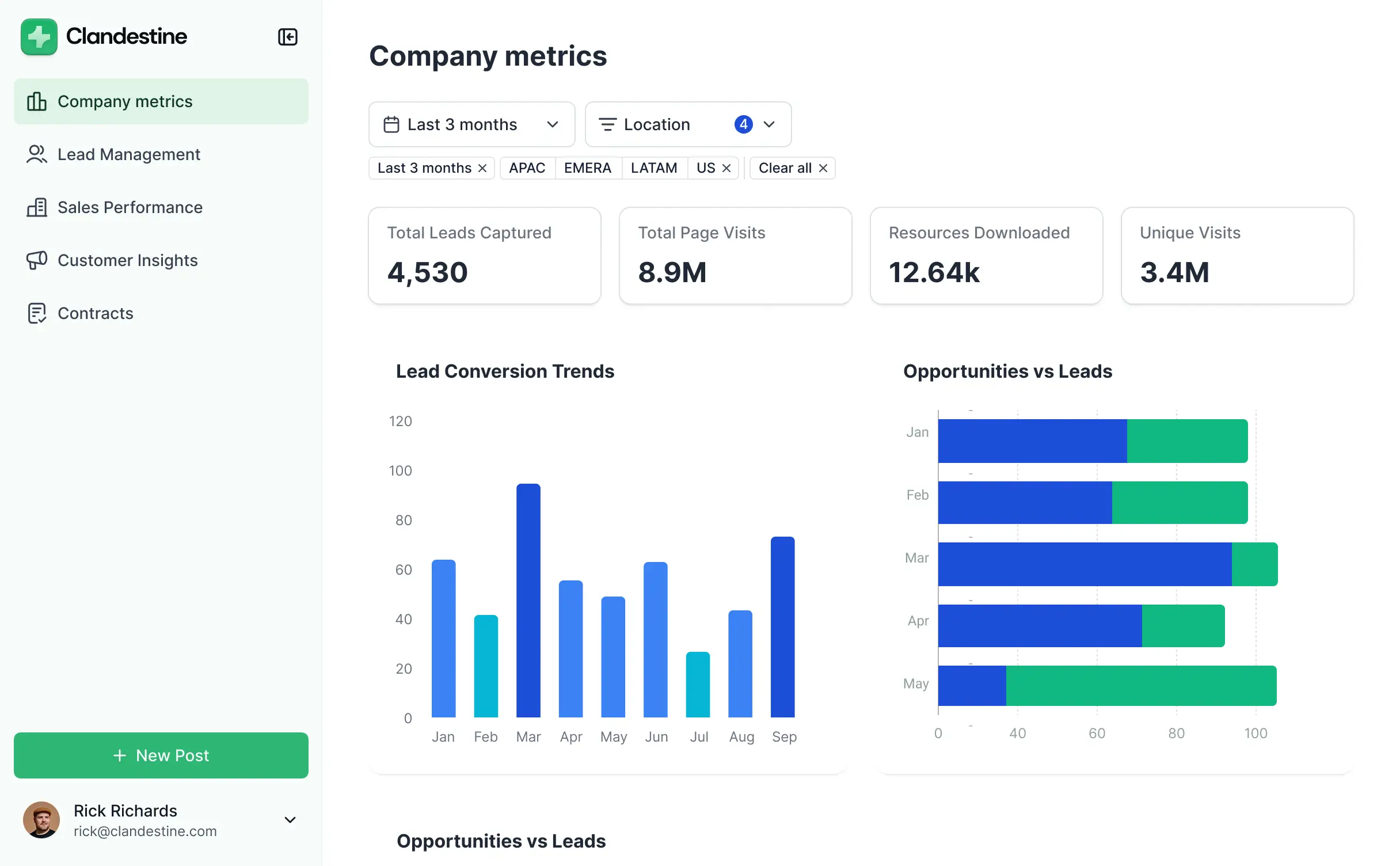
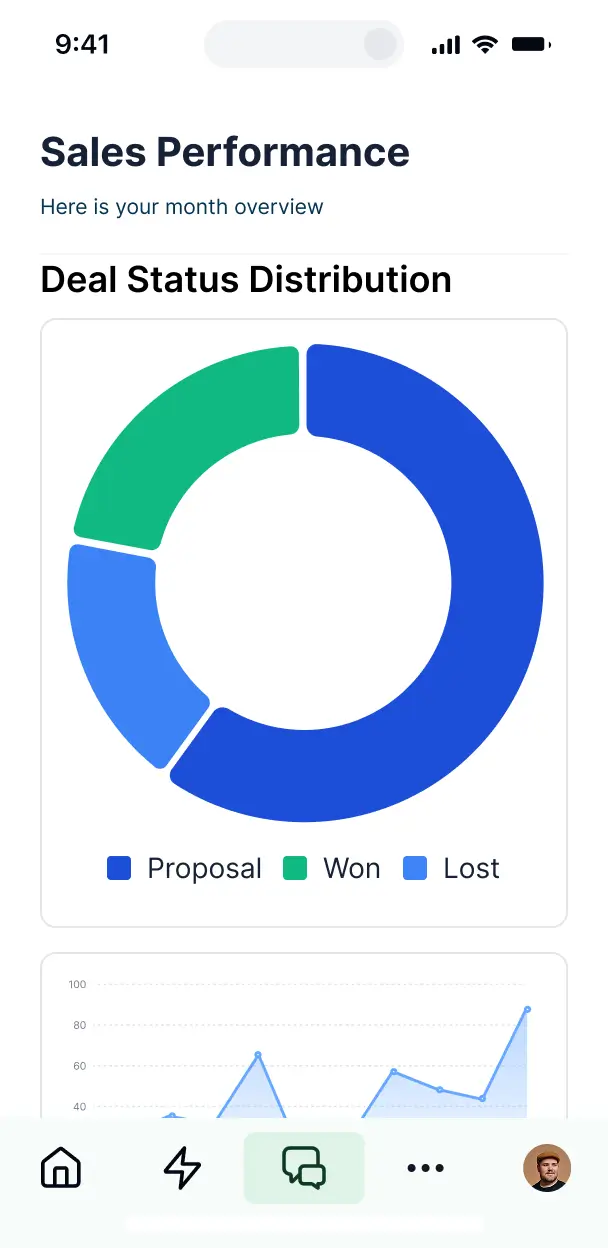

Customize your expense allocation dashboard with the exact steps and views your team needs. Add features as processes evolve—no code needed.


Connect spreadsheets, bank exports, and accounting tools with real-time sync—or manage everything in Softr Databases. Create a single source of truth for your business.
Give each teammate the right tools and access. Set up secure logins, user groups, and granular permissions—no IT support or dev work needed.
Give different team members tailored access and dashboards, so each role sees just the expenses and department budgets they are responsible for.
Streamline your internal processes with Softr Workflows. Trigger native notifications based on budget thresholds or approval status changes to keep spending in check.
Access and update your expense allocation tool on the go. Managers can review and approve distributions directly from their mobile devices.
Use Google, email, or SSO logins to give your finance team fast, secure access to sensitive spending data—no IT tickets needed.
Keep internal financial data safe with SOC2 and GDPR compliance, plus fine-tuned access control to prevent unauthorized views of company spend.
No more one-size-fits-all tools or costly custom builds. Softr is easy to use and fully customizable, so you can launch faster, adapt as you grow, and skip the complexity of traditional software.

Build your expense allocation dashboard in minutes with AI—no manual configuration or dev time needed.

Add features like approval workflows, digital receipts, or spending insights as your needs grow—no rebuild needed.

Start with a dashboard, then add reporting tools, submission forms, or portals—all in one place with Softr.
Co-build with AI
Simply describe what you need. Let Softr handle everything - Interface, database, workflows.
Iterate with AI or visually
Control most critical parts of your app yourself - roles, permissions, security.
Ship the same day
Invite team members or external clients and partners right away. No developer handover.
Use drag-and-drop blocks to build a portal that looks sleek and modern out of the box. Add only the features you need, and iterate as your workflows evolve.




An expense allocation dashboard is a secure central hub where department heads and finance teams can track how budgets are distributed across various projects, departments, or cost centers. It provides real-time visibility into spending versus forecasts, consolidating messy financial data into actionable insights. By using a dedicated dashboard, you eliminate the confusion of fragmented spreadsheets and ensure that every dollar spent is attributed to the correct category and team member.
Softr is the first AI-native platform for building business software, making it the ideal choice for creating an expense allocation dashboard tailored to your company's unique chart of accounts. You can describe your financial tracking needs to the AI Co-Builder to instantly generate your database, budget tracking pages, and approval logic—all fully connected and secure from the start.
You don't need any technical skills to get started. You can generate your app with AI, use a specialized financial template, or build from scratch. Your data lives in Softr Databases—a native, relational database—or you can link to existing tools like Airtable, Google Sheets, or your ERP. You maintain complete control over the visual layout, user permissions for sensitive financial data, and branding, allowing you to scale your reporting as your company grows.
You can include a wide range of features in your expense allocation dashboard to streamline your financial reporting and oversight. A professional dashboard typically blends functional reporting blocks with AI-driven insights:
- AI-Powered Intelligence – Use Ask AI to let managers query spending trends via chat, or deploy Database AI Agents to automatically categorize transactions or detect budget anomalies.
- Vibe Coding Blocks – Use the AI Code block to build custom financial visualizations, such as a multi-layered sunburst chart showing spend by department.
- Softr Workflows – Build native automations like low-balance alerts that trigger notifications to department heads when an allocation reaches 90% of its limit.
- User Portals & Logins – Secure your dashboard so department managers can only see their own budgets while the CFO maintains a full company-wide view.
- Forms & Data Collection – Standardize expense requests with custom forms featuring file uploads for receipts and conditional logic for approvals.
- Dashboards & Charts – Visualize allocation trends with real-time bar graphs and pie charts showing spend-to-date against annual targets.
- Lists & Advanced Filtering – Use searchable tables and kanban views to monitor the status of pending expense approvals or active cost centers.
Every feature is built with drag-and-drop ease, and you can use the Vibe Coding block to create custom financial tools that fit your specific accounting workflow.
Vibe coding is the fastest way to turn a complex financial workflow into a functional app using AI. You can "vibe code" your expense allocation dashboard by simply describing your budget structures and reporting requirements to the Softr AI Co-Builder. The platform then generates a production-ready dashboard complete with database relationships and secure views.
While other tools provide raw code that requires manual maintenance, Softr manages the critical backend infrastructure—including financial data security, user authentication, and relational logic—natively. This allows you to experience the speed of vibe coding while maintaining a stable, professional environment for your company's sensitive expenditure data.
Yes. You can manage multiple departments, teams, or even separate legal entities within a single expense allocation dashboard. Each stakeholder only sees the specific budgets and spend reports assigned to them, based on their login credentials and role. This is perfect for finance leaders who need a consolidated view while providing managers with a focused look at their individual team's performance.
Yes, you can. You don't need a pre-existing financial system to start building your expense allocation dashboard. If you're starting fresh, Softr Databases is built directly into the platform, providing a secure, relational home for your budget categories, line items, and vendor lists.
However, if you are currently using tools like Airtable, Google Sheets, or HubSpot to track spend, you can easily connect those. You can also use the REST API to pull in transaction data from other accounting software. Softr gives you total flexibility in how you structure and display your allocation data.
Softr Databases is the recommended native data source for your expense allocation dashboard. It offers high performance and instant triggers, which is essential for real-time spend tracking and automated budget alerts because the data resides natively on the platform.
If your financial records are stored elsewhere, Softr connects to 17+ external sources, including Airtable, Google Sheets, HubSpot, SmartSuite, and BigQuery. You can even combine sources—for example, pulling employee records from HubSpot while tracking transactions in Softr Databases. Most sources support real-time sync, ensuring your dashboard always reflects the most recent transaction data.
Yes, Softr provides granular control over how different users interact with your expense allocation dashboard. You can tailor the navigation and visualizations to match your internal auditing process. Every chart or transaction list can be hidden or displayed based on the user's role, ensuring that sensitive salary-neutral expenses or executive budgets are only visible to authorized personnel.
You can define specific roles—such as 'Finance Admin,' 'Department Manager,' or 'Accountant'—and control exactly what can be viewed or edited. For instance, a manager might be able to submit a new expense, while only the Finance Admin can approve it or change the total allocation. This ensures your financial data remains secure while providing transparency to those who need it.
Yes, you can fully white-label your expense allocation dashboard to represent your company's internal brand. You can apply your corporate logo, custom color schemes, and fonts, and host the dashboard on a custom internal domain (e.g., finance.yourcompany.com). By removing Softr branding, you create a professional, seamless experience that feels like an official internal tool for your employees and leadership team.
Yes, Softr offers extensive flexibility for designing your expense allocation dashboard. You can adjust the page structure, spacing, and typography to ensure your financial reports are easy to read and navigate. You have full control over which blocks appear for specific users, ensuring the right people see the right data at the right time.
To visualize your allocations, you can choose from various data blocks:
- Table blocks – for detailed transaction logs and line-item auditing.
- List or Card blocks – to represent high-level department overview cards.
- Detail View – for deep dives into a specific vendor or cost center.
- Forms – to enable staff to submit reimbursement or allocation requests.
- Charts – for visual breakdowns of spend by category or time period.
- Calendar blocks – to track recurring payment deadlines or fiscal milestones.
Updates are simple to make in the visual builder, allowing your dashboard to evolve as your reporting requirements change.
Security is a core priority for Softr, especially for sensitive financial applications. All data is encrypted using TLS in transit and at rest, with apps hosted on secure, reliable infrastructure. You maintain full ownership of who can access your financial records through role-based permissions and visibility rules that prevent unauthorized data exposure.
For apps using Softr Databases, your data is stored in a secure environment in Germany with SOC 2 Type II compliance. For dashboards connected to external sources like Airtable or SQL, Softr displays the data in real-time without storing it on our servers. This ensures you remain in complete control of your accounting records while still providing a modern, user-friendly interface.
Yes, it is fully production-ready. Unlike experimental AI tools that generate raw code that is difficult to secure or scale, Softr builds your expense allocation dashboard on top of a battle-tested, professional foundation.
We provide the essential 'heavy lifting'—including user authentication, secure data fetching, and granular permissions—out of the box. This bypasses the typical maintenance issues associated with AI-generated code. Your dashboard is ready to handle real transaction data and support your entire finance team from the moment it is generated.
Softr is the first AI-native platform designed for building professional business software. While 'vibe coding' tools create raw code that is hard to audit, and traditional no-code tools require weeks of manual setup, Softr’s AI Co-Builder generates a functional app on a secure, business-grade foundation in minutes.
This hybrid approach allows you to use AI for the initial build-out of your expense database and reporting logic, then use visual tools for precise customization. You get the speed of AI combined with the security features (SSO, roles, permissions) required by finance departments. It is the fastest path from a data spreadsheet to a production-grade reporting tool.
Yes. Softr supports robust native workflows and integrations to ensure your expense allocation dashboard connects seamlessly with your tech stack. You can automate internal processes using Softr Workflows—like syncing data when a new expense is approved—or integrate with Stripe for payment tracking and Intercom for internal support.
With support for REST APIs and webhooks, you can also push allocation data to your primary accounting software or trigger external notifications in Slack. This allows you to build a fully automated financial ecosystem without writing a single line of code.
Join thousands of teams building custom software with Softr. Get started for free, no code required.