Securely store personnel records and monitor compliance in an AI-powered system built with AI to fit your HR team's unique workflow.
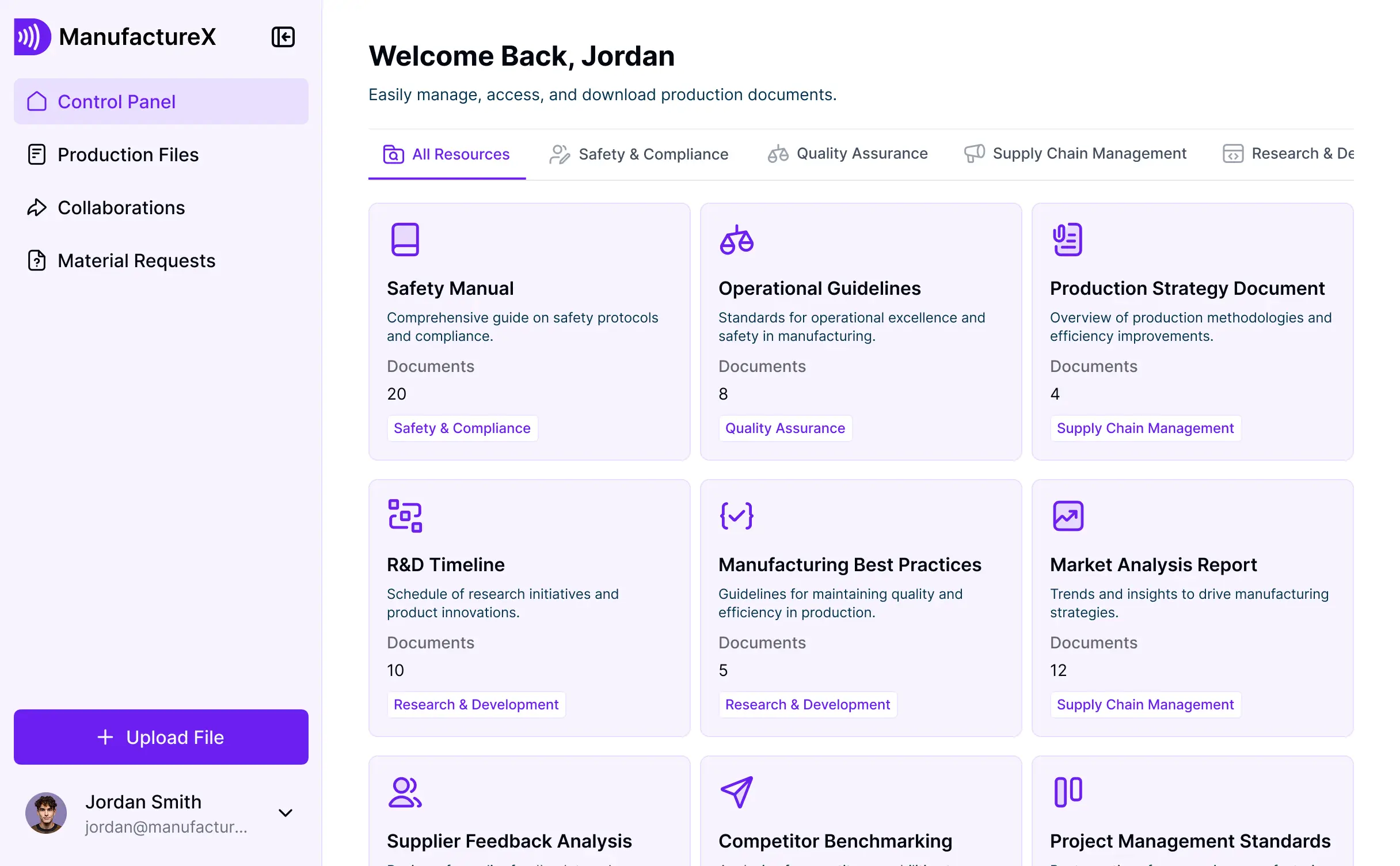

Customize an employee file setup with the exact folders and views your team needs. Add features as HR processes evolve—no code or IT required.


Connect payroll systems, spreadsheets, and record folders with real-time sync—or manage everything in Softr Databases. Create one source of truth for HR compliance.
Give each HR manager the right tools and files. Set up secure logins, user groups, and granular permissions—no IT support or complex dev work needed.
Give managers, HR leads, and legal teams tailored dashboards so each role sees just the documents and records relevant to them.
Streamline HR processes with Softr Workflows. Trigger native notifications for document renewals or compliance deadlines to keep operations running smoothly.
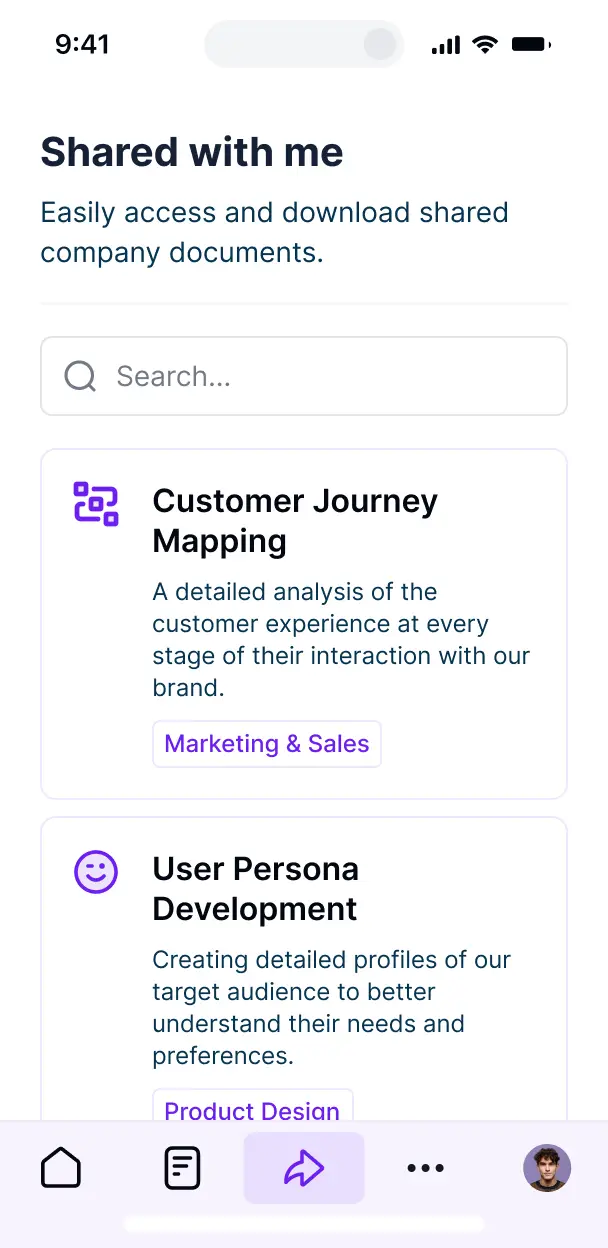
Access and update employee records on the go. All internal document tools are mobile-ready out of the box for quick approvals anywhere.
Use Google, email, or SSO logins to give your HR team fast, secure access to files—no IT tickets or complex setup needed.
Keep sensitive employee data safe with SOC2 and GDPR compliance, plus fine-tuned access control at every folder and record level.
No more one-size-fits-all tools or costly custom builds. Softr is easy to use and fully customizable, so you can launch faster, adapt as you grow, and skip the complexity of traditional software.

Generate your employee file management software in minutes with AI—no manual configuration needed.

Add features like automated document collection or compliance tracking as your workforce grows—no rebuild needed.

Start with employee files, then add training portals and HR dashboards—all in one place with no extra tools.
Co-build with AI
Simply describe what you need. Let Softr handle everything - Interface, database, workflows.
Iterate with AI or visually
Control most critical parts of your app yourself - roles, permissions, security.
Ship the same day
Invite team members or external clients and partners right away. No developer handover.
Use drag-and-drop blocks to build a portal that looks sleek and modern out of the box. Add only the features you need, and iterate as your workflows evolve.




Employee file management software is a secure digital environment where HR teams and employees can store and access essential HR documents, such as contracts, tax forms, performance reviews, and identification records. It centralizes all workforce documentation in one place, eliminating the risks of physical paperwork or fragmented email threads. This makes it easier for HR managers to maintain compliance and provides a more professional, organized experience for the entire team.
Softr is the first AI-native platform for building business software, enabling you to create employee file management software that aligns perfectly with your HR workflows. You can describe your specific document requirements to the AI Co-Builder to instantly generate your database, secure upload portals, and access logic—all connected and ready to use.
You don't need to code anything. You can start by generating with AI, using an HR template, or building from scratch. Everything runs on Softr Databases, the native, relational database built into the platform, or you can connect your existing HR data from tools like Airtable, Google Sheets, or HubSpot. You have full control to visually adjust layouts, set granular document permissions, and brand the interface to match your corporate identity. It's fast to deploy, simple for HR staff to update, and flexible enough to scale as your headcount grows.
You can include a wide range of features in your employee file management software to streamline HR operations. A great document management app usually mixes functional data blocks with AI-powered intelligence:
- AI-Powered Intelligence – Use Ask AI to let HR admins query employee records via chat, or set up Database AI Agents to automatically summarize long employment contracts or perform background audit checks.
- Vibe Coding Blocks – Build custom HR UI elements—like a dynamic document expiration tracker—using the AI Code block to "vibe code" exactly what your compliance team needs.
- Softr Workflows – Build native automations (like an onboarding checklist trigger) that send notifications to IT or payroll whenever a new hire uploads their signed offer letter.
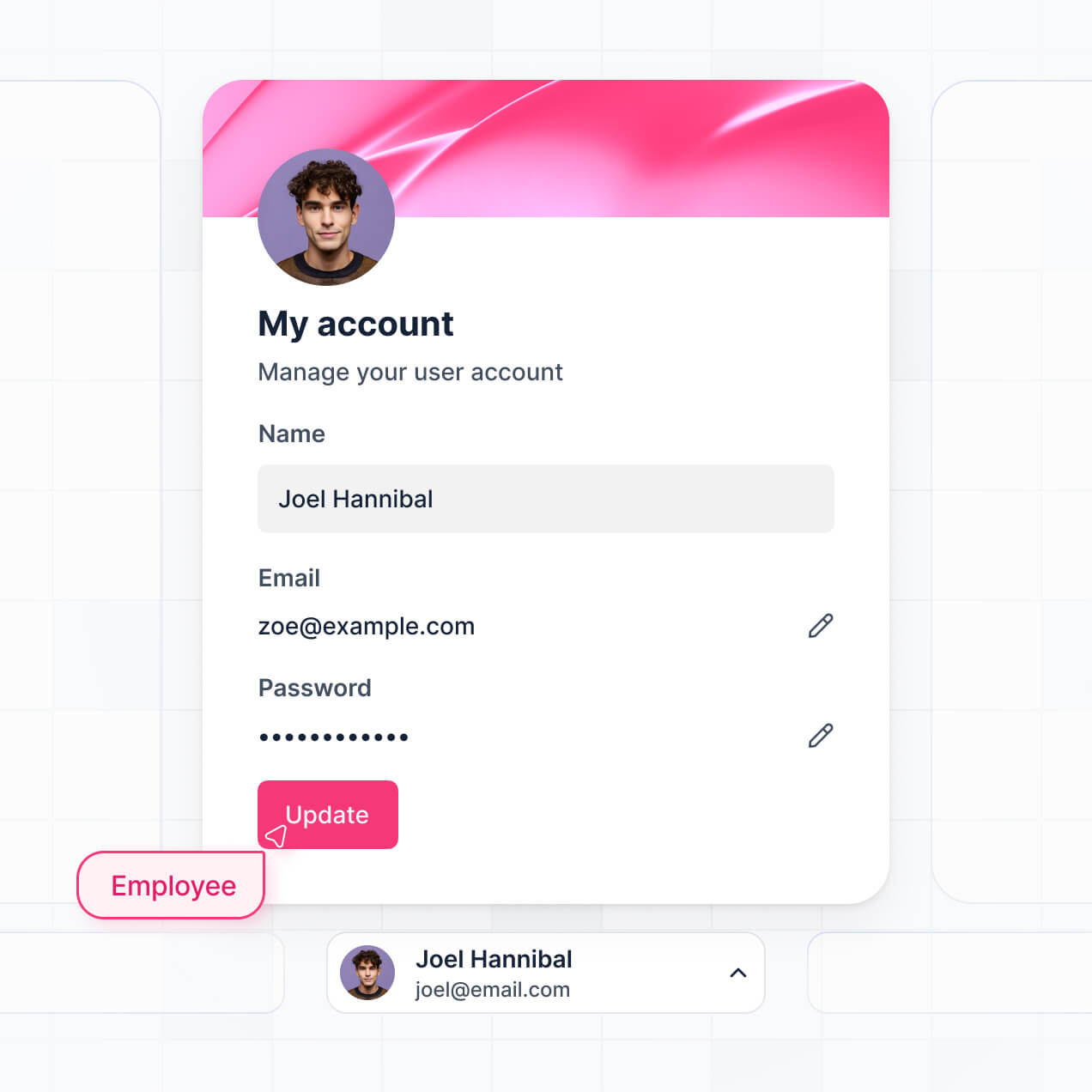
- Secure Employee Portals – Manage access so every staff member can only view their own personal files, while HR managers maintain a global view.
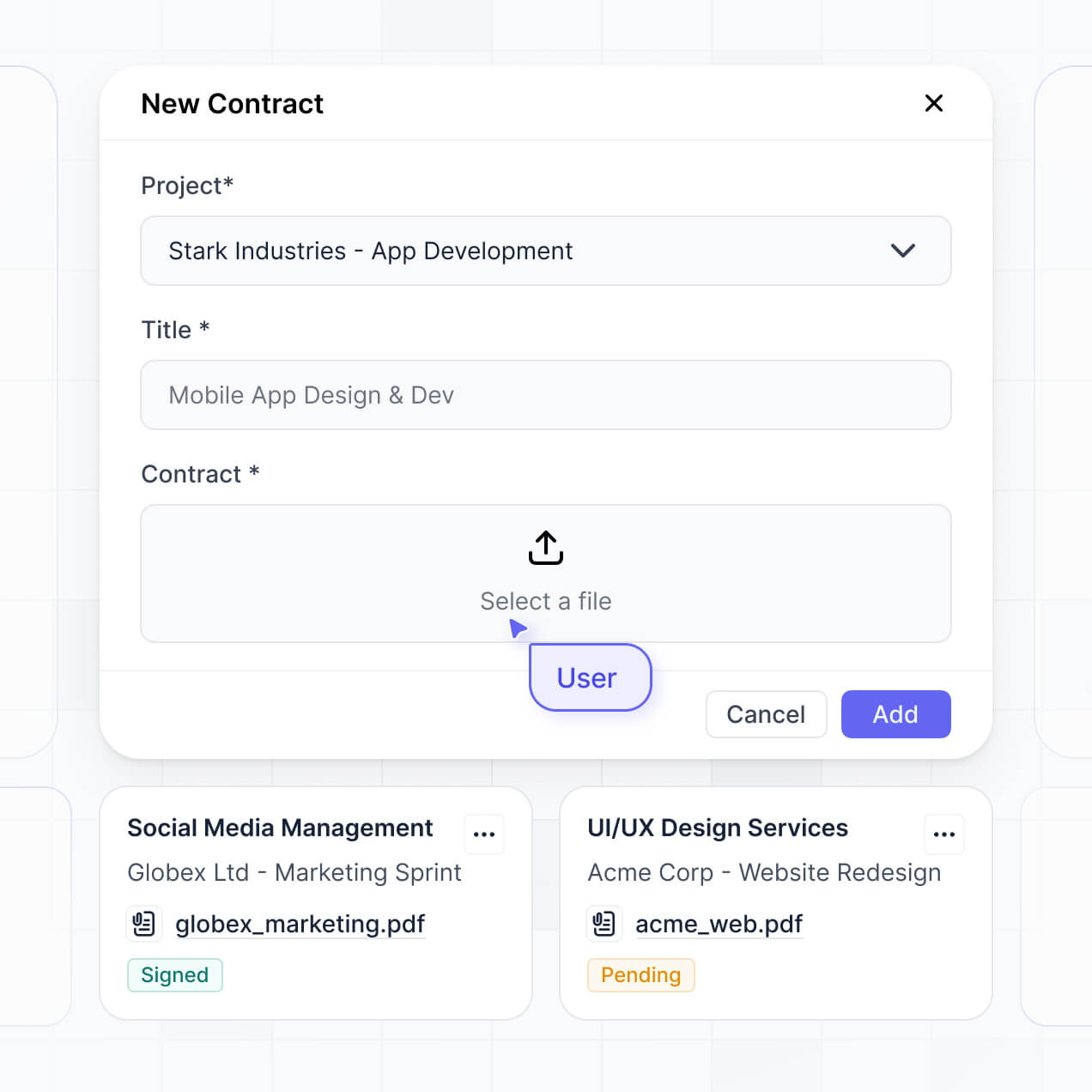
- Document Upload Forms – Capture sensitive information with custom forms that support secure file uploads, digital signatures, and conditional logic.
- Compliance Dashboards – Visualize your document completion rates and training certification statuses with real-time charts and summaries.
- Advanced Document Filtering – Manage your records with searchable tables, folder-style views, and detailed employee record pages.
Everything is built using Softr's drag-and-drop blocks without writing code. If you need a specialized document viewer, use the Vibe Coding block to generate it with AI.
Vibe coding is about using AI to build high-quality HR tools at record speed. You can "vibe code" your employee file management software in Softr by simply describing your document categories, user roles, and required workflows to the AI Co-Builder. Softr then generates a production-ready application on a secure, stable foundation.
Unlike other tools that generate raw, unmanaged code, Softr handles the critical "boring 80%"—such as secure document storage, employee authentication, and file permissions—natively. This means you get the speed of vibe coding without the security risks of managing raw code. You describe the HR process, Softr builds the app, and it’s ready for your employees to upload files instantly.
Yes. You can manage multiple departments, such as Engineering, Sales, and Finance, within a single portal. Each employee only sees the documents and personal records assigned to them, while department heads can be granted permission to view only their specific team's files. This is perfect for mid-sized companies and growing organizations that need to maintain strict data silos between different business units.
Yes, you can. You don't need an existing HRIS or database to start building with Softr. If you are starting from scratch, you can use Softr Databases, which is built into the platform and handles relational data like linking "Documents" to "Employee Profiles" perfectly.
However, if you already have employee records in tools like Airtable, Google Sheets, HubSpot, or SQL, you can easily connect those as your backend. You can even use the REST API to pull in data from legacy payroll systems. Either way, you maintain full control over how your employee files are structured and who can access them.
Softr Databases is the recommended native data source for building employee file management software. It provides the highest performance and the fastest experience for file uploads and automated HR triggers because the data is native to the application environment.
If your personnel data is stored elsewhere, Softr connects to over 17 external sources, including Airtable, Google Sheets, HubSpot, SmartSuite, and BigQuery. You can even blend data sources—for example, storing sensitive contracts in Softr Databases while pulling basic contact info from HubSpot. Most sources support real-time, two-way sync, ensuring your HR records stay updated across all systems automatically.
Yes, Softr gives you total control over the employee experience. You can customize the layout, navigation, and document categories to match your specific HR branding and onboarding workflow. Every block or folder can be conditionally hidden, ensuring employees only see their own payslips or contracts and nothing belonging to their colleagues.
Multiple user roles can be established, such as Employee, HR Manager, and Executive. You can define exactly what each role is allowed to do—for instance, employees can only upload and view, while HR Managers can delete or approve records. This granular level of security is essential for maintaining privacy and compliance within your company's digital filing cabinet.
Yes, you can fully white-label your employee file management software. You can incorporate your corporate logo, brand colors, custom typography, and a custom domain (e.g., docs.yourcompany.com) to provide a seamless internal experience. All Softr branding can be removed, making the software look and feel like a proprietary internal tool built specifically for your staff.
Yes, you can. Softr offers extensive flexibility to control the design of your HR portal. You can adjust colors, spacing, and page hierarchy to build an intuitive self-service center. You choose the layout of your document library and determine which blocks employees see upon logging in.
To manage your files effectively, you can add various functional blocks:
- Table blocks – to display structured data like payroll history or equipment assets.
- List or Card blocks – to show employee directories or benefit packages.
- Detail View – to provide a deep dive into a single document or profile record.
- Forms – for collecting tax information or PTO requests.
- Charts – to track employee growth or document completion status.
- Calendar blocks – to display performance review dates or contract renewals.
If your HR policies change, you can easily update the layout or add new sections using the visual builder without needing technical assistance.
Softr is built with enterprise-grade security. All sensitive HR data is encrypted in transit (TLS) and at rest, and your apps are hosted on world-class secure infrastructure. You have complete control over data visibility via role-based permissions and global restrictions that prevent unauthorized access to private employee records.
For apps using Softr Databases, your data is stored in a secure environment in Germany with SOC 2 Type II compliance, adhering to strict privacy standards. For apps connected to external sources like Airtable or SQL, Softr avoids permanent storage of your records, displaying them in real-time based on your specific access settings. Softr follows industry best practices for authentication and monitoring to ensure your employee files remain confidential.
It is fully production-ready. Unlike experimental AI tools that only generate raw code that is difficult to maintain, Softr builds your employee file management software on a stable, business-grade foundation.
We handle the critical infrastructure—like secure document hosting, SAML/SSO authentication, and granular permissions—natively. This addresses the "Day Two" problem: you get the speed of instant AI generation without the risk of managing fragile, unreliable systems. Your software is secure, scalable, and ready for your HR team to start managing employee files immediately.
Softr is the first AI-native platform specifically designed for business software. While traditional no-code tools require weeks of manual setup and "vibe coding" tools generate unmanaged code, Softr's AI Co-Builder creates structured apps on a secure, production-ready foundation.
Its main advantage is the hybrid approach: use AI to generate your HR database and page structures in minutes, then use intuitive visual tools for final polish. You benefit from the precision of AI and the reliability of built-in business features like roles and secure file handling. It's built for HR professionals who need to move from a manual process to a professional digital system on day one.
Yes. Softr supports powerful native workflows and integrations to connect your employee files to the rest of your organization. You can automate HR tasks using Softr Workflows—such as sending a Slack alert when a contract is signed—or integrate with tools like Zapier, Make, and Intercom. Softr also supports webhooks and a REST API for advanced data syncing.
Whether you need to trigger a payroll update after a document upload or display benefit information from another platform, you can build these automated connections into your portal without writing a single line of code.
Describe what you need. Softr's AI builds your custom document management tool in minutes.