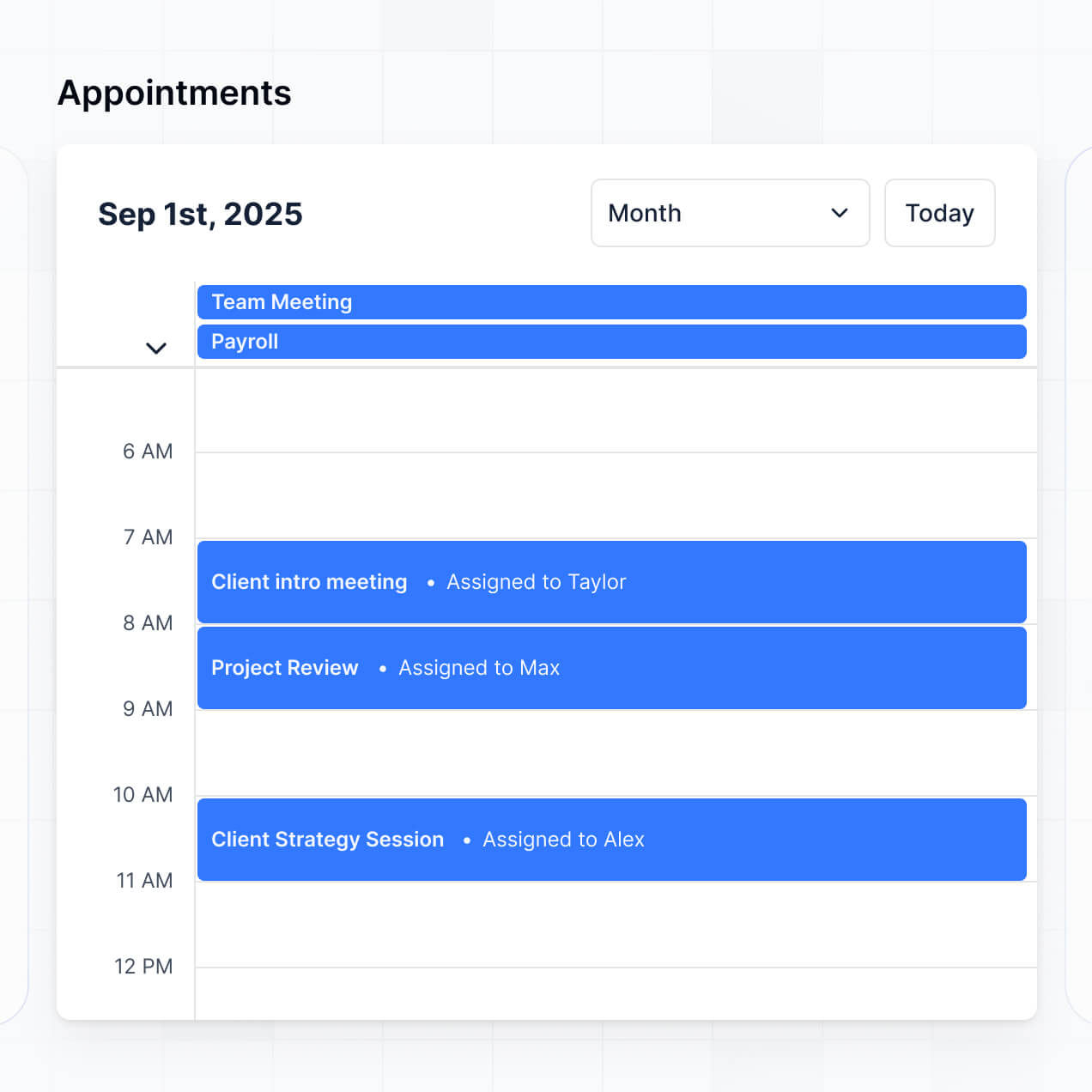
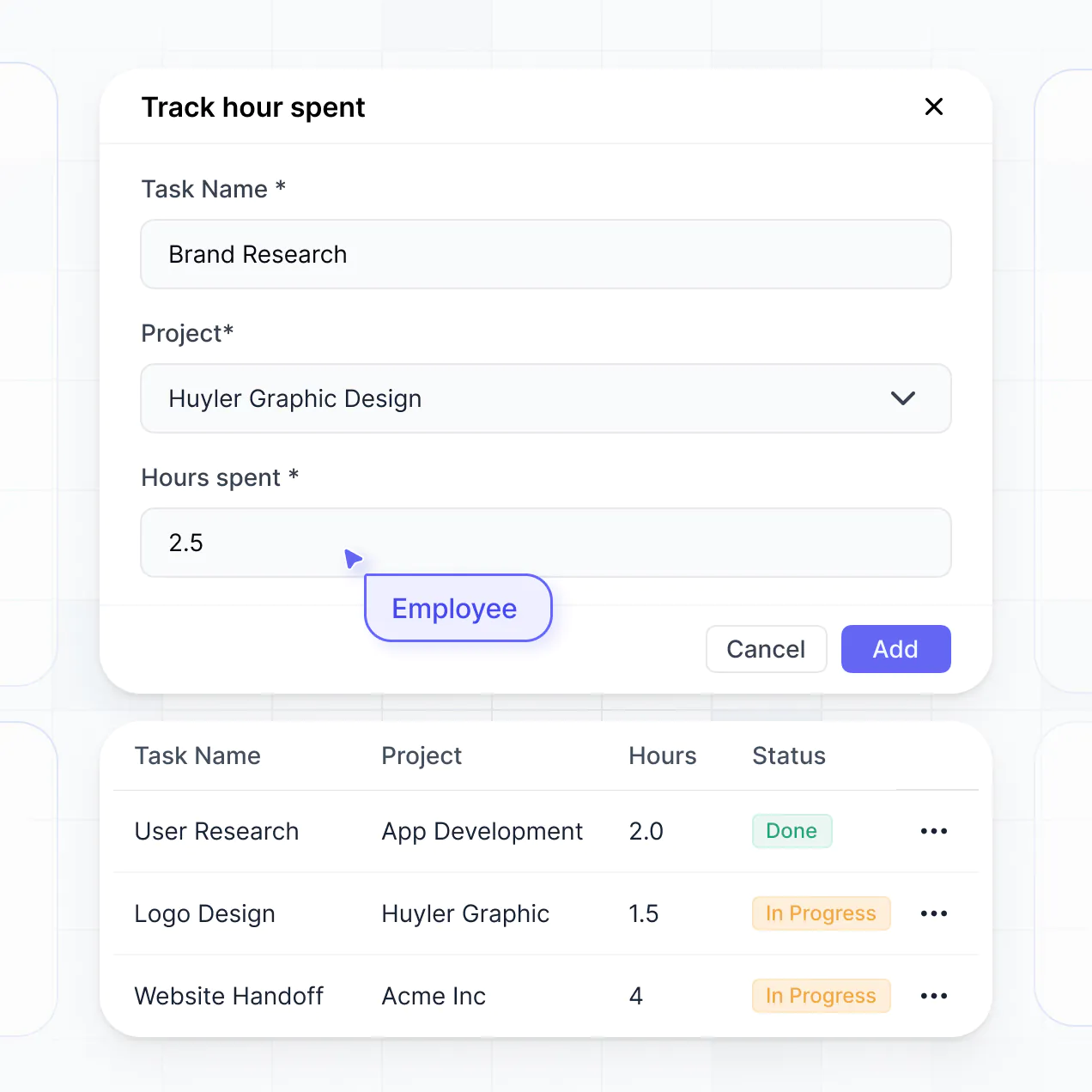
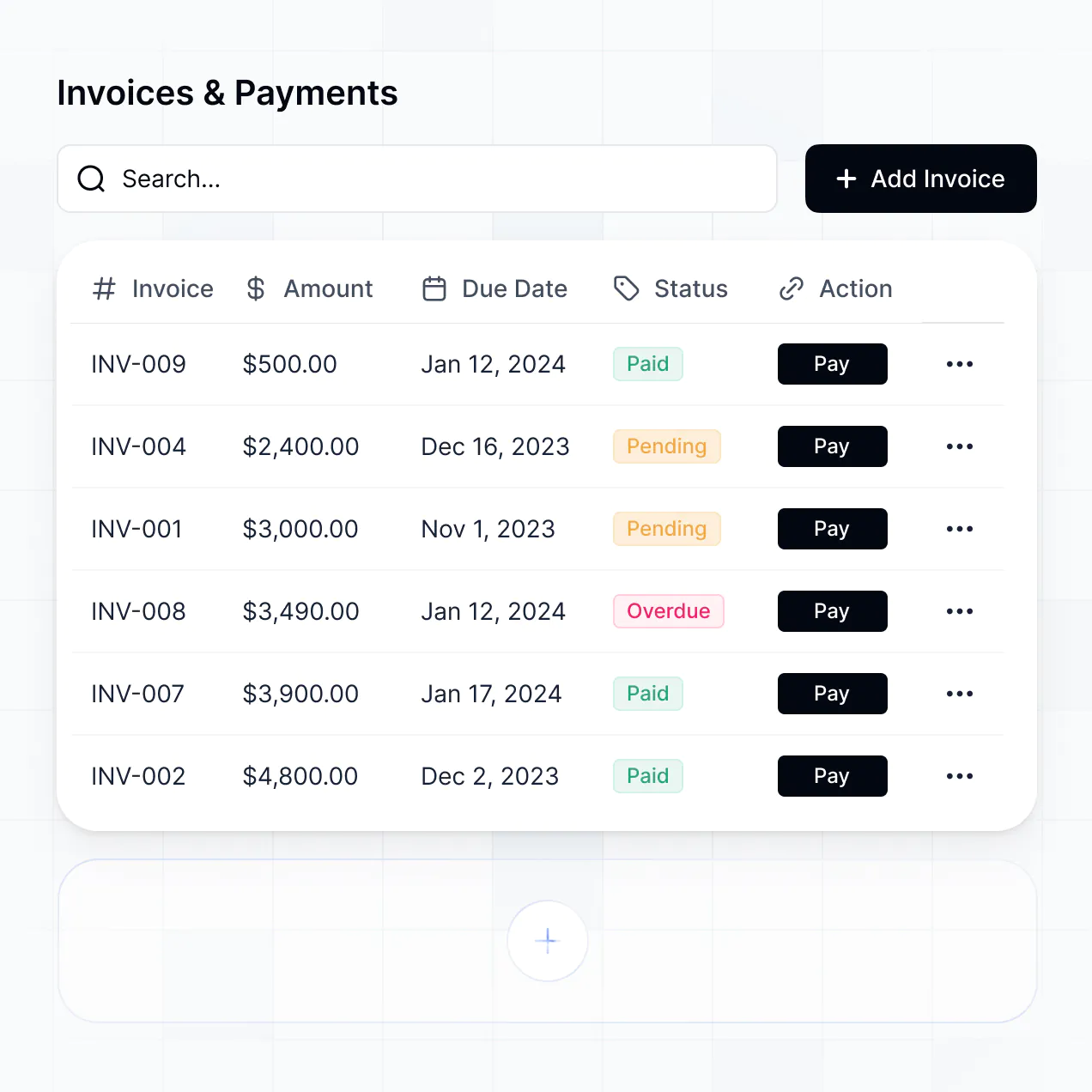
Manage appointments, automate availability, and accept payments in a bespoke booking system built with AI to fit your unique workflow.
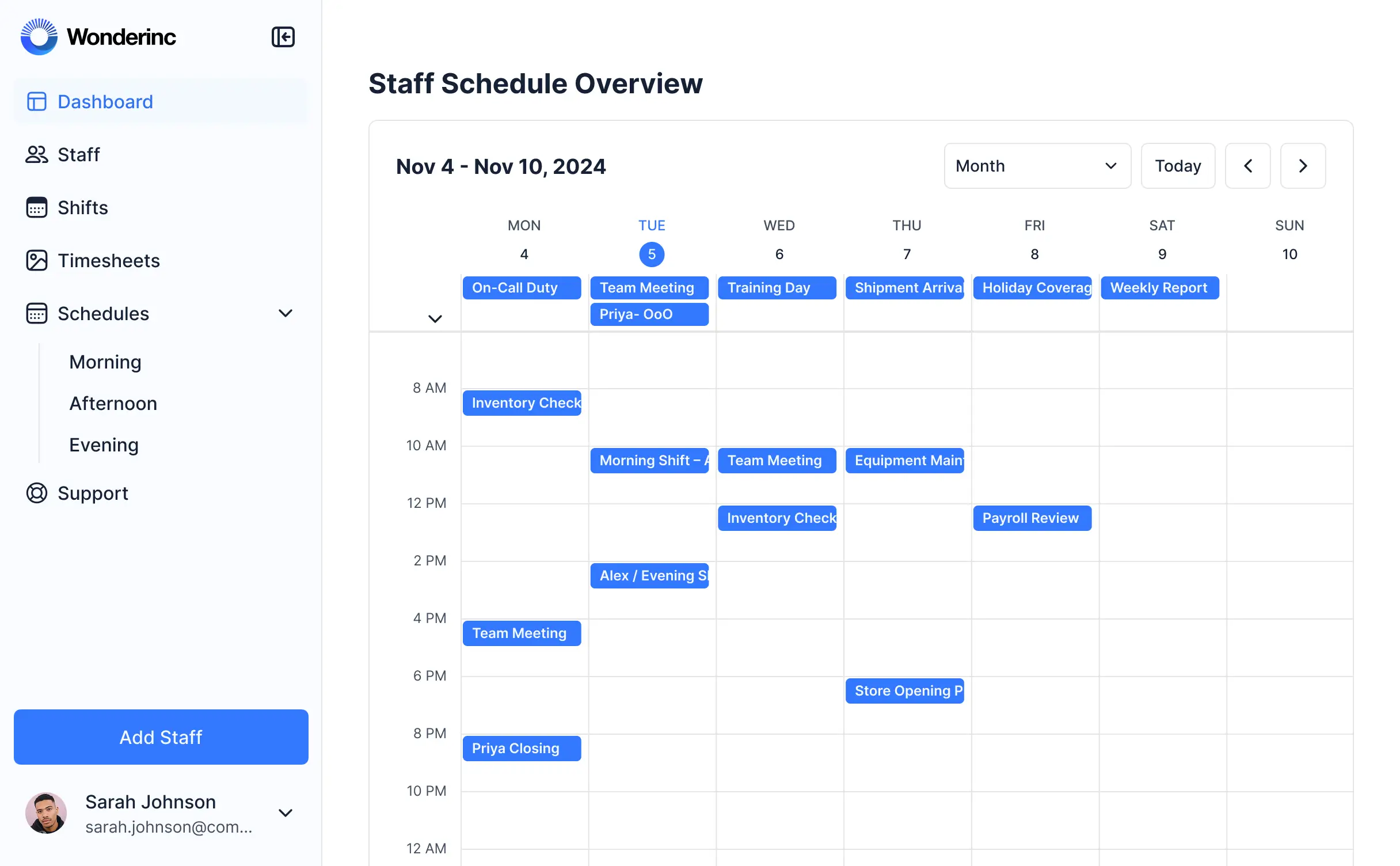
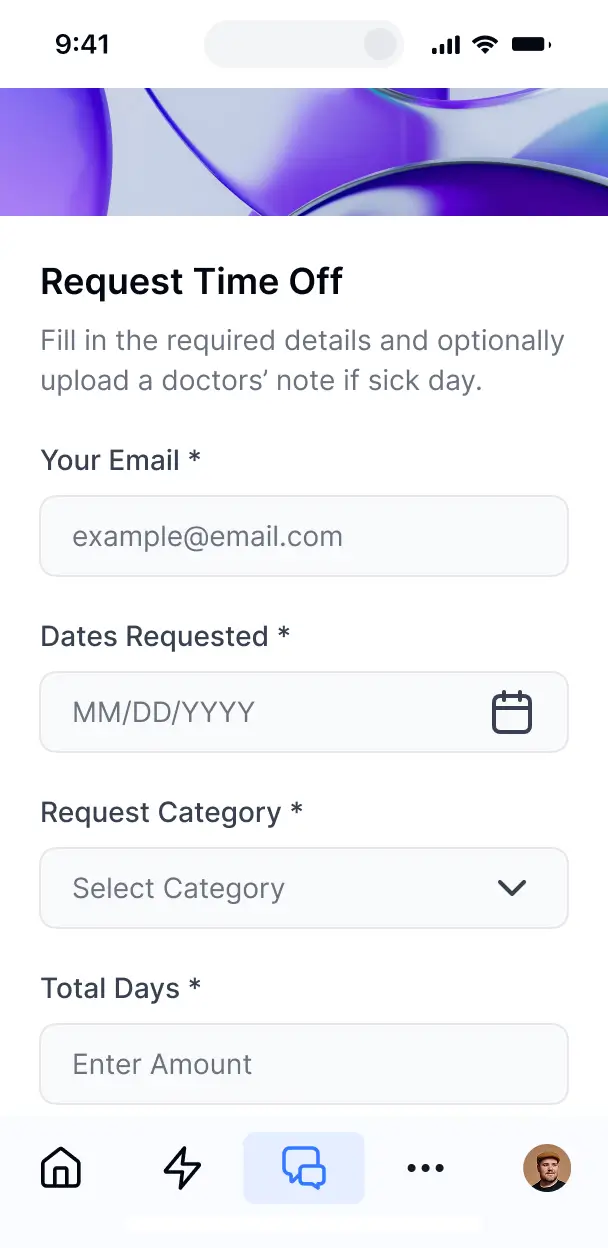



Customize your bespoke booking system setup with the exact steps and views your team needs. Add features as processes evolve—no code needed.


Connect calendars, client lists, and payment records with real-time sync—or manage everything in Softr Databases. Create a single source of truth for your business.
Give each client and staff member the right views in a branded portal. Set up secure logins, booking groups, and permissions in minutes.
Your booking portal is mobile-ready by default. Turn it into a downloadable app so clients can book on the go—no extra design needed.
Build native automations to handle booking confirmations, appointment reminders, and status updates automatically whenever records are changed.
Provide separate logins for clients and service providers, and create personalized scheduling dashboards for each user.
Apply rules for different roles. Customize who can view, book, or cancel appointments at even the most granular level.
Protect sensitive client information and booking details. Softr is fully compliant with SOC2 and GDPR regulations.
No more one-size-fits-all tools or costly custom builds. Softr is easy to use and fully customizable, so you can launch faster, adapt as you grow, and skip the complexity of traditional software.

Build your bespoke booking system in minutes with AI—no manual configuration or setup required.

Add features like intake forms, payment processing, or reminders as your booking workflows evolve.

Start with a booking system, then add client portals and team dashboards—all in one place with no extra tools.
Co-build with AI
Simply describe what you need. Let Softr handle everything - Interface, database, workflows.
Iterate with AI or visually
Control most critical parts of your app yourself - roles, permissions, security.
Ship the same day
Invite team members or external clients and partners right away. No developer handover.
Use drag-and-drop blocks to build a portal that looks sleek and modern out of the box. Add only the features you need, and iterate as your workflows evolve.




A bespoke booking system is a custom-built digital environment where your clients or team members can schedule services, book equipment, or reserve appointments based on your specific business rules. It centralizes all your scheduling data—including availability, service types, and customer details—in one secure place. This eliminates the chaos of overlapping manual entries, missed phone calls, or messy email chains, ensuring a professional and organized experience for both the provider and the user.
Softr is the first AI-native platform for building business software, making it uniquely suited to create a bespoke booking system that perfectly aligns with your specific scheduling requirements. You can simply describe your booking flow to the AI Co-Builder to instantly generate your calendar database, booking pages, and confirmation logic—all fully connected and secure.
You don't need to write a single line of code. You can jumpstart your process with AI, use a pre-built scheduling template, or start from a blank canvas. Your app runs on Softr Databases—our high-performance, built-in relational database—or you can integrate external data from Airtable, Google Sheets, or HubSpot to manage your appointments. You maintain complete creative control to design the booking layout visually, define custom booking rules, and brand the interface to match your business identity. It is fast to launch, easy to scale as your appointment volume grows, and flexible enough to adapt to any service you offer.
You can incorporate a vast range of features into your bespoke booking system, tailored to your exact operational workflow. A powerful scheduling app typically combines functional UI components with AI-driven automation:
- AI-Powered Intelligence – Utilize Ask AI to allow your team to query appointment logs via chat, or deploy Database AI Agents to automatically summarize client intake notes or categorize booking requests.
- Vibe Coding Blocks – Create unique UI elements, such as a custom availability selector or a specialized resource visualizer, by using the AI Code block to "vibe code" the exact interface you need.
- Softr Workflows – Set up automated actions, like sending an instant booking confirmation via email or updating a staff member's calendar whenever a new appointment is scheduled.
- User Portals & Logins – Provide secure access so clients can view and manage only their own upcoming bookings and history.
- Forms & Data Collection – Gather essential client information during the booking process with multi-step forms, document uploads, and conditional logic.
- Dashboards & Charts – Monitor your booking trends, peak appointment times, and revenue through real-time data visualizations.
- Lists & Advanced Filtering – View your schedule using searchable tables, Kanban boards for service stages, or detailed calendar views.
Everything is constructed using Softr’s intuitive drag-and-drop blocks. If you need a hyper-specific scheduling component that isn't standard, the Vibe Coding block allows you to generate it with AI. As your services evolve, updating your booking logic is quick and seamless.
Vibe coding allows you to move at lightspeed by using AI to translate your ideas into a functional booking platform. You can "vibe code" your bespoke booking system in Softr by describing how your scheduling should work—such as specific time slots, deposit requirements, or provider roles—directly to the AI Co-Builder. Softr then generates a production-ready application on top of a highly secure and stable architecture.
While other tools might just output raw code that is difficult to maintain, Softr manages the complex technical components—including user authentication, relational database logic, and appointment security—natively. This ensures you enjoy the rapid development of vibe coding without the long-term risk of managing custom scripts. You describe the booking experience you want, Softr builds it, and it's ready for your clients to start scheduling immediately.
Yes. You can easily manage multiple staff members, different service departments, or various locations within a single booking system. Each team member only sees the appointments and schedules assigned to them based on their specific role and login. This is perfect for franchises, medical clinics, or consulting firms where privacy and specific schedule management are essential.
Absolutely. You do not need an existing database to start building your booking system with Softr. If you are starting fresh, you can use Softr Databases, which is built natively into the platform to manage your availability, client records, and appointment history with high efficiency.
However, if you are currently using tools like Google Sheets, Airtable, or HubSpot to track bookings, you can connect them in seconds. You also have the option to use the REST API to pull in data from other custom sources. Regardless of the data source, you have total control over how your booking slots and client details are organized and presented.
Softr Databases is the ideal native data source for a bespoke booking system. It was designed specifically for business applications, providing high speed, instant automation triggers, and a seamless user experience because the scheduling data lives directly on the platform.
If your data is currently hosted elsewhere, Softr connects to over 17 external sources, including Airtable, Google Sheets, SQL databases, and HubSpot. You can even combine multiple sources in one app—for instance, pulling staff schedules from a SQL database while managing client feedback in Softr Databases. Most connections support two-way sync, ensuring that an appointment booked in your portal is instantly reflected in your connected data source.
Yes, Softr provides complete control over the user journey within your bespoke booking system. You can tailor the design, navigation, and intake steps to fit your branding and service model. Specific booking blocks or administrative pages can be shown or hidden based on the user’s role, ensuring clients only see their personal schedule while staff see their full daily agenda.
You can configure diverse roles, such as Client, Service Provider, or Admin, and define precise permissions for what each role can view or modify. For example, a customer can book a slot and see their own history, while a manager can oversee all appointments across the entire team. You can also create personalized dashboards that filter data automatically based on the logged-in user.
This granularity is vital when managing a complex schedule with multiple stakeholders, keeping the interface clean, secure, and focused on the specific needs of each user.
Yes, you can fully white-label your bespoke booking system. This includes using your own custom domain, logo, specific brand colors, and typography so the scheduling app feels exactly like your own proprietary software. You can remove all Softr branding to provide your clients with a premium, professional experience that is entirely consistent with your company's identity.
Yes, you have full creative flexibility over the design and layout of your scheduling portal. You can modify colors, fonts, and the structure of your booking pages to ensure they match your brand. You decide which blocks appear on which page and what information is visible to users when they login to book or view appointments.
To manage your booking data, you can choose from various functional blocks:
- Calendar blocks – to visually display availability and manage appointment dates
- Table blocks – to list pending requests, staff rosters, or payment histories
- List or Card blocks – to showcase different services, classes, or team member profiles
- Detail View – to present deep insights into a single appointment or client profile
- Forms – for intake questions and custom booking requests
- Charts – to track booking volume and team performance
If you decide to change your service offering or update the design later, you can make those changes instantly within the visual editor without any technical downtime.
Security is a core priority for Softr. All data used in your booking system is encrypted in transit using TLS and at rest, and apps are hosted on world-class, reliable infrastructure. Softr allows you to implement strict role-based permissions, manage users within your database, and apply global visibility rules to ensure sensitive client details are protected.
When using Softr Databases, your booking information is stored in a secure SOC 2 Type II compliant environment hosted in Germany. If you link to external sources like Airtable or SQL, Softr doesn't store your data on its servers—it simply renders it in real-time based on your specific access rules. This leaves you in complete control of where your data resides and who has the authority to edit or view it.
Softr also utilizes industry-leading practices for authentication and platform monitoring to keep your scheduling operations safe from unauthorized access.
It is a fully production-ready solution. Unlike experimental AI tools that only "vibe code" messy scripts that are prone to breakage, Softr builds your bespoke booking system on a reliable, enterprise-grade architecture.
We provide the essential infrastructure natively—including secure login systems, permission layers, and hosting—so you don't have to build them from scratch. This bridges the gap between rapid AI generation and long-term reliability. Your system is secure, scalable, and ready to take real client appointments from the moment it is generated.
Softr is the first AI-native platform specifically for building business software. While many tools either offer rigid, pre-set templates or require manual, complex configuration, Softr’s AI Co-Builder creates custom booking apps on a secure, ready-to-use foundation in minutes.
The key advantage is the hybrid approach: use AI to generate your booking database and pages instantly, then use visual controls for fine-tuning. You gain the speed of AI without sacrificing the robustness of professional-grade software features like role-based access and secure data syncing. It is built for businesses that need to go from a custom scheduling concept to a live product in record time.
Yes, you can easily automate scheduling workflows and connect your system to your existing tech stack. You can use Softr Workflows to automate tasks like triggering payment requests via Stripe, sending SMS reminders, or adding new leads to Intercom. Softr also supports webhooks and a REST API for deeper integrations.
Whether you need to sync appointments with external calendars, trigger post-booking follow-ups, or display data from other business tools, you can build it all into your bespoke booking system without writing code.
Describe what you need. Softr's AI builds your custom booking software in minutes.