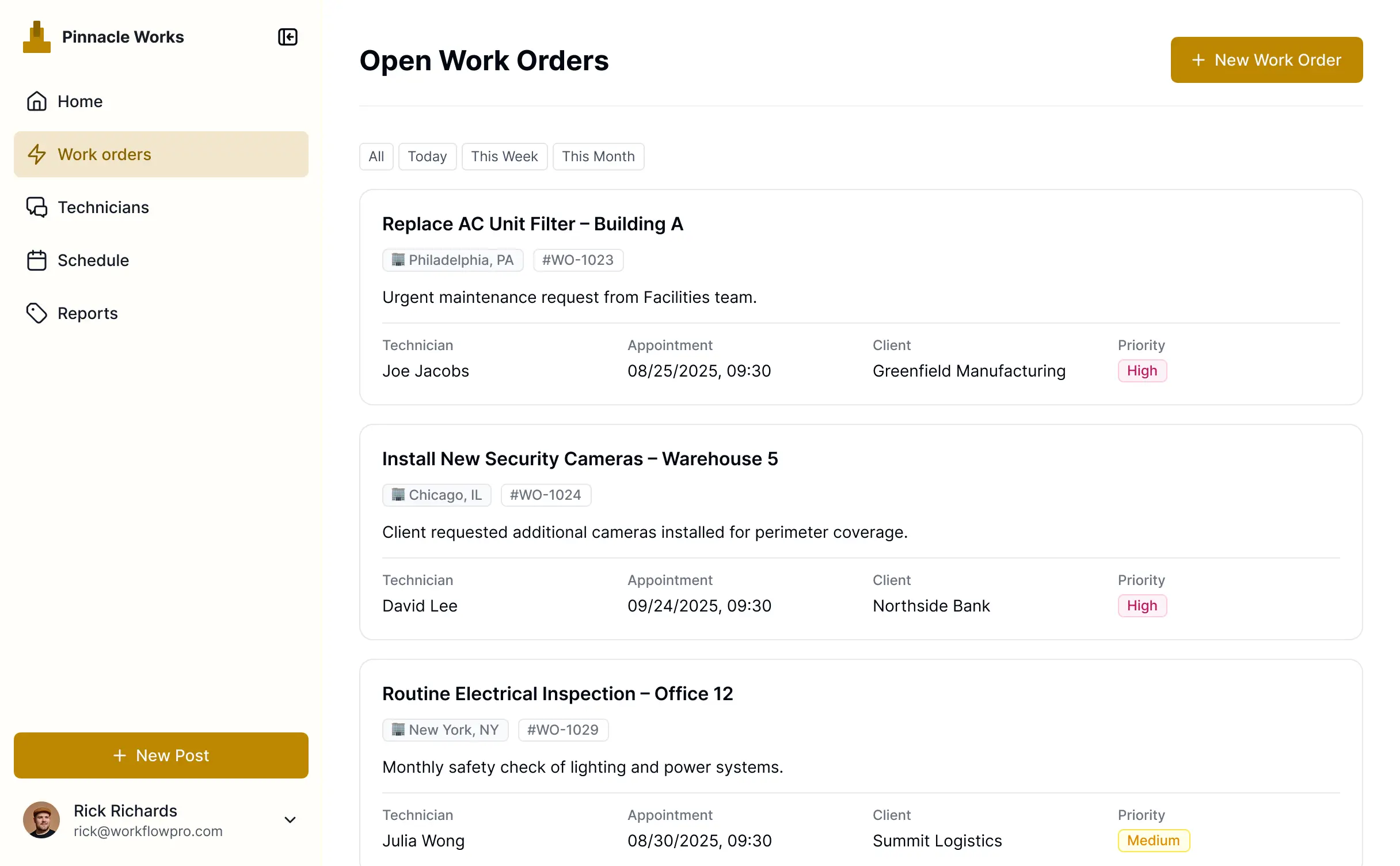
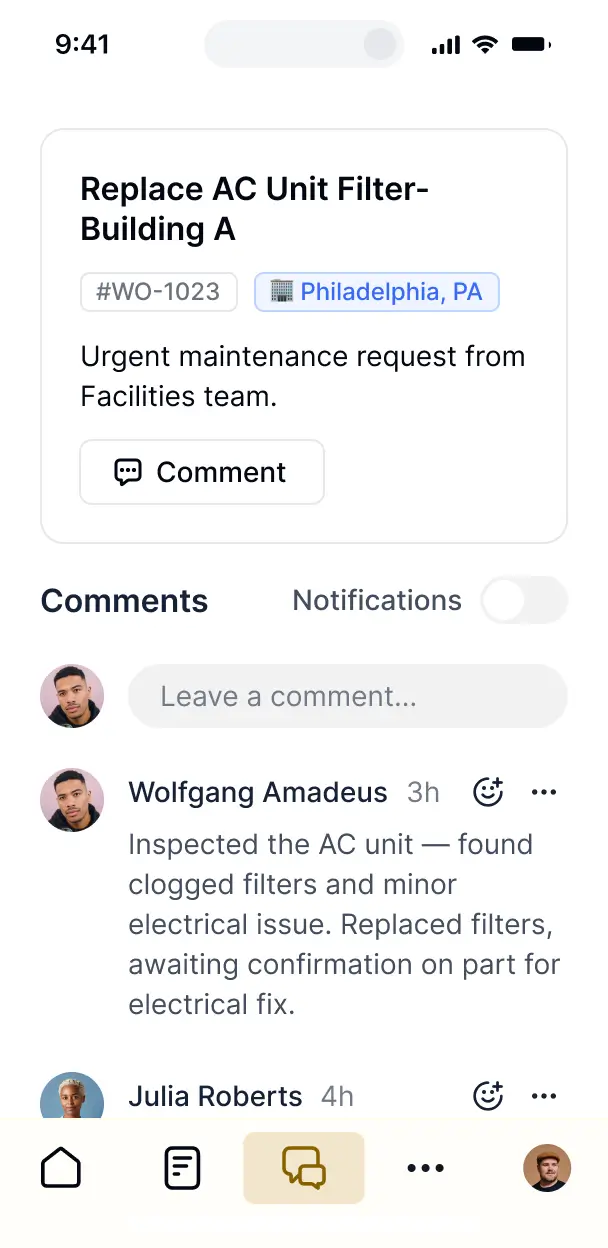
Track jobs, assign technicians, and monitor status in an AI-powered system built with AI you customize to fit your team's workflow.


Customize your work order management system builder with the exact steps and views your team needs. Add features as processes evolve—no code.


Connect spreadsheets, job databases, and field systems with real-time sync—or manage everything in Softr Databases. Create a single source of truth for your maintenance teams.
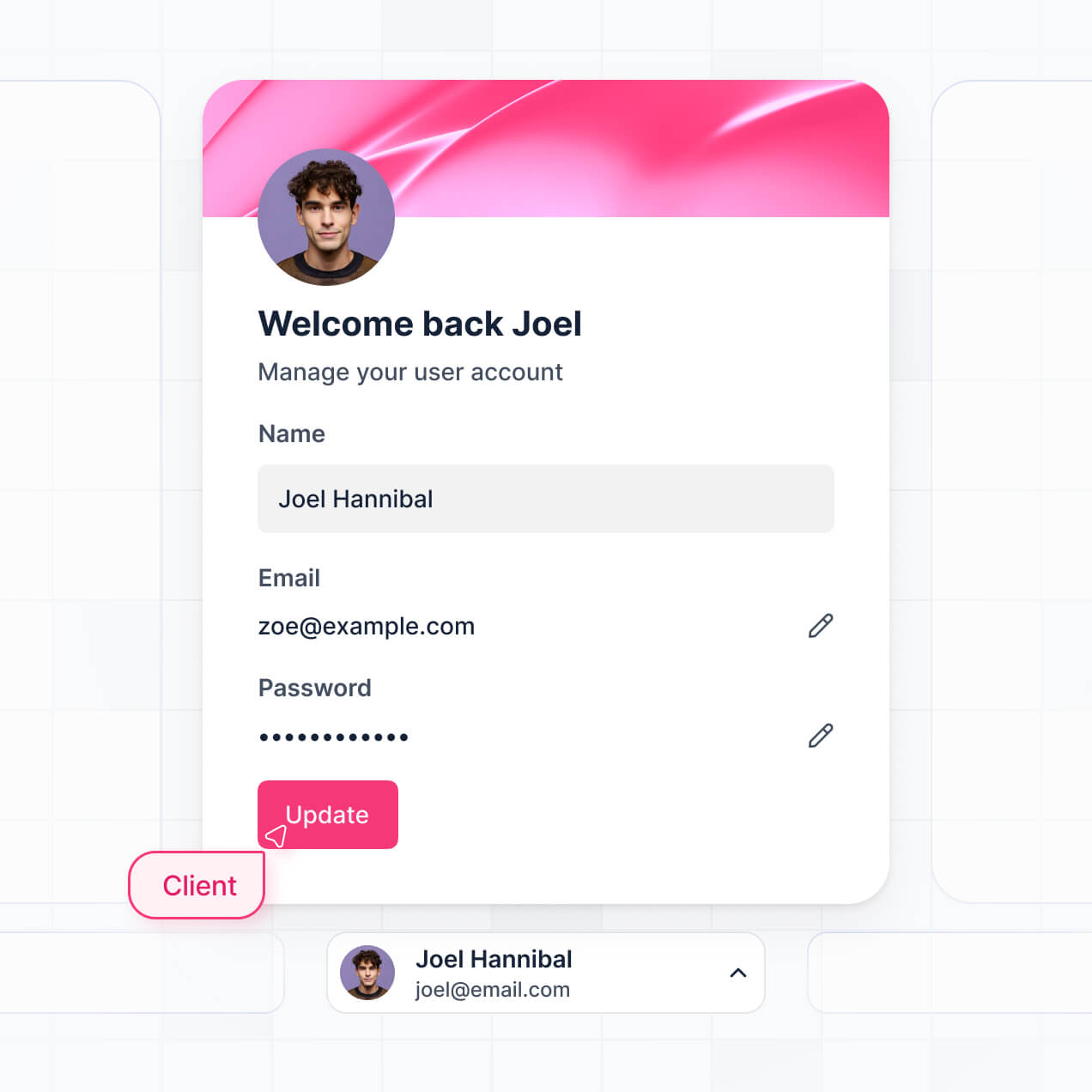
Let techs, managers, and clients log in to a fully branded portal. Set up permissions and personalized access in minutes—no code needed.
Automate your field operations with Softr Workflows for job dispatching, real-time status updates, and automated maintenance alerts that trigger instantly.
Assign roles for field techs, office managers, or external clients—each gets secure access to only the specific work orders and data they need.
Control who can create, complete, or assign work orders—down to the field level—ensuring data integrity across your entire maintenance operation.
Keep customer and operational data safe. Softr is fully compliant with SOC2 and GDPR regulations, offering enterprise-grade security for your field data.
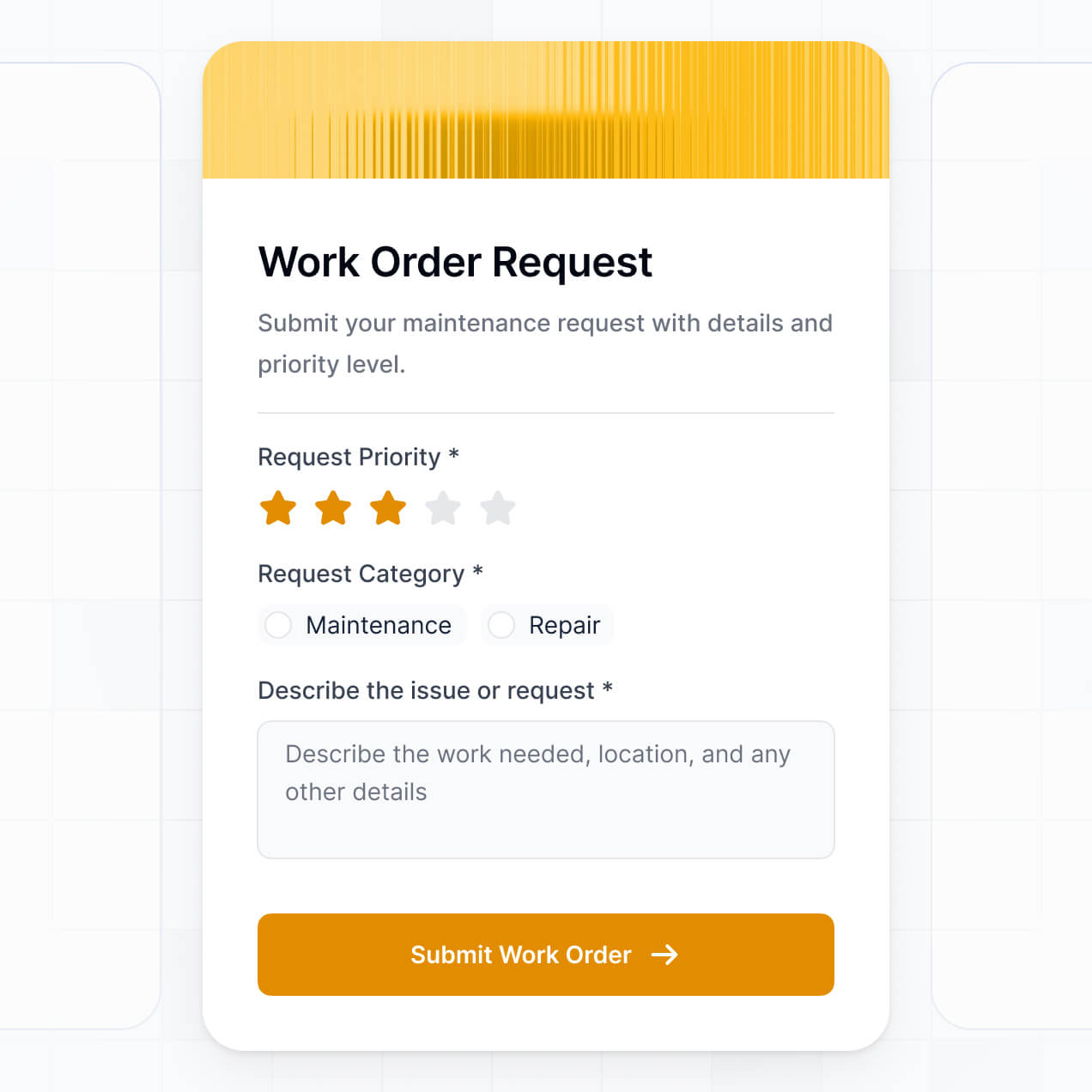
Capture job details, file uploads, and digital signatures using flexible form blocks tailored to each specific maintenance task or inspection.
No more one-size-fits-all tools or costly custom builds. Softr is easy to use and fully customizable, so you can launch faster, adapt as you grow, and skip the complexity of traditional software.

Build your work order system in minutes with AI—no manual setup or complex configuration needed.

Add features like maintenance alerts, job assignment, or performance dashboards as your workflows evolve.

Start with work orders, then add scheduling, inventory, or client portals—all in one place with no extra tools.
Co-build with AI
Simply describe what you need. Let Softr handle everything - Interface, database, workflows.
Iterate with AI or visually
Control most critical parts of your app yourself - roles, permissions, security.
Ship the same day
Invite team members or external clients and partners right away. No developer handover.
Use drag-and-drop blocks to build a portal that looks sleek and modern out of the box. Add only the features you need, and iterate as your workflows evolve.




A work order management system builder is a tool that allows you to create a secure, custom environment where your maintenance teams and clients can submit, track, and complete service requests. It centralizes all maintenance activities, service histories, and asset data in one place, eliminating the need for fragmented emails or paper records. This helps operations managers stay organized and ensures a faster turnaround for repair and maintenance tasks.
Softr is the first AI-native platform for building business software, making it the fastest way to build a work order management system tailored to your facility's specific needs. You can describe your maintenance flow to the AI Co-Builder to instantly generate your equipment database, request forms, and technician dashboards—all connected and ready for use.
You don't need to write a single line of code. You can start with AI, use a specialized maintenance template, or build from scratch. Everything runs on Softr Databases, or you can sync existing data from Airtable, Google Sheets, or HubSpot. You have full control to visually customize the interface, set up field-level permissions for technicians, and brand the app to your company’s standards. It’s built to be flexible enough to scale as you add more assets or staff.
You can include a wide range of features in your work order management system to match your operational workflow. A powerful maintenance app usually combines standard tracking tools with AI-driven intelligence:
- AI-Powered Intelligence – Use Ask AI to let staff query maintenance history via chat, or use Database AI Agents to automatically categorize work orders by priority or required skill set.
- Vibe Coding Blocks – Build custom UI elements—like an interactive floor plan or equipment map—using the AI Code block to "vibe code" the exact visual experience you need.
- Softr Workflows – Create native automations, such as sending an instant Slack notification to a supervisor when an emergency repair is submitted.
- User Portals & Logins – Securely manage access so technicians only see their assigned tickets while facility managers have a full view of all pending tasks.
- Forms & Data Collection – Capture issues with custom forms including photo uploads for proof of repair and signature fields for sign-off.
- Dashboards & Charts – Visualize maintenance performance, like mean-time-to-repair or monthly cost per asset, with real-time charts.
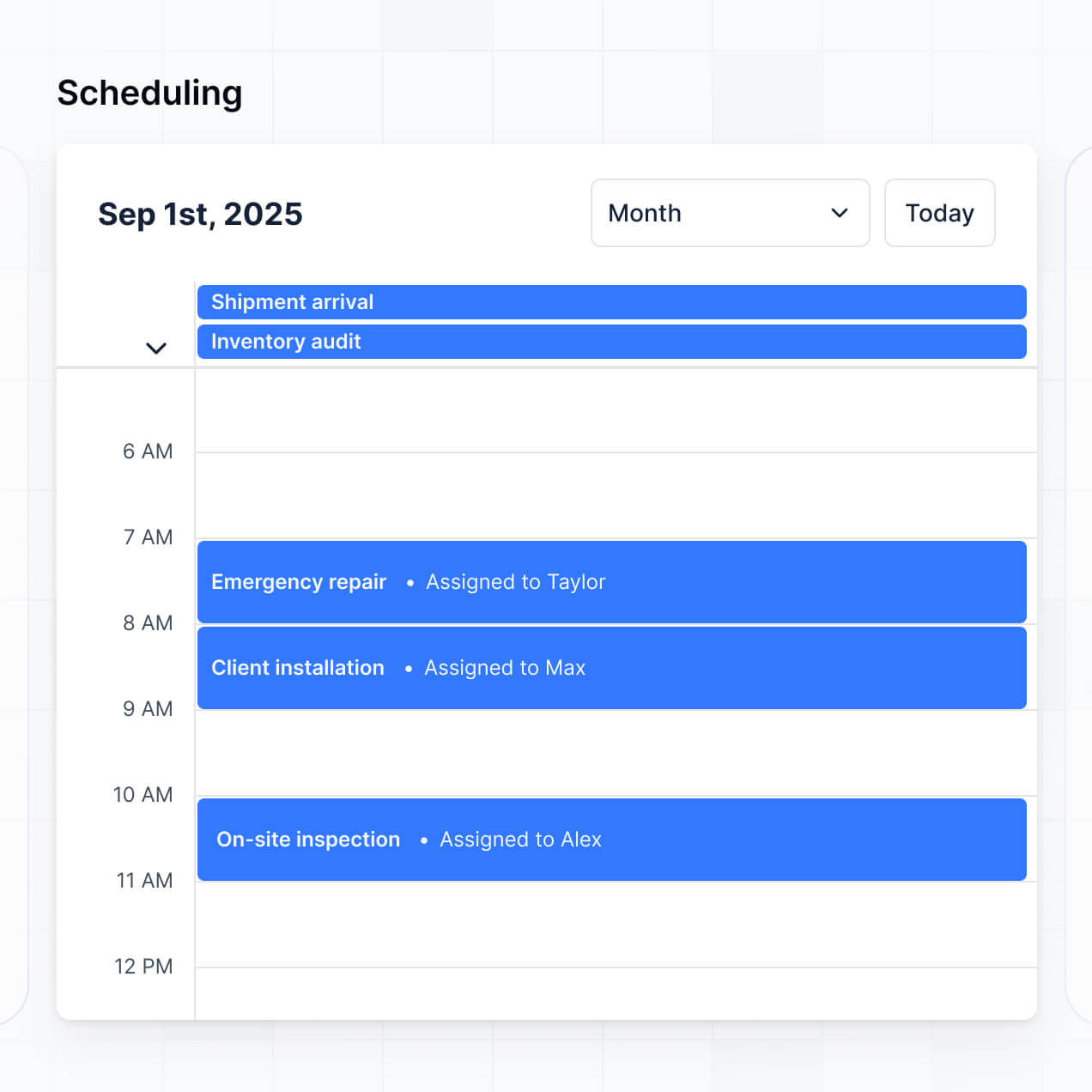
- Lists & Advanced Filtering – Manage your backlog with searchable tables, kanban boards for job status, and calendar views for preventative maintenance scheduling.
Vibe coding allows you to move rapidly from a maintenance problem to a digital solution using AI. You can "vibe code" a work order management system by describing your desired features—like an automated approval flow or a specialized parts inventory tracker—to Softr's AI Co-Builder. Softr then generates a production-ready application on a secure, scalable foundation.
Unlike other tools that generate unstable custom code, Softr handles the foundational logic natively, including user authentication and secure data syncing. This provides the speed of vibe coding without the maintenance burden of managing custom scripts. You describe the maintenance workflow, Softr handles the architecture, and it’s ready for your field team immediately.
Yes. You can manage multiple locations, departments, or subcontractor teams within a single system. Each technician or site manager only sees the work orders and asset lists assigned to their specific location or role. This is ideal for facility management companies or large organizations that need to isolate data between different operational units while maintaining a central oversight view.
Yes, you can. You don't need to have a pre-existing maintenance database to start building with Softr. If you're starting from scratch, you can use Softr Databases to store your asset registers, parts inventory, and labor logs natively within the platform.
If you already have maintenance data in tools like Airtable, Google Sheets, or SmartSuite, you can connect those seamlessly to be used as your back-end. You can also use the REST API to pull in data from external sensors or ERP systems. You maintain total control over how your maintenance records are structured and visualized for your team.
Softr Databases is the recommended native, relational data source for your work order management system. It is built for business applications, offering high performance and instant automation triggers, ensuring maintenance schedules and work order updates happen in real time.
If your data lives elsewhere, Softr also connects to over 17 external sources including Airtable, Google Sheets, HubSpot, and SQL databases. You can even mix data sources, pulling equipment manuals from Softr Databases while pulling billing information from HubSpot into the same dashboard. Most sources support real-time, two-way sync, so status updates made by a technician on a job site reflect in your central database immediately.
Yes, Softr gives you granular control over the user experience for everyone involved in the maintenance cycle. You can tailor the navigation and visibility so that a technician sees a simplified mobile view of their active jobs, while an admin sees a comprehensive desktop view with financial reporting.
You can set up specific roles—such as Requester, Technician, or Supervisor—to define what data each person can edit or view. For instance, a requester can only see the status of their own tickets, while a technician can update job progress and add notes. This ensures your maintenance data remains secure and the interface stays clean for every user role.
Yes, you can fully white-label your work order management system in Softr. You can apply your own logo, brand colors, and custom fonts to ensure the tool looks like an official company resource. By using a custom domain and removing Softr branding, you provide a professional experience for both your internal staff and external clients submitting service requests.
Yes, Softr offers deep flexibility for both the design and functional layout of your system. You can adjust the visual theme to match your corporate identity and organize pages to follow your specific repair workflow. You choose which functional blocks to display based on your data needs:
- Kanban blocks – to drag and drop work orders from "To Do" to "Done"
- Table blocks – for a high-level overview of asset inventory or labor hours
- List or Card blocks – to visualize work orders with attached photos of reported issues
- Detail View – to dive deep into a single asset's full maintenance history
- Forms – for field teams to submit completion reports or request spare parts
- Calendar blocks – to schedule recurring inspections and monitor deadlines
If you need to change your process later, the visual builder makes it easy to add new fields or change the layout instantly without downtime.
Softr is built with enterprise-grade security to protect your operational data. All information is encrypted in transit and at rest, and apps are hosted on secure infrastructure. You have complete control over data visibility via role-based permissions, ensuring sensitive cost data or employee records are only accessible to authorized personnel.
When using Softr Databases, your data is stored in a secure SOC 2 Type II compliant environment in Germany. If you connect to external sources like Airtable or SQL, Softr acts as a secure interface and does not store your original data—it simply displays it in real-time based on your permission logic. Your maintenance logs and asset data remain protected and private.
The system generated by Softr's AI is fully production-ready. Unlike other AI builders that produce fragile code requiring manual debugging, Softr generates your work order system on top of a battle-tested foundation.
We provide the essential native logic—like secure logins, database management, and permission levels—from the start. This allows you to bypass the technical debt associated with AI code and go from a generated concept to a live tool used by your maintenance crew on day one. It is scalable, secure, and built for actual business operations.
Softr is the first AI-native platform for business software, offering a middle ground between rigid off-the-shelf maintenance software and overly complex no-code tools. While traditional maintenance tools force you into their workflow, Softr's AI Co-Builder lets you create your own custom workflow in minutes.
What sets it apart is the hybrid benefit: you get the speed of AI generation with the stability of a professional development environment. You can use AI to build your logic and data structure, then use a visual editor for fine-tuning. It’s designed specifically for operations teams who need a custom software solution without hiring a development team.
Yes. Softr supports powerful native workflows and integrations to connect your maintenance system to the rest of your business. You can use Softr Workflows to automate status changes or integrate with tools like Stripe for invoicing clients and Intercom for customer support.
You can also use webhooks or a REST API to trigger external events, such as ordering a part from a vendor when inventory drops below a certain level. Softr ensures your maintenance data doesn't live in a silo, allowing you to build an interconnected ecosystem for your entire operation without writing code.
Describe what you need. Softr's AI builds it in minutes. Get started today with no dev time required.