


Build your own team collaboration portal
Centralize knowledge and coordinate tasks in an AI-powered portal built with AI that you customize to fit your team's unique workflow.
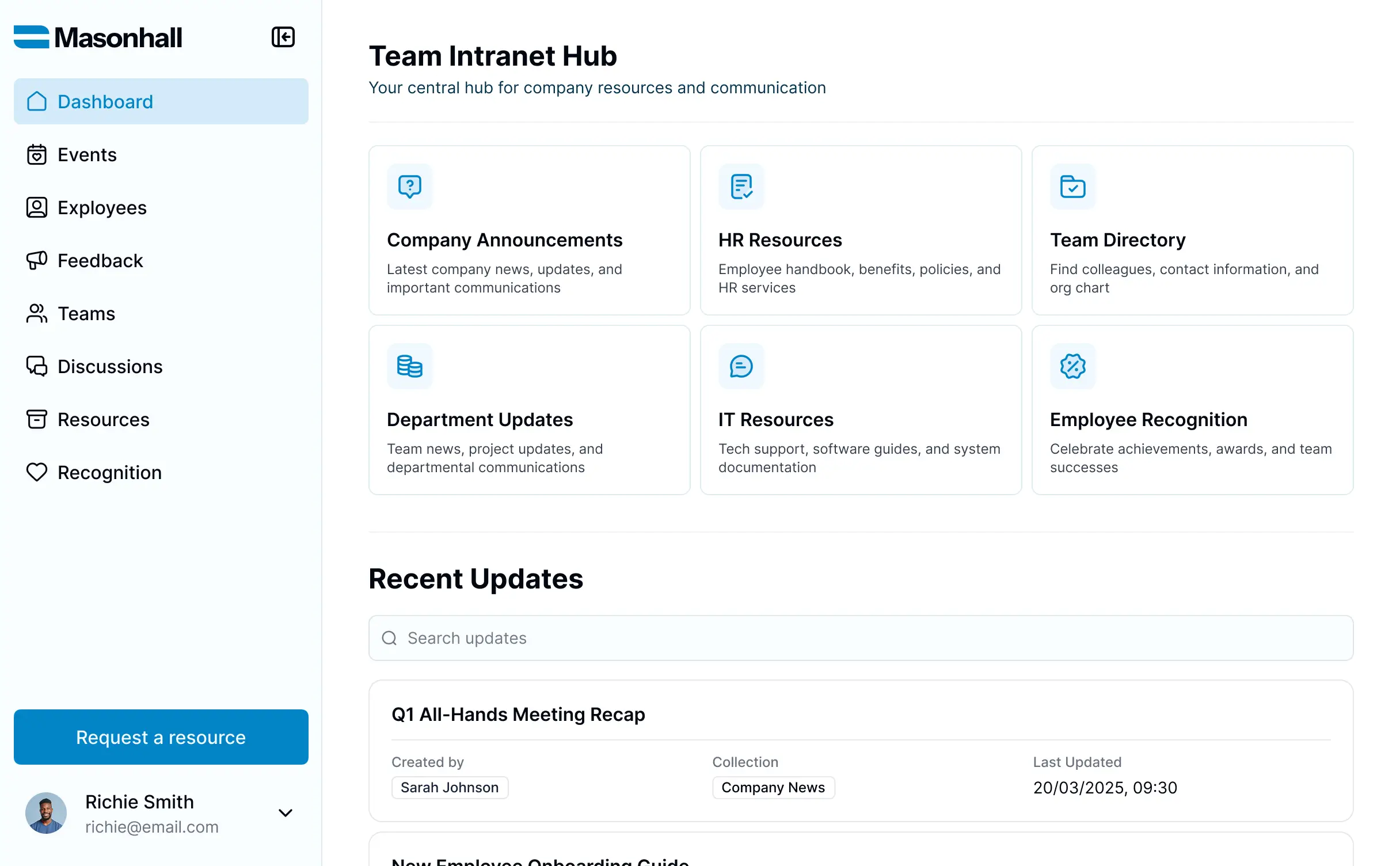
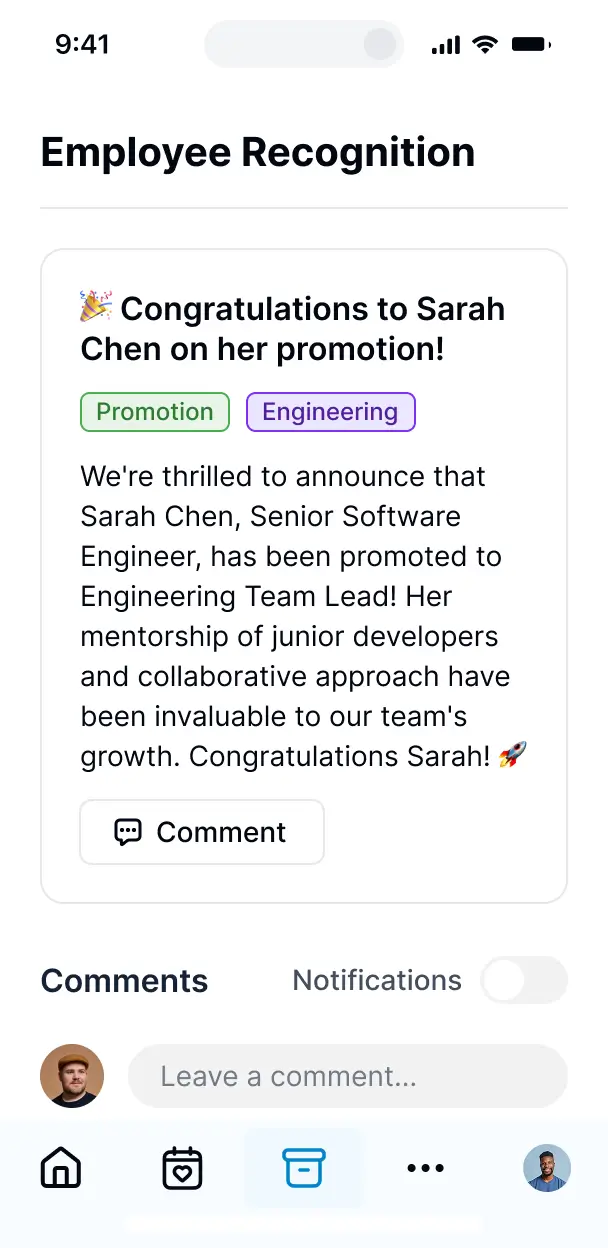










Build exactly what your team needs
Customize your team collaboration portal with the exact views and coordination tools your team needs. Add features as your processes evolve.

Centralized company knowledge base

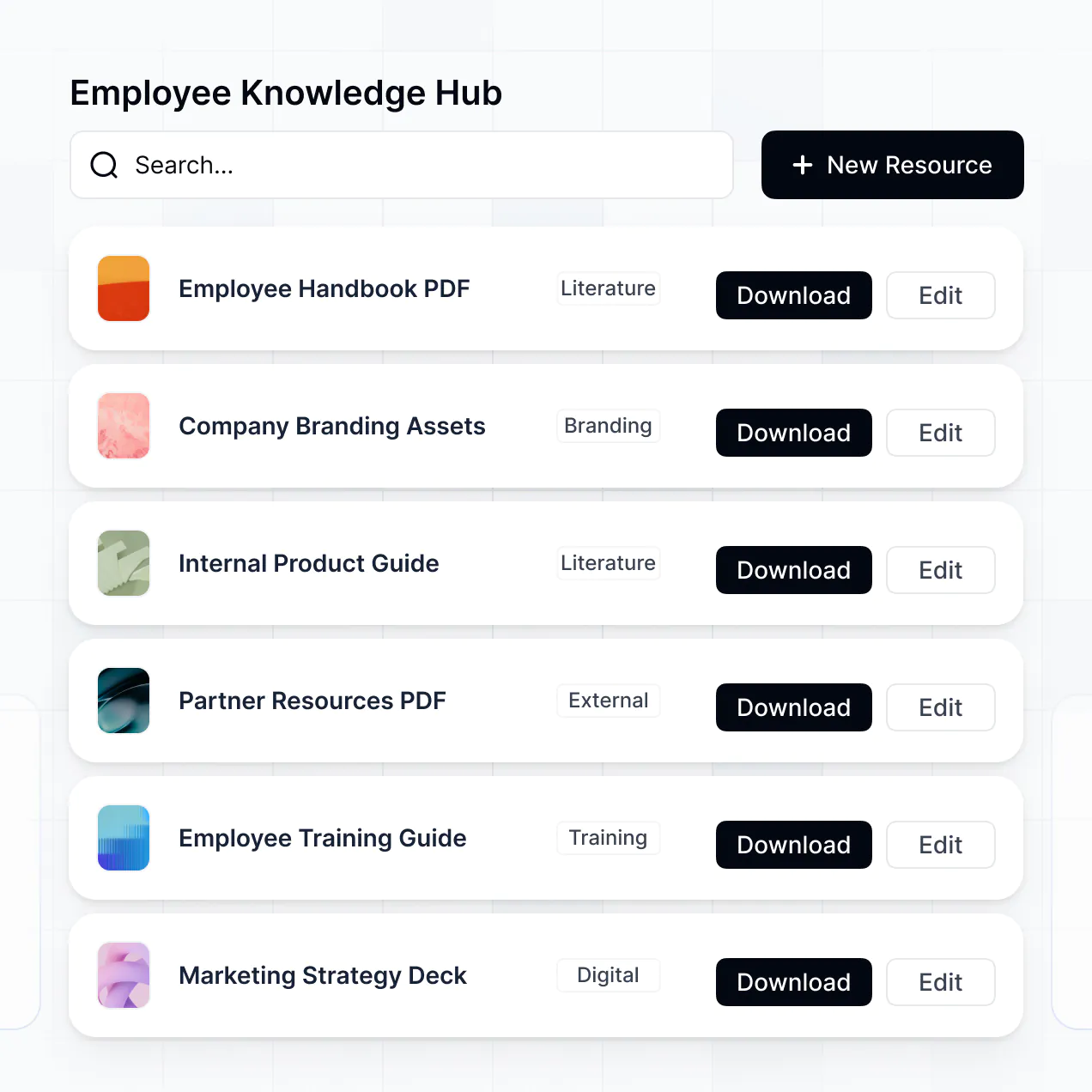

Project task coordination
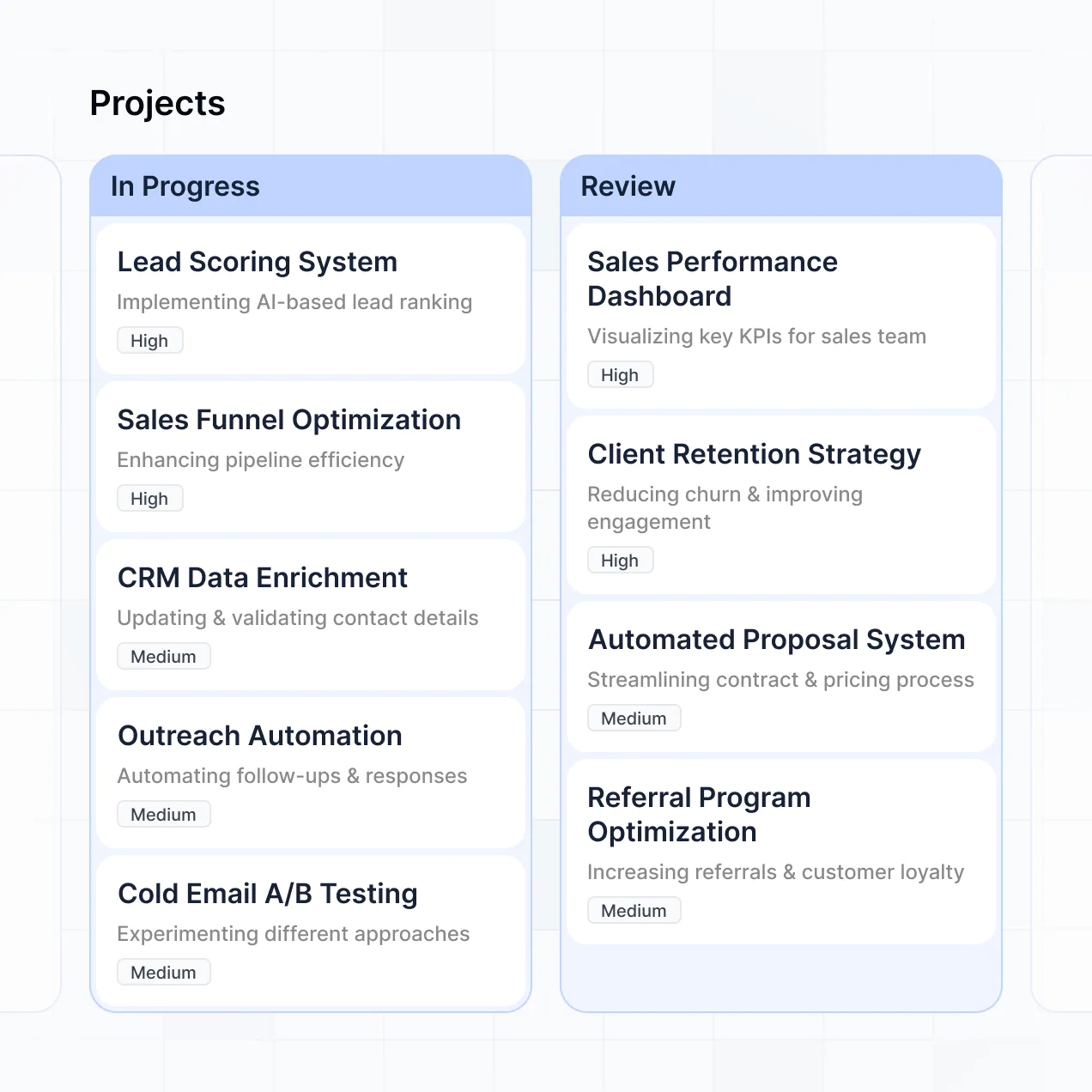

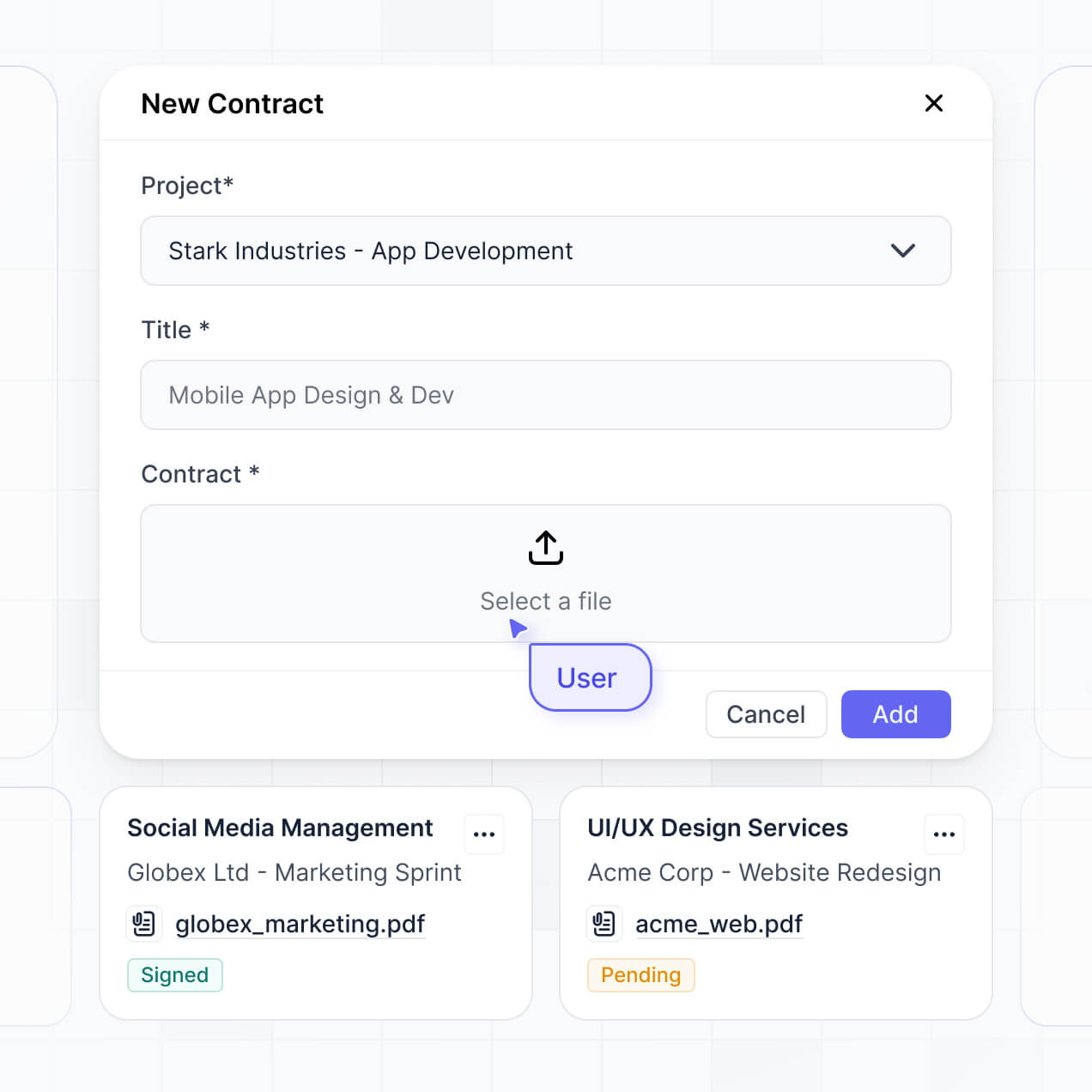
Secure document management

AI-powered content summaries


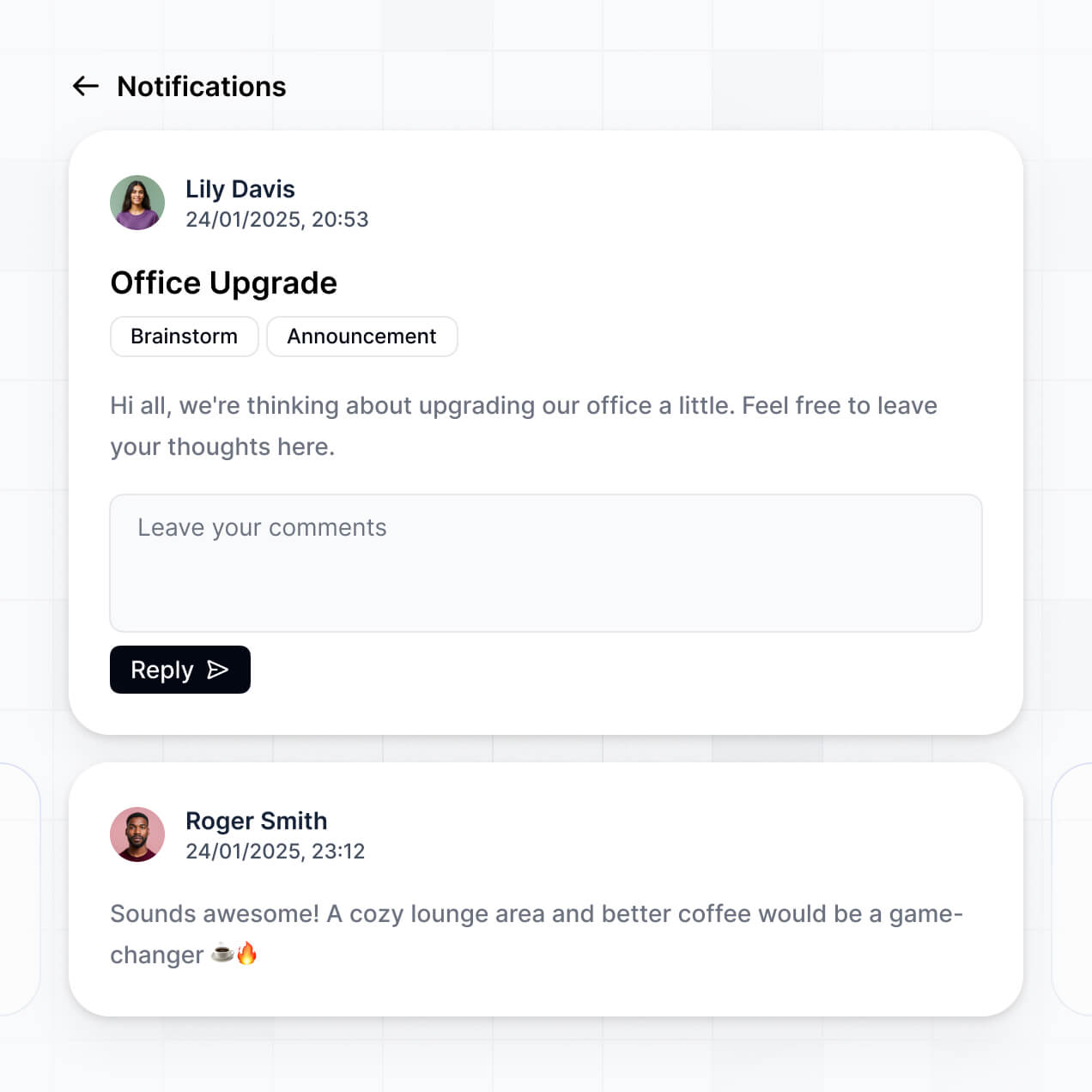
Internal announcement feed

Team directory and profiles

Unify your team data in real time
Connect docs, project trackers, and contact lists with real-time sync—or manage everything in Softr Databases. Create a single source of truth for your business processes.


Give every user a custom, secure experience.
Give each team member the right views and access in a branded portal. Set up secure logins, user groups, and granular permissions in minutes.

Easy, secure logins
Your portal is mobile-ready by default. Turn it into a downloadable app for your team with Softr's PWA—access documents and tasks from anywhere.

Works on any device
Your portal is mobile-ready by default. Turn it into a downloadable app for your team with Softr's PWA—access documents and tasks from anywhere.

Automations
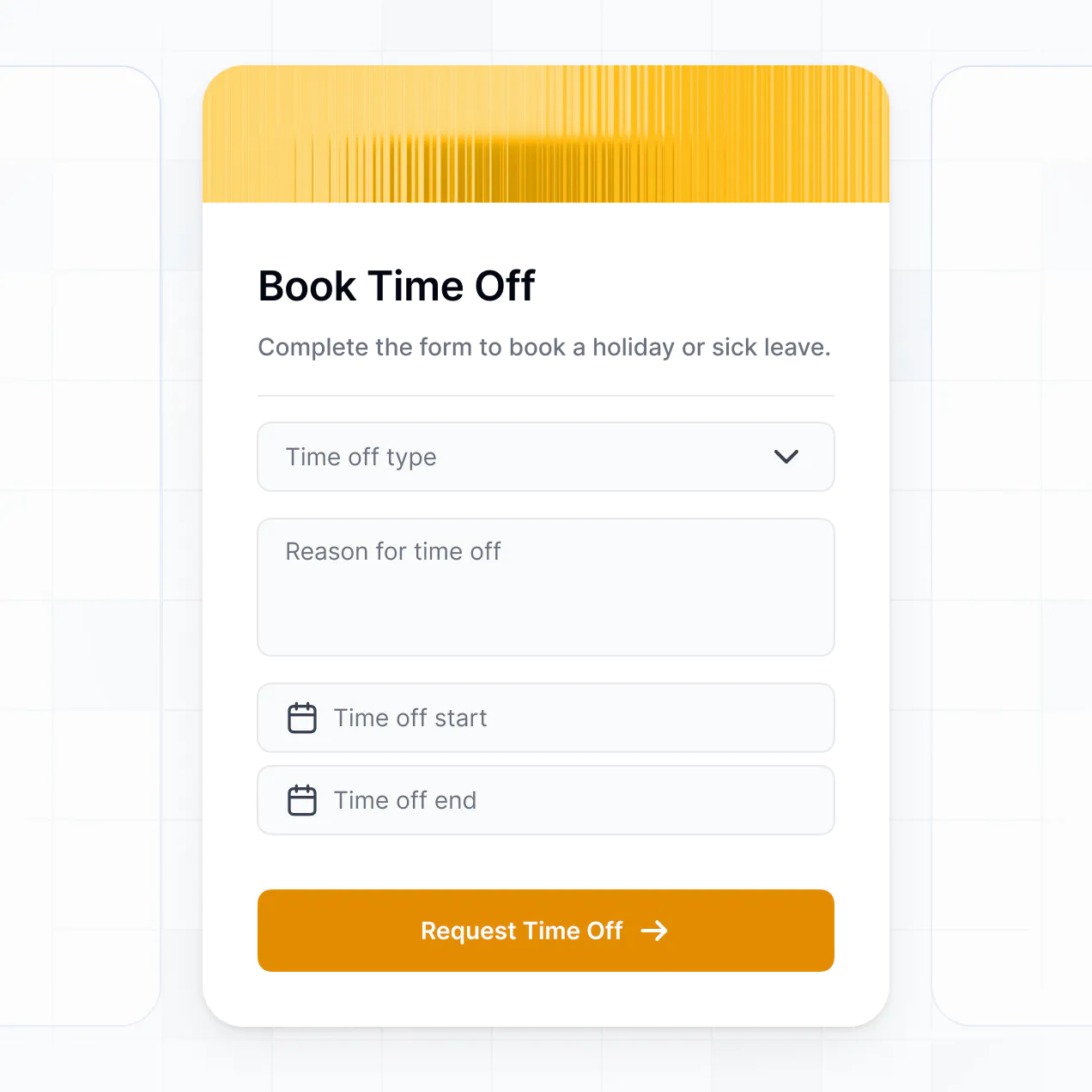
Build native automations to handle task notifications, internal announcement alerts, and status updates automatically whenever data changes.

User groups
Provide tailored dashboards for different departments. Ensure marketing, sales, and HR each see the specific resources they need to collaborate.

Advanced permissions
Apply rules for specific teams. Customize who can edit documentation, delete files, or view sensitive directories at a granular level.

Security
Protect internal company information from security threats. Softr is fully compliant with SOC2 and GDPR regulations for total peace of mind.

Why Softr vs other software
No more one-size-fits-all tools or costly custom builds. Softr is easy to use and fully customizable, so you can launch faster, adapt as you grow, and skip the complexity of traditional software.

Easy, fast setup
Build your team collaboration portal in minutes with AI—no manual configuration or complex setup required.

Consolidate your stack
Add features like project trackers, directories, or document logs as your workflows evolve—no rebuild needed.

Flexible as you grow
Start with a portal, then add internal tools or shared dashboards—all in one place with no extra seats to buy.
Generate a custom team collaboration portal in minutes
Co-build with AI
Simply describe what you need. Let Softr handle everything - Interface, database, workflows.
Iterate with AI or visually
Control most critical parts of your app yourself - roles, permissions, security.
Ship the same day
Invite team members or external clients and partners right away. No developer handover.

The go-to platform for business operations
Use drag-and-drop blocks to build a portal that looks sleek and modern out of the box. Add only the features you need, and iterate as your workflows evolve.


Minerva Network increased athlete registrations by 50% with a custom CRM and portal

Celonis built a GTM knowledge base for 1,500+ team members


Urban's Group increased productivity by 25% with a custom ERP system
Frequently asked questions
Build your team collaboration portal. No code.
Describe what you need. Softr's AI builds your collaboration tool in minutes. Get started today for free.