Visualise high-impact work, score urgency, and track status in an AI-powered system built with AI to fit your team's unique workflows.
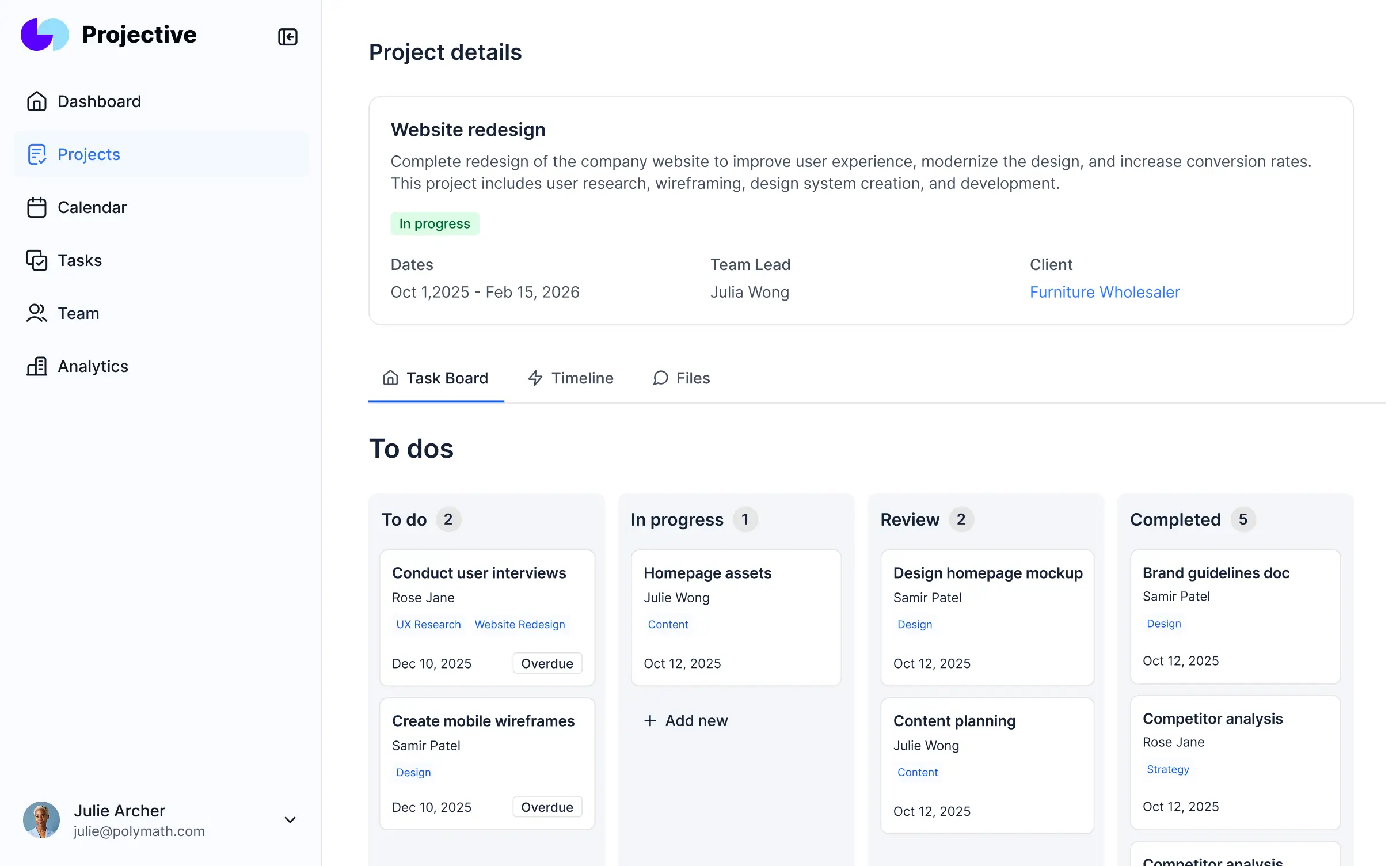
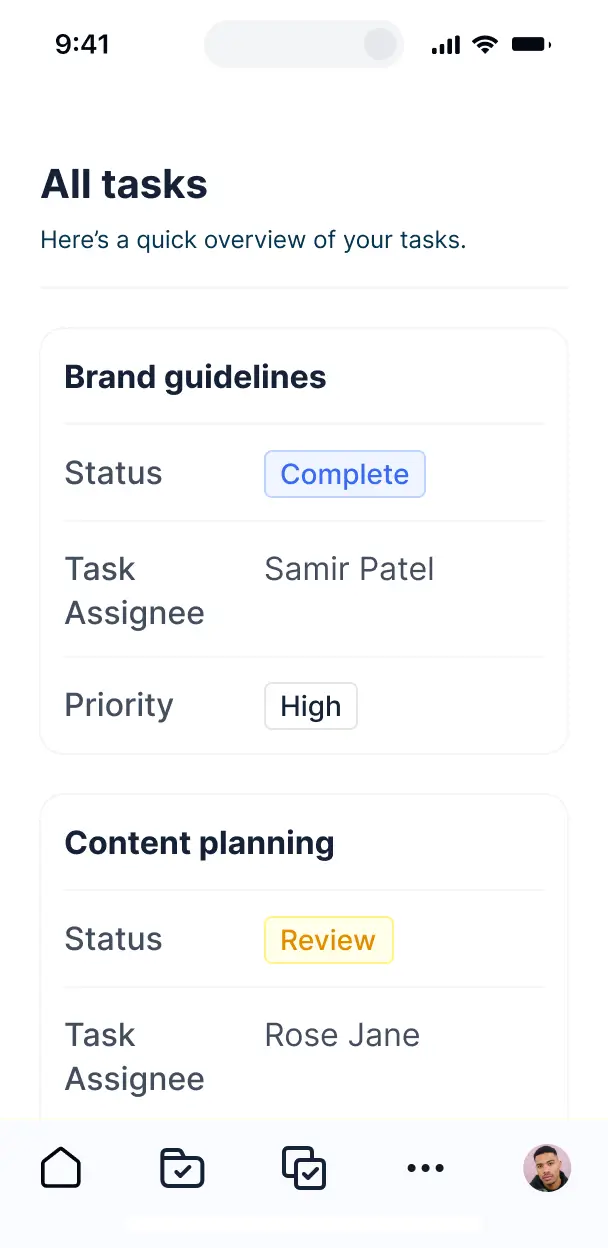

Customize your task prioritization dashboard with the exact steps and views your team needs. Add features as processes evolve—no code needed.


Connect spreadsheets, task trackers, and team apps with real-time sync—or manage everything in Softr Databases. Create a single source of truth for your business processes.
Give each teammate the right tools and access. Set up secure logins, user groups, and granular permissions—no IT support or dev work needed.
Give different team members tailored access and custom dashboards, so every role handles exactly the tasks and priorities they need.
Streamline your internal processes with Softr Workflows. Trigger native notifications or status changes automatically when a task's priority shifts.
Access and update your prioritization dashboard on the go. Manage deadlines and urgency from your phone with mobile-ready views.
Use Google, email, or SSO logins to give your team fast, secure access to their active task lists—no IT tickets needed.
Keep internal project data safe with SOC2 and GDPR compliance, plus fine-tuned access control to prevent unauthorized task changes.
No more one-size-fits-all tools or costly custom builds. Softr is easy to use and fully customizable, so you can launch faster, adapt as you grow, and skip the complexity of traditional software.

Build your task prioritization dashboard in minutes with AI—no manual configuration or setup needed.

Add features like dynamic scoring, automated alerts, or time tracking as your team's workflows evolve.

Start with a task dashboard, then add resource planners or employee portals—all in one place with no extra tools.
Co-build with AI
Simply describe what you need. Let Softr handle everything - Interface, database, workflows.
Iterate with AI or visually
Control most critical parts of your app yourself - roles, permissions, security.
Ship the same day
Invite team members or external clients and partners right away. No developer handover.
Use drag-and-drop blocks to build a portal that looks sleek and modern out of the box. Add only the features you need, and iterate as your workflows evolve.




A task prioritization dashboard is a secure, centralized application where project managers and teams can log in to organize work based on urgency and impact. It transforms static to-do lists into dynamic visual boards that track deadlines, effort levels, and strategic value. By centralizing these metrics in one place, you eliminate the confusion of fragmented email threads and cluttered spreadsheets, ensuring everyone focuses on the most critical objectives first.
Softr is the first AI-native platform for building business software, making it the ideal choice for creating a task prioritization dashboard tailored to your team's specific workflow. You can simply describe your scoring criteria or project structure to the AI Co-Builder to instantly generate your database, priority views, and logic—all fully connected and secure right out of the box.
You don't need any coding skills to get started. You can generate your app with AI, pick a task management template, or build your own custom scoring system from scratch. Everything runs on Softr Databases, our native relational engine, or you can link your existing project data from Airtable, Google Sheets, or HubSpot. You have complete control to visually customize your Eisenhower Matrix or Kanban views, set permissions for who can update statuses, and brand the dashboard to your company's style.
You can design a variety of features to streamline your team's focus, depending on your project methodology. A high-performing task prioritization dashboard usually combines core functional blocks with AI-driven insights:
- AI-Powered Intelligence – Use Ask AI to let your team query the backlog conversationally, or deploy Database AI Agents to automatically calculate priority scores based on custom formulas or stakeholder feedback.
- Vibe Coding Blocks – Create specialized UI components—like a custom effort-vs-impact quadrant—using the AI Code block to "vibe code" the exact visualization your workflow requires.
- Softr Workflows – Build native automations (like automatic status updates when a deadline passes) that alert assignees via email or Slack whenever a task's priority level escalates.
- User Portals & Logins – Ensure department heads see high-level roadmaps while individual contributors only see their assigned prioritized tasks.
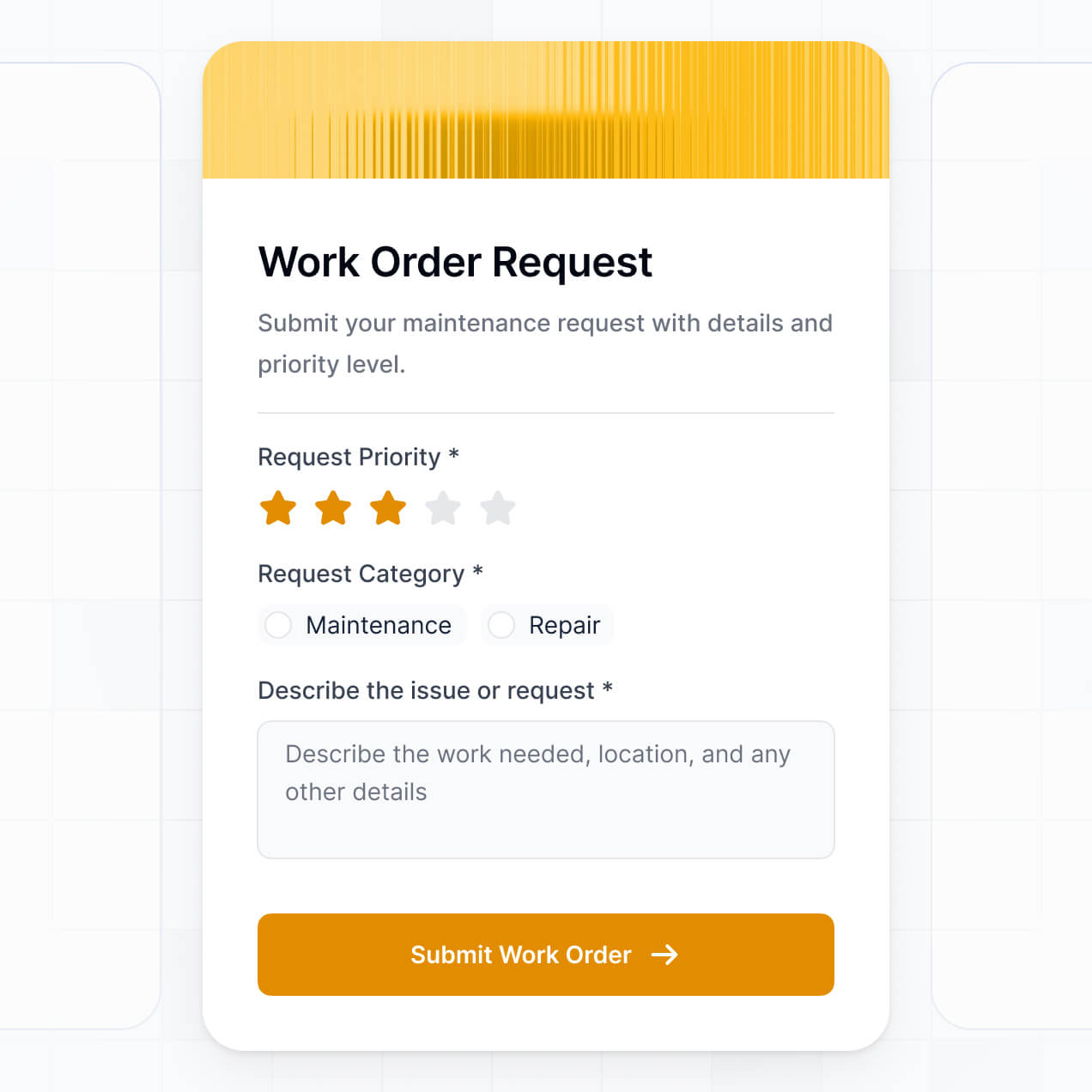
- Forms & Data Collection – Capture new project requests with custom forms that include file uploads for requirements and conditional logic for intake.
- Dashboards & Charts – Monitor team velocity and project bottlenecks with real-time charts and burndown summaries.
- Lists & Advanced Filtering – Manage your backlog with searchable tables, drag-and-drop Kanban boards, and filtered views for 'This Week's Top Priorities'.
All these features are built using Softr’s intuitive drag-and-drop blocks without writing code. If your prioritization logic evolves, you can easily tweak the dashboard or use Vibe Coding to add even more advanced custom functionality.
Vibe coding focuses on speed and using natural language to build the specific tools you need. You can 'vibe code' your task prioritization dashboard in Softr by describing your ideal project workflow to the AI Co-Builder. Softr then generates a production-ready application built on a reliable and secure infrastructure.
While other tools output raw, unmanaged code that is difficult to maintain, Softr manages the 'boring 80%'—including user authentication, relational data logic, and granular security—natively. This means you get the agility of vibe coding without the long-term risk of managing messy scripts. You describe your task metrics, Softr builds the dashboard, and it's ready for your team to start prioritizing immediately.
Yes. You can host multiple teams or departments within a single prioritization hub. Using Softr's robust permission system, each team member only sees the tasks and project boards relevant to their role or department. This is perfect for cross-functional organizations or agencies managing task lists for several different clients simultaneously.
Absolutely. You do not need an existing project management tool to start building with Softr. If you are starting fresh, you can use Softr Databases, which is integrated directly into the platform to handle all your task records, priority scores, and file attachments seamlessly.
However, if your tasks are currently living in Airtable, Google Sheets, HubSpot, Notion, or monday.com, you can connect those sources in seconds. You can also utilize the REST API connector to aggregate task data from other legacy systems. Regardless of the source, you retain full control over how your prioritization logic is displayed and interacted with.
Softr Databases is the recommended native data source for your task prioritization dashboard. It is a relational database built for business software, providing high performance, instant automation triggers, and a fast user experience since the data lives directly on the platform.
If you prefer external storage, Softr connects to over 17 external data sources including Airtable, Google Sheets, HubSpot, SmartSuite, and SQL. You can even combine sources in one app—for example, pulling customer support tickets from HubSpot and internal dev tasks from Softr Databases into a single unified prioritization view. Most sources support real-time, two-way sync so your dashboard always reflects the latest project status.
Yes, Softr provides total control over the team's experience. You can tailor the layout, navigation, and task views to match your project management style. Every block or page can be conditionally displayed based on the logged-in user, ensuring managers see financial impact data while developers see technical requirements.
You can establish various user roles—such as Project Manager, Analyst, or Contributor—and define exactly what these roles can view or modify. For instance, only a Manager might have the authority to change a task's priority level, while Contributors can only update the completion status. This customization keeps your dashboard organized, secure, and focused on the specific needs of every team member.
Yes, you can fully white-label your task prioritization dashboard. You can incorporate your company logo, specific brand colors, custom typography, and host it on your own custom domain. This ensures the dashboard feels like an internal corporate tool, and you can remove all Softr branding to provide a professional, cohesive experience for your employees or clients.
Yes, you have complete creative control. Softr allows you to adjust the design and layout of your dashboard to optimize for productivity. You can tweak spacing, fonts, and page structures to ensure your most important tasks are always front and center.
To organize your work, you can utilize various blocks tailored for task management:
- Table blocks – to display detailed backlogs with due dates and owners.
- Kanban or Card blocks – to visualize the movement of tasks through priority stages.
- Detail View – to dive deep into specific task descriptions and sub-tasks.
- Forms – for standardized task intake and request submission.
- Charts – to track team capacity and productivity trends.
- Calendar blocks – to view upcoming deadlines and project milestones.
If your team grows or your prioritization framework changes, you can instantly update the layout inside the visual builder.
Security is a core pillar of Softr. All data is encrypted via TLS in transit and at rest, with apps hosted on secure, enterprise-grade infrastructure. You have granular control over data access, allowing you to set up role-based permissions and visibility rules so sensitive project details are only accessible to authorized personnel.
When using Softr Databases, your data is stored in a secure SOC 2 Type II compliant environment in Germany. If you connect to external sources like Airtable or SQL, Softr doesn't store your records—it simply renders them in real-time based on your specific access rules. You are always the owner of your data and manage exactly who can view, create, or edit task records.
It is a fully production-ready application. Unlike some AI tools that simply output unmanaged code that is difficult to scale, Softr builds your task prioritization dashboard on a stable, business-ready architecture.
We provide the essential 'boring' layers natively—like secure logins, user roles, and database hosting—so you don't have to build them yourself. This eliminates the 'Day Two' complexity associated with AI; you get the benefit of instant app generation with the reliability of a platform that scales with your team. Your dashboard is ready for daily use by your entire organization from the moment it is generated.
Softr is the first AI-native platform designed specifically for building custom business software. While traditional no-code tools require weeks of manual configuration and 'vibe coding' tools often generate unfixable code, Softr's AI Co-Builder produces apps on a secure, pre-configured foundation.
Our hybrid approach is the key differentiator: you use AI to build the initial task structure and logic in minutes, then use our visual editor for professional-grade design and permission management. You get the rapid deployment of AI combined with the security features (authentication, role-based access) required for business operations. It is built for teams that need to go from a workflow idea to a live production tool on day one.
Yes. Softr includes powerful native workflows and a wide range of integrations to connect your priority dashboard with your existing tech stack. You can automate repetitive actions using Softr Workflows, such as notifying team members when a task is moved to 'In Progress', or sync data with tools like Slack and Intercom. Softr also supports webhooks and a REST API for complex technical integrations.
Whether you need to trigger an email for overdue tasks or pull in data from your engineering team's GitHub, you can build these automated bridges directly into your dashboard without writing any code.
Describe what you need. Softr's AI builds it in minutes. Launch faster with a tool built for your workflow.