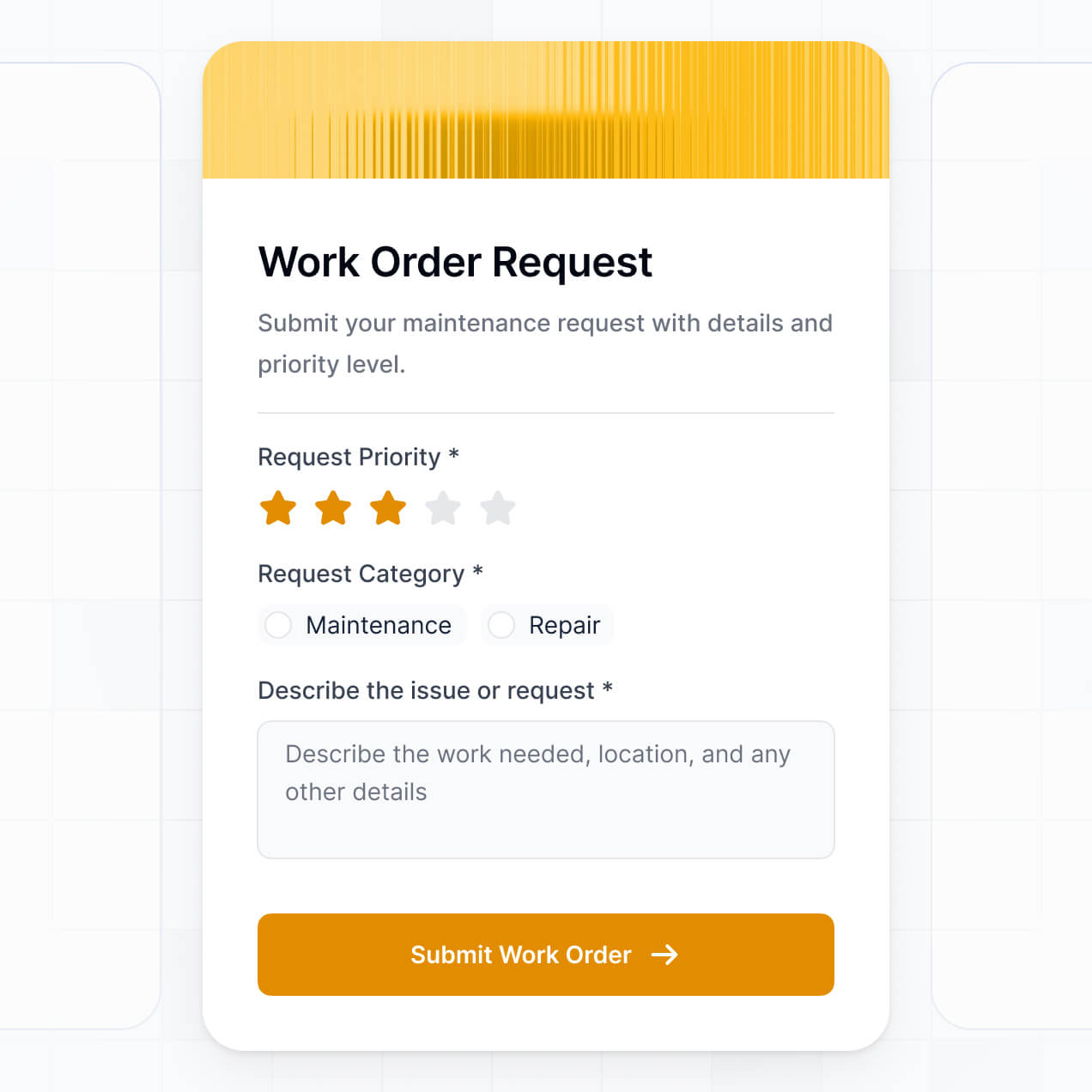
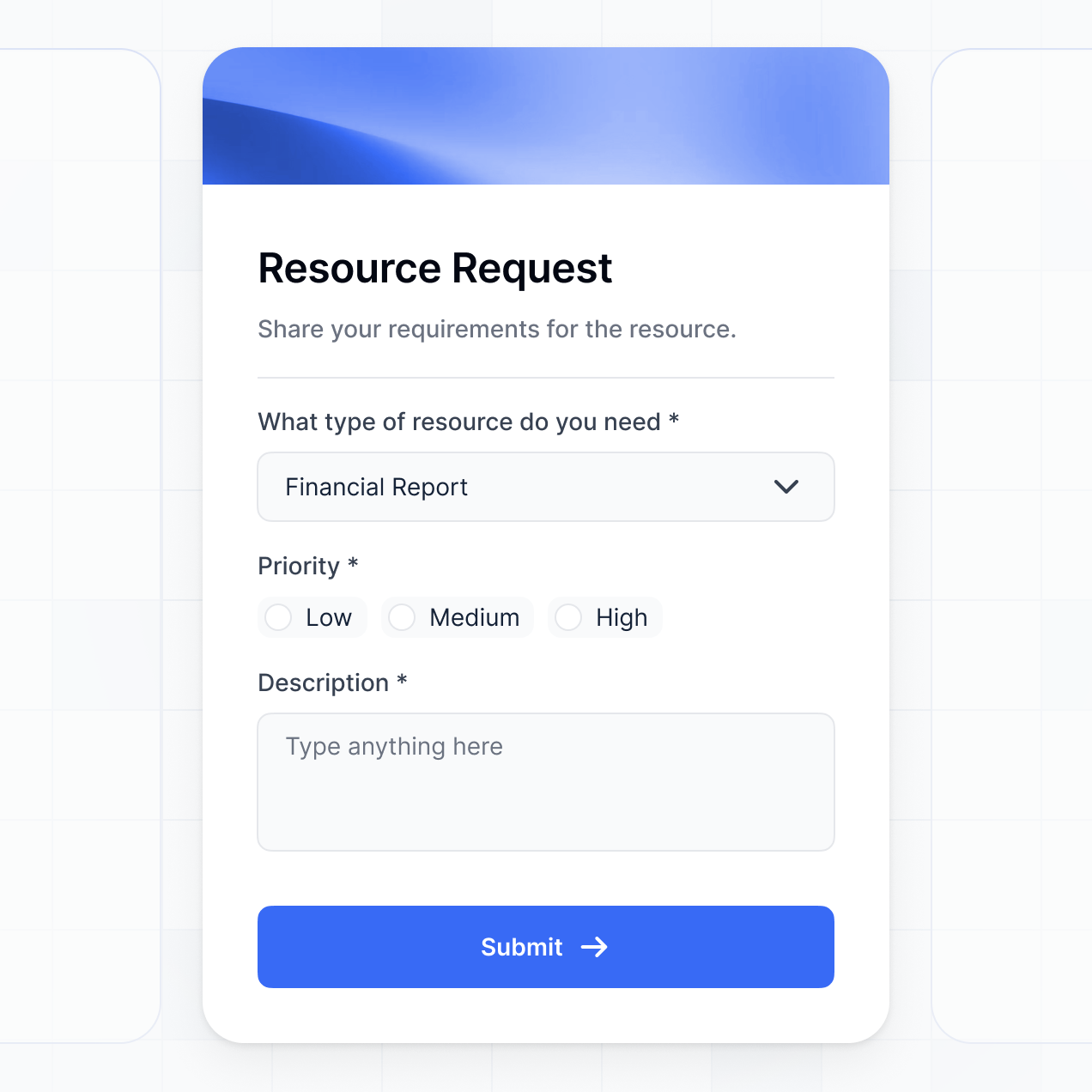
Assign work, track completion, and visualize progress in an AI-powered system built with AI to fit your team's specific delegation workflow.
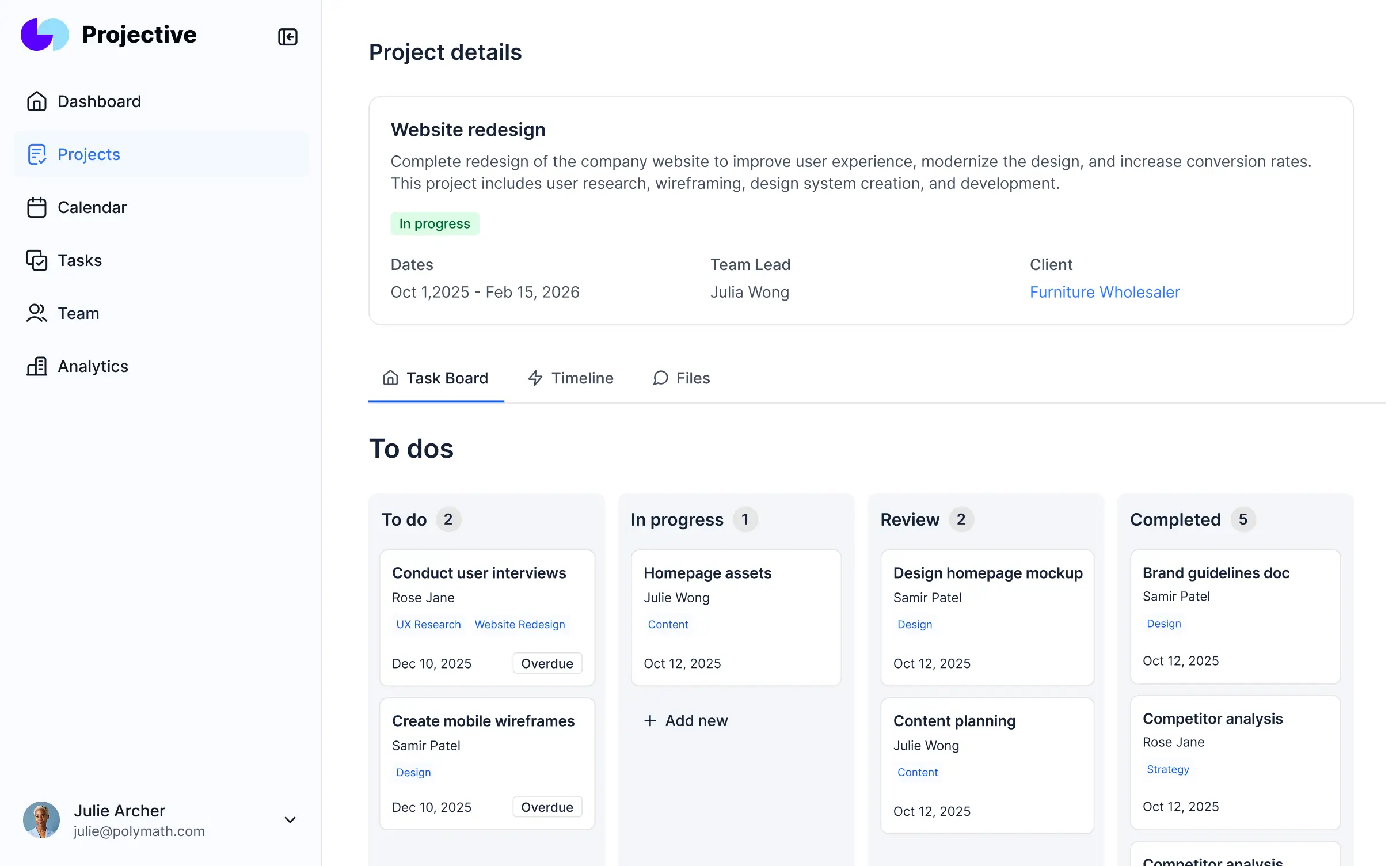
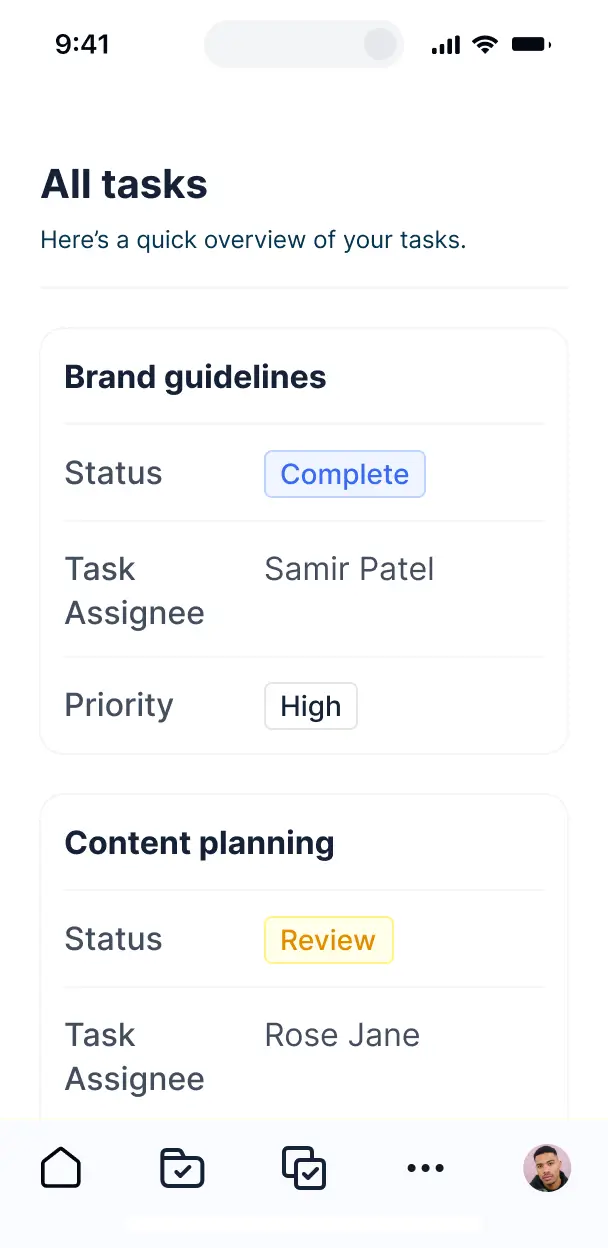

Customize your task delegation dashboard setup with the exact steps and views your team needs. Add features as processes evolve—no code needed.


Connect spreadsheets, CRMs, and project trackers with real-time sync—or manage everything in Softr Databases. Create a single source of truth for your team's assignments.
Give each teammate the right tools and access. Set up secure logins, user groups, and granular permissions—no IT support or dev work needed.
Give managers, team leads, and contractors tailored access and dashboards, so each role sees just the tasks that matter to them.
Streamline delegation with Softr Workflows. Trigger native notifications or status changes automatically when a task is assigned or finished.
Access and update your task delegations on the go. Whether in the office or remote, all dashboards are mobile-ready out of the box.
Use Google, email, or SSO logins to give your department fast, secure access—no internal IT tickets needed for onboarding.
Keep internal project data safe with SOC2 and GDPR compliance, plus fine-tuned access control to protect sensitive task details.
No more one-size-fits-all tools or costly custom builds. Softr is easy to use and fully customizable, so you can launch faster, adapt as you grow, and skip the complexity of traditional software.

Build your task delegation dashboard in minutes with AI—no manual configuration or complex setup needed.

Add features like workload balancing, automated notifications, or file sharing as your workflow grows.

Start with a dashboard, then add team feedback forms or client portals—all in one place with no extra seats.
Co-build with AI
Simply describe what you need. Let Softr handle everything - Interface, database, workflows.
Iterate with AI or visually
Control most critical parts of your app yourself - roles, permissions, security.
Ship the same day
Invite team members or external clients and partners right away. No developer handover.
Use drag-and-drop blocks to build a portal that looks sleek and modern out of the box. Add only the features you need, and iterate as your workflows evolve.




A task delegation dashboard is a centralized command center where managers and team leads can assign responsibilities, track progress, and manage workloads in real-time. It replaces fragmented email threads and messy spreadsheets with a single source of truth for every project milestone. This ensures that every team member knows exactly what they are responsible for, deadlines are clear, and nothing falls through the cracks.
Softr is the first AI-native platform for building business software, making it the fastest way to build a task delegation dashboard that maps perfectly to your team's specific hierarchy and workflow. By describing your process to the AI Co-Builder, you can instantly generate a structured database for your tasks, custom views for different team members, and the logic required to move projects forward.
You don't need any coding skills to get started. You can generate your entire system with AI, use a pre-built management template, or assemble it block-by-block. Everything is powered by Softr Databases or your existing data in Airtable, Google Sheets, or HubSpot. You gain total control over the layout, private permissions for sensitive project details, and a professional interface that matches your company's branding.
You can incorporate a variety of advanced features to streamline how your team operates. A high-performing task delegation dashboard typically combines standard management tools with AI-driven capabilities:
- AI-Powered Intelligence – Use Ask AI to let managers query team bandwidth or project blockers conversationally, or deploy Database AI Agents to automatically summarize long task descriptions or categorize internal tickets.
- Vibe Coding Blocks – Create custom interface elements, such as a high-density workload heat map, using the AI Code block to generate exactly the visualization your team needs.
- Softr Workflows – Set up native automations that trigger Slack alerts when a priority task is reassigned or update status logs when a file is uploaded.
- User Portals & Logins – Ensure assignees only see their active tasks while department heads have a birds-eye view of all departmental progress.
- Forms & Data Collection – Standardize how new tasks are requested with custom forms featuring conditional logic for different project types.
- Dashboards & Charts – Monitor KPIs like average completion time or resource allocation with real-time visual summaries.
- Lists & Advanced Filtering – Navigate complex backlogs using searchable tables, drag-and-drop Kanban boards, and filtered views by priority or deadline.
All these are built with Softr's visual blocks, and if your delegation process evolves, you can easily tweak the logic or add new custom AI components on the fly.
Vibe coding allows you to build a sophisticated delegation system at the speed of thought. You can "vibe code" your task delegation dashboard by describing your specific workflow—like 'I need a system where creative directors assign tasks to designers and track revision stages'—directly to the AI Co-Builder. Softr then translates that vision into a secure, functional app.
While traditional AI coding tools often leave you with messy scripts to manage, Softr handles the heavy lifting of user authentication, relational data structures, and multi-user security natively. This means you get a customized, high-performance tool without the technical debt of managing raw code. You describe the 'vibe' of your workflow, and Softr delivers a production-ready solution for your team immediately.
Yes. You can manage multiple cross-functional teams within a single dashboard. By setting up user roles and granular visibility rules, you ensure that Marketing only sees their campaigns and Engineering only sees their sprints, while executives maintain a consolidated view of all company-wide initiatives. This keeps the workspace focused for individual contributors while providing leadership with the full picture.
Absolutely. You don't need an existing database or spreadsheet to start building. If you are starting fresh, Softr Databases is built into the platform and is the easiest way to structure your task lists, sub-tasks, and team directories from day one.
However, if your team is already using Airtable, Google Sheets, HubSpot, or SQL to log tasks, you can connect those sources in seconds. You also have access to the REST API to pull in data from other project management tools. Regardless of where the data lives, you can customize exactly how it's filtered and displayed to your team members.
Softr Databases is the recommended choice for task delegation dashboards. Because it is native to the platform, it offers the fastest performance for frequent task updates and enables instant automation triggers when priorities shift.
Softr also supports over 17 external data sources. You can sync your tasks from Airtable, SmartSuite, Google Sheets, or BigQuery. You can even combine sources—for example, pulling client project info from HubSpot while managing the internal task breakdown within Softr Databases. Most connections support real-time, two-way synchronization, ensuring that when an employee marks a task as 'Done' in the portal, the master record is updated everywhere.
Yes, Softr provides deep control over the user experience for every stakeholder. You can customize the dashboard interface to show only the most relevant actions for each user. Each task block or project page can be restricted based on department, seniority, or assignment, ensuring team members aren't overwhelmed by irrelevant data.
You can define specific roles like 'Project Manager,' 'Assignee,' or 'Viewer.' For instance, an Assignee might only have permission to change task statuses and add comments, while a Manager can edit deadlines and reallocate budgets. This ensures your delegation process remains secure and organized, even as your team grows.
Yes, you can fully white-label your dashboard to provide a professional, branded experience for your team and partners. Apply your company’s logo, unique color schemes, and custom typography to make the tool feel like an official internal system. You can also host the app on your own custom domain and remove all 'Made with Softr' branding to maintain a cohesive corporate identity.
Yes, Softr offers extensive flexibility to design a workspace that matches your team's mental model. You can modify the layout, navigation menus, and page structures visually. You have the freedom to choose which specific data modules are available to users when they log in to check their daily tasks.
To organize your delegation workflow, you can use specialized blocks:
- Table blocks – for high-level overviews of project statuses and ownership.
- Kanban blocks – for moving tasks through stages like 'To Do,' 'In Progress,' and 'Review.'
- Detail View – for deep dives into specific task briefs, including file attachments and comments.
- Forms – for team members to submit task updates or resource requests.
- Charts – for visualizing team capacity and individual performance metrics.
- Calendar blocks – for tracking upcoming project milestones and hard deadlines.
You can update these layouts at any time via the drag-and-drop editor to keep your workflow efficient.
Security is a core pillar of Softr. All project data is encrypted via TLS in transit and at rest, and apps are hosted on world-class, secure infrastructure. You maintain absolute control over data access through role-based permissions and visibility rules, ensuring only authorized team members can view sensitive project financials or client details.
For dashboards using Softr Databases, data is stored in a secure environment in Germany with SOC 2 Type II compliance. For external integrations like Airtable or SQL, Softr serves as a secure presentation layer, displaying data in real-time without storing it on our servers. You define the access levels, and Softr enforces them, keeping your operational data protected at all times.
It is fully production-ready for immediate team use. Unlike experimental AI tools that produce unoptimized or disconnected scripts, Softr builds your delegation dashboard on a proven, enterprise-grade architecture.
We provide the 'boring but critical' infrastructure—secure login, relational data integrity, and complex permission logic—as native features. This eliminates the reliability issues typically associated with AI-generated code. Your team can start assigning tasks, uploading documents, and tracking deadlines on day one with the confidence that the system is scalable and secure.
Softr is the first AI-native platform specifically designed for business software. While other tools might require weeks of manual configuration or provide 'one-size-fits-all' templates, Softr’s AI Co-Builder creates a custom dashboard tailored to your specific delegation logic in minutes.
The key advantage is our hybrid approach: use AI to generate the logical foundations of your task management system, then use our intuitive visual editor to fine-tune the interface. You get the speed of an AI-generated tool with the reliability and granular control of a professional software suite, including built-in authentication and user-specific data views.
Yes. Softr allows you to build powerful native workflows and connect with your existing software stack to keep your delegation process moving automatically. You can use Softr Workflows to trigger actions when tasks are completed, or integrate with tools like Slack, Stripe, or Intercom.
Whether you need to automatically generate an invoice upon task completion, notify a channel when a project goes over budget, or sync task data with a CRM, you can achieve it through native integrations, webhooks, or the REST API—no coding required.
Describe what you need. Softr's AI builds your dashboard in minutes. Get started free.