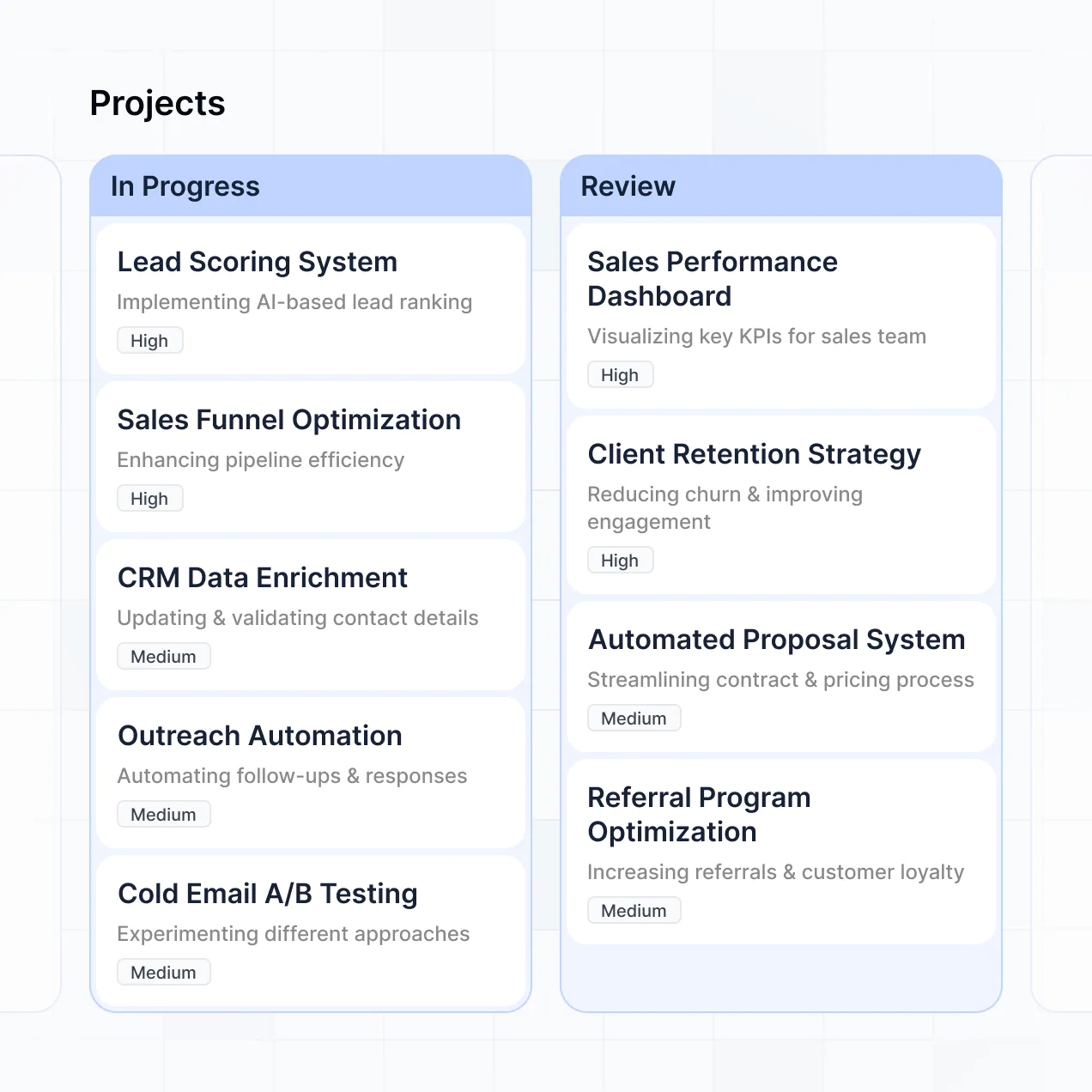
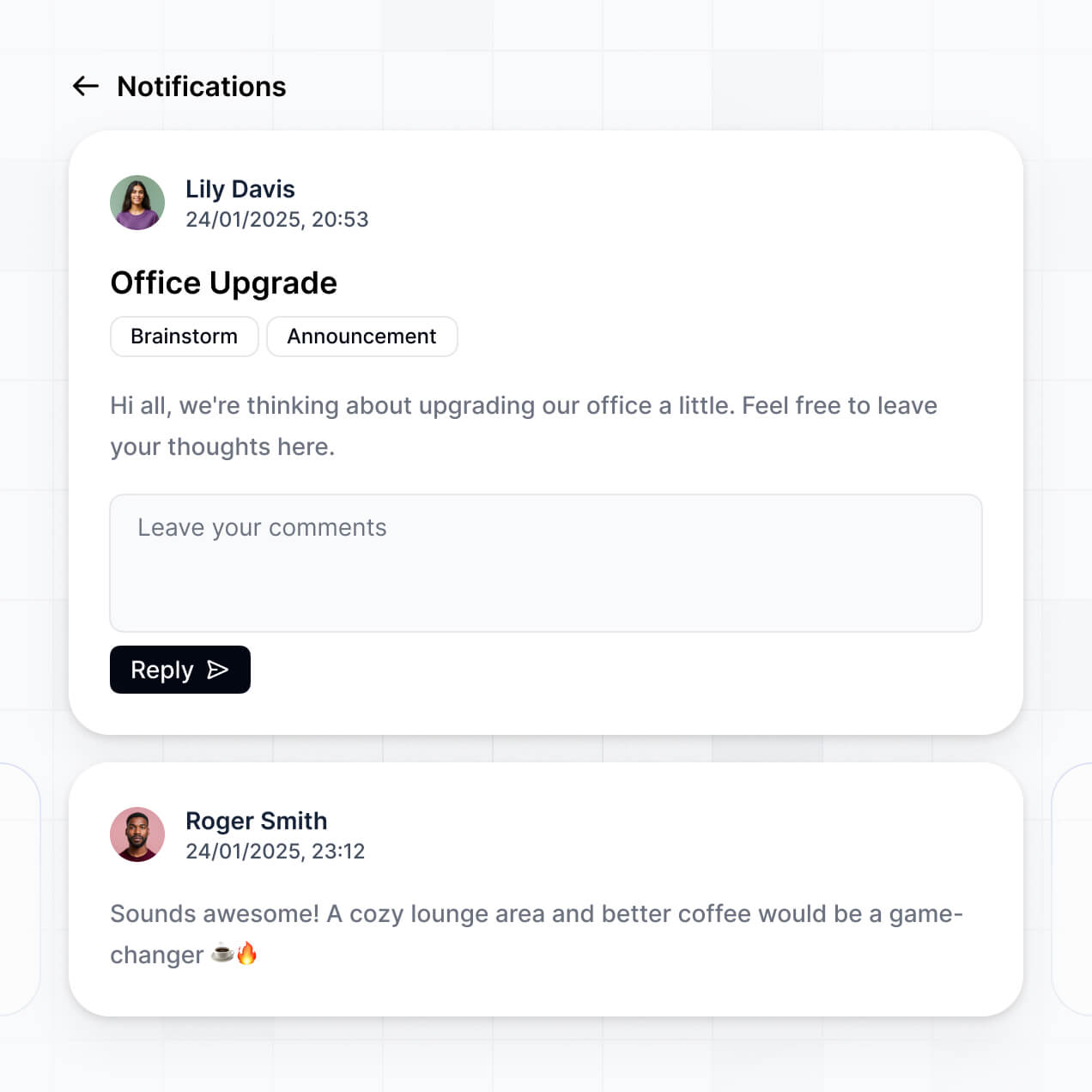
Track milestones, manage tasks, and view progress in an AI-powered project timeline tracker built with AI to fit your team's workflow.
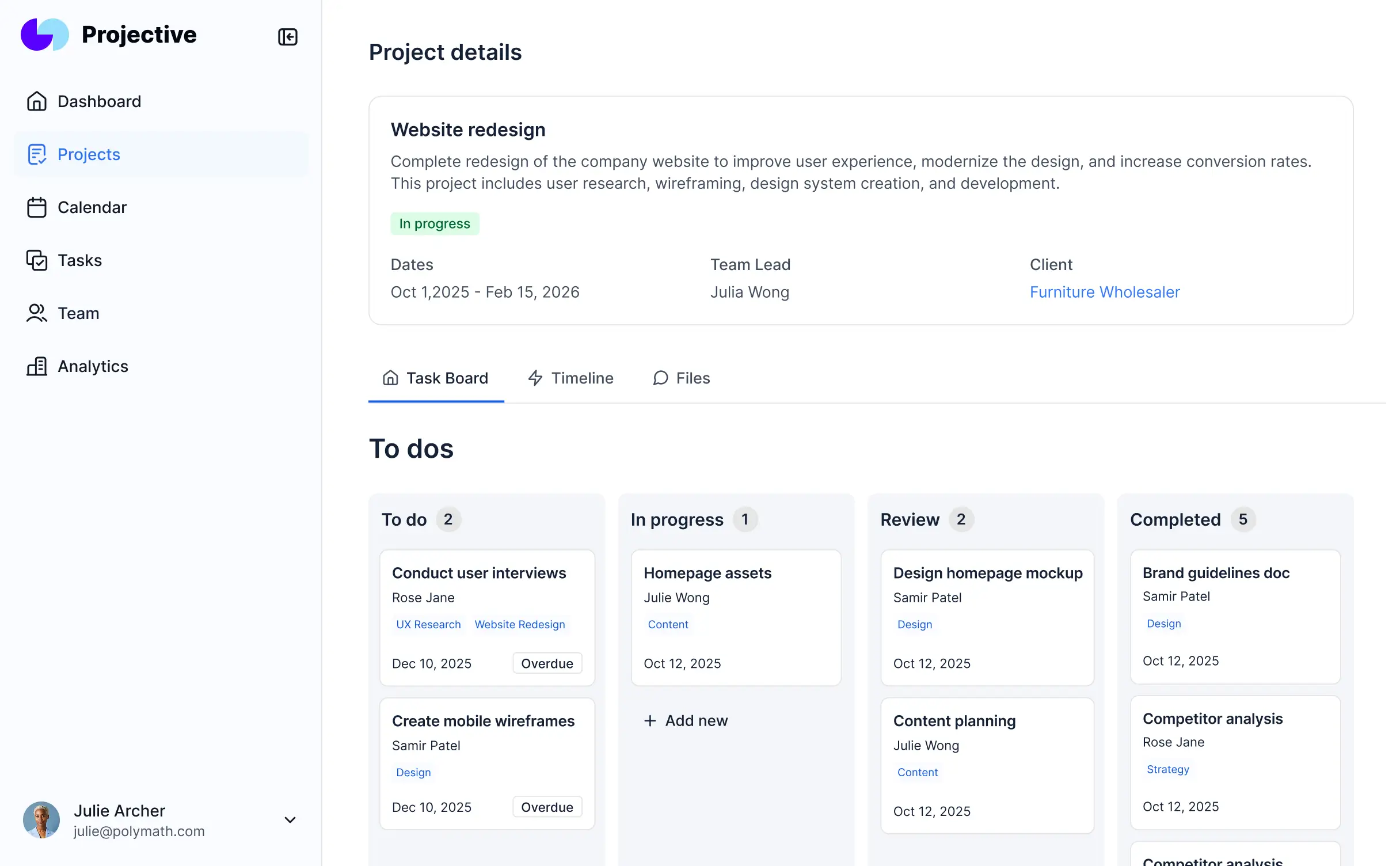
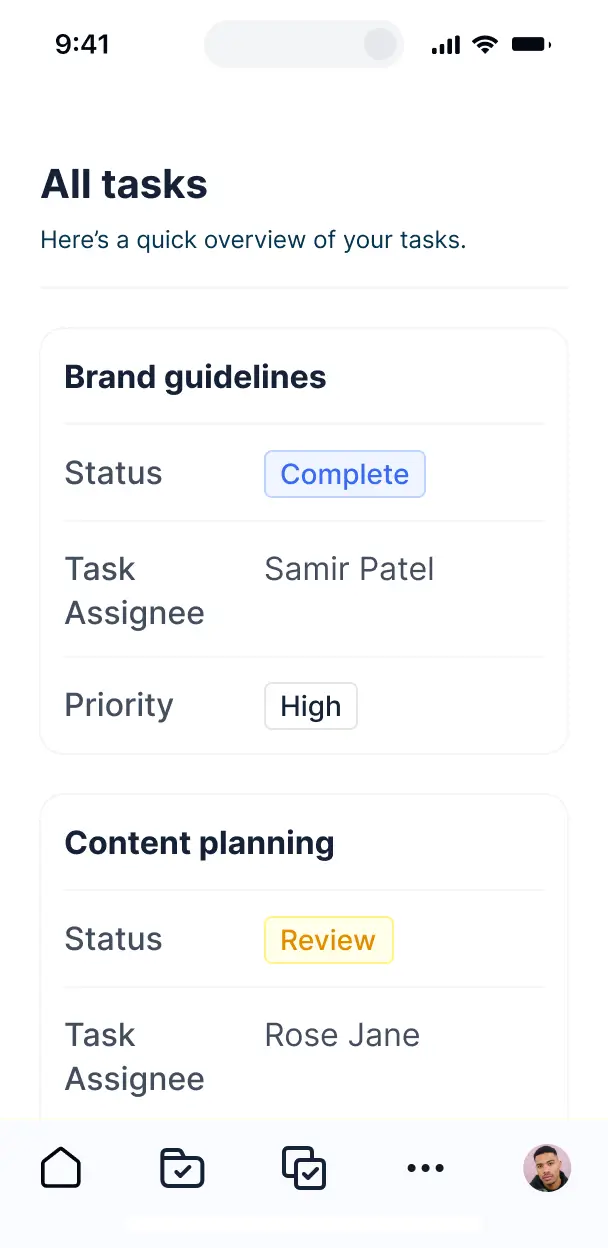



Customize your project timeline tracker with the exact steps and views your team needs. Add features as processes evolve—no code needed.


Connect project task lists, deadlines, and milestone data from multiple tools—or manage everything in Softr Databases. Create one integrated system for team updates.
Give each teammate the right project views and access. Set up secure logins, user groups, and granular permissions—no IT support or dev work needed.
Give different team members tailored access and project dashboards, so each role sees just the milestones and tasks that they need.
Streamline your timeline with Softr Workflows. Trigger native automations for status updates or deadline alerts to keep operations running smoothly.
Access and update your project timeline tracker on the go. All apps are mobile-ready out of the box for tracking progress from anywhere.
Use Google, email, or SSO logins to give your team fast, secure access to the tracker—no IT tickets or complex setups needed.
Keep internal project data safe with SOC2 and GDPR compliance, plus fine-tuned access control at every level of your timeline tool.
No more one-size-fits-all tools or costly custom builds. Softr is easy to use and fully customizable, so you can launch faster, adapt as you grow, and skip the complexity of traditional software.

Build your project timeline tracker in minutes with AI—no manual configuration or setup needed.

Add features like deadline forecasting, file sharing, or health dashboards as your tracker evolves.

Start with a tracker, then add CRM, client portals, or internal forms—all in one place, no extra tools.
Co-build with AI
Simply describe what you need. Let Softr handle everything - Interface, database, workflows.
Iterate with AI or visually
Control most critical parts of your app yourself - roles, permissions, security.
Ship the same day
Invite team members or external clients and partners right away. No developer handover.
Use drag-and-drop blocks to build a portal that looks sleek and modern out of the box. Add only the features you need, and iterate as your workflows evolve.




A project timeline tracker is a secure digital workspace where teams and stakeholders can monitor schedules, milestones, task statuses, and deadlines in real-time. It centralizes project management by aggregating files, status updates, and Gantt charts into one view, eliminating the need for disjointed email chains or manually updated spreadsheets. This ensures everyone from project managers to external contractors stays aligned and delivers on time.
Softr is the first AI-native platform for building business software, making it the fastest way to build a project timeline tracker that mirrors your specific project management methodology. By describing your requirements to the AI Co-Builder, you can immediately generate a database for project phases, interactive timeline pages, and status-tracking logic that are fully connected and secure.
You don't need to code to get started. You can generate your tracker with AI, use a pre-built template, or design from scratch. Everything runs on Softr Databases—which features native relational logic for linking tasks to team members—or you can connect external tools like Airtable, Google Sheets, or HubSpot. You gain full control to customize task views, define who can modify deadlines, and apply your company's branding, allowing your tool to scale as your project complexity grows.
You can incorporate a variety of advanced features into your tracker to streamline project delivery, combining functional blocks with AI automation:
- AI-Powered Intelligence – Use Ask AI to let team members query project status via chat, or deploy Database AI Agents to automatically summarize project risks based on overdue tasks.
- Vibe Coding Blocks – Create custom UI components—like a specialized resource allocation meter—using the AI Code block to build exactly the visualization you need.
- Softr Workflows – Set up native automations, such as an automatic Slack notification triggered whenever a milestone is marked as complete or a deadline is pushed back.
- User Roles & Logins – Secure your data so that external vendors only see their assigned tasks, while executives see a high-level portfolio view.
- Forms & Data Collection – Standardize project intake or daily stand-up reporting with custom forms and file uploads.
- Dashboards & Charts – Monitor KPIs like project health, budget burn rates, and team velocity with real-time charts.
- Lists & Advanced Filtering – Use Kanban boards for sprint management or searchable tables to filter tasks by priority or owner.
Everything is built using drag-and-drop blocks. If you need a more specific project view, use the Vibe Coding block to generate it with AI, and update the tracker's logic instantly as your team's workflow evolves.
Vibe coding focuses on high-speed creation where you describe your project logic and let AI handle the heavy lifting. You can "vibe code" a project timeline tracker in Softr by detailing your specific tracking needs—such as dependency mapping or automatic status updates—to the AI Co-Builder. Softr then handles the generation of a production-ready application.
Unlike other tools that generate raw code that is difficult to fix, Softr manages the "boring 80%" natively, including secure authentication for team members and complex database relations. This gives you the speed of rapid AI prototyping without the risk of managing unstable code. You describe your project parameters, Softr builds the tracker, and your team can start logging progress immediately.
Yes. You can organize multiple projects, teams, or departments within a single unified tracker. By using role-based permissions and conditional filters, each team member only sees the tasks, timelines, and files relevant to their specific department or project phase. This is ideal for PMOs or large organizations that need to centralize oversight while maintaining privacy between different project workstreams.
Yes, absolutely. You don't need an existing project management system to begin. If you are starting fresh, you can use Softr Databases, which is integrated directly into the platform to manage your tasks, milestones, and project metadata seamlessly.
If you prefer to keep your data in tools like Airtable, Google Sheets, or Notion, you can connect those as well. You can even utilize the REST API to bring in project schedules from specialized legacy software. Regardless of the source, you have absolute control over how your project timelines are structured and visualized for your team.
Softr Databases is the recommended native data source, offering high-performance relational mapping that is perfect for project tracking. It ensures lightning-fast updates and instant automation triggers because the data lives where the app does.
Softr also connects to over 17 external sources, including Airtable, SmartSuite, and BigQuery. You can even combine sources—for instance, pulling employee availability from HubSpot while managing project tasks in Softr Databases. Most sources offer real-time, two-way sync, ensuring your project timeline always reflects the latest updates from every connected platform.
Yes, Softr provides total control over the user experience of your project timeline tracker. You can tailor the navigation and page layouts to match your specific PMO standards. Blocks can be dynamically shown or hidden; for example, a project budget block might only be visible to Finance Managers, while a task list is open to all designers.
You can configure diverse roles—such as Project Manager, Team Member, or Client—defining exactly who can edit deadlines or just view progress. This granular control is essential when managing cross-functional projects, ensuring that your data remains secure while the interface stays clean and focused on each user's specific responsibilities.
Yes, you can fully white-label your project tracker. By applying your company logo, brand colors, custom typography, and a custom domain, the tracker becomes a professional, internal tool or a client-facing portal. You can remove all Softr branding to ensure your team and stakeholders interact solely with your corporate identity.
Yes, the design and layout are completely flexible. You can adjust the visual identity and page structure to suit your project's needs. You can choose specific blocks to represent different aspects of your project data:
- Table blocks – to manage detailed task lists, budget items, or risk registers.
- List or Card blocks – to showcase project milestones or team lead profiles.
- Detail View – to provide a deep dive into specific project requirements or briefs.
- Forms – for submitting status updates or new project requests.
- Charts – to visualize sprint burn-down or workload balancing.
- Calendar blocks – to track critical deadlines and meeting schedules.
If you need to pivot your project methodology later, you can easily rearrange blocks or add new data visualizations directly within the visual editor.
Security is a core component of the Softr platform. Every project timeline tracker is encrypted in transit and at rest, hosted on secure infrastructure. You retain full authority over data access, using role-based permissions to ensure sensitive project files or financial details are only viewable by authorized users.
When using Softr Databases, your data is stored in a secure SOC 2 Type II compliant environment in Germany. For those using external connectors like SQL or Airtable, Softr acts as a secure interface that displays data in real-time without storing it. You are always in charge of your project information and who has the rights to edit it.
The generated tracker is fully production-ready. While many AI-based tools create standalone, brittle code, Softr generates your tracker on a professional-grade software foundation.
We provide native handling of the "boring 80%"—like secure logins, user roles, and database architecture—so your tracker is ready for immediate deployment. You avoid the maintenance nightmare of custom-coded prototypes, receiving a scalable, secure app that your project team can rely on for real-world delivery from day one.
Softr is the first AI-native platform specifically built for business software. Unlike basic tools that require significant manual setup or "vibe coding" tools that generate unmanageable code, Softr's AI Co-Builder produces a structured, secure application from the start.
This hybrid approach allows you to use AI to build your project database and interface in minutes, while retaining visual controls for fine-tuning. You gain the speed of AI combined with enterprise-ready features like granular permissions and high-performance hosting, making it the ideal choice for teams that need to move from a project idea to a live tracker instantly.
Yes. Softr allows you to build powerful project automations and sync with your existing tech stack. You can use Softr Workflows to automate repetitive tasks or connect with tools like Slack for alerts and Stripe for project invoicing.
With support for the REST API and webhooks, you can bridge your project tracker with any other software your company uses. Whether you are automating task reminders or pulling resource data from another system, everything can be integrated into your project timeline tracker without writing any code.
Describe what you need. Softr's AI builds it in minutes. Get started for free today.