


Build no code work order management software
Assign jobs, track status, and manage repairs in an AI-powered system built with AI to fit your team's maintenance and field workflow.
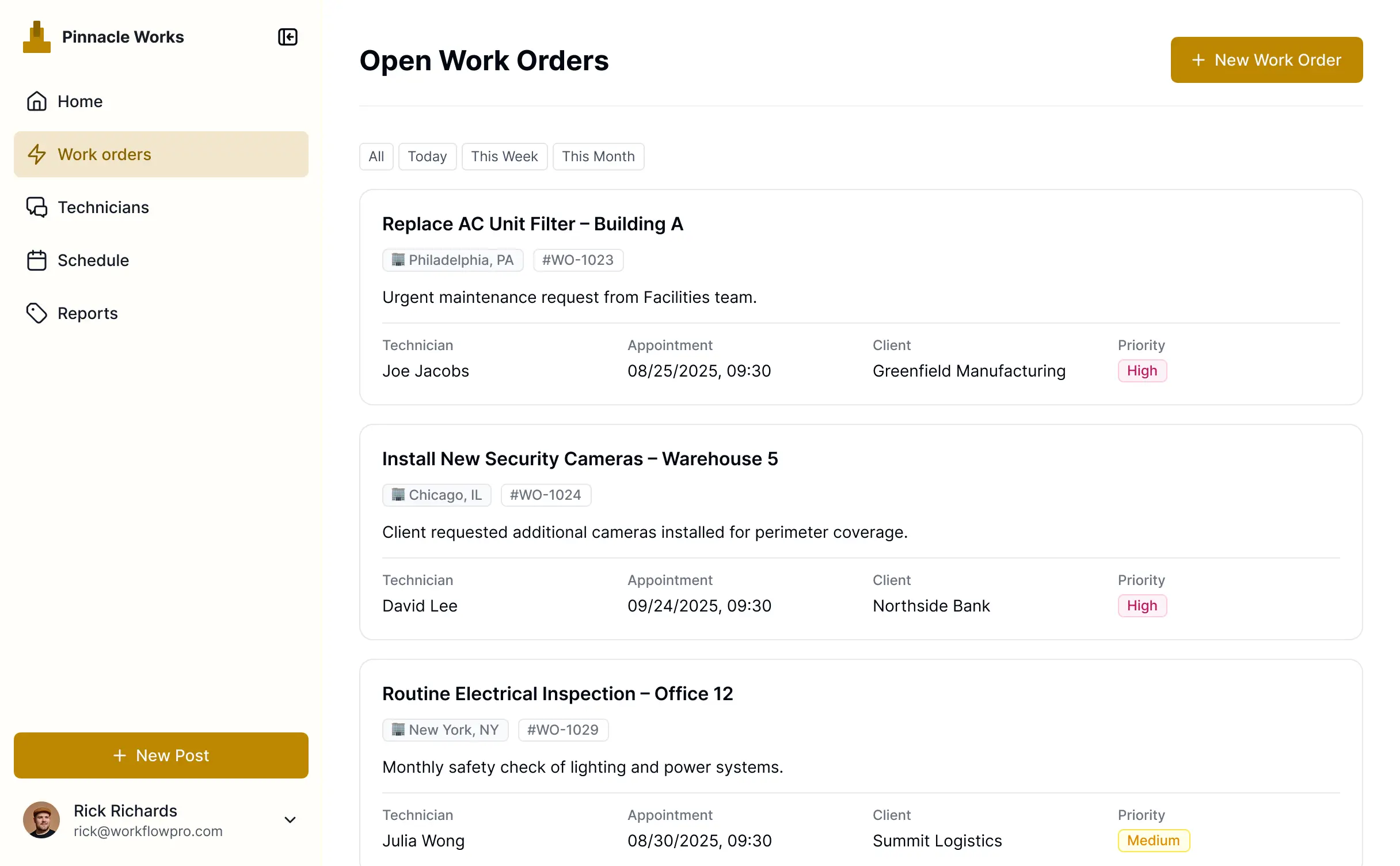










Build exactly what your team needs
Customize your workflow with the exact tracking steps and views your team requires. Add features as your operations evolve—no code needed.

Digital work order creation

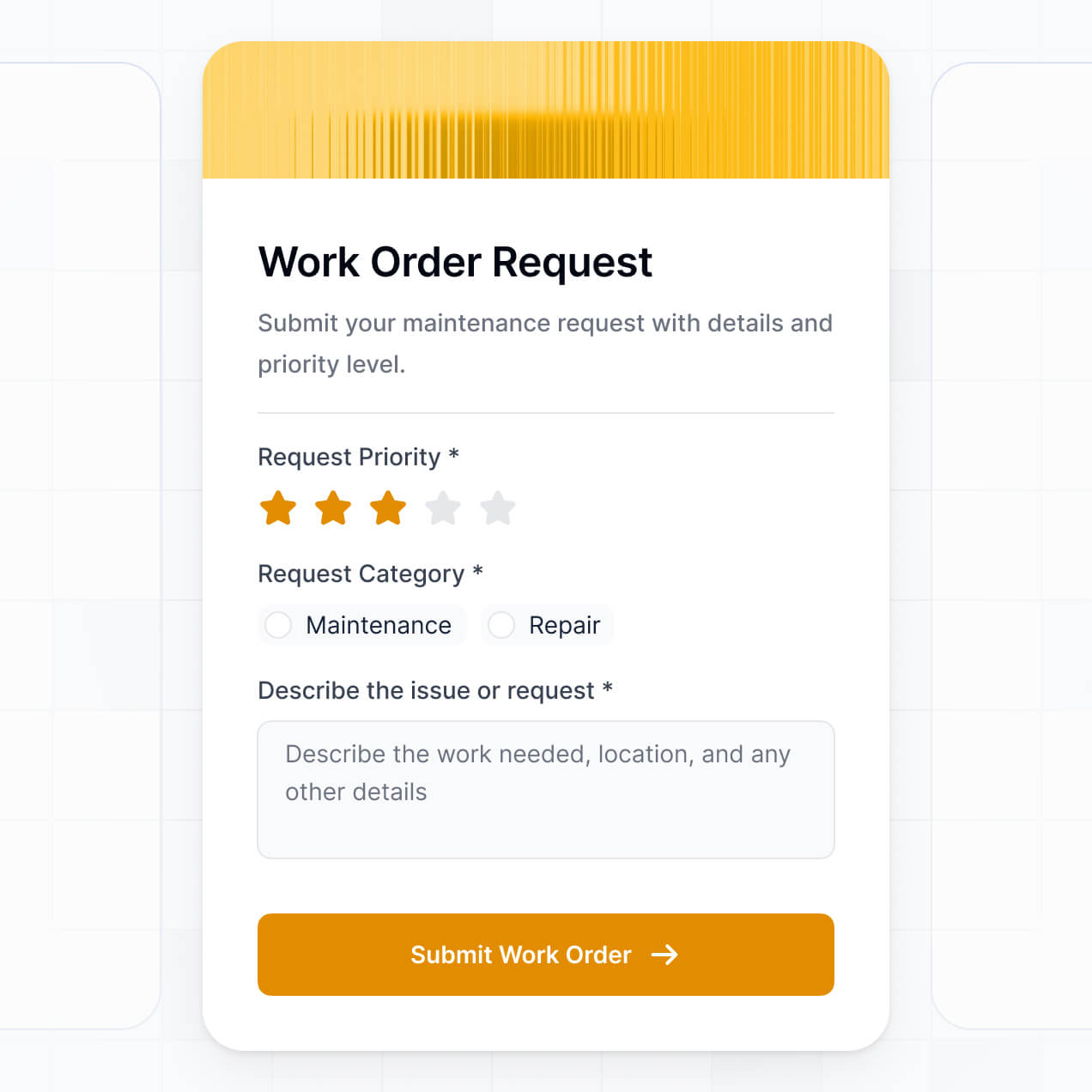

Automated job assignment
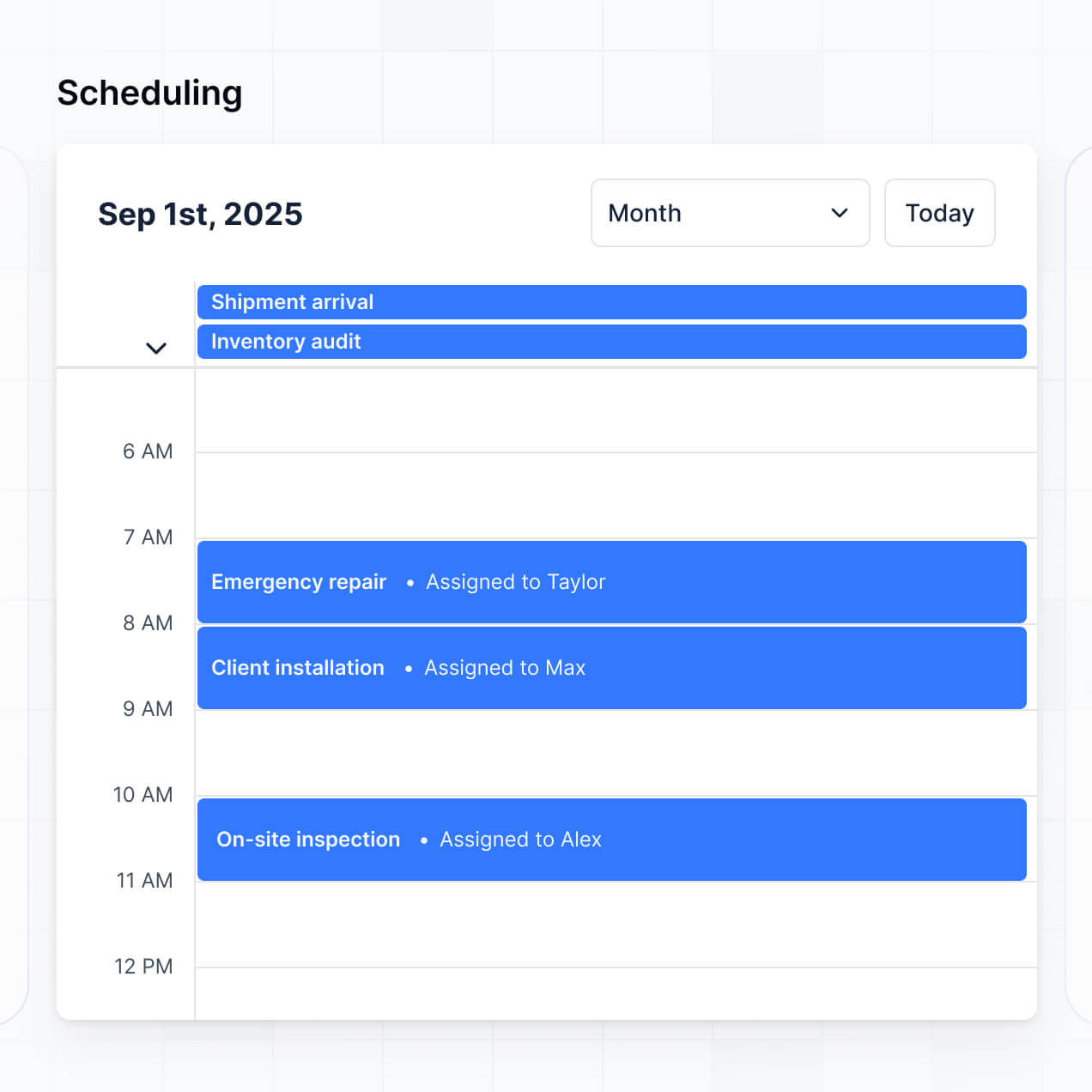

Real-time status tracking


On-site file uploads


AI-powered maintenance summaries


Manager approval workflows


Unify your maintenance data in real time
Connect equipment logs, technician lists, and service history from multiple tools—or manage everything in Softr Databases. Create one integrated source for every job.


Custom access for every role. Built-in security.
Let technicians, managers, and clients log in to a fully branded portal. Set up permissions and personalized job access in minutes—no code needed.

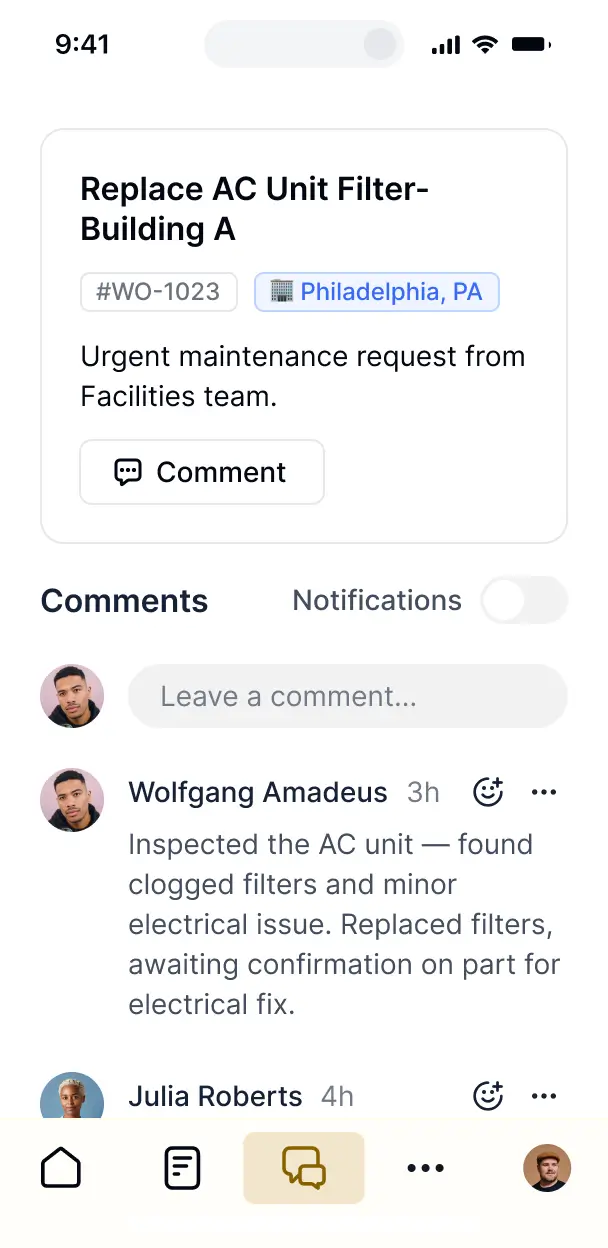
Works on any device
Automate your field operations with Softr Workflows for dispatching tasks, job status updates, and manager notifications that trigger instantly.

Automations
Automate your field operations with Softr Workflows for dispatching tasks, job status updates, and manager notifications that trigger instantly.

User groups
Assign roles for field techs, facility managers, or clients—each gets access to only the work orders and data they need to see.

Advanced permissions
Control who can view, complete, or approve work orders—down to the field level—ensuring data integrity across your entire team.

Security
Keep maintenance records and client job data safe. Softr is fully compliant with SOC2 and GDPR regulations for enterprise-grade security.

Conditional forms
Capture job details, on-site inspections, or equipment approvals using flexible form blocks tailored to each specific maintenance task.

Why Softr vs other software
No more one-size-fits-all tools or costly custom builds. Softr is easy to use and fully customizable, so you can launch faster, adapt as you grow, and skip the complexity of traditional software.

Easy, fast setup
Build your work order software in minutes with AI—no manual configuration or coding needed.

Consolidate your stack
Add features like maintenance summaries or manager approvals as your workflows grow—no rebuild needed.

Flexible as you grow
Start with work orders, then add custom dashboards, asset trackers, or safety forms—all in one place.
Generate a custom management software with AI
Co-build with AI
Simply describe what you need. Let Softr handle everything - Interface, database, workflows.
Iterate with AI or visually
Control most critical parts of your app yourself - roles, permissions, security.
Ship the same day
Invite team members or external clients and partners right away. No developer handover.

The go-to platform for business operations
Use drag-and-drop blocks to build a portal that looks sleek and modern out of the box. Add only the features you need, and iterate as your workflows evolve.


Minerva Network increased athlete registrations by 50% with a custom CRM and portal

Celonis built a GTM knowledge base for 1,500+ team members


Urban's Group increased productivity by 25% with a custom ERP system
Frequently asked questions
Build your work order management software
Go from idea to live management software in under an hour. Build and customize your workflow without code.