Track gear, manage maintenance, and monitor station supplies in an AI-powered system built with AI to fit your department's workflow.
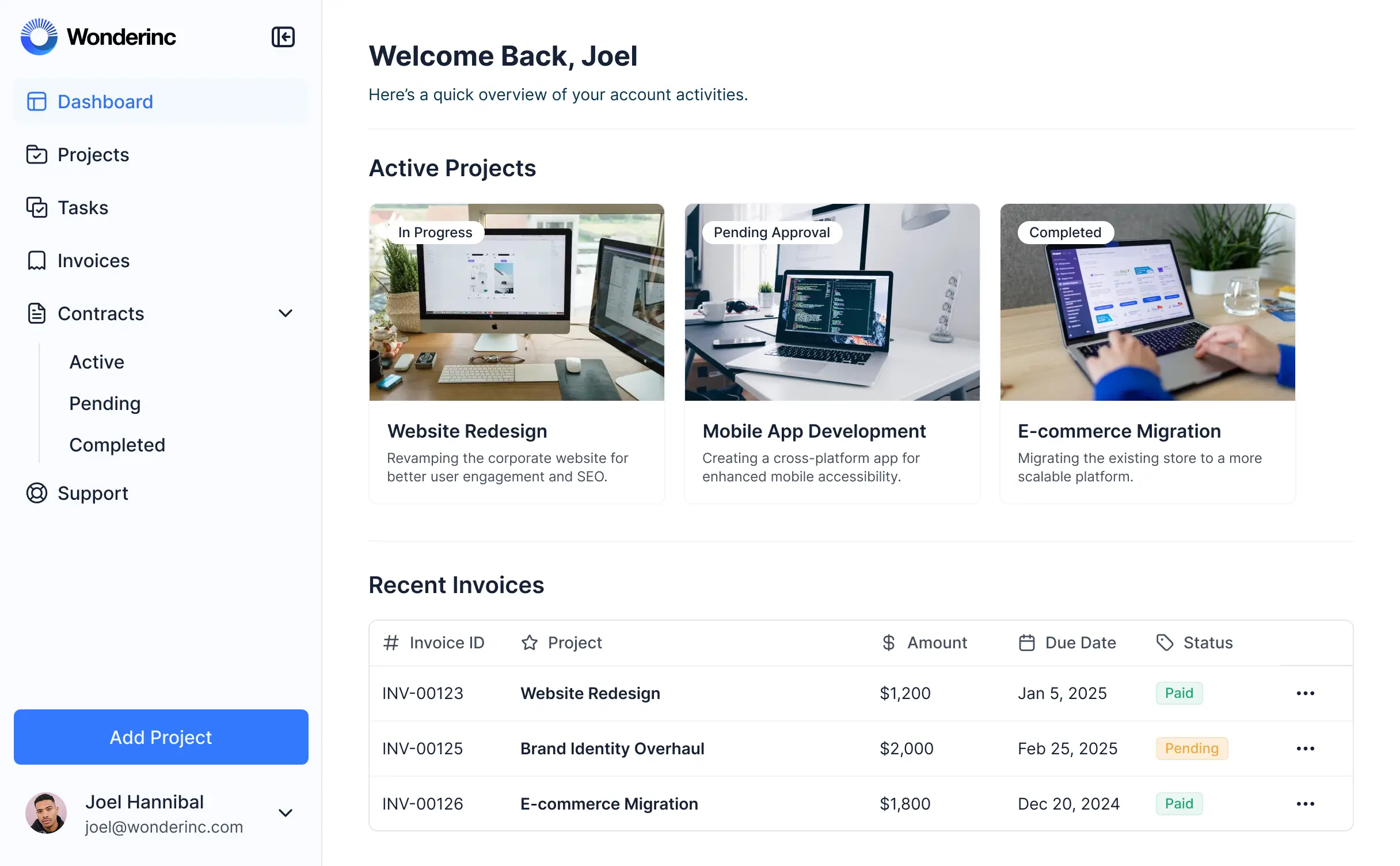
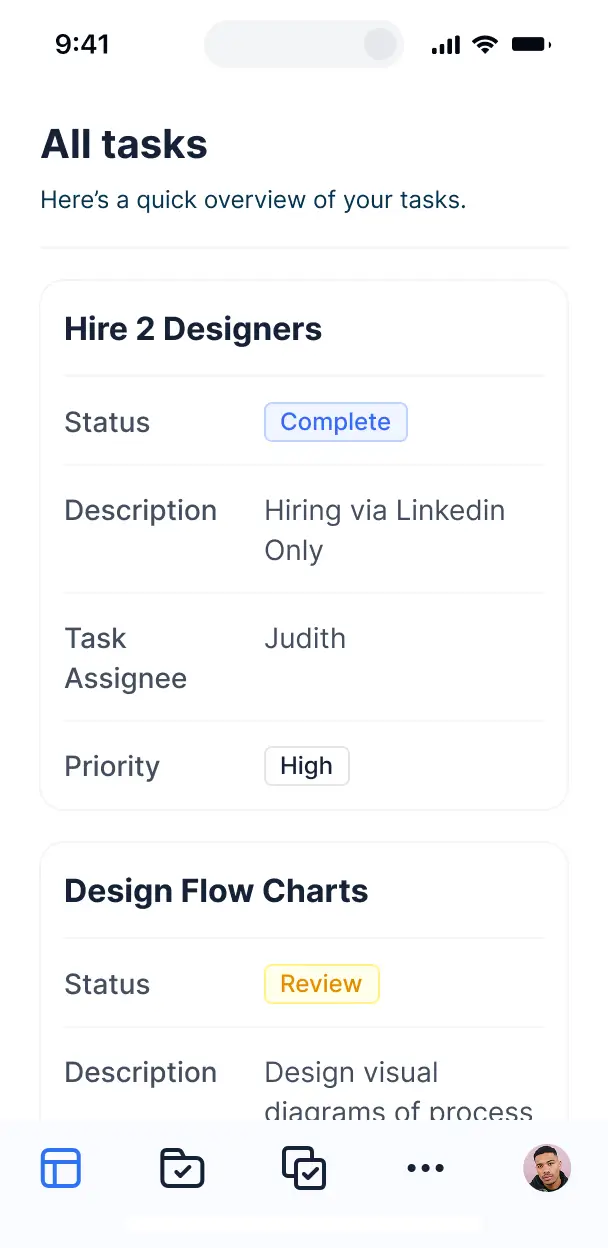



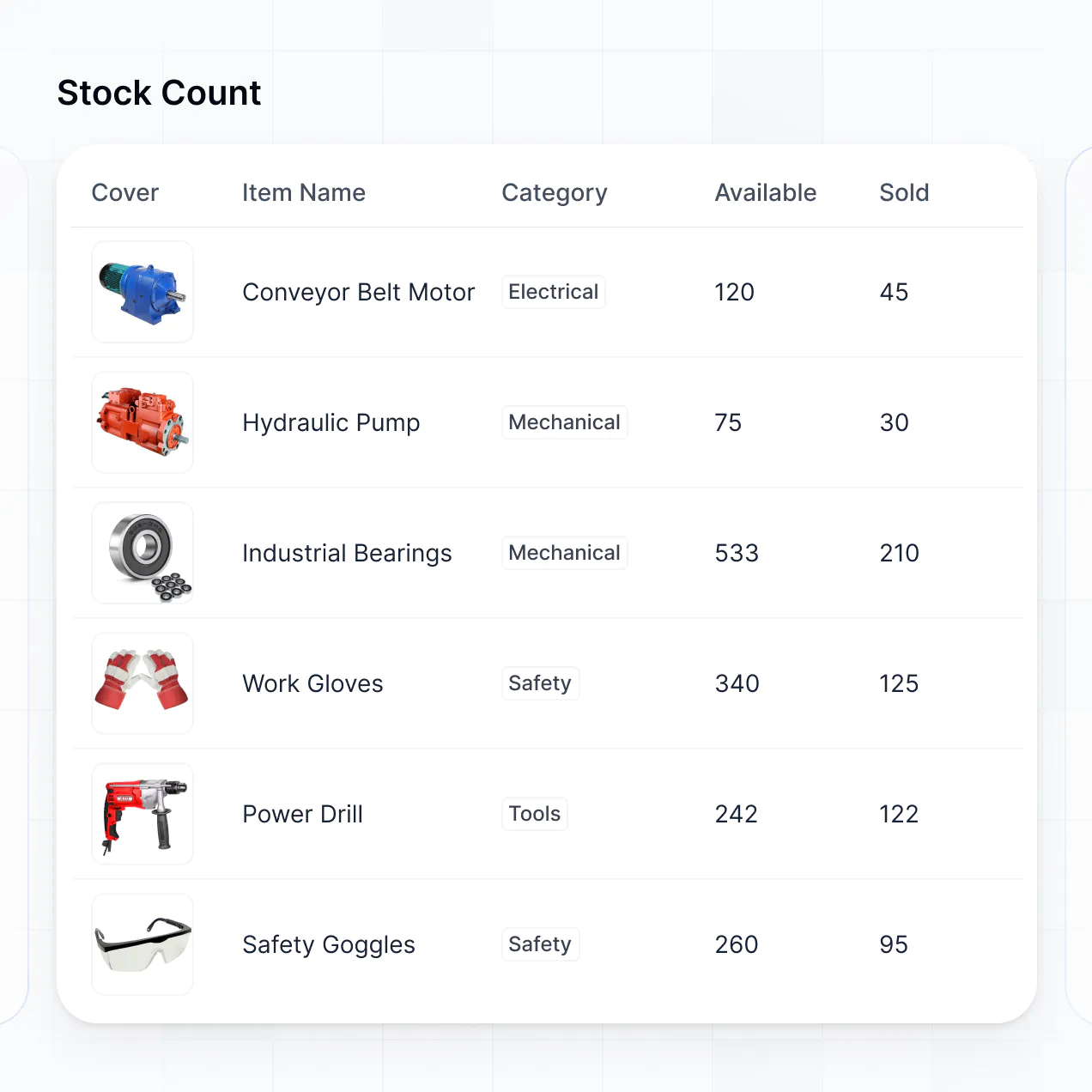
Customize a fire department inventory management system that tracks turnout gear and station supplies. Add the exact views your crew requires.


Connect equipment logs, maintenance schedules, and supply levels with real-time sync—or manage everything in Softr Databases. Create one source of truth for your station.
Let firefighters, captains, and logistics officers log in to a branded portal. Set up permissions and equipment access in minutes—no code needed.
Automate your fire operations with Workflows for low-stock alerts, maintenance reminders, and gear expiration notifications that trigger instantly based on data updates.
Assign roles for station leads, field personnel, or logistics staff—each gets secure access to only the inventory and checklists relevant to their specific role.
Control who can view equipment logs, approve supply requests, or edit maintenance records—down to the field level to ensure data integrity and compliance.
Keep sensitive municipal and department data safe. Softr is fully compliant with SOC2 and GDPR regulations, providing enterprise-grade security for government use.
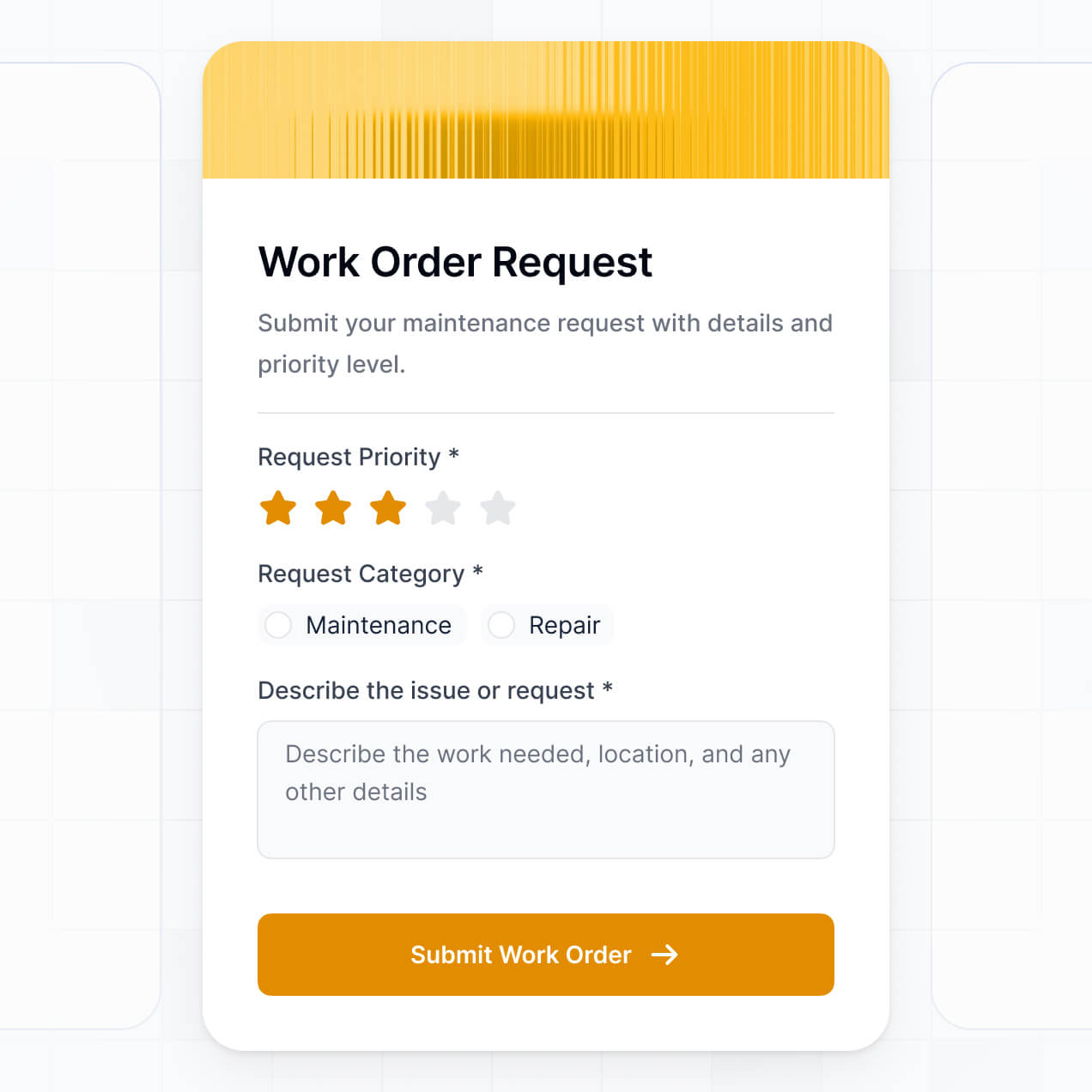
Capture inspection details, apparatus checks, or gear issue reports using flexible form blocks tailored to the specific inventory task at hand.
No more one-size-fits-all tools or costly custom builds. Softr is easy to use and fully customizable, so you can launch faster, adapt as you grow, and skip the complexity of traditional software.

Build your fire inventory system in minutes with AI—no manual setup or complex configuration needed.

Add maintenance alerts, gear tracking, or apparatus checklists as your processes evolve—no rebuild needed.

Start with equipment tracking, then add training logs or personnel dashboards—all in one secure place.
Co-build with AI
Simply describe what you need. Let Softr handle everything - Interface, database, workflows.
Iterate with AI or visually
Control most critical parts of your app yourself - roles, permissions, security.
Ship the same day
Invite team members or external clients and partners right away. No developer handover.
Use drag-and-drop blocks to build a portal that looks sleek and modern out of the box. Add only the features you need, and iterate as your workflows evolve.




A fire department inventory management system is a secure digital hub where fire officers and station managers can log in to track essential equipment, supplies, and maintenance schedules. It centralizes records for everything from PPE and hoses to medications in medical bags, replacing paper logs or messy spreadsheets. This makes it easier for your department to remain compliant, ensure gear is mission-ready, and provide a faster response for both your team and your community.
Softr is the first AI-native platform for building specialized business software. It allows you to build a fire department inventory management system that matches your station's specific apparatus and gear lists perfectly. You can describe your storage needs to the AI Co-Builder to instantly generate your database, equipment pages, and tracking logic—already secured with user authentication for your personnel.
You don't need to code anything. You can start by generating with AI, using a pre-made inventory template, or building from scratch. Everything runs on Softr Databases, or you can link existing station data from Airtable, Google Sheets, or SQL. You have full control to customize the layout, set permissions so only certain officers can approve orders, and brand it with your department's logo. It's fast to deploy, simple for firefighters to use on mobile devices, and flexible enough to scale across multiple firehouses.
You can include a wide range of logistics and safety features in your system depending on your station's needs. A robust fire department inventory management system usually combines core tracking blocks with AI-driven insights:
- AI-Powered Intelligence – Use Ask AI to allow quartermasters to query stock levels conversationally, or set up Database AI Agents to automatically summarize equipment usage trends or flag upcoming expiration dates on medical supplies.
- Vibe Coding Blocks – Create specialized UI elements—like a custom apparatus inspection board—using the AI Code block to "vibe code" exactly the interactive checklist you need.
- Softr Workflows – Build native automations (like low-stock alerts) that trigger SMS notifications to the chief or sync data whenever a firefighter removes an item from a rig.
- User Portals & Logins – Secure access so each firefighter only sees their assigned gear while captains have a full view of the entire station inventory.
- Forms & Data Collection – Capture inspection results or oxygen refill requests with custom forms, damage photo uploads, and conditional logic.
- Dashboards & Charts – Visualize your equipment status and budget spending with real-time charts and fleet readiness summaries.
- Lists & Advanced Filtering – Manage your assets with searchable equipment tables, kanban boards for maintenance stages, and detailed record views for every tool.
Everything is built using Softr's drag-and-drop blocks, so you can create these features without writing code. If your department requires a specific barcode scanner integration, use the Vibe Coding block to generate it with AI.
Vibe coding is about moving at the speed of emergency response and using AI to build the tools your station needs. You can "vibe code" your fire department inventory management system in Softr by simply describing your asset tracking requirements to the AI Co-Builder. Softr then generates a production-ready application on top of a stable, secure foundation for your data.
Unlike other tools that just output raw code, Softr handles the critical "boring 80%"—like secure firefighter authentication, database permissions, and mobile responsiveness—natively. This means you get the speed of vibe coding without the technical debt of managing raw code in a high-stakes environment. You describe your inventory workflow, Softr builds it, and it’s ready for the shift crew to use immediately.
Yes. You can manage multiple firehouses, apparatus groups, or specialized teams (like Hazmat or Wildland units) within a single system. Each officer or firefighter only sees the gear and stock levels assigned to their specific station or rig, based on their login credentials and role. This is ideal for consolidated fire districts managing resources across a wide geographical area.
Yes, you can. You don't need to import an existing database to start building with Softr. If you are starting from scratch, you can use Softr Databases, which is built into the platform and allows you to define your gear categories—like SCBAs, nozzles, and uniforms—directly within the app builder.
However, if you already have stock lists in tools like Airtable, Google Sheets, or Excel, you can connect those just as easily. You can also use the REST API connector to bridge data from government vendor portals. Regardless of how you choose to store it, you have total control over how your inventory is structured and presented to your personnel.
Softr Databases is the recommended native data source for fire department apps. It is a relational database built for speed and high performance, ensuring that when an emergency happens, your inventory data loads instantly and automations trigger without delay.
If your department uses other tools, Softr also connects to 17+ external sources including Airtable, Google Sheets, HubSpot, SmartSuite, and SQL databases. You can even combine sources in one app—syncing your daily rig checks from Softr Databases with budget figures from a central SQL server. Most sources support real-time, two-way sync, ensuring your stock levels are always accurate across the board.
Yes, Softr gives you granular control over how your staff interacts with the inventory system. You can customize the dashboard, navigation, and gear records to match your department SOPs. Each page or inventory block can be restricted based on rank, so a probationary firefighter might only see their task list, while a battalion chief sees station-wide reports.
By setting up different user roles—such as Admin, Captain, and Firefighter—you define exactly what data each person can view or edit. For example, firefighters can update supply counts after a call, but only the logistics officer can approve new purchase orders. This ensures your data stays clean, secure, and tailored to the needs of every rank.
Yes, you can fully white-label your inventory management system in Softr. You can add your department's custom logo, patch graphics, and official colors (like fire engine red) to the interface. By using a custom domain and removing all Softr branding, the system feels like an official internal tool developed specifically for your fire department.
Yes, Softr provides significant flexibility to customize the design and layout of your inventory application. You can adjust the visual theme to match your station’s identity and structure the pages to reflect your real-world storage layout. You control the placement of every tracking block to ensure your team finds what they need quickly.
To organize your gear, you can utilize several block types:
- Table blocks – to track detailed equipment lists, serial numbers, and service dates.
- List or Card blocks – to show visual galleries of apparatus or high-value rescue tools.
- Detail View – to provide a comprehensive look at a single asset, like maintenance history for an engine.
- Forms – for rig checks and inventory restocking requests.
- Charts – to track PPE replacement cycles and budget usage.
- Calendar blocks – to display upcoming pump tests or ladder inspections.
If your station’s inventory workflow evolves, you can easily tweak the visual builder to add new categories or tracking fields.
Softr is built with enterprise-grade security to protect sensitive department information. All data is encrypted in transit and at rest, and hosted on reliable infrastructure. Softr allows you to manage strictly who has access to sensitive files, such as personnel training records or inventory costs, through role-based permissions.
For apps using Softr Databases, data is stored in a SOC 2 Type II compliant environment in Europe. For departments connecting to external data like SQL or Airtable, Softr doesn't store your records locally—it displays them in real-time based on your specific access rules. You retain full control over your equipment logs and who is authorized to modify them.
It is fully production-ready. Unlike many AI tools that simply generate fragile scripts, Softr builds your fire department inventory management system on a robust business-grade infrastructure.
We provide native handling of the "boring 80%"—including secure station logins, hosting, and granular user roles—so your system is ready for the field immediately. This addresses the common failure of AI-built prototypes; you get the benefit of instant generation with the reliability of a tool that can handle daily rig checks and emergency equipment tracking without technical glitches.
Softr is the first AI-native platform for building specialized business tools. Unlike simple spreadsheet-to-app tools that lack complexity, or traditional no-code platforms that require weeks of configuration, Softr's AI Co-Builder creates a custom inventory system for your fire department in minutes.
The key advantage is the hybrid approach: you can use AI to build the foundation of your gear tracker and station logic, then use the visual drag-and-drop editor for fine-tuning. You receive the speed of AI combined with the security of professional infrastructure like built-in authentication and role permissions. It is designed for fire officers who need to move from a manual process to a digital system on day one.
Yes. Softr supports powerful native workflows and numerous integrations to connect your inventory system with the rest of your station's stack. You can automate tasks like sending a Slack notification when medical supplies run low or syncing with software like Stripe for uniform billing. Softr also supports the REST API and webhooks for advanced data flow.
Whether you need to trigger a work order in a maintenance system or pull in delivery data from an equipment vendor, you can build those automations directly into your inventory portal without writing a single line of code.
Describe your workflow and Softr's AI will build your fire department system in minutes. Start for free today.