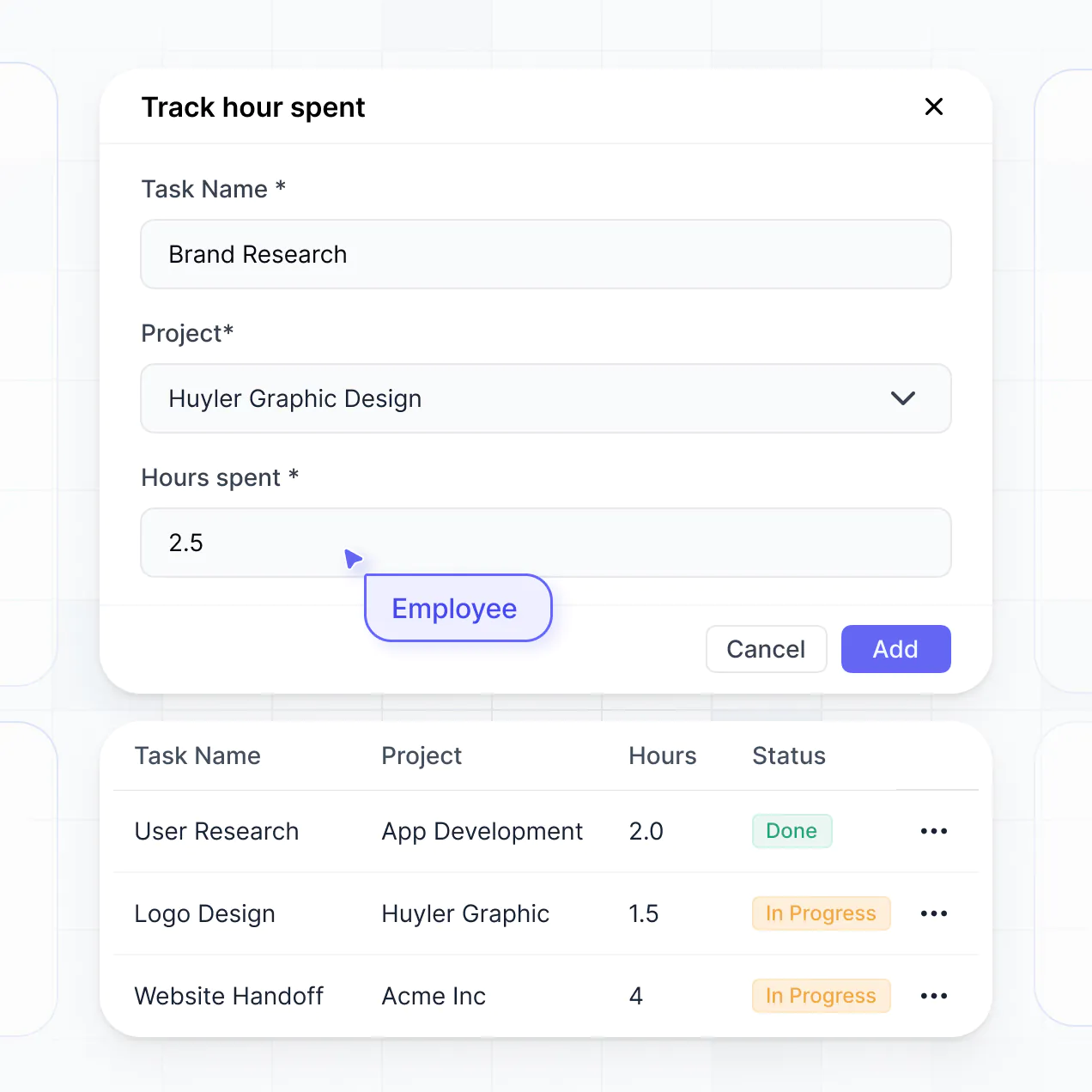
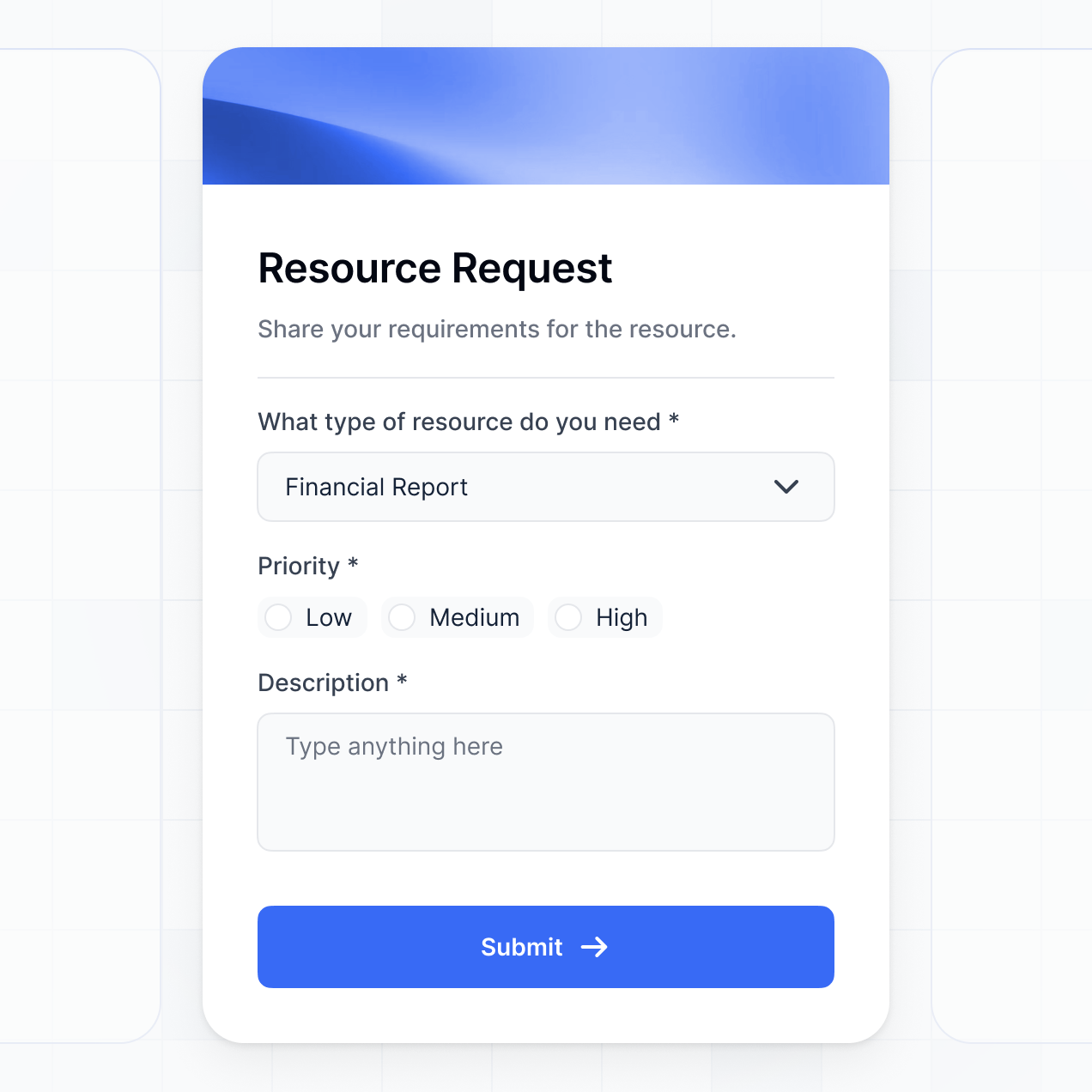
Log claims, upload receipts, and manage approvals in an AI-powered system built with AI that you customize to fit your team's workflow.
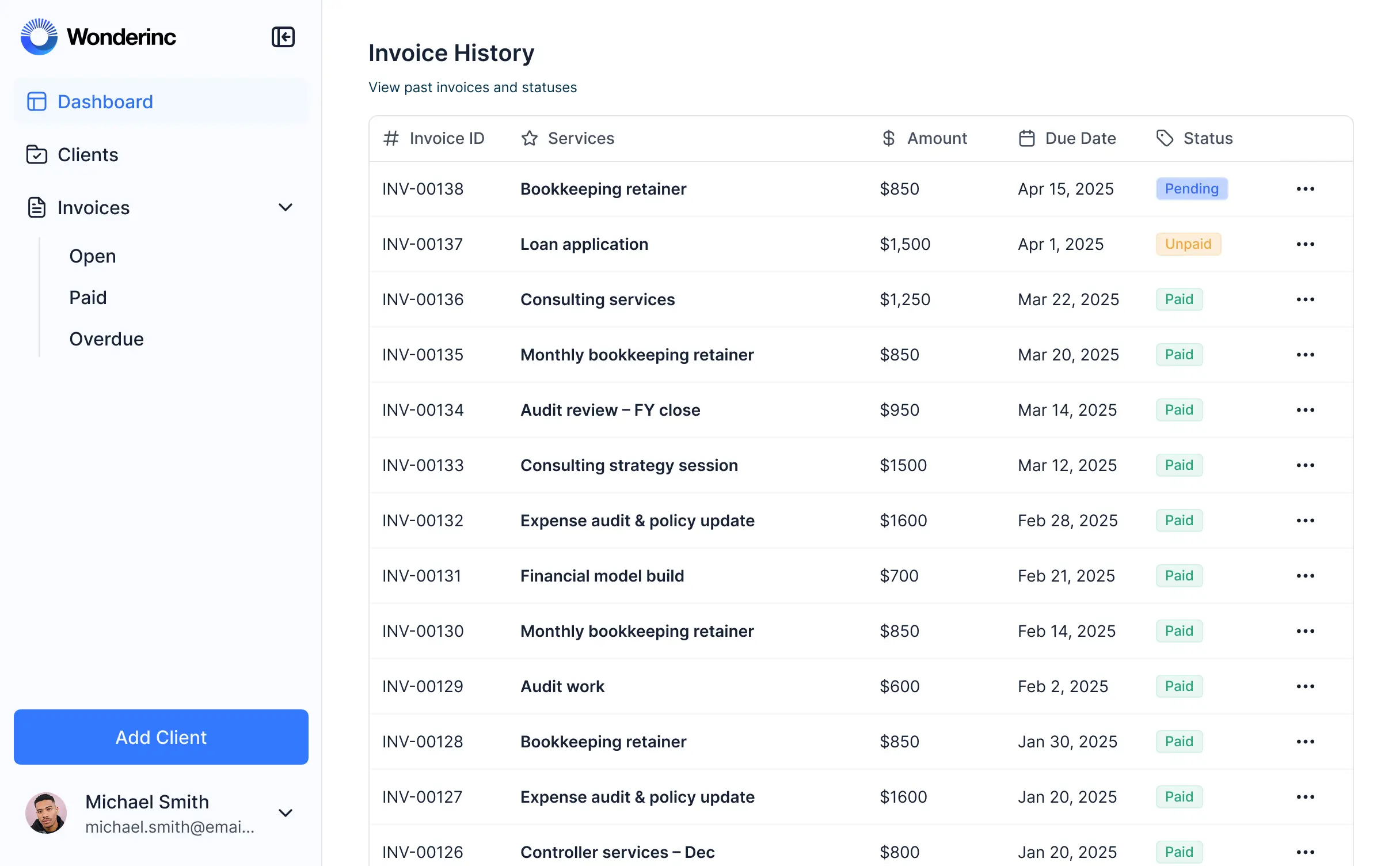



Customize an expense reimbursement tracker with the exact approval steps and views your team needs. Add features as processes evolve—no code needed.


Connect spreadsheets, CRMs, and finance logs with real-time sync—or manage receipts in Softr Databases. Create a single source of truth for your business reimbursements.
Give each teammate the right tools and access. Set up secure logins, user groups, and granular permissions—no IT support or dev work needed.
Give managers and employees tailored dashboards, so employees see their own claims while managers see total team spend and pending approvals.
Streamline your internal processes with Softr Workflows. Trigger native notifications or status changes automatically when an expense report is approved.
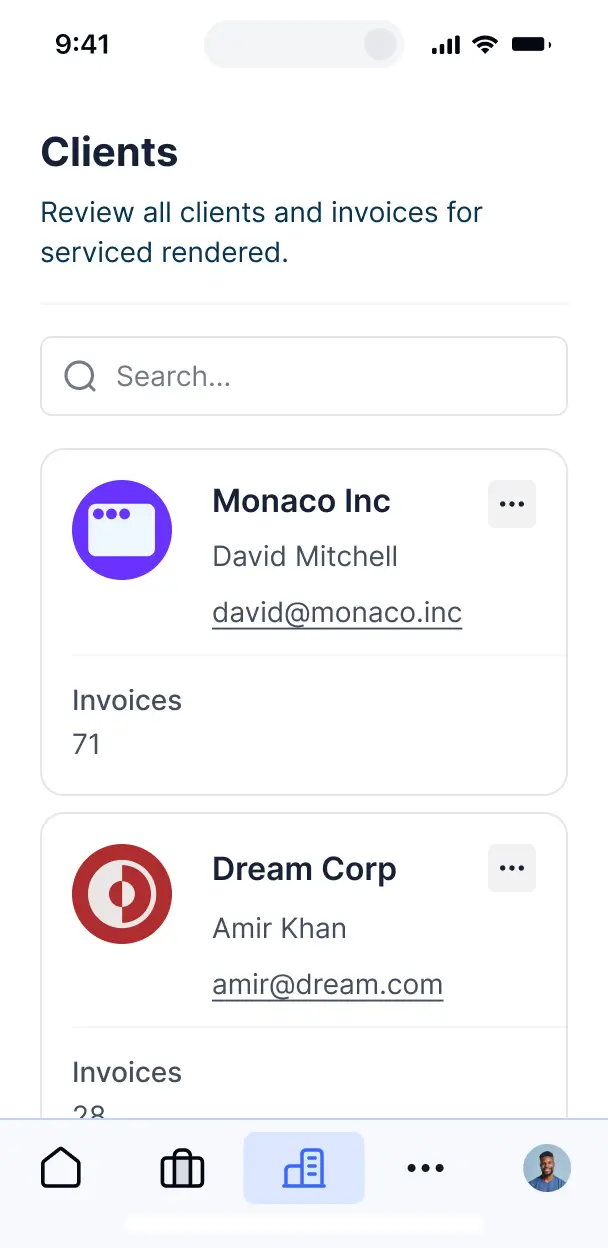
Submit and approve reimbursement claims on the go. All trackers are mobile-ready out of the box, allowing for easy receipt uploads from your phone.
Use Google, email, or SSO logins to give your team fast, secure access to log expenditures—no IT tickets or complex setup needed.
Keep sensitive financial and employee data safe with SOC2 and GDPR compliance, plus fine-tuned access control at every level of your tracker.
No more one-size-fits-all tools or costly custom builds. Softr is easy to use and fully customizable, so you can launch faster, adapt as you grow, and skip the complexity of traditional software.

Build your expense reimbursement tracker in minutes with AI—no manual configuration or dev time needed.

Add features like multi-level approvals, receipt summaries, or budget monitoring as your team grows.

Start with a tracker, then add HR portals, dashboards, or internal forms—all in one place with no extra tools.
Co-build with AI
Simply describe what you need. Let Softr handle everything - Interface, database, workflows.
Iterate with AI or visually
Control most critical parts of your app yourself - roles, permissions, security.
Ship the same day
Invite team members or external clients and partners right away. No developer handover.
Use drag-and-drop blocks to build a portal that looks sleek and modern out of the box. Add only the features you need, and iterate as your workflows evolve.




An expense reimbursement tracker is a secure internal tool where employees can submit business expenses, upload receipts, and track the status of their payouts. It centralizes the entire approval process, replacing the chaos of lost paper receipts and back-and-forth emails. This ensures finance teams stay organized and employees get reimbursed faster through a transparent, automated system.
Softr is the first AI-native platform for building business software, making it easy to create an expense reimbursement tracker tailored to your company's fiscal logic. You can describe your specific approval flow to the AI Co-Builder to instantly generate your database, receipt submission pages, and manager dashboards—all pre-connected and secure.
You don't need to code. You can start with AI, use a specialized template, or build from scratch. Everything runs on Softr Databases, or you can link your existing financial data from Airtable, Google Sheets, or HubSpot. You have full control to brand the portal, define approval hierarchies, and adjust the layout visually. It’s quick to launch, simple for employees to use on mobile, and flexible enough to scale as your headcount grows.
You can include a variety of features in your expense reimbursement tracker to streamline your financial operations. A high-performing app usually combines functional submission blocks with AI-powered automation:
- AI-Powered Intelligence – Use Database AI Agents to automatically categorize expenses from receipt text or detect potential policy violations.
- Vibe Coding Blocks – Build custom UI elements, like a dynamic currency converter or a real-time budget utilization progress bar, using the AI Code block.
- Softr Workflows – Create native automations that trigger Slack notifications to managers when a new claim is filed or sync approved totals to your accounting software.
- User Portals & Logins – Ensure employees only see their own submissions, while finance leads have a holistic view of department spending.
- Forms & Data Collection – Capture details with custom forms that support multi-file receipt uploads and conditional logic for mileage or travel types.
- Dashboards & Charts – Visualize monthly spending trends and pending reimbursement totals with real-time charts.
- Lists & Advanced Filtering – Manage claims with searchable tables, status-based kanban boards, and detailed line-item views.
Everything is built using drag-and-drop blocks, so no coding is required. If your policy changes, updating the logic or design is simple and instantaneous.
Vibe coding allows you to build a sophisticated finance tool by describing how you want it to behave. You can "vibe code" your expense reimbursement tracker in Softr by telling the AI Co-Builder your specific reimbursement rules, such as "create an approval workflow where receipts over $500 go to the CFO." Softr then generates a production-ready application on a secure foundation.
While other tools leave you with fragile, manual code to maintain, Softr handles the critical logic like secure file storage for receipts, user authentication, and data permissions natively. You get the speed of rapid AI generation without the risk of managing raw code. You describe the workflow, Softr builds the tracker, and your team can start submitting receipts immediately.
Yes. You can manage multiple departments, such as Sales, Marketing, and Engineering, within a single tracker. Each employee only sees their personal expense history, while department heads see only their team's submissions based on their specific role and login. This is ideal for growing organizations needing centralized financial oversight with decentralized submission.
Yes, you can. You don't need an existing spreadsheet or database to start. If you are starting fresh, use Softr Databases, which is built into the platform and optimized for handling transaction records and receipt attachments.
However, if you already have expense logs in Airtable, Google Sheets, HubSpot, or SQL, you can connect those smoothly. You can even use the REST API to pull in data from corporate card providers. You maintain full control over how your expense categories and approval statuses are structured and displayed.
Softr Databases is the recommended native source for tracking reimbursements. It is fast, secure, and supports the instant automation triggers needed for quick approvals. Because the data is native, the user experience for employees uploading receipts on the go is lightning-fast.
Softr also connects to 17+ external sources including Airtable, Google Sheets, HubSpot, and SmartSuite. You can even combine sources—for example, storing active receipts in Softr Databases while syncing summarized monthly totals to a BigQuery warehouse. Most sources support real-time, two-way sync, ensuring your finance team and employees always see the same status.
Yes, Softr provides granular control over the reimbursement experience. You can customize the dashboard so employees see a simplified submission form, while finance admins see a complex audit view. Blocks can be shown or hidden based on user roles, ensuring sensitive salary or bank info stays private.
You can set up specific roles, such as Submitter, Manager, and Finance Admin, and define exactly what each can edit. For instance, a manager can update a status to 'Approved,' but cannot change the original receipt amount. This ensures audit integrity and a clean experience tailored to each person's job in the reimbursement lifecycle.
Yes, you can fully white-label your tracker in Softr. You can apply your company's logo, brand colors, and professional fonts, and host the tool on a custom subdomain like expenses.company.com. You can also remove Softr branding so that the tool feels like a proprietary internal platform for your employees.
Yes, you have full flexibility over the design and layout. You can adjust the visual theme to match your internal brand and choose how information is organized on the page. You can add specific blocks based on your workflow requirements:
- Table blocks – for finance teams to review long lists of pending payouts.
- Card blocks – to show a gallery of submitted receipts for quick visual verification.
- Detail View – to drill down into a specific trip or project expense report.
- Forms – for employees to input data and upload images of receipts.
- Charts – to highlight which departments are nearing their monthly budget limits.
- Calendar blocks – to track when expenses were incurred or when payouts are scheduled.
Changing the layout or adding new categories as your company evolves takes only a few clicks in the visual builder.
Security is a core priority for internal tools like reimbursement trackers. All data is encrypted with TLS in transit and at rest. Softr allows you to implement role-based permissions, ensuring that only authorized finance personnel can view bank details or total department spend.
For trackers using Softr Databases, data is hosted in a secure, SOC 2 Type II compliant environment in Germany. For those connected to external sources like SQL or Airtable, Softr acts as a secure interface and does not store the data itself. You are always in control of visibility rules, protecting sensitive employee data from unauthorized internal access.
It is fully production-ready. Unlike basic AI tools that generate raw script files, Softr builds your expense tracker on a stable, enterprise-grade architecture.
We provide native handling of the "boring 80%"—authentication, secure file storage for receipts, and data validation—so your tool is reliable from day one. You get the speed of AI generation without the security risks of manual code, resulting in a scalable tool that your finance team can trust for actual payroll processing.
Softr is the first AI-native platform designed for business software. Unlike basic form builders that lack logic or complex no-code tools that take weeks to learn, Softr’s AI Co-Builder produces a functional reimbursement tracker in minutes on a secure foundation.
The hybrid advantage is key: use AI to generate the core submission and approval logic, then use the visual drag-and-drop editor for fine-tuning. You get professional-grade features like granular user roles and secure hosting built-in, making it the fastest way for internal teams to move a tool from concept to company-wide use.
Yes. Softr supports native workflows and integrations to connect your reimbursement tracker to your existing tech stack. You can trigger automated emails when a claim is rejected, or use a webhook to push approved expenses directly into Stripe, Xero, or QuickBooks.
Whether you need to notify employees via Slack or pull in the latest currency exchange rates via API, you can build these connections directly into your tracker without writing any code.
Describe your workflow and Softr's AI will build it in minutes. Launch your internal tool today with no code.