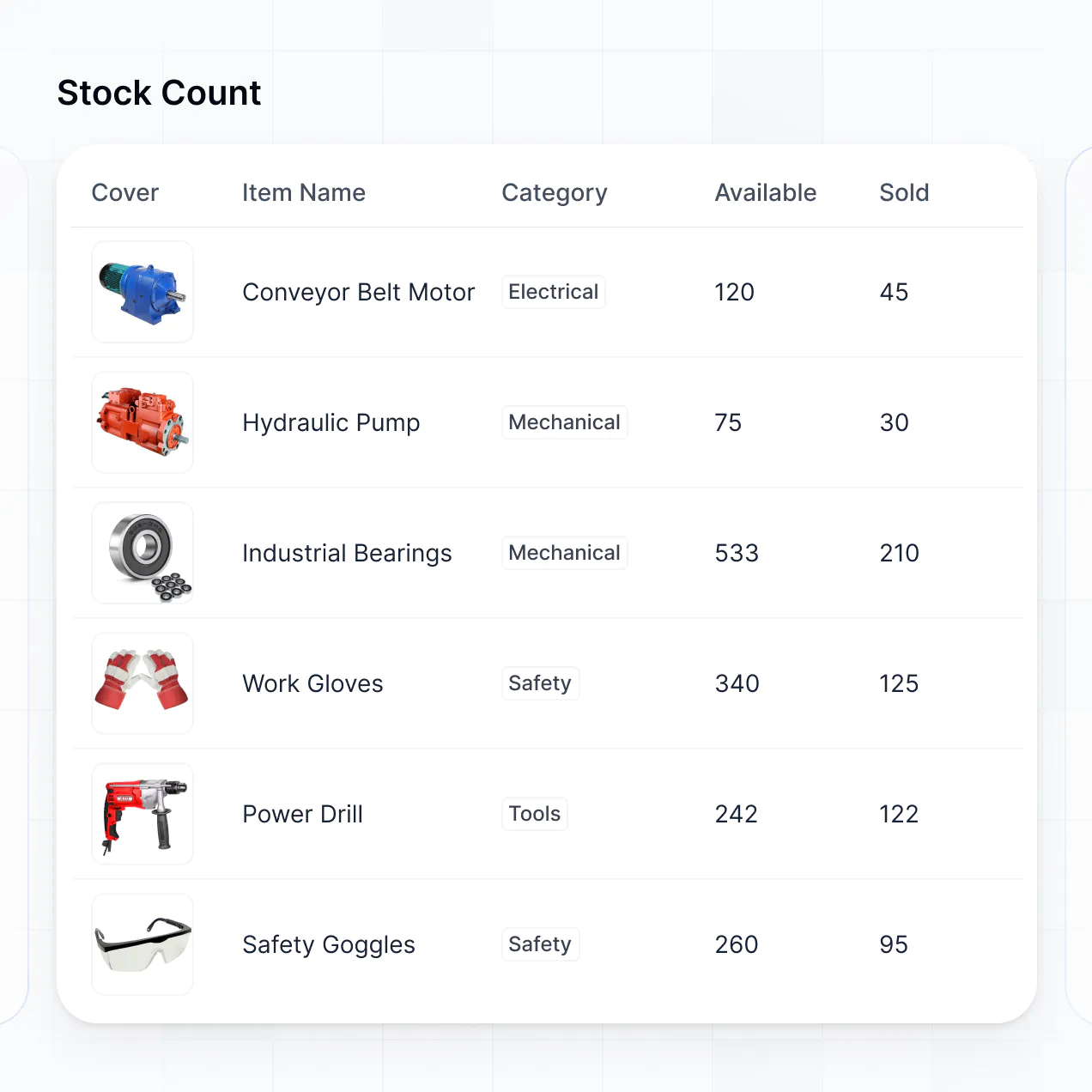
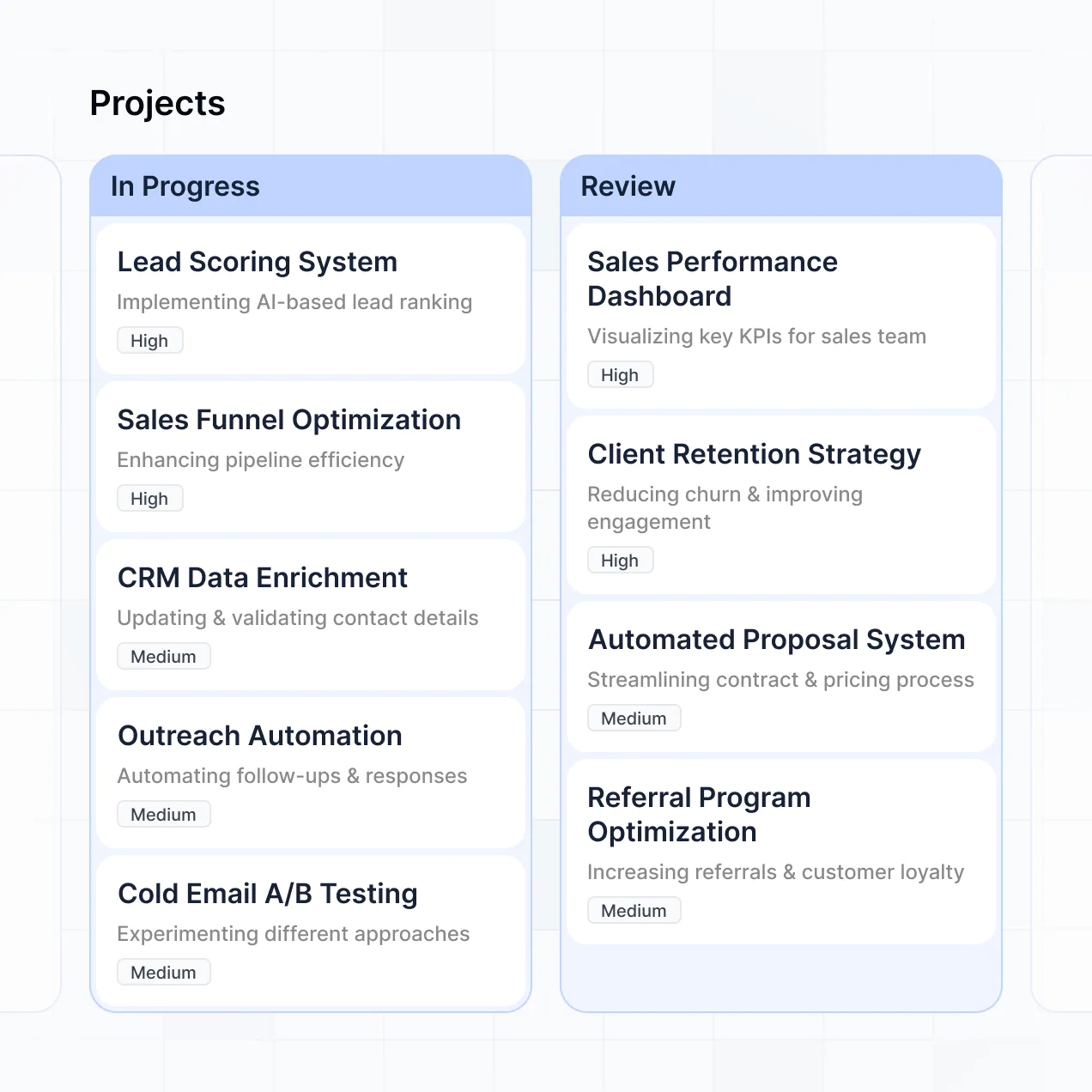
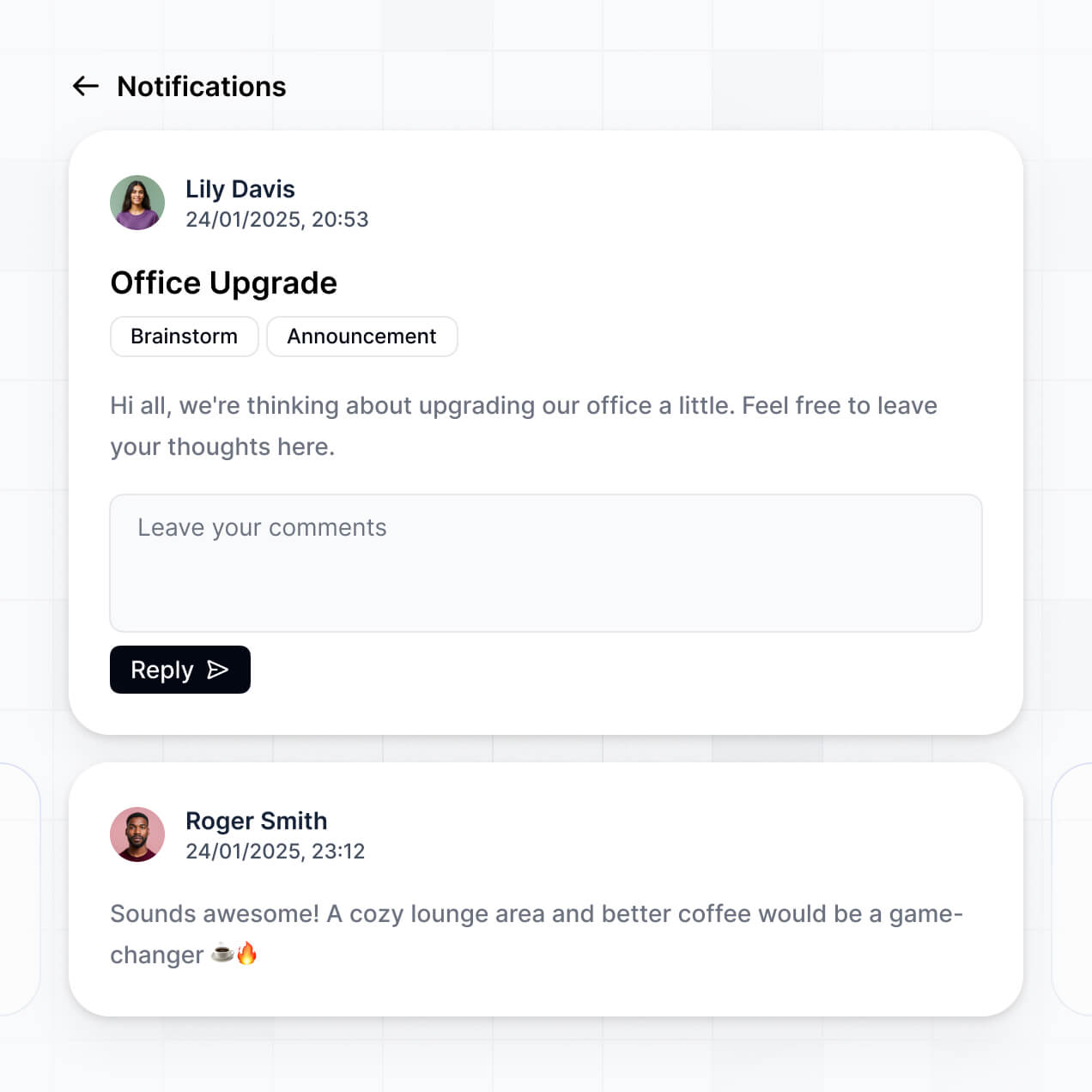
Track assets, manage check-outs, and monitor maintenance in an AI-powered system built with AI you customize to fit your workflow.
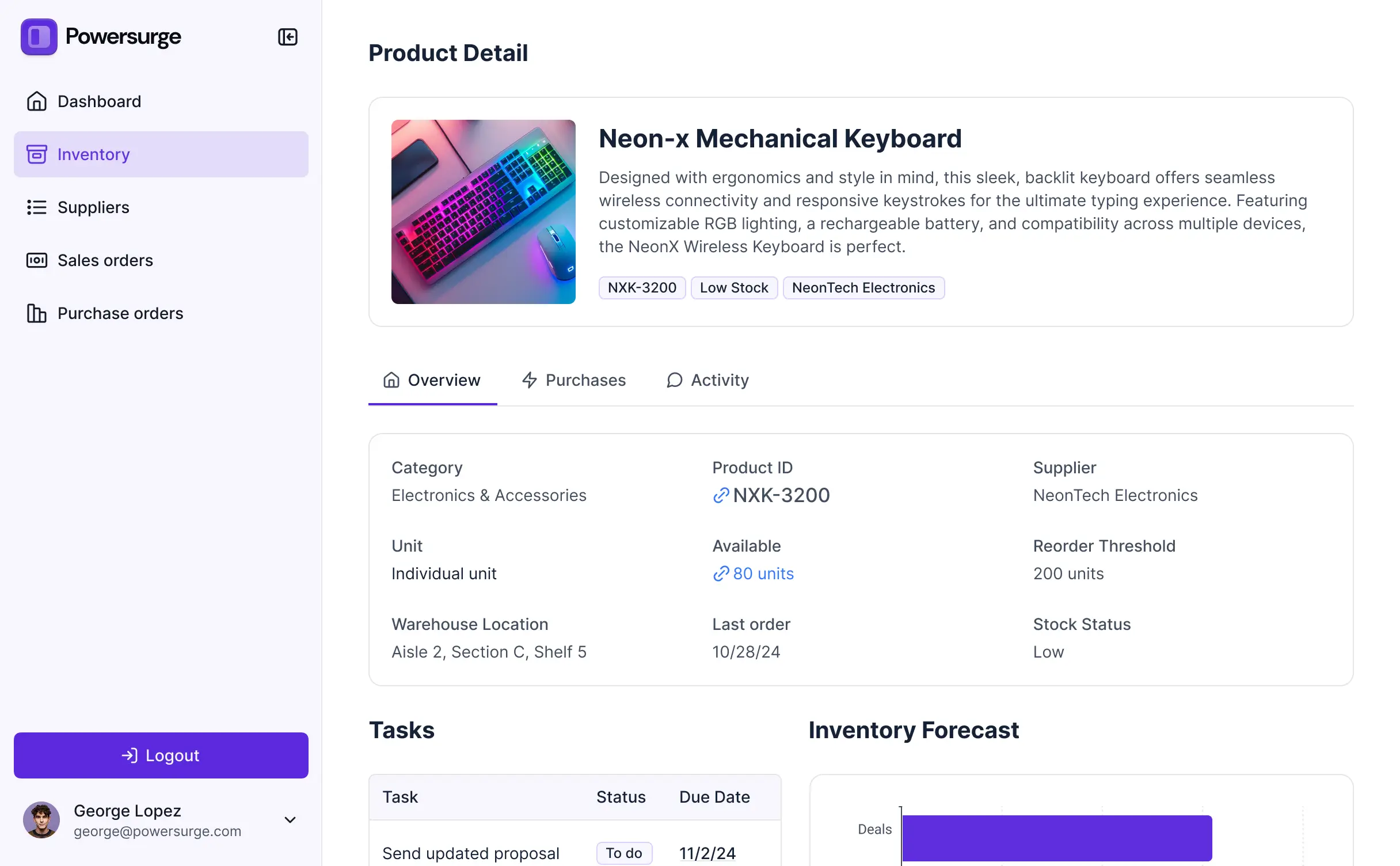



Customize your equipment inventory tracker with the exact steps and views your team needs. Add features as processes evolve—no code needed.


Connect spreadsheets, databases, and asset lists with real-time sync—or manage everything in Softr Databases. Create a single source of truth for your business inventory.
Give each teammate the right tools and access. Set up secure logins, user groups, and granular permissions—no IT support or dev work needed.
Give different team members tailored access and dashboards, so field staff and warehouse managers see just the equipment data they need.
Streamline your processes with Softr Workflows. Trigger native notifications for low stock alerts or equipment return reminders automatically.
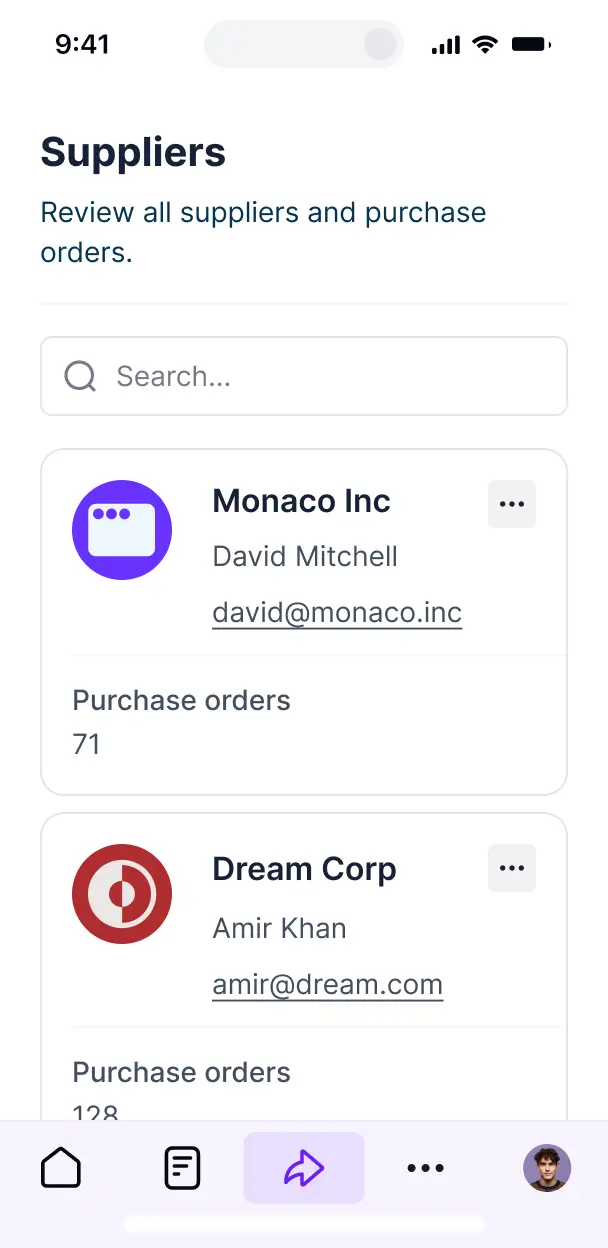
Access and update your inventory on the go. All trackers are mobile-ready out of the box so staff can check equipment in from anywhere.
Use Google, email, or SSO logins to give your team fast, secure access to the inventory system—no IT tickets needed.
Keep asset and maintenance data safe with SOC2 and GDPR compliance, plus fine-tuned access control at every level of the application.
No more one-size-fits-all tools or costly custom builds. Softr is easy to use and fully customizable, so you can launch faster, adapt as you grow, and skip the complexity of traditional software.

Build your equipment inventory tracker in minutes with AI—no manual configuration or setup needed.

Add features like maintenance logs, QR codes, or automated approvals as your tracking needs evolve.

Start with equipment tracking, then add maintenance portals or employee dashboards—all in one place.
Co-build with AI
Simply describe what you need. Let Softr handle everything - Interface, database, workflows.
Iterate with AI or visually
Control most critical parts of your app yourself - roles, permissions, security.
Ship the same day
Invite team members or external clients and partners right away. No developer handover.
Use drag-and-drop blocks to build a portal that looks sleek and modern out of the box. Add only the features you need, and iterate as your workflows evolve.




An equipment inventory tracker is a secure digital system where your operations or warehouse teams can log in to manage physical assets, check maintenance logs, track serial numbers, and monitor lending statuses. It centralizes all your hardware and tool data in one place, replacing fragmented spreadsheets and manual paper logs. This makes it easier for equipment managers to prevent loss, schedule timely repairs, and ensure your team has the right tools available when they need them.
Softr is the first AI-native platform for building business software, making it the ideal choice for creating an equipment inventory tracker tailored to your specific fleet or tool shed. You can describe your hardware categories and tracking requirements to the AI Co-Builder to instantly generate your database, asset pages, and check-out logic—completely connected and secure.
You don't need to write any code. You can start by generating with AI, using a pre-built inventory template, or building from scratch. Everything runs on Softr Databases, or you can link existing equipment data from Airtable, Google Sheets, or SQL databases. You have full control to customize the dashboard visually, define who can authorize equipment transfers, and brand the app to match your company's operational standards. It's fast to deploy, simple to update as you add new assets, and flexible enough to scale from a small tool kit to a global fleet.
You can build a variety of features into your equipment inventory tracker to streamline asset management. A professional inventory app usually combines core functional blocks with AI-powered automation:
- AI-Powered Intelligence – Use Ask AI to let staff query stock levels via chat, or set up Database AI Agents to automatically summarize maintenance history or suggest replacement schedules based on wear and tear.
- Vibe Coding Blocks – Build custom UI components—like a dynamic barcode scanner or a custom circular equipment health gauge—using the AI Code block to "vibe code" exactly what your floor team needs.
- Softr Workflows – Create native automations, such as low-stock alerts or automated email reminders for overdue equipment returns, triggered instantly by data changes.
- User Portals & Logins – Securely manage access so field technicians only see their assigned gear while warehouse managers maintain a full view of all regional stock.
- Forms & Data Collection – Capture inspection reports, photo uploads of damaged equipment, and check-in signatures with custom conditional forms.
- Dashboards & Charts – Visualize asset depreciation, usage frequency, and inventory value with real-time charts.
- Lists & Advanced Filtering – Display and manage equipment with searchable tables, status-based boards, and detailed record views for every individual asset.
All these features are built using Softr’s drag-and-drop system. If your asset tracking needs evolve, you can easily add new fields or logic without starting over.
Vibe coding allows you to move fast by using AI to build the exact tracking system your operations require. You can "vibe code" an equipment inventory tracker in Softr by describing your asset categories—such as serial numbers, purchase dates, and current locations—to the AI Co-Builder. Softr then generates a production-ready inventory app on a stable, secure foundation.
Unlike other tools that generate raw script files, Softr manages the complex backend—like ironclad authentication, relational database logic, and field-level permissions—natively. This means you get the speed of AI generation without the risk of fragile code breaking your supply chain logic. You describe your inventory workflow, Softr builds it, and your team can start scanning equipment immediately.
Yes. You can manage multiple sites, departments, or maintenance teams within a single tracker. Each staff member only sees the equipment and stock levels assigned to their specific location or project, based on their login and assigned role. This is ideal for construction firms, IT departments, or logistics companies operating across multiple job sites or offices.
Yes, you can. You don't need an existing database to start tracking your equipment with Softr. If you are starting from zero, you can use Softr Databases, which is built directly into the platform and handles relational asset data perfectly from day one.
However, if you already track your assets in Airtable, Google Sheets, HubSpot, or SQL, you can connect those sources effortlessly. You can even use the REST API to pull in live data from external ERPs. Regardless of where the data lives, you have total control over how your equipment lists and availability statuses are displayed.
Softr Databases is the recommended native, relational data source for your equipment inventory tracker. It is optimized for business apps, ensuring high performance, instant inventory triggers, and a fast user experience because the asset data lives natively on the platform.
Softr also connects to over 17 external data sources if your data is already stored elsewhere. You can sync with Airtable, Google Sheets, BigQuery, SmartSuite, and more. You can even combine sources—for example, pulling fixed asset data from SQL while managing day-to-day check-outs in Softr Databases. Most sources support real-time, two-way sync, so manual updates in the warehouse reflect in your app instantly.
Yes, Softr gives you granular control over how different staff members interact with your equipment inventory tracker. You can tailor the layout, navigation, and visibility rules to match your operational workflow. You can hide sensitive financial data (like purchase price) from field staff while ensuring maintenance teams see full repair histories.
You can define roles such as "Technician," "Warehouse Manager," or "Admin." For example, Technicians might only have permission to check equipment in and out, while Managers can add new assets or edit maintenance schedules. You can also create personalized views that only show a user the specific tools currently checked out in their name.
This level of customization ensures that your tracking system remains clean, secure, and intuitive for users with different levels of technical expertise.
Yes, you can fully white-label your equipment inventory tracker. You can apply your company logo, brand colors, custom typography, and host it on your own custom domain (e.g., assets.yourcompany.com). This makes the tracker feel like an official internal company tool, and you can remove all Softr branding to maintain a professional, cohesive identity for your employees and stakeholders.
Absolutely. Softr provides the flexibility to control the visual design and structural layout of your tracking app. You can adjust the interface to prioritize the information your team needs most—like high-res equipment photos or real-time availability status.
To organize your inventory, you can use various functional blocks:
- Table blocks – for high-density lists of serial numbers, specs, and stock levels.
- List or Card blocks – to visually display equipment photos and core details.
- Detail View – to provide a dedicated landing page for each asset, showing its full history.
- Forms – for logging inspections, reporting damage, or checking out gear.
- Charts – to track utilization rates or upcoming maintenance windows.
- Calendar blocks – to view equipment reservations and scheduled service dates.
If your inventory process changes, you can simply drag and drop new elements within the visual builder to update the app instantly.
Security is central to Softr. All equipment data is encrypted in transit and at rest, with apps hosted on secure, enterprise-grade infrastructure. You have total control over data access through role-based permissions, visibility rules, and global restrictions, ensuring that only authorized personnel can view or edit sensitive asset information.
For trackers using Softr Databases, your data is stored in a secure European environment (Germany) with SOC 2 Type II compliance. For trackers connected to external sources like SQL or Airtable, Softr acts as a secure display layer only, fetching data in real time based on your specific access rules. This ensures your inventory records remain protected and compliant with your internal IT policies.
It is fully production-ready. While many AI tools merely "vibe code" fragile prototypes that are difficult to secure, Softr builds your equipment inventory tracker on a stable, scalable foundation designed for business use.
We natively manage the complex components—such as secure login, multi-user roles, and database integrity—so you don't have to worry about the system failing during a critical audit. This solves the "Day Two" problem of AI apps; you get the benefit of instant generation without the maintenance burden of raw code. Your tracker is secure and ready for your team to use in the field from day one.
Softr is the first AI-native platform specifically for building custom business software. Unlike basic inventory templates or manual no-code tools that require hours of configuration, Softr's AI Co-Builder generates a tailored database and interface for your specific assets in minutes.
The key advantage is the hybrid approach: use AI to generate the core tracking logic and data structure, then use the visual editor for fine-tuning. You gain the speed of AI combined with the reliability of a high-end business platform (including built-in authentication and permissions). It allows operations teams to go from a simple idea to a professional asset management system in a single afternoon.
Yes. Softr supports robust native workflows and a wide range of integrations to connect your equipment tracker with your existing software stack. You can automate asset-related tasks directly in Softr or sync with tools like Slack for instant maintenance alerts or Zapier for broader connectivity. Softr also supports REST API and webhooks for advanced warehouse integrations.
Whether you need to trigger a reorder in an ERP when stock hits a certain level, or alert a manager on Microsoft Teams when equipment is checked out, you can build these automated workflows directly into your portal without any coding.
Describe what you need. Softr's AI builds your custom inventory tracker in minutes.