Securely collect files and manage documentation in an AI-powered portal built with AI that you customize to fit your team's workflow.
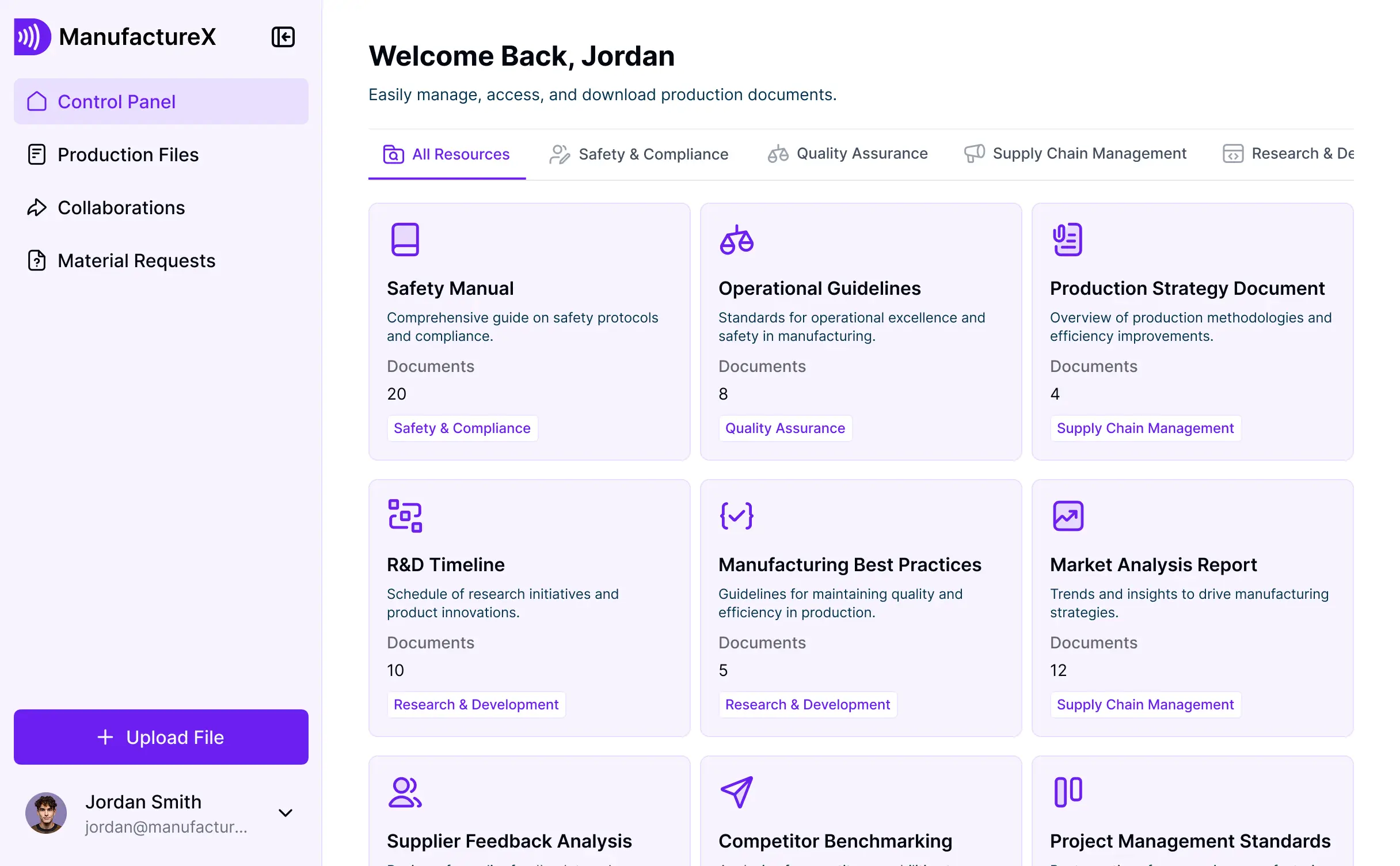

Customize your document upload portal with the exact submission steps your team needs. Add features as workflows evolve—no code required.


Connect spreadsheets, CRMs, and file systems with real-time sync—or manage everything in Softr Databases. Create a single source of truth for your business documentation.
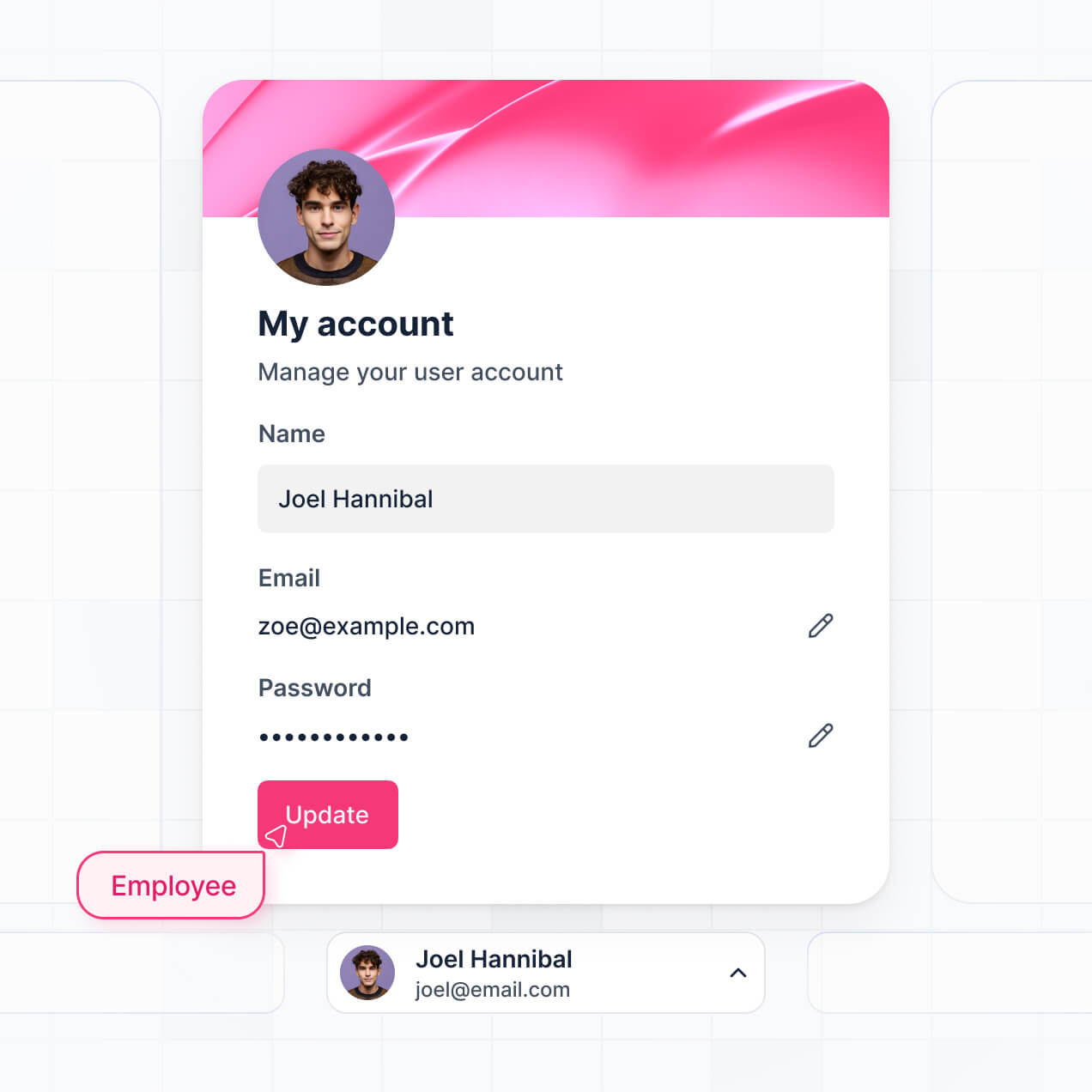
Give each user the right views and access in a fully branded portal. Set up secure logins, user groups, and permissions in minutes.
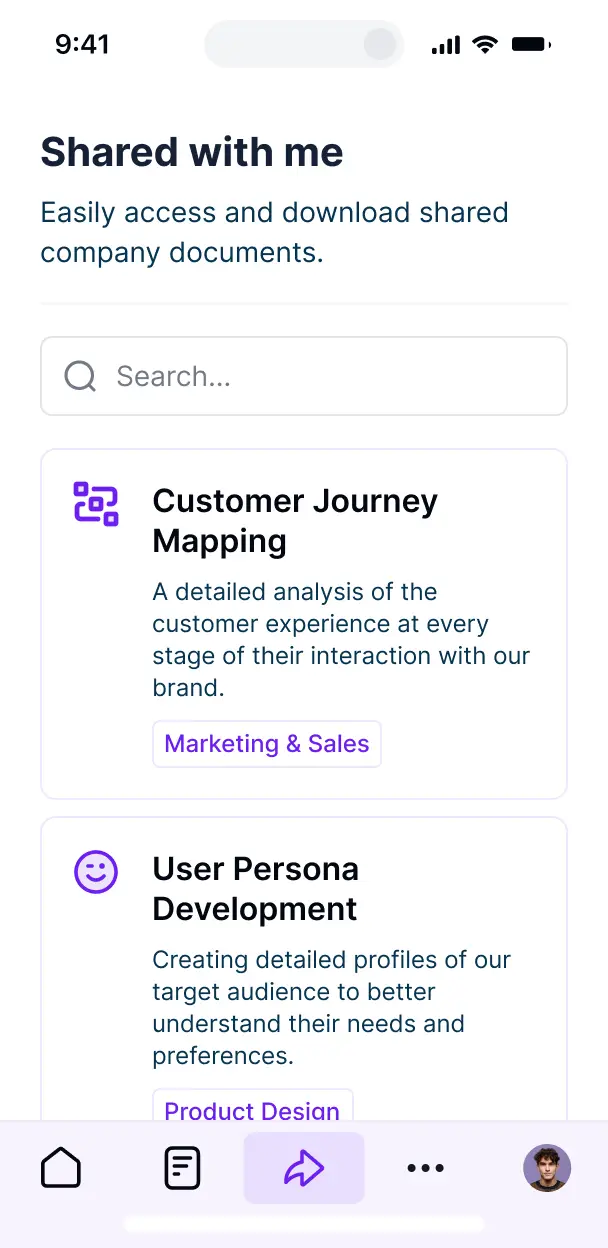
Softr apps are mobile-ready. Let users upload documents from their phones via a downloadable PWA—no extra design work needed.
Build native automations to handle upload notifications, status updates, and automated file organization whenever a new document is submitted.
Provide separate logins for clients and reviewers, creating personalized dashboards so each group sees only the documents they have access to.
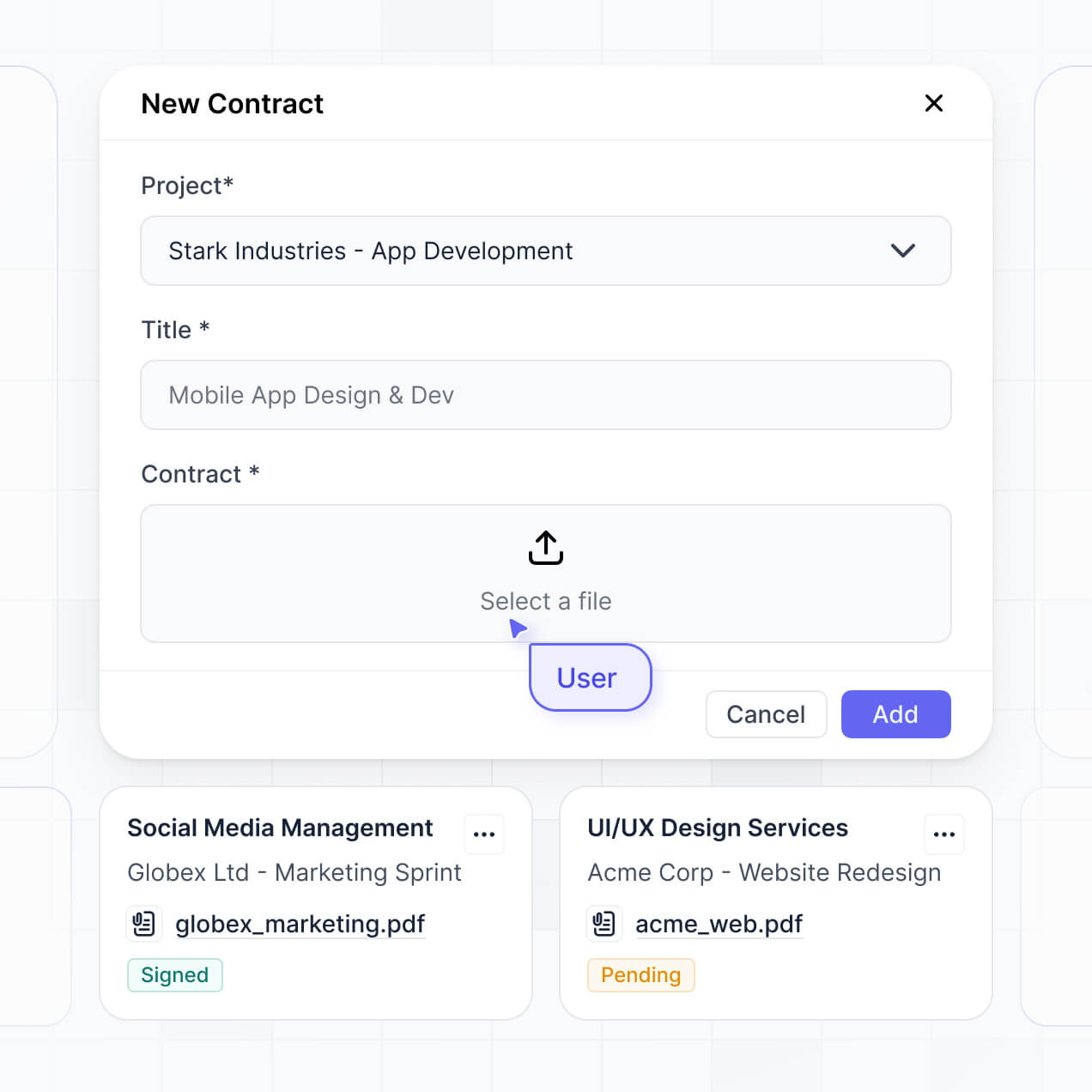
Apply rules for document access. Customize who can view, delete, or approve files at a granular level based on their user group.
Protect sensitive document information from security threats. Softr is fully compliant with SOC2 and GDPR regulations.
No more one-size-fits-all tools or costly custom builds. Softr is easy to use and fully customizable, so you can launch faster, adapt as you grow, and skip the complexity of traditional software.

Build your document upload portal in minutes with AI—no manual configuration or setup needed.

Add features like automated flags, file reviews, or internal approvals as your needs grow—without a rebuild.

Start with file uploads, then add client portals and team dashboards—all in one place with no extra tools.
Co-build with AI
Simply describe what you need. Let Softr handle everything - Interface, database, workflows.
Iterate with AI or visually
Control most critical parts of your app yourself - roles, permissions, security.
Ship the same day
Invite team members or external clients and partners right away. No developer handover.
Use drag-and-drop blocks to build a portal that looks sleek and modern out of the box. Add only the features you need, and iterate as your workflows evolve.




A document upload portal is a secure digital space where clients, vendors, or employees can log in to upload, organize, and manage files like contracts, tax forms, or creative assets. It centralizes file collection in one location, eliminating the need to chase down disorganized email attachments or shared drives. This ensures that every document is safely stored and easily accessible to the right team members.
Softr is the first AI-native platform for building business software, making it incredibly fast to create a document upload portal tailored to your specific file-tracking needs. You can describe your requirements to the AI Co-Builder to instantly generate your file database, upload forms, and folder structures—all pre-connected and secure.
You don't need to write any code. You can begin by generating with AI, using a pre-made template, or building from scratch. Your files and metadata can live in Softr Databases, or you can link external storage tools like Airtable, Google Sheets, or HubSpot. You maintain complete control over the visual interface, permission levels for sensitive documents, and branding to match your firm’s professional identity. It is built to be scalable and simple to update as your document volume grows.
A robust document upload portal requires a mix of functional upload tools and AI-enhanced management features:
- AI-Powered Intelligence – Use Ask AI to let managers query document contents conversationally, or set up Database AI Agents to automatically categorize files or extract key data from uploaded PDFs.
- Vibe Coding Blocks – Create custom UI components—like a specialized document approval button or a custom file previewer—using the AI Code block to "vibe code" exactly what your workflow demands.
- Softr Workflows – Build native automations, such as automated email alerts that notify a manager the moment a client uploads a signed contract.
- Secure User Logins – Manage access so users only see and edit the specific folders or documents assigned to their account.
- Advanced Upload Forms – Capture files with custom fields, multi-file uploads, and validation logic to ensure the right file types are provided.
- Status Dashboards – Visualize your document collection progress with real-time charts showing pending versus approved files.
- File Lists & Filtering – Organize hundreds of files with searchable tables, status tags, and categorized views.
Everything is assembled using Softr’s drag-and-drop blocks, so you can build these features without code. If you need a unique way to display file version history, use the Vibe Coding block to generate it with AI.
Vibe coding allows you to build a sophisticated document management system by simply describing the logic to our AI. You can "vibe code" your document upload portal by explaining your specific file requirements to the AI Co-Builder, which then generates a ready-to-use application on a professional-grade foundation.
While other tools might give you buggy, unprotected code, Softr handles the complex infrastructure—like secure file hosting, user authentication, and granular permission logic—natively. This provides the speed of AI generation without the risk of managing raw code. You explain the workflow, Softr builds the portal, and your clients can start uploading documents immediately.
Yes. You can manage multiple clients or internal departments within a single portal. Each user only sees the specific documents and folders assigned to them based on their unique login and role-based permissions. This is ideal for accounting firms, law offices, or HR departments that need to keep sensitive files private for different stakeholders while maintaining one central hub for admins.
Yes, you can. You don't need an existing file management system to start building with Softr. If you are starting fresh, you can use Softr Databases, which is integrated directly into the platform and perfect for storing document metadata and file links natively within your application.
However, if you already store your document logs in Airtable, Google Sheets, HubSpot, or SQL databases, you can easily connect those sources. You can also use the REST API to pull in data from other systems. Either way, you have total control over how your files are organized and presented to your users.
Softr Databases is the recommended native data source for your portal. It is built specifically for business applications, offering high performance and instant triggers for document-related automations because the data is local to the platform.
If your file data lives elsewhere, Softr also connects to over 17 external sources including Airtable, Google Sheets, SmartSuite, and BigQuery. You can even combine sources—for example, storing client profiles in HubSpot while keeping the document activity log in Softr Databases. Most sources support real-time sync, ensuring file status updates are reflected instantly across your portal.
Yes, Softr provides granular control over the document upload experience. You can customize the layout and navigation to ensure users can find the correct upload section easily. Each page or file block can be conditionally displayed, so a client only sees their own uploaded invoices while an account manager sees files for their entire portfolio.
You can set up multiple roles—such as Submitter, Reviewer, and Admin—and define exactly what each can do. For instance, a client might only be able to upload files, while an admin can delete or approve them. This level of security is vital for keeping private documents safe and keeping the interface clean for every user.
Yes, you can fully white-label your document upload portal. You can integrate your own logo, brand colors, custom typography, and host it on your own custom domain. This ensures that when clients login to share sensitive files, they see your company's identity, making the portal feel like a high-end, proprietary extension of your existing professional services.
Yes, you can. Softr provides complete flexibility to design a professional and intuitive file management interface. You can customize colors, spacing, and the overall structure to ensure the portal is easy to navigate. You choose which blocks appear and what specific users see upon login.
To organize your documents, you can use various block types:
- Table blocks – for structured views of file names, upload dates, and statuses.
- List or Card blocks – to give documents a more visual feel with thumbnails or icons.
- Detail View – to show a deep dive into a specific document's metadata and history.
- Forms – with file-drop zones for easy document submission.
- Charts – to track upload volume or document completion rates.
- Calendar blocks – to track deadlines for document submissions.
If your requirements evolve, you can quickly adjust the layout or add new sections using the visual editor without needing technical support.
Softr is built with enterprise-grade security. All document metadata and file transfers are encrypted in transit via TLS and at rest. Your portal gives you detailed control over visibility; you can set role-based permissions and visibility rules to ensure sensitive files never reach the wrong hands.
If you use Softr Databases, your data is stored in a secure environment with SOC 2 Type II compliance and European hosting (Germany). For those connecting to external sources like Airtable or SQL, Softr serves as the interface and does not store your files on its own servers long-term—it simply renders them safely based on your access settings. We follow strict industry standards for authentication and platform monitoring to protect your intellectual property.
It is fully production-ready. Unlike other AI tools that merely "vibe code" temporary snippets that are difficult to secure, Softr builds your document upload portal on a robust, business-ready foundation.
We handle the critical infrastructure—including secure file handling, user auth, and granular permissions—natively. This eliminates the "Day Two" problem often found with AI apps: you get the speed of instant generation with the reliability of a professional system. Your portal is scalable and secure enough to handle real client documents from the moment you hit publish.
Softr is the first AI-native platform for business software. While traditional no-code tools require significant manual setup and "vibe coding" tools generate unmanageable raw code, Softr's AI Co-Builder creates structured apps on a secure foundation.
The horizontal power of Softr means you can use AI to build the entire document workflow in minutes, then refine the UI visually. You gain the speed of AI without sacrificing the stability of established features like user roles, multi-source data syncing, and secure hosting. It's built for teams that need to go from a simple idea to a professional document portal in record time.
Yes. Softr supports native workflows and deep integrations to connect your document upload portal with your internal tech stack. You can trigger Softr Workflows to send data to other apps or integrate with Stripe for document-related payments and Intercom for client support. Softr also supports webhooks and a REST API for complex technical requirements.
Whether you want to automatically sync an uploaded file to a specific Google Drive folder or notify a Slack channel when a new document arrives, you can build these automations directly into your portal without writing code.
Describe what you need. Softr's AI builds your document management tool in minutes.