Share blueprints, manage design approvals, and track revisions in an AI-powered system built with AI to fit your firm's architecture workflow.
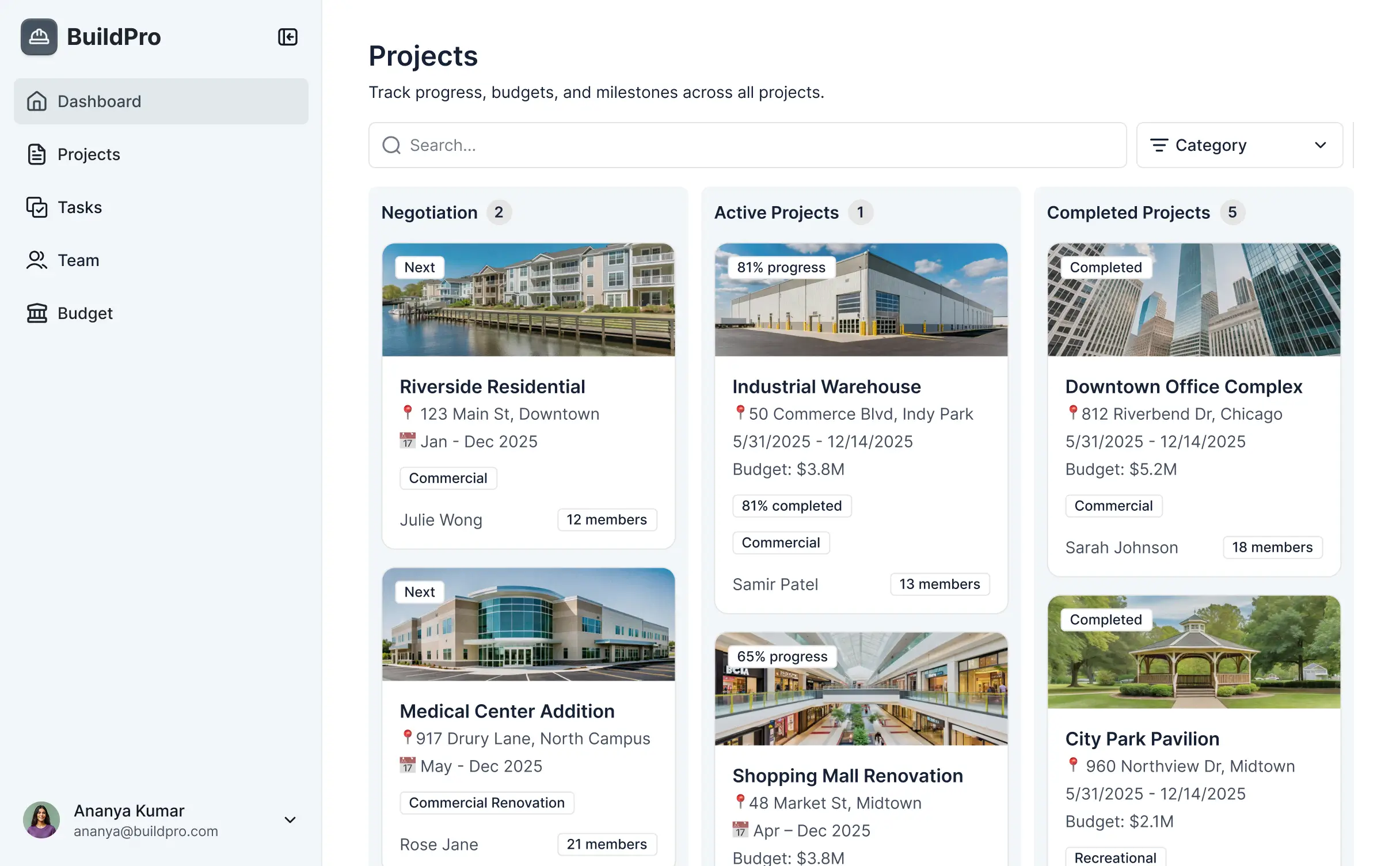
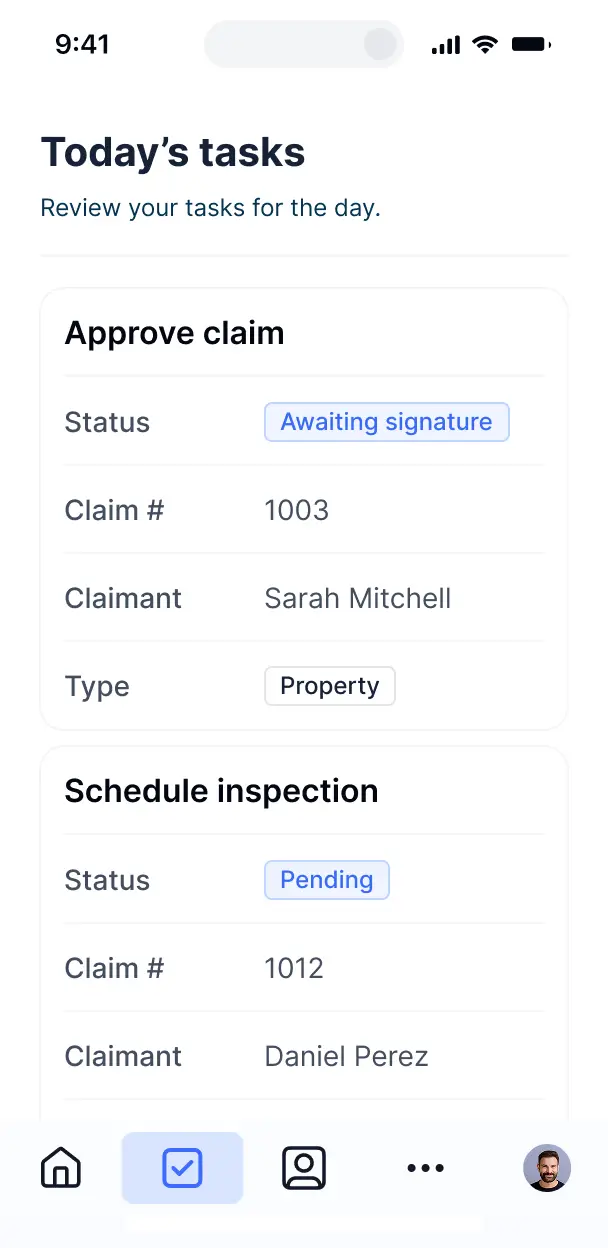



Customize your document sharing system setup with the exact steps and views your team needs. Add features as processes evolve—no code needed.


Connect blueprints, CAD files, and site photos from your existing tools—or manage everything in Softr Databases. Create a single source of truth for your architecture firm.
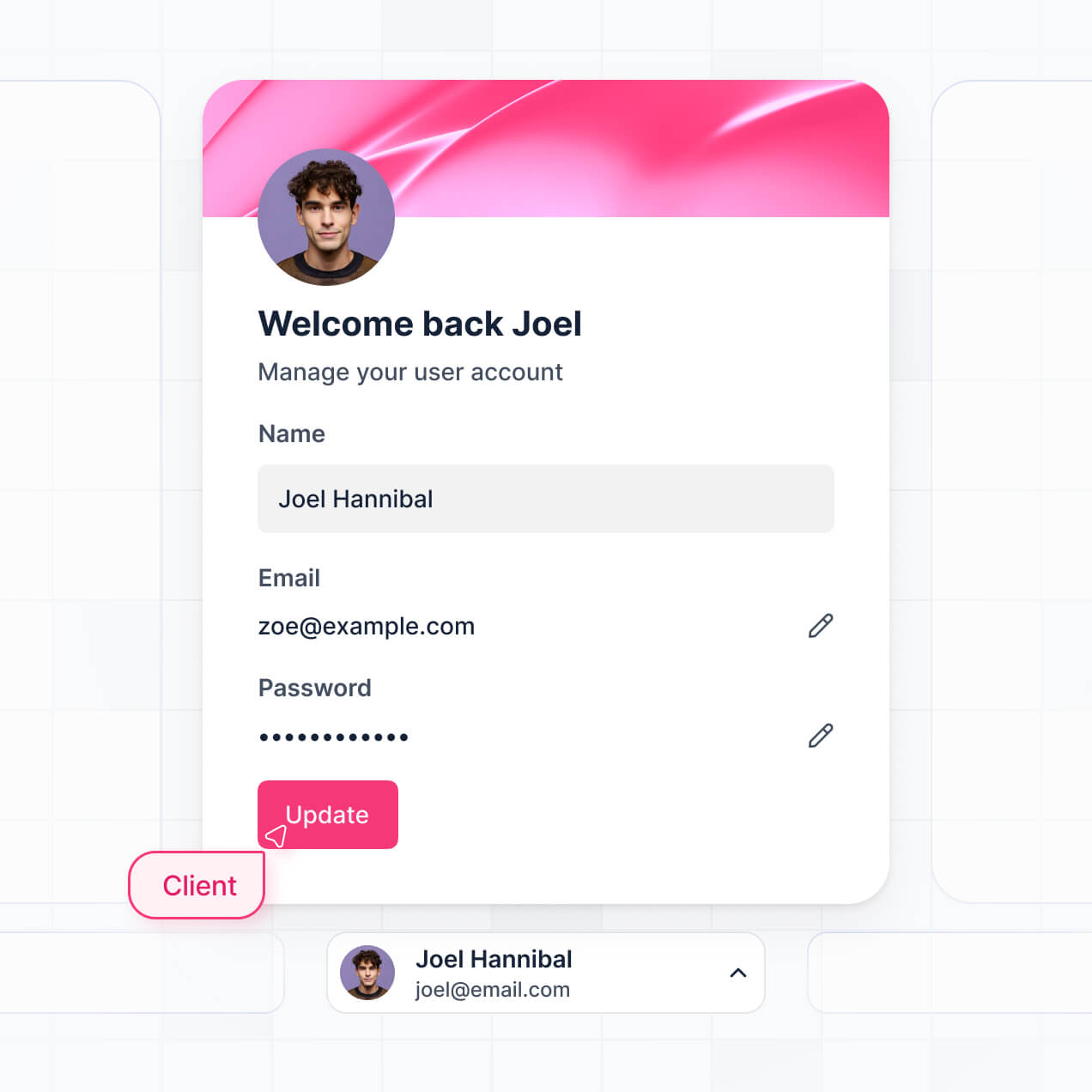
Give each client and consultant the right views and access in a branded portal. Set up secure logins, user groups, and drawing permissions in minutes.
Softr apps are mobile-ready. Turn your system into a downloadable app for viewing site plans and project documents on the go with Softr's PWA.
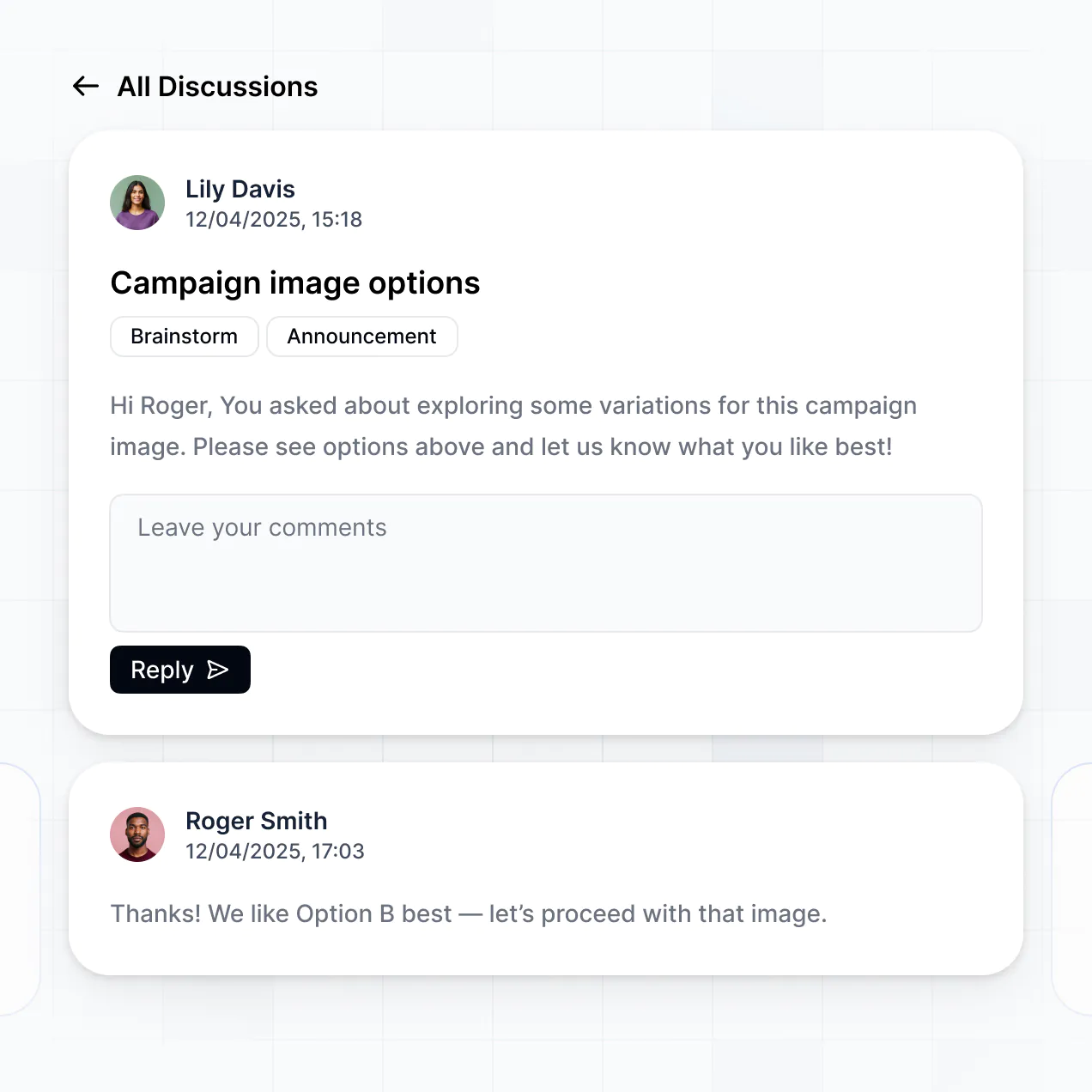
Build native automations with Softr Workflows to handle design approval requests and notification alerts whenever a new revision is uploaded.
Provide separate logins for lead architects, structural engineers, and clients, ensuring each group only sees the relevant project documentation.
Apply rules for different groups. Customize who can download CAD files, leave revision comments, or approve designs at a granular level.
Protect intellectual property and client information from security threats. Softr is fully compliant with SOC2 and GDPR regulations.
No more one-size-fits-all tools or costly custom builds. Softr is easy to use and fully customizable, so you can launch faster, adapt as you grow, and skip the complexity of traditional software.

Build your architecture sharing system in minutes with AI—no manual setup or complex configuration needed.

Add features like design approval workflows or automated indexing as your firm's needs grow—without a rebuild.

Start with document sharing, then add client portals or project timelines—all in one place with no extra costs.
Co-build with AI
Simply describe what you need. Let Softr handle everything - Interface, database, workflows.
Iterate with AI or visually
Control most critical parts of your app yourself - roles, permissions, security.
Ship the same day
Invite team members or external clients and partners right away. No developer handover.
Use drag-and-drop blocks to build a portal that looks sleek and modern out of the box. Add only the features you need, and iterate as your workflows evolve.




A document sharing system for architects is a secure digital hub where architecture firms can centralize blueprints, CAD files, project specifications, and site photos. It provides a structured space for architects, engineers, and contractors to access the latest revisions and submittals. By consolidating these assets, you eliminate the confusion of fragmented email threads and outdated physical prints, ensuring a more organized design and construction process for your clients and team.
Softr is the first AI-native platform for building business software, making it the ideal choice for creating a document sharing system tailored to architectural workflows. You can simply describe your document management needs to the AI Co-Builder to instantly generate your project database, file galleries, and permissions logic—all pre-connected and secure.
There is no requirement to write code. You can start via AI generation, a specialized template, or by building from scratch. The system runs on Softr Databases, a native relational database, or can connect to external storage tools like Airtable, Google Sheets, or HubSpot. You maintain total visual control over the layout, defining exactly which consultant sees which floor plan, and branding the interface to match your firm’s aesthetic. It is fast to deploy, easy to update mid-project, and flexible enough to scale from residential renovations to commercial developments.
You can integrate a variety of specialized features into your system to streamline your architectural projects. A high-performing document sharing app typically combines standard organizational blocks with advanced AI-driven tools:
- AI-Powered Intelligence – Use Ask AI to allow team members to query project specs conversationally, or deploy Database AI Agents to automatically summarize building codes or perform data enrichment on material lists.
- Vibe Coding Blocks – Create custom UI components, such as a specialized DWG file viewer or a dynamic project timeline, by using the AI Code block to "vibe code" the exact functionality you need.
- Softr Workflows – Build native automations, such as an automatic notification to engineers when a new set of structural drawings is uploaded or when a client approves a design phase.
- Secure Project Portals – Manage access so that clients only see final renderings while contractors access technical site plans and permits.
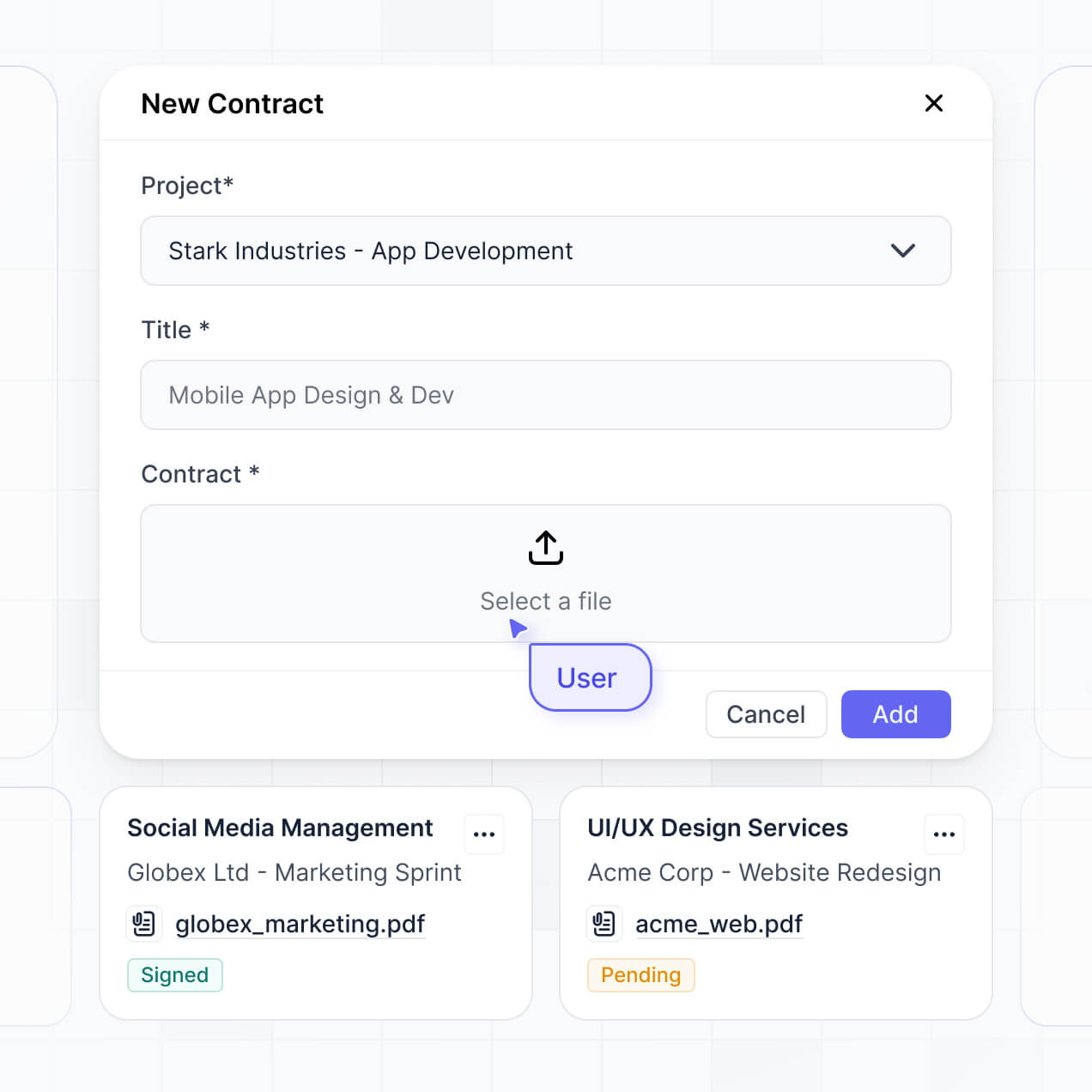
- Drawing Submissions & Forms – Use custom forms with file upload fields and conditional logic to collect RFI (Requests for Information) and change orders.
- Project Progress Dashboards – Visualize project milestones, budget burn rates, and approval statuses with real-time charts.
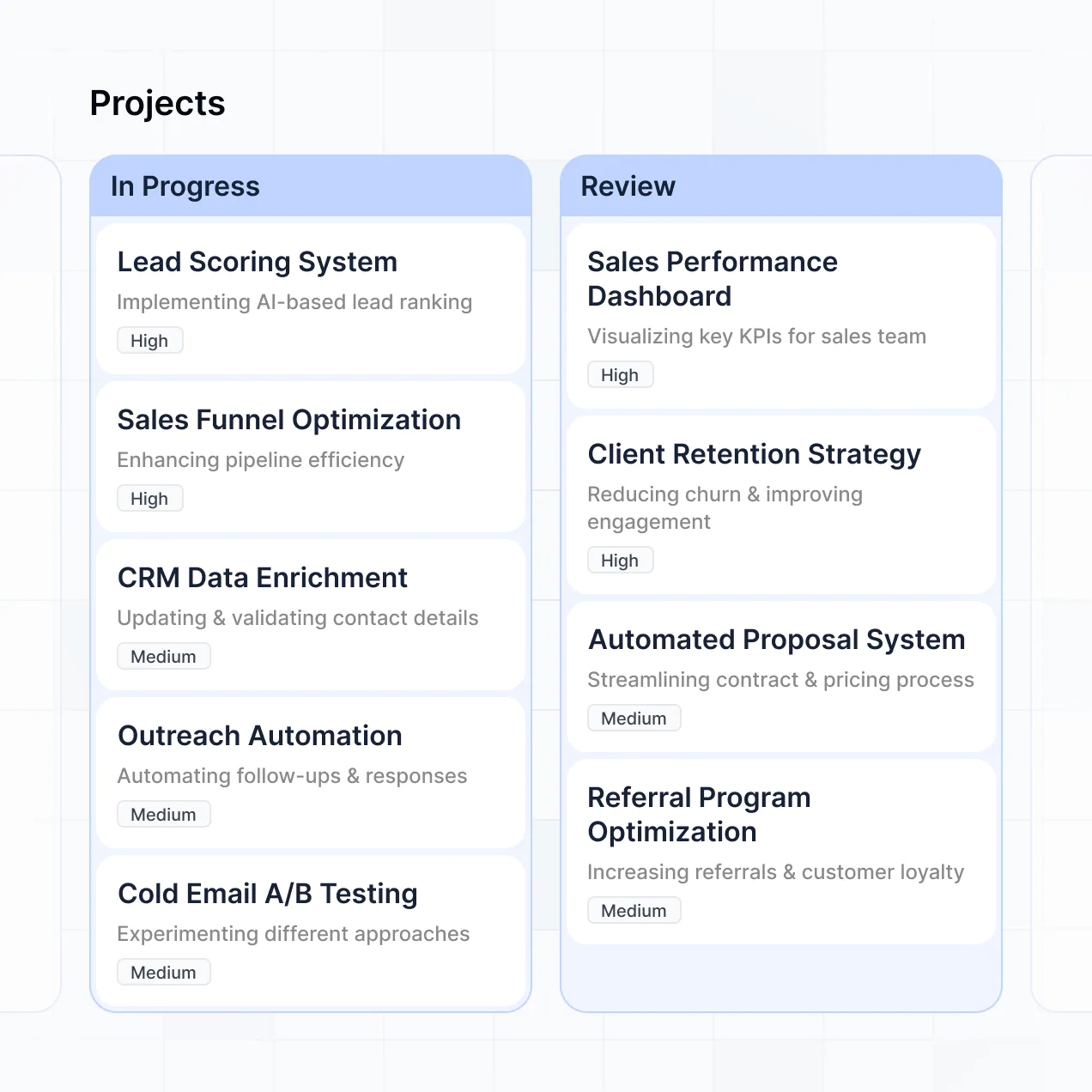
- Filterable Plan Sets – Organize and search through hundreds of drawings using tables, kanban boards for permit tracking, and detailed record views for individual sheets.
All these features are built using Softr’s intuitive drag-and-drop system, and you can always use the Vibe Coding block for more complex, tailored technical requirements.
Vibe coding allows architects to move rapidly from concept to a functional system by using AI to generate the specific tools they need. You can "vibe code" your document sharing system by describing your desired file structure and user roles to the AI Co-Builder. Softr then generates a production-ready application on a reliable, secure foundation.
While other tools might produce raw, disconnected code that is difficult for non-technical users to manage, Softr handles the core architectural software needs—such as secure file hosting, user authentication, and granular visibility—natively. This provides the speed of vibe coding without the long-term burden of maintaining custom scripts. You describe the workflow, Softr builds the portal, and your design team can start sharing files instantly.
Yes. You can manage multiple projects, consulting teams, or diverse clients within a single architecture portal. Each user—whether they are a structural engineer, an interior designer, or the property owner—only sees the specific blueprints and documents assigned to them based on their login and project role. This is particularly effective for large-scale developments involving numerous external stakeholders.
Yes, you can. You are not required to have an existing database to start building with Softr. If you are starting fresh, you can utilize Softr Databases, which is integrated directly into the platform to store your project files, BIM data, and contractor lists seamlessly.
If you do have data stored in external platforms like Airtable, Google Sheets, HubSpot, or SQL databases, you can easily connect those as well. You also have the option to use the REST API to pull in information from other architectural software. Regardless of your starting point, you have absolute control over how your design documents are structured and presented.
Softr Databases is the recommended solution for architects, as it is a native, relational data source designed for high performance. It offers instant automation triggers and a fast user experience for navigating large plan sets because the data is hosted on the same platform.
Softr also supports 17+ external data sources if your firm already uses other tools. You can connect to Airtable, Google Drive via Google Sheets, HubSpot, SmartSuite, and more. You can even mix sources, pulling site reports from Softr Databases while syncronizing client contact info from HubSpot. Most sources support real-time, two-way sync, ensuring and edit made in the portal is reflected in your data source automatically.
Yes, Softr provides complete control over the experience of your document sharing system. You can tailor the layout, navigation, and file categories to match your firm's unique project lifecycle. Each drawing set or block of project data can be restricted so that developers see different information than the construction foreman.
You can establish distinct roles—such as Architect, Client, or Subcontractor—and define specific viewing and editing rights for each. For instance, contractors might be able to upload site photos, while clients have view-only access to final renderings. This ensures your project data remains secure and that the interface stays clean and relevant for every user involved.
Yes, you can fully white-label your document sharing system in Softr. You can incorporate your firm’s logo, specific brand colors, custom typography, and a professional custom domain to ensure the system feels like an integrated part of your practice. All Softr branding can be removed, providing a professional, branded interface that reinforces your firm’s identity to your clients and partners.
Yes, Softr offers extensive flexibility to manage the design and layout of your architectural document hub. You can adjust the visual theme to match your brand and structure pages to follow your specific project phases. You have the power to decide which file blocks are displayed and what information is visible upon login.
To organize your architectural assets, you can utilize several block types:
- Table blocks – for tracking RFI logs, revision histories, or equipment schedules.
- List or Card blocks – for showcasing visual project galleries or site photo updates.
- Detail Views – for focused inspection of a single permit or technical drawing set.
- Forms – for submitting site inspections or material requests.
- Charts – for monitoring project progress or budget allocation.
- Calendar blocks – for tracking submittal deadlines and site visits.
If your design workflow evolves, you can easily update the layout and blocks using the visual builder without needing a developer.
Softr is engineered with professional-grade security. All blueprints and project data are encrypted in transit (TLS) and at rest, and apps are hosted on reliable infrastructure. You retain total control over permissions, allowing you to set role-based access to protect sensitive site data, financial documents, or proprietary designs. You can manage user visibility rules and global restrictions to ensure that only authorized personnel can download specific schematic sets.
When using Softr Databases, your files are stored in a secure environment with SOC 2 Type II compliance, with data hosted in Germany. For apps connecting to external sources like Airtable or SQL, Softr displays your data in real-time without storing a separate copy, meaning you always maintain ownership of your sensitive architectural intellectual property.
It is fully production-ready. Unlike common AI tools that generate raw code which can be difficult to maintain or scale, Softr builds your document sharing system on a robust, enterprise-grade foundation.
We manage the critical technical aspects—such as secure file authentication, hosting, and granular user roles—natively. This prevents the "Day Two" maintenance issues often found with AI-generated software; you get the benefit of instant creation with the reliability of a system that is ready to host real project blueprints and facilitate client collaboration from day one.
Softr is the first AI-native platform designed for building specialized business tools like document sharing systems. While traditional no-code tools require heavy manual setup and "vibe coding" tools often result in fragile scripts, Softr’s AI Co-Builder generates apps on top of a secure, production-level infrastructure.
The key advantage is the hybrid approach: use AI to generate your project database and portal logic in minutes, then use visual tools to fine-tune the design. You benefit from AI speed combined with business-grade reliability—including built-in authentication and permissions—making it the fastest way for architects to move from a concept to a functional, secure sharing system.
Yes. Softr supports powerful native workflows and a wide range of integrations to connect your document sharing system to the rest of your design stack. You can automate tasks like sending project updates via Softr Workflows, or integrate with tools like Stripe for billing or Intercom for client support. Softr also provides REST API and webhook support for more technical integrations.
Whether you need to automatically archive drawings in another system or trigger notifications when a client signs off on a design phase, you can build these automations directly into your portal without writing code.
Describe what you need. Softr's AI builds your document management system for architects in minutes.