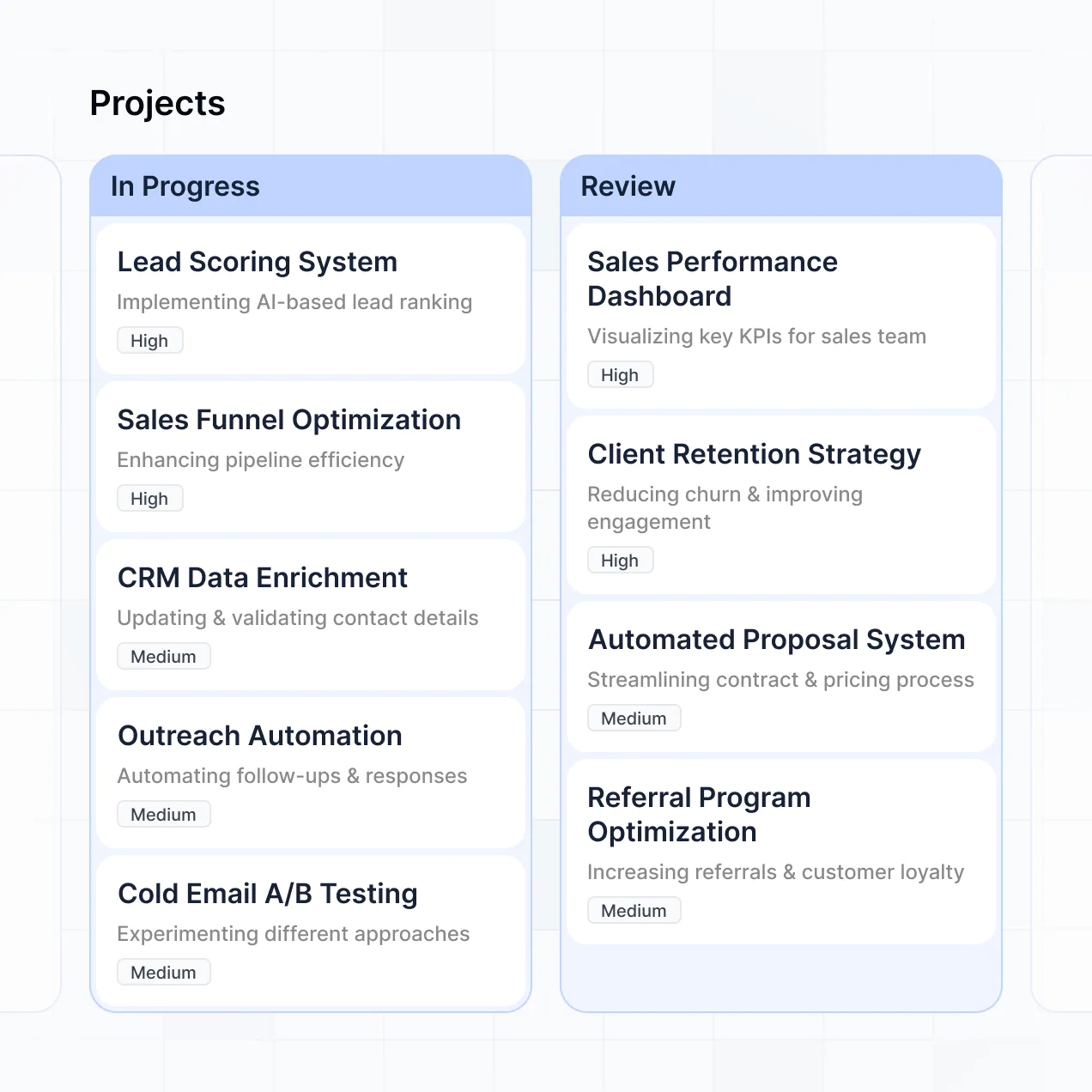
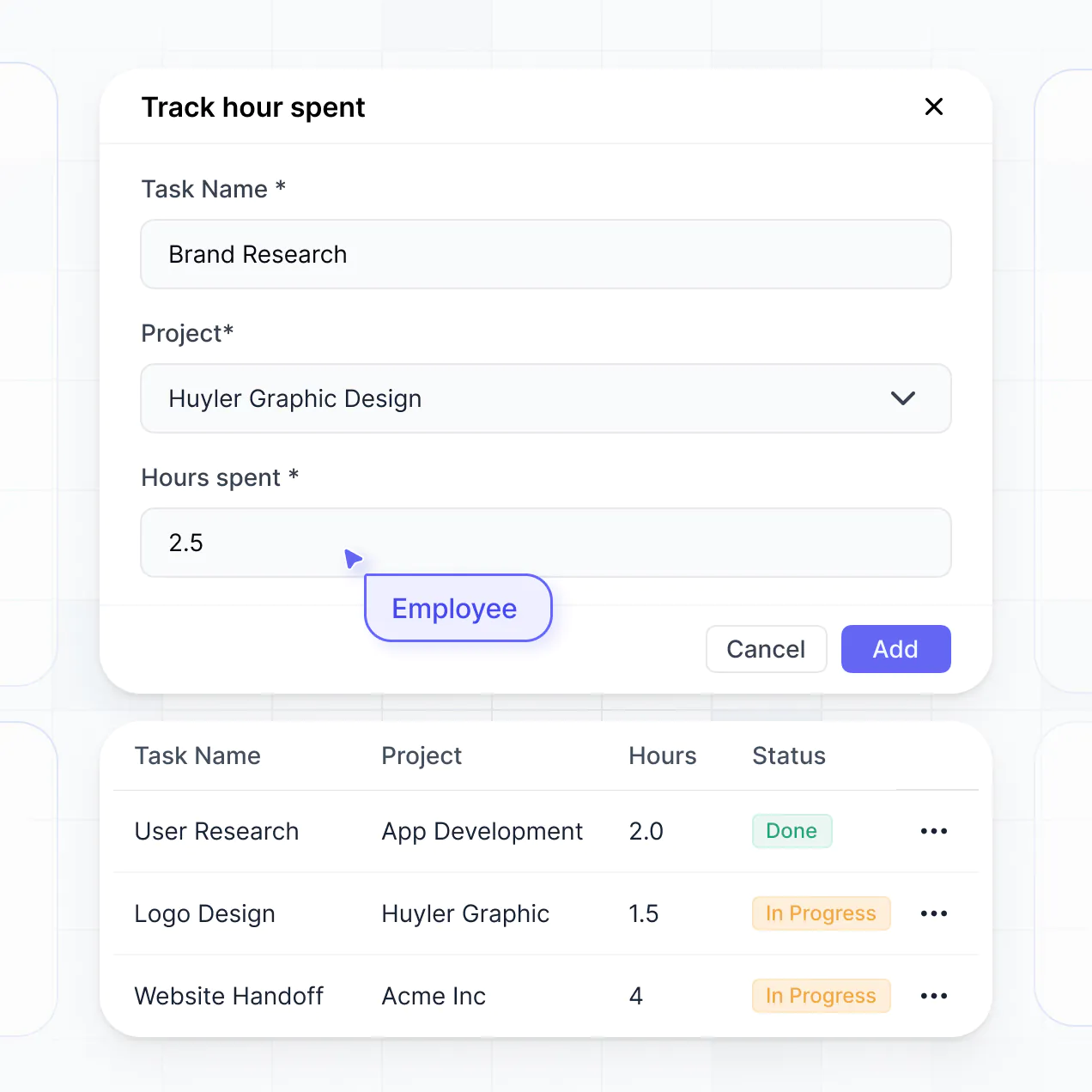
Track billable hours and manage deliverables in consulting project management software built with AI to fit your firm's specific workflow.
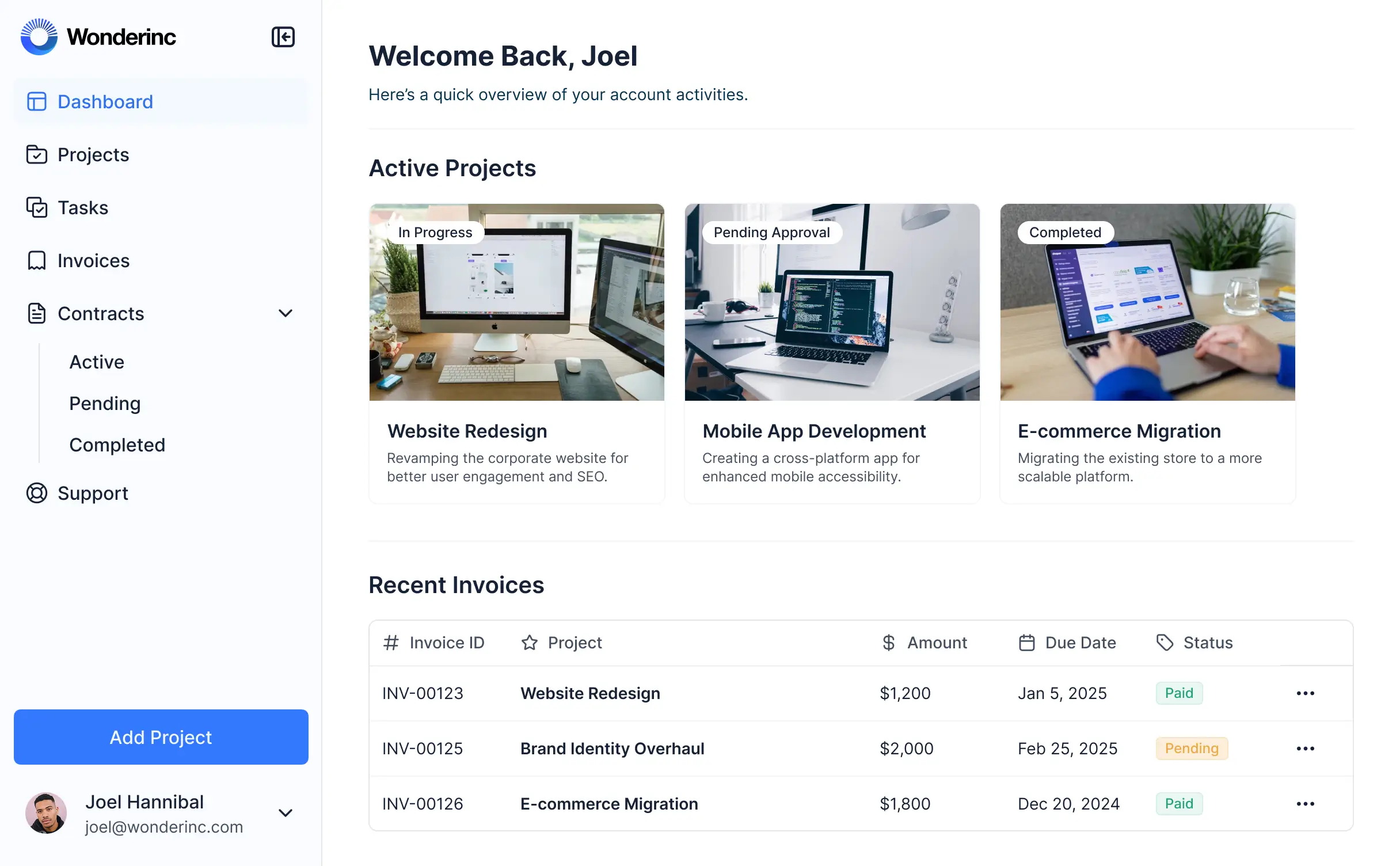



Customize your consulting tool with the exact project views and reporting steps your team needs. Add features as workflows evolve—no code needed.


Connect client contracts, billable hours, and project tasks within your workflows—or manage everything in Softr Databases. Create one source of truth for your agency.
Give consultants and managers the right tools and access. Set up secure logins, user groups, and granular permissions—no IT support or dev work needed.
Give different consultants tailored access to their specific project dashboards, so each role sees just the deliverables and hours they need.
Streamline your consulting workflows with Softr Workflows. Trigger native notifications for project milestones or budget alerts to keep operations smooth.
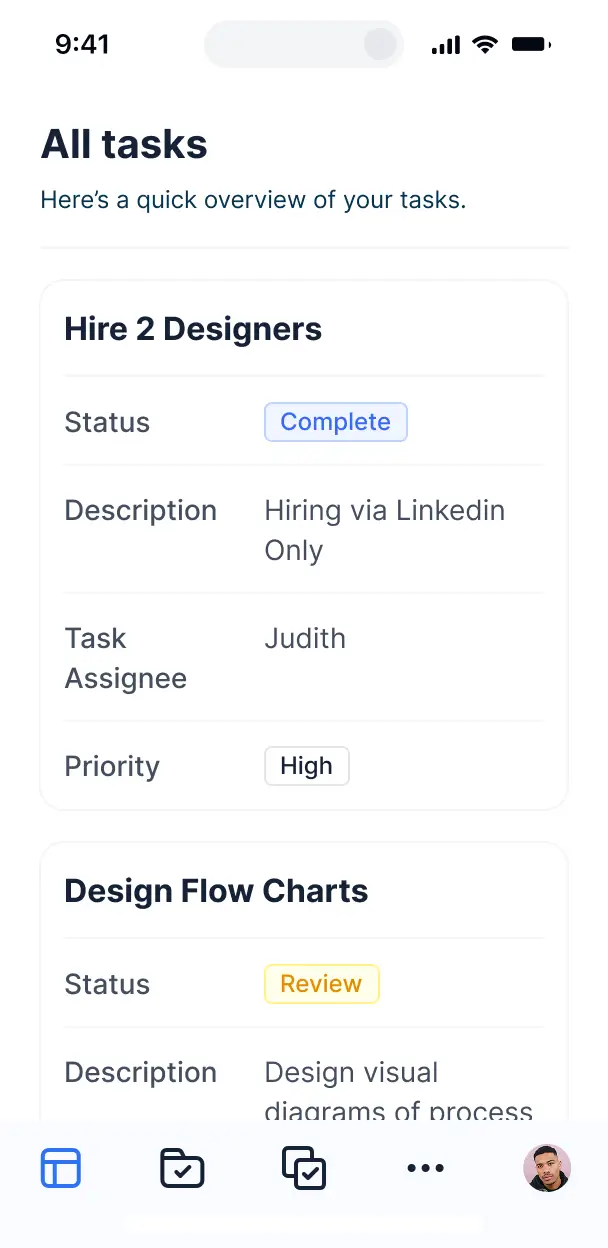
Access and update project status or log billable hours while on-site with clients. All consulting tools are mobile-ready out of the box.
Use Google, email, or SSO logins to give your consulting team fast, secure access to project trackers—no IT tickets needed.
Keep sensitive client and financial data safe with SOC2 and GDPR compliance, plus fine-tuned access control at every project level.
No more one-size-fits-all tools or costly custom builds. Softr is easy to use and fully customizable, so you can launch faster, adapt as you grow, and skip the complexity of traditional software.

Build your consulting project management software in minutes with AI—no dev time or manual setup needed.

Add features like billable hour logs, milestone summaries, or client dashboards as your firm grows.

Start with project tracking, then add client portals and team dashboards—all in one place with no extra tools.
Co-build with AI
Simply describe what you need. Let Softr handle everything - Interface, database, workflows.
Iterate with AI or visually
Control most critical parts of your app yourself - roles, permissions, security.
Ship the same day
Invite team members or external clients and partners right away. No developer handover.
Use drag-and-drop blocks to build a portal that looks sleek and modern out of the box. Add only the features you need, and iterate as your workflows evolve.




Consulting project management software is a dedicated workspace where consultants and clients collaborate on deliverables, track project milestones, and share strategic documents. It centralizes all engagement activities in one secure hub, eliminating the chaos of scattered email threads and fragmented spreadsheets. This ensures your projects stay on schedule and provide a professional, transparent experience for your clients and consulting team.
Softr is the first AI-native platform for building professional business software, making it uniquely suited to create consulting project management software that matches your specific methodology. You can describe your unique consulting process to the AI Co-Builder to instantly generate your project databases, phase tracking pages, and client logic—all fully connected and secure right out of the box.
There is no need for coding. You can start by generating with AI, using a project management template, or building your own custom solution from scratch. Your software runs on Softr Databases, a high-performance relational database, or you can sync with your existing project data in Airtable, Google Sheets, or HubSpot. You have complete flexibility to design the project interface, control client access levels, and apply your firm's professional branding. It is fast to deploy, easy to iterate as your services evolve, and scales effortlessly from boutique firms to large consultancies.
You can integrate a wide array of specialized features into your consulting project management software to streamline your delivery. A robust consulting app typically combines visual tracking with AI-driven insights:
- AI-Powered Intelligence – Use Ask AI to let consultants query project archives for insights, or deploy Database AI Agents to automatically summarize weekly status reports or perform budget variance analysis.
- Vibe Coding Blocks – Create custom project components, such as a specialized utilization rate calculator or a custom deliverables gallery, by using the AI Code block to generate exactly what your project needs.
- Softr Workflows – Set up native automations, such as an automatic notification when a client approves a milestone or a sync to update billable hours when a task status changes.
- Client Portals & Secure Access – Ensure each client only sees their specific project roadmap, shared files, and budget updates while keeping internal data private.
- Strategic Input Forms – Capture discovery data, feedback, and approvals through custom forms with file uploads and conditional logic.
- Executive Dashboards – Visualize project health, resource allocation, and ROI metrics with real-time charts and summary blocks.
- Kanban & Timeline Views – Manage task pipelines and project phases with searchable boards, tables, and detailed record views.
Every feature is built using Softr's intuitive drag-and-drop blocks. If you need a proprietary tool for your consulting niche, use the Vibe Coding block to build it with AI. Updates are simple, allowing your software to evolve alongside your consulting practice.
Vibe coding allows you to move at the speed of your business by using AI to build tailored consulting tools instantly. You can "vibe code" your consulting project management software by describing your project phases, client reporting needs, and team structures to the AI Co-Builder. Softr then generates a professional, functional application on a stable and secure enterprise foundation.
Unlike standard AI tools that produce unmanaged code, Softr handles the critical infrastructure like client authentication, role-based database security, and cloud hosting natively. This gives you the rapid speed of vibe coding without the technical debt of managing raw code. You describe your project workflow, Softr builds the interface, and your clients can start collaborating on deliverables immediately.
Yes. You can manage multiple consulting engagements or internal teams within a single application. Each client or project manager only sees the specific project data, timelines, and files assigned to them based on their authenticated login and role. This is ideal for consulting firms that need to provide a private, white-labeled experience for several different clients simultaneously.
Absolutely. You do not need an existing database to begin building your project management software. If you are starting fresh, Softr Databases is built directly into the platform, allowing you to create tables for projects, tasks, and time entries that integrate seamlessly with your app.
If you already maintain project data in tools like Airtable, Notion, or SQL, you can easily connect those as well. You can even combine local Softr data with external sources through our REST API. No matter where your data lives, you have total control over how project milestones and consulting deliverables are structured and displayed.
Softr Databases is the recommended relational data source for consulting apps, providing high-speed performance and native automation triggers that are perfect for complex project tracking. Because the data is native to the platform, the user experience for your clients and consultants is incredibly fast.
Softr also connects to over 17 external sources if your data is already housed elsewhere. You can link to Airtable, Google Sheets, HubSpot, BigQuery, and more. You can even use multiple sources in one app—for example, pulling financial data from HubSpot while managing project tasks in Softr Databases. Most connections support real-time, two-way sync, ensuring your project timelines are always current.
Yes, Softr provides granular control over how clients and consultants interact with your project software. You can tailor the navigation and layout to match your consulting process, ensuring that every page or data block is visible only to the users who need it.
You can establish distinct roles—such as Client Executive, Day-to-Day Contact, or Senior Consultant—and define exactly what each role can view or modify. For instance, a client might have read-only access to their project roadmap and approval rights on deliverables, while your internal team can update task statuses and project budgets. This ensures a clean, secure, and professional environment for every stakeholder in the engagement.
Yes, you can fully white-label your consulting project management software. You can incorporate your own firm's logo, brand colors, custom typography, and host it on your own custom domain to make it look like a proprietary internal tool. You can also strip away all Softr branding, providing your clients with a premium, fully branded project experience that reinforces your firm's professional identity.
Yes, you can. Softr offers extensive flexibility to adjust the design and layout of your project management hub. You can configure brand-specific colors, fonts, and page hierarchies to reflect your firm's style. You decide the project structure, which blocks display on the dashboard, and what specific views your consultants see versus your clients.
To manage your consulting workflow, you can choose from various functional blocks:
- Table blocks – to track detailed project milestones, budgets, or time logs.
- Kanban blocks – to manage the flow of deliverables through your consulting pipeline.
- Detail View – to provide a deep dive into specific project goals or deliverables.
- Custom Forms – for client onboarding and feedback collection.
- Charts – to report on project progress and KPI achievement.
- Calendar blocks – to keep everyone aligned on key deadlines and meeting dates.
If your consulting methodology evolves, you can simply hop into the visual builder and update your software in minutes.
Security is a core pillar of the Softr platform. All project data is encrypted in transit and at rest, with apps hosted on secure, high-availability infrastructure. Softr allows you to implement robust security through role-based permissions, visibility rules, and global restrictions, ensuring sensitive consulting data like project budgets or strategic plans never leak between clients.
When using Softr Databases, your data is stored in a secure SOC 2 Type II compliant environment based in Germany. For those using external data sources like Airtable or SQL, Softr displays your project information in real time without storing it locally, keeping you in full control. Softr also employs standard best practices for authentication and monitoring to ensure your consulting firm's intellectual property remains protected.
It is completely production-ready. While many AI 'vibe coding' tools produce fragile, unmaintained code, Softr builds your consulting software on a stable, enterprise-grade architecture.
We provide the essential 'boring' infrastructure—including secure client logins, hosting, and field-level permissions—natively. This eliminates the reliability issues typically associated with AI-generated software. Your project management system is secure, scalable, and ready to handle high-stakes consulting engagements from the moment it is generated.
Softr is the first AI-native platform designed for custom business software. Unlike 'vibe coding' tools that lack a structured foundation or generic no-code tools that require tedious manual setup, Softr’s AI Co-Builder generates specialized consulting apps on top of a secure, production-grade framework.
This hybrid approach gives you the best of both worlds: use AI to generate your project database and interface logic in minutes, then use visual tools to refine the layout. You get the agility of an AI tool combined with the reliability of business-grade features like roles and permissions already built-in. It is built for consulting teams who need to launch professional, custom software for their clients without needing a development team.
Yes. Softr supports robust native workflows and a wide variety of integrations to connect your project management hub with your entire consulting stack. You can automate recurring tasks with Softr Workflows, collect payments via Stripe, or integrate with Intercom for client support. Softr also provides a REST API and webhooks for more complex automation needs.
Whether you want to trigger a Slack alert when a project phase is completed, sync data with your CRM, or pull in details from other productivity tools, you can build a fully connected project ecosystem without writing any code.
Describe what you need. Softr's AI builds your project management tool in minutes.