Track site progress, manage blueprints, and assign contractors in an AI-powered system built with AI to fit your firm's workflow.
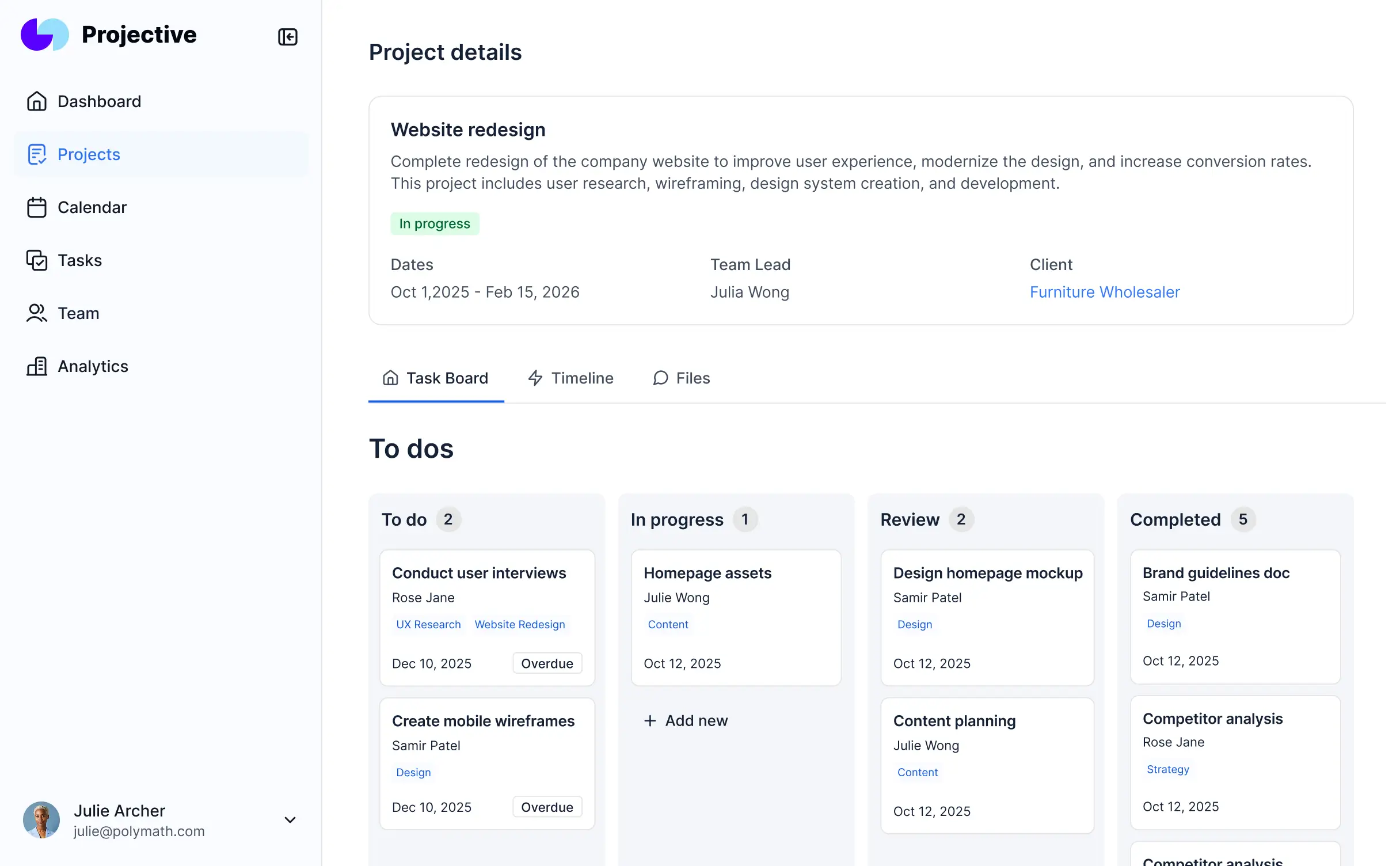
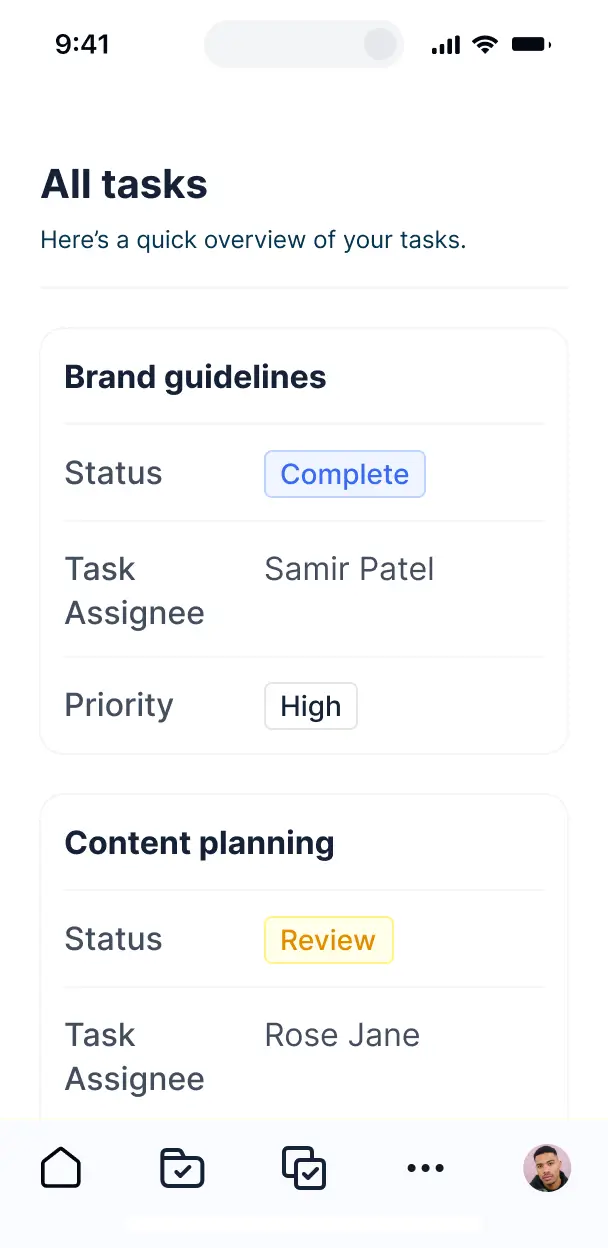



Customize your building project management software with the exact logs and views your site teams need. Add features as your process evolves.


Connect blueprints, budget spreadsheets, and contractor records with real-time sync—or manage everything in Softr Databases. Create a single source of truth for your sites.
Let site managers, contractors, and clients log in to a branded portal. Set up permissions and personalized access in minutes—no code needed.
Automate your site notifications with Softr Workflows for schedule changes, task deadlines, and progress alerts that trigger instantly.
Assign roles for field contractors, engineers, or clients—each gets access only to relevant blueprints and task assignments.
Control who can view, edit, or upload site photos and daily logs—down to the specific project field level.
Keep sensitive project contracts and financial data safe. Softr is fully compliant with SOC2 and GDPR regulations.
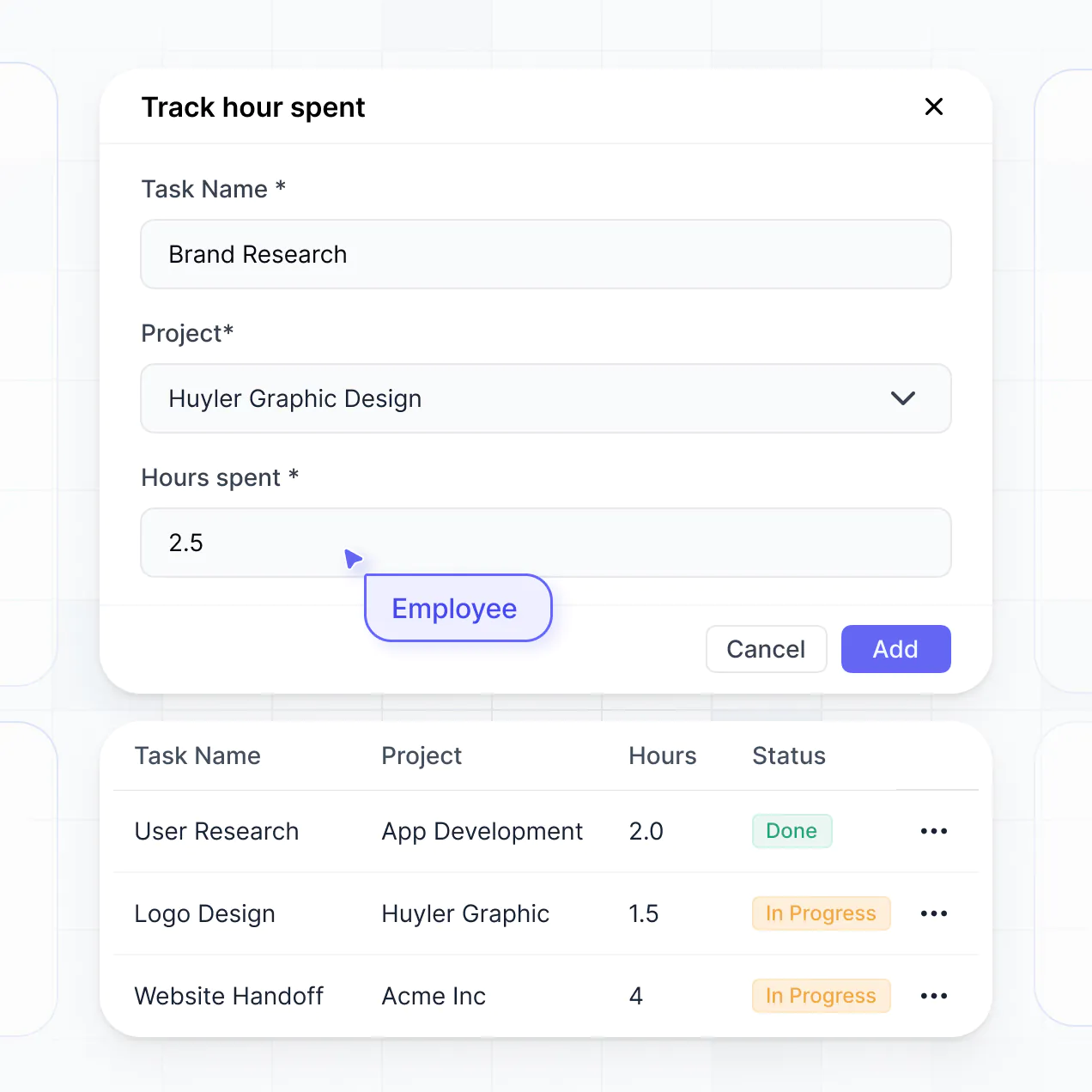
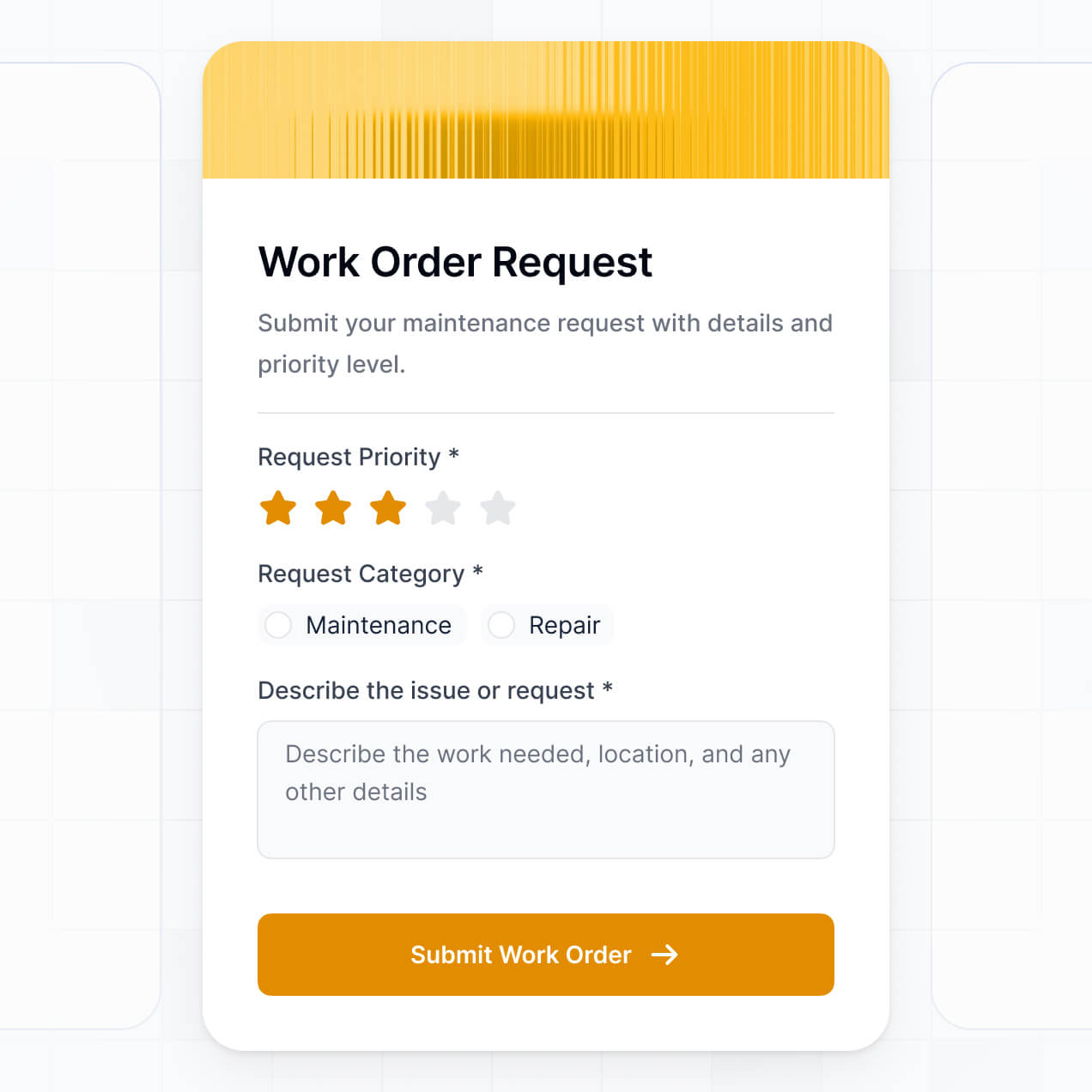
Capture site inspections, safety logs, or expense approvals using flexible form blocks tailored to each specific job site task.
No more one-size-fits-all tools or costly custom builds. Softr is easy to use and fully customizable, so you can launch faster, adapt as you grow, and skip the complexity of traditional software.

Build your building project management software in minutes with AI—no manual configuration needed.

Add features like daily progress logs or budget tracking as your projects evolve—without needing to start over.

Start with project tracking, then add subcontractor portals or document storage—all with no extra tools.
Co-build with AI
Simply describe what you need. Let Softr handle everything - Interface, database, workflows.
Iterate with AI or visually
Control most critical parts of your app yourself - roles, permissions, security.
Ship the same day
Invite team members or external clients and partners right away. No developer handover.
Use drag-and-drop blocks to build a portal that looks sleek and modern out of the box. Add only the features you need, and iterate as your workflows evolve.




Building project management software involves creating a secure, centralized digital space where your team can track tasks, deadlines, milestones, and project resources. It consolidates all project-related communication into one platform, eliminating the need for fragmented email chains or cluttered spreadsheets. This helps project managers keep timelines on track and ensures stakeholders have real-time visibility into progress.
Softr is the first AI-native platform for building business software, making it the ideal choice for creating project management tools that fit your unique production cycle. You can describe your specific workflow to the AI Co-Builder to instantly generate your task database, kanban boards, and project dashboards—all fully connected and secure from the start.
You don't need to write a single line of code. You can begin by generating with AI, using a pre-made project template, or building from scratch. Everything runs on Softr Databases, or you can link data from external sources like Airtable, Google Sheets, or HubSpot. You have total visual control to customize the layout, define team permissions, and brand the app to match your company's identity. It is fast to launch and flexible enough to scale as your project portfolio grows.
You can include a wide range of features in your project management software to handle complex delivery cycles. A robust app typically combines standard PM tools with AI-powered automation:
- AI-Powered Intelligence – Use Ask AI to let managers query project risks or budget status conversationally, or set up Database AI Agents to automatically summarize weekly status reports.
- Vibe Coding Blocks – Build custom UI elements—like a resource allocation map or a custom Gantt view—using the AI Code block to "vibe code" exactly what your team requires.
- Softr Workflows – Create native automations (like an automatic Slack notification when a task status hits "Done") that sync data the moment a team member updates a record.
- User Portals & Logins – Manage access so contractors only see their assigned tasks while executives see high-level portfolio overviews.
- Forms & Data Collection – Standardize project intake or bug reporting with custom forms and file uploads for design assets.
- Dashboards & Charts – Visualize project health, burn-down charts, and team velocity with real-time data.
- Lists & Advanced Filtering – Manage backlogs with searchable tables, kanban boards for sprint planning, and detailed milestone views.
Since everything is built using Softr's drag-and-drop blocks, you can iterate on these features without code. If your methodology changes, simply update the logic in the visual builder.
Vibe coding is about prioritizing speed and outcomes by using AI to build tailored project workflows. You can "vibe code" project management software in Softr by describing your ideal task tracking system to the AI Co-Builder. Softr then generates a production-ready application on top of a stable, secure foundation.
While other tools generate raw code that is difficult to maintain, Softr handles the core architecture—like user authentication, permission levels for different departments, and database relationships—natively. This means you get the agility of vibe coding without the technical debt of managing code. You just describe the workflow, Softr handles the construction, and your team can start tracking projects immediately.
Yes. You can manage multiple cross-functional teams or external vendors in a single project management app. Each user only sees the specific tasks, documents, and timelines assigned to them or their department based on their login and role. This is perfect for organizations where different teams need to collaborate without seeing sensitive budget information or unrelated department backlogs.
Yes, you can. You don't need an existing spreadsheet or database to start building your project management software with Softr. If you are starting from zero, you can use Softr Databases, which is built directly into the platform to store your tasks, projects, and team members seamlessly.
However, if you already have project data in Airtable, Google Sheets, monday.com, or SQL, you can easily connect those sources. You can also utilize the REST API to pull in data from other productivity tools. Regardless of your choice, you maintain full control over how project data is structured and displayed.
Softr Databases is the recommended native data source for project management software. It provides the high performance required for managing thousands of tasks and instant automation triggers, ensuring your project status updates are lightning-fast.
Softr also connects to 17+ external data sources if your project data lives elsewhere. You can sync with Airtable, Google Sheets, HubSpot, SmartSuite, and BigQuery. You can even combine sources—for example, pulling task lists from Softr Databases while displaying budget information from a secure SQL database. Most sources support real-time, two-way sync, so your project board always reflects the latest reality.
Yes, Softr gives you total control over the user experience of your project management software. You can tailor the layouts, colors, and navigation to fit your project methodology (like Agile or Waterfall). Every page or block can be visibility-controlled based on the logged-in user, ensuring contributors only see their to-do lists while project owners see the full roadmap.
You can establish distinct user roles—such as Project Manager, Contributor, and Stakeholder—and define precisely what each role can edit. For example, a contributor might update a task status, while only a manager can change the project budget. This granular control keeps your project data clean and secure across multiple teams and initiatives.
Yes, you can fully white-label your project management app in Softr. You can incorporate your own logo, brand colors, custom typography, and a custom domain to make the software look like a proprietary internal tool. You can also remove all Softr branding, ensuring your team and clients see only your professional company identity throughout their workflow.
Yes, you can. Softr provides extensive flexibility to control the visual design and structural layout of your project software. You can adjust the spacing, fonts, and page architecture to match your brand style. You also choose exactly how data is presented to different team members.
To manage your project data, you can add various functional blocks:
- Table blocks – to track detailed task metadata, logs, or sprint backlogs.
- Kanban blocks – to move tasks through different stages of completion visually.
- Detail View – to show deep dives into a specific project or task description.
- Forms – for project requests or sub-task creation.
- Charts – to monitor team workload and project milestones.
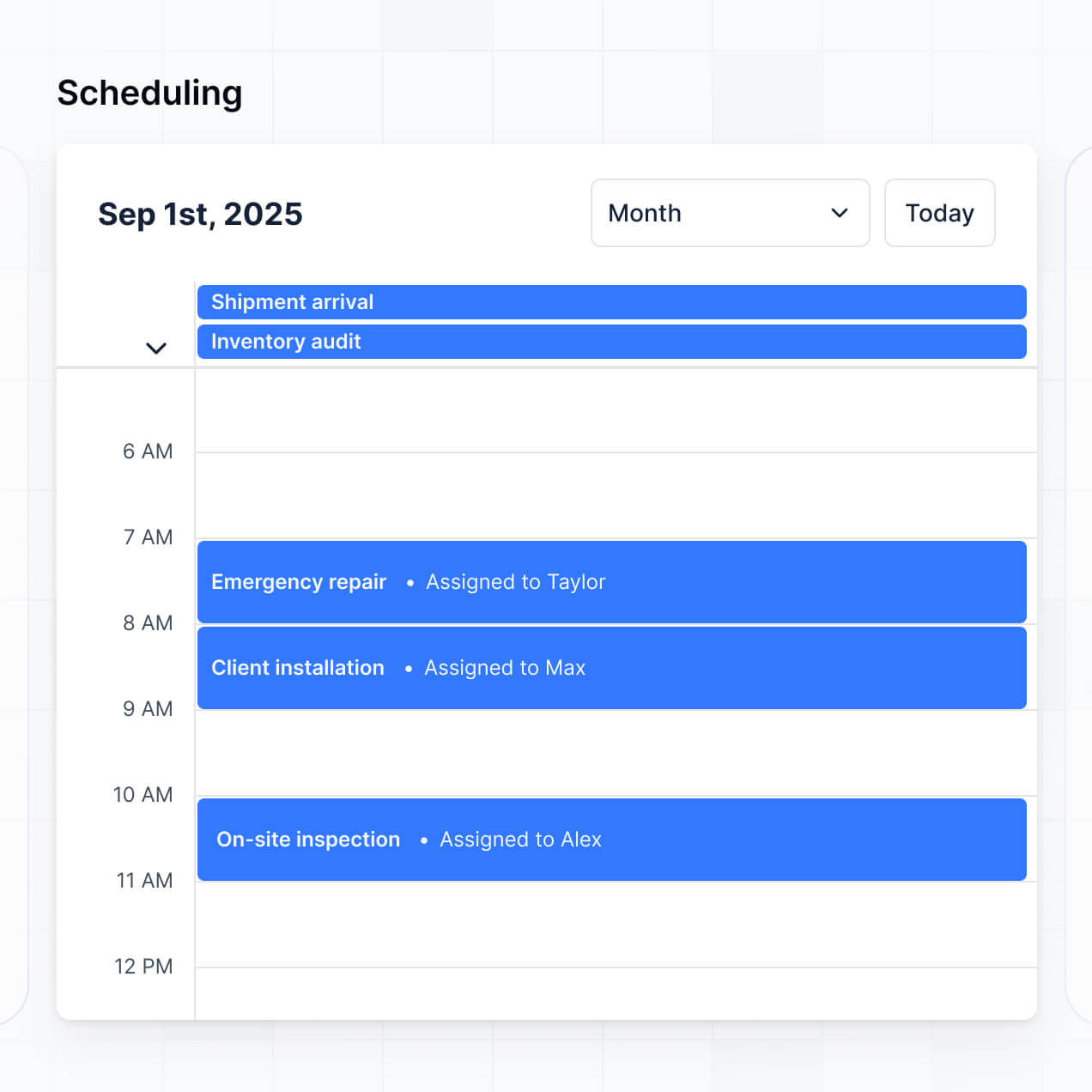
- Calendar blocks – to keep track of upcoming deadlines and delivery dates.
If your team’s project management needs evolve, you can quickly adjust the blocks and layouts within the visual builder.
Softr is engineered with high security standards. All project data is encrypted in transit and at rest, and your project management apps are hosted on secure infrastructure. You have granular control over data access, allowing you to set up role-based permissions and visibility rules so that sensitive project financials or client data are only visible to authorized personnel.
When using Softr Databases, your data is stored in a secure environment hosted in Germany with SOC 2 Type II compliance. For external connections like SQL or Airtable, Softr acts as a secure interface and does not store the data itself. You are always in charge of who can view, edit, or delete project information through your access settings and global app restrictions.
It is fully production-ready. Unlike basic AI tools that generate raw code which is often fragile and difficult to secure, Softr builds your project management software on a stable foundation designed for business use.
We provide native handling for the complex technical aspects—such as secure logins for your team, granular permissions for project tasks, and scalable hosting—automatically. This eliminates the common AI "Day Two" problem: you get the speed of instant generation combined with a reliable, professional-grade tool your team can depend on for daily project delivery.
Softr is the first AI-native platform specifically for business software. While traditional no-code tools require manual setup of every database relationship and UI element, and "vibe coding" tools often result in hard-to-maintain code, Softr’s AI Co-Builder builds apps on top of a secure, production-grade infrastructure.
This hybrid approach allows you to use AI to generate your project database and interface in minutes, while still having visual drag-and-drop controls for precise refinement. You get the innovative speed of AI with the dependability of enterprise features like robust authentication and roles already built-in. It is built for project leaders who need to go from a project idea to a working team tool on day one.
Yes. Softr supports native project workflows and numerous integrations to link your software to the rest of your tech stack. You can automate recurring tasks with Softr Workflows, or connect to tools like Slack, Stripe, or Intercom. We also provide REST API and webhook support for more complex project automations.
Whether you need to automatically generate an invoice upon project completion, trigger a notification for an overdue task, or sync data from a CRM, you can build these automated project flows without writing any code.
Describe what you need. Softr's AI builds your building project management software in minutes.