17 tools to extract data from websites

In today's business world, smart data-driven decisions are the number one priority. For this reason, companies track, monitor, and record information 24/7. The good news is that there's plenty of public data on servers that can help businesses stay competitive.
The process of extracting data from web pages manually can be tiring, time-consuming, error-prone, and sometimes even impossible. That's why most web data analysis efforts use automated tools.
Web scraping is an automated method of collecting data from web pages. Data is extracted using software called web scrapers, which are basically bots that scan and pull info from targeted sites. In this guide, we'll cover how data extraction works, when and why businesses use it, and the 20 best tools available in 2026.
What is data extraction, and how does it work?
Data extraction or web scraping involves extracting information from a source, processing, and filtering it for use in strategizing and decision-making. It may be done by teams of digital marketers, data scientists, data analytics specialists, or anyone who configures a web scraping bot. The extracted data is then ported to tools and used for business intelligence (BI), competitor analysis, market research, lead generation, price monitoring, SEO optimization and other initiatives.
Before automation tools, data extraction was performed at the code level, which wasn't practical for daily data scraping. Today, there are no-code or low-code data extraction tools that make the whole process significantly easier.
When engaging in web scraping, it's crucial to ensure your IP address remains undetectable to avoid blocks and CAPTCHAs. Using static residential proxies can be an effective solution since they offer a consistent IP address, replicating real user behavior and reducing the likelihood of detection.
What are the use cases for data extraction?
Data extraction only delivers value when the collected data is put to work. Here are some of the most common use cases for web scraping:
- Online price monitoring: Track competitor pricing in real time to adjust your own prices dynamically and stay ahead of the market.
- Real estate: Aggregate property listings, pricing trends, and neighborhood data to build comprehensive real estate databases.
- News aggregation: Collect and consolidate news sources to serve as alternative data for finance teams and hedge funds making investment decisions.
- Social media: Pull engagement metrics, trending topics, and audience sentiment to inform and refine your social media strategy.
- Review aggregation: Gather customer reviews across multiple platforms to monitor brand reputation and respond to feedback proactively.
- Lead generation: Scrape targeted websites to collect contact information and build prospect lists for sales and marketing outreach.
- Search engine results: Monitor search rankings and analyze SERP data to strengthen your SEO strategy and track keyword performance.
Is it legal to extract data from websites?
Web scraping has become the primary method for data collection, but its legality isn't always straightforward. As a general rule, scraping publicly available data is considered legal.
However, how you use that data is where things get complicated. Using scraped data for commercial purposes, scraping behind login walls, or violating a website's Terms of Service can all cross legal and ethical boundaries. It's also worth noting that some jurisdictions have data privacy laws—such as GDPR in Europe or CCPA in California—that may apply depending on the type of data being collected and where your users are located.
When in doubt, consult a legal professional before launching any large-scale scraping operation.
How to extract data from a website
When dealing with large volumes of data, manually copying and pasting information into a spreadsheet is seriously impractical. For smaller, one-off tasks, manual extraction may be an optio, but for any serious data operation, automation is essential. Depending on your team's technical capabilities and budget, there are several approaches to web scraping, ranging from building a custom solution in-house to using ready-made tools that require little to no coding experience.
Code a web scraper with Python
While web scrapers can technically be built with any general-purpose programming language — Java, JavaScript, PHP, C#, and others — Python remains the go-to choice for most developers. Its beginner-friendly syntax and rich ecosystem of libraries like BeautifulSoup, Scrapy, and Selenium make it the most practical option for building scrapers quickly and efficiently.
Use a data service
If your team lacks the technical resources to build and maintain a scraper in-house, a third-party data service may be worth the investment. These are professional services that handle the entire extraction process on your behalf, delivering clean, structured data tailored to your specific business requirements.
Use Excel for data extraction
It may come as a surprise, but Microsoft Excel has a built-in web data import feature that allows you to pull information directly from web pages. That said, this method has significant limitations and works best for extracting structured table data.
Web scraping tools
For most businesses, dedicated web scraping tools offer the best balance of power and accessibility. These no-code and low-code platforms eliminate the need for developer involvement and come in several varieties—batch processing, open-source, and cloud-based—allowing you to build a repeatable scraping and analysis workflow. The following section covers the best options currently available.
Top 17 data extraction tools in 2026
1. Import.io
Import.io is a SaaS web data integration platform that covers the entire extraction cycle — from scraping to delivery. It's particularly well-suited for eCommerce businesses looking to monitor growth, track competitors, and analyze market trends at scale.
- Data types: Product details, search and product rankings, reviews, Q&A, availability and inventory
- Best for: Large-scale data scraping in a clean, usable format
2. Octoparse

Octoparse is a no-code web scraping tool with 500+ pre-built templates spanning eCommerce, social media, job listings, Google Maps, Google Search, lead generation, travel, real estate, and finance. Enter a few keywords or URLs and export directly to a local file or database. For more specific needs, you can build a custom scraping workflow through a point-and-click interface. Built-in proxies and IP rotation help you avoid detection and blocks.
- Data types: eCommerce, social media, job listings, Google Maps, real estate, finance, lead generation
- Best for: Teams that want a large template library with the flexibility to build custom workflows; free plan available with a 14-day trial on paid plans
3. Parsehub

Parsehub is a free web scraping tool that handles modern web technologies including JavaScript, AJAX, and cookies. Its machine learning engine can read, analyze, and convert complex datasets in just a few clicks. Available on Mac, Linux, and Windows, with a browser extension for quick, on-the-spot scraping.
- Data types: eCommerce, aggregators and marketplaces, social media
- Best for: Downloading scraped data in any format across multiple operating systems
4. Web Scraper
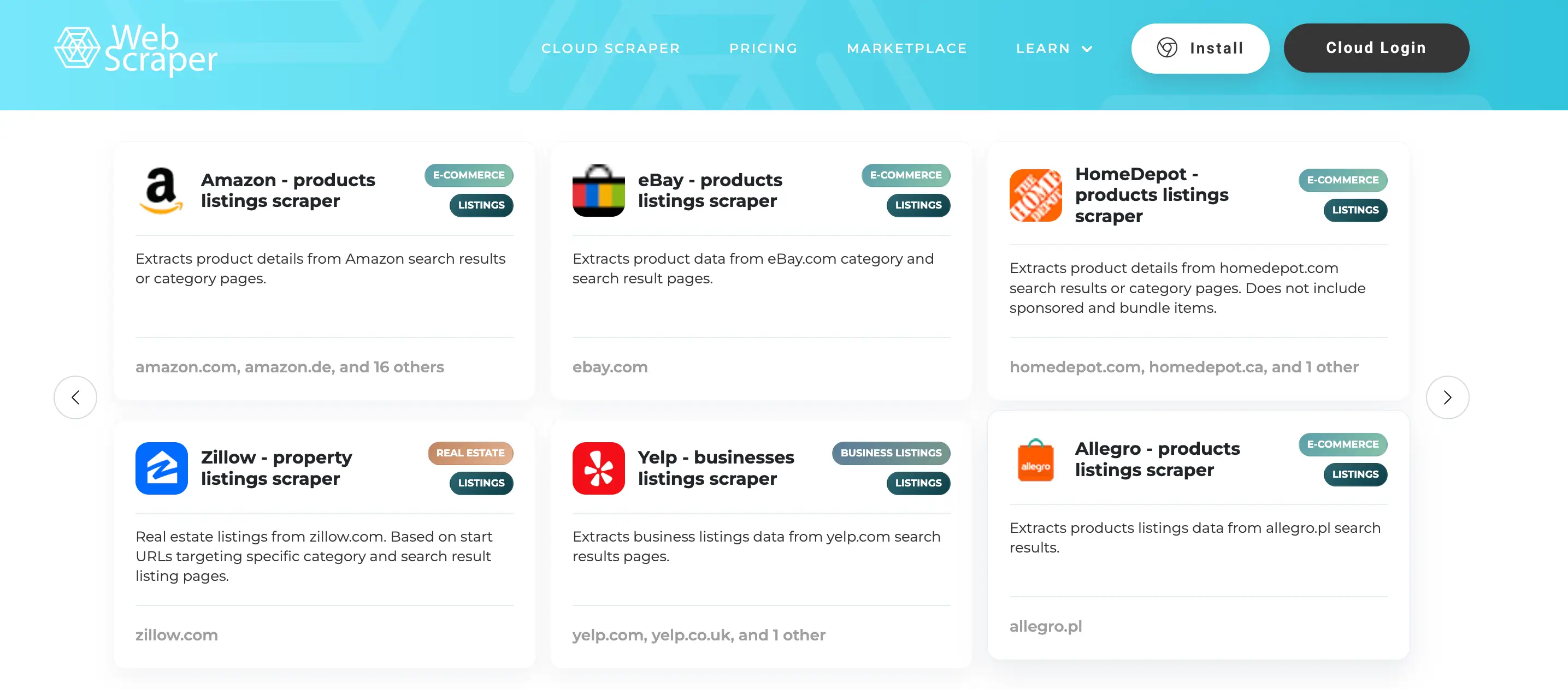
Web Scraper makes it easy to extract and replicate content from entire websites if needed. It offers both a Chrome extension for straightforward scraping tasks and a cloud extension for handling larger data volumes, navigating sites using a predefined sitemap.
- Data types: Dynamic website content, structured and unstructured web data
- Best for: Extracting data from dynamic websites using a modular selector system; exports to CSV, XLSX, and JSON
5. Hevo Data
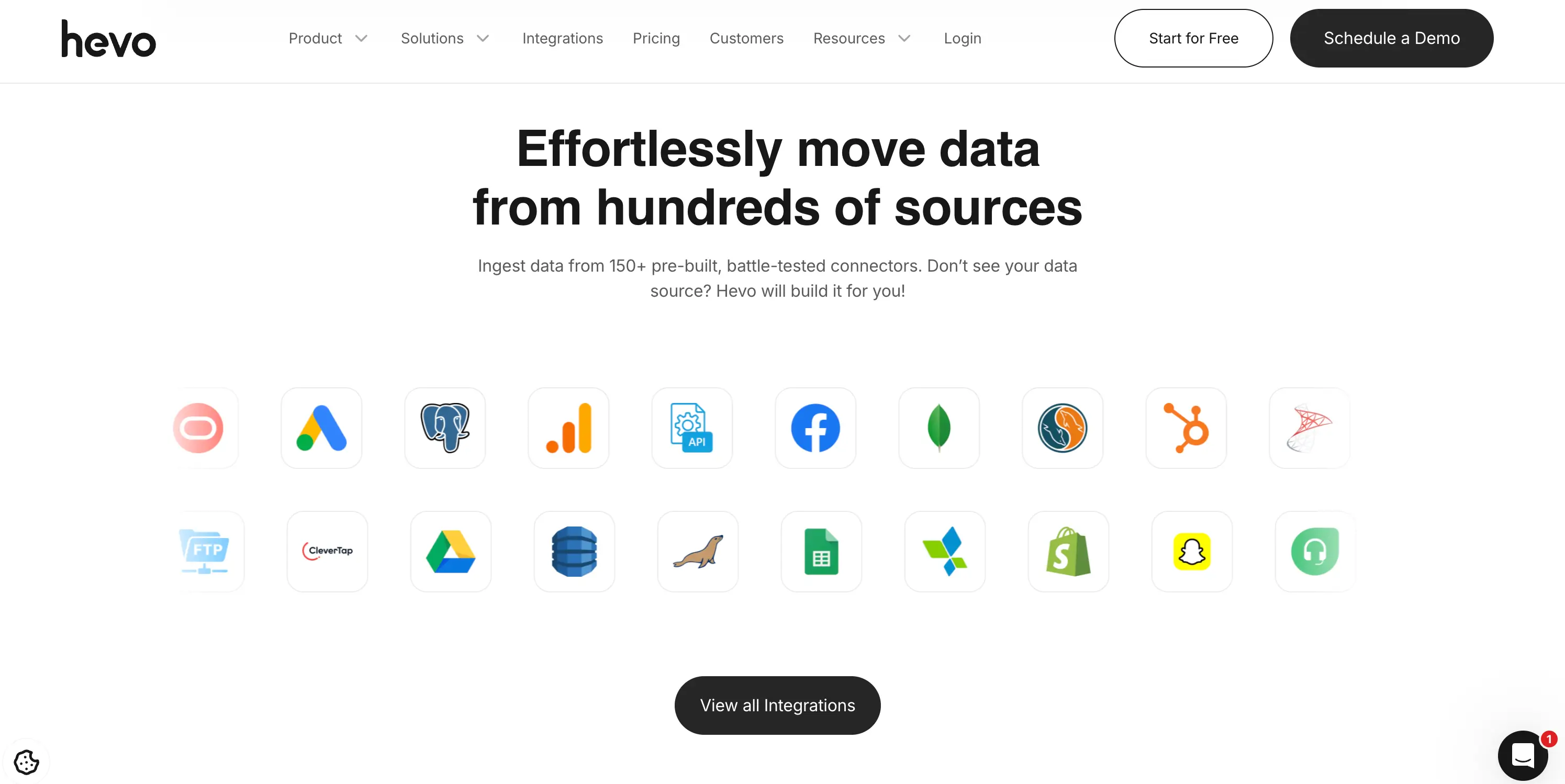
Hevo Data is a no-code extraction platform that simplifies the ETL process from end to end. Its three-step data pipeline loads information into an analysis-ready format, reducing the manual work involved in preparing data for downstream tools.
- Data types: SaaS applications, SDKs, databases, streaming services
- Best for: Fault-tolerant, secure extraction with horizontal scaling capable of handling millions of records with minimal latency
6. Apify

Apify is a flexible cloud-based platform built for automating web scraping without the overhead of managing your own infrastructure. It supports headless browsers, proxies, and custom JavaScript and Python code, making it capable of handling even the most complex and dynamic websites.
- Data types: Social media, eCommerce, B2B lead generation, real estate, SEO and marketing
- Best for: Teams that want access to 1,600+ ready-made scrapers, customizable workflows, and flexible data delivery in JSON, CSV, or directly to a database via API
7. PhantomBuster
PhantomBuster is a code-free automation and data extraction platform focused on lead generation and growth marketing. It allows you to chain multiple automations together to build sophisticated, multi-step workflows, with data exported in CSV and JSON formats.
- Data types: Social media, lead extraction
- Best for: Building automated lead generation pipelines without writing code
8. Bardeen
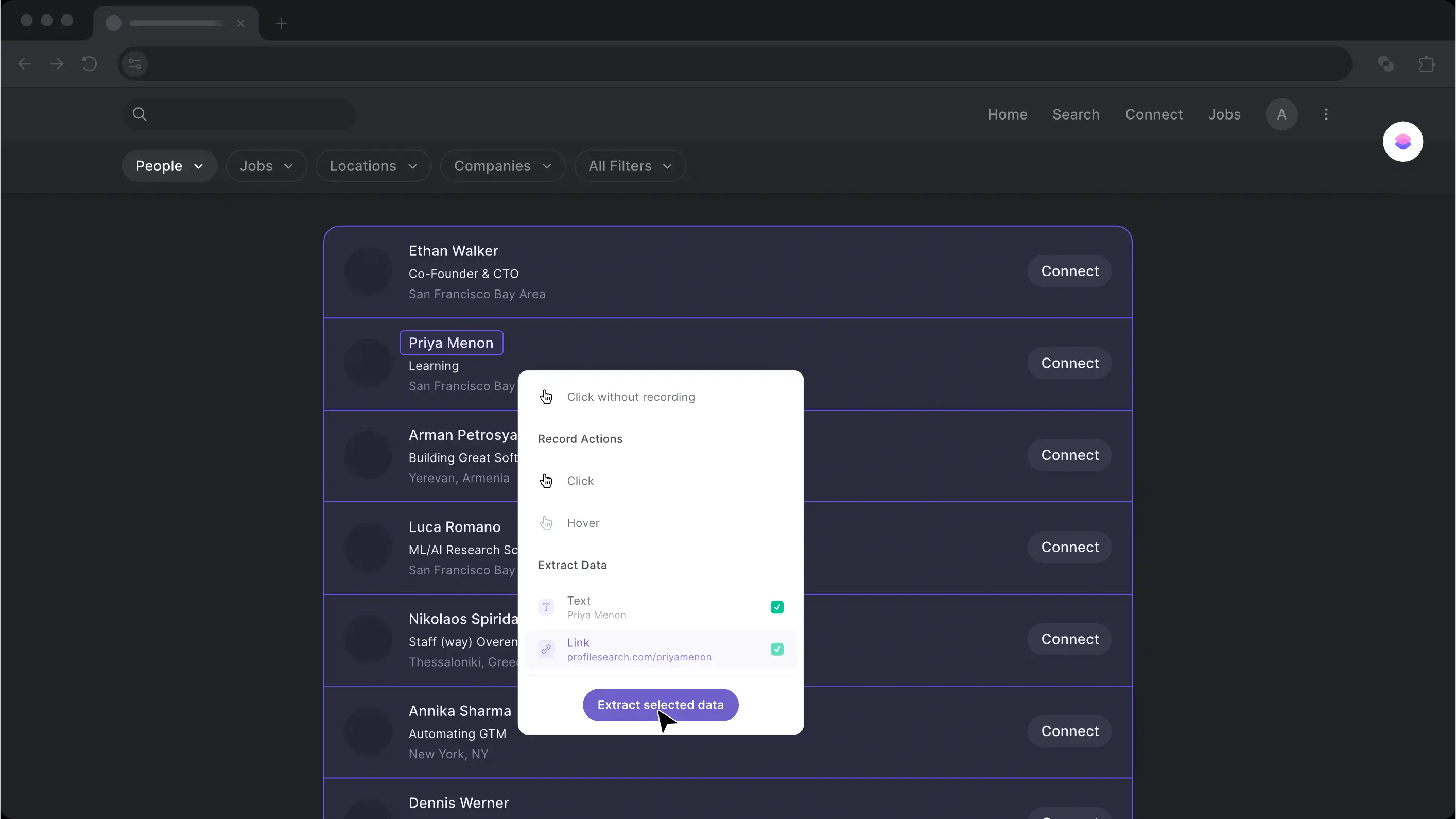
Bardeen lets you scrape data from any website and push it directly into your favorite apps — think copying LinkedIn profile data into a Notion database with a single click, or saving posts to a Google Doc automatically. It's built for seamless integration between scraping and the tools you already use.
- Data types: Images, meta images, links, page links
- Best for: Scraping on an active browser tab or running extractions in the background across multiple URLs
9. Mozenda

Mozenda is a straightforward cloud-based scraping tool that extracts web content and delivers it as structured, BI-ready data. It supports a wide range of export formats, making it easy to plug the data into whichever analysis or reporting tool your team uses.
- Data types: Images, text, PDF content
- Best for: Data harvesting and cleansing with flexible export options across JSON, CSV, XML, TSV, and XLSX
10. ScrapingBot

ScrapingBot is a reliable extraction tool designed primarily for aggregating product data and supporting marketing and market analysis efforts. It also offers API integration for collecting data from social networks and Google Search results.
- Data types: Images, product information (title, price, description, stock, etc.)
- Best for: Large-scale scraping and headless browser scraping for complex or JavaScript-heavy pages
11. Image to Text Converter
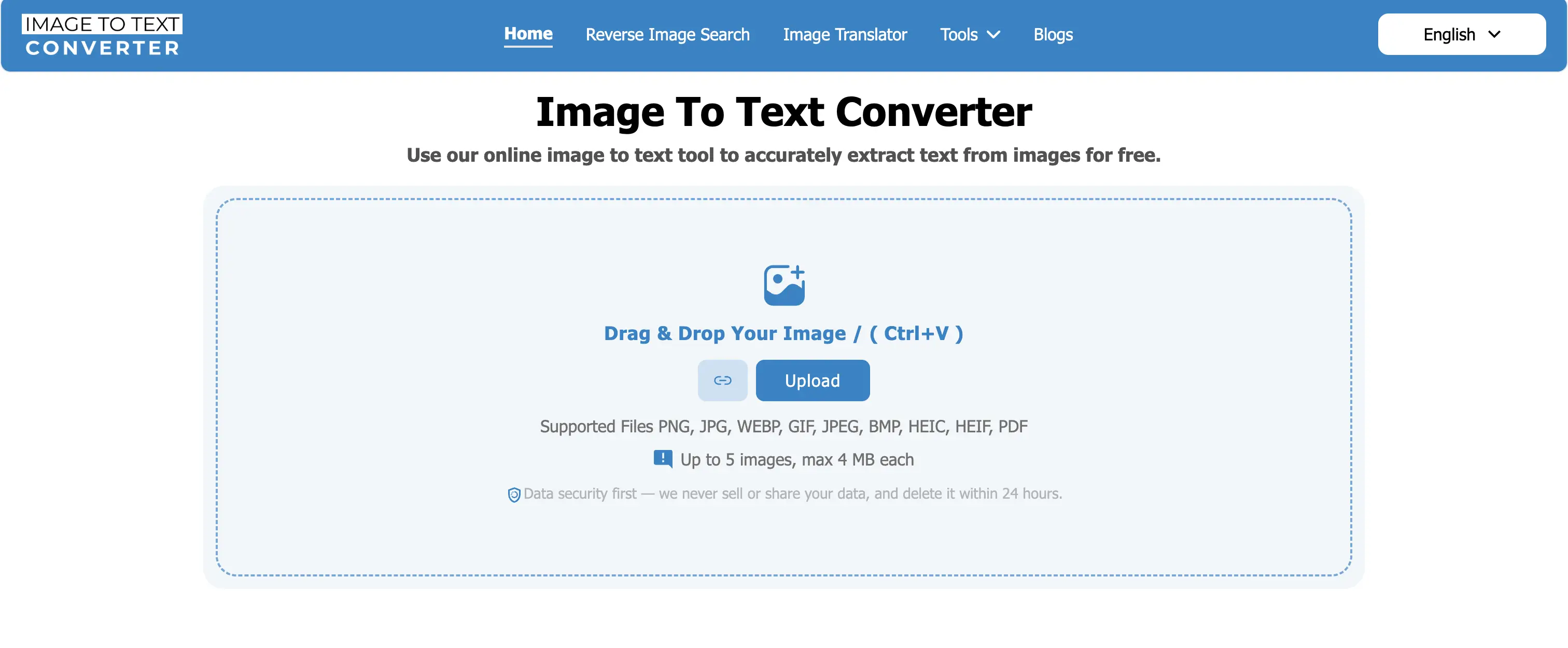
Image to Text Converter is a specialized OCR tool that extracts text embedded in images and converts it into an editable digital format — useful for pulling data from screenshots, scanned documents, or image-based PDFs. You can process multiple files at once using either uploaded files or image URLs.
- Data types: Images, PDFs
- Best for: Extracting text from image-based content that can't be copied or scraped conventionally
12. ScrapeStorm
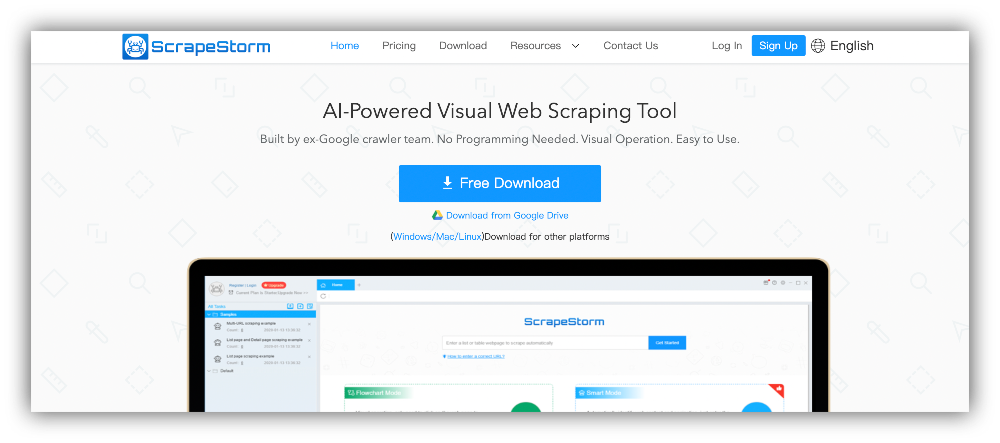
ScrapeStorm is one of the most beginner-friendly tools on this list. It supports all major operating systems, requires no technical background, and offers a free plan — making it a solid starting point for teams new to web scraping.
- Data types: Lists, forms, links, images
- Best for: Visual point-and-click scraping with multiple export options for users with no technical background
13. Docparser

Docparser is purpose-built for extracting structured data from documents rather than web pages. It supports Word files, images, and PDFs, and comes with a library of templates to cover common extraction scenarios. You can also structure and edit the extracted data within the platform.
- Data types: Images, PDFs, Word documents
- Best for: OCR for scanned documents, barcode and QR code detection, and fetching documents directly from cloud storage providers
14. Distill.io
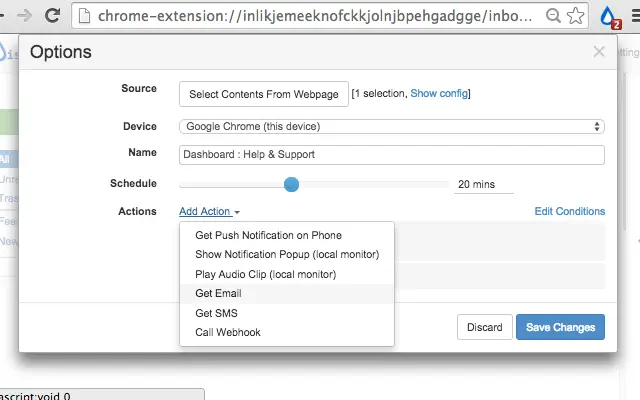
Distill.io is a website change monitoring tool that tracks updates on web pages, PDFs, and even password-protected content. You can run monitors directly in your own browser to bypass aggressive bot detection, or use Distill's cloud infrastructure for 24/7 uptime monitoring. It's useful for teams that need precise, targeted monitoring rather than full-page scraping, with a point-and-click selector tool that lets you zero in on specific elements like a price, stock status, or a table cell.
- Data types: Web pages, PDFs, JSON, XML, RSS feeds, password-protected pages
- Best for: Price tracking, inventory monitoring, and competitive intelligence teams that need instant alerts when specific data on a page changes
15. ProWebScraper
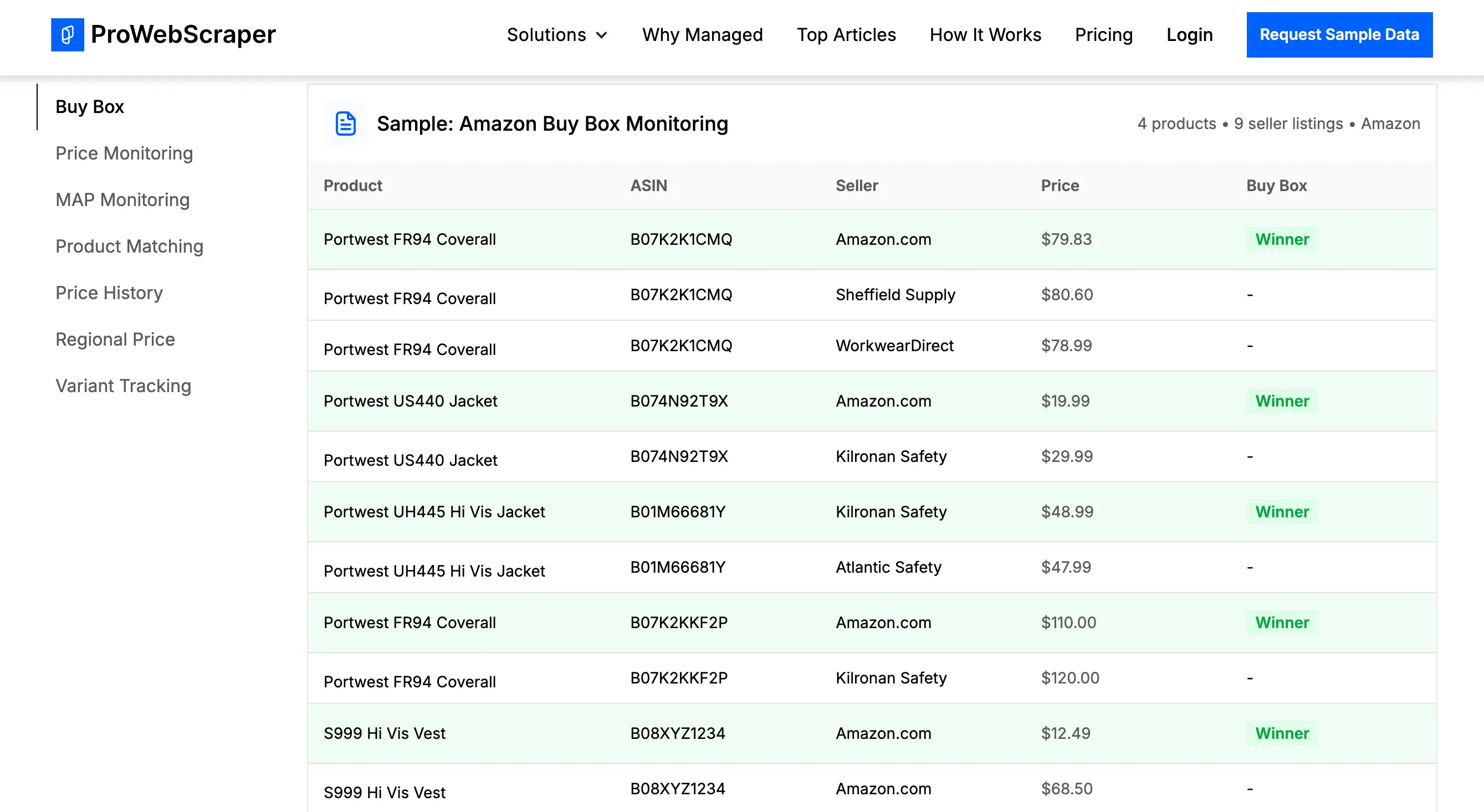
ProWebScraper is a robust option for teams serious about scaling their scraping operations. It claims compatibility with roughly 90% of websites and supports simultaneous multi-page extraction and automatic URL generation.
- Data types: General web content across a wide range of website types
- Best for: API-based data access and custom selector configuration for advanced, high-volume scraping needs
16. Browse AI
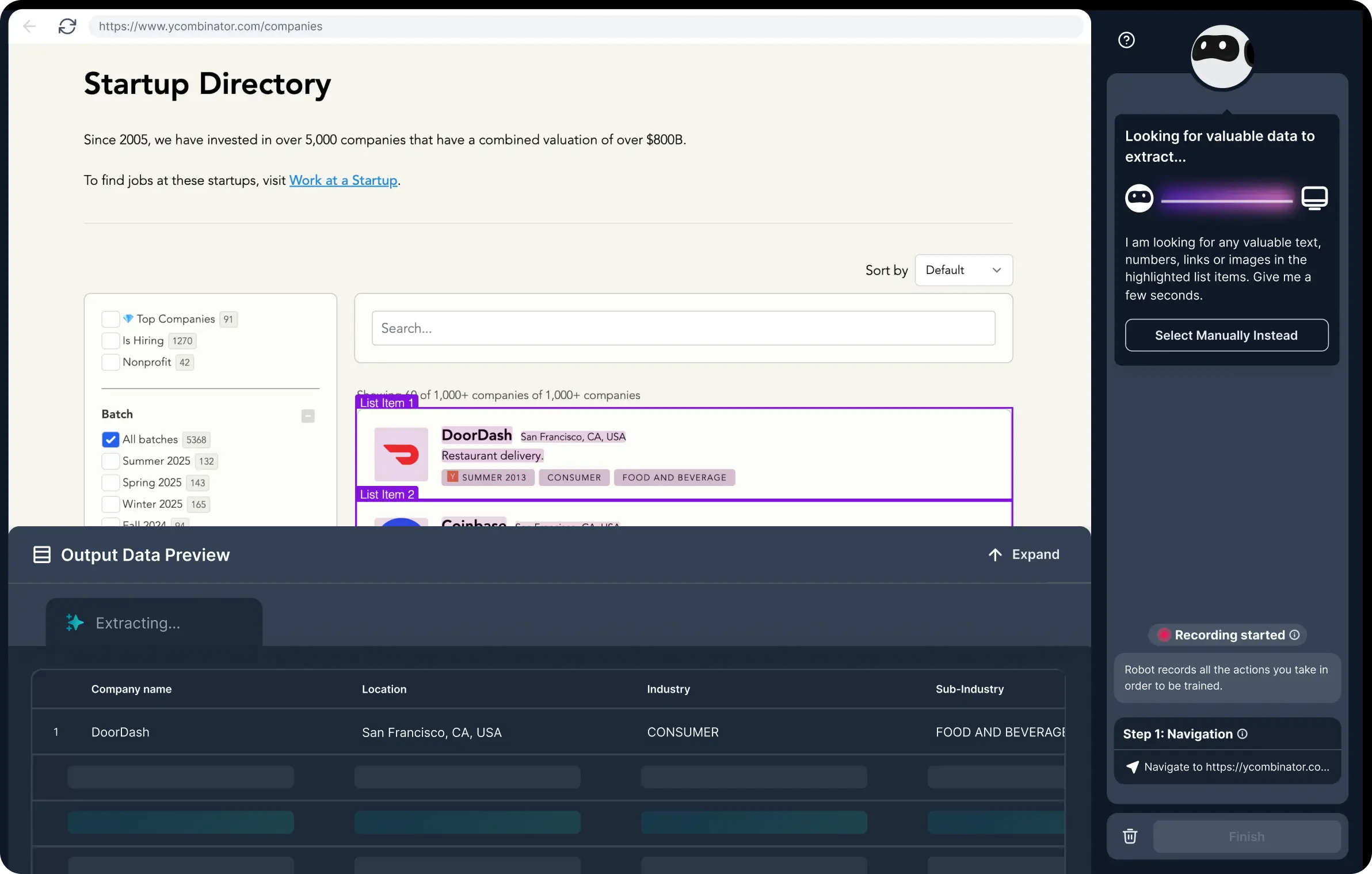
Browse AI is an AI-powered web scraping and monitoring platform that lets you scrape, extract, monitor, and turn any website into a live dataset with zero coding required. What sets it apart from most tools on this list is its website change detection: the AI automatically adapts when a site's layout changes, so your data stays accurate over time without you having to rebuild your scraper.
- Data types: eCommerce, job listings, real estate, lead data, social media
- Best for: Teams that need to monitor websites for changes over time and integrate scraped data into existing tools
17. ScraperAPI
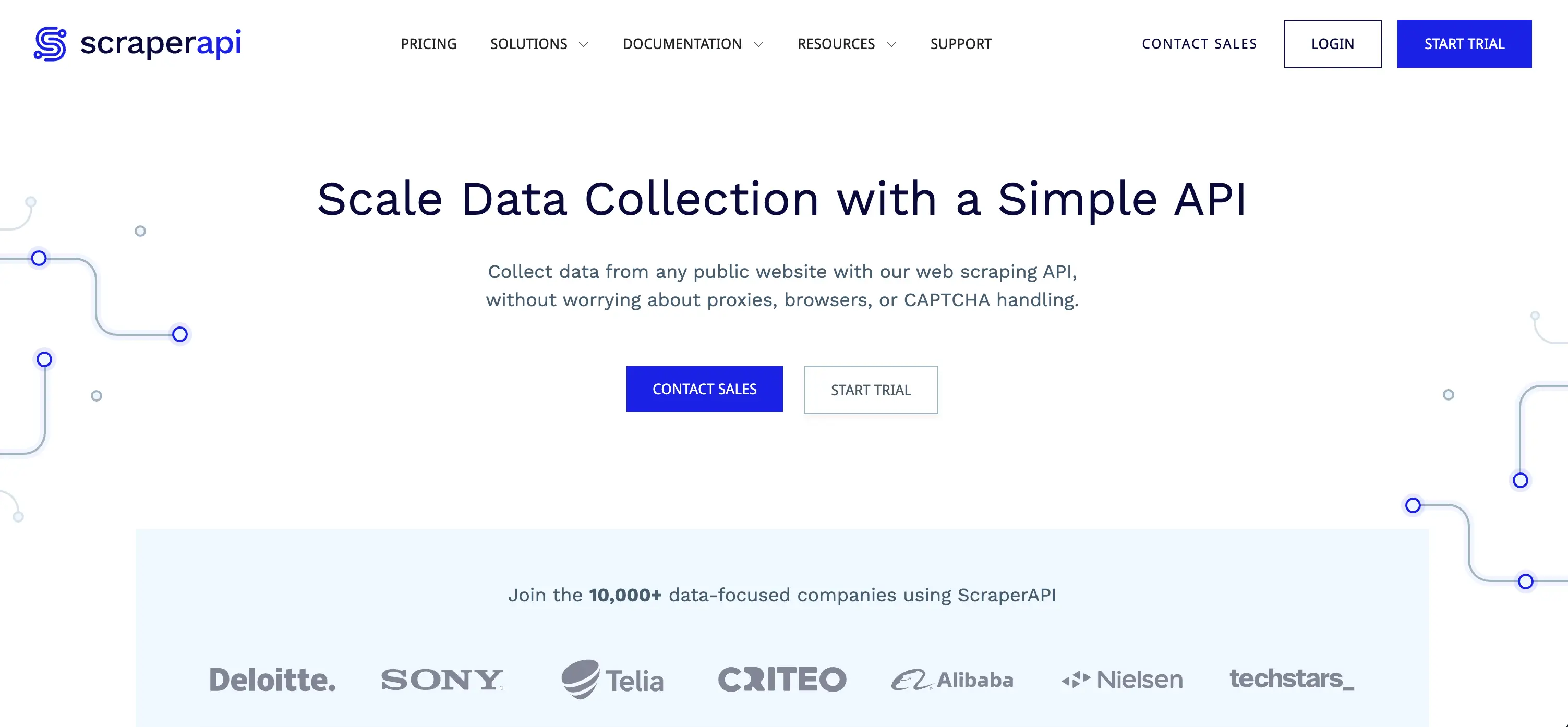
ScraperAPI is a straightforward tool that handles the messy side of scraping for you, with automatic proxy rotation using both residential and datacenter proxies. It's particularly popular with SEO and eCommerce teams; its Amazon and SERP endpoints get a lot of use from price-tracking and keyword monitoring workflows. It's worth noting that heavy JavaScript pages can consume credits quickly, and it isn't built for deep, multi-step crawling or session-heavy flows.
- Data types: eCommerce product data, SERP results, social network data
- Best for: Simple, high-throughput URL fetching with automatic proxy rotation and minimal setup
How to store extracted data
Once you've extracted information from your target websites, the next step is storing, organizing, and activating that data in a way that actually drives value.
Softr Databases provide a centralized, flexible solution for managing your scraped data and turning it into usable workflows and applications. Instead of juggling spreadsheets or disconnected tools, you can bring all your data into one place and structure it using relational databases. This allows you to connect related datasets—such as leads, products, or listings—and maintain a single source of truth across your operations.
With support for linked records, custom views, and flexible field types (including formulas, lookups, attachments, and multi-select fields), Softr makes it easy to organize complex datasets and tailor how different teams interact with that data. You can quickly filter, sort, and display information based on specific use cases, whether it's sales tracking, market research, or competitive analysis.
Build business software that actually works with Softr
Softr is the AI platform that lets business teams build custom portals, internal tools, and operational systems in minutes. Describe what you need, and the AI Co-Builder creates a fully-functional app with the database and business logic already connected, secure, and ready for real users.
Unlike off-the-shelf software that never quite fits, or vibe coding tools that fall apart in production, Softr gives you software that works from day one — and that you can maintain and scale yourself, without ever calling a developer.
This article was originally published in April 2025. The most recent update, with contributions by Dylan Reber, was in April 2026.


Anush is a journalist and freelance content writer from Armenia, affiliated with several online magazines and tech blogs. Born and raised in Armenia, she has always been interested in writing and communication. After completing her Master's degree in Pedagogy from the State Pedagogic University of Armenia, she decided to pursue a career in writing and has been blogging and writing content for 8 years. Anush is an expert in research and creative writing, and her new passion is interviewing and communicating with people, writing their stories, and storytelling. During her years of experience, she has been involved in different segments and has written about topics such as technology, innovation, travel, marketing research, and much more. Anush is a well-rounded writer with a vast amount of knowledge and experience. She is a great storyteller with the ability to capture her readers' attention and keep them engaged.