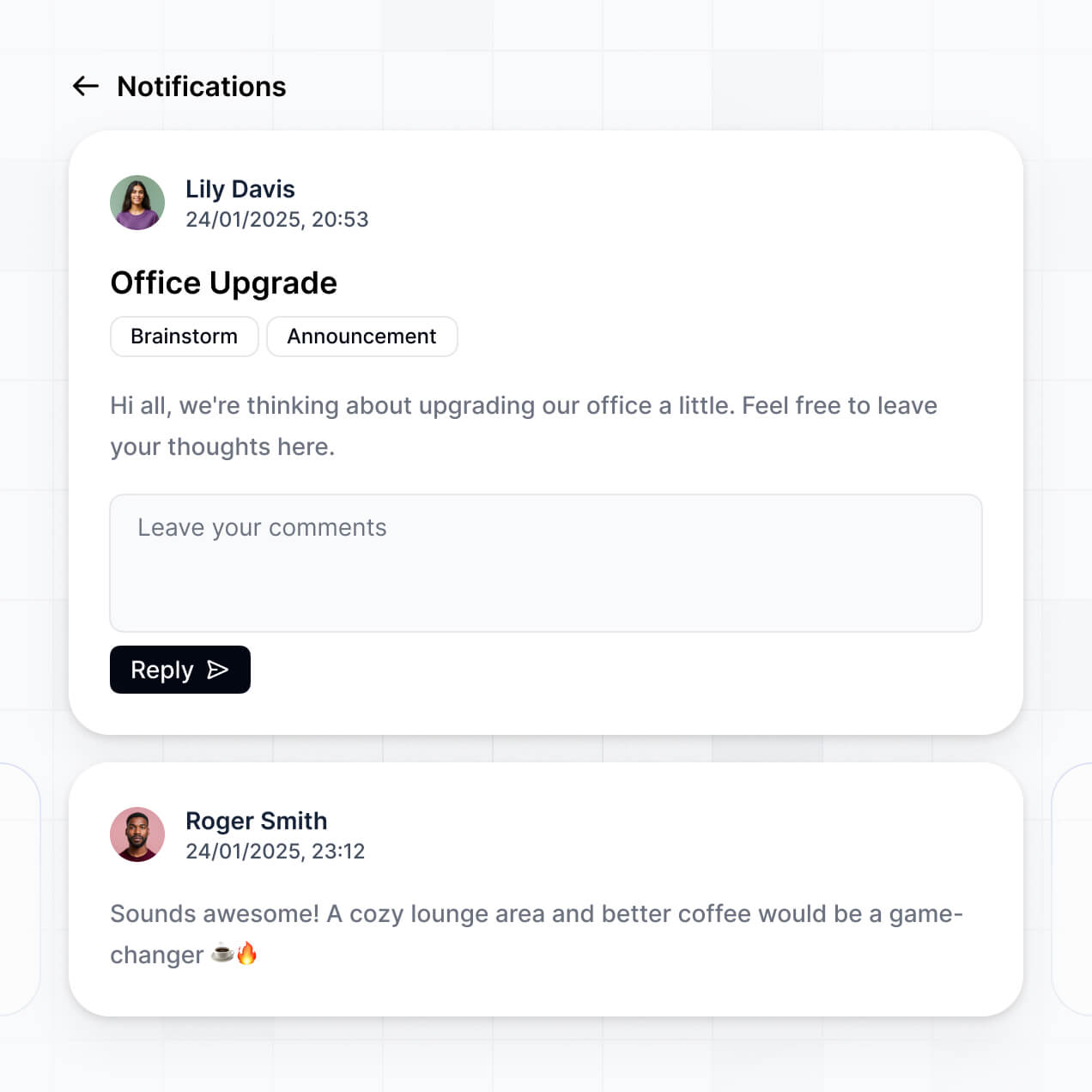
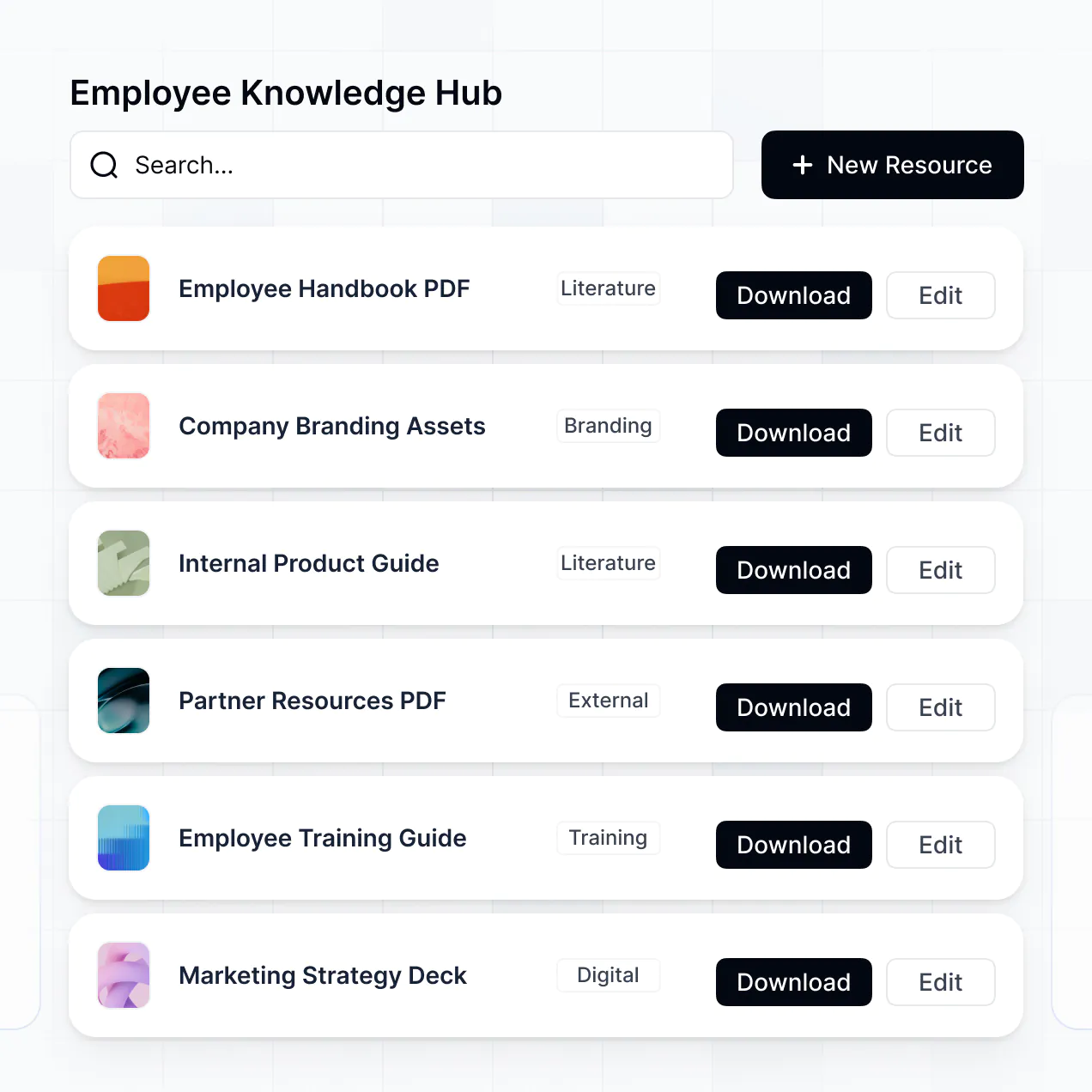
Organize records, automate renewals, and track approvals in an AI-powered system built with AI to fit your business compliance needs.
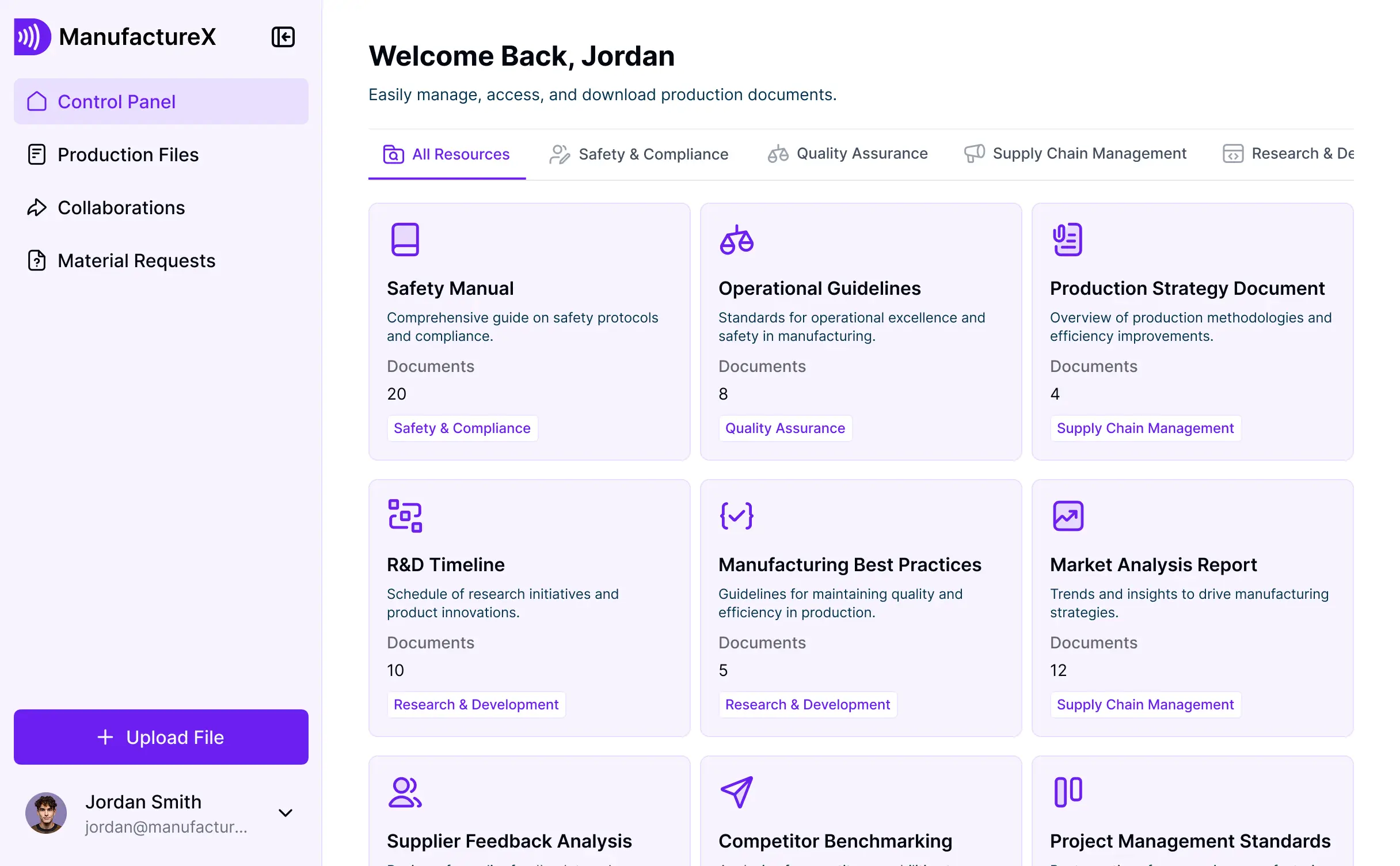
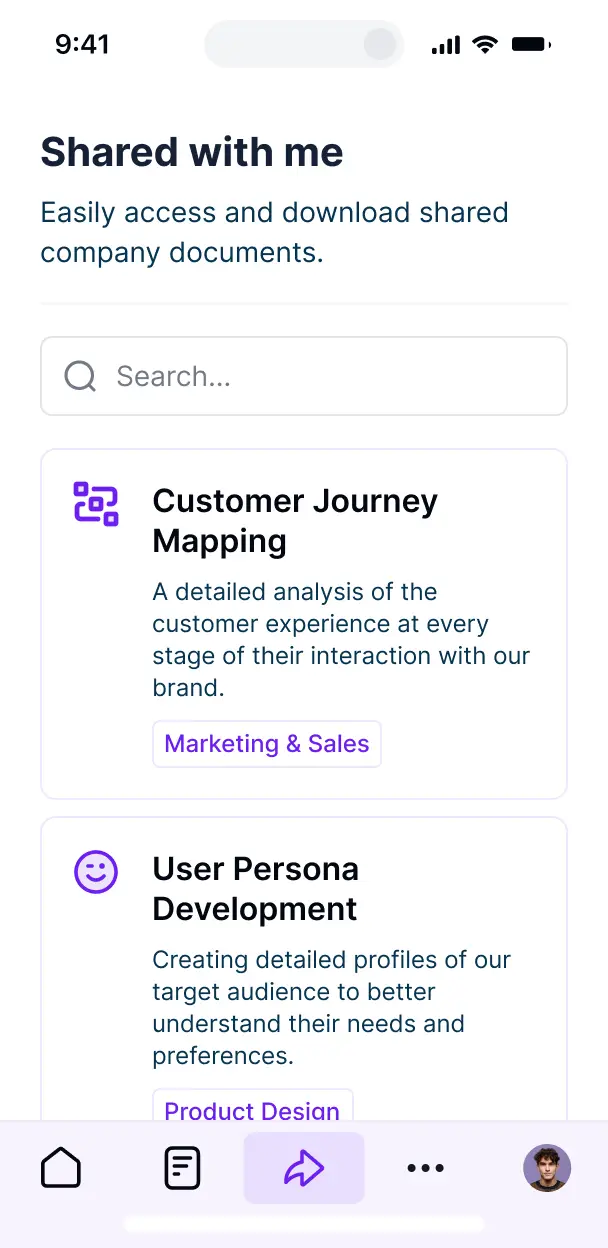

Customize your compliance documentation organizer with the exact steps and views your team needs. Add features as processes evolve—no code needed.


Connect spreadsheets, cloud storage, and audit logs with real-time sync—or manage everything in Softr Databases. Create a single source of truth for your business.
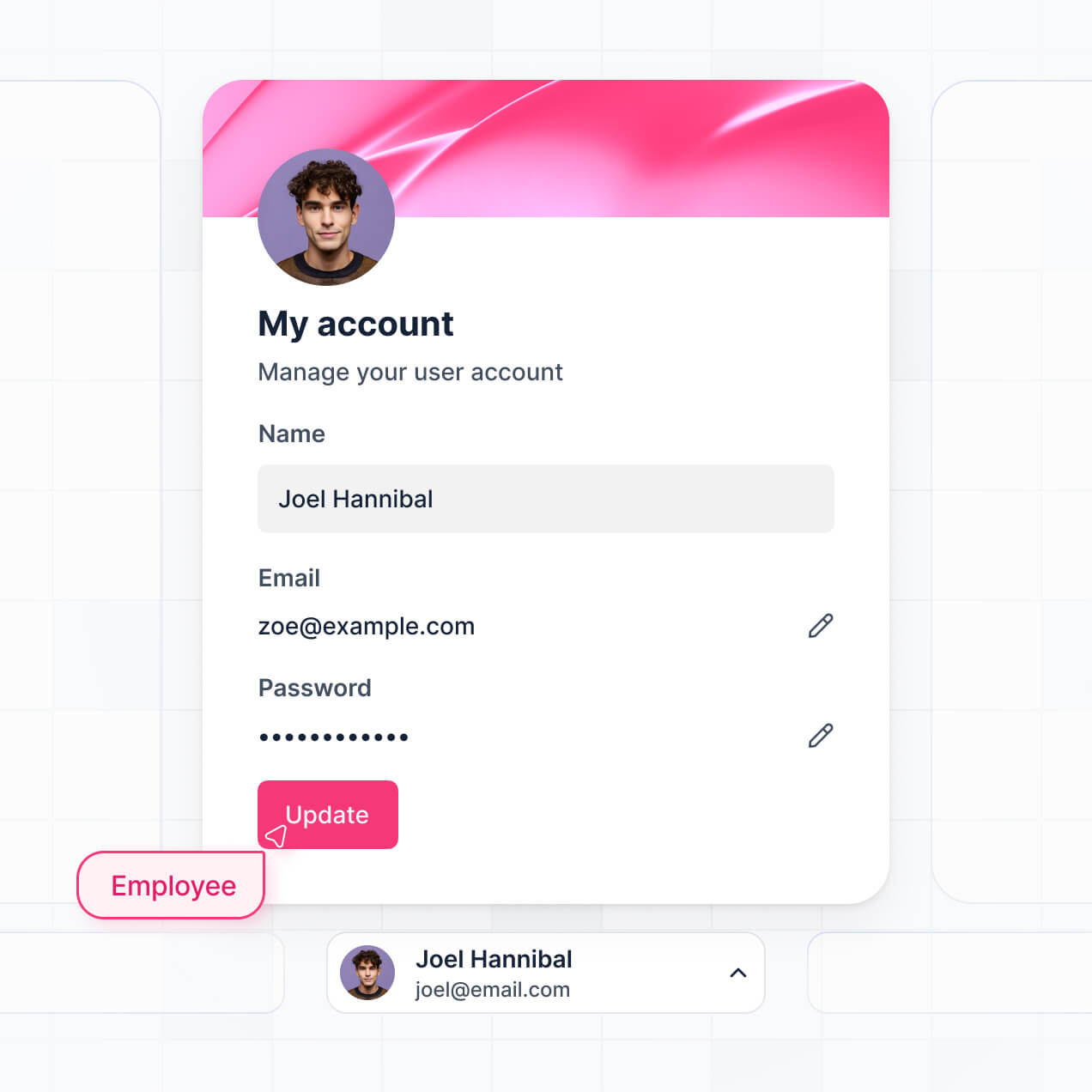
Give each teammate the right tools and access. Set up secure logins, user groups, and granular permissions—no IT support or dev work needed.
Give different team members tailored access and dashboards, so each role sees just the compliance documentation they need.
Streamline your internal processes with Softr Workflows. Trigger native reminders for document renewals or status updates to keep operations running smoothly.
Access and update your compliance documentation on the go. All storage and management tools are mobile-ready out of the box.
Use Google, email, or SSO logins to give your team fast, secure access to your document systems—no IT tickets needed.
Keep internal data safe with SOC2 and GDPR compliance, plus fine-tuned access control at every level for your critical documents.
No more one-size-fits-all tools or costly custom builds. Softr is easy to use and fully customizable, so you can launch faster, adapt as you grow, and skip the complexity of traditional software.

Build your compliance documentation organizer in minutes with AI—no manual setup needed.

Add features like automated renewal alerts or approval workflows as your auditing needs evolve—no rebuild needed.

Start with a document organizer, then add audit dashboards or internal forms—all in one place with no extra tools.
Co-build with AI
Simply describe what you need. Let Softr handle everything - Interface, database, workflows.
Iterate with AI or visually
Control most critical parts of your app yourself - roles, permissions, security.
Ship the same day
Invite team members or external clients and partners right away. No developer handover.
Use drag-and-drop blocks to build a portal that looks sleek and modern out of the box. Add only the features you need, and iterate as your workflows evolve.




A compliance documentation organizer is a secure digital workspace where your organization can centralize, track, and manage all regulatory documents, certificates, policy handbooks, and audit trails. It eliminates the risk of fragmented data by replacing scattered spreadsheets and email chains with a single source of truth. This makes it significantly easier to maintain audit readiness and ensure that every requirement is met by both your team and your external vendors.
Softr is the first AI-native platform for building business software, making it the ideal tool to create a compliance documentation organizer that adapts to your specific regulatory framework. You can describe your specific requirements—such as ISO standards, GDPR checklists, or industry-specific safety logs—to the AI Co-Builder to instantly generate your database, file storage pages, and user logic in a secure environment.
You don't need to write any code. You can start by generating with AI, using a pre-built template, or crafting it from scratch. Everything runs on Softr Databases, a native relational database built into the platform, or you can connect external tools like Airtable, Google Sheets, or SQL. You have full control to visually adjust the document workflows, decide which auditors or department heads can access specific files, and brand the interface to match your corporate identity. It's fast to deploy, simple to update as regulations change, and scales with your document volume.
You can include a wide range of features in your compliance documentation organizer to streamline your regulatory workflows. A professional-grade app typically combines classic document management blocks with AI-powered intelligence:
- AI-Powered Intelligence – Use Ask AI to let compliance officers query dense policy documents conversationally, or set up Database AI Agents to automatically summarize long regulatory updates or flag expiring certifications.
- Vibe Coding Blocks – Build complex, custom UI elements—like a dynamic compliance health score indicator—using the AI Code block to "vibe code" the exact visualization you need.
- Softr Workflows – Build native automations, such as automated email reminders for expiring SOC 2 reports, that trigger whenever an expiration date is approaching.
- User Portals & Logins – Securely manage access so internal teams, department heads, and external auditors only see the specific folders or evidence files assigned to them.
- Forms & Data Collection – Capture audit evidence and self-assessments with custom submission forms, file upload fields, and conditional logic.
- Dashboards & Charts – Visualize your overall compliance status and audit progress with real-time charts showing percentages of completed requirements.
- Lists & Advanced Filtering – Display and manage your archives with searchable tables, kanban boards for policy drafting stages, and detailed record views for every file.
Everything is built using Softr's drag-and-drop blocks without writing code. If you need a more specific feature, like a specialized document viewer, use the Vibe Coding block to generate it with AI.
Vibe coding allows you to move quickly and use AI to build the exact compliance solution your industry demands. You can "vibe code" a compliance documentation organizer in Softr by describing your document hierarchy and approval steps to the AI Co-Builder. Softr then generates a production-ready system on top of a stable, secure foundation.
Unlike other tools that generate raw, unmanaged code that could pose a security risk, Softr handles the high-stakes infrastructure—like encrypted file storage, authentication, and granular permission logic—natively. This means you get the speed of vibe coding for your unique document workflows without the security headaches of managing custom-built software. You describe the compliance framework, Softr builds the organizer, and it is ready for your auditors instantly.
Yes. You can manage multiple departments, regions, or external audit firms in a single organizer. Each user only sees the specific documentation and sensitive evidence files assigned to their role or project. This is highly effective for large organizations that need to silo HR compliance from IT security documentation while keeping everything under one management roof.
Yes, you can. You don't need an existing database to start organizing your documentation with Softr. If you're starting from scratch, you can use Softr Databases, which is built into the platform and handles file storage and relational links between policies and employees perfectly.
However, if your documentation is already tracked in tools like Airtable, Google Sheets, HubSpot, or SQL, you can connect those as your data source. You can also use the REST API connector to ingest data from other governance tools. Regardless of the source, you have full control over how your compliance evidence is structured and presented.
Softr Databases is the recommended native, relational data source for your compliance documentation organizer. It offers the high performance required for document-heavy apps, providing instant automation triggers and a fast user experience because the storage is native to the platform.
If you store your metadata and file links elsewhere, Softr connects to 17+ external sources including Airtable, Google Sheets, SmartSuite, and BigQuery. You can even combine sources—for example, pulling employee records from HubSpot while storing policy documents in Softr Databases. Most sources support real-time, two-way sync, ensuring your audit trails are always updated automatically.
Yes, Softr gives you total control over how different stakeholders interact with your compliance documentation organizer. You can customize the dashboard and navigation to match your internal standards. Each block or document list can be shown or hidden based on the user's login, ensuring a department head only sees their team's safety logs while a Global Compliance Officer sees everything.
By setting up roles—such as Contributor, Reviewer, and Lead Auditor—you can define exactly who can view, upload, or approve documents. For instance, employees can upload certification PDFs while Managers verify them. This deep level of customization keeps your process clean and ensures that sensitive regulatory data remains secure and accessible only to authorized personnel.
Yes, you can fully white-label your compliance documentation organizer. You can apply your own corporate logo, brand colors, fonts, and a custom domain (e.g., compliance.yourcompany.com) to provide a professional, trusted environment for auditors. Removing Softr branding ensures that both employees and external regulators see the organizer as a proprietary part of your company's official infrastructure.
Yes, you can. Softr provides the flexibility to control the design and layout of your documentation workspace. You can adjust the visual theme to match your brand and organize the information architecture to suit your audit path. You can decide how data is displayed using specific blocks:
- Table blocks – for structured views of all policies, version numbers, and review dates.
- List or Card blocks – to visually catalog different compliance categories like 'Information Security' or 'Workplace Safety'.
- Detail View – to show a full record of a single compliance requirement, including history and attachments.
- Forms – for submitting evidence or incident reports.
- Charts – to track the percentage of the workforce that has signed off on a new policy.
- Calendar blocks – to visualize upcoming audit deadlines or renewal dates for certifications.
If your compliance framework changes or you add new regulations, updating the builder is fast and requires no technical expertise.
Security is paramount for a compliance documentation organizer, and Softr is built accordingly. All data is encrypted in transit via TLS and at rest, with apps hosted on secure, SOC 2 Type II compliant infrastructure. You have granular control over data access, with role-based permissions that allow you to set visibility rules at the page and block level.
For apps using Softr Databases, data is stored in a secure European (Germany) environment. If you choose to connect external sources like SQL or Airtable, Softr acts as a secure interface and does not redundantly store your primary data. Softr also employs industry best practices for authentication and platform monitoring to ensure your organization's sensitive regulatory documents stay protected.
It is fully production-ready. While some AI tools produce experimental code that is difficult to secure, Softr builds your compliance documentation organizer on a stable, enterprise-grade foundation.
We handle the critical infrastructure—such as secure logins, file permissions, and audit logs—natively within the platform. This resolves the complexity of maintaining custom software; you get the benefit of instant AI generation without the risk of managing raw code. Your system is scalable, secure, and ready to withstand a formal audit from day one.
Softr is the first AI-native platform specifically designed for building tailored business software like a compliance documentation organizer. Unlike specialized document tools that are rigid, or traditional no-code platforms that are complex to set up, Softr’s AI Co-Builder creates your app structure, database, and logic in minutes on a secure foundation.
It offers a unique hybrid advantage: the speed of AI-driven creation combined with intuitive visual controls for layout and fine-tuned permissions. You get the reliability of institutional-grade software (with auth and roles already built-in) rather than a fragile custom-coded solution. It is built for compliance managers who need to move from a manual process to a professional digital system immediately.
Yes. Softr supports powerful native workflows and numerous integrations to connect your compliance documentation organizer with your existing tech stack. You can automate document renewal notifications using Softr Workflows or integrate with tools like Slack for alert triggers and Stripe for any compliance-related fees. Softr also supports REST API and webhooks for advanced data syncing.
Whether you need to automatically update a record when a form is signed or pull in data from an external HR system to verify user credentials, you can build these automated bridges without writing a single line of code.
Describe what you need. Softr's AI builds your document management tool in minutes.